


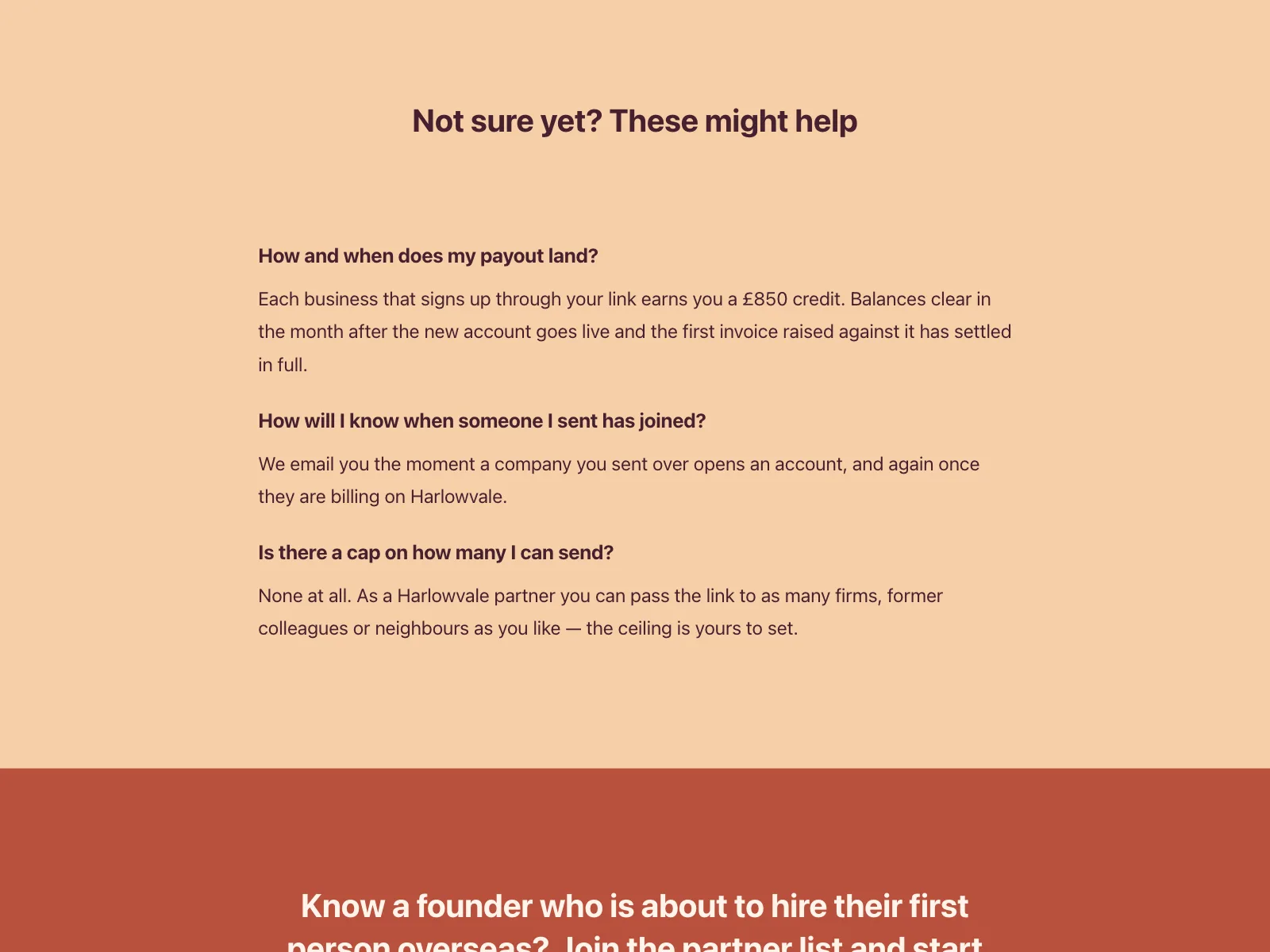
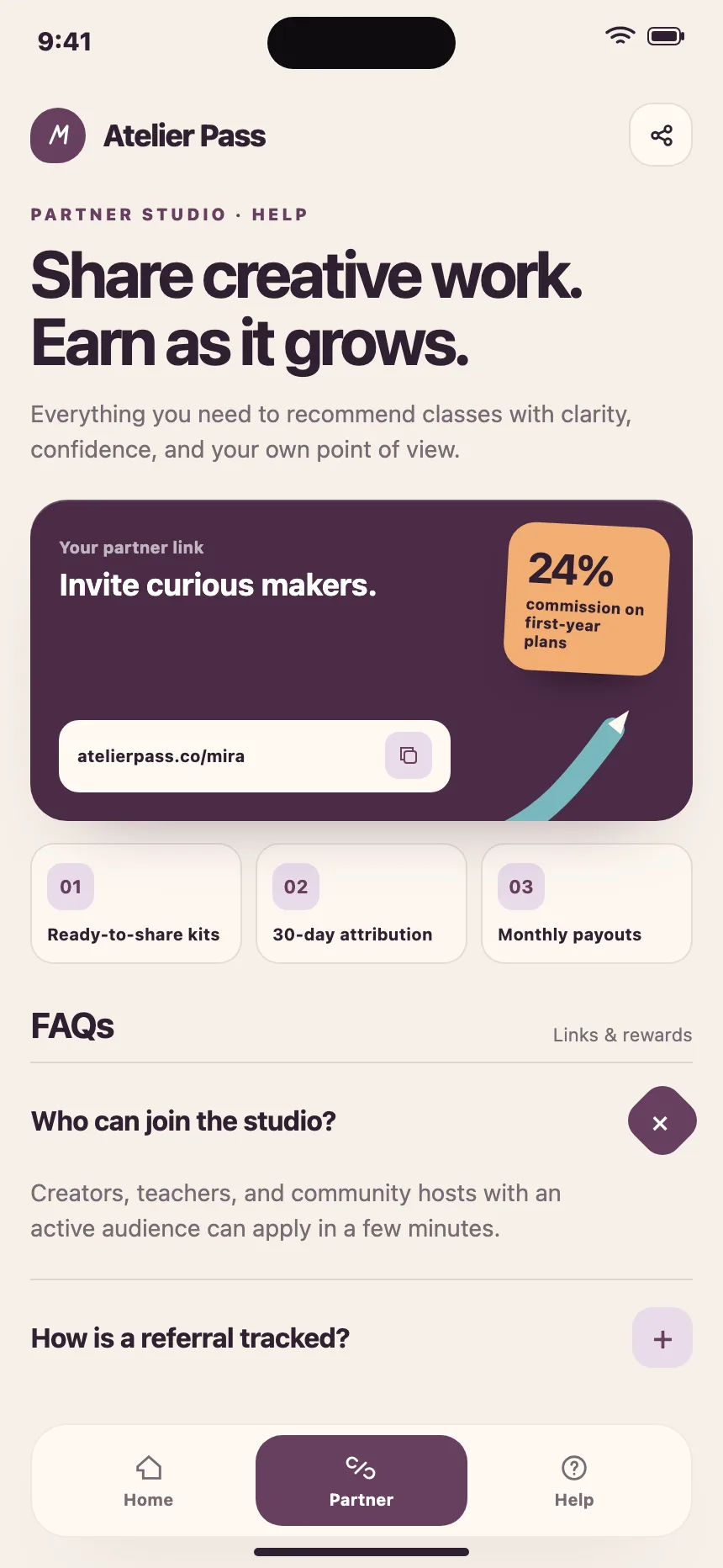
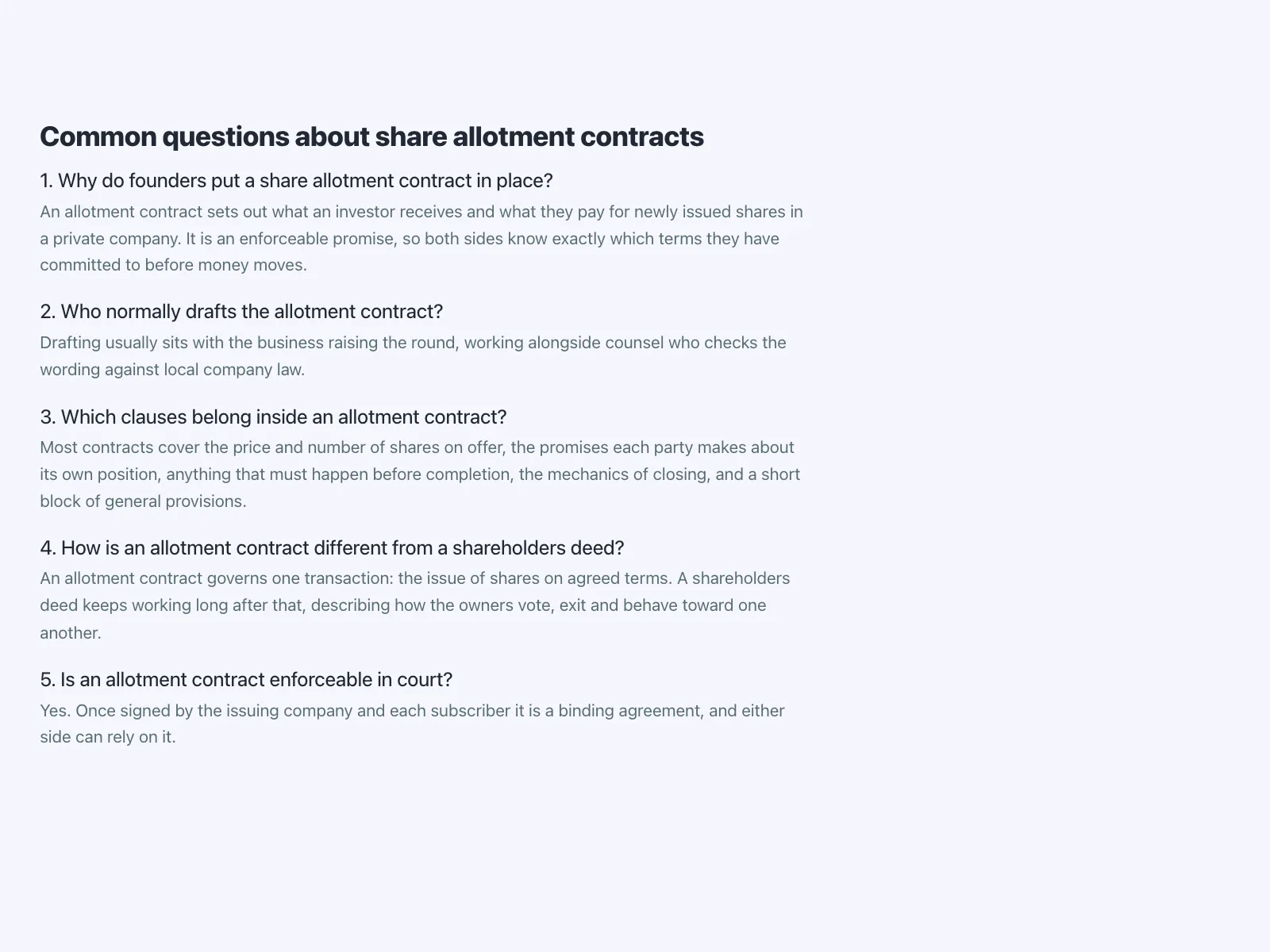
FAQ sections from the Kombai gallery: an investing platform's questions, a team messaging app's help screen and a website builder's FAQ.
What is an FAQ section?
An FAQ section is a block of common questions with short answers, usually near the end of a landing, pricing or product page. The questions are most often an accordion, so people scan them all and open only the ones they care about. Long lists get split into topics, and a contact line at the end catches anything the list misses.
- Each question is phrased the way people ask it, with the answer right under it.
- A heading names the section, and topics or numbers keep long lists in order.
FAQ sections show up across help and support, pricing, contact and partner program screens.
When to use a FAQ section
- Repeat questionsSupport answers the same few questions again and again.
- Doubts before buyingTrials, refunds, delivery and billing, near the plans or the buy button.
- Policies in plain wordsReturns, privacy and payouts explained without the legal text.
When not to use one
- The main messageDon't hide what the product does inside a question. Say it on the page.
- Questions nobody asksMade-up questions read as marketing. Use the real ones from support.
- A full help centerHundreds of answers need search and categories, not one section.
Anatomy of a FAQ section
This one works. Switch topics with the tabs and open a question, or tab in and use the arrow keys, Enter and Space.
- Closed
- Open
- Topic selected
- Keyboard focus
- HeadingNames the section
- Topic tabsOptional, for long lists
- QuestionA button that opens its answer
- AnswerShort and in plain words
- Contact lineFor anything not listed
- StatesClosed, open, topic, focus
FAQ section variants
We sorted every FAQ design in the Kombai gallery and found six patterns. Browse all 199 web and 38 mobile designs.
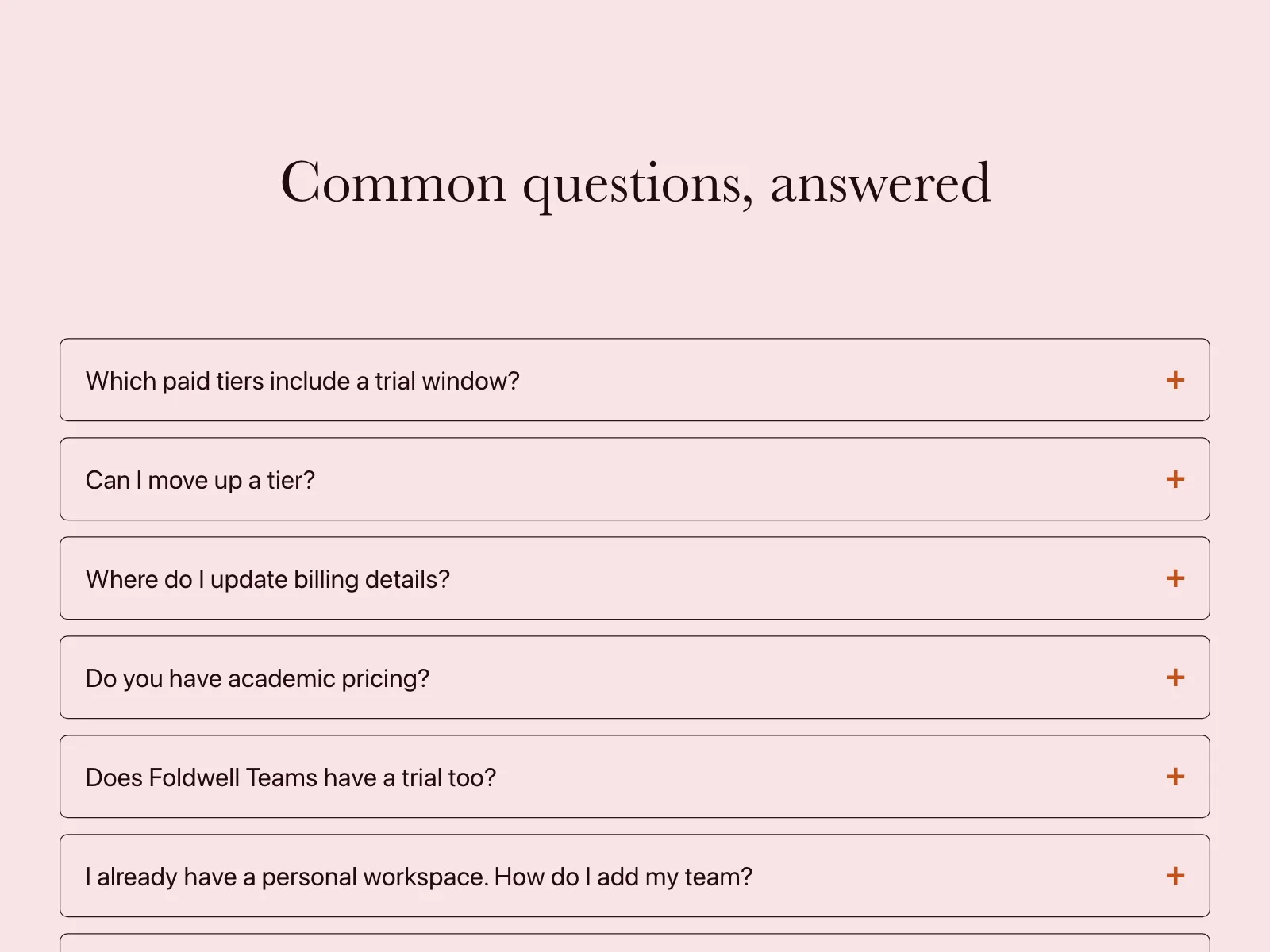
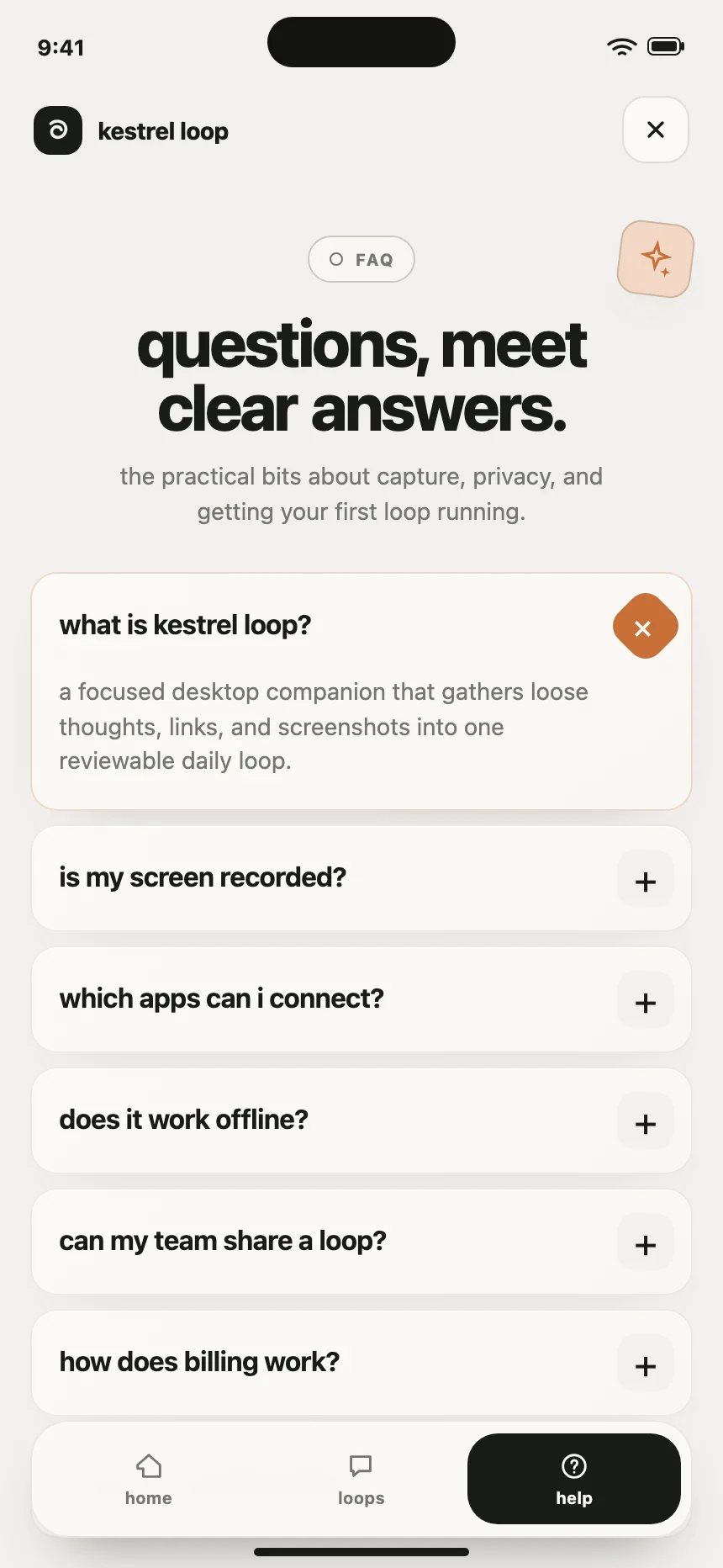
1. Centered accordion
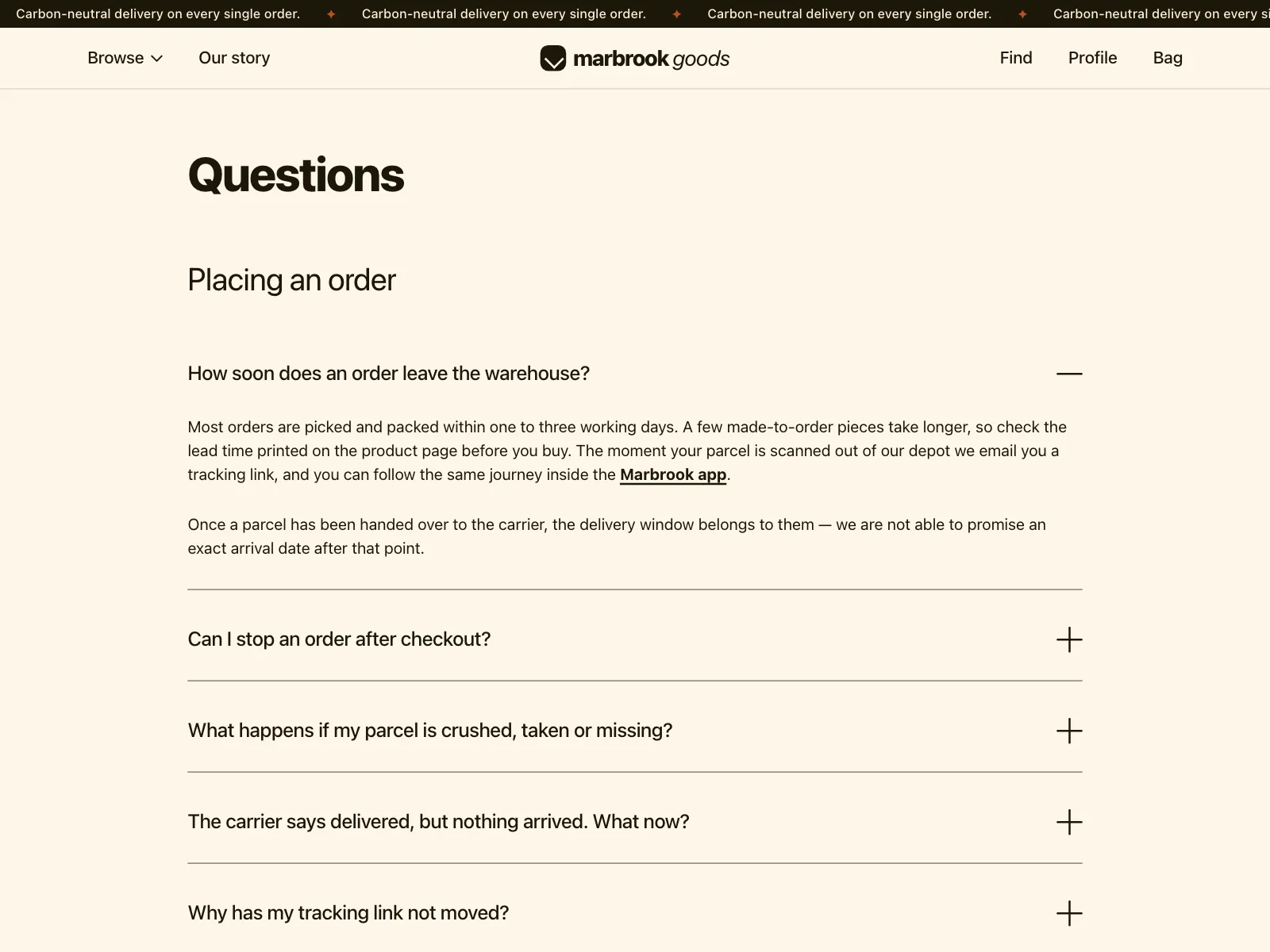
The default. One centered column of questions under a heading, each opening its answer in place.

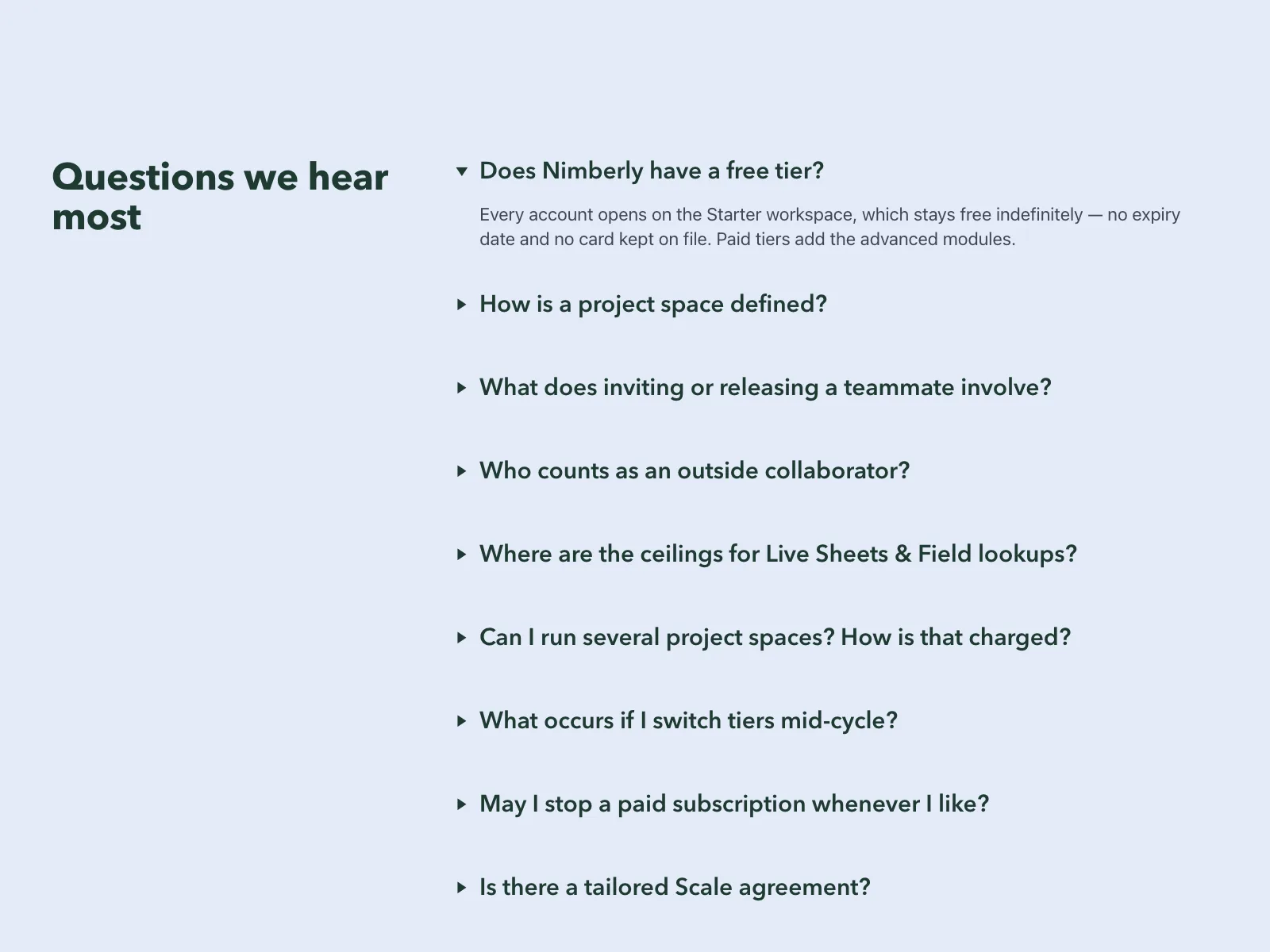
2. Heading beside the questions
The heading and a short intro sit in a narrow left column, and the questions run down the right.


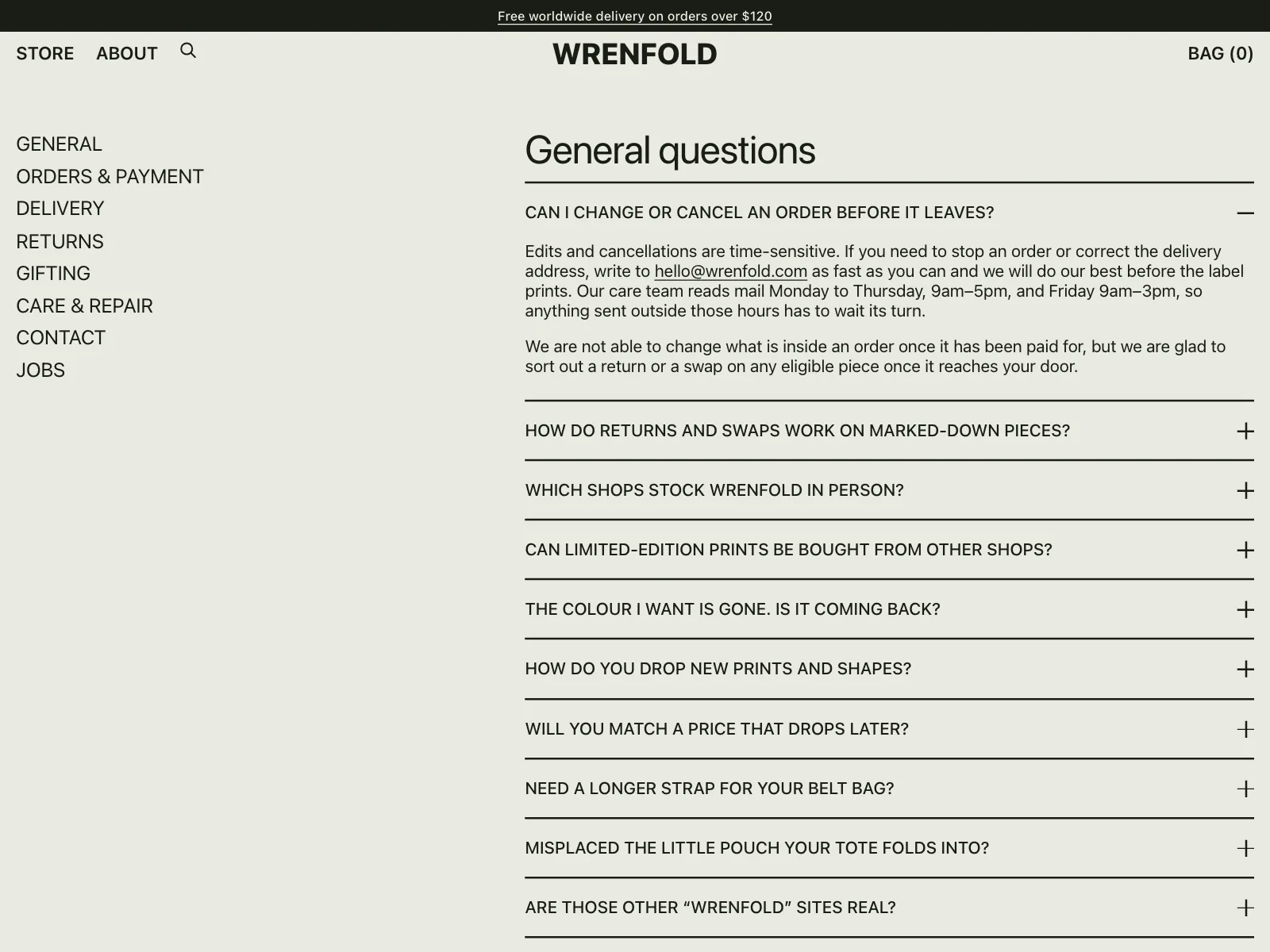
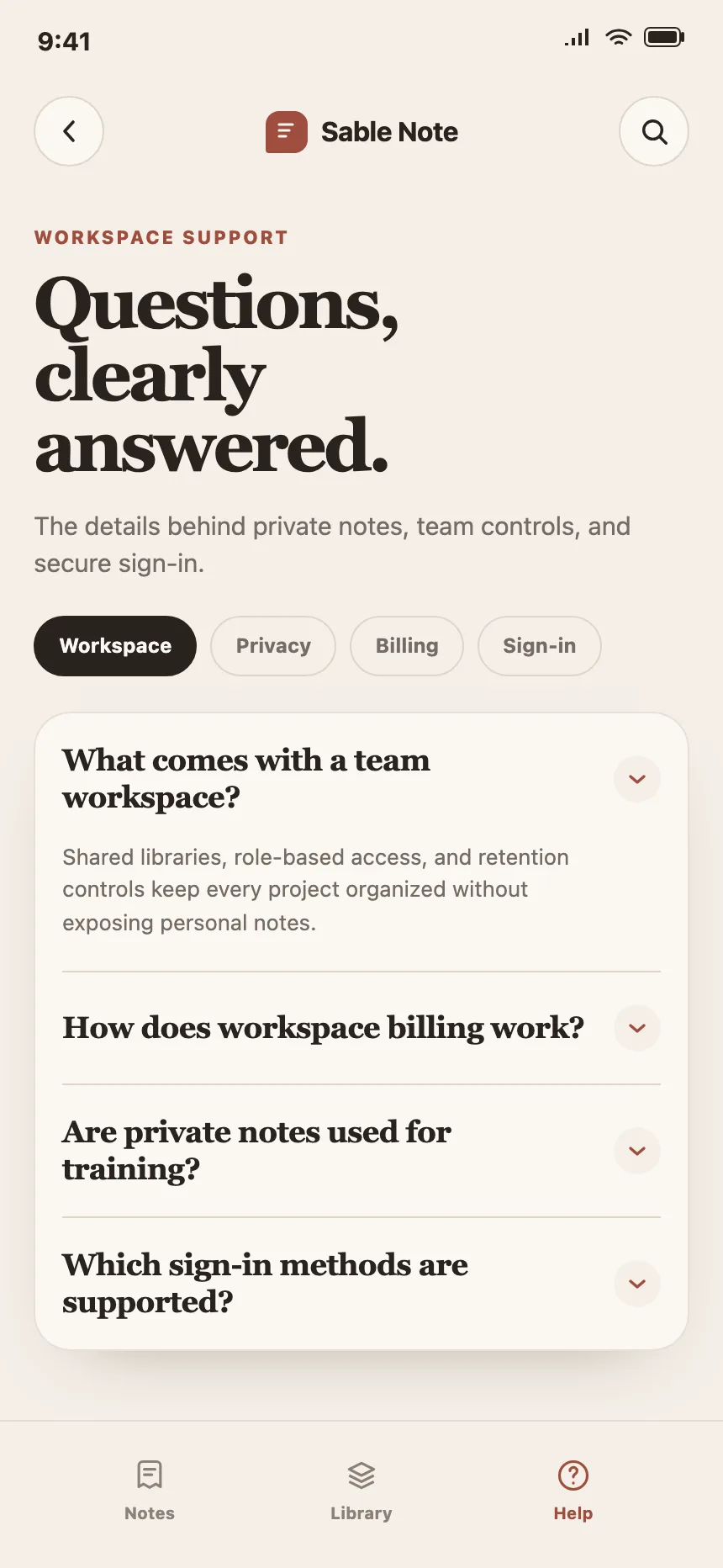
3. Grouped by topic
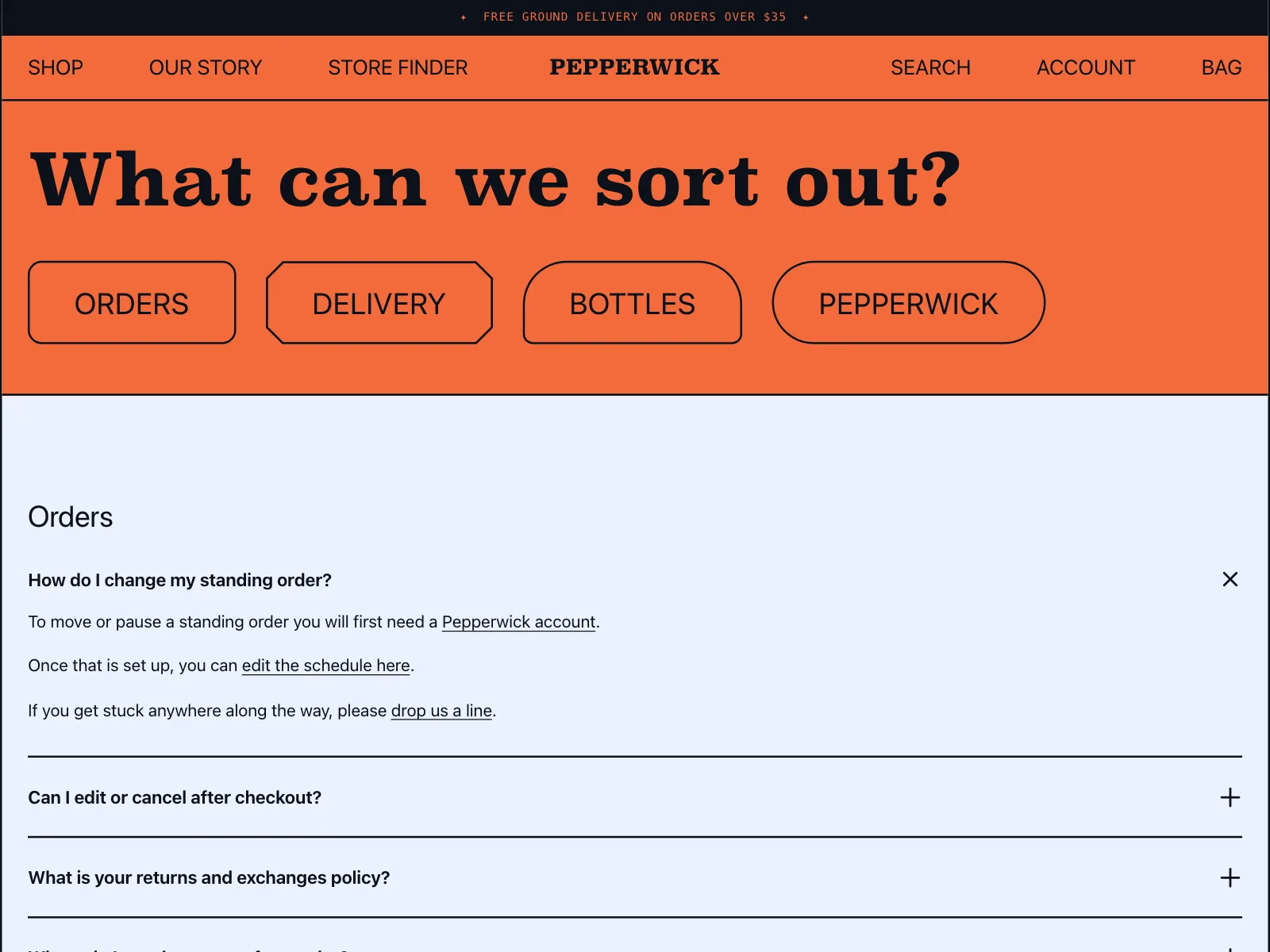
Tabs, chips or a side list split a long FAQ into topics like orders, billing and privacy.

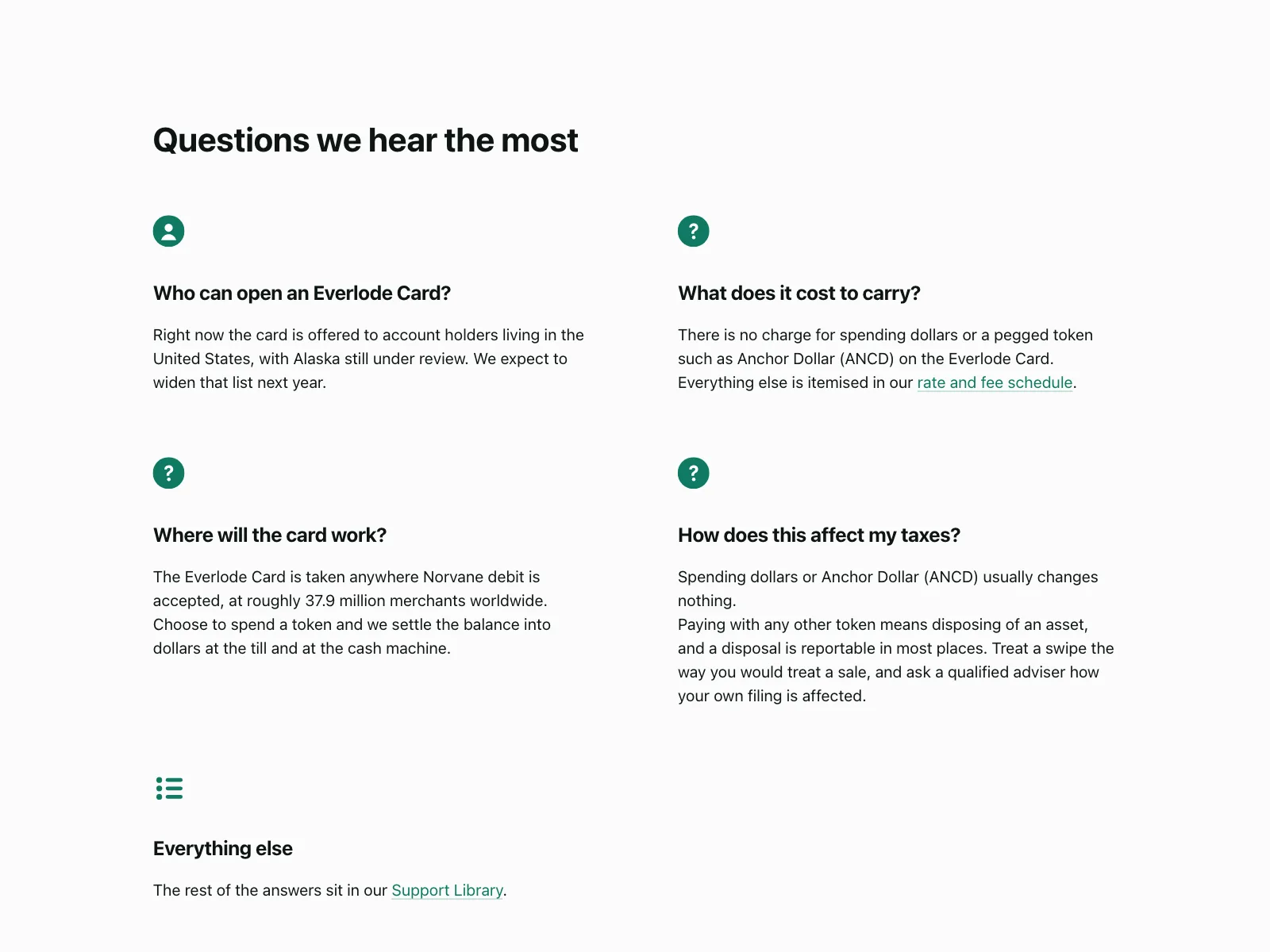
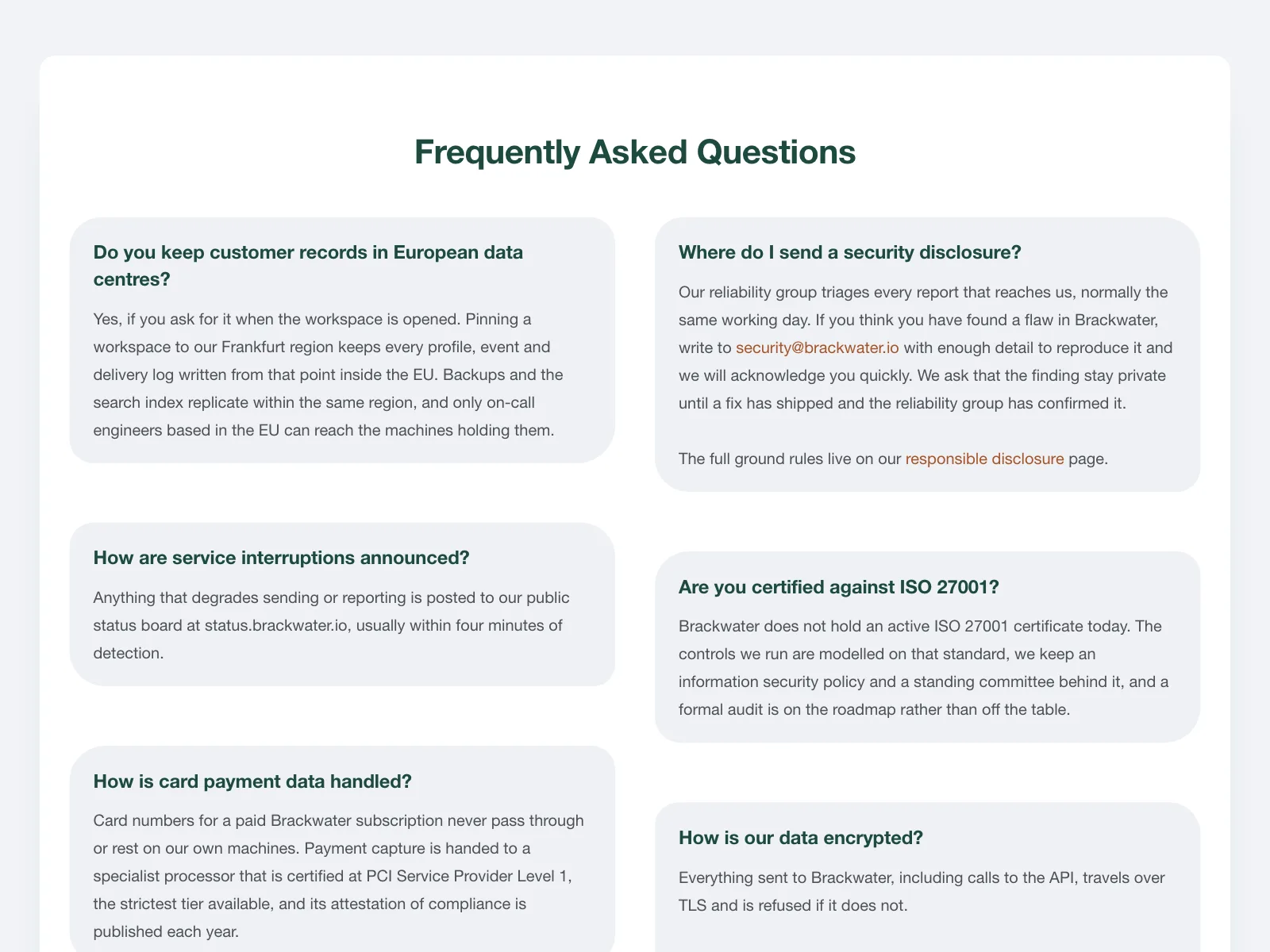
4. Open answers
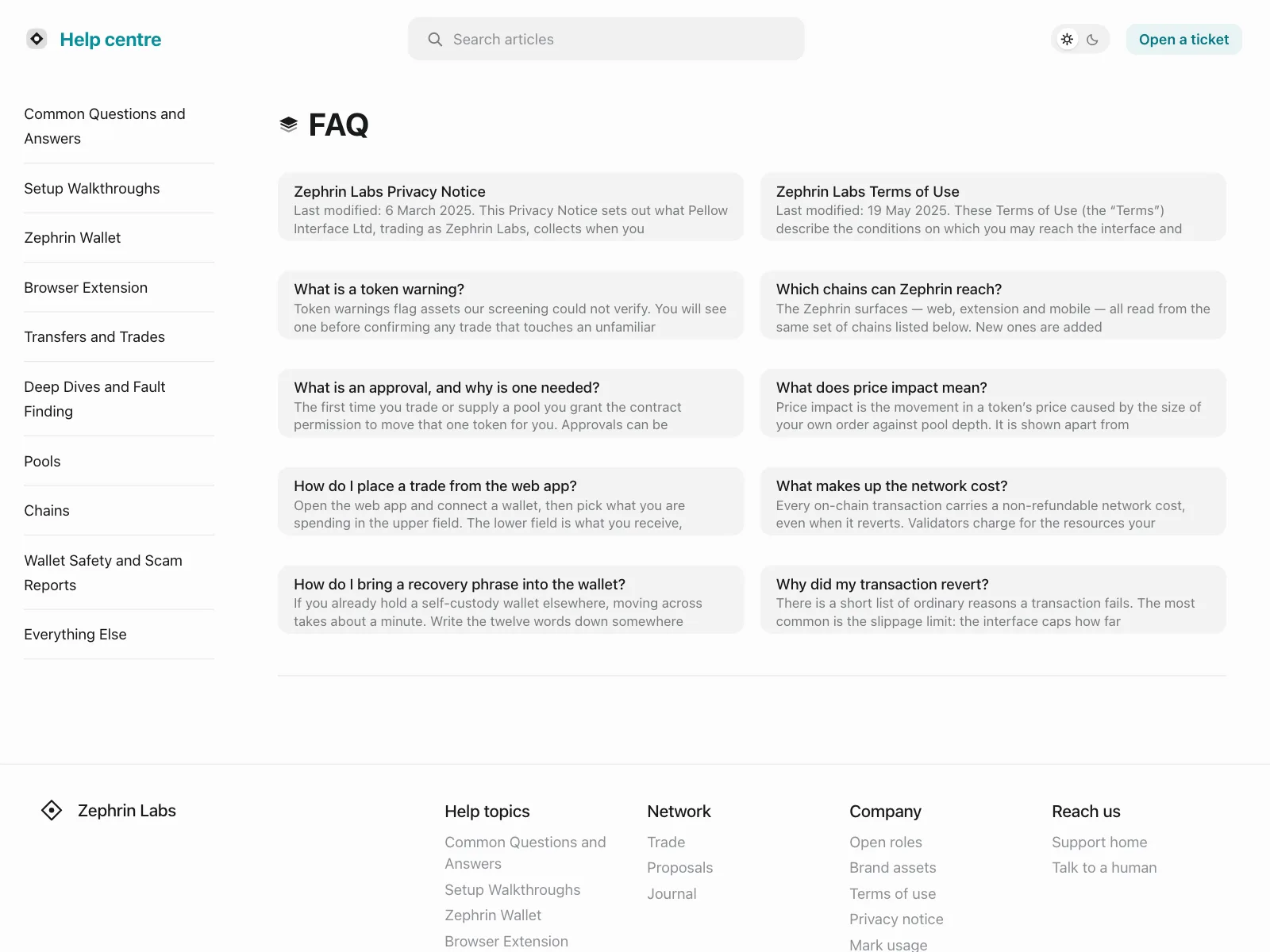
No accordion. Questions and answers sit open in a grid of cards, for short answers people should read.

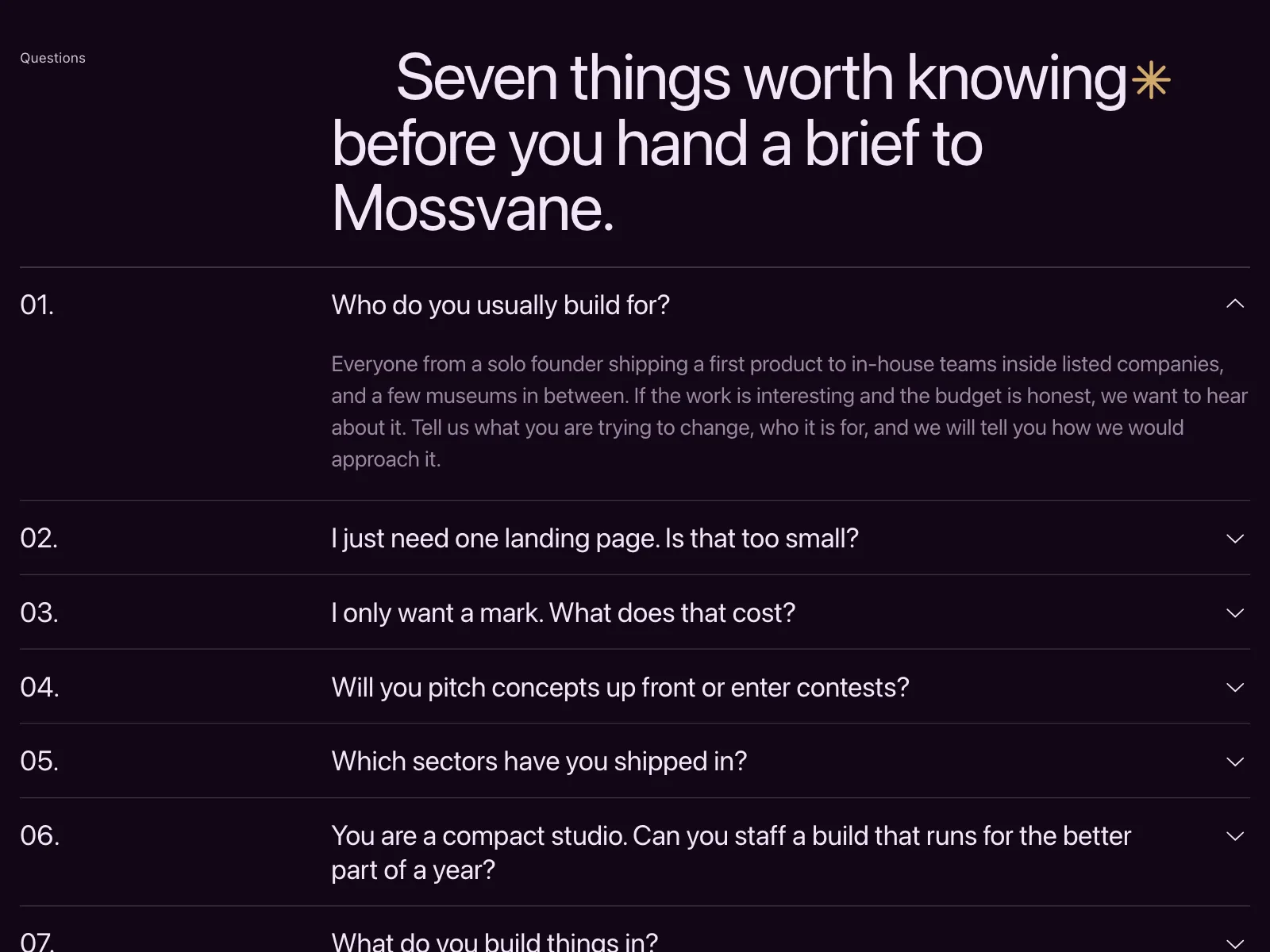
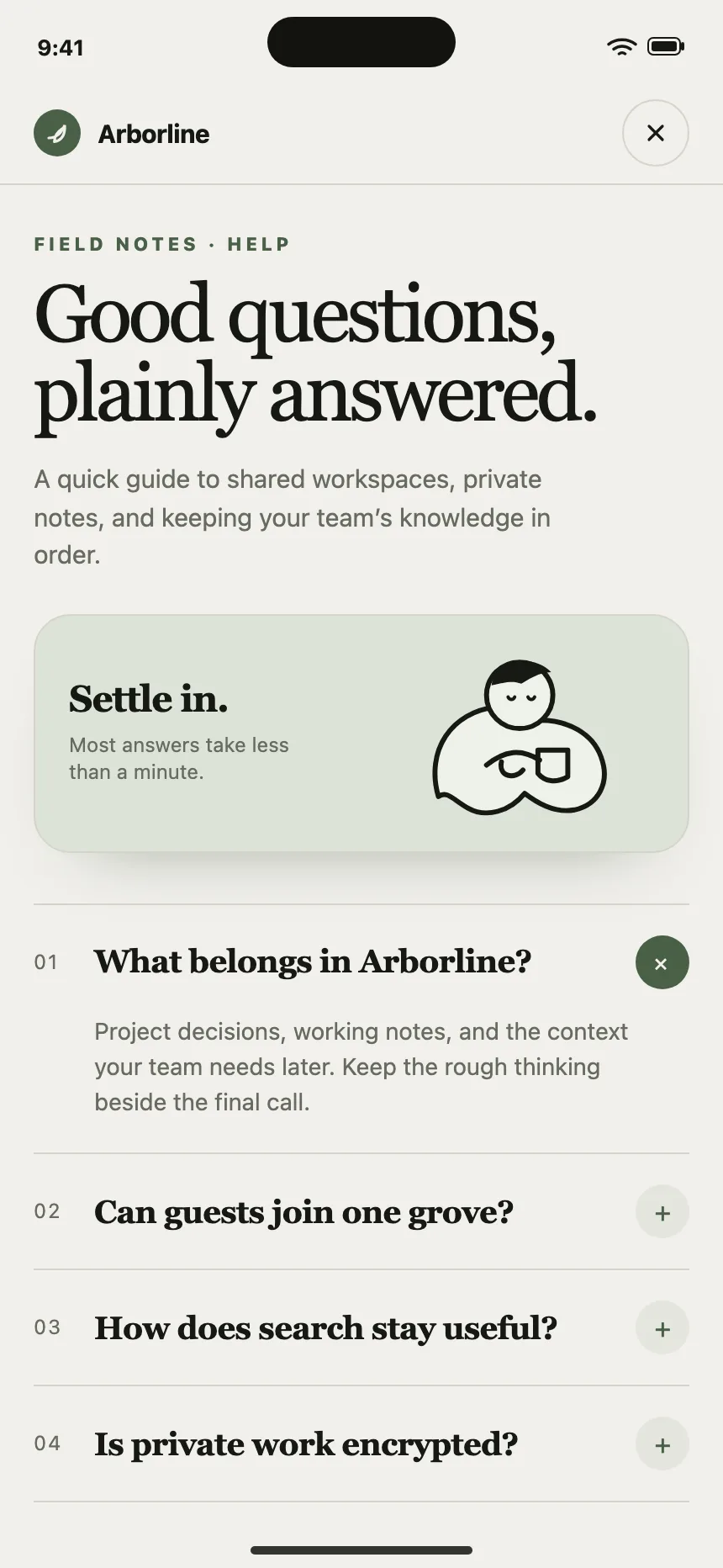
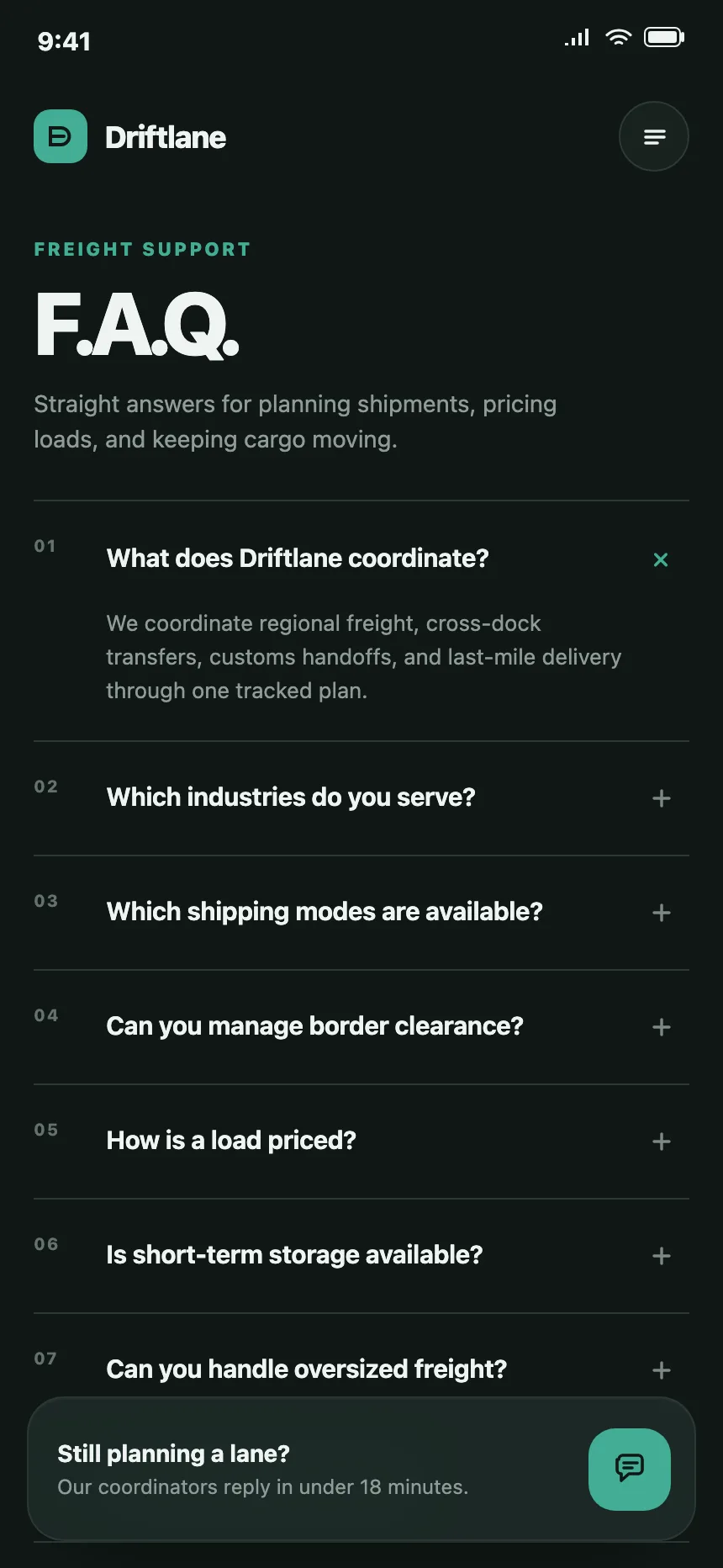
5. Numbered questions
Each question carries a number, 01, 02, 03, which suits short sets and editorial layouts.
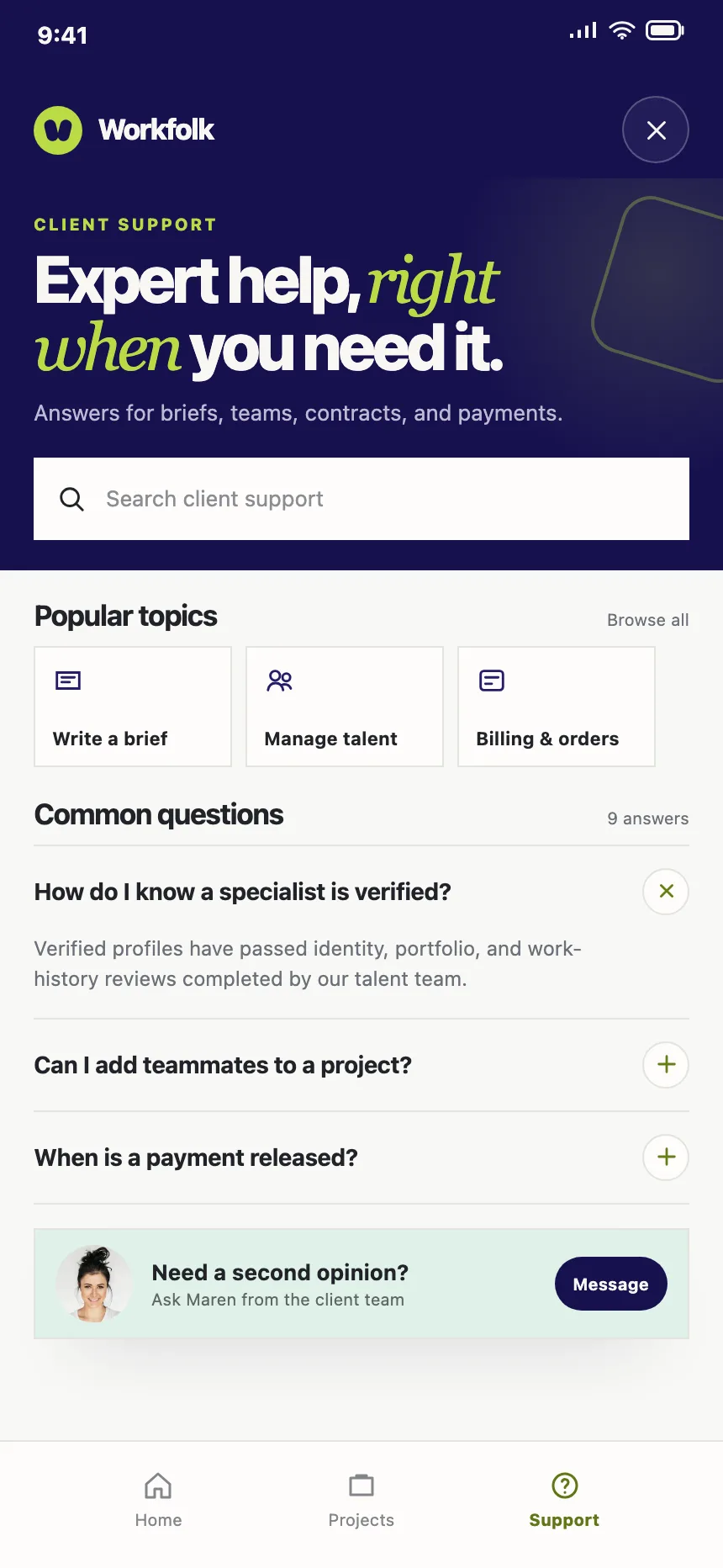
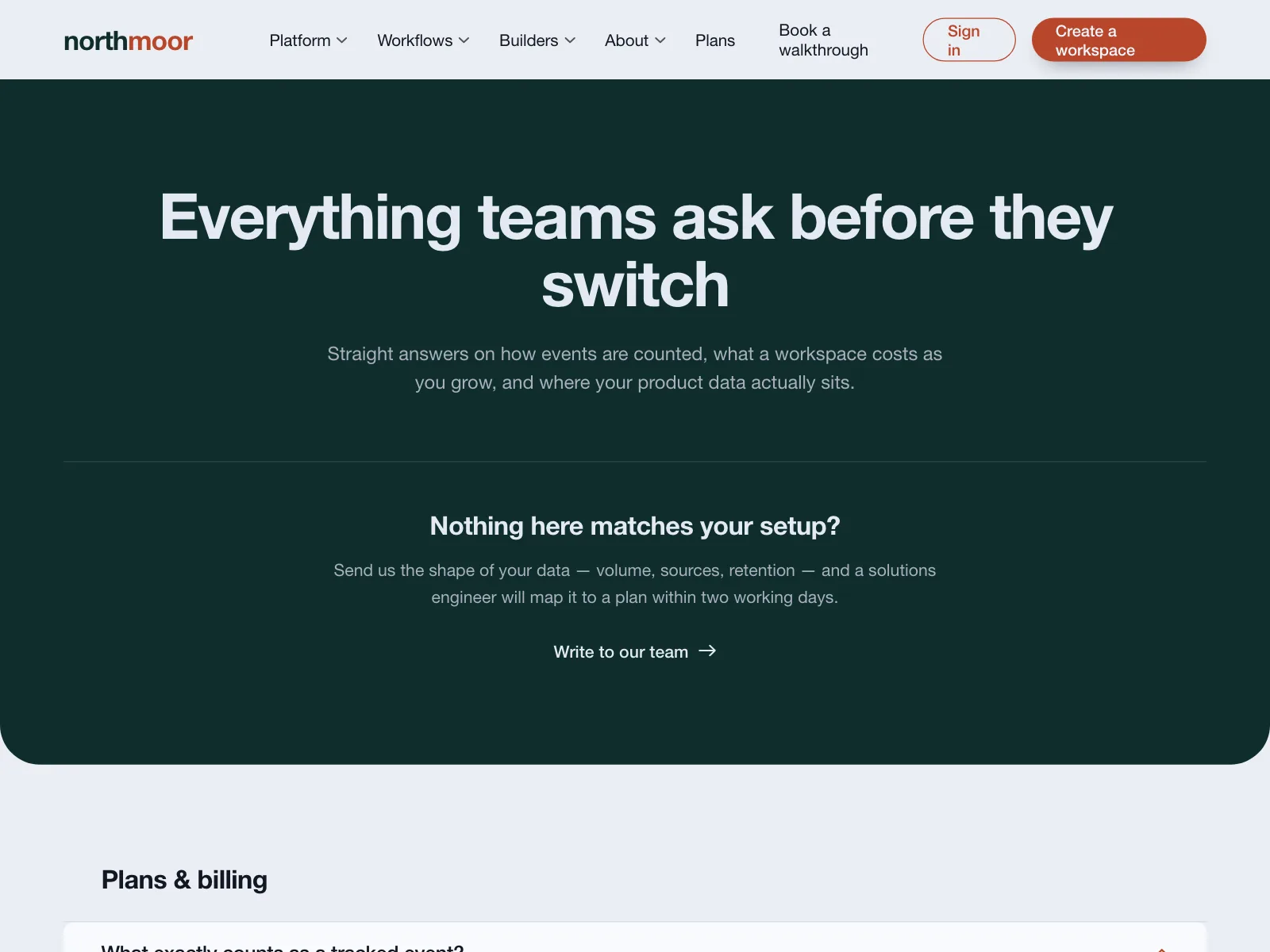
6. With a contact card
A card beside or below the questions points to a person, for anything the list does not answer.

Where faq sections show up
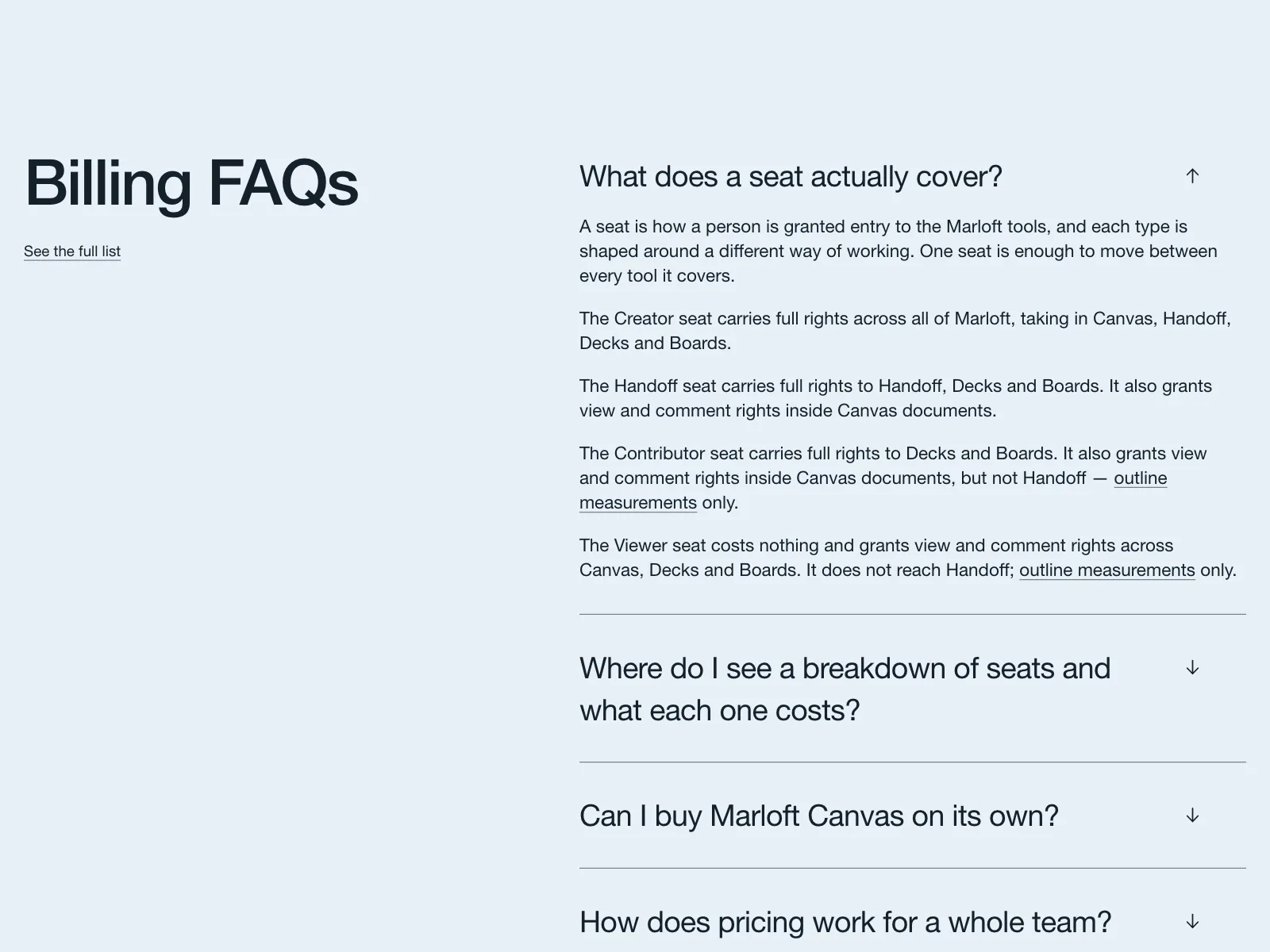
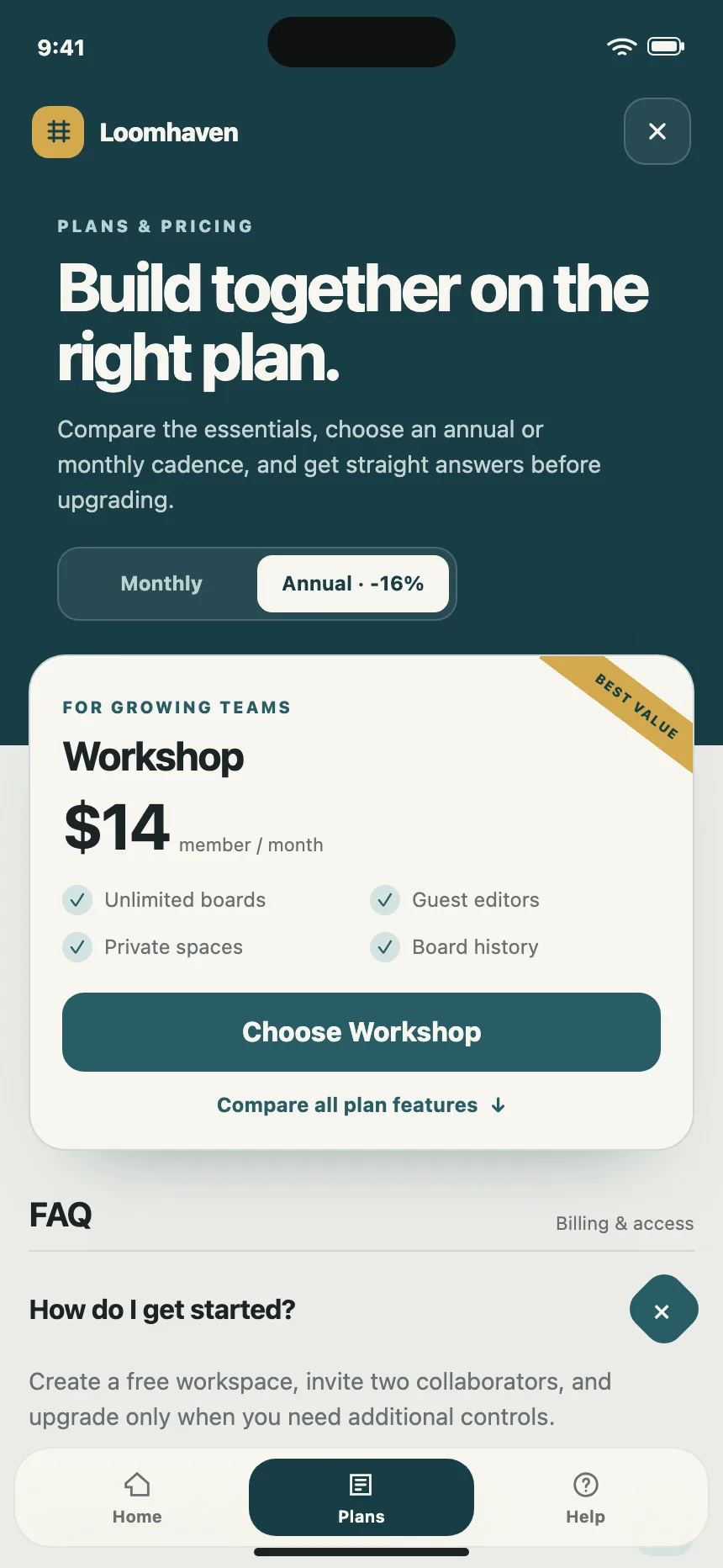
Pricing and billing
Trials, seats, refunds and invoices, often answered right below the plans.

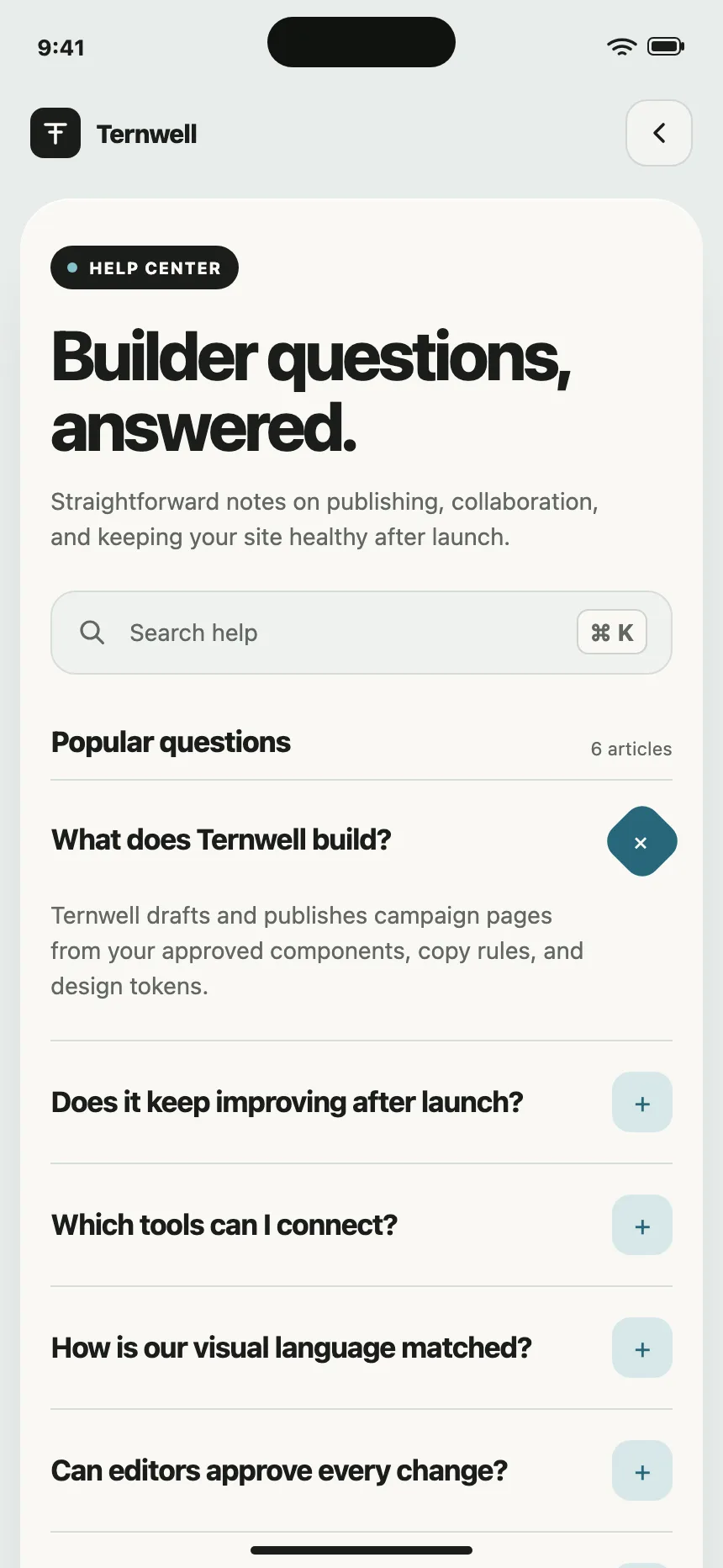
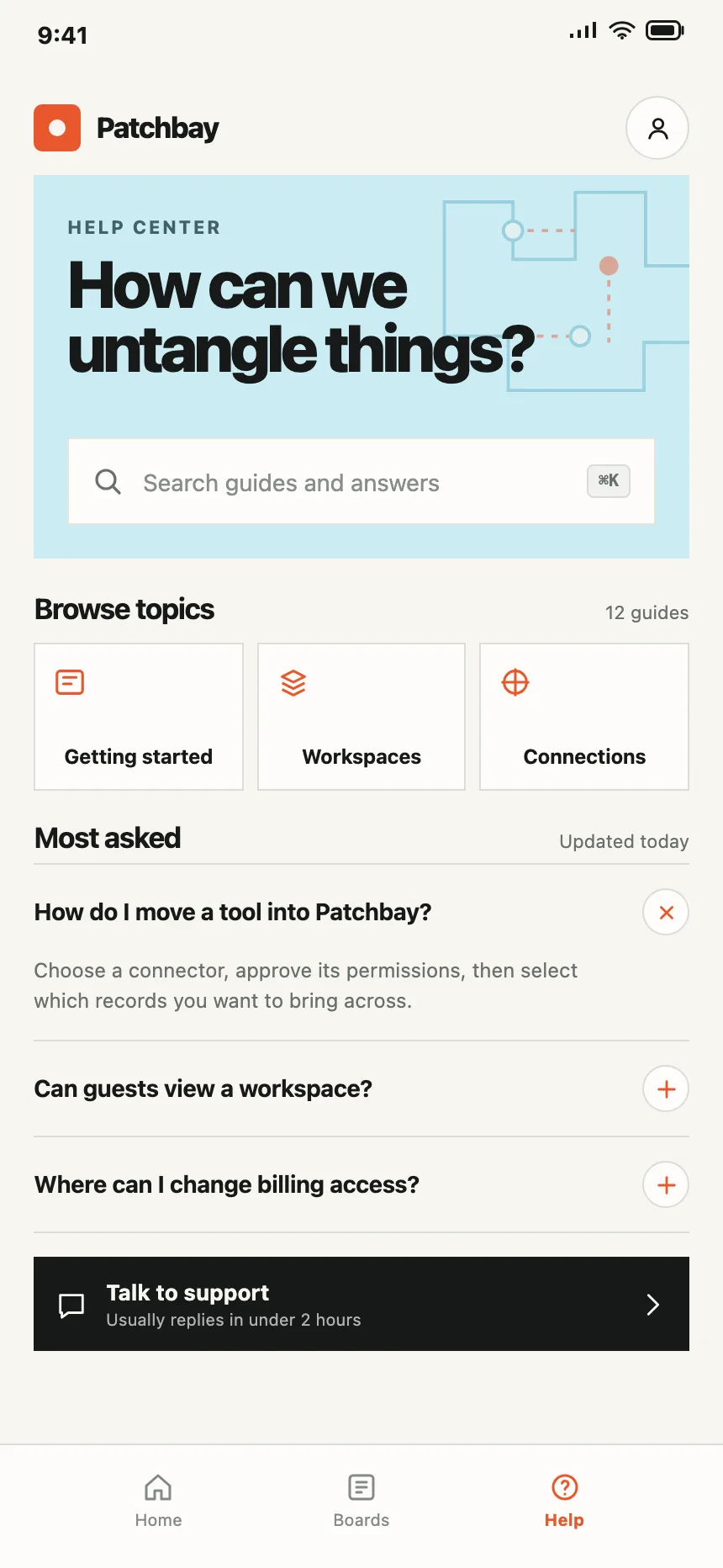
Help centers
A search field and topics on top, with the most-asked questions listed below.
Online stores
Orders, delivery and returns: the questions shoppers ask before and after they buy.

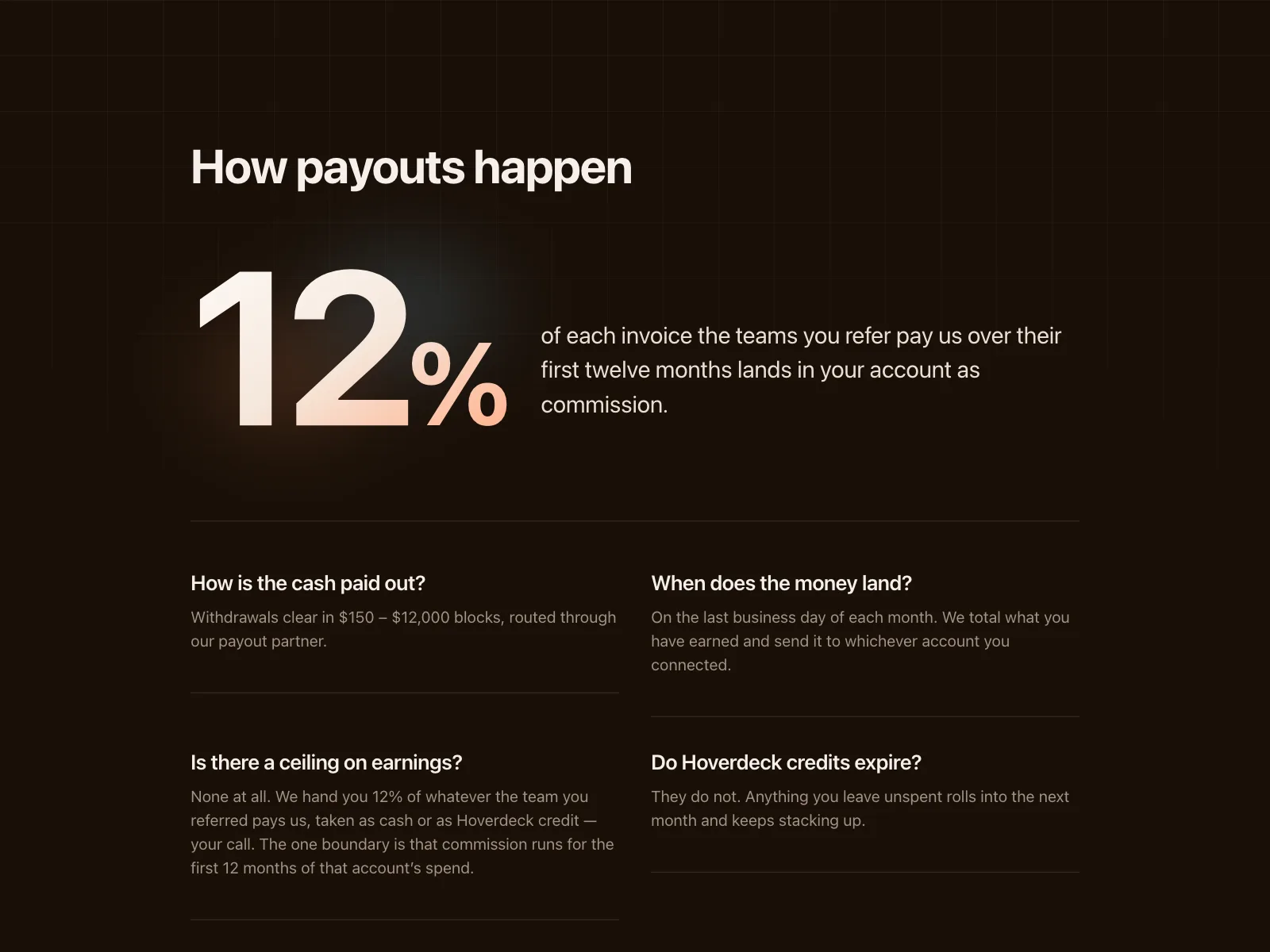
Partner programs
Payouts, tracking windows and who can join, spelled out before people sign up.
FAQ section vs similar components

Build notes
- Build the questions as an accordion: each one a <button> with aria-expanded inside a heading.
- Hide closed answers with hidden="until-found", so Find in page can still reach and open them.
- For topics, use tabs: role="tablist", aria-selected on the active tab and arrow keys between tabs.
- Give each question an id, so support can link people straight to the answer.
- Answer in the first sentence, then add detail. Link to a full guide for anything longer.
- End with a contact line that names a real channel, like an email address or a chat.
FAQ
How many questions should an FAQ section have?
As many as people really ask, and no filler. On a landing page, keep to the doubts that stop someone from signing up. Past a dozen, group the questions by topic or move them to a help center and link to it.
Should FAQ answers sit in an accordion?
Usually. An accordion lets people scan every question and open one or two. Leave the answers open when there are only a few, or when people should read all of them, like the terms of a payout.
Does FAQ schema still help SEO?
Not for rich results. Google stopped showing FAQ rich results in Search in May 2026. The questions and answers are still ordinary text on the page, so write them for people.
Where should an FAQ section go on a page?
Near the end of a landing or pricing page, after the plans and before the last call to action, where doubts about buying come up. On a help screen it can lead, under a search field.
Related terms
All glossary terms · Browse 199 web and 38 mobile FAQ section designs