

Kombai's taste agent identifies the important design decisions needed for each task, and makes high-quality choices for them, instead of resorting to AI defaults.


Design and code standout websites and product UIs, not slop.
800K+ installs and countingAvailable for macOS, Windows, Linux, VS Code and Cursor.
Kombai helps models make better design decisions, resulting in more original interfaces and greater creative range.
Left on their own, AI models repeat familiar design choices across very different tasks. So every design ends up looking the same, no matter the product.
We built Design Creativity Bench to measure this repetition. Originality is how much a model’s designs differ from other models’ designs for the same prompt. Creative range is how much a model varies its own designs when the same task is set for two different products.
In our benchmark evals, Kombai improves originality by up to 13 percentage points and creative range by up to 23 percentage points. This brings open models close to SOTA, and SOTA models closer to human reference.
Read our paper on Design Creativity Bench →Kombai's taste agent identifies the important design decisions needed for each task, and makes high-quality choices for them, instead of resorting to AI defaults.

Kombai consistently reuses components, tokens, and hooks from your repo, npm package, or Storybook, and carries them into new work.
Kombai identifies the key design decisions for each task, then makes high-quality choices instead of AI defaults.
Creative on open decisions. Consistent with your brief and repo.
Considers IA, structure, style, content, and motions.
Draws inspiration from 20k+ curated pages and sections.
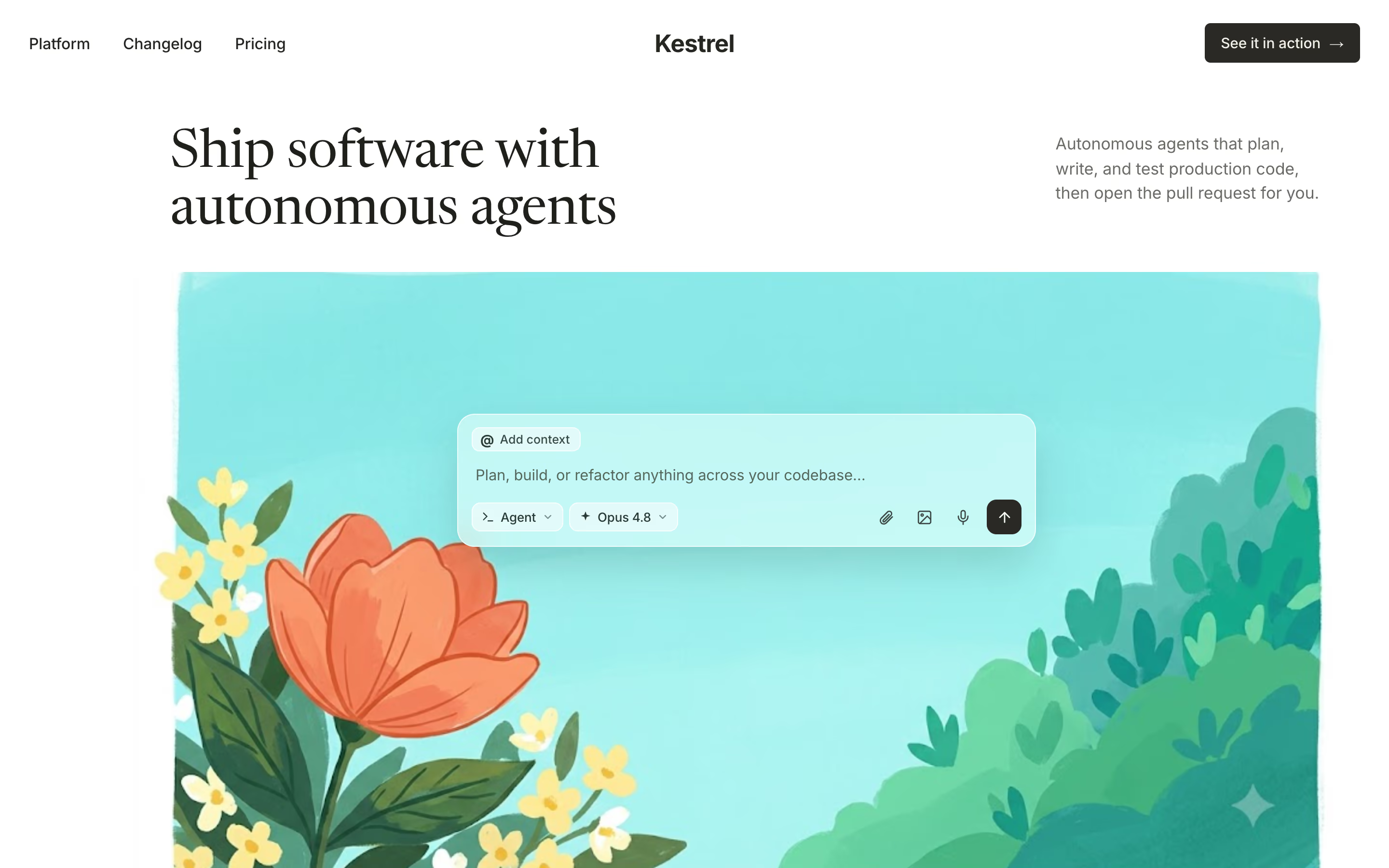
Kestrel landing page
Split layout
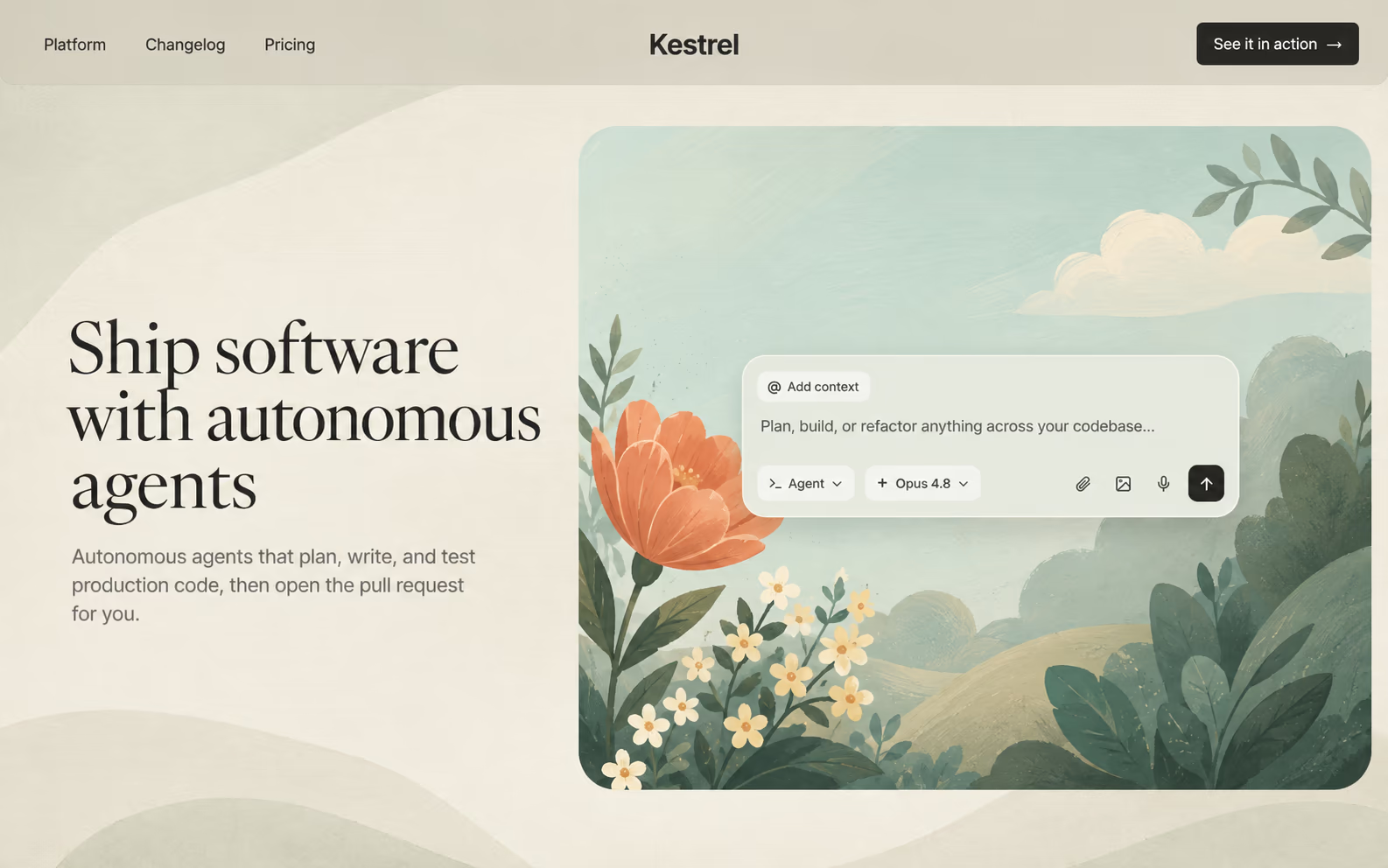
Try different ideas on canvas, before they touch your production code. Run parallel agents in one or many canvases.
Precisely edit text, styles, and layout of any element.
Create targeted variations or complete redesigns with AI.
Work with live HTML, states, and animations.
Kombai understands the design and code decisions in your repo, Figma, Storybook, or websites, and carries them into new work.
Design System: remembers your key design decisions
Context Graphs: code with your components, tokens, and hooks
Codes in your stack with built-in best practices for 400+ libraries
Pick the model that fits each task, or let Kombai's built-in router choose for you.
Switch between models from Claude, GPT, Grok, Kimi, and more.
Explore more design directions or balance cost and quality for each task.
Generate images, videos, and animations with Veo, Seedance, Nano Banana, and more.
Explore 20,000+ free standout UI designs to reference as you build with Kombai or any other AI agent.






Build standout websites and product UIs that fit in with your product and repo. Explore on a canvas, refine in the browser, ship production-ready code.