Technology websites | Oriel

Free forever for agents & humans
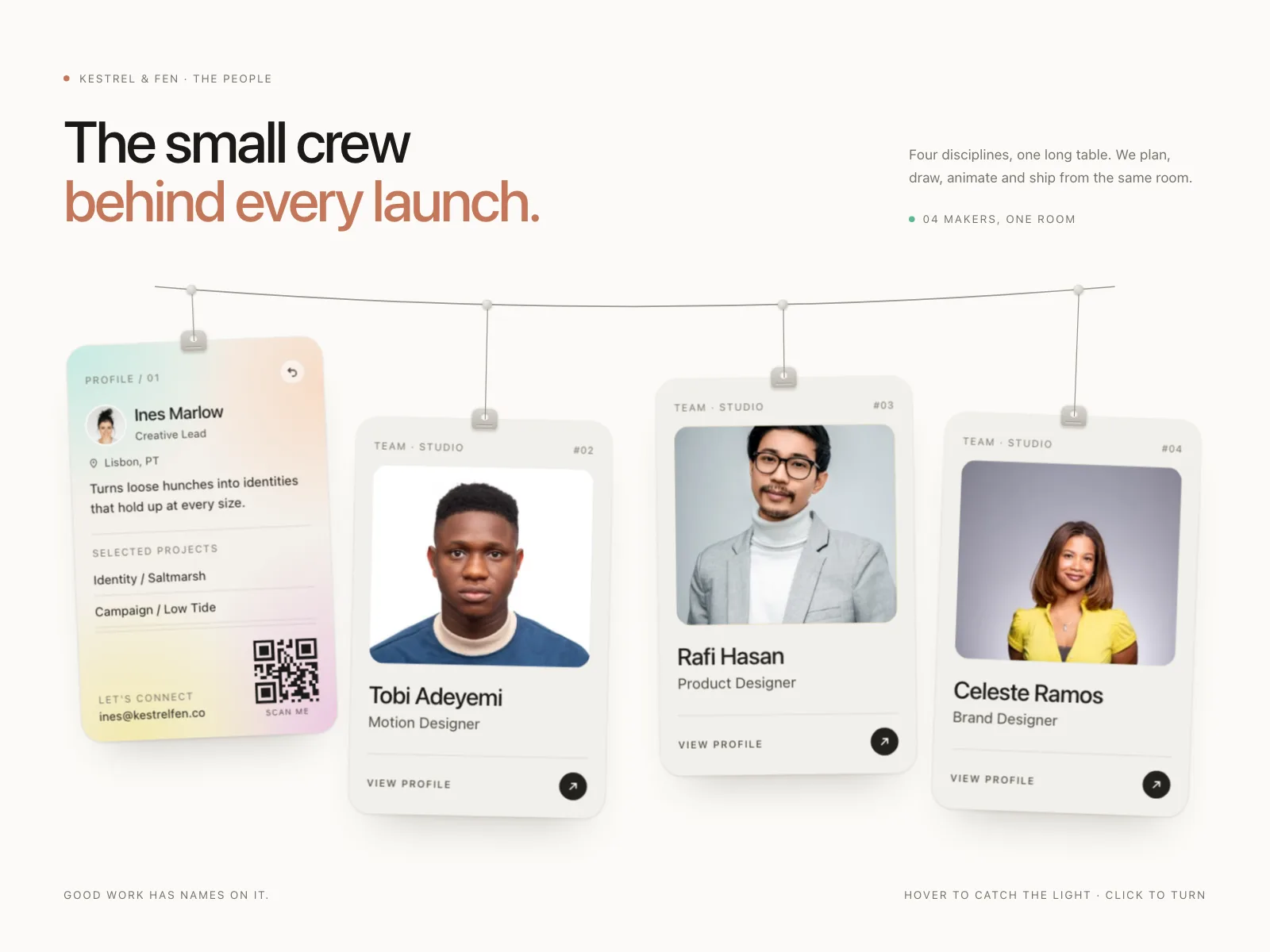
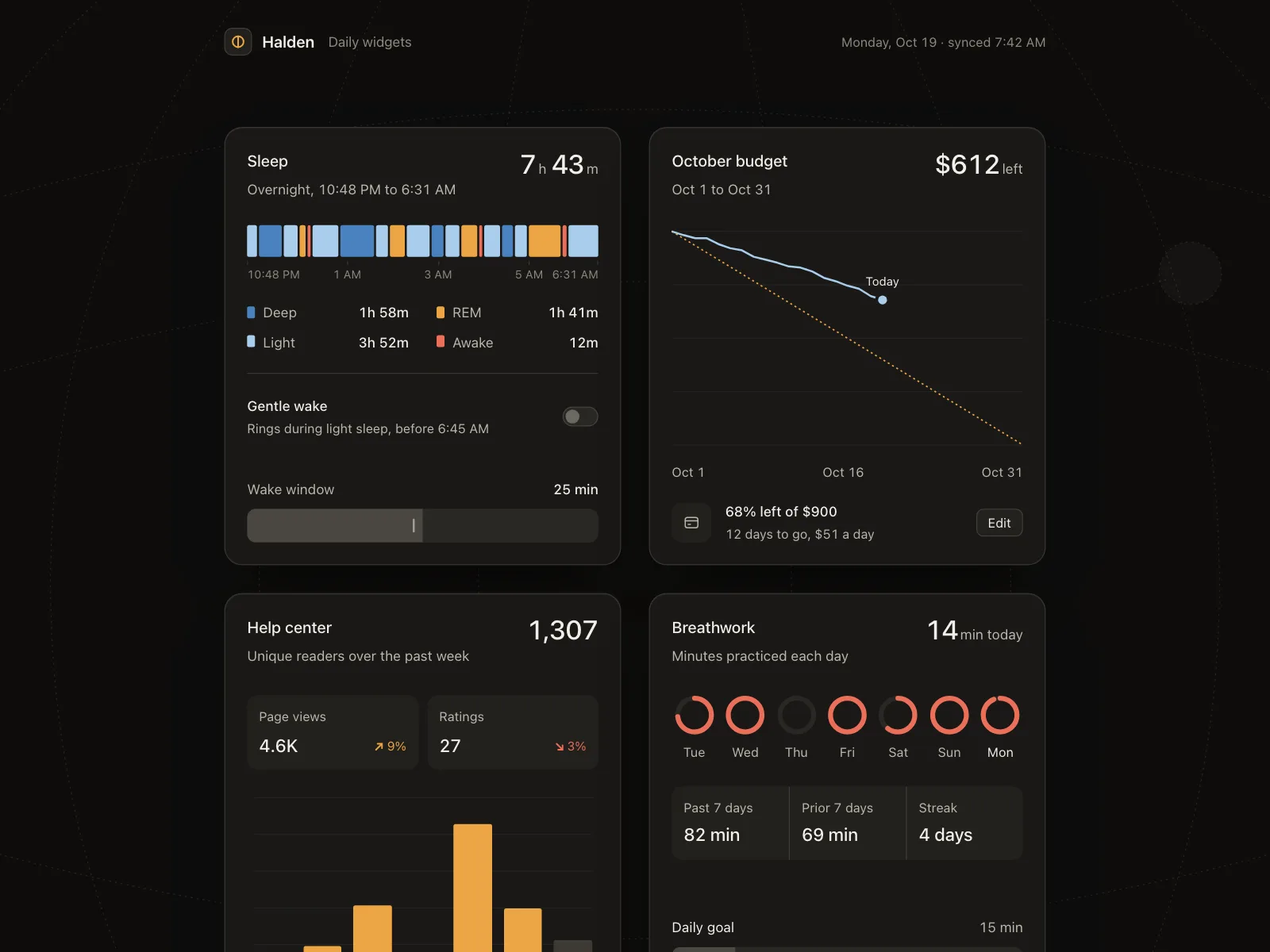
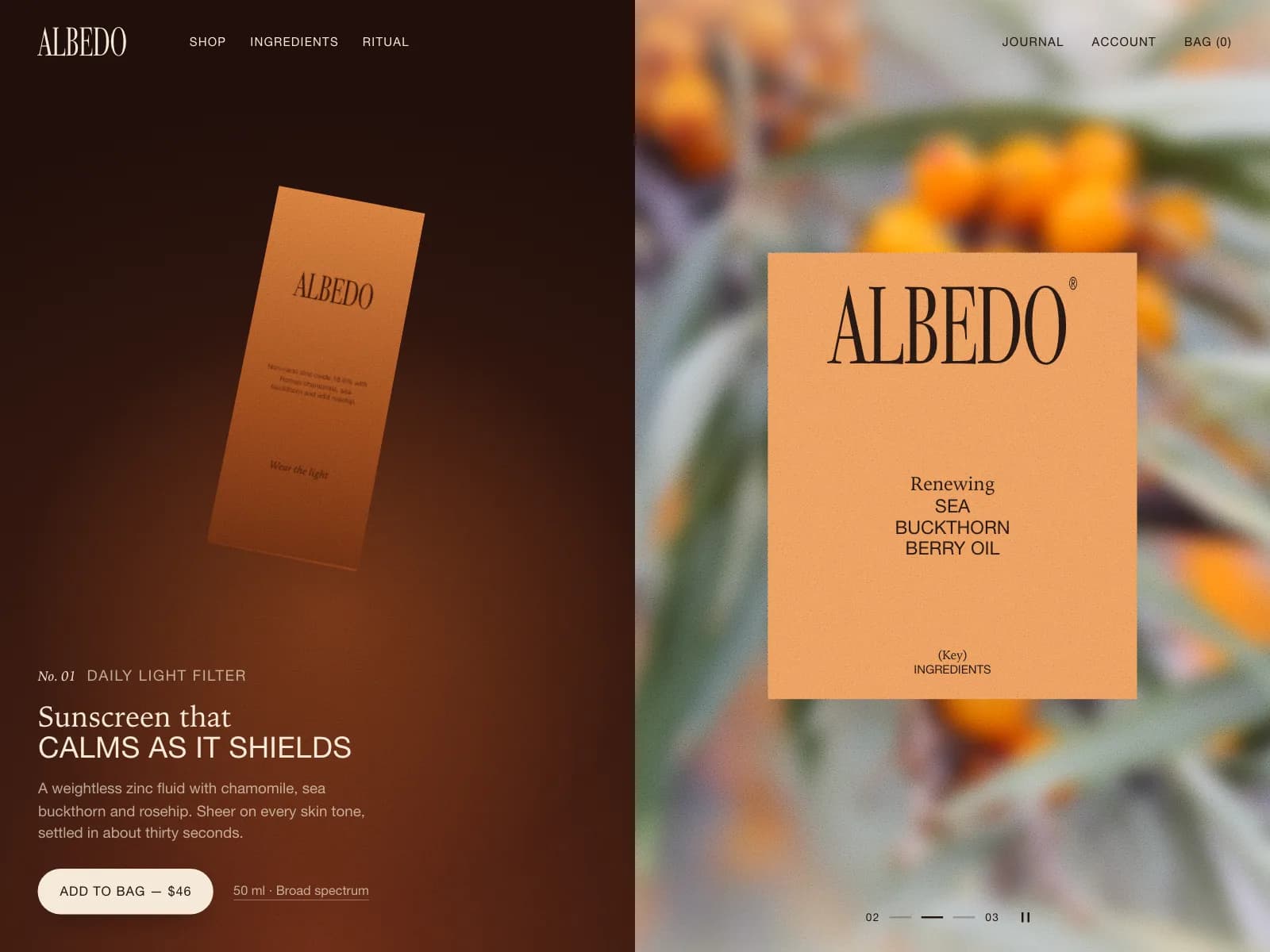
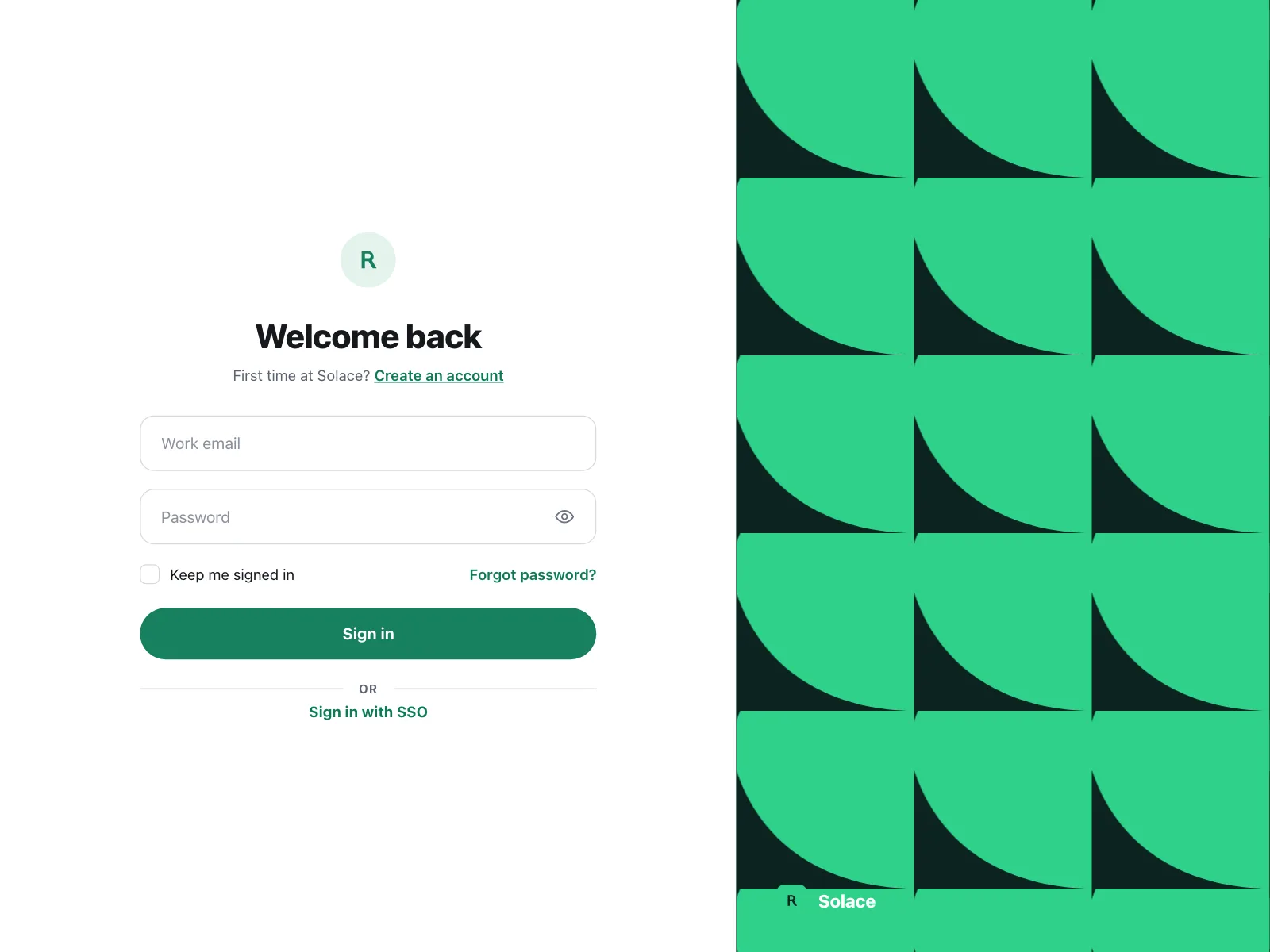
The best interfaces, the people making them, and the inspiration worth building - selected every week.
Showing 24 of 13,570
The best interfaces, the people making them, and the inspiration worth building - selected every week.
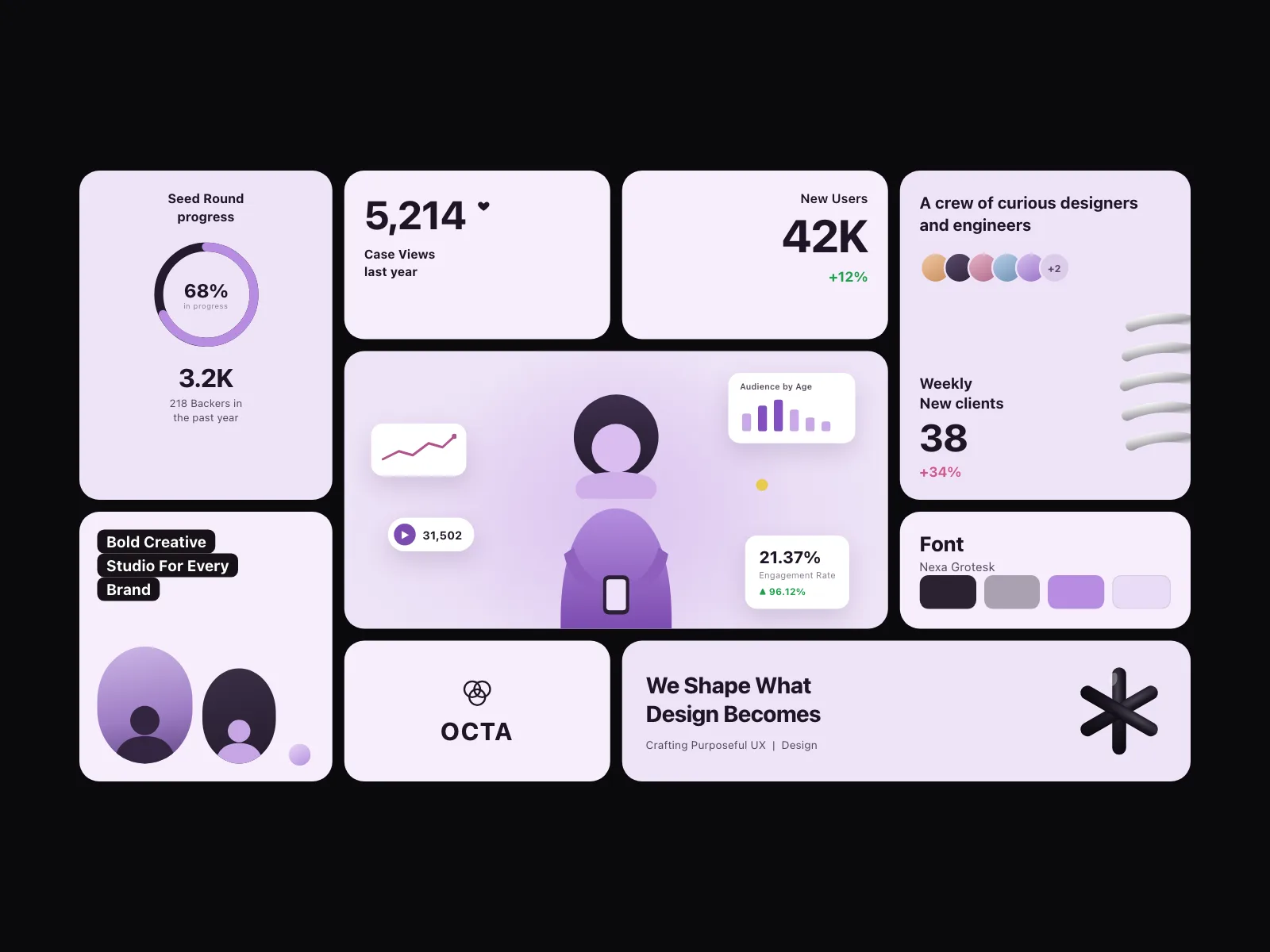
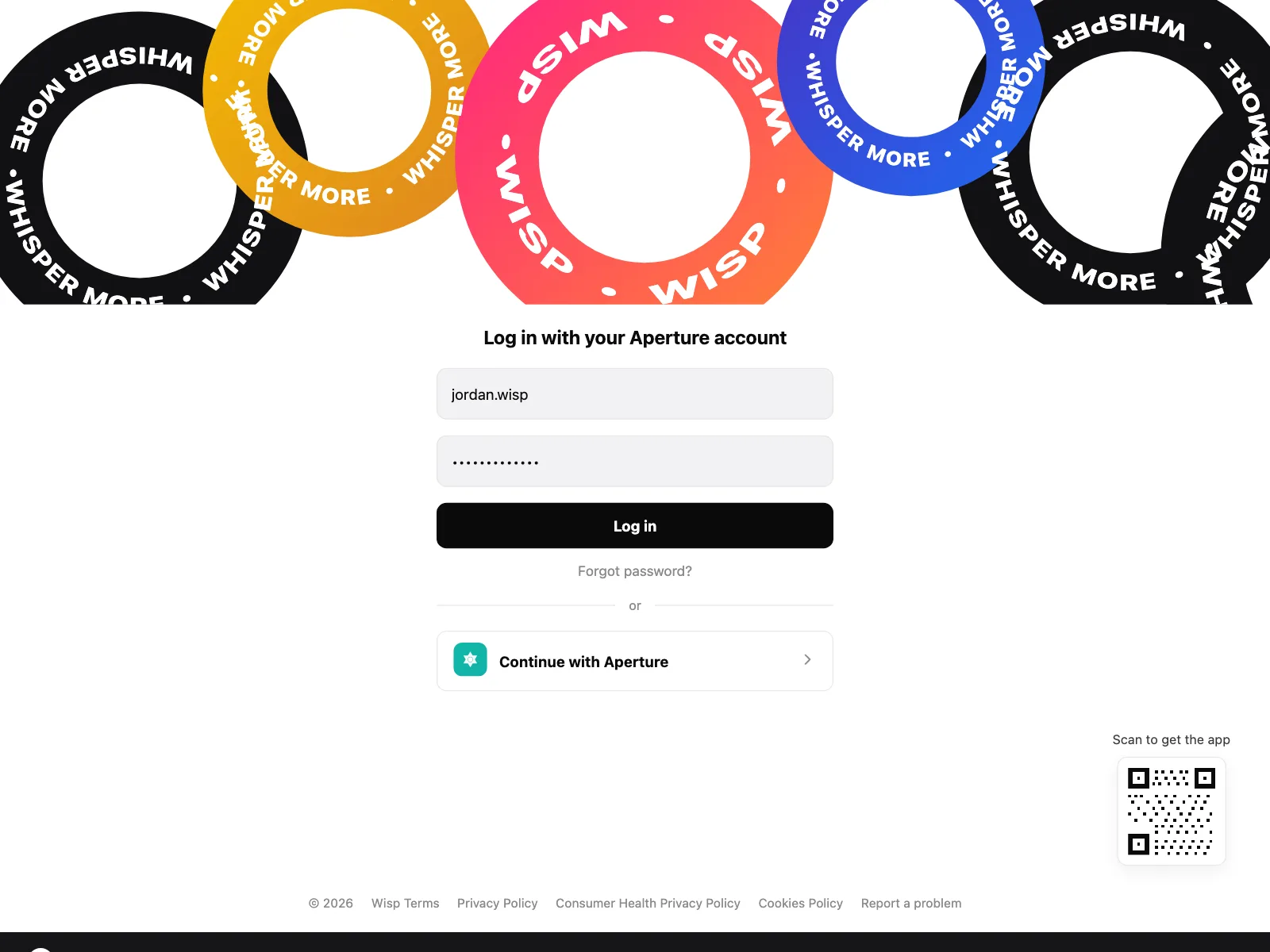
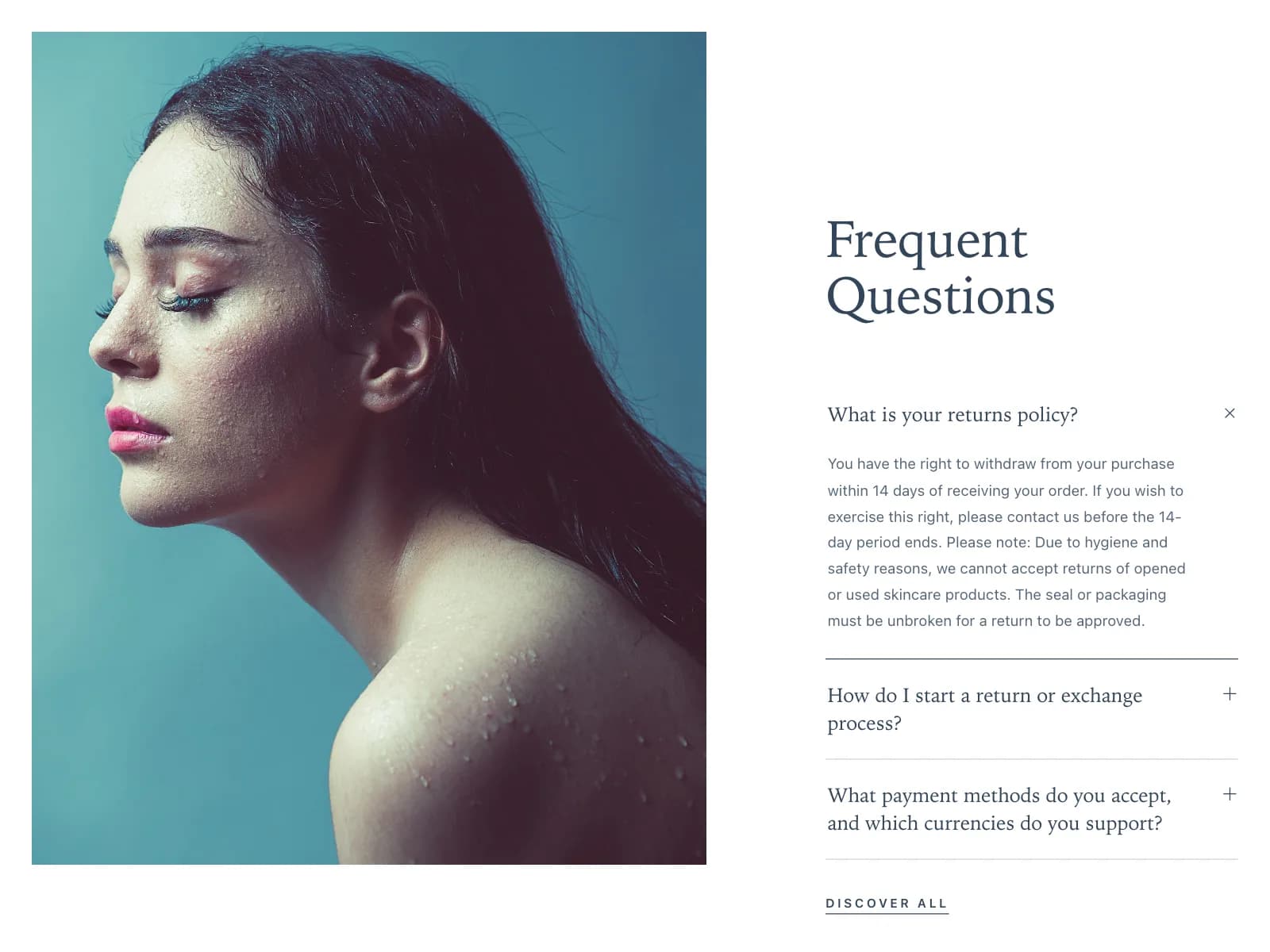
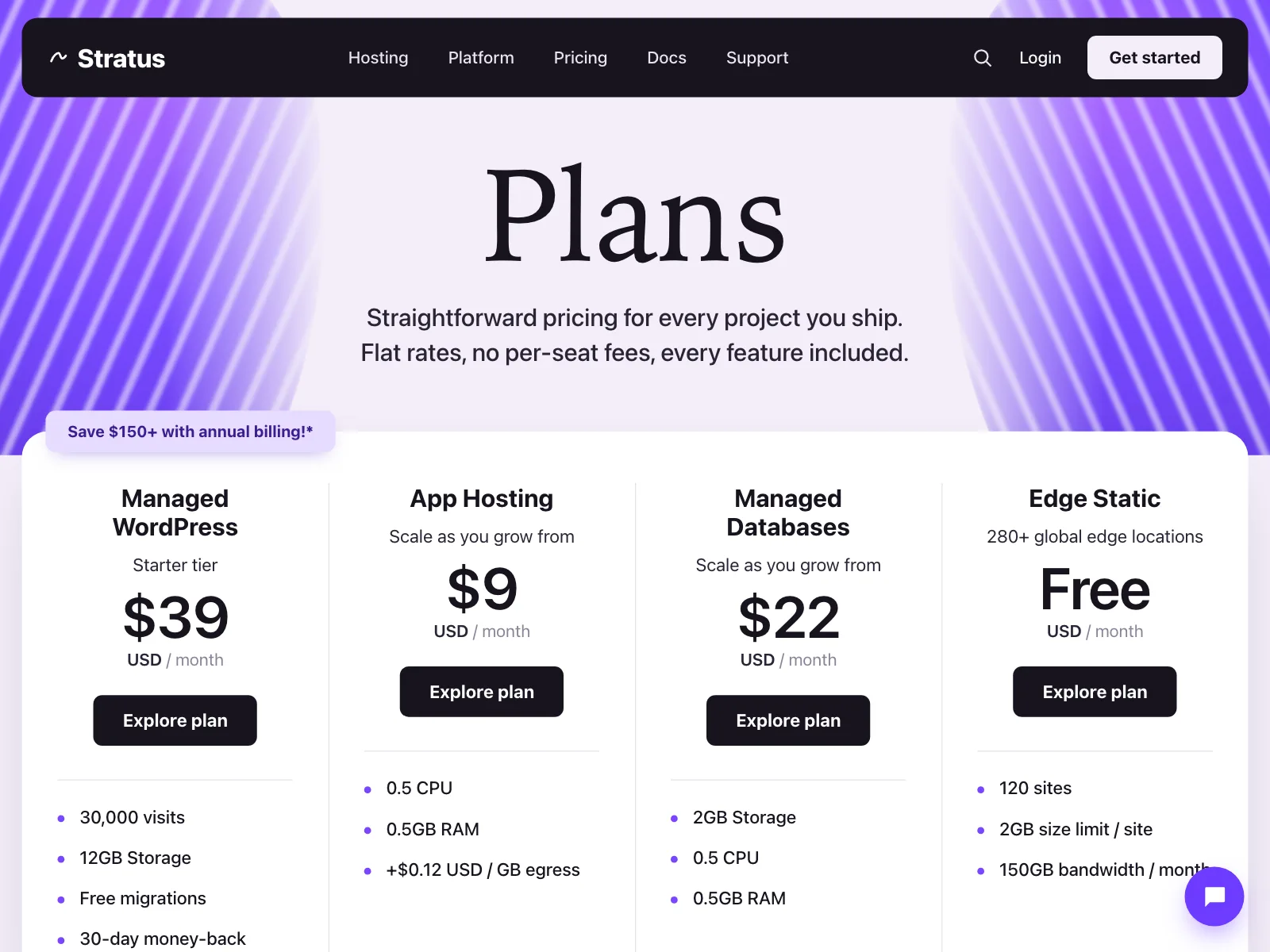
Kombai Gallery is a forever free inspiration library with 20,000+ curated UI designs for humans and AI agents.
Browse 20,000+ web and mobile UI examples, preview them live, and use any design as a starting point for your own project.
Yes. Kombai Gallery is forever free.
You can explore all 20,000+ curated UI designs, open individual examples, preview them, and use them as inspiration or reference material in your own projects.
You can take any reference into Kombai or use it with the coding agent of your choice.
Kombai Gallery is built around practical UI inspiration you can actually build from.
For web, you can explore complete interfaces, landing pages, product screens, sections and components, animations, and design systems across hundreds of categories.
For mobile, you can browse complete screens, common product flows, sections, components, and UI patterns across a wide range of app categories.
The goal is simple: help you find tasteful references for the exact interface you're trying to build.
We add new UIs regularly across web and mobile, including new pages, components, patterns, animations, and design systems.
If you can't find what you're looking for, email support@kombai.com and we'll add relevant references within 48 to 72 hours.
No. Kombai Gallery is built for everyone, including AI agents.
Designers can use it to discover visual and UX references. Developers and founders can use it to find interfaces they want to build. AI coding agents can use the same references as visual context when generating or modifying a product.
Yes. Kombai Gallery is free to use with any AI coding agent.
You can use any example as a visual reference with Kombai, Claude Code, Codex, Cursor, or any other agent that fits your workflow.
When you copy a reference, Kombai Gallery gives you a pre-filled prompt that you can paste directly into your agent's chatbox.
Browse or search Kombai Gallery by platform and category to find the UI you need. The same category structure is available for both web and mobile.
If you can't find a category, email support@kombai.com and we'll add references for it.
Most UI inspiration libraries stop at discovery or give you unusable screenshots.
Kombai Gallery is designed to help you go from finding a tasteful interface to actually building it. You can discover a reference, preview it, and then use that design as context for Kombai or another AI coding agent.
It is an inspiration library built for a world where both humans and agents build interfaces.