
Best Figma alternatives built for AI-native design teams
As a design tool, Figma is still hard to beat. Its vector editing, prototyping, components and shared libraries, and live co-editing cover almost everything a design team needs in one place.
But as more teams use AI to explore ideas, prototype, and design whole screens, it's fair to ask whether Figma's built-in AI is enough for your team's AI workflows., especially with a growing number of AI design tools and agents all over the internet.
Here are 7 Figma alternatives to help answer that question, covering their advantages over Figma, compatibility with existing Figma files, and tradeoffs.
What you get from Figma's AI workflow
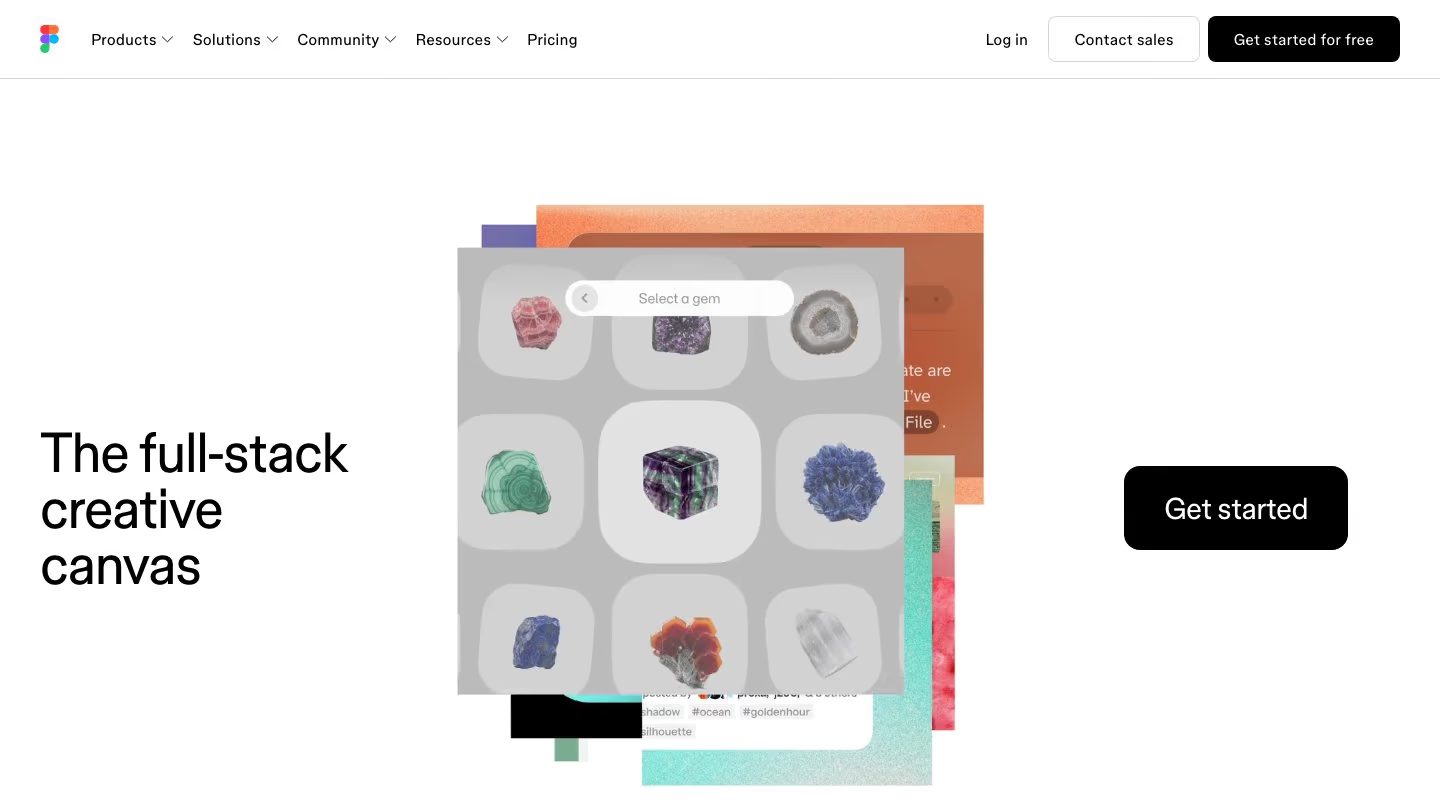
If your team already keeps everything in Figma, its AI starts with a head start. Your design system, your components and your files are already there. There's nothing to import or recreate before the agent can start working on your designs. Connect a library, and the agent creates and edits designs with your team's components, styles and variables.
For teams that prefer their own coding agent, the Figma MCP server lets Claude Code, Codex and Cursor read your files. You can then ask your agent to write to the canvas or generate code for your designs.
Figma also has a separate prototyping tool, Figma Make, that generates a working prototype or web app from your prompts. You can pick GPT, Claude or Gemini models for it.
Where Figma AI may not fit
- Editing with the agent needs a paid Full seat: To edit your team's files, you need a Full seat, which costs $16 a month on Professional with annual billing and gives you 3,000 credits a month. The credit pool is shared between the agent and Figma Make, and the credits don't roll over.
- The agent has limited capabilities: It can't yet do vector editing and drawing, create icons or add prototype interactions, and it can't export assets.
- The MCP server is rate-limited: Reading from Figma through MCP is limited by seat and plan. On View and Collab seats, you can make 20 calls a month, and on a Dev or Full seat on the Professional plan, 200 a day.
- Limited code tools: Code Connect maps your Figma components to your codebase components, but on Professional, only one Figma library and one framework (like React or SwiftUI) can be active at a time.
For a broader look at the market, see 7 popular AI design tools in 2026, compared.
7 Figma alternatives worth trying
A quick disclosure: Kombai is our product, and naturally we're biased toward it, as we know it inside out. We've still judged it by the same standards as every other tool here, including what it gives up.
1. Kombai - your AI design engineer
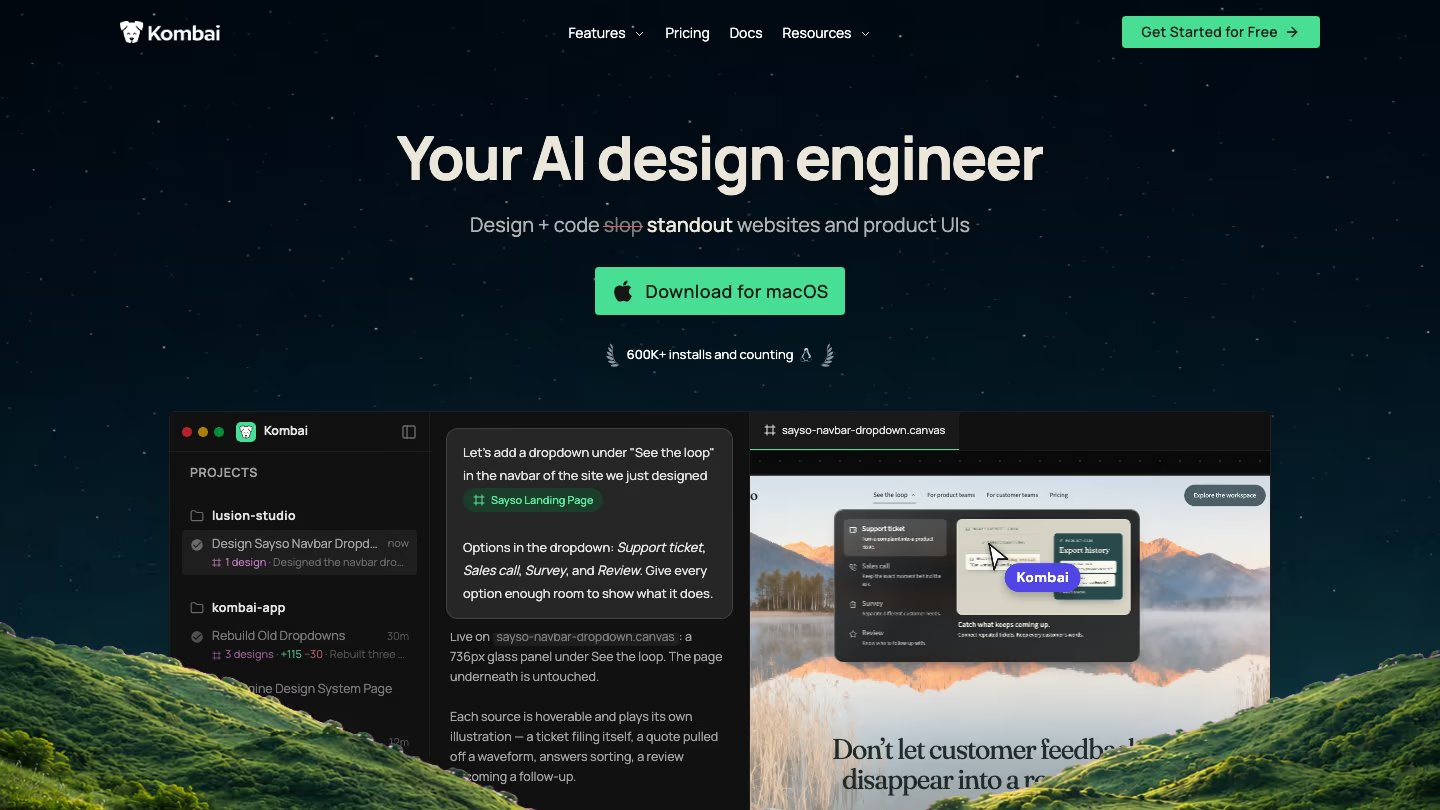
Kombai is an AI design engineer for builders and engineers who design and ship websites and product interfaces, end to end. Unlike Figma's vector layers, every design on Kombai's canvas is live HTML and CSS, with working states and animations. So the hover effects and motion on the canvas aren't a mockup. They're actual coded designs, with the exact same effects you'll see when you build them in your stack.
Kombai reads your Figma files natively, without any MCP. You can paste your Figma designs into a Kombai canvas to continue your design work with the Kombai agent. If you already use Figma to organize and manage all your design work, you can also copy a Kombai-generated design into Figma, then refine its vectors, prototype it, or work on it live with your team.
What you get that Figma doesn't
- A taste agent that decides the structure, hierarchy, visual style, and motion for each design based on its purpose, and draws on a curated library of 20K+ design inspirations instead of falling back on AI defaults.
- Your codebase as the source of truth. Kombai works inside your repo and uses Context Graphs to index your reusable code items like components, hooks, stores, design tokens and types. So the generated code consistently reuses items from your codebase.
- Design systems that capture your whole visual language, not just tokens. Kombai can combine your codebase, Figma files, a live website, a DESIGN.md and designs on your canvas to build a complete design system. It covers not only the usual colors, typography and spacing, but also things like motion, responsive rules for each component, iconography, and do's and don'ts. You can also start from public design systems extracted from real products like Discord, Stripe and Nike.
- 50+ models for design, code, images and video, from providers like Anthropic, OpenAI, Google and xAI, or an Auto router that picks one based on the complexity of the task. You can also run Claude Code or Codex inside Kombai with Local Agents, or start Kombai chats from your coding agent with the Kombai MCP Server.
- Design and code are stored together, as files in your project, so there's less context switching from design to code. Your team can use the same Git workflow to manage and review designs as they do with code.
What you give up vs. Figma
- Kombai designs in HTML and code, not vectors. There's no pen tool or path editing, so illustration and icon work stays in a vector tool.
- Kombai can't link screens into a flow the way Figma's prototyping does.
- There's no live multiplayer. Your team can't edit the same canvas at the same time.
2. pen.dev
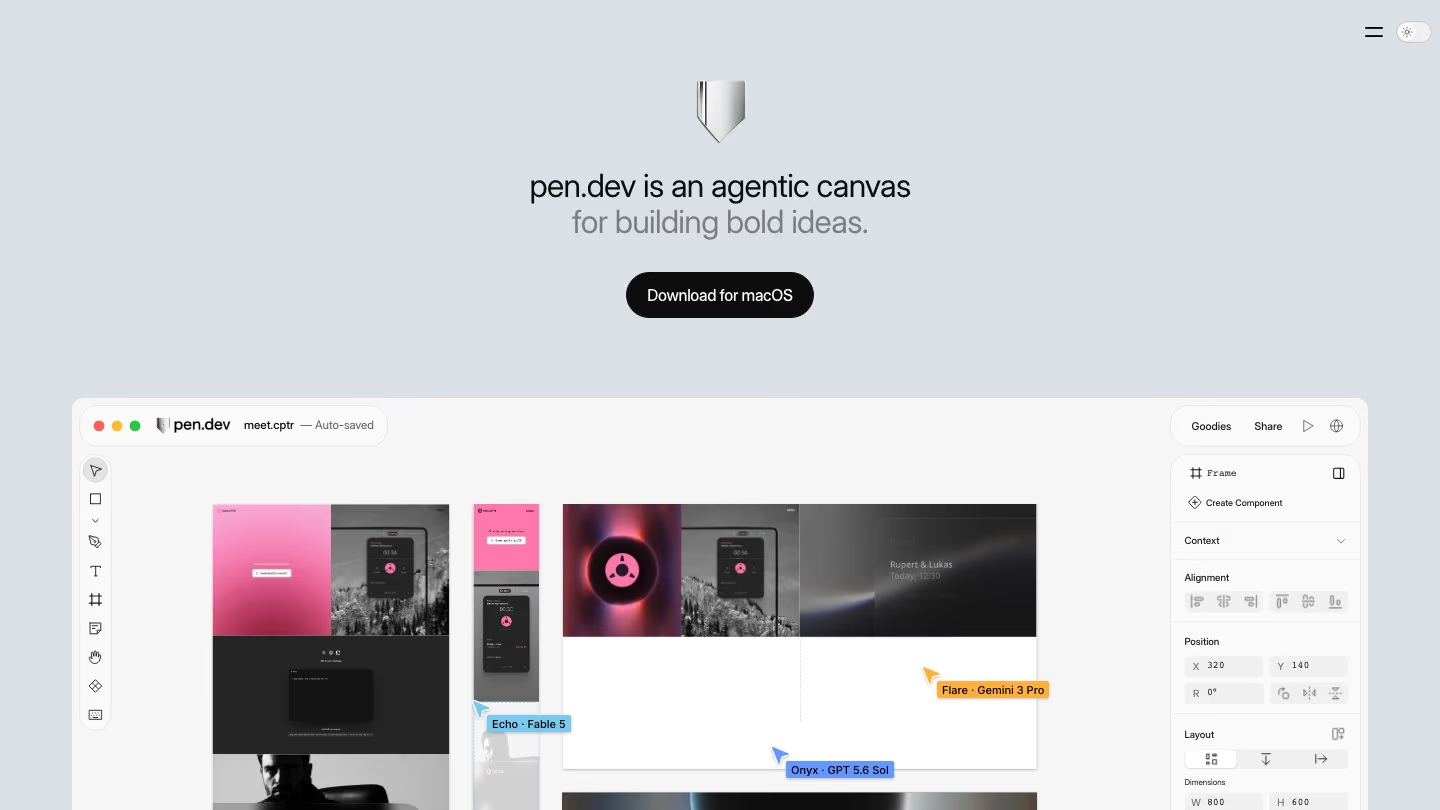
pen.dev, formerly pencil.dev, is the closest to Figma on this list: a vector canvas with components, shared libraries and variables, plus built-in agents. It runs as a desktop app, in your editor, in the browser and from the terminal. Import .fig files with their layouts, styles and images, or copy and paste Figma layers. Pasting doesn't bring images, so import the whole file when you need them.
What you get that Figma doesn't
- Agents can run on your ChatGPT or Claude subscription, your own API keys or pen.dev's hosted models. Claude Code, Codex and Cursor can also connect through MCP.
- Up to 6 agents at once on the Ultra plan, either splitting a task or each making an alternative. Pro runs up to 3.
- You can store .pen design files in your repo, so Git tracks design and code together.
- You can export any frame to HTML with CSS or Tailwind in a click.
- A headless CLI for editing designs from the terminal.
What you give up vs. Figma
- There's no live multiplayer like Figma's. Teams share through workspaces, comments and versions, and share links are view-only snapshots.
- There's no prototyping. You can't link frames into a clickable flow.
- The free plan gives you 5 days a month of designing with an agent, one agent at a time.
3. MagicPath
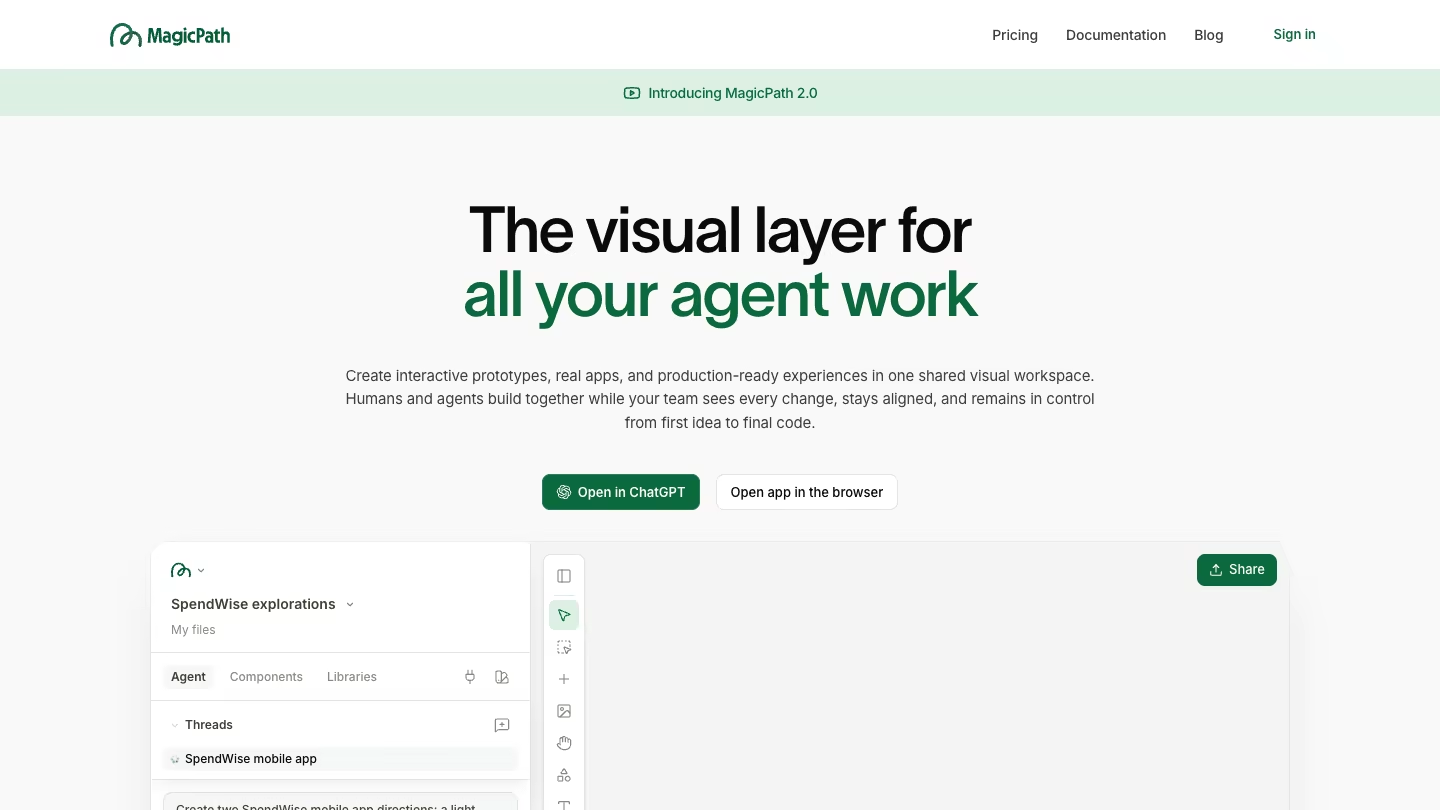
MagicPath is a canvas where people and AI agents design together. Since MagicPath 2.0 in May 2026, your team and agents like Claude Code, Codex and Cursor work live on the same canvas, and you can see where each one is working. Select anything in Figma, copy it and paste it onto the canvas. To go back, Copy to Figma pastes a frame into Figma as editable layers.
What you get that Figma doesn't
- MagicPath converts pasted Figma layers into React components for free, with no AI credits used. Auto layout turns into flexbox, and component instances and color variables carry over from your file.
- Built-in designer agents with a model picker, plus MagicPath's MCP server and plugins for Claude Code, Codex and Cursor.
- Designs are real React, TypeScript and Tailwind code, which you can export to your project.
- You can build design systems from a DESIGN.md, a Tailwind config, your CSS or a website.
- MagicPath's Chrome extension can capture elements from any live site as editable components.
What you give up vs. Figma
- There are no vector tools. Drawing on the canvas is limited to basic shapes and freehand sketching.
- Your Figma components and variables don't stay live. Variants and variables come in as their current values, and "variants" in MagicPath means AI-generated alternatives.
- The free plan includes 5 Figma imports and 3 exports a month.
4. Paper
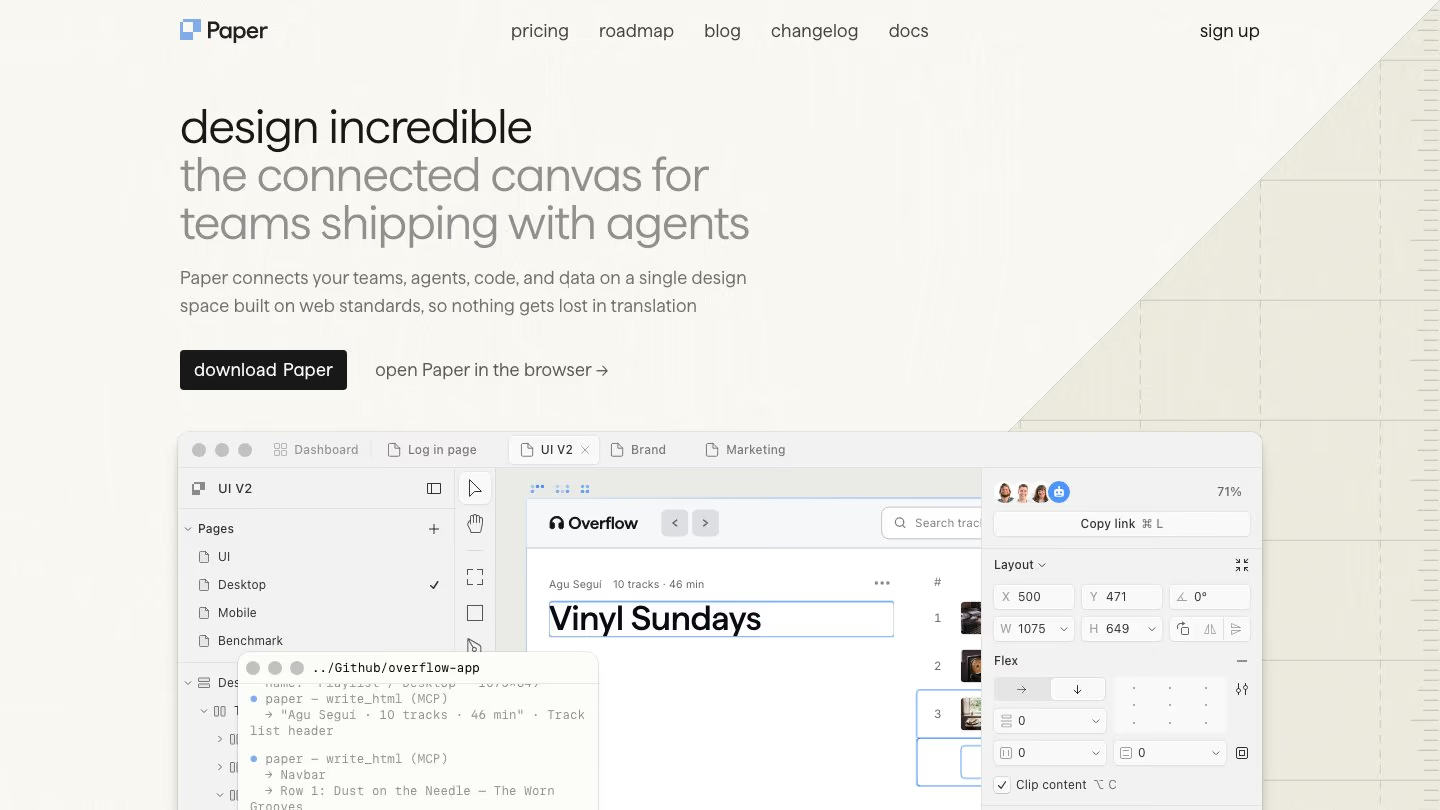
Paper is a design canvas built on HTML and CSS, so there's no translation step between your design and the browser. Your coding agent designs in your Paper file through MCP, while you make the design calls. Copy any selection in Figma and paste it into Paper as editable layers. Your components and variables don't carry over, so a pasted button is just layers and its colors are fixed values. To bring images, use Paper's Figma extension.
What you get that Figma doesn't
- Agents like Claude Code, Codex and Cursor that connect through the Paper MCP server. They can generate layouts, pull in real content or turn a selected frame into code.
- Even the free plan includes 100 MCP tool calls a week, against 20 a month on Figma's View and Collab seats.
- P3 and OkLCH color, shader effects and real flexbox.
- Copy any selection as React code, styled with CSS or Tailwind.
What you give up vs. Figma
- Paper doesn't have components, shared libraries or theme modes yet, and tokens don't sync between files.
- Vector editing is still early, and there's no prototyping.
- There's no built-in agent for layouts, only image and SVG generation. For AI layouts, you need your own coding agent, which works only when Paper Desktop is open.
Read more: Best Paper.design alternatives in 2026
5. Claude Design
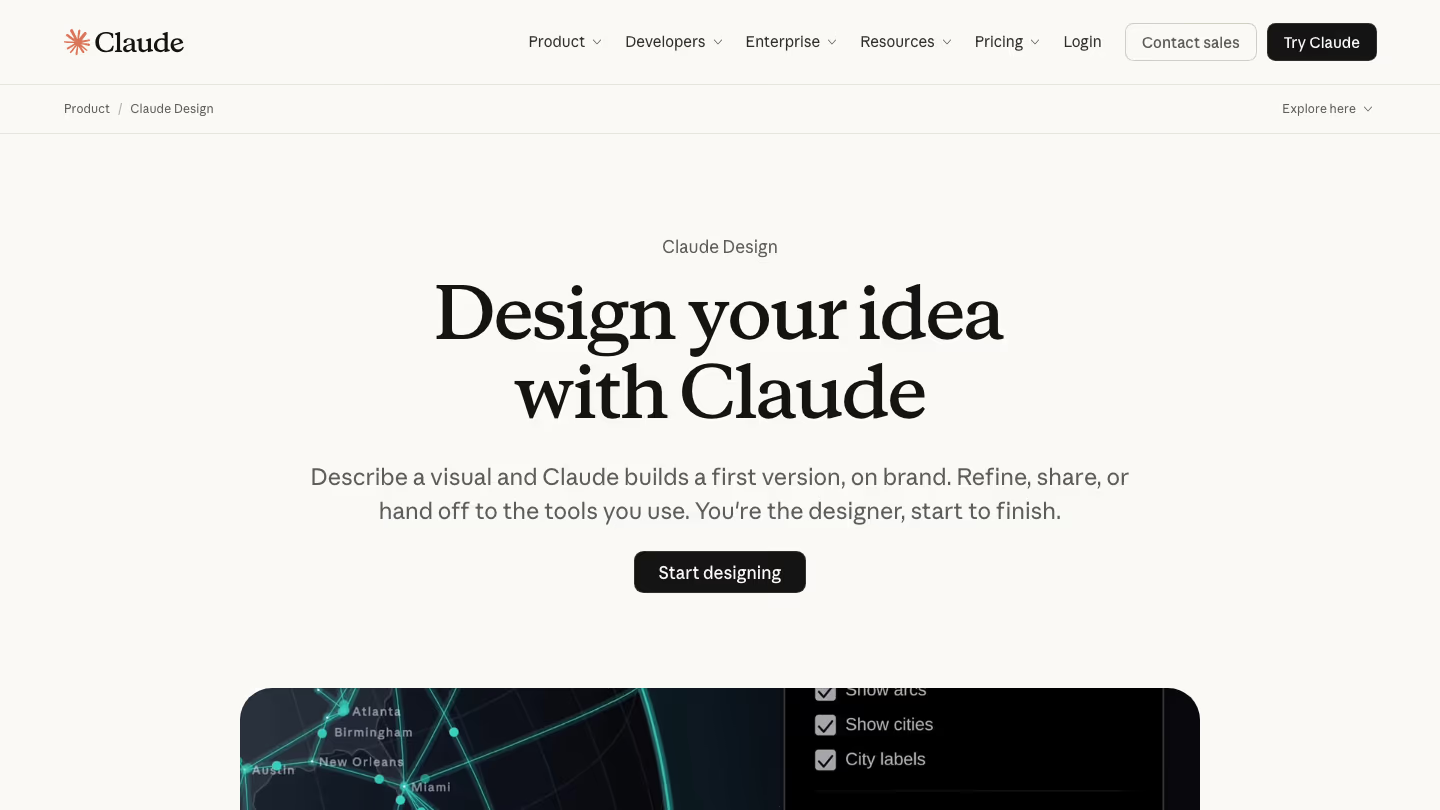
Claude Design is now available inside Claude. You can use it from any Claude chat, the Artifacts tab, or /design in Claude Code. It can create designs, interactive prototypes, and one-pagers. Claude builds with your real design system components and checks its output against your design system, making corrections before you see it. It can also build a design system from your Figma files, uploads or connected apps.
What you get that Figma doesn't
- A design system built from your code. Import it from a GitHub repo or your local codebase so Claude builds with your real components.
- Design from inside your repo. Run /design in Claude Code, and Claude drafts mockups using your codebase as context.
- Export to standalone HTML, PPTX or Google Slides, or send to tools like Canva, Lovable, Vercel and Miro.
- No extra seat. Claude Design is on every Claude plan, including Free, and it shares your plan's usage limits.
What you give up vs. Figma
- There's no version history yet.
- Two or more people editing a design at the same time is still basic and may not work reliably.
- There's no vector or pen tool. You edit by dragging, resizing and aligning elements, or by asking Claude.
Read more: Best Alternatives to Claude Design in 2026
6. Google Stitch
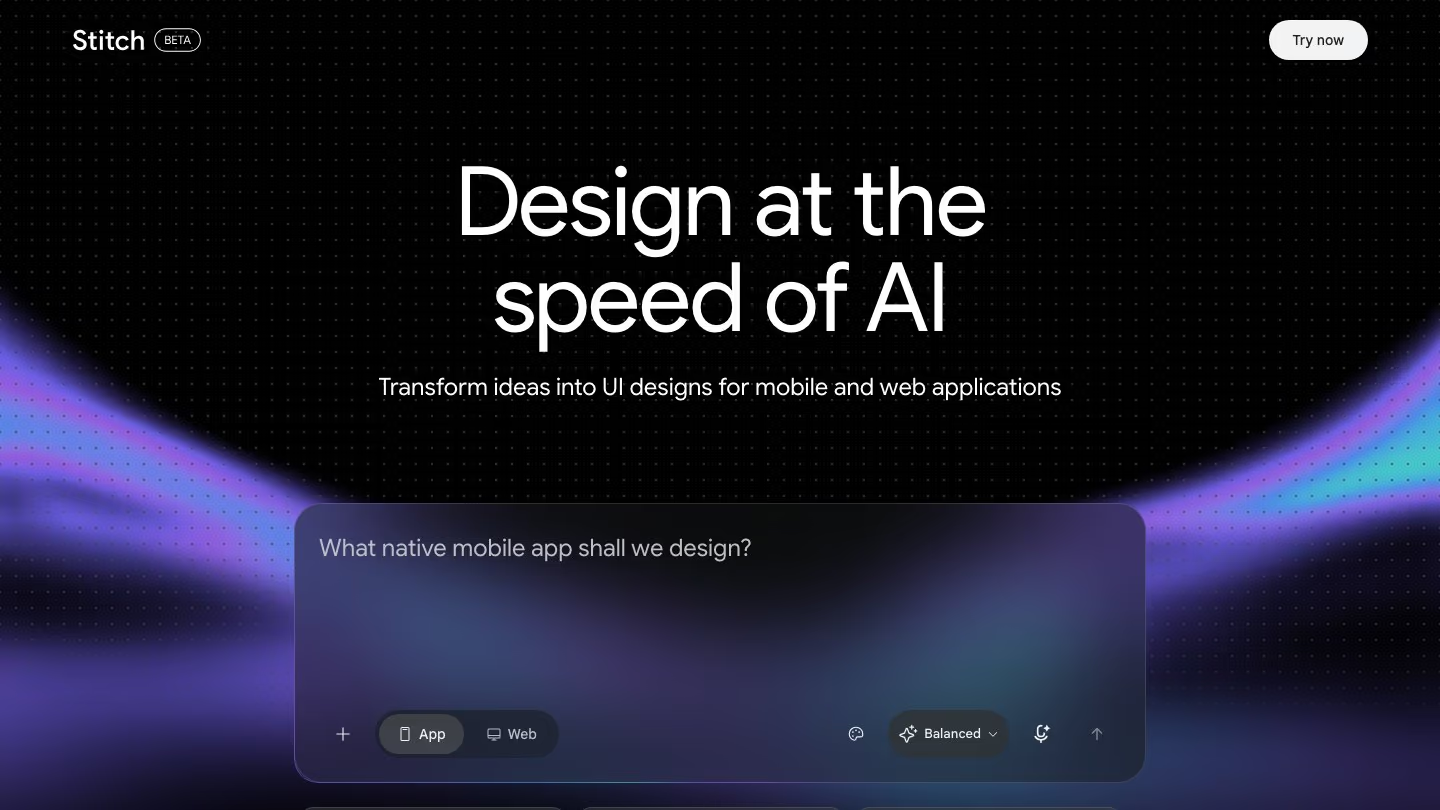
Google Stitch turns prompts, hand-drawn wireframes and screenshots into UI designs, and lets you click through them as a prototype. It's a Google Labs experiment, and it's currently free. You can copy designs to Figma as editable layers, with auto layout, named layers, and editable text.
What you get that Figma doesn't
- No seats or monthly bill. Stitch runs on a daily credit limit that resets at midnight UTC.
- Up to 5 variations at a time, from refined to more creative.
- A DESIGN.md file that you and your agents can both read and edit.
- An MCP server for Claude Code, Cursor, Gemini CLI and other agents.
What you give up vs. Figma
- It follows your tokens and rules, but doesn't design with your actual components the way Figma's agent uses your library.
- There's no editor for changing elements by hand. You change designs by prompting, and Stitch works best with one or two changes per prompt.
- Updating your DESIGN.md doesn't update existing screens. You have to apply it to each one again.
Read more: Best Google Stitch alternatives in 2026
7. OpenDesign
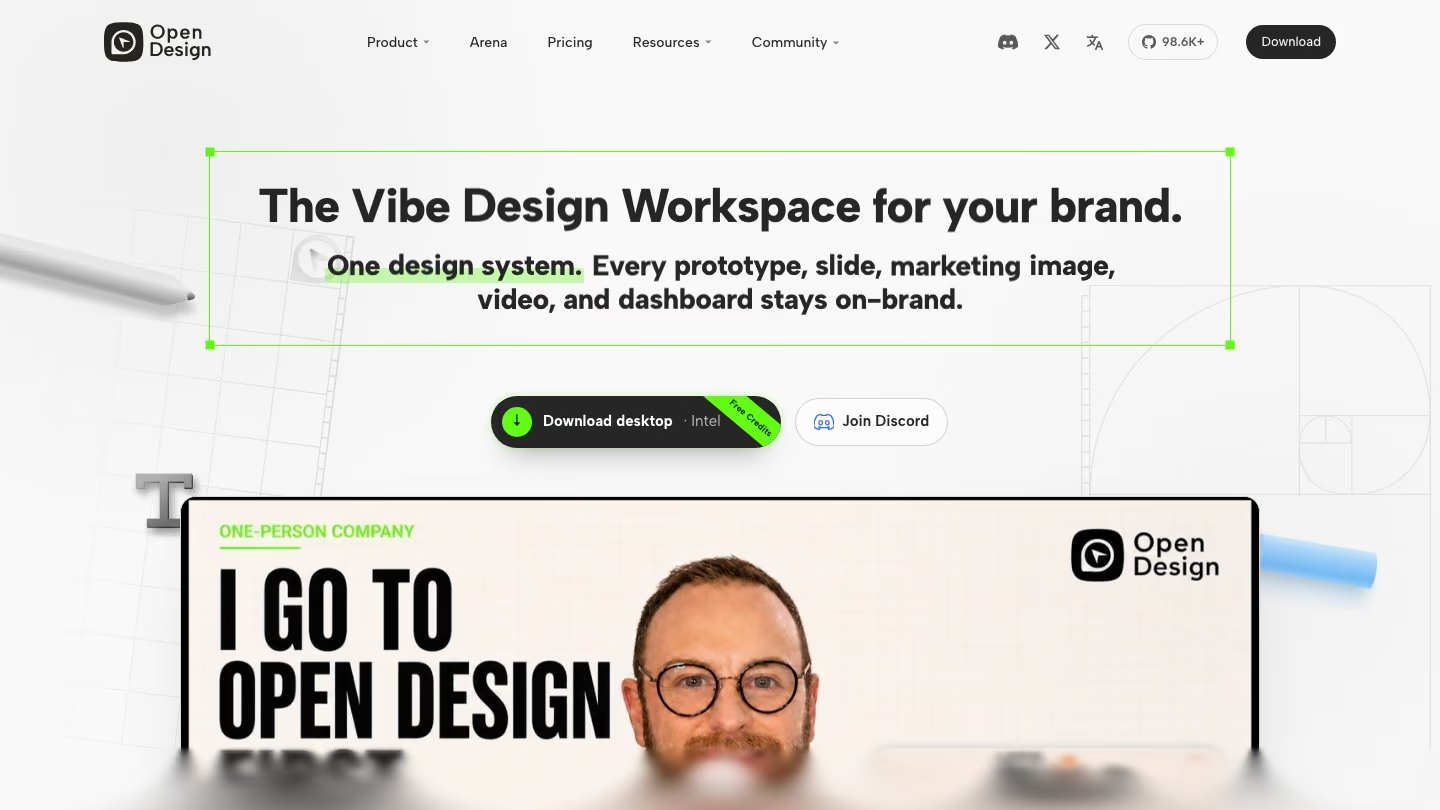
OpenDesign is an open-source, local-first design tool that runs on the coding agents you already have. Every design is saved as files in your project. There's no editable-layer import from Figma, but you can use a screenshot or an exported Figma frame to create a DESIGN.md that keeps new designs on brand.
What you get that Figma doesn't
- Open source under the Apache-2.0 license, and free with your own agent or API key. You pay your agent or model provider directly.
- 20+ coding agents like Claude Code, Codex, Cursor and Gemini CLI, or your own API key.
- 150+ ready-made design systems to start from.
- Export plugins for React, Next.js and Vue, plus HTML, PDF, PNG and PowerPoint exports.
What you give up vs. Figma
- There's no vector canvas. You review the agent's work in a preview and edit elements directly.
- Real-time editing with teammates is Enterprise-only. On the Team plan, everyone can view and comment, but only the project's creator can edit.
Which Figma alternative should you pick?
Figma's agent remains an overall strong pick if your team already does all its design work in Figma. If you also want the agent to make better design decisions, pair it with Kombai. Its taste agent decides the structure, hierarchy, visual style and motion based on the purpose of each design, instead of resorting to AI defaults.
If your team only uses Figma occasionally, or is moving off it entirely, Kombai can be your main design tool. It also builds the design you pick in your codebase, following best practices for 400+ frontend libraries and reusing your codebase items like components, tokens and hooks.
If you'd rather keep a Figma-style vector canvas, pen.dev is the closest replacement. And for quick prototypes, Claude Design works on the Claude plan you already have.