
Best Paper.design alternatives in 2026
Paper gives your coding agent a real HTML and CSS canvas to design on. Your agent reads and writes the file through MCP, while you make the design calls. For a lot of teams, that works well.
But depending on your work, you may need something Paper doesn't do yet. In this guide, we compare 6 Paper alternatives on what each one adds over Paper, and what you give up if you switch.
What Paper does well
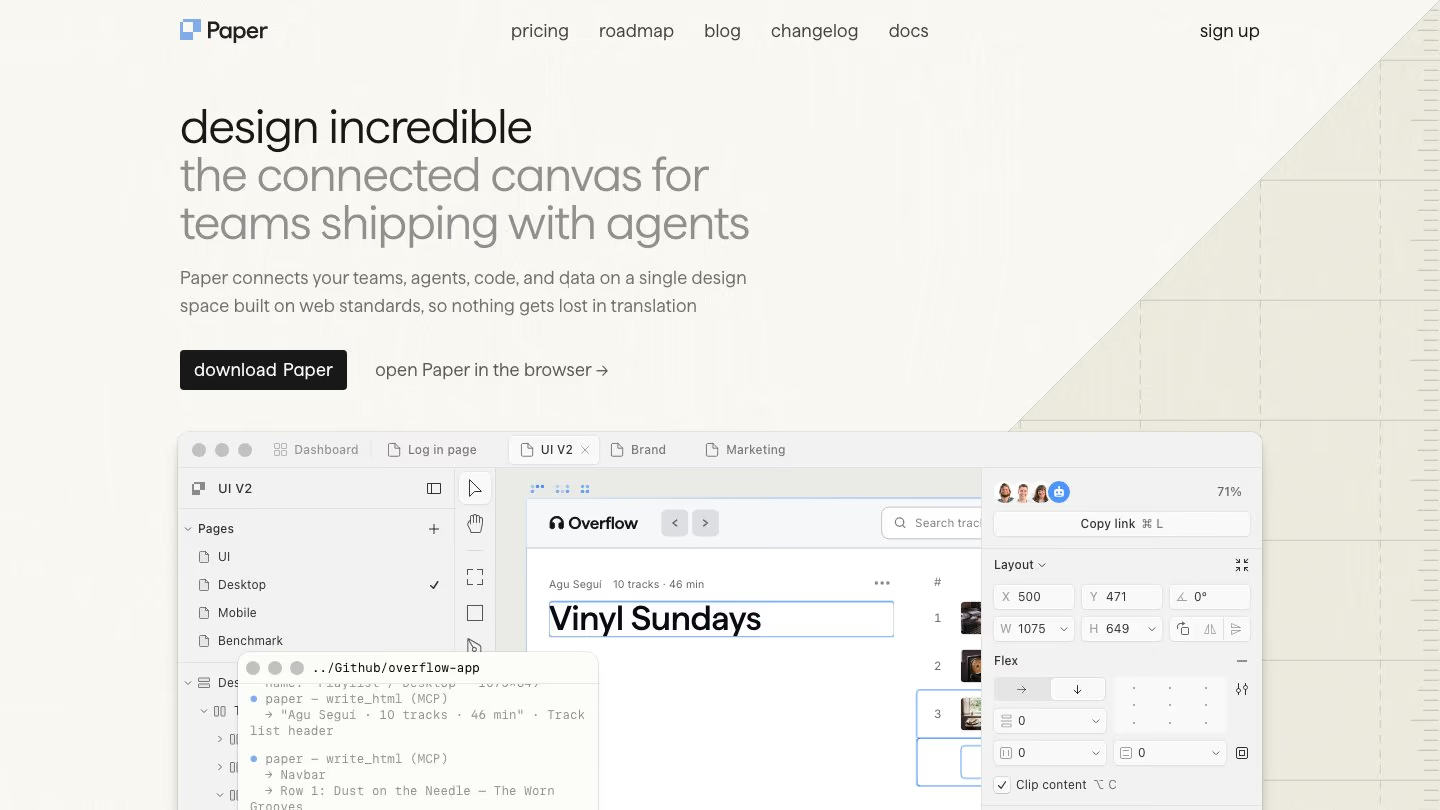
Paper is built on HTML and CSS standards, so there's no translation step between your design and the browser. Agents like Claude Code, Codex and Cursor connect through the Paper MCP server. They can generate layouts, pull in real content or turn a selected frame into code.
It also supports P3 and OkLCH color, shader effects and real flexbox. You can bring in content from any webpage with the Snapshot browser extension, or paste designs from Figma or HTML.
Paper runs in the browser and as a desktop app. Collaboration is free, including for editors, and you can leave comments for your teammates and your agents.
Where Paper may not fit
- Paper doesn't come with its own design agent. You either design by hand, or connect your own agent, like Claude Code, Codex or Cursor, over MCP to generate layouts and edit your designs.
- It doesn't have a native component system or shared libraries yet. Tokens don't sync across files, and theme modes like dark mode are still on the roadmap.
- Vector editing is still early, in Paper's own words. You can import, generate and edit SVGs, and draw paths with the pen tool, but boolean operations and SVG shape tools are still on its roadmap.
- Paper doesn't document a way to prototype, or to preview a design as a working page. It doesn't document version history either.
- Your agent needs Paper Desktop running to work on your files. The free plan includes 100 MCP tool calls a week.
- Paper can't design with your existing code components yet. That's in progress on its roadmap.
- Its API isn't public, and there's no open-source or self-hosted version of the editor.
For each alternative below, you'll see what it gives you that Paper doesn't, and what you give up.
6 Paper alternatives worth trying
1. pen.dev
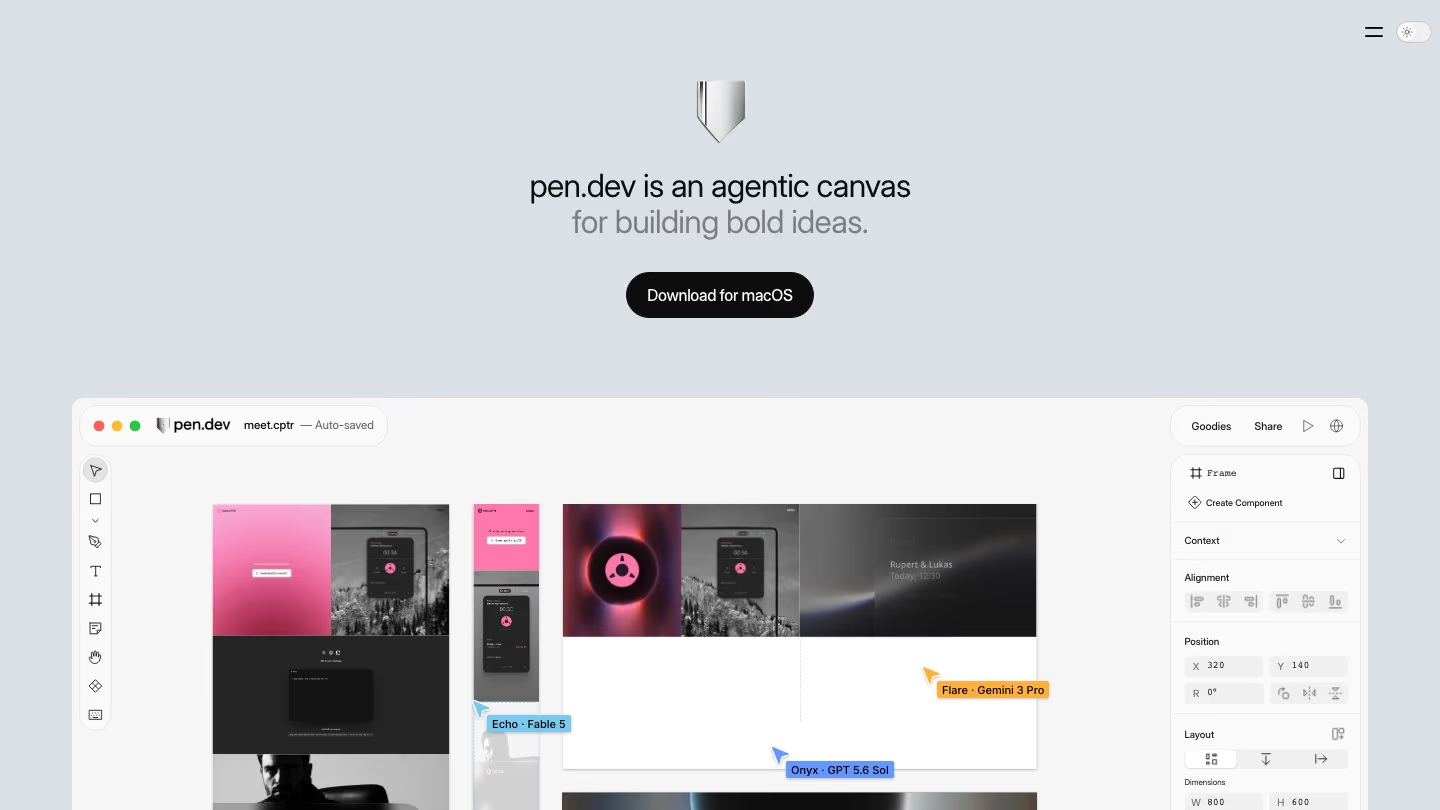
pen.dev is the closest to Paper in how you work: an agentic canvas that sits next to your code, with MCP for outside agents. The main difference is that pen.dev has its own agent and design system tools today.
What you get that Paper doesn't
- A built-in agent, and you can run up to 6 at once, either splitting a task or making alternatives side by side.
- Reusable components. Design a button or card once, reuse it across your designs, and update every copy by editing the original. Libraries share components across files.
- Light and dark themes for your variables, so one design can switch between modes.
- .pen design files with a published JSON schema, which you keep in your repo so Git tracks design and code together.
- A headless CLI for creating and editing designs from the terminal.
- No published limit on MCP use.
What you give up
- The canvas runs on pen.dev's own WebGL renderer, so a design isn't code until you export it or have an agent write it.
- pen.dev doesn't document multiplayer or comments. Shared links show a view-only snapshot.
2. Kombai
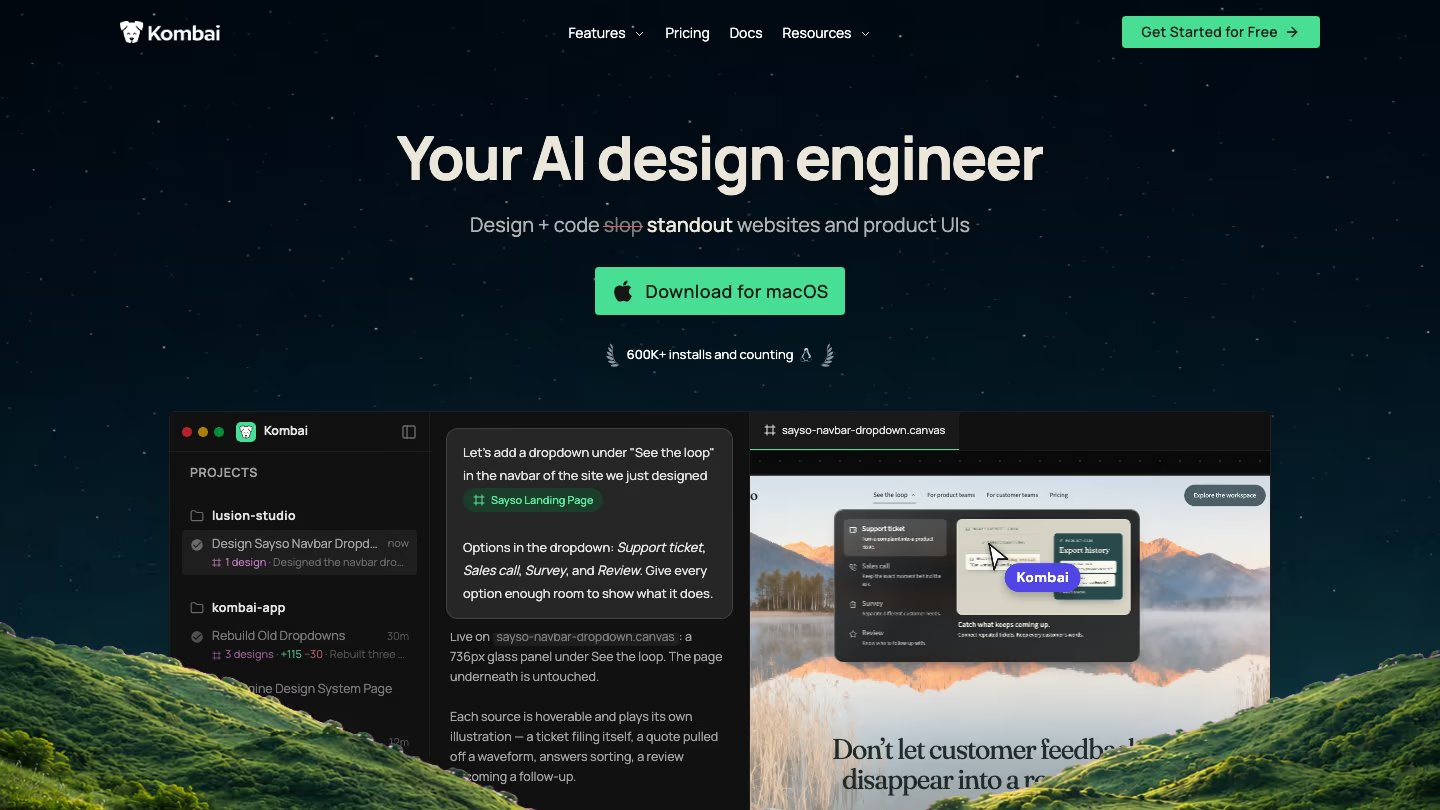
Kombai is an AI design engineer for builders and engineers who design and ship the frontend. Like Paper, its canvas designs are HTML. Unlike Paper, it makes the design decisions for you and writes the code itself.
What you get that Paper doesn't
- A taste agent that makes the design decisions for each task, from structure to visual style and motion, instead of falling back on AI defaults.
- Design systems that capture your product's full visual identity, like palette, typography and spacing. Kombai applies them when it creates new designs, and each one is available across all your projects, while Paper's tokens don't sync across files.
- 50+ models built into Kombai for design, code, images and video, including the latest from Anthropic, OpenAI and xAI. You don't need to connect an outside agent, but you can: use the Kombai MCP Server inside your coding agent, or run Claude Code or Codex inside Kombai with Local Agents.
- Design and code that stay in sync. Kombai works inside your repo, so it can read all your code files. Bring your code into the design canvas, or turn a design into code that reuses your components, tokens, types, hooks and stores.
- Canvas files that live in your project folder, so you can version them with Git alongside your code.
- Kombai Browser, a visual editor for your running app. Edit text and styles with your repo's design tokens, then send the changes to Kombai to apply in code. Kombai also tests user flows in the browser, and runs lint and build checks while it codes.
What you give up
- Kombai has no vector canvas. There's no pen tool or path editing, only basic shapes and free draw.
- There's no real-time multiplayer. You share canvas files through Git, and teammates comment on designs.
- There are no P3 or OkLCH color controls, and no shader effects.
3. Figma
Figma is the mature choice for the features Paper is still building, like components, libraries and vector tools. It also has prototyping, and outside agents can now design directly in your Figma files.
What you get that Paper doesn't
- Components and variants, plus design libraries your whole team can share.
- Vector editing with brushes and advanced stroke settings.
- Prototyping with smart animate, variables and conditional logic.
- Figma Make, which turns prompts and existing Figma designs into working prototypes, web apps and interactive UI. It can add a Supabase backend for data and secure API calls.
- Dev Mode, which shows component properties and structured layer data alongside code snippets. With a Dev or Full seat on Organization and Enterprise plans, Code Connect links the components in your design files to the ones in your repo.
- A built-in agent that works with your real components, tokens and variables. Figma says it moves out of beta on October 6, 2026, and starts using AI credits then.
- Write to canvas through Figma's hosted MCP server, so Claude Code, Codex, Cursor and other supported agents can build with your real components, variants and variables. No desktop app has to be open.
What you give up
- To get code, you use Dev Mode or give your coding agent design context through the MCP server.
- The MCP server limits the tools that read from Figma: 20 calls a month on Starter, and up to 200 a day with a Dev or Full seat on the Professional plan. Figma says some write tools are exempt.
- Agents need a Full seat to write to your files. Writing to the canvas is free in beta, but it will become a paid, usage-based feature.
Read more: 7 popular AI design tools in 2026, compared
4. Penpot
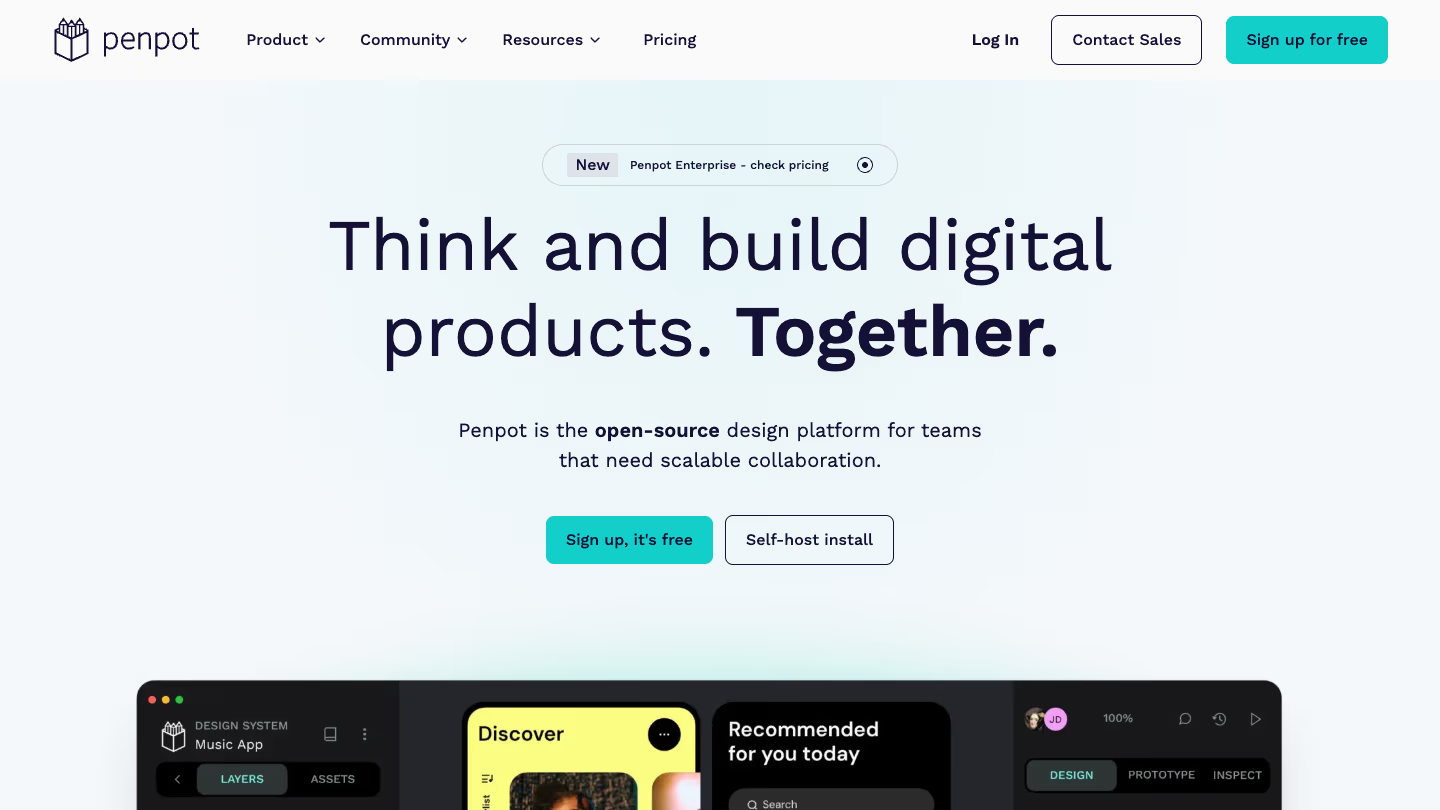
Penpot is an open-source design platform for teams. It fills Paper's component, vector and open-source gaps.
What you get that Paper doesn't
- Open source under the MPL-2.0 license. You can self-host it in a private cloud, on-premise or air-gapped, with Docker or Kubernetes.
- Components, variants and shared libraries.
- Design tokens in the W3C DTCG format, with themes for brands or modes.
- Vector editing with boolean operations, plus CSS Grid layouts, which Paper lists as planned.
- Prototyping with triggers and actions, and version history.
- An open API, plugins and webhooks.
- A free MCP server with no paywall. Penpot can host it for you, or you can run it locally. Your agent can read and change components, tokens and layers, create screens from your design system, or generate HTML and CSS from a design.
What you give up
- Designs are SVG-based vectors, not live HTML, so they need translating into code.
- Penpot has no built-in AI at all, not even image or SVG generation. All AI work goes through the agent you connect.
5. OpenDesign
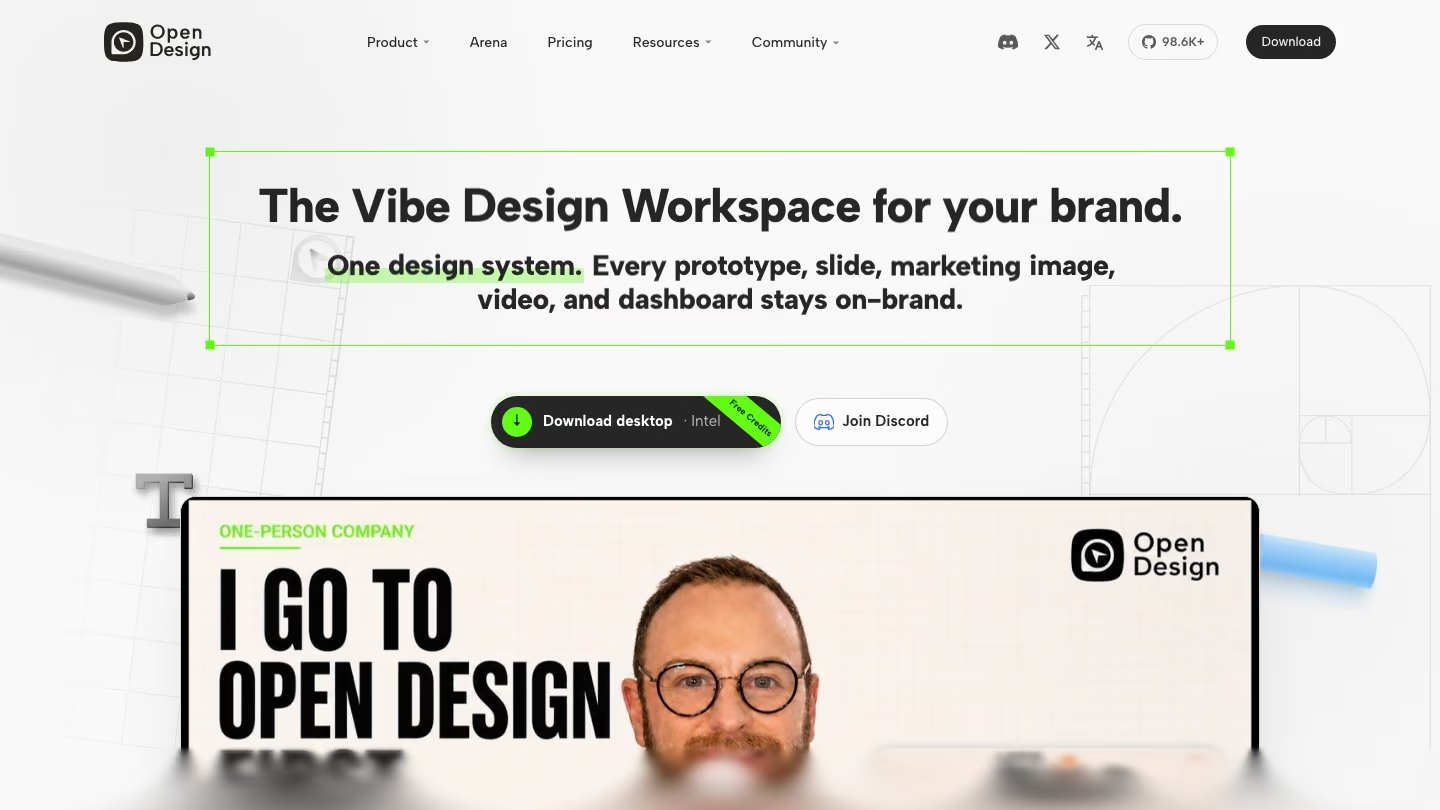
OpenDesign is an open-source, local-first design tool that runs on the coding agents you already have. It gives your agent a design workflow, and saves the results as files in your project.
What you get that Paper doesn't
- Open source under the Apache-2.0 license.
- The choice to run on your own model API key, or on 21+ coding agents like Claude Code, Codex, Cursor and Gemini CLI.
- A DESIGN.md file as the brand guide for every design, with 150+ ready-made design systems to start from.
- Designs saved as real HTML and CSS files in your project, with a live preview and export plugins for React, Next.js and Vue.
- Slide decks that export to PPTX and PDF, and HTML video.
- Memory for your choices, so later designs land closer to what you want.
- Use from inside Claude Code, Codex or Cursor without opening the app, as a skill, plugin or MCP server.
What you give up
- OpenDesign has no vector canvas. You review the agent's work in a preview and edit elements directly.
- On its paid plans, real-time collaboration is Enterprise-only.
6. Magic Patterns
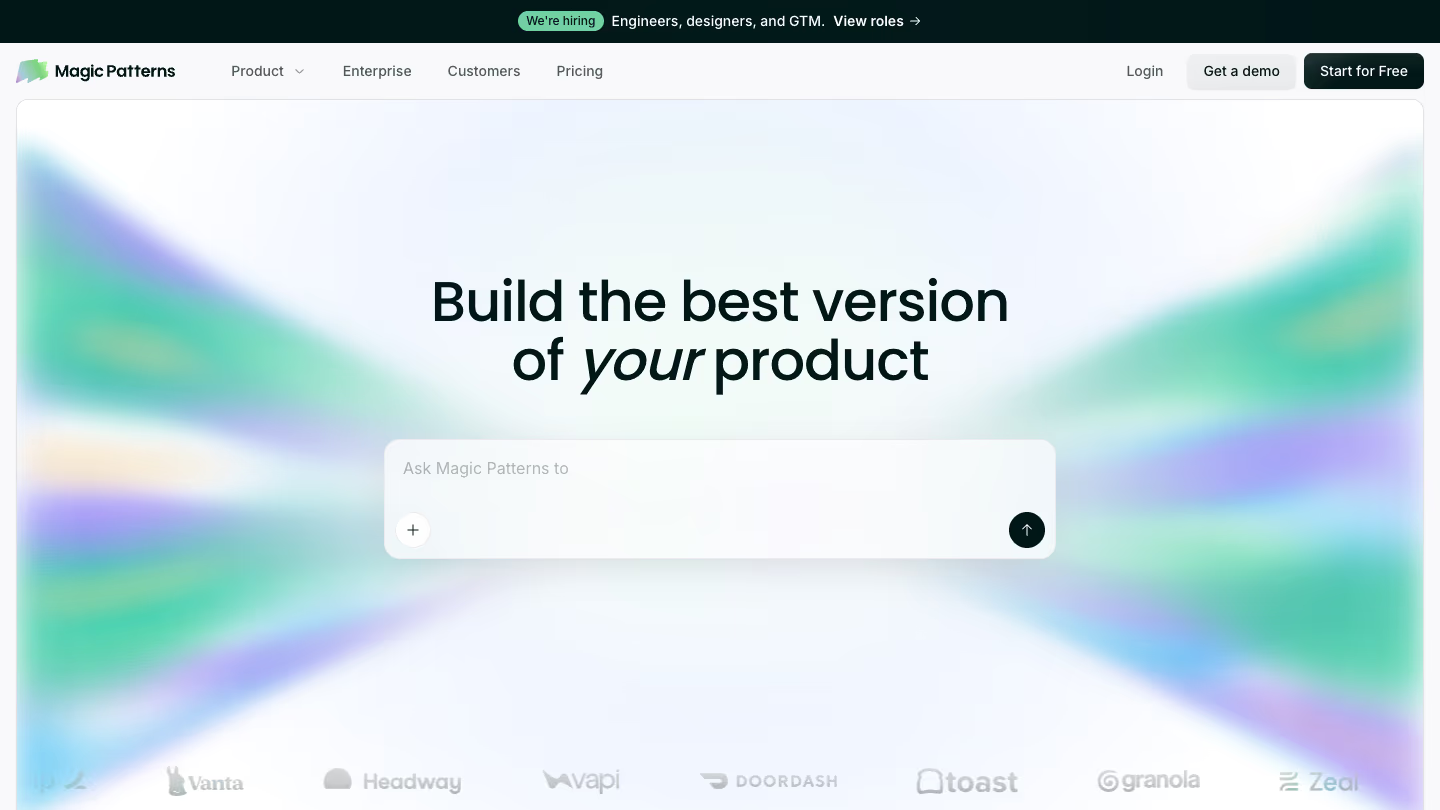
Magic Patterns is an AI design tool for product teams. It has its own agent, its designs are React code under the hood, and its focus is prototypes you can click through and share.
What you get that Paper doesn't
- A built-in agent with models from Anthropic, OpenAI and Google. It can also browse the web and generate images for your designs.
- Screens you link together into a playable prototype, and published links with a custom domain or a password.
- Built-in integrations with services like OpenAI, EmailJS and Shopify, so a published prototype can call real services when someone uses it.
- A design system imported from GitHub, an npm package, Figma or your website.
- Version history for every design.
- A hosted MCP server that works in Claude.ai on the web.
What you give up
- GitHub sync creates a new repository from a React + Vite template. You can also connect an existing repo, which the agent reads as context.
- Design systems, MCP and GitHub sync need a paid plan.
- Figma import works one frame at a time, and exports to Figma are static snapshots.
Which Paper alternative should you pick?
Paper is a strong canvas for designers who want to work alongside their agents. If something is missing for you, pick the alternative that fills that gap.
If you want the agent to make better design decisions for you and build the result in your repo, start with Kombai. It also codes in your stack with built-in best practices for 400+ frontend libraries, and consistently reuses your existing codebase items like components, tokens and hooks.
Otherwise, pick pen.dev for an agentic canvas, Figma for mature components and prototyping, Penpot for open source, OpenDesign for a local tool on your own agents, or Magic Patterns for clickable prototypes.