
Best Google Stitch alternatives in 2026
For a long time, making a decent-looking screen meant knowing a design tool. Google Stitch made it as simple as describing a page. You compare up to five variations and test the one you like as a clickable prototype.
But Stitch is mainly built for going from an idea to a prototype. You can't design with your existing code components or choose a non-Google model.
If either of these matters to you, we've picked 6 alternatives, and each one does something Stitch doesn't.
What Stitch does well
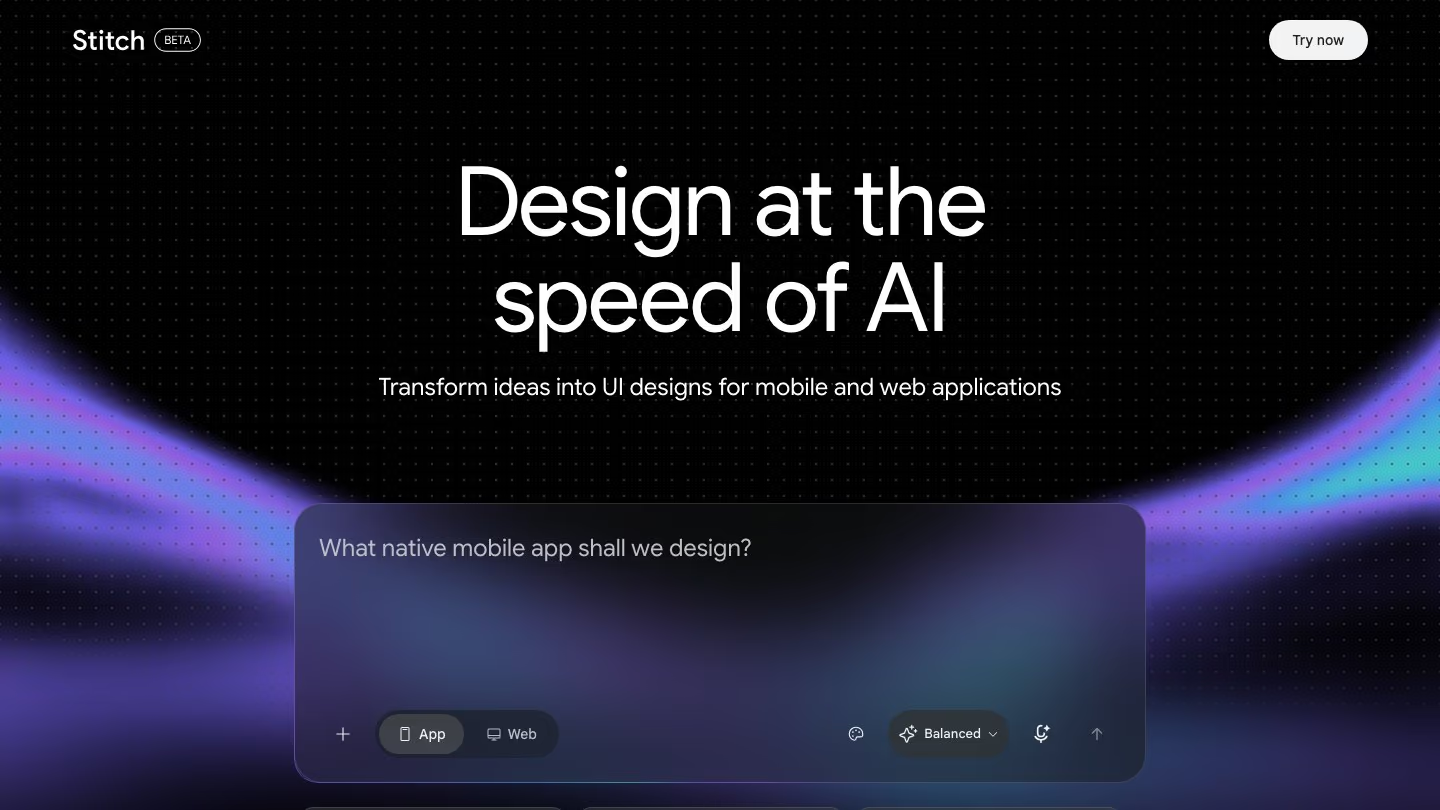
Stitch keeps your design rules in a DESIGN.md file that you and your agents can both read. Write it yourself, or have Stitch create it from a description, a website URL or an image of your brand.
Stitch has four Design Modes, each built for a different job:
- Thinking with 3 Pro reasons through complex pages, like dashboards.
- The Redesign agent restyles a dated interface in an aesthetic you name, like Bento Grid or Brutalist.
- 2.5 Pro gives you high-fidelity HTML, and a second take to compare with Thinking with 3 Pro.
- Fast makes quick wireframes, and works best for Figma export.
Stitch is currently free to use, with a daily credit limit. You can start from a template, or describe what you want and add a screenshot or sketch, then choose how different each round of variations should be, from Refined to Creative. Coding agents like Claude Code, Cursor and Gemini CLI can also work on the same projects through its MCP server.
When you're done, export to Figma or download the HTML.
Where Stitch may not fit
- Stitch designs with its own components, not the ones your product is already built from.
- Stitch only runs on Google's models, Gemini and Nano Banana Pro, even when a coding agent sends the request via MCP.
- It doesn't plan a design around what the page is for. Without clear style keywords or a full DESIGN.md, it uses default fonts, colors and spacing.
- You can't edit elements directly. To change anything, even a small detail, you prompt Stitch or edit the whole theme.
- Code export is HTML and CSS. For other tech stacks, such as React, Vue, Flutter or SwiftUI, Google suggests converting it with an LLM.
6 Stitch alternatives worth trying
1. Kombai
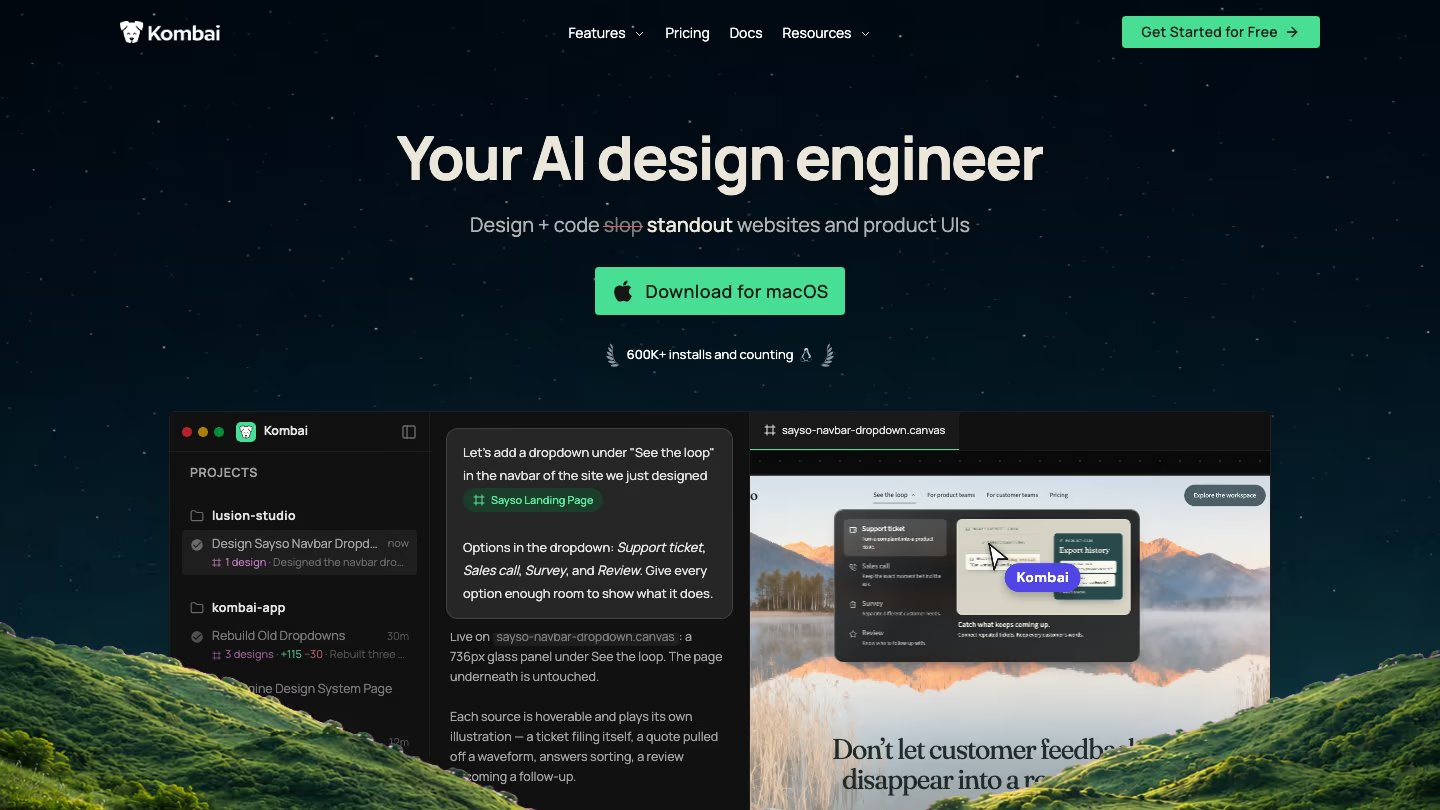
Kombai is an AI design engineer for builders and engineers who design and ship websites and product interfaces, end to end.
Every design you see on the canvas is live HTML, with working states and animations. So the hover effects and motion you try there are exactly what you'll get in your product.
You can also continue your Stitch work in Kombai. Import a Stitch design as an HTML file, then refine it on the canvas, explore new variations, create a design system from it, or have Kombai build it in your codebase.
What you get that Stitch doesn't
- A taste agent that plans structure, hierarchy, visual style and motion around each design's purpose.
- Up to 3 refinement passes on each design before it appears on the canvas, so the first version you see has already been reviewed and improved.
- Variation presets that push new options toward a different style, structure, interaction or screen size.
- A design editor, so you can change text, colors, spacing and layout yourself, or edit the HTML and CSS directly.
- A canvas synced with your codebase. Redesign any existing page from your repo and let Kombai build it for you, using your existing components, tokens, hooks and types.
- 50+ models for design, code, images and video. You can also run Claude Code or Codex inside Kombai with Local Agents, or use the Kombai MCP Server from your coding agent.
What you give up
- There's no clickable prototype that links screens together, like Stitch's Prototype.
- Kombai runs as a desktop app or an editor extension, not in the browser.
- Kombai doesn't export to Figma. You can save designs as PNG or HTML.
2. Claude Design
Claude Design builds designs, prototypes and one-pagers with your real design system components. It also checks its own output against your design system and fixes mistakes before you see them.
What you get that Stitch doesn't
- Direct editing on the canvas. Comment on any element, edit text, drag, resize and align elements, or use the sliders Claude creates to tune spacing and color.
- A hand-off to Claude Code that continues from the design itself, instead of starting over from scratch.
- Exports as a .zip, PDF, PPTX or standalone HTML file, or a send to tools like Canva, Lovable, Vercel and Miro.
What you give up
- There's no Figma export.
- You can't go back to an earlier version of a design yet.
Read more: Best Alternatives to Claude Design in 2026
3. Figma
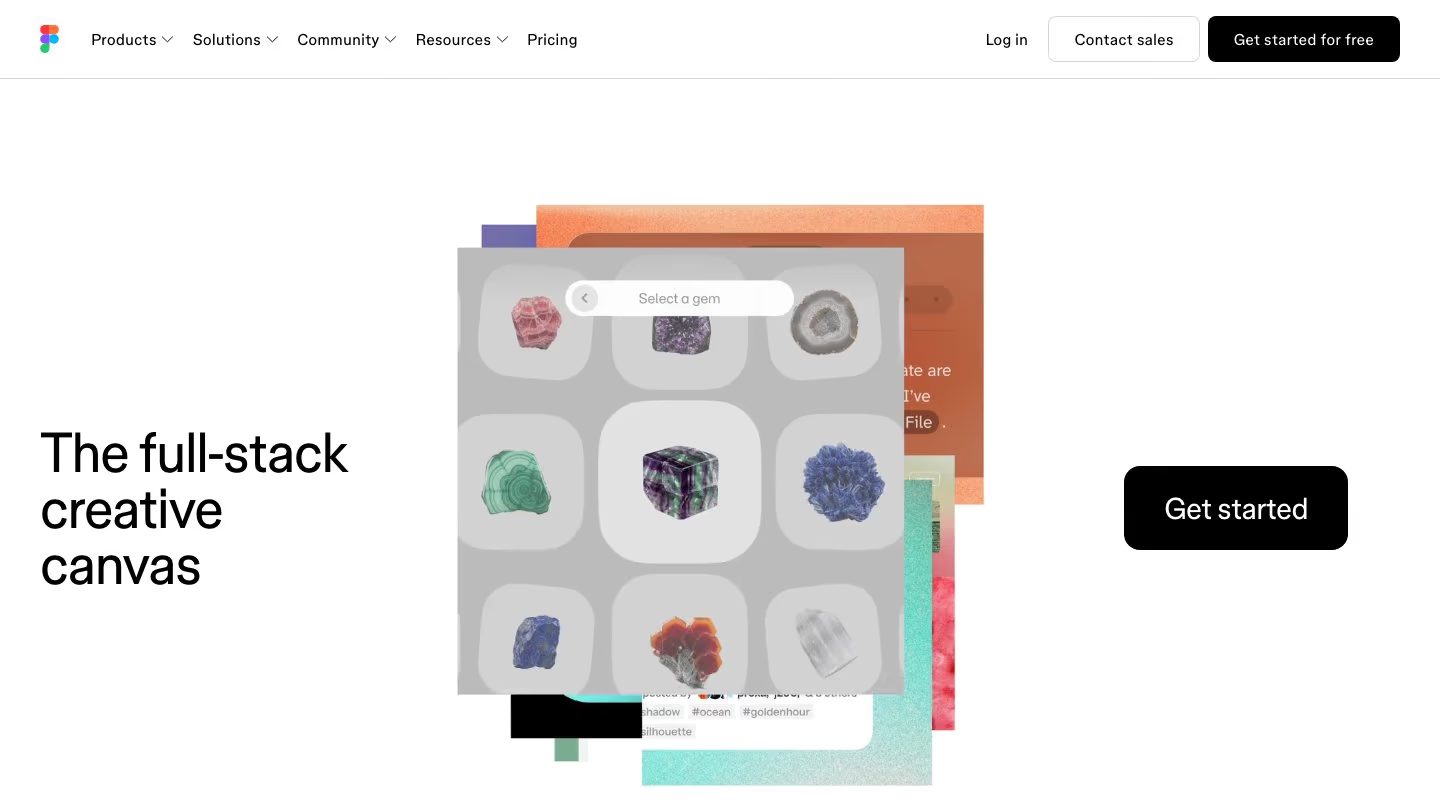
Figma has its own AI agent inside Figma Design. It creates designs, adjusts layouts and gives feedback from a chat, using the components, styles and variables from your connected libraries.
Figma Make is a separate tool that turns a prompt or an existing Figma design into an interactive app you can preview and edit in code.
You can also continue your Stitch work in Figma. Export your Stitch design to Figma and refine it with the agent, or paste frames and images straight into the agent's chat.
What you get that Stitch doesn't
- An agent that designs with your team's components, styles and variables. Connect a library to the chat, then type @ to reference a specific component, variable or style.
- Full manual editing, with vector tools, auto layout, components and prototyping in Figma Design.
- A choice of models in Figma Make, including GPT, Claude and Gemini models.
- Code Connect, which links the components in your design files to the ones in your repo, on Organization and Enterprise plans.
What you give up
- The agent uses AI credits, from the same pool as Figma Make. The free Starter plan includes 500 credits a month, with a limit of 150 a day.
- Only Full seats can use the agent in your team's files.
- Developers need a paid Dev or Full seat to inspect designs and grab code in Dev Mode.
- Figma Make can't work on your existing repo. It only pushes code to new repos it creates.
- Editing and polishing a design by hand takes time to learn, because Figma is a full professional design tool.
Read more: 7 popular AI design tools in 2026, compared
4. v0
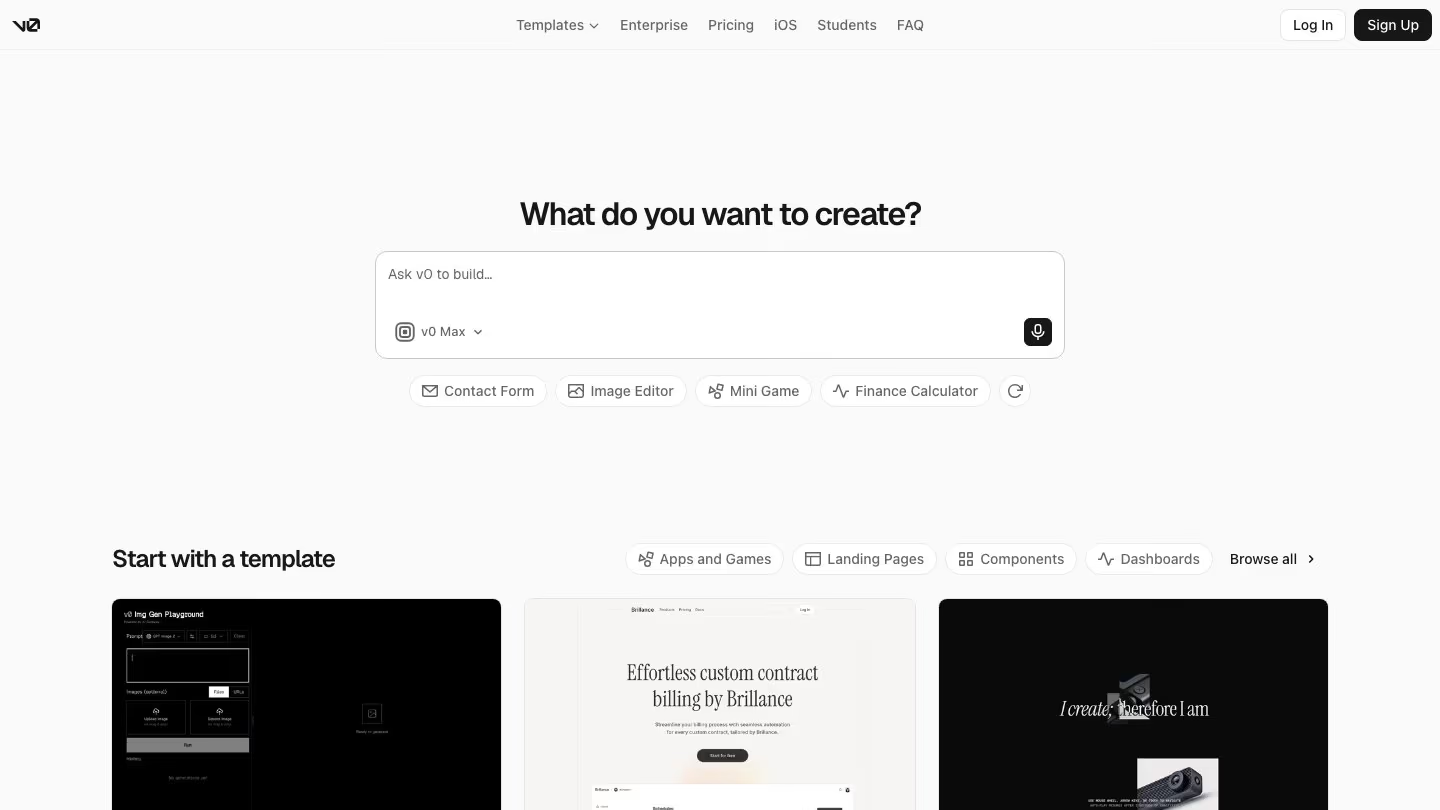
v0 builds full-stack Next.js apps from your prompts. Describe what you want, and it generates the UI and backend logic, with a live preview you can click through as it builds.
Instead of handing you HTML, v0 works in a real repo. Changes land on a working branch with its own preview deployment, and publishing opens a pull request and merges it into your base branch.
What you get that Stitch doesn't
- Select any element in the preview, change its typography, colors, spacing, borders, corner radius or shadows in a visual panel, and v0 writes the change back to your source code.
- A model picker with v0's own tiers, plus models like Claude Opus 5 and GPT-5.6 Sol.
- Code in Next.js, React, TypeScript, Tailwind CSS and shadcn/ui, with integrations like Supabase and Neon for your backend.
- Import of an existing GitHub repo, with a working branch and preview deployment for your changes.
- Add your own MCP servers to v0, or let another agent use v0 through its MCP server.
What you give up
- The free plan allows 7 messages a day.
- Importing a Figma design needs a paid plan.
- v0 works best with Next.js, Tailwind and shadcn/ui, so other stacks get weaker results.
- There's no canvas for comparing design directions side by side, like Stitch's variations.
5. Lovable
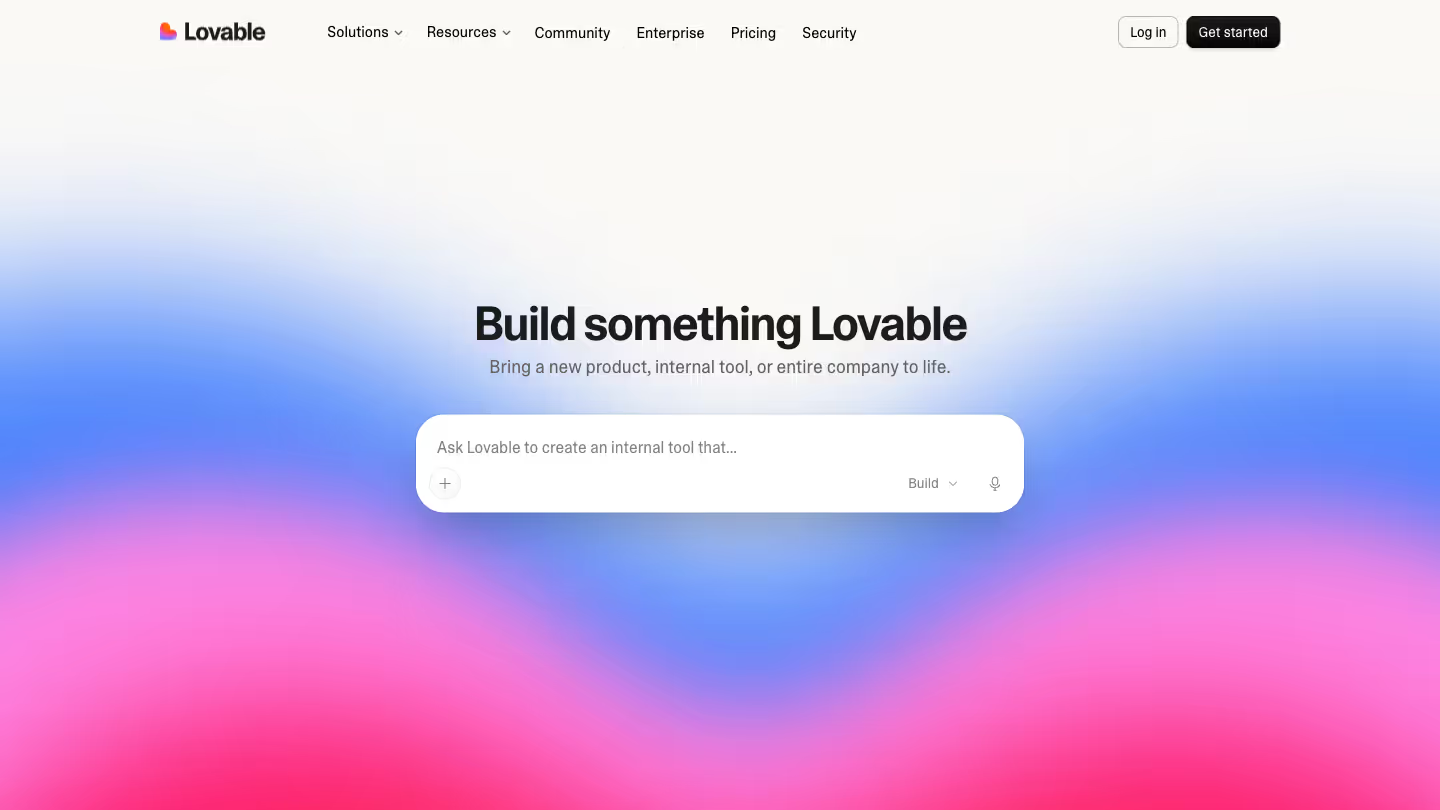
Lovable is a full-stack AI platform for building web apps in plain language. You describe the app, and Lovable generates the frontend, backend, database, authentication and integrations as editable code, then hosts it when you publish.
Before it builds a new app, Lovable can show you three design directions, each a different visual approach, so you settle on a look before any code is written.
What you get that Stitch doesn't
- Three design directions for a new app, with follow-up questions about typography, color and layout.
- A built-in backend, Lovable Cloud, with a database, storage, authentication, realtime and functions.
- Two-way sync with GitHub, GitLab or Bitbucket, available on the free plan.
- Each teammate can work in their own draft, which reaches the project only when someone accepts it.
- A preview toolbar, where you select elements to change, draw annotations, or edit text inline without a prompt.
What you give up
- Git sync is export only. You can't import an existing repo into Lovable.
- Only text edits skip the prompt. Other changes in the preview still go through the agent and use credits.
6. Bolt.new
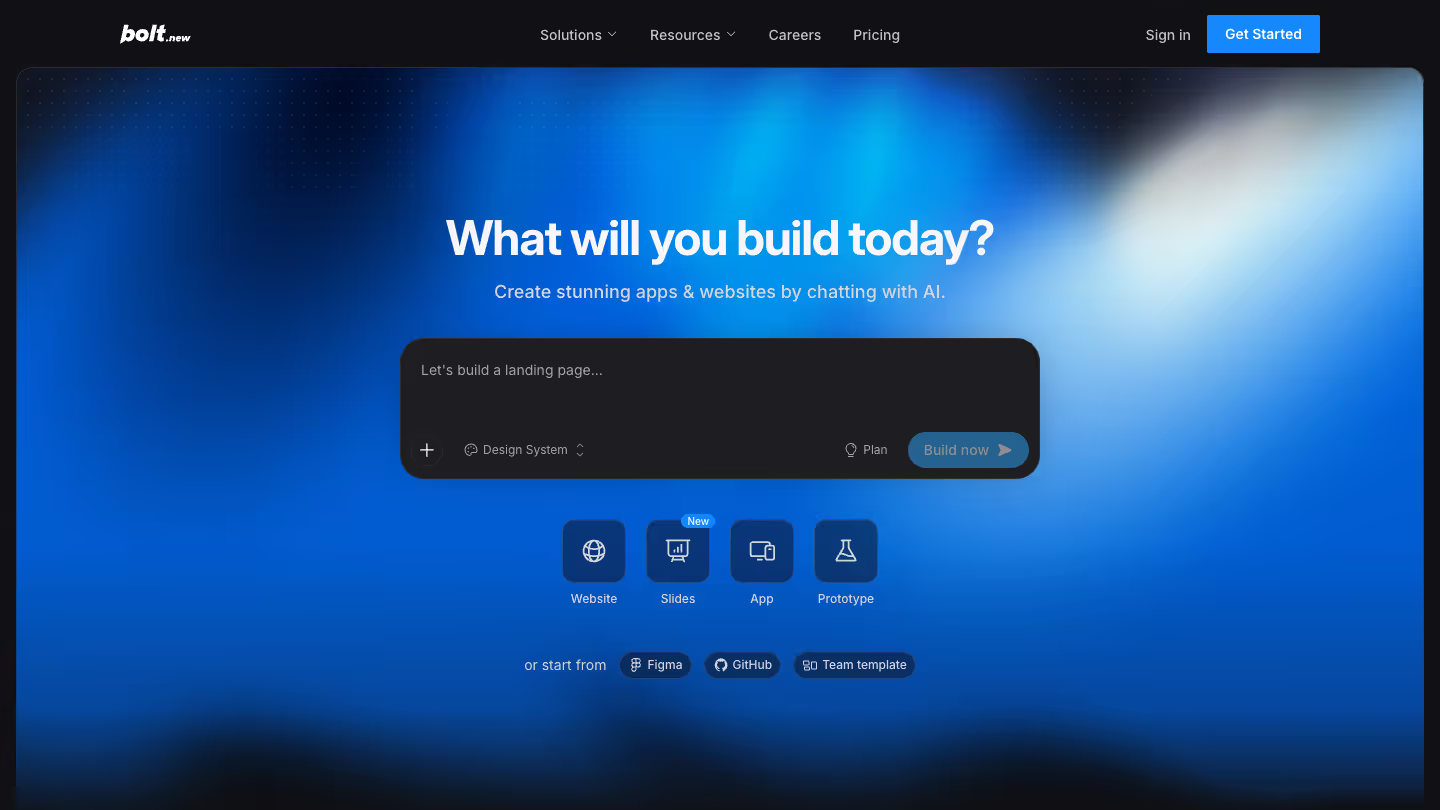
Bolt.new is an AI builder for websites, web apps and mobile apps that runs in your browser. It builds full-stack apps, and Bolt Cloud adds databases, authentication, hosting and domains to every project.
Bolt also has the most direct path from Stitch. In Stitch's Export menu, choose Bolt, and it opens with your page screenshots and HTML attached and a prompt already written to build them. Download your DESIGN.md from Stitch separately, and add it to your Bolt project so new pages follow it.
What you get that Stitch doesn't
- Visual edits. Select an element in the preview to change its text, colors, font size, formatting or alignment, then save the batch to your code.
- A backend with Bolt Cloud, including unlimited databases, sign-ups and logins, file storage and hosting.
- A GitHub commit for every change that doesn't break the project, and import of a repo you already have.
- Real-time multiplayer on public projects, with one shared chat thread.
What you give up
- There's no Figma export, and Figma import works one frame at a time.
- In multiplayer, Bolt runs one prompt at a time, and the rest wait in a queue.
Which Stitch alternative should you pick?
Stitch is a quick, free way to go from an idea to a clickable prototype. The question is what you need once the prototype is done.
If you want to go beyond a prototype and ship standout designs you'd be proud of in your real, working product, use Kombai. It plans every design around the page's purpose and refines it before you see it. Then it builds the one you pick in your codebase, following your conventions and best practices for 400+ frontend libraries.
You can also start with Claude Design if your team already pays for Claude, or Figma if you manage your whole design system there. And if you only need prototypes, Stitch is a great tool to stick with, or try Lovable or Bolt.new to ship prototypes quickly and consistently.