
Best Mobbin alternatives for humans & agents
Studying how real products solve a problem used to be a designer's job. Now anyone can do that with the help of AI agents. Mobbin already offers an MCP to let agents search its vast library and find results.
Even though Mobbin covers a lot, much of it is behind a paywall. We tried to find alternatives to Mobbin that you can use. And while some of them are still paid, there are libraries like Kombai Gallery, Banani and VP0 that you can use completely free.
What Mobbin does well
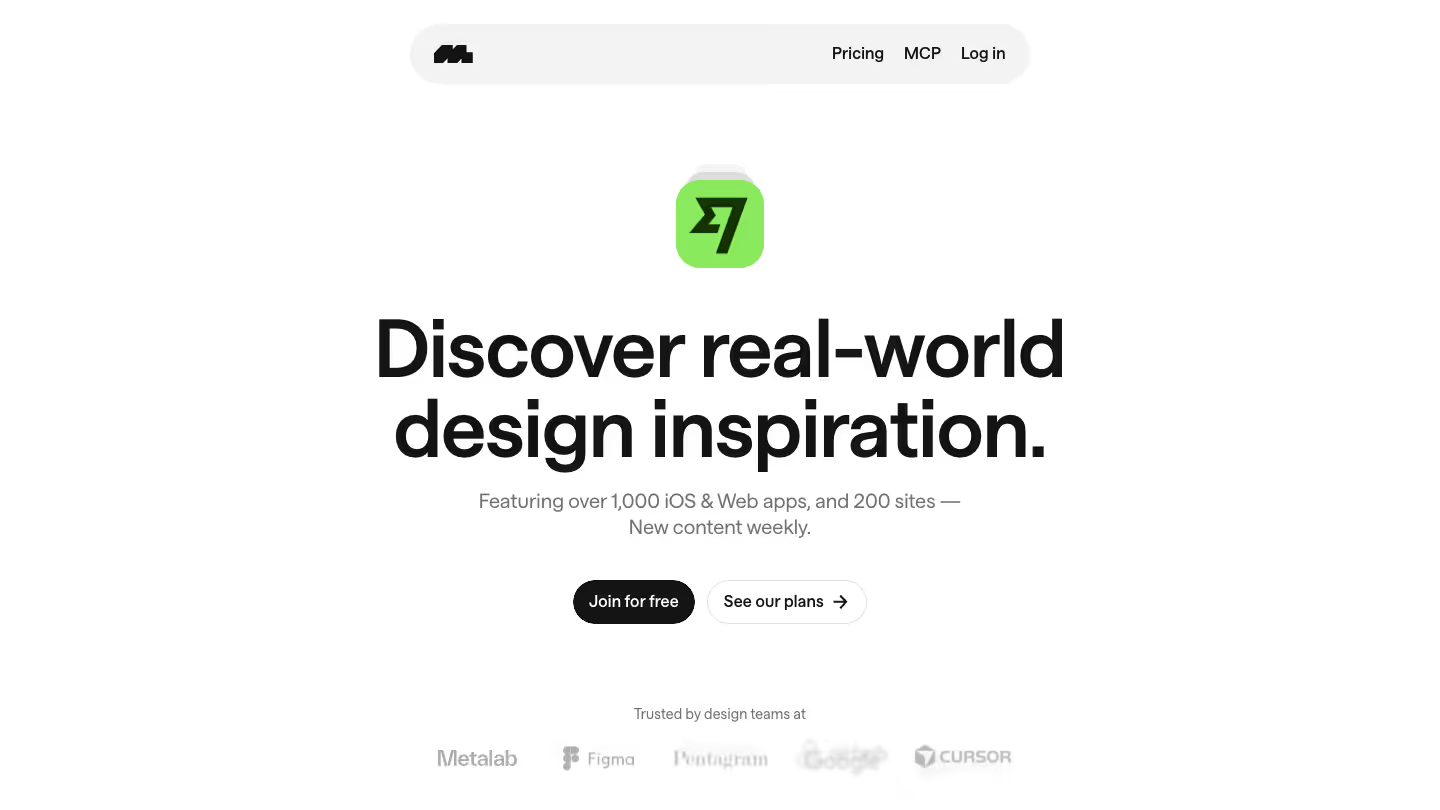
Mobbin is a library of screens and flows from real mobile apps, web apps and websites. It covers 1,428 apps, 621,500+ screens and 323,900 flows, with new content added weekly.
You can browse screens, flows and UI patterns, search by the text on a screen, and save references to collections. On eligible plans, you can also copy them into Figma.
AI agents can use Mobbin MCP to search screens, flows and website sections and get screen images back in the response. It's available on Pro, Team and Enterprise plans.
Where Mobbin may not fit
- Much of Mobbin is paywalled. On the free plan, you'll see only some apps and sites, with no flows, animations or search.
- MCP is only available on the Pro, Team and Enterprise plans.
- There's no monthly billing. The Pro plan is $10 a month billed yearly, or $15 a month billed quarterly. The Team plan is $16 per member per month, billed yearly.
- There's no way to hand a reference to your agent as a ready-to-use prompt.
9 Mobbin alternatives worth trying
First, a disclosure: Kombai Gallery is ours. We've held it to the same standard as the others and listed what it doesn't do.
For every tool, we looked at what's free, what it covers and how it works with a coding agent. Our sources are each tool's own site, docs and pricing pages, checked on October 1, 2026.
1. Kombai Gallery (free, web and mobile)
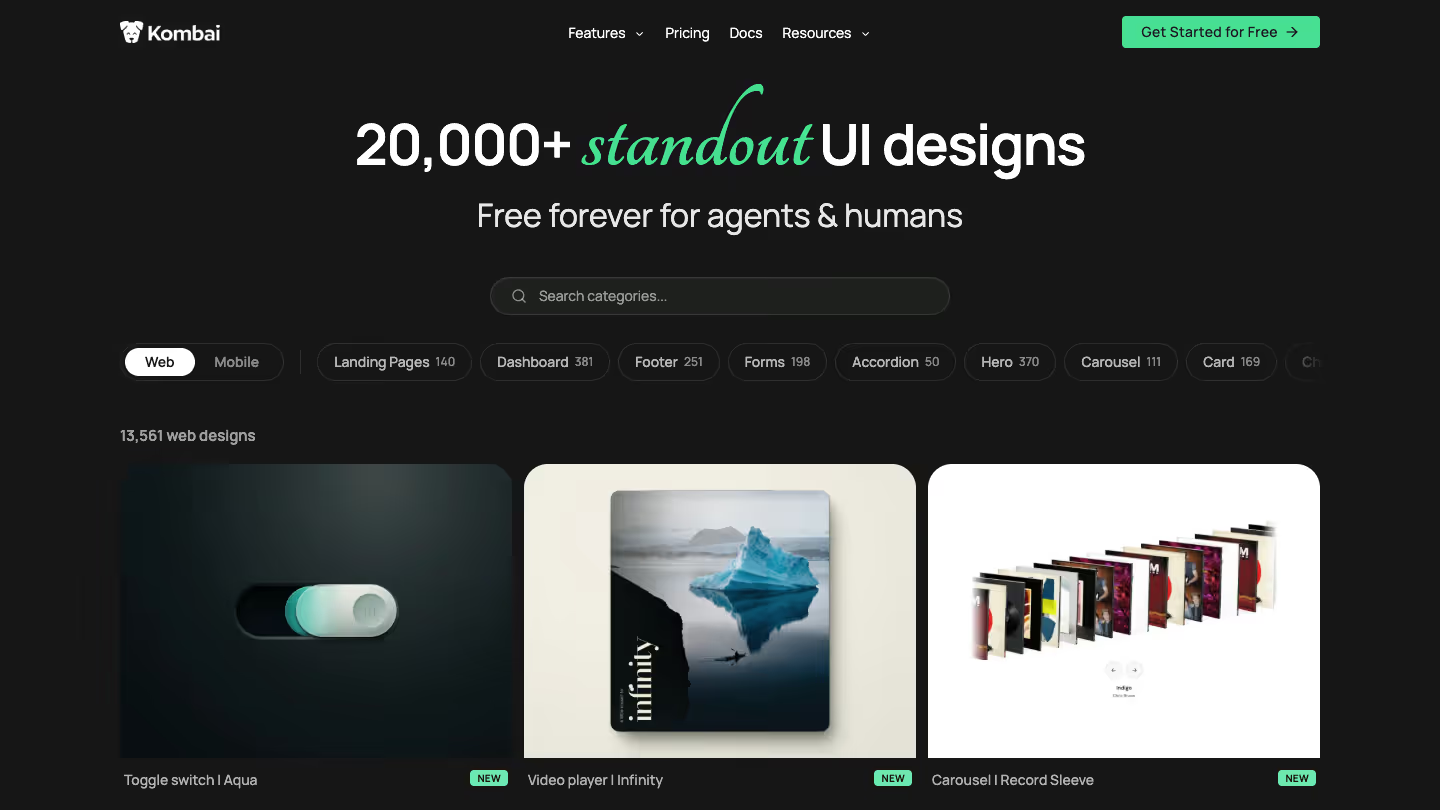
Kombai Gallery is a forever-free library of 20,000+ curated UI designs, made for humans and AI agents. You browse web (13,561 designs) and mobile (6,649) by category and preview each design live.
What it does well
- You can copy any reference with a pre-filled prompt, ready to paste into Kombai, Claude Code, Codex, Cursor or any other agent.
- You can browse web designs by category, from landing pages, heroes and navbars to dashboards, forms and animations, plus complete design systems.
- You can study common product flows on mobile, along with screens, sections, components and UI patterns.
- You can access the same library inside Kombai as Inspirations, from chat, the right panel, the canvas or the
/Find Inspirationsskill. - You can send a reference to your chat with Refer, along with its matching Kombai skill, or put it on the canvas with Save to canvas.
- You can give your agent design tokens and files with every landing page in Inspirations.
Where it falls short
- The library is much smaller than Mobbin's.
- You browse by platform and category, not by app.
- There's no revenue data and no flow recordings.
- You can't save collections, share with a team or copy into Figma.
Read more: 7 popular AI design tools in 2026, compared
2. Refero (limited free tier, web and iOS)
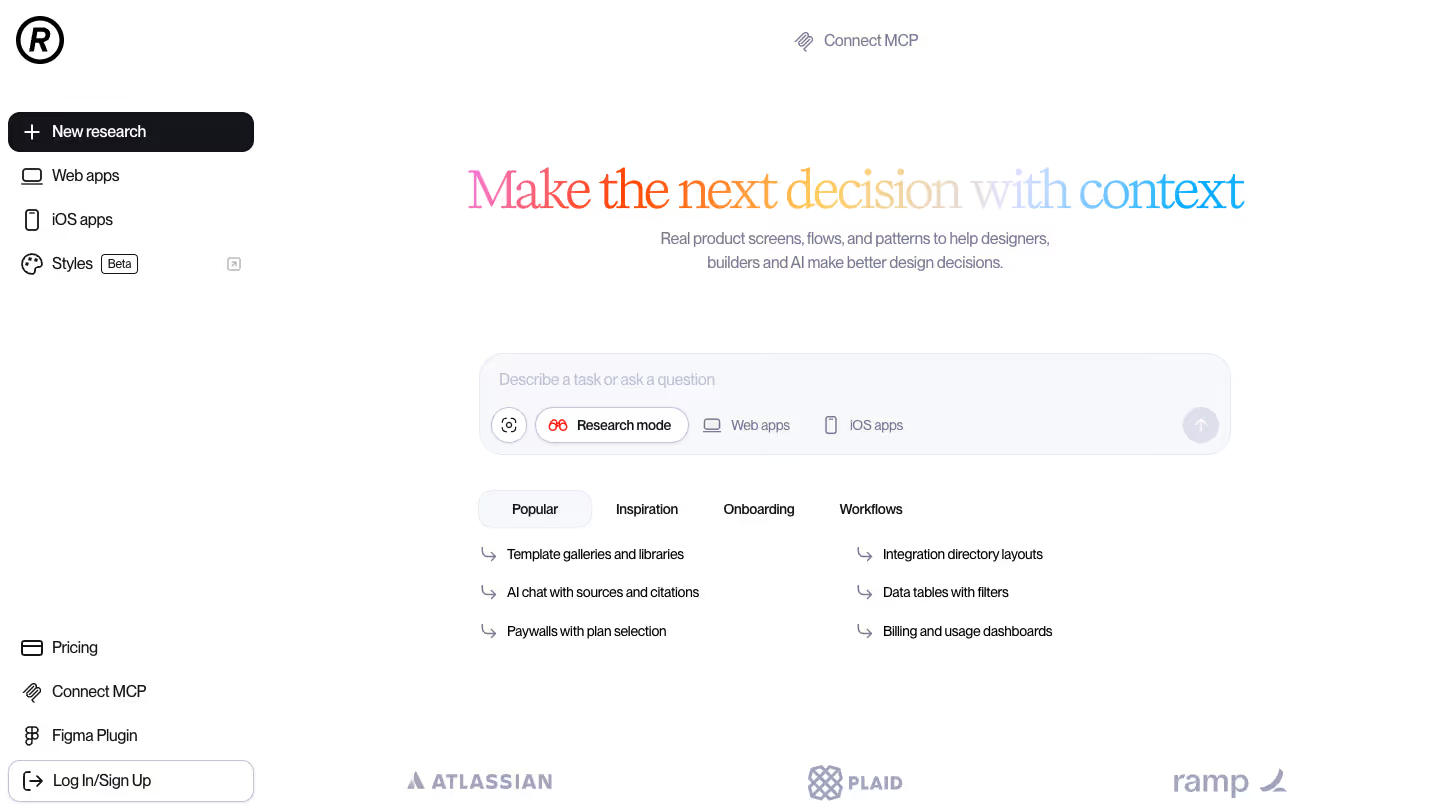
Refero has 142,000+ real screens from 400+ web and iOS products, with flows and patterns, much like Mobbin. The difference is its research mode, where you describe a task and get references back with reasoning.
What it does well
- You can study a product's styles (in beta): its visual direction, tokens, typography, spacing, surfaces and component feel, separate from its screens and flows.
- You can give your agent an MCP with a dedicated tool for styles, alongside tools for sites and apps, screens and flows.
- You can have your agent follow the Refero Skill, a research-first method. It forms a brief, researches styles, screens and flows, then builds against craft rules for type, color, spacing and motion. It works with Codex, Claude Code, Cursor, Gemini CLI and Lovable.
- You can pay once with the Lifetime plan, which includes MCP.
Where it falls short
- The free plan gives you basic search over about 3% of the collection. It has no MCP or Figma plugin, and flows are part of Pro.
- MCP and the Skill's live research need a paid plan, and there's no free trial.
- It only covers web and iOS, with no Android.
3. Page Flows (paid with 3-day trial, iOS, Android and web)
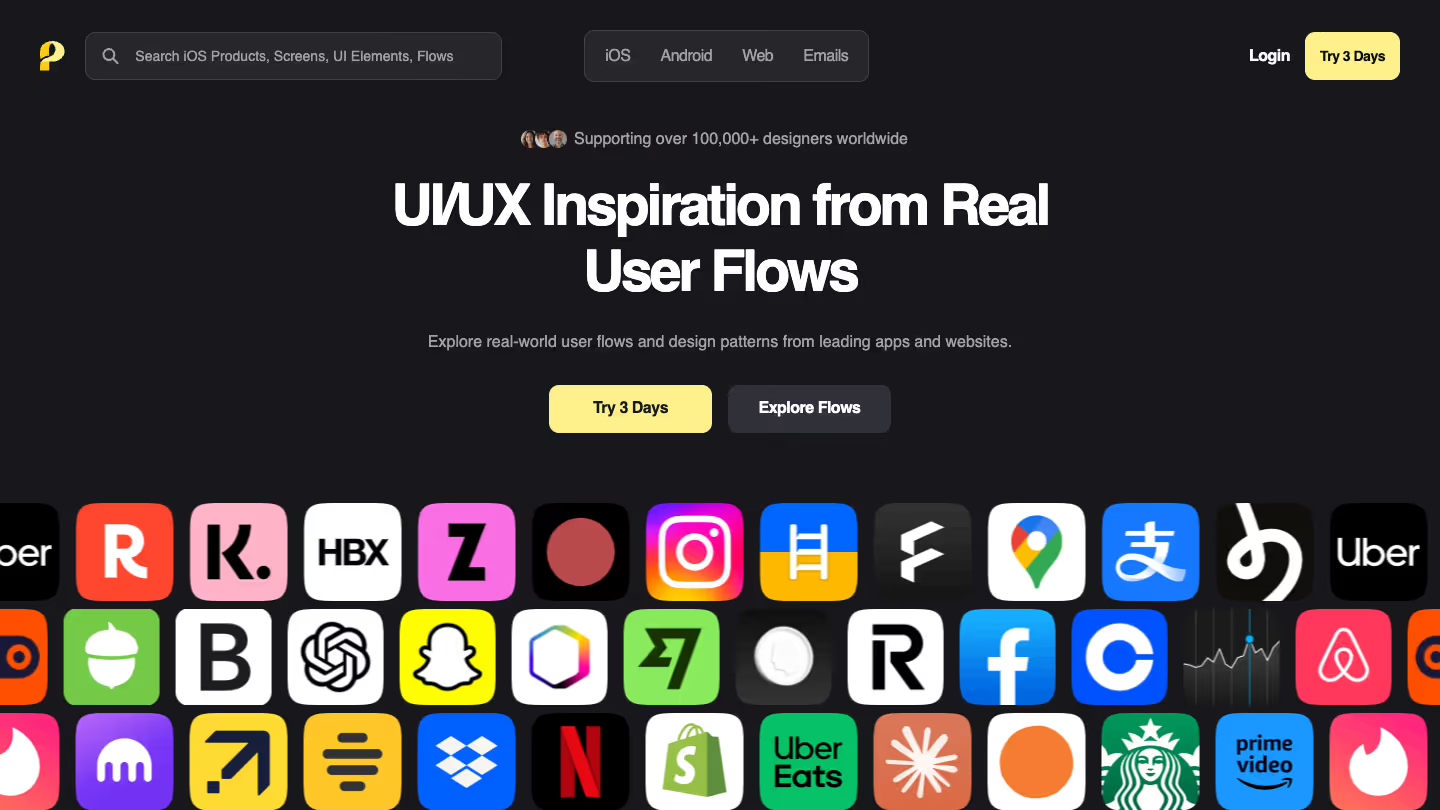
Page Flows records its flows as video, with annotations, so you see the transitions and states a screenshot misses. Flows cover onboarding, login, checkout, booking and account management, and its homepage lists 100,000+ recorded flows, screens and UI patterns.
What it does well
- You can follow step-by-step annotations that point out UI and UX details as the flow plays.
- You can study email flows, and Android apps alongside iOS and web.
- You can pay less per year: $99, against Mobbin Pro's $120.
Where it falls short
- There's no free plan, just a 3-day trial.
- There's no MCP server or other way for your agent to use it.
4. 21st.dev (free to browse, React components)
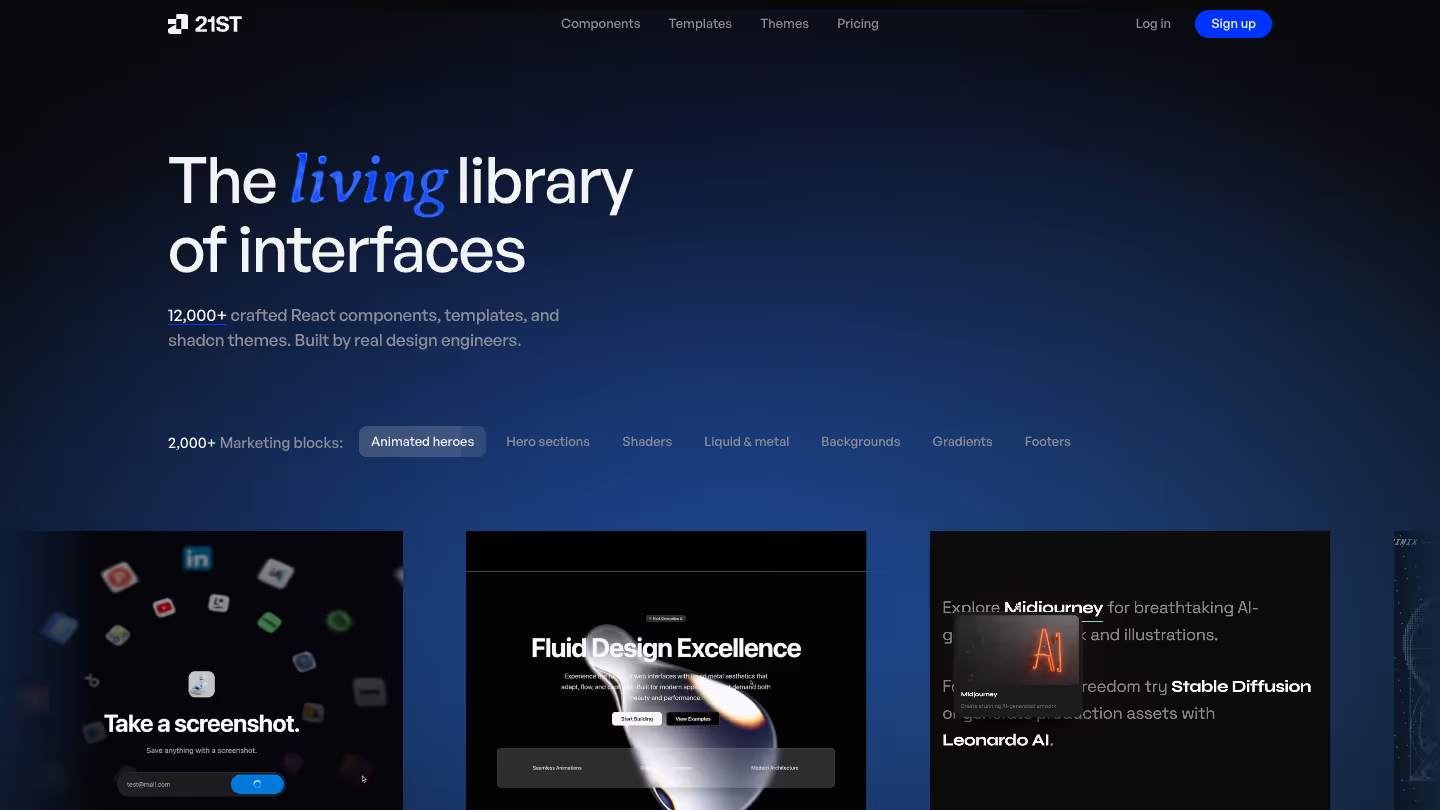
21st.dev is a registry of 12,000+ React components, templates and shadcn themes, built by a community of design engineers, that you copy into your repo.
What it does well
- You can copy components as code. They're React and Tailwind, follow shadcn/ui conventions, and land in your repo as source you own and edit.
- You can copy the prompt on any component, paste it into Cursor, Claude Code, Codex, v0 or Lovable, and the agent builds the component inside your project.
- You can let your agent search and install components through an MCP server or the CLI (
npx 21st). The Builder plan lists unlimited installs. - You can bookmark components in personal or team-shared lists.
- You can use 21st AI, an add-on, to generate a component in several variants, remix any community component and refine your pick in chat.
Where it falls short
- There are no references from real products, so there are no shipped apps, flows or screens to study.
- Free accounts get 2 component copies a day. Unlimited copies start at the Builder plan, $6 a month billed yearly, and 21st AI needs credits.
- It's React and Tailwind only.
5. Nicelydone (limited free tier, SaaS)
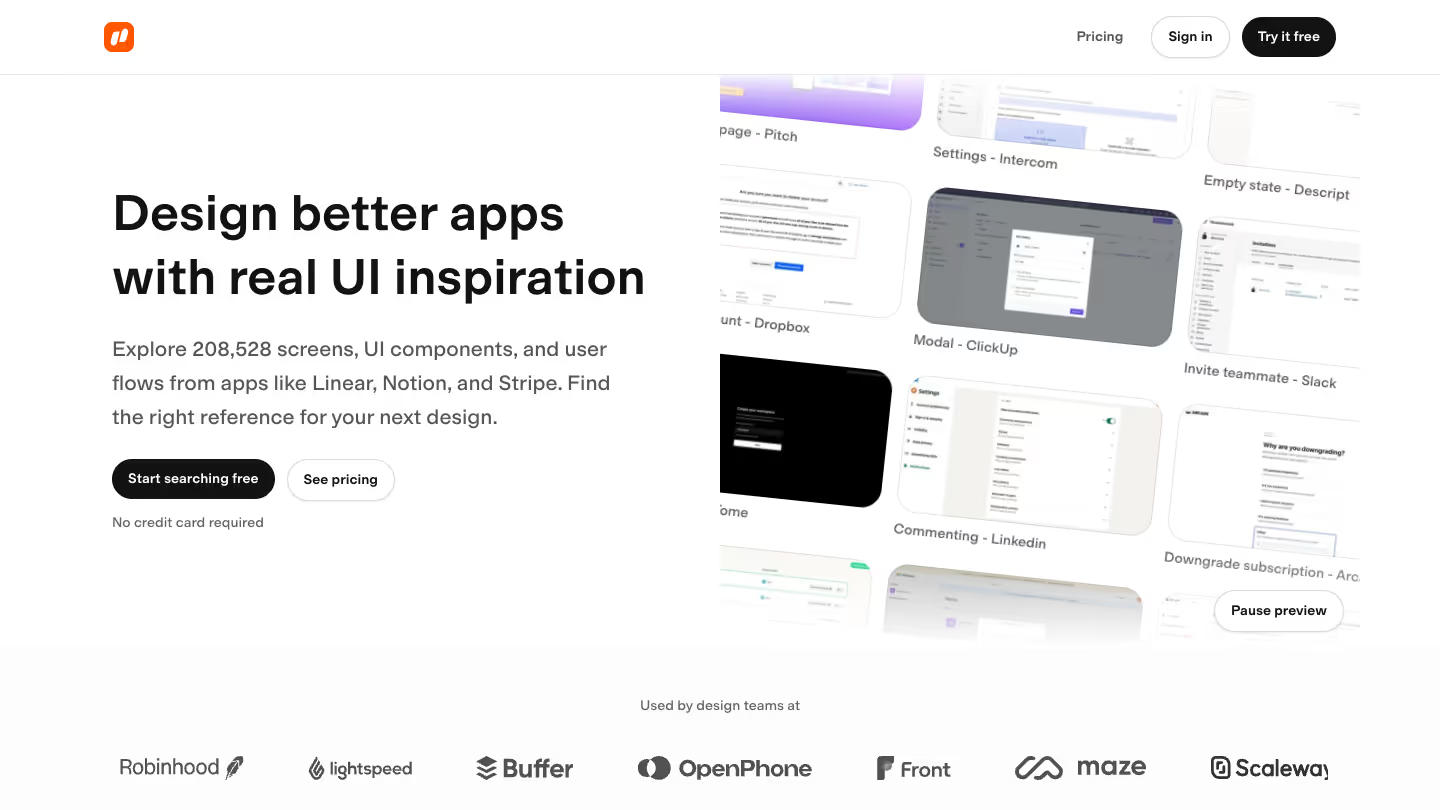
Nicelydone is a library of 208,528 real screens from 500+ SaaS apps, with 26,426 user flows and 15,900 UI components. It also has an MCP server your agent signs in to.
What it does well
- You can browse UI components from real SaaS products, each shown on the screen it came from.
- You can give your agent an MCP with 12 tools that search screens, flows, components and apps. It can also read your favorites and collections, and create a collection from a conversation.
- You can let your agent read structured metadata on every screen, such as page type, UI elements and layout patterns, before it looks at the image.
Where it falls short
- It only covers SaaS products, with no mobile apps.
- The library is smaller than Mobbin's.
- The free plan shows 12 screen previews. Flows, text search inside screenshots and filters need a paid plan.
- MCP calls are limited each month, and the Solo plan costs more than Mobbin Pro.
6. Banani (free, mobile)
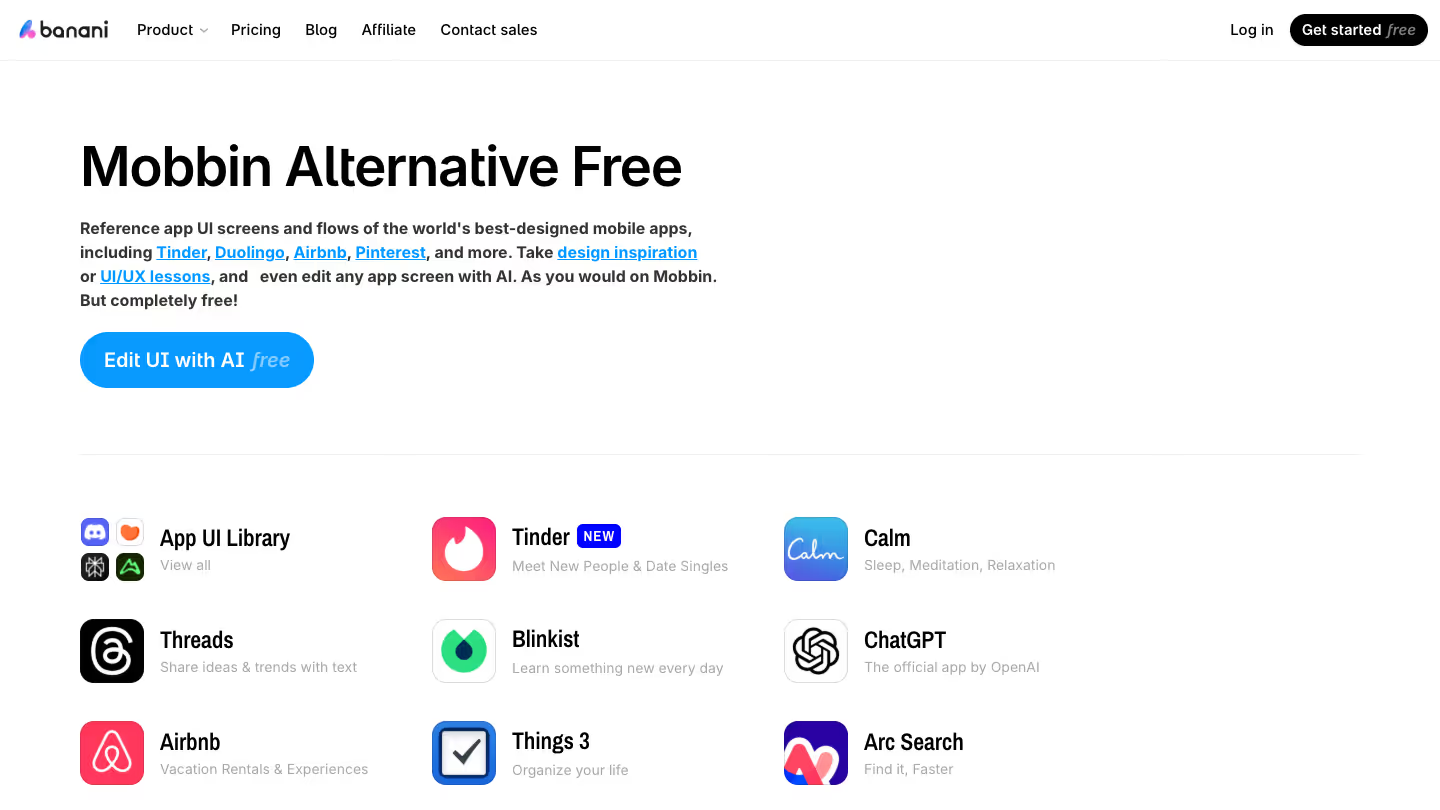
Banani lets you edit the reference, not just look at it. Its free library has 100+ screens and flows from apps like Tinder, Duolingo, Airbnb and Pinterest.
What it does well
- You can browse screens and flows for free, with no sign-up or paywall.
- You can edit any reference screen with AI instead of only looking at it.
- You can use the same AI to design a screen from scratch.
Where it falls short
- It only covers mobile apps, with no web.
- AI editing runs on credits. The free plan has 12 monthly credits plus 3 daily credits.
- MCP and code export are on paid plans, and your agent can't search its references.
7. Appllama (limited free tier, iOS)
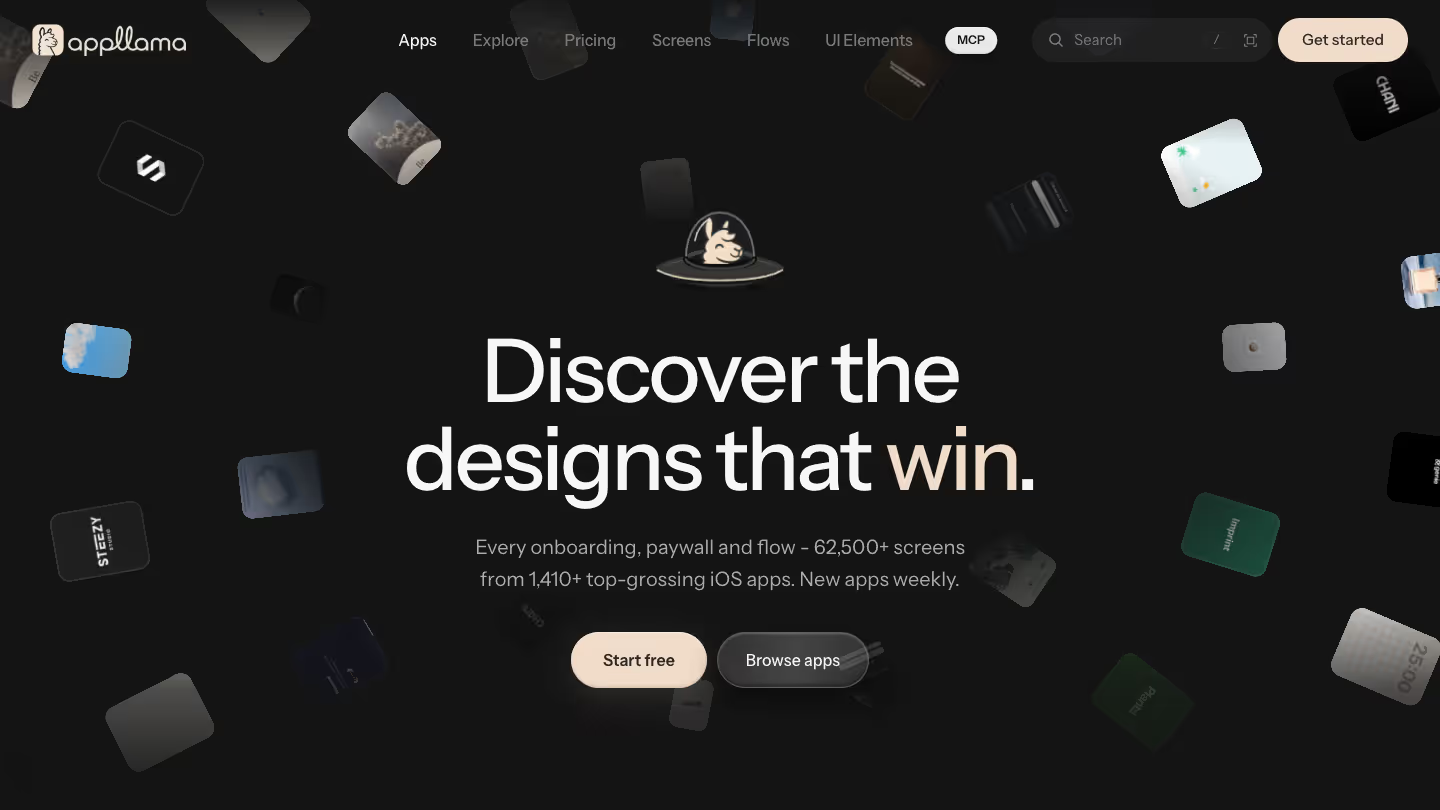
Appllama pairs 62,500+ screens from 1,410+ top-grossing iOS apps with their estimated revenue, downloads and ratings, so you can see what the top earners ship.
What it does well
- You can filter apps by category and revenue.
- You can give your agent an MCP that searches the apps, opens their screens and follows complete flows from welcome to checkout, with each app's revenue estimates alongside.
- You can read guides for onboarding, paywalls and UI elements, each linked to the apps that ship them.
- You can see the 2 newest apps in full on the free plan, including flows, paywalls and numbers.
Where it falls short
- It only covers iOS apps, with no Android or web.
- It's limited to top earners, so it isn't a broad catalog.
- Unlimited screen search is on Pro.
- Appllama MCP is on Pro, with 1,500 credits a month.
8. ScreensDesign (paid, iOS)
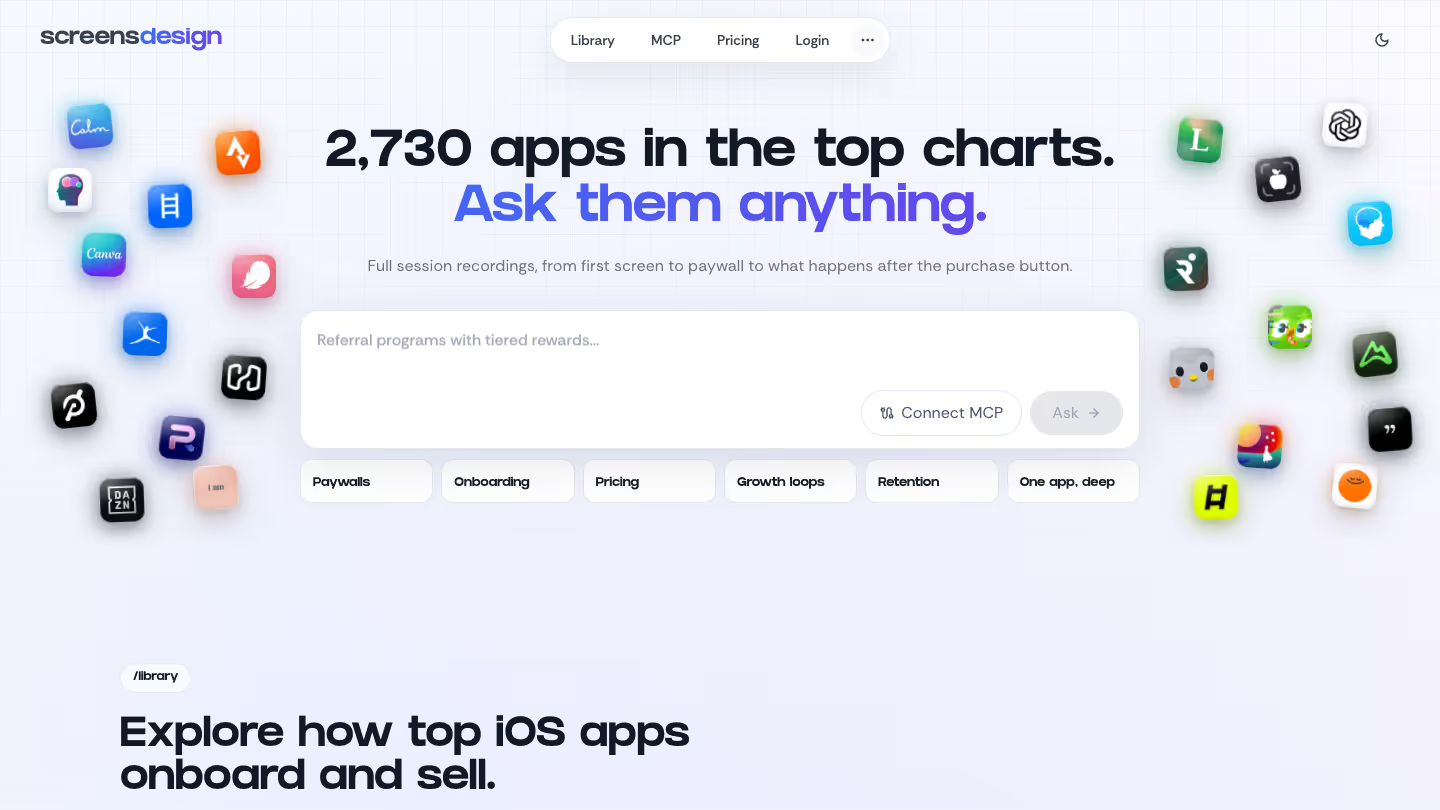
ScreensDesign records 2,730+ top-charting iOS apps from the first screen to the paywall to what happens after the purchase, and puts revenue signals next to them.
What it does well
- You can study paywalls, onboarding flows, store screens and revenue signals alongside each app's recordings.
- You can ask the library a question in plain language.
- You can generate app screens from the library's mobile design examples.
Where it falls short
- It only covers iOS apps, with no Android or web.
- MCP access is a research allowance on Pro.
- Pro is $229 a year, or $29 a month billed monthly. That's more than Mobbin Pro.
- There's no free plan, so flows aren't free either.
9. VP0 (free, iOS)
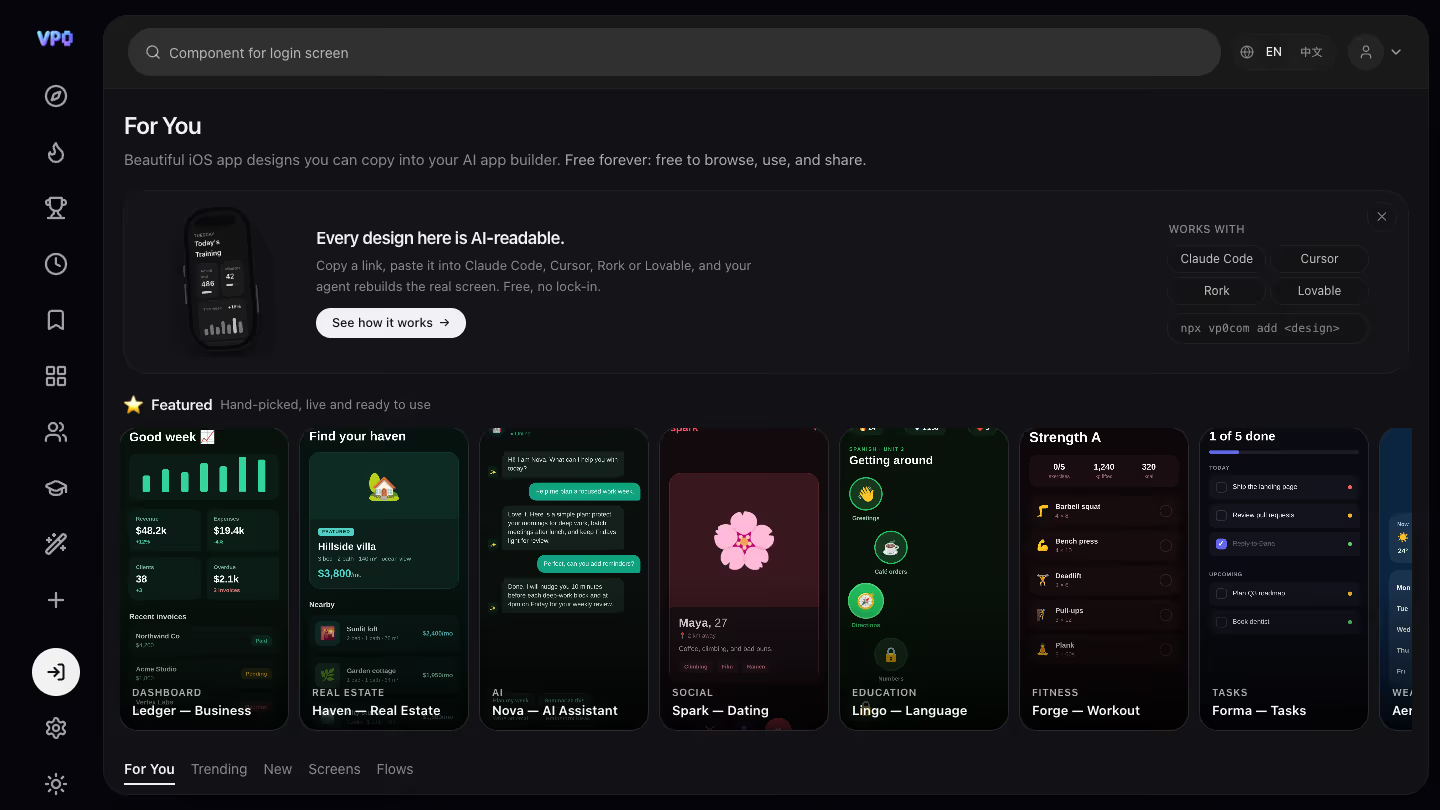
VP0 gives your agent the screen itself. It's a free library of iOS app design starters that your AI tool installs as source code, not as an image.
What it does well
- You can install each design as an Expo React Native starter, with its files, dependencies, install command and ordered integration steps.
- You can connect a free MCP server to Claude Code, Cursor or Windsurf. Your agent searches designs by name and fetches the one it needs.
- You can browse Screens and Flows tabs, with search, all free.
- You can install a design into your project with the CLI, or use the open API and registry, which need no key.
- You can skip MCP and copy a design's link into Claude Code, Cursor, Rork or Lovable.
- You can use all of it without an account.
Where it falls short
- It only covers iOS apps, with no Android or web.
Which Mobbin alternative should you pick?
Match the tool to what's missing:
- Free, for web and mobile, with a prompt for your agent: Kombai Gallery.
- A research mode on web and iOS, with a limited free tier: Refero.
- Flows as recordings: Page Flows.
- Components to copy into your repo: 21st.dev.
- SaaS screens, components and flows: Nicelydone.
- References you can edit with AI: Banani.
- iOS revenue data and an MCP: Appllama.
- iOS recordings and revenue signals, with a screen generator: ScreensDesign.
- iOS starters your agent installs: VP0.