
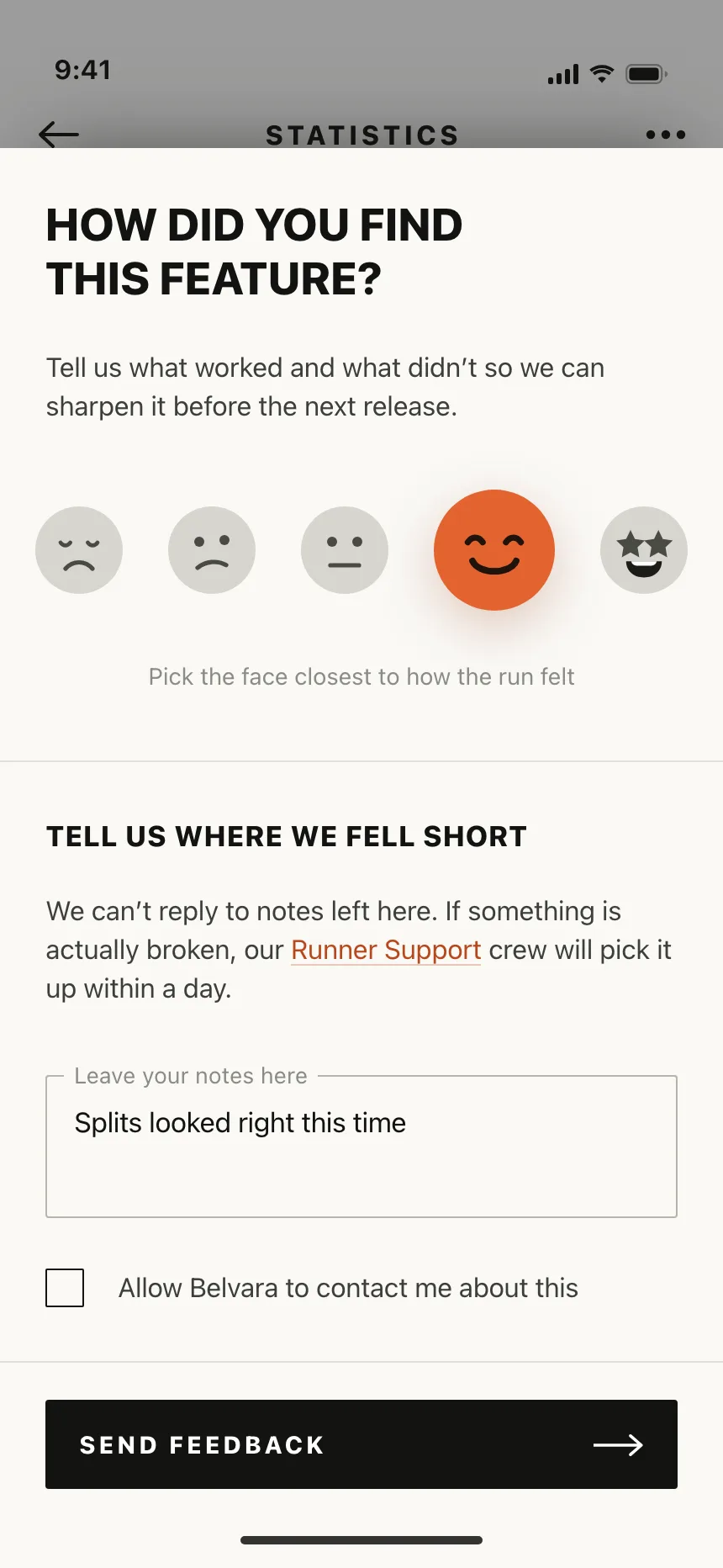
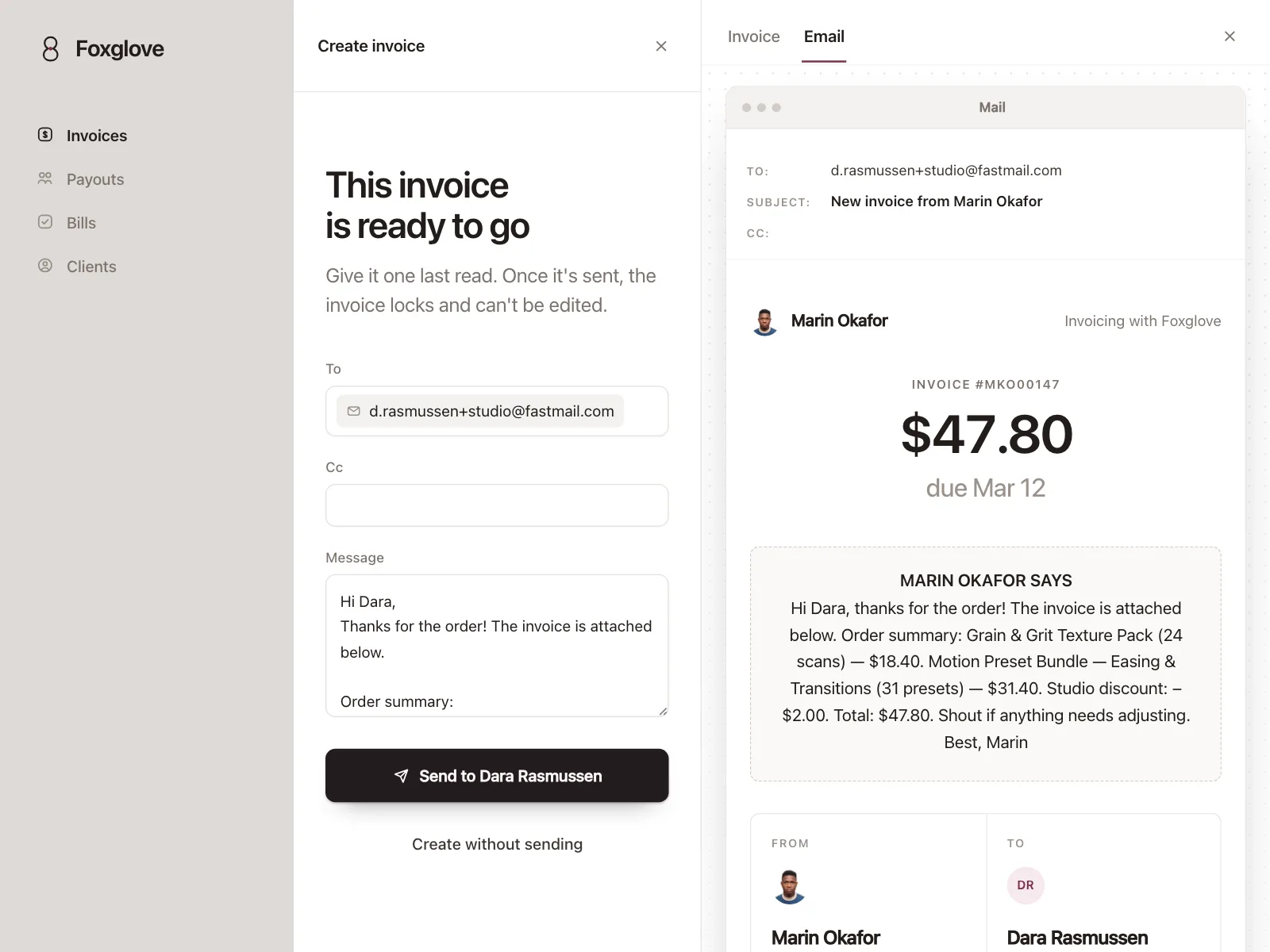
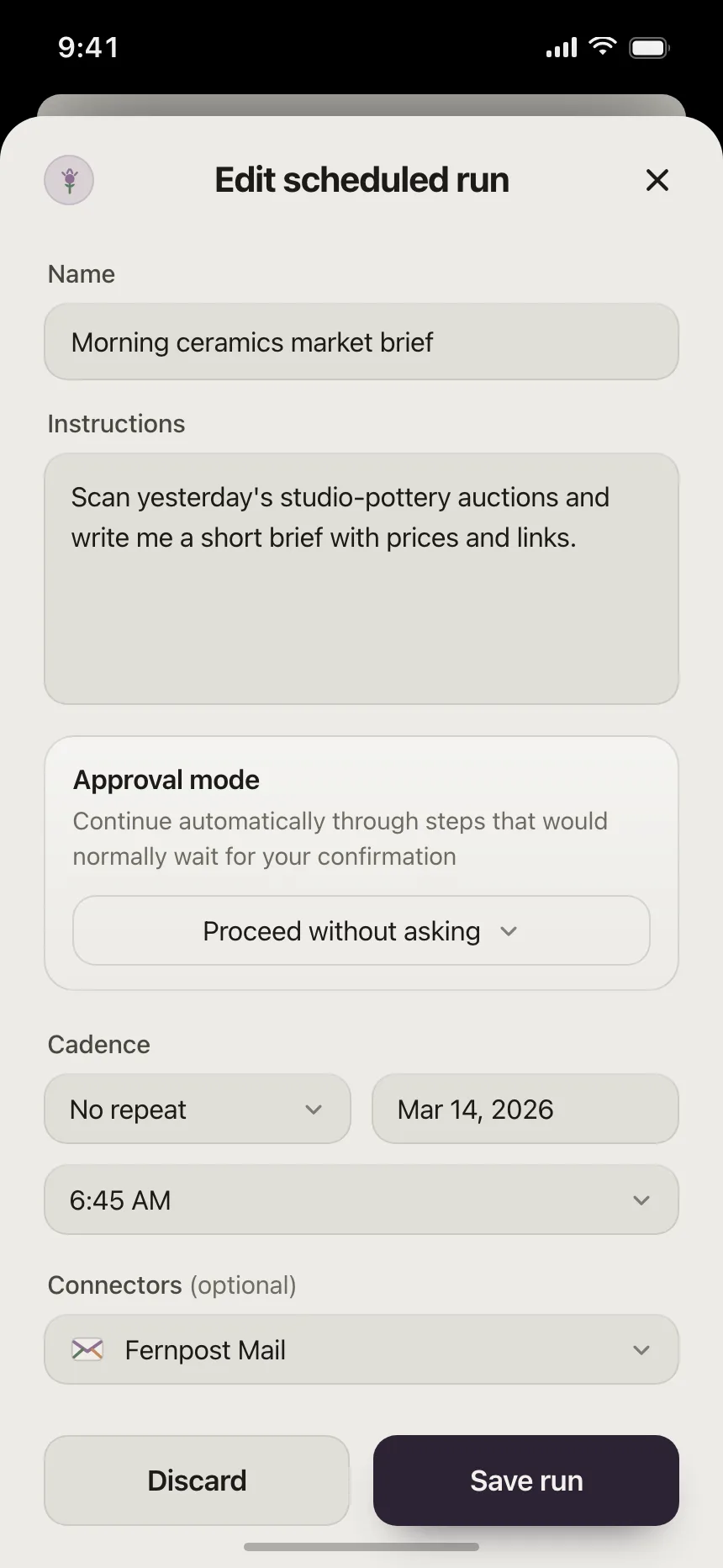
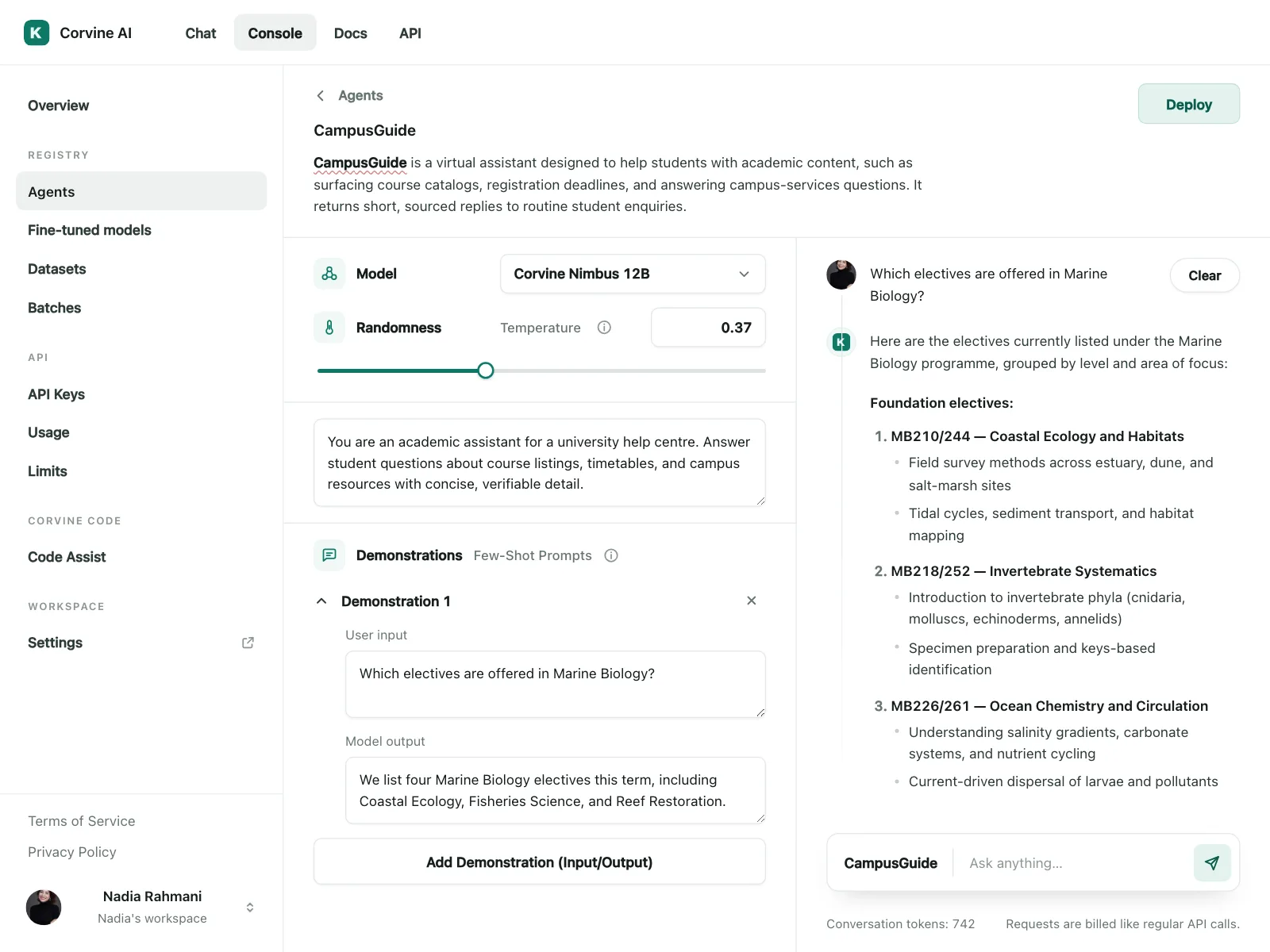
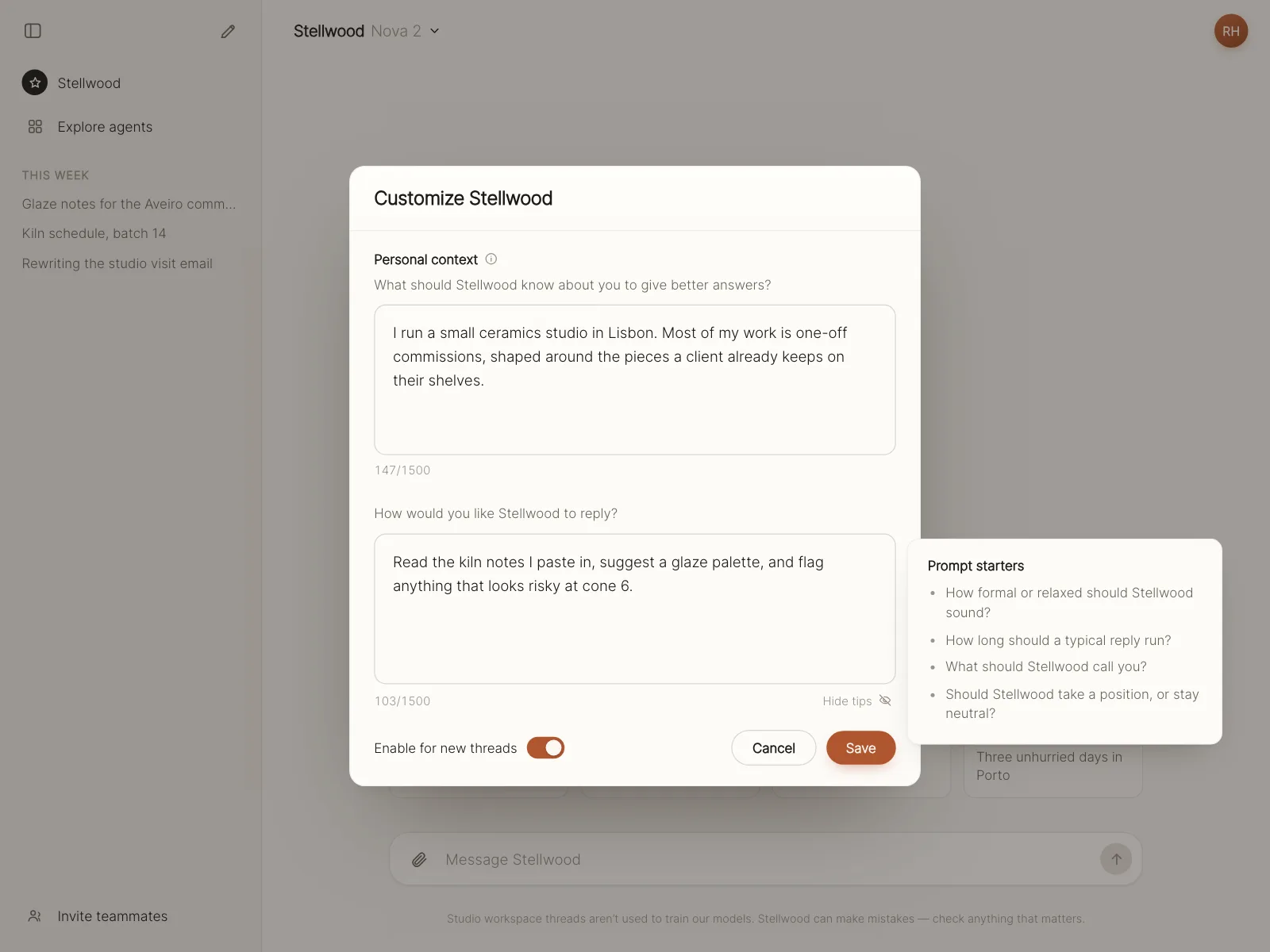
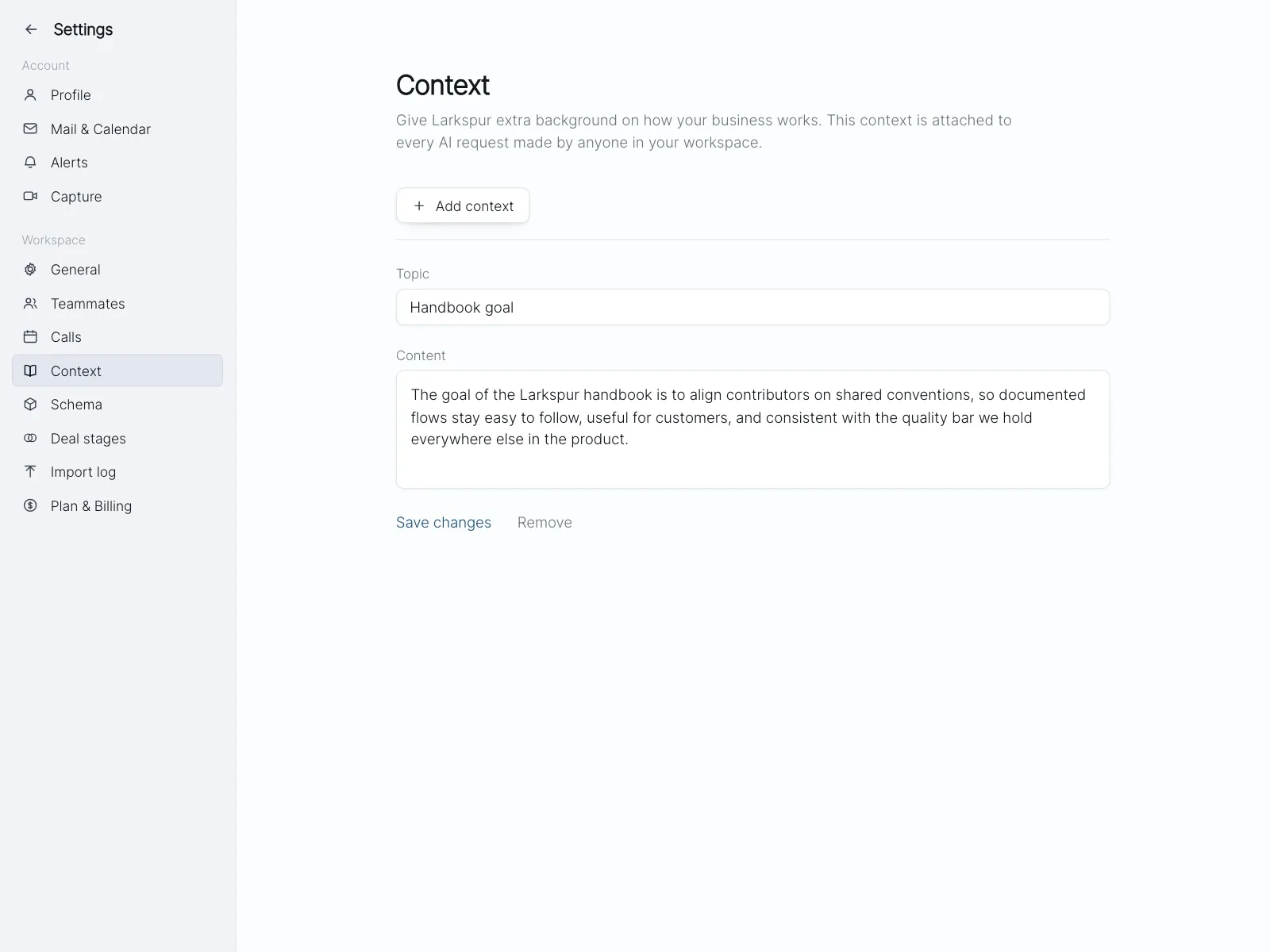
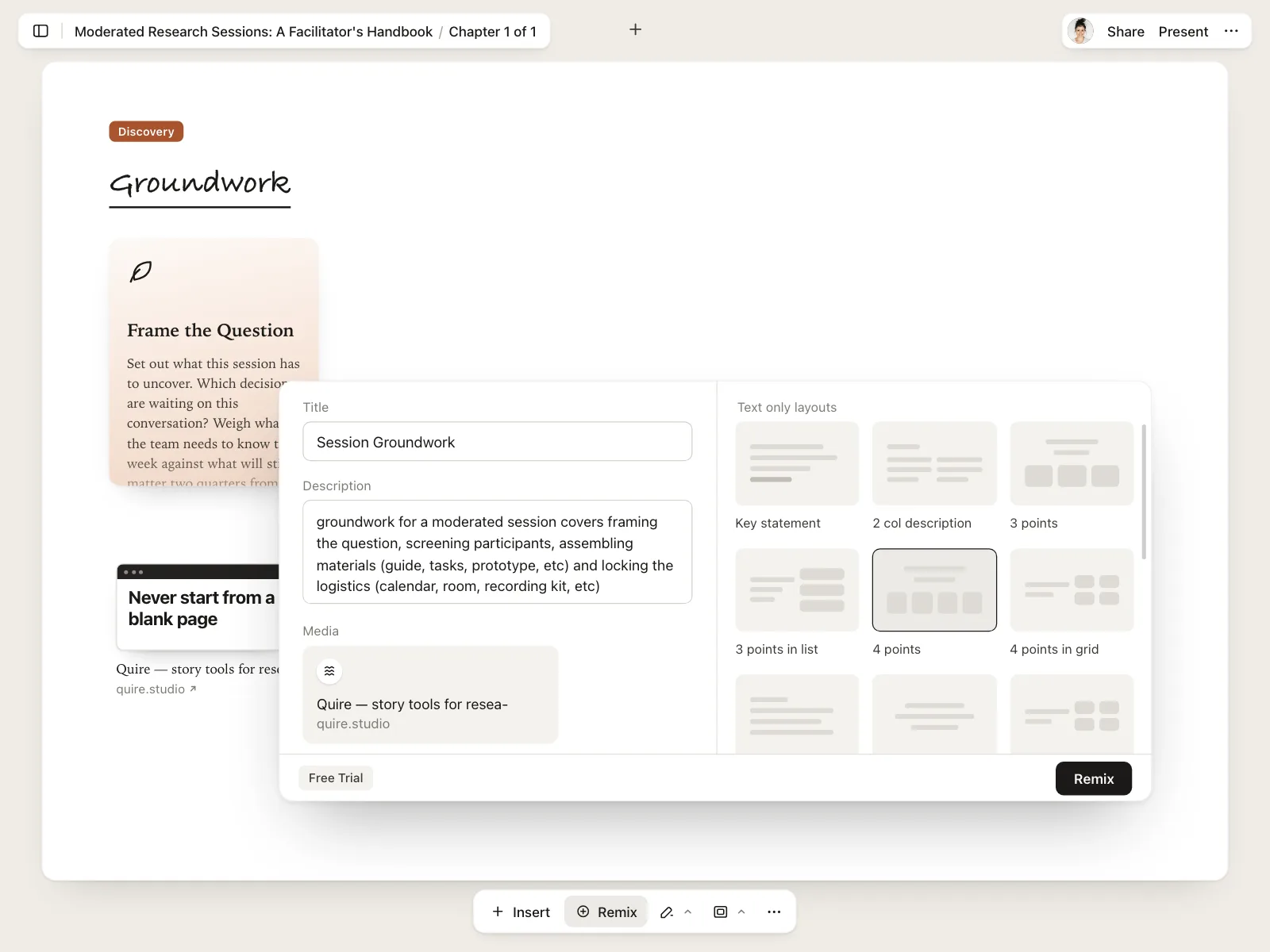
Text areas from the Kombai gallery: a running tracker's feedback notes, an invoicing tool's message to a client and an automation app's run instructions.
What is a text area?
A text area is a multi-line box for answers that run longer than a line: a message, a review, a bio or a set of instructions. It shows several lines at once and wraps text as people type, so they can read back what they wrote.
- Its height hints at how much to write.
- Many show a character count, a resize handle or both in a corner.
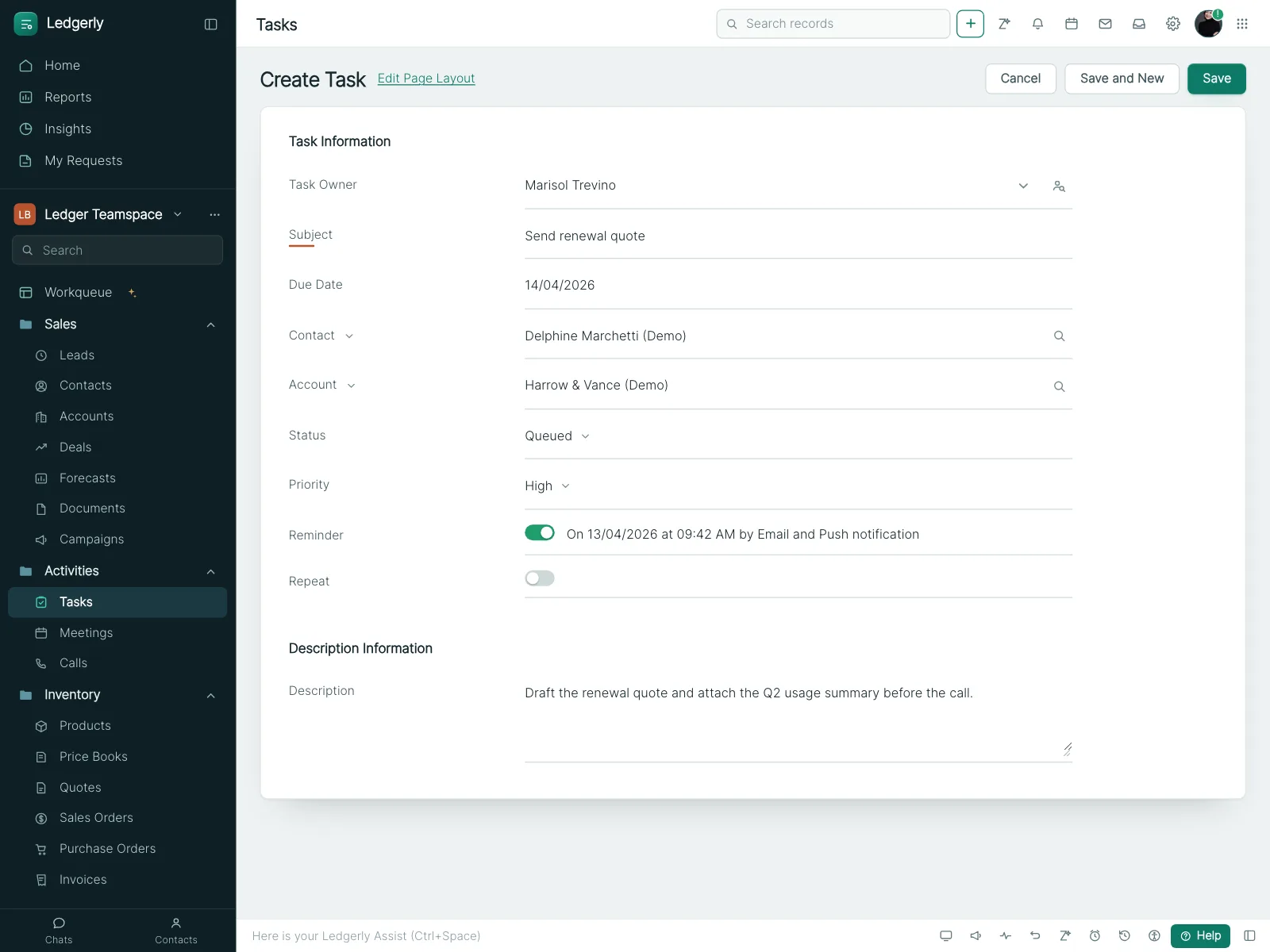
Text areas show up across contact, feedback, reviews and book a demo screens.
When to use a text area
- Answers longer than a lineMessages, reviews, bios and project details.
- Open questionsA "tell us more" box after a rating or a reason list.
- Instructions and promptsBriefs for an AI tool or notes for a courier.
When not to use one
- Short answersNames, emails and codes fit a single-line text field.
- Formatted writingHeadings, links and lists need a rich text editor.
- Answers you could listIf most people give one of a few answers, offer them as options.
Anatomy of a text area
This one works. Type past the limit to see the count turn into an error, or drag the corner to make the box taller.
Printed on a card inside the box
Limit 120 characters. 29 characters remaining
- Empty
- Focus
- Filled
- Over limit
- Disabled
- LabelNames the box
- Hint textWhat to include
- Input areaSeveral visible lines
- Character countCharacters left, or over
- Resize handleDrag to make it taller
- StatesEmpty, focus, filled, over limit, disabled
Text area variants
We sorted every text area design in the Kombai gallery and found four patterns. Browse all 55 web and 35 mobile designs.
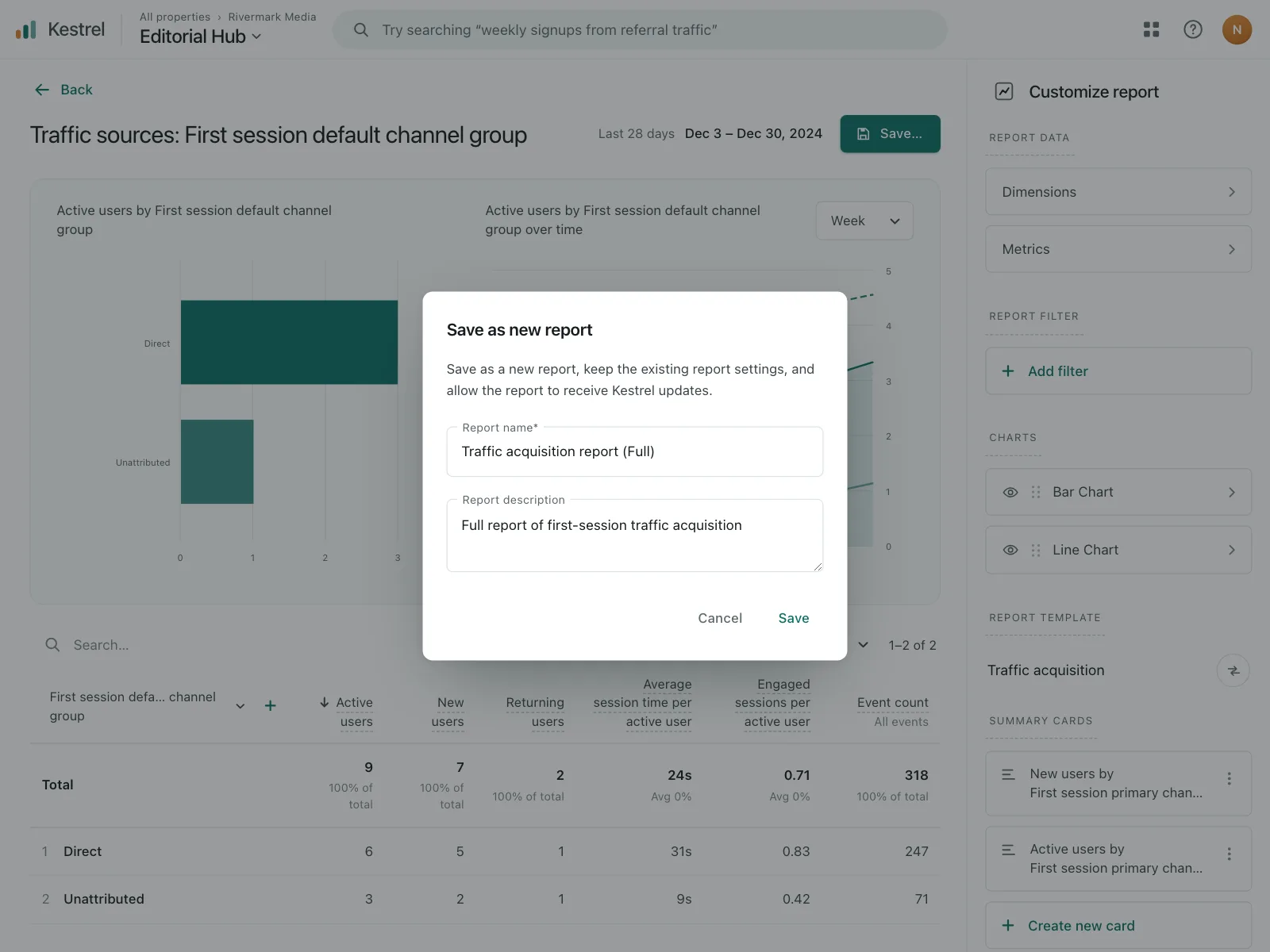
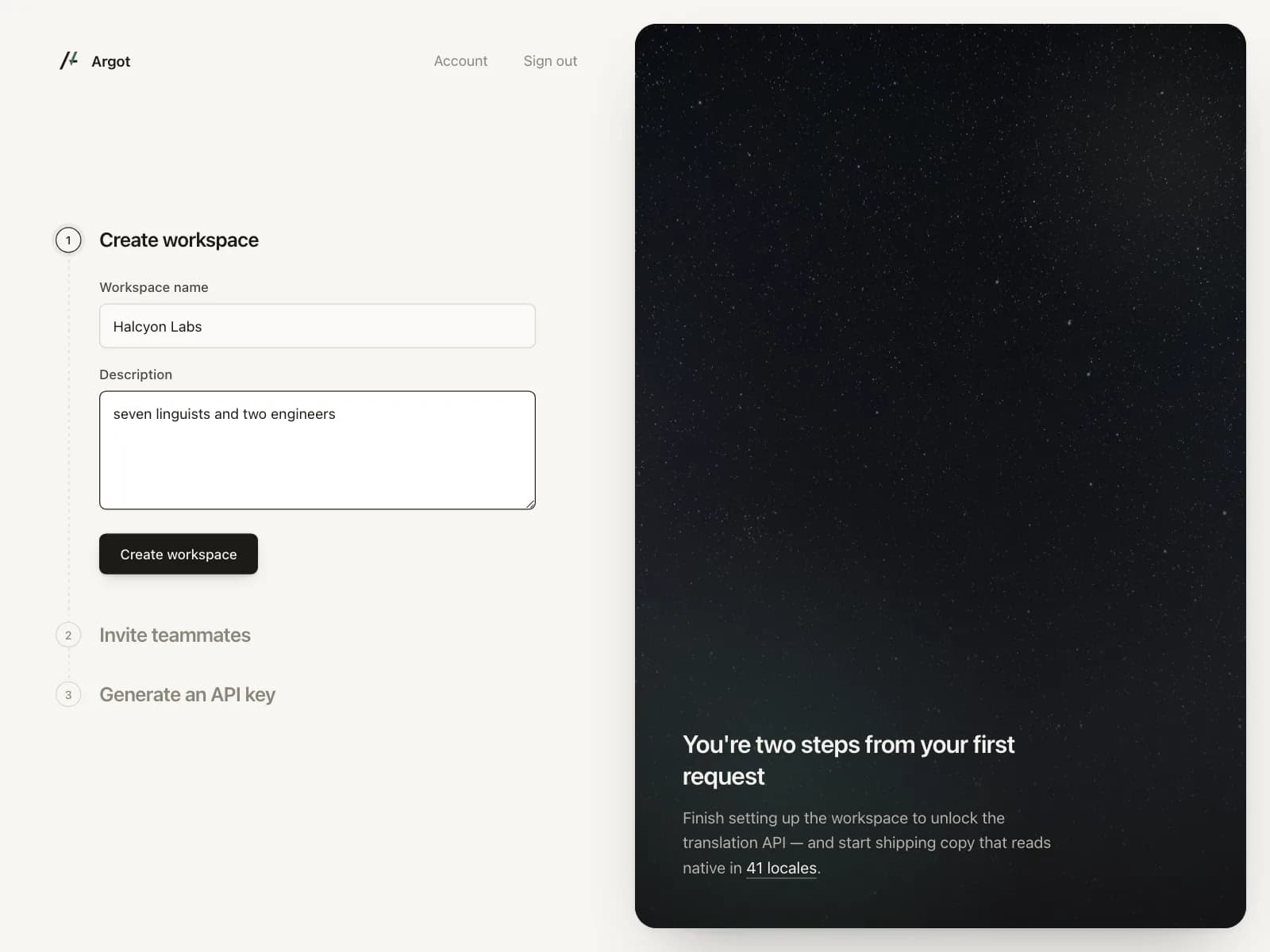
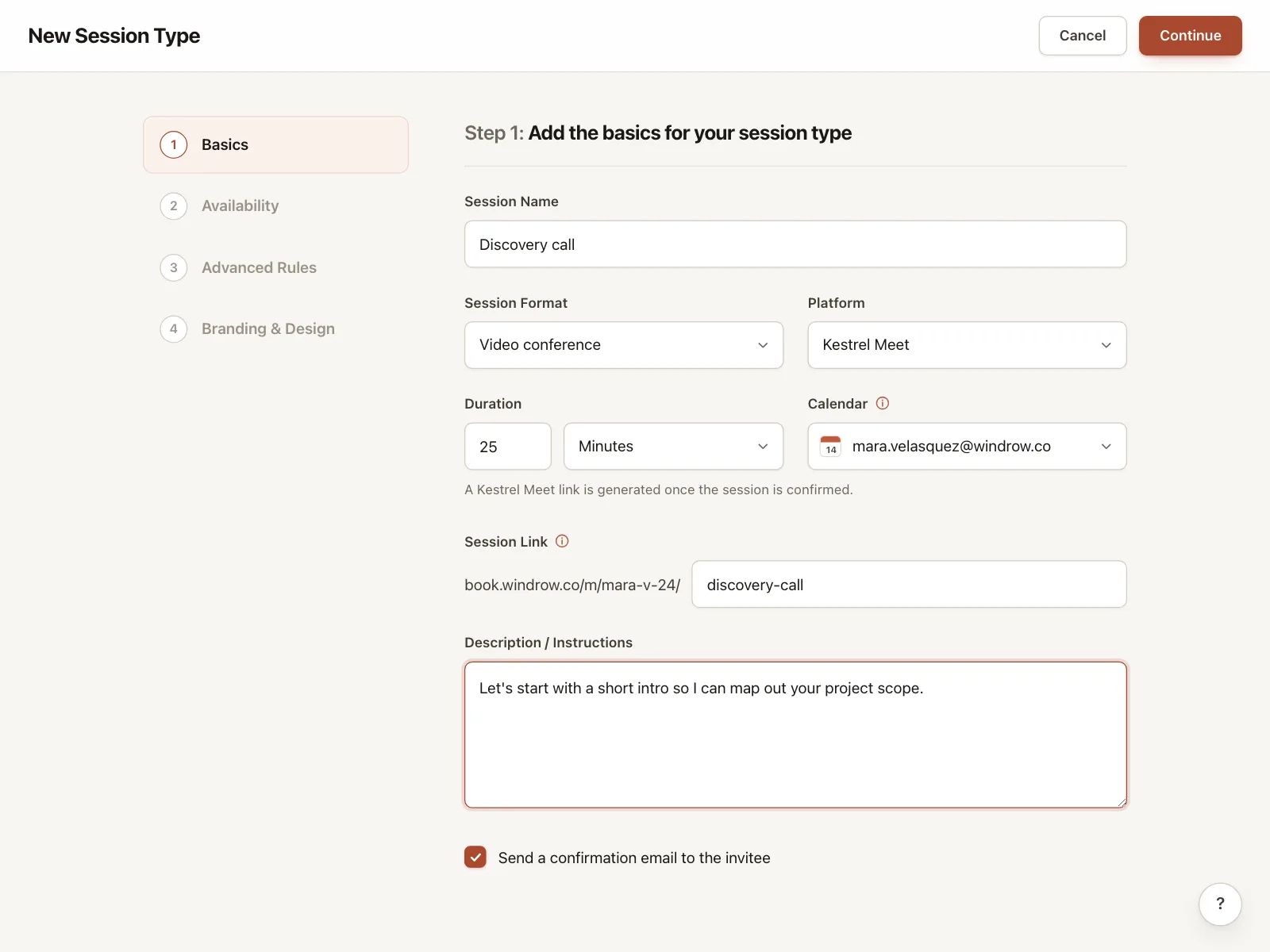
1. Description boxes in forms
The default. A labeled box under a name or title field, for a description people can keep short or skip.
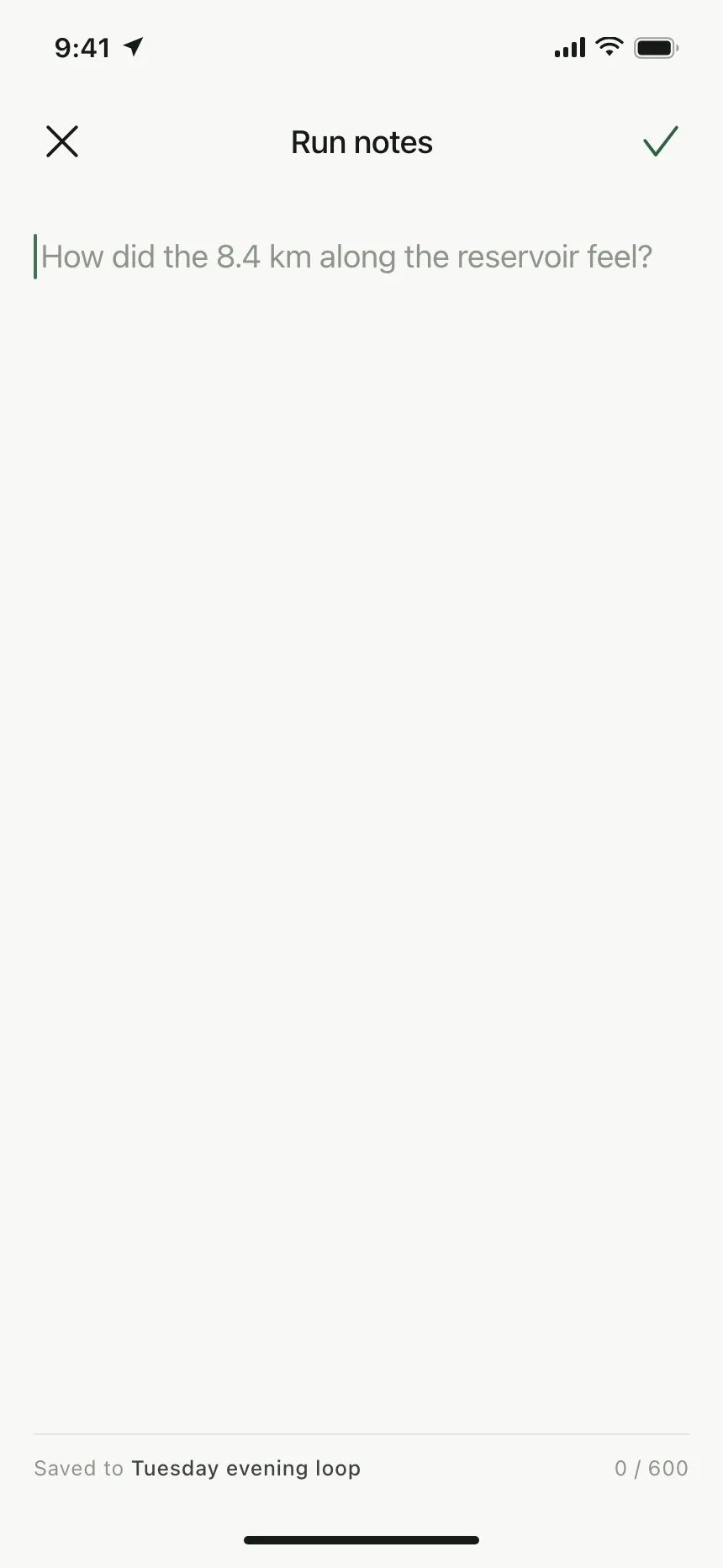
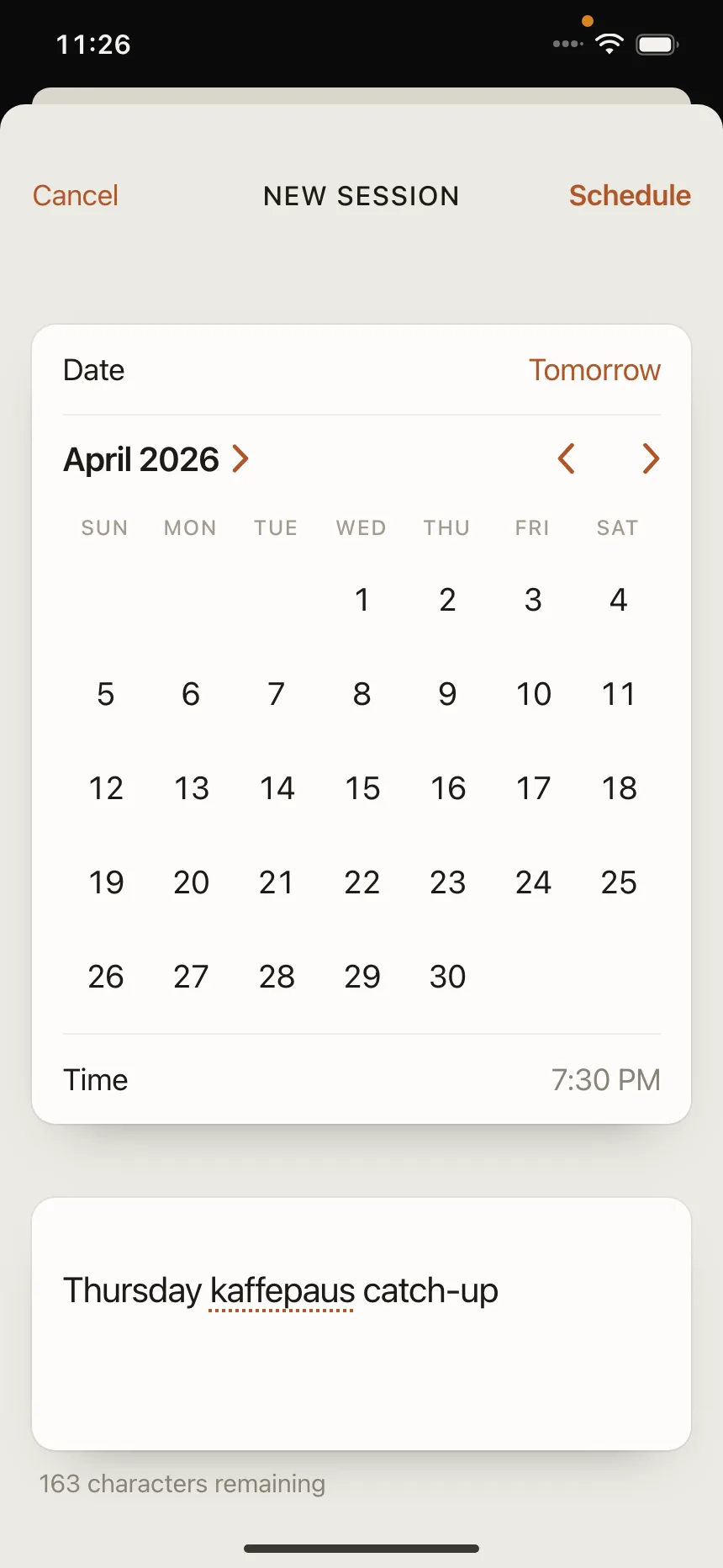
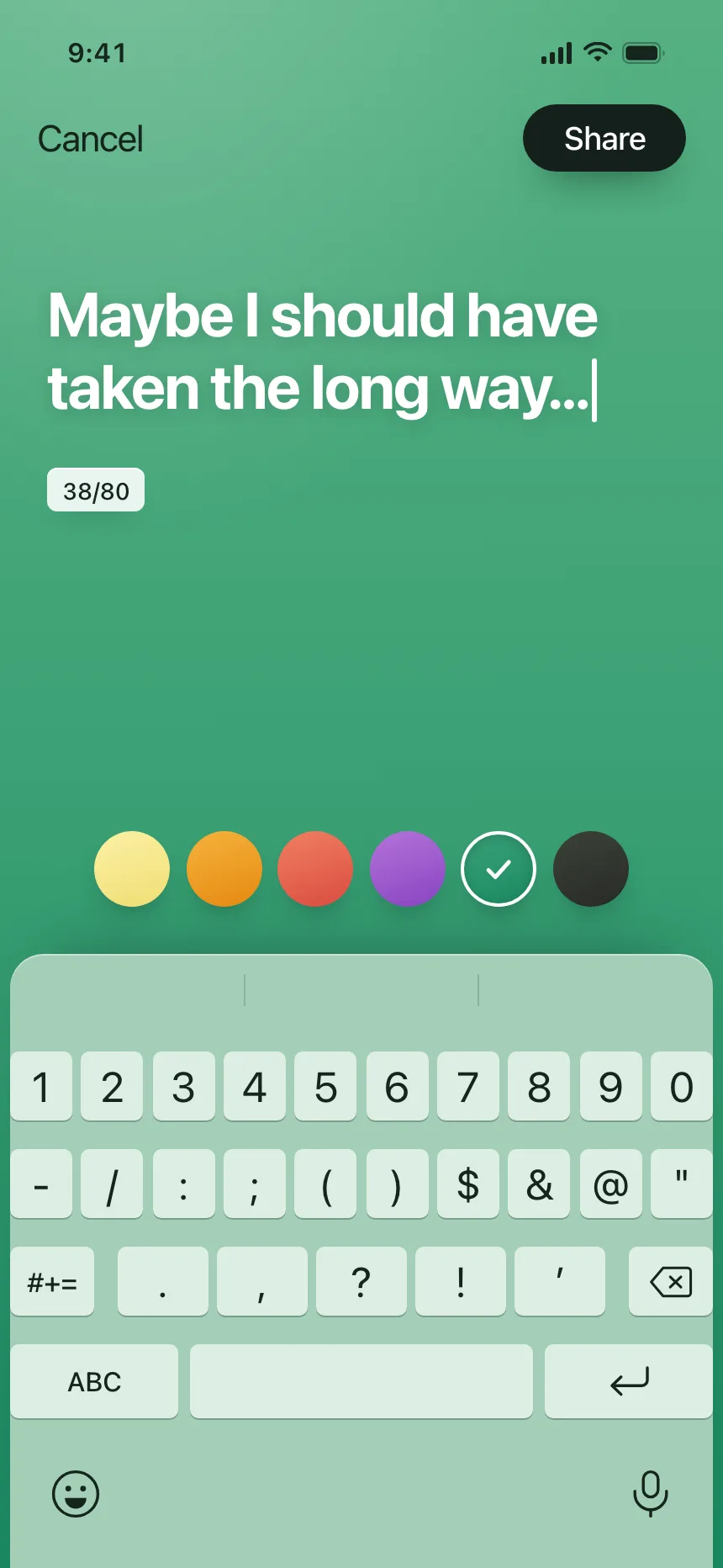
2. Boxes with a character count
A counter under or inside the box, counting up to a limit or down to zero, for posts and notes with a cap.
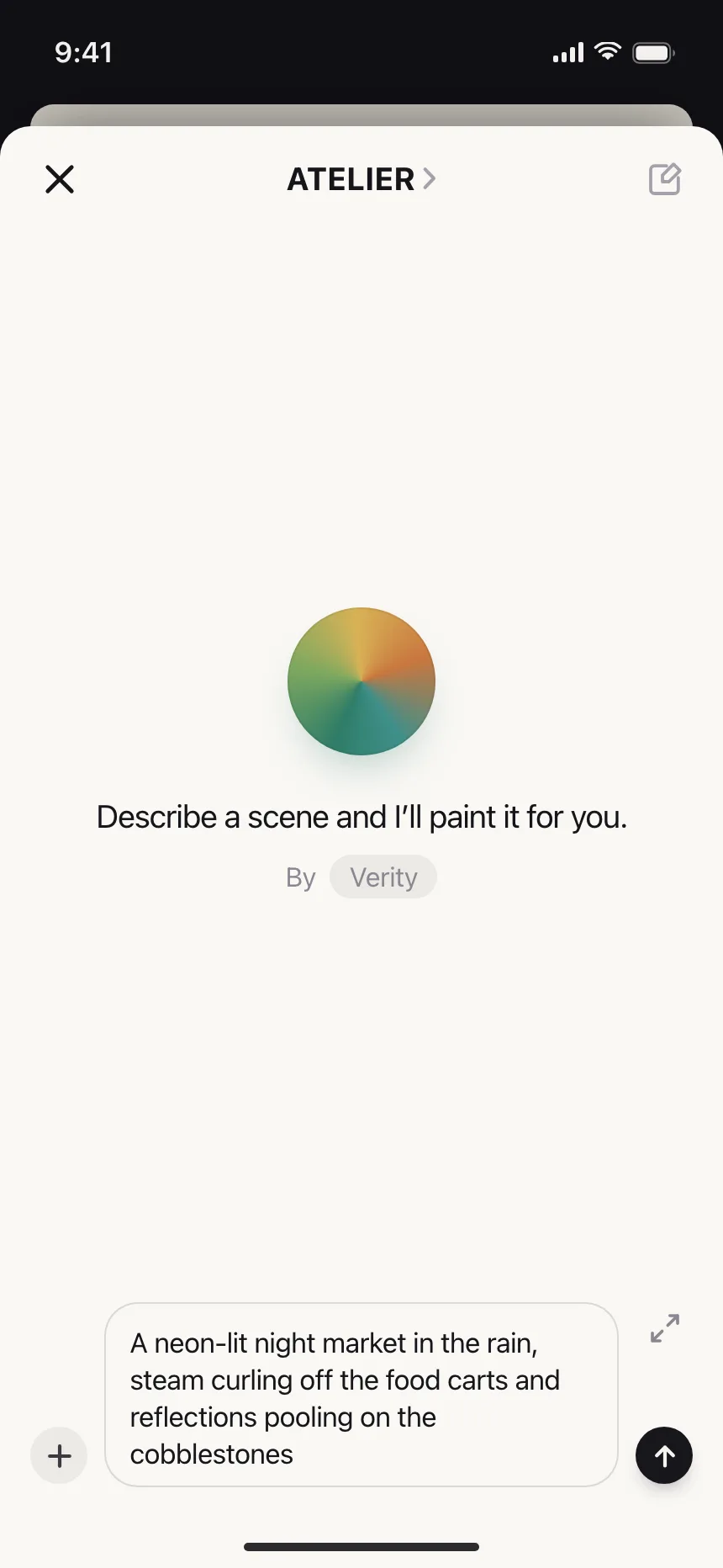
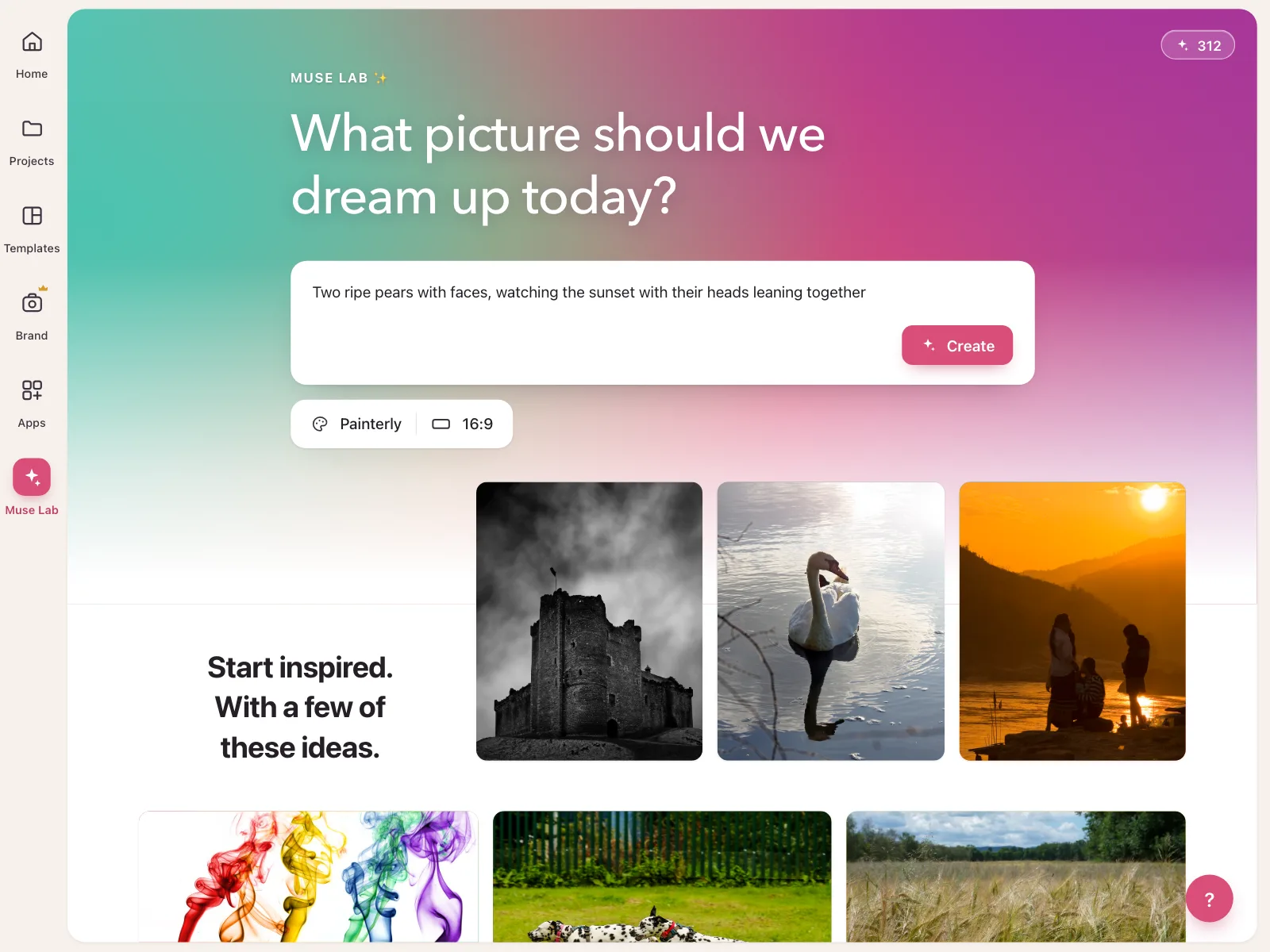
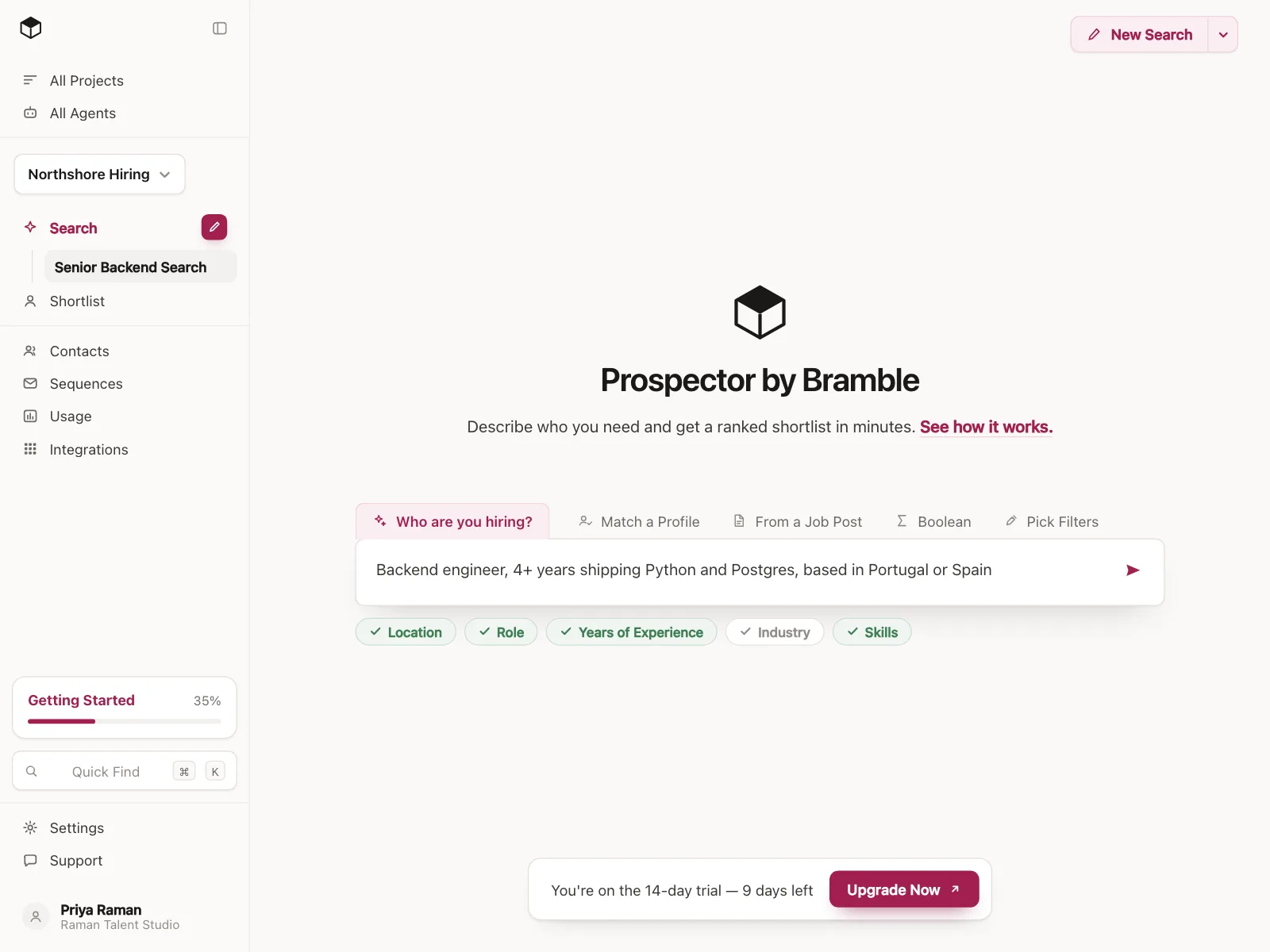
3. Prompt boxes
A large rounded box with a send button, attachments and model or style options inside it, as the main input of an AI tool.
4. Full-screen composers
No visible box at all. The writing space fills the screen above the keyboard, for journal entries, posts and notes.
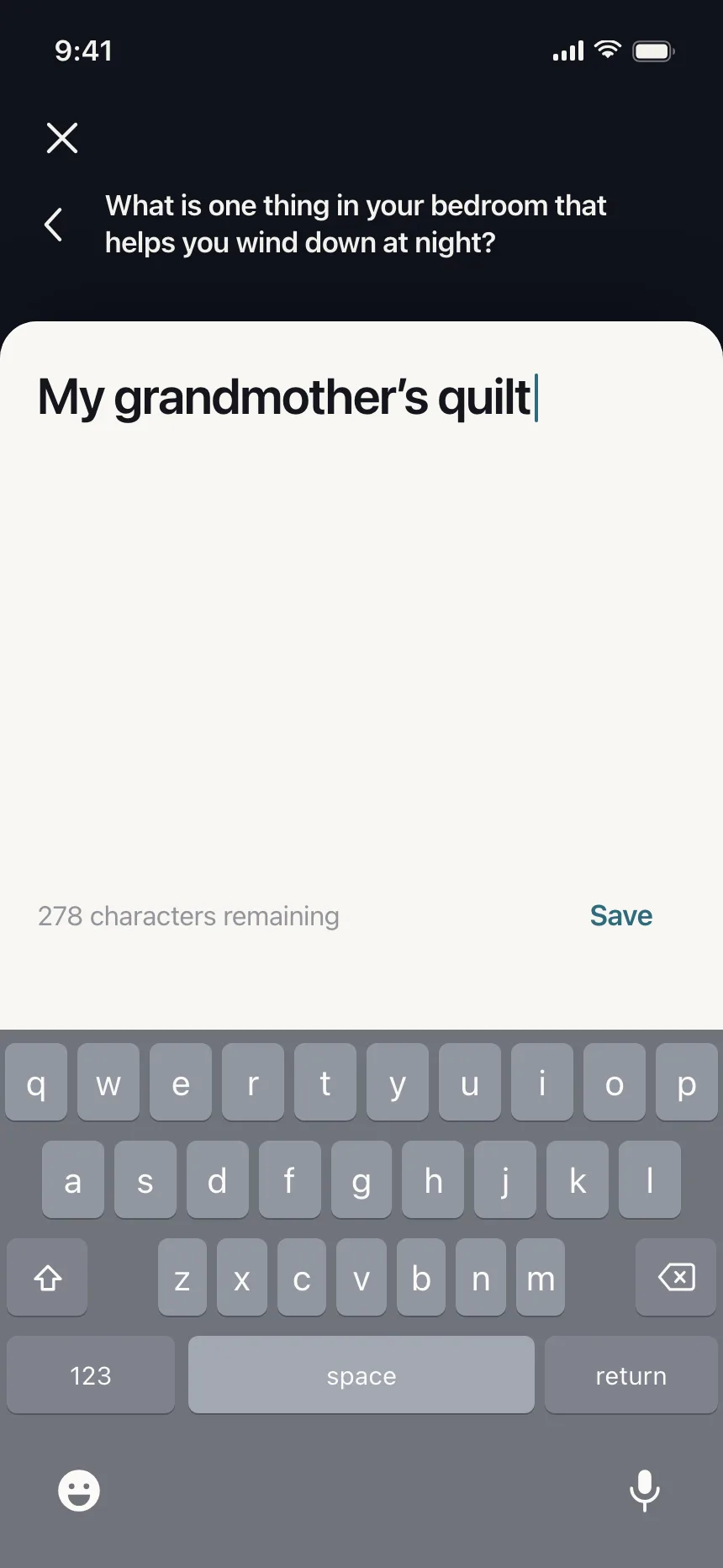

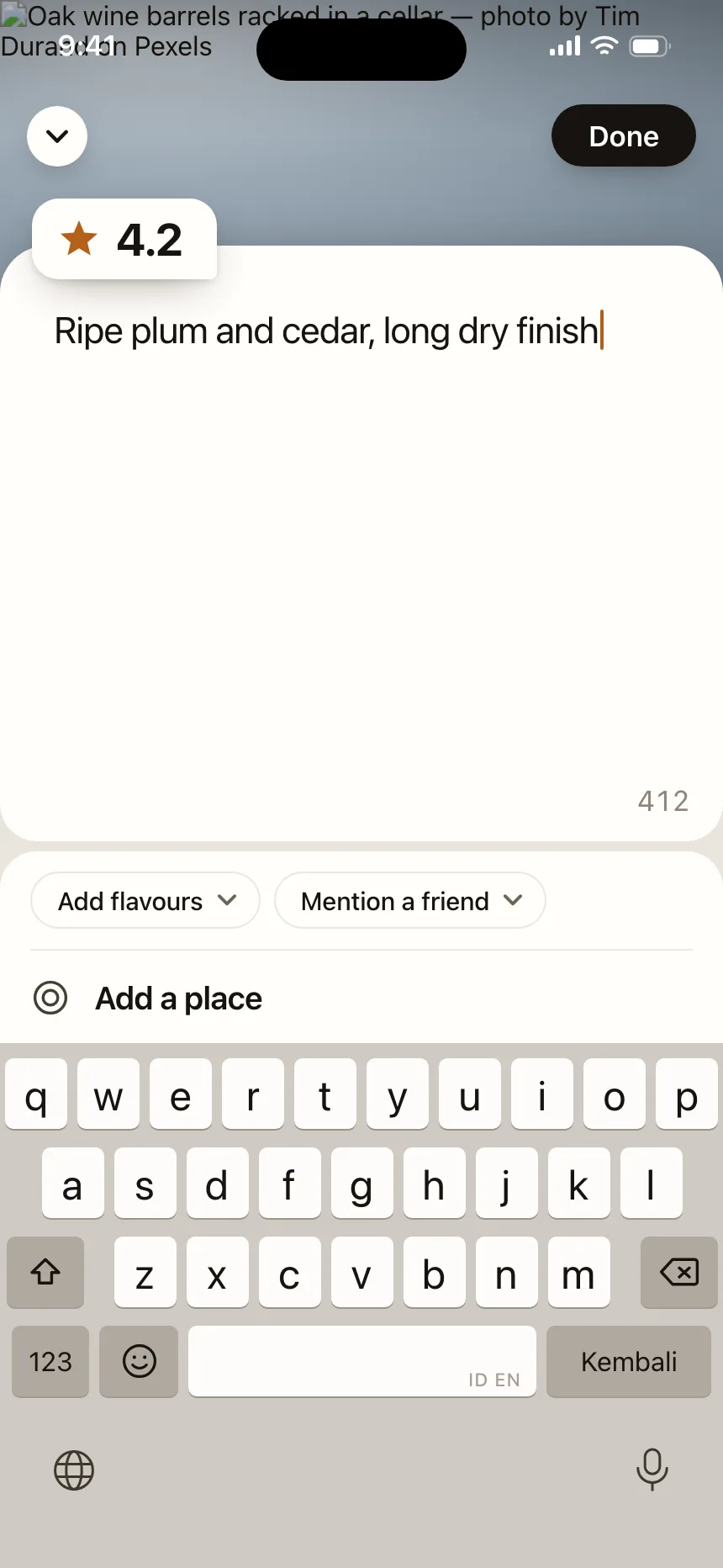
Where text areas show up
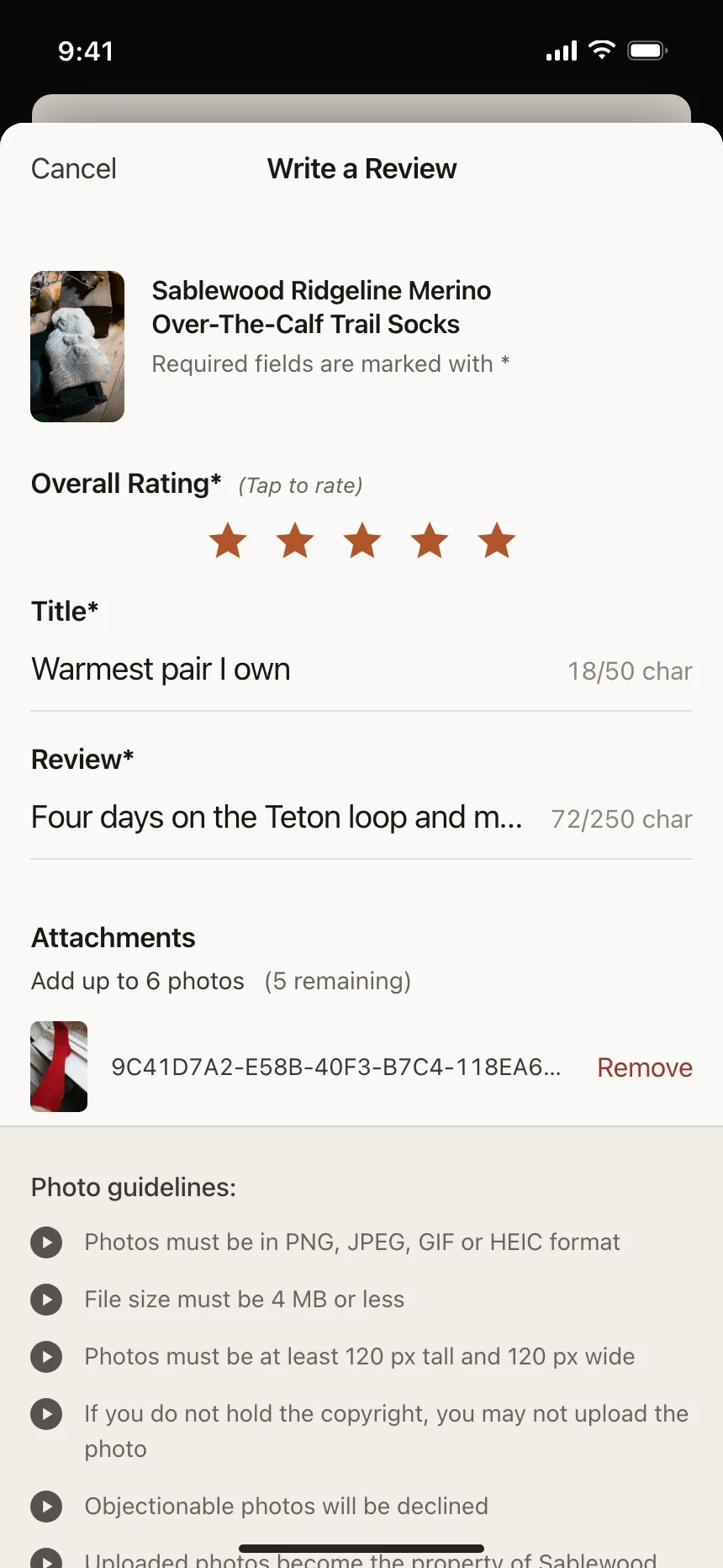
Feedback and reviews
An optional box after a rating or a reason list, asking people to say more in their own words.
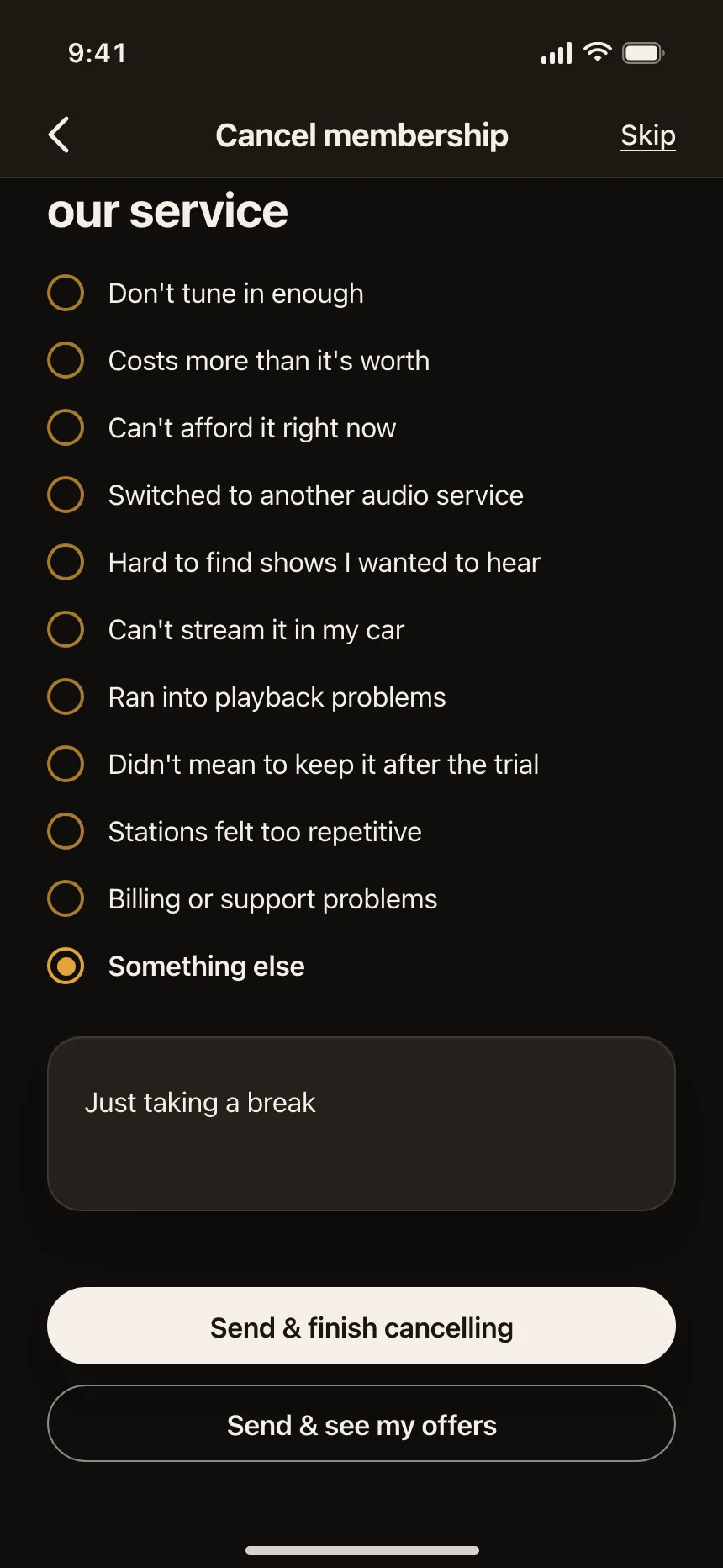
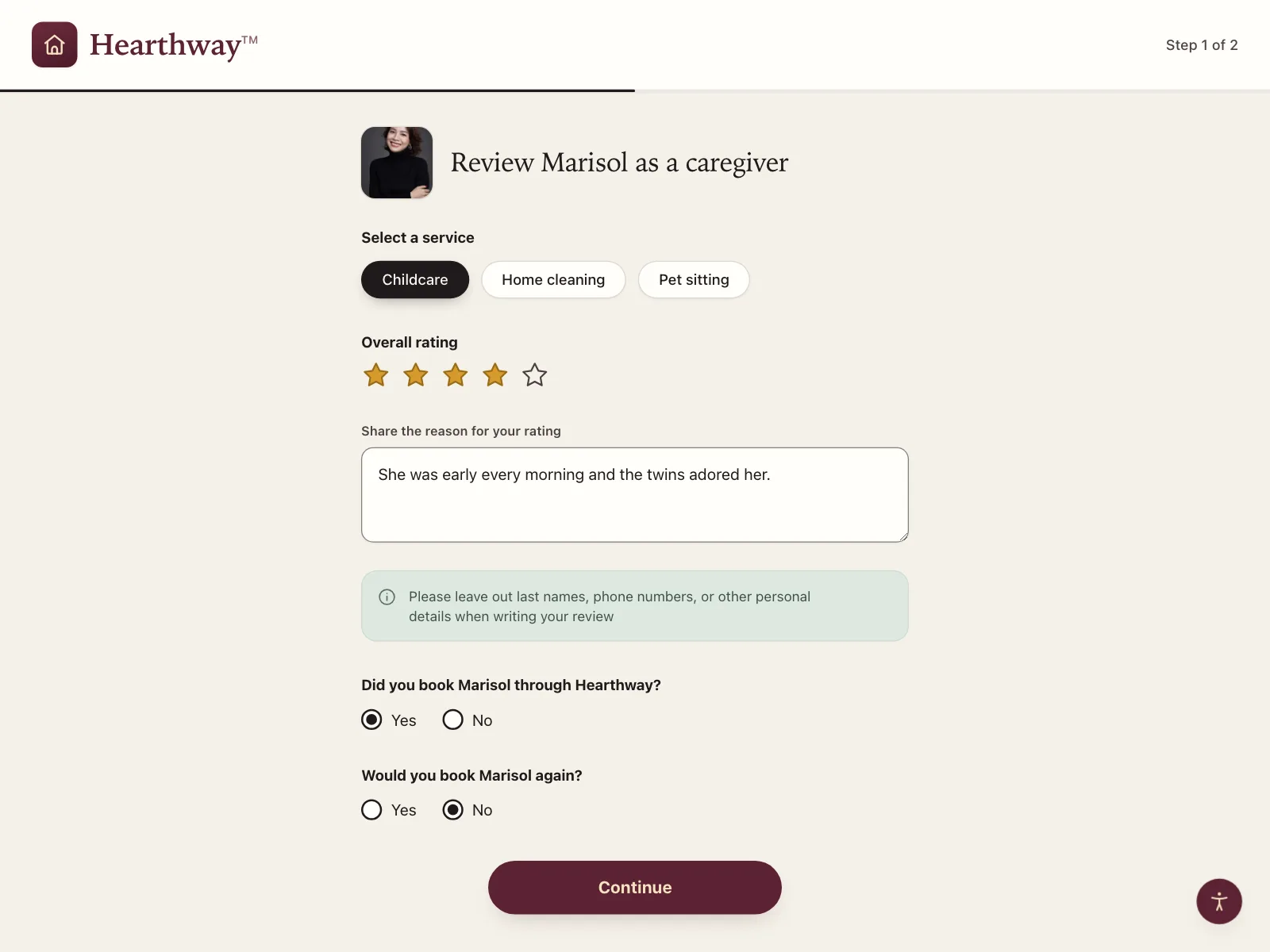
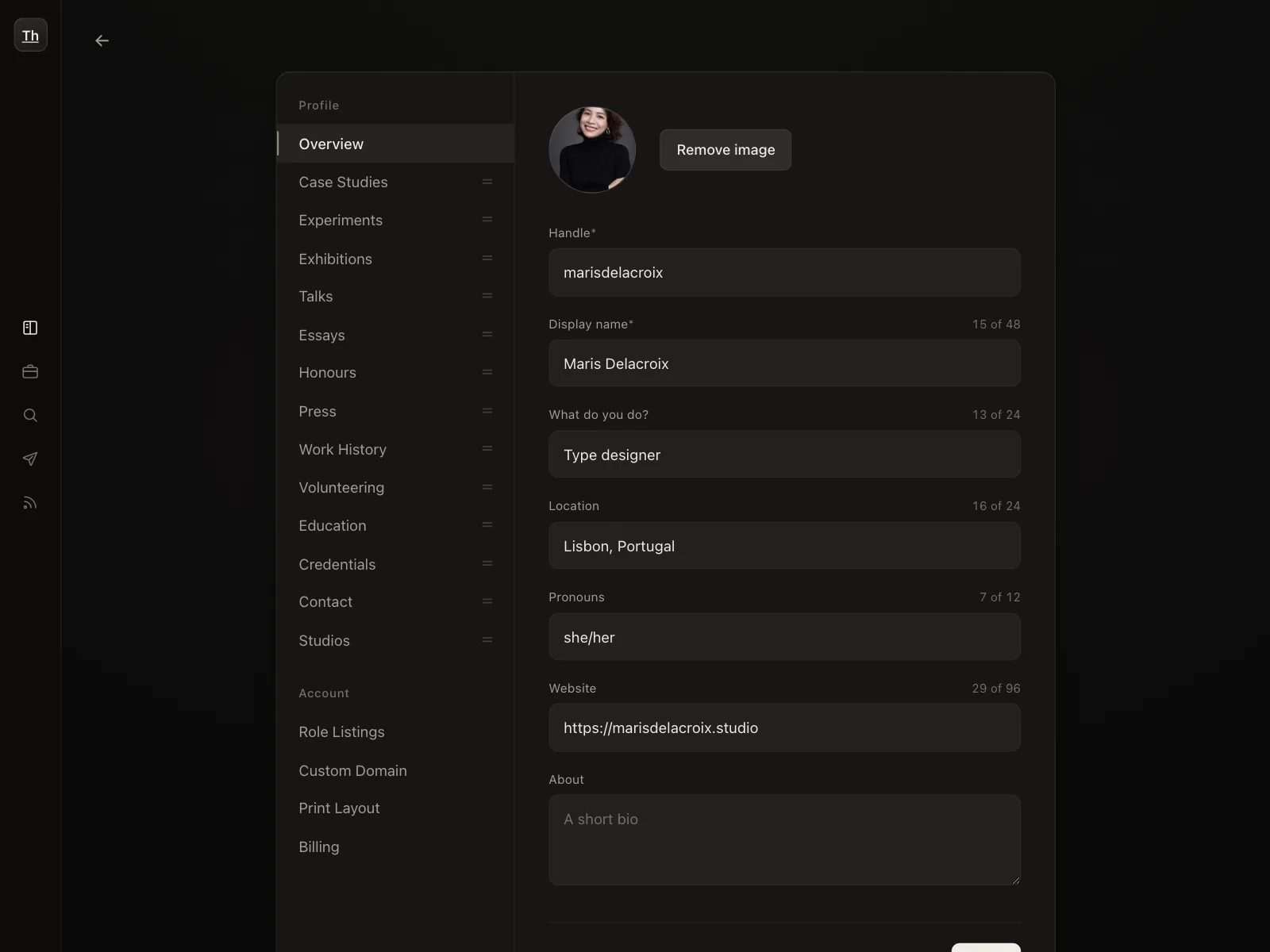
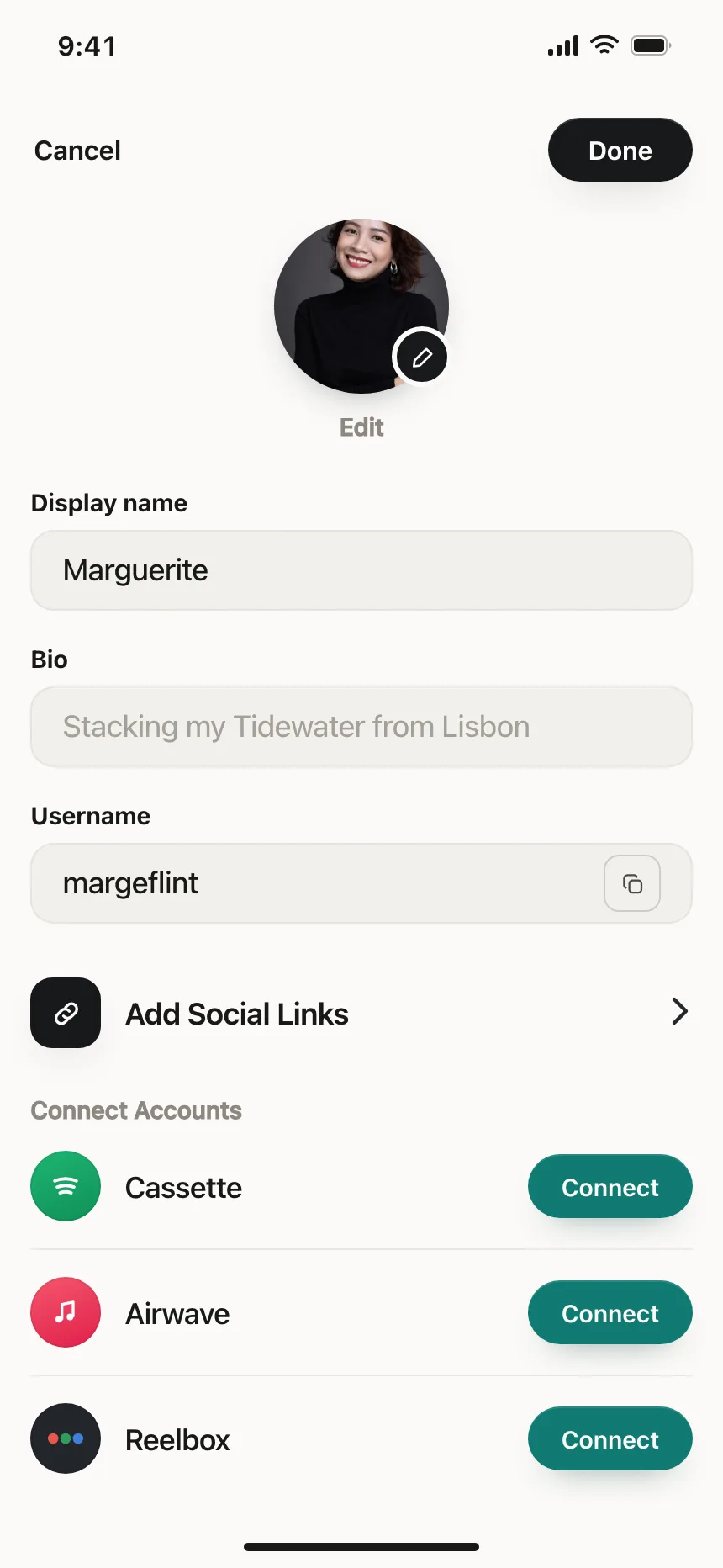
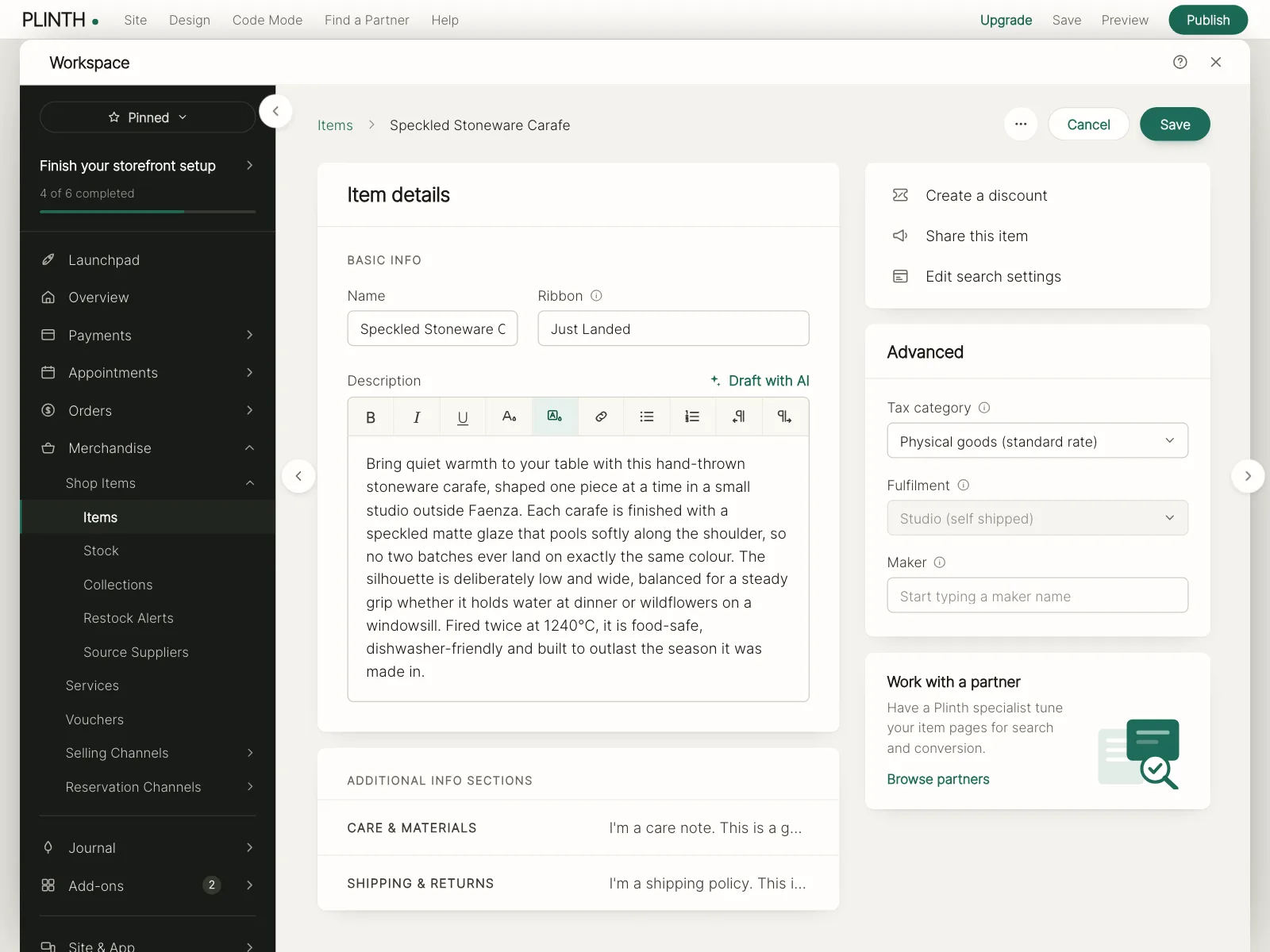
Bios and listing descriptions
Profile bios and product descriptions that show up publicly, often with tips or a limit beside them.
Instructions for AI tools
System prompts, personal context and saved background that an assistant reads before every reply.
Text area vs similar components
Build notes
- Use a <textarea> with a visible <label> above it, linked by for and id.
- Placeholder text can show an example, but it's not a label.
- Set rows so the height fits the answer you expect. Browser defaults differ.
- Grow the box with field-sizing: content and cap it with max-height, or keep the resize handle.
- Let people type past a character limit, and say how far over they are so they can trim.
- Announce the remaining count to screen readers when typing pauses, not on every key.
FAQ
What's the difference between a text area and a text field?
A text field takes one line, like a name or an email address. A text area takes answers that can run longer than a line, like a message or a review, and shows several lines at once.
How tall should a text area be?
Tall enough to show the answer you expect without scrolling. A short note might need three lines and a project description many more. Set the height with the rows attribute, since browser defaults differ.
Should a text area have a character limit?
Only when there's a real reason, like a card that prints a fixed number of characters. Show a count near the box, let people type past the limit and tell them how many characters to remove. That way people can paste a full answer and trim it.
Should a text area grow as people type?
Growing keeps the whole answer in view, which helps people reread it. The CSS field-sizing: content property does this in current browsers. Cap the height so a long answer scrolls inside the box instead of pushing the page.
Related terms
All glossary terms · Browse 55 web and 35 mobile text area designs