
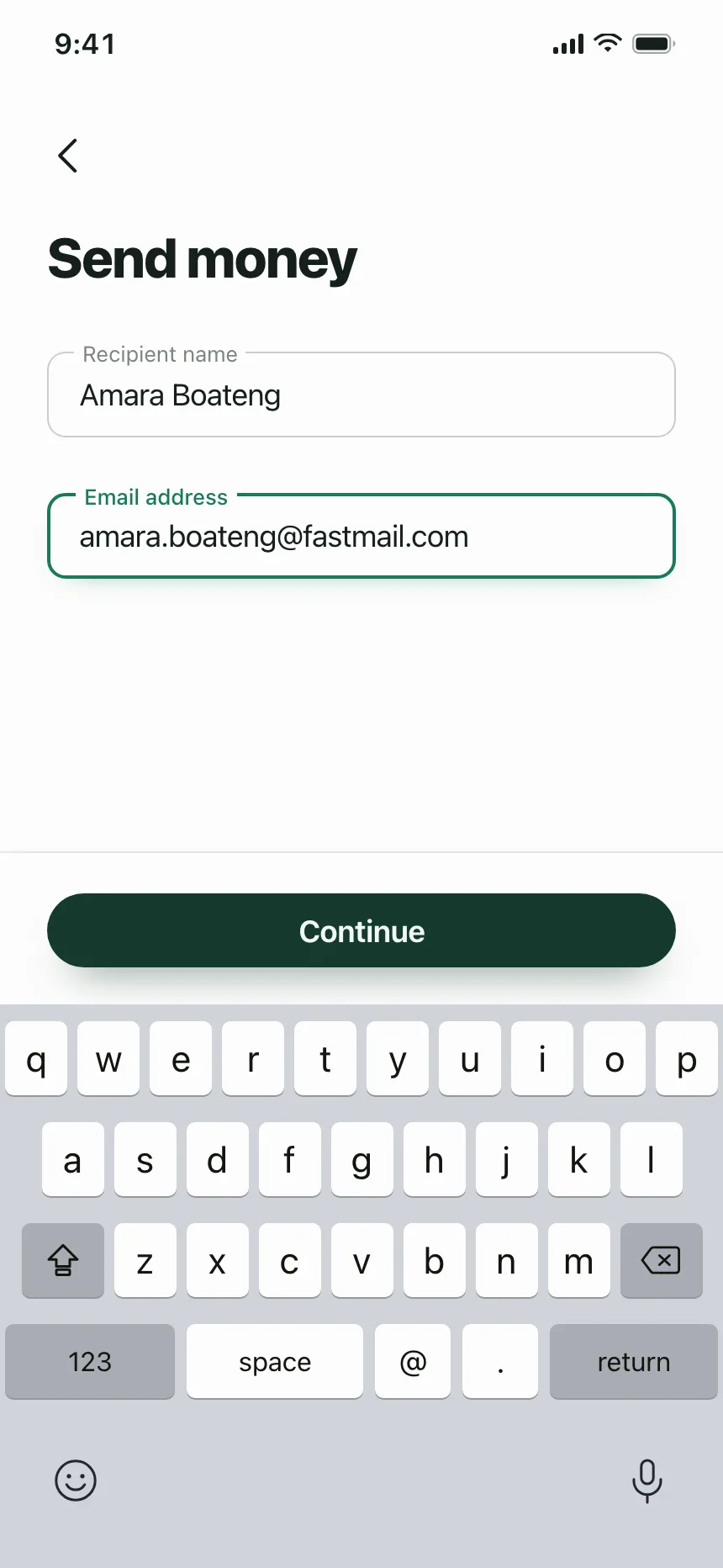
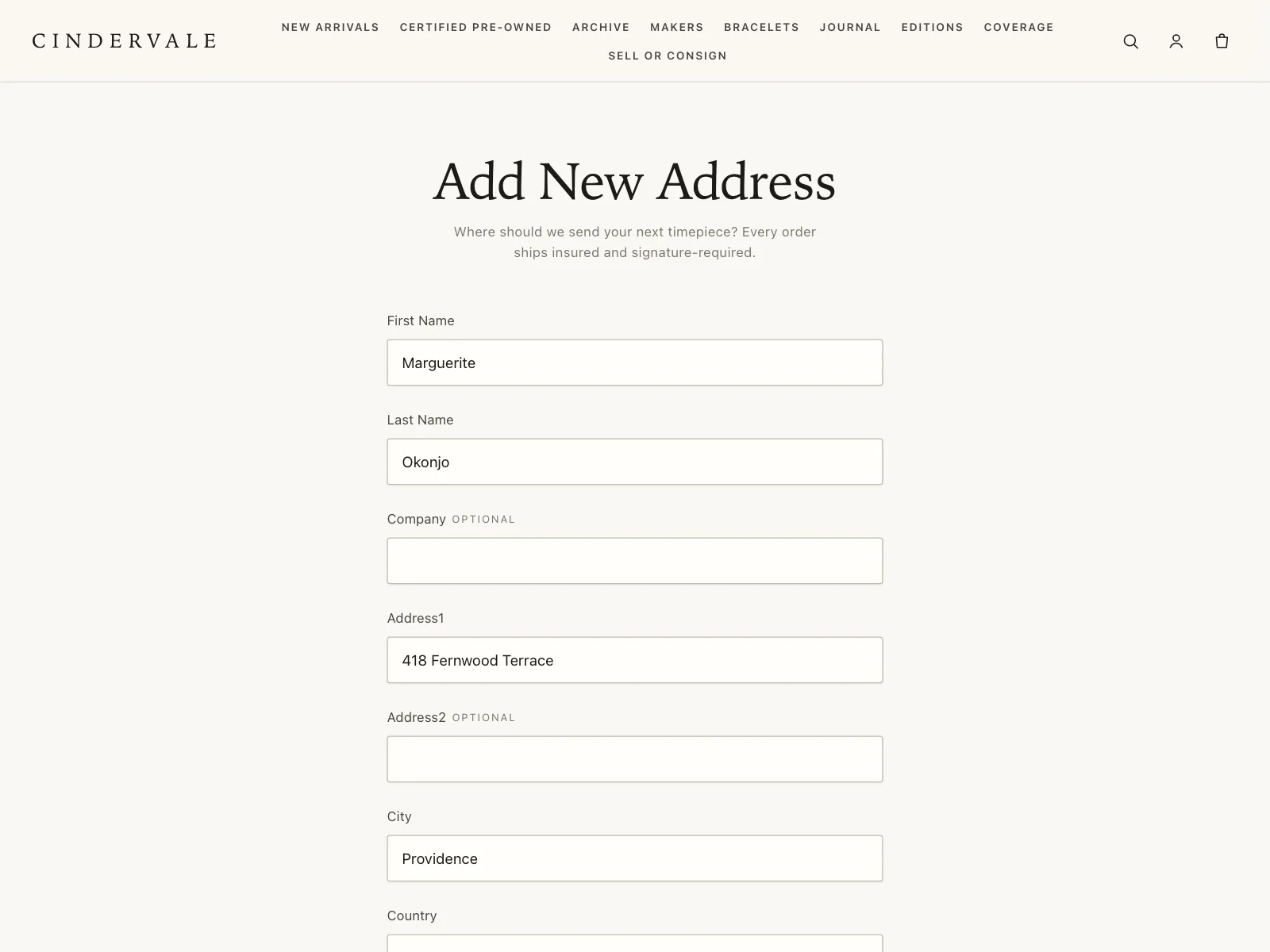
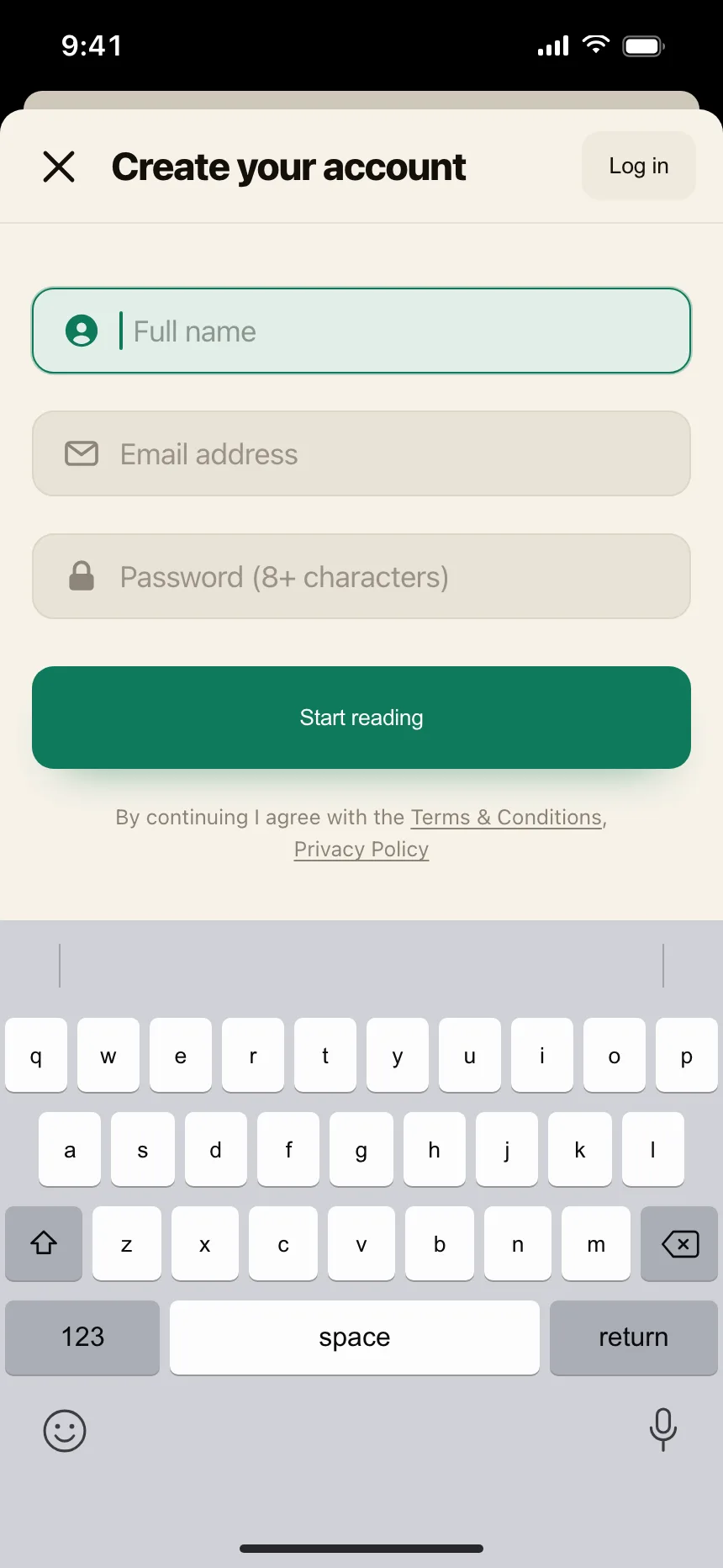
Text fields from the Kombai gallery: a transfer app's payout form, a watch marketplace's shipping address and a reading app's sign-up sheet.
What is a text field?
A text field is a single-line box for short, free-form answers: a name, an email address, a code or an amount. A label says what goes in it, and hint or error text near the box explains the format or what to fix.
- The box shows focus with a stronger border or a ring while people type.
- Its width hints at the answer, like a short box for a ZIP code.
Text fields show up across sign in, sign up, checkout and account setup screens.
When to use a text field
- Short, free-form answersNames, titles and promo codes that people can't pick from a list.
- Values people knowEmail addresses and phone numbers are faster to type than to find.
- Naming one thingRenaming a file, a list or a project in a dialog or inline.
When not to use one
- Long textMessages and descriptions need a text area that shows several lines.
- A fixed set of answersUse radio buttons or a dropdown when the options are known.
- Dates people browse forA check-in date or a meeting time suits a date or time picker.
Anatomy of a text field
This one works. Fix the email address, or clear it and tab away to see the empty-field error.
- Default
- Focus
- Filled
- Error
- Disabled
- LabelNames the field, stays visible
- InputThe box people type into
- Hint textFormat or rules, one line
- Trailing iconClear, reveal or status
- Error messageSays what to fix
- StatesDefault, focus, filled, error, disabled
Text field variants
We sorted every text field design in the Kombai gallery and found six patterns. Browse all 55 web and 35 mobile designs.
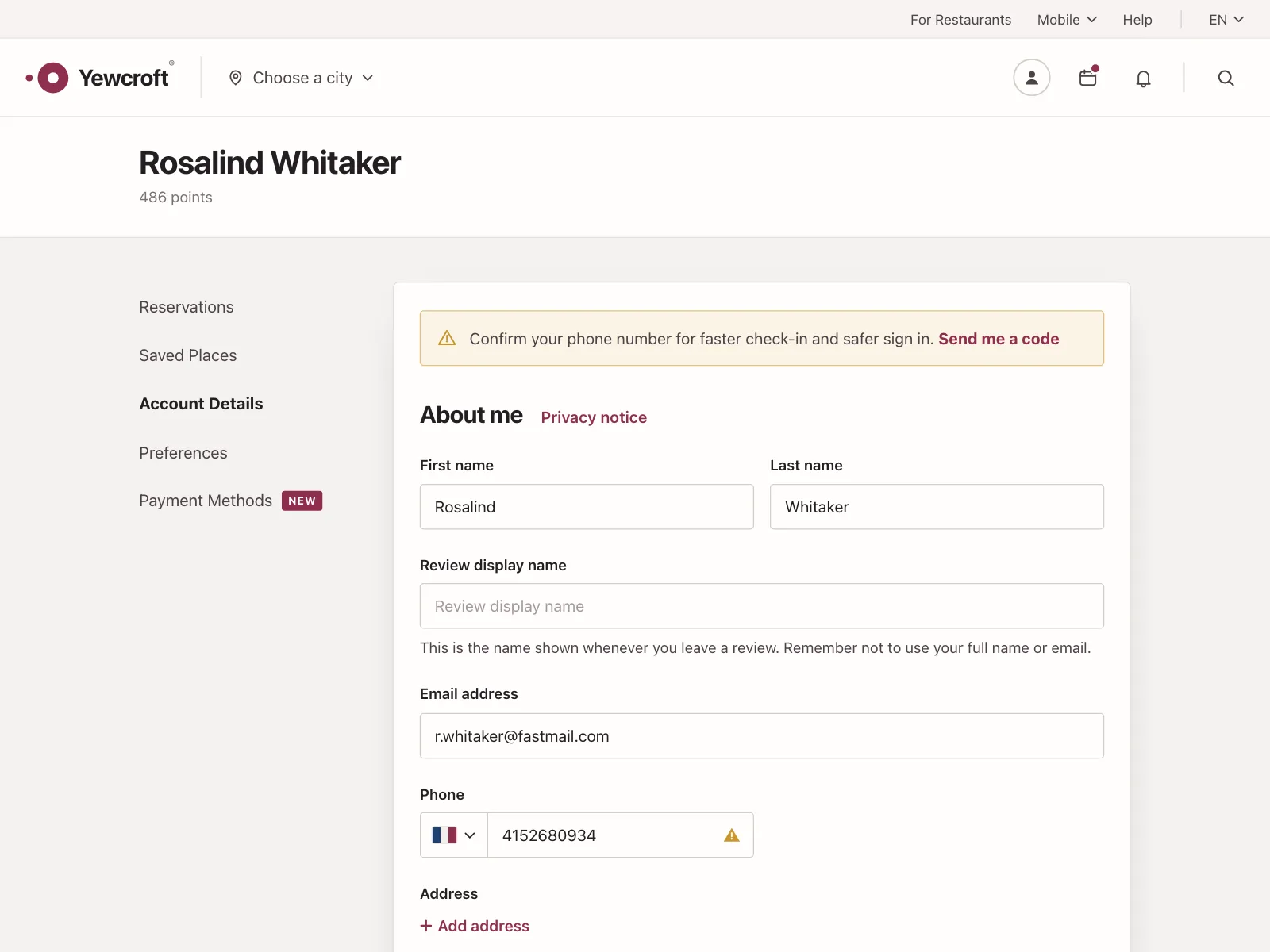
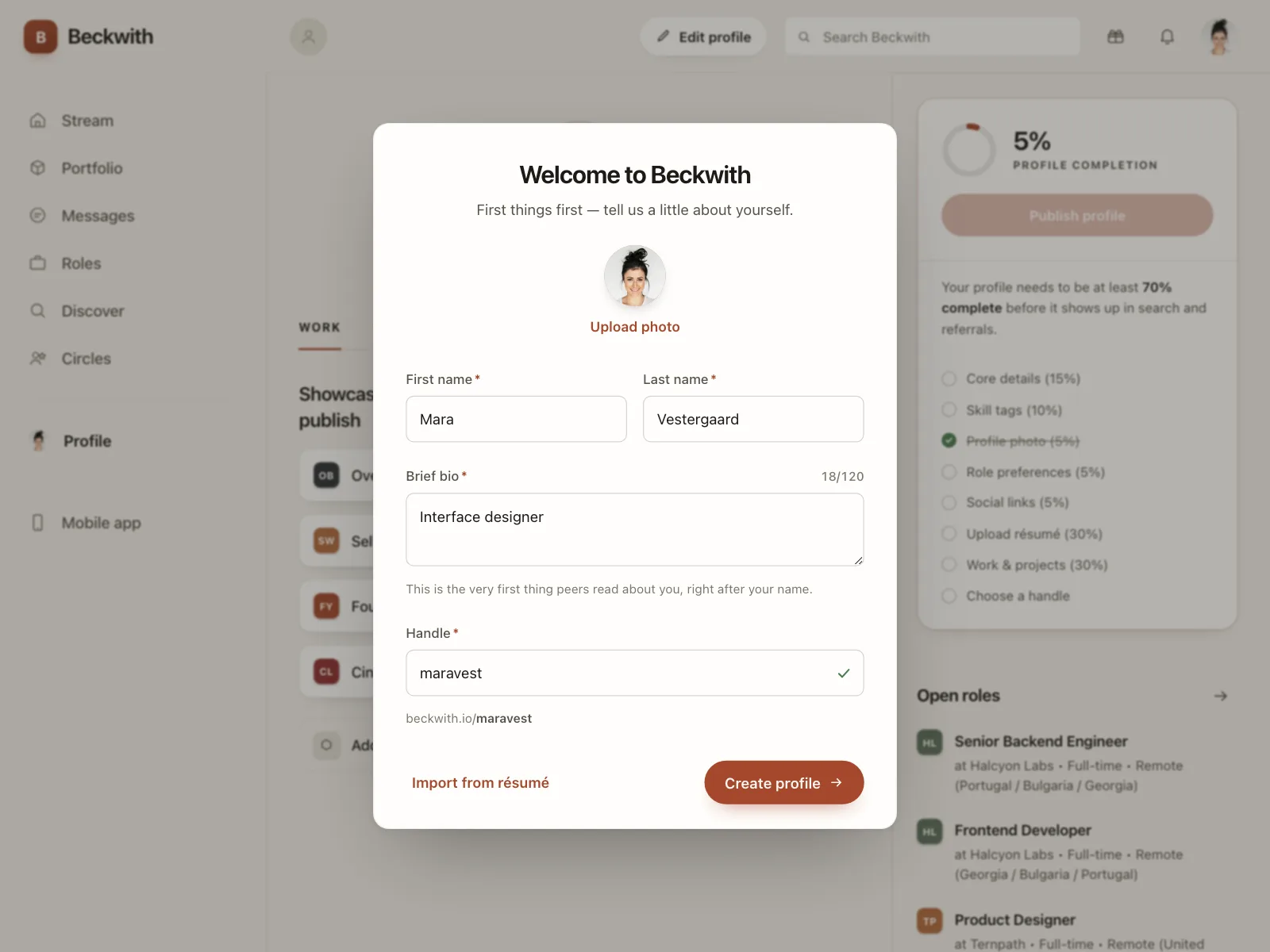
1. Outlined fields with labels above
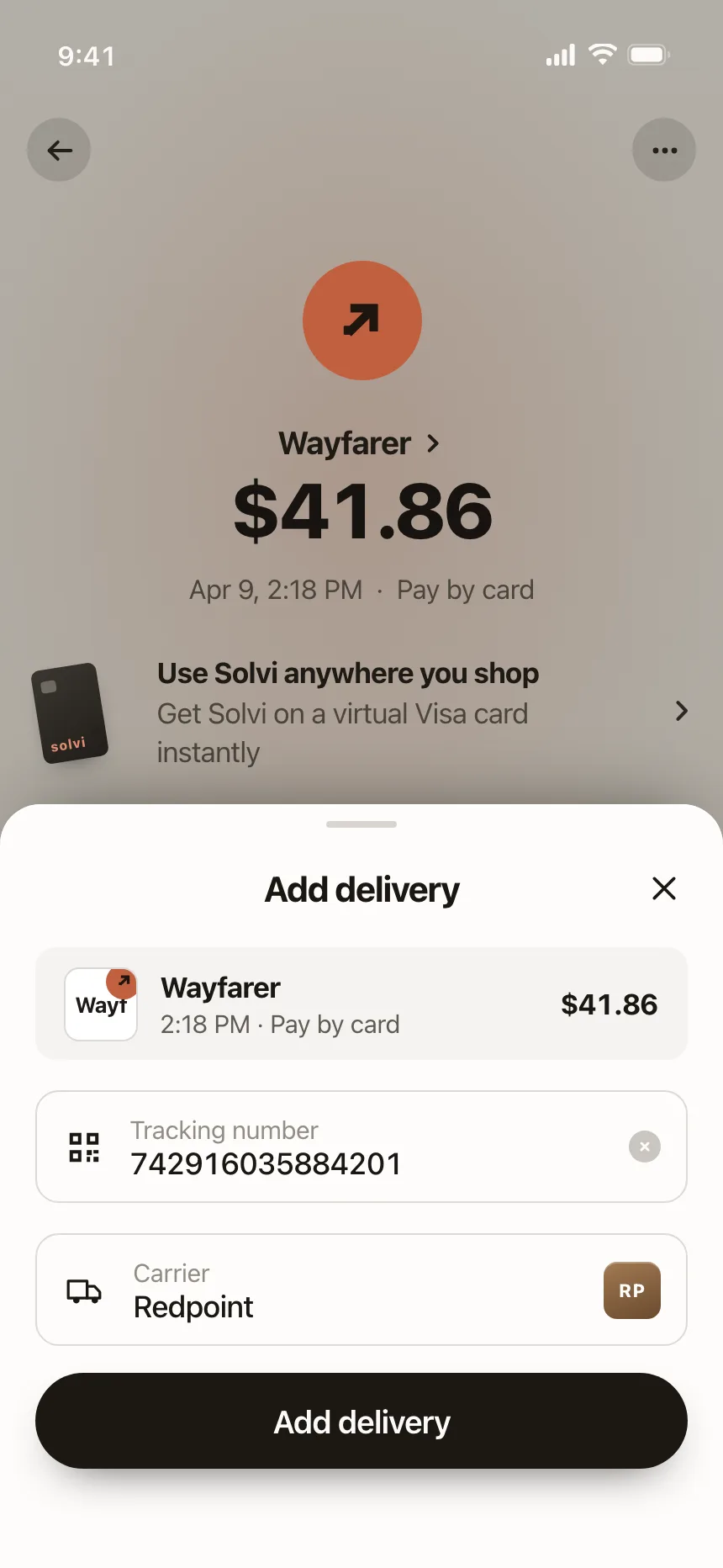
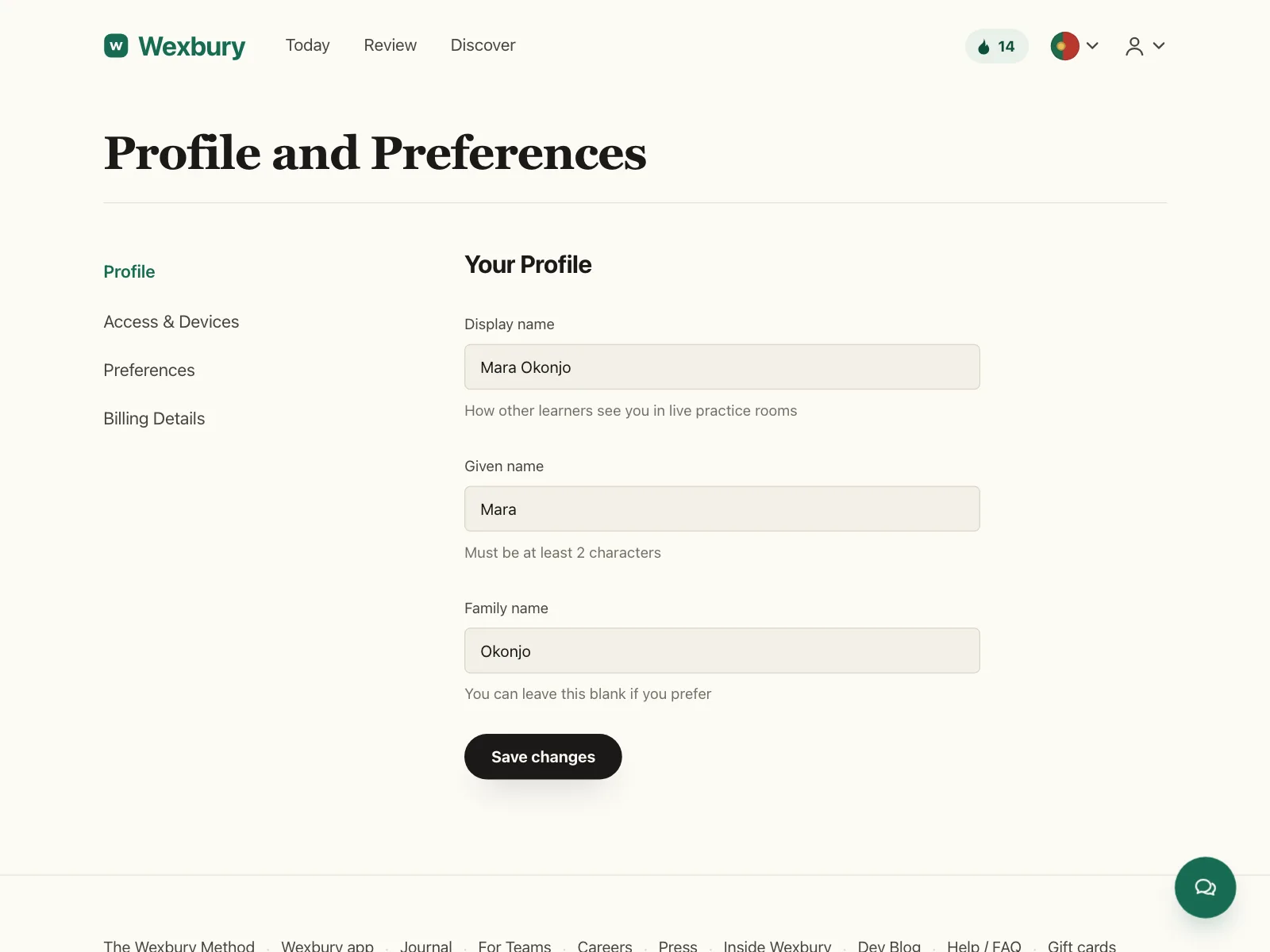
The default. A label sits above a bordered box, so it stays readable while people type and when they check their answers.
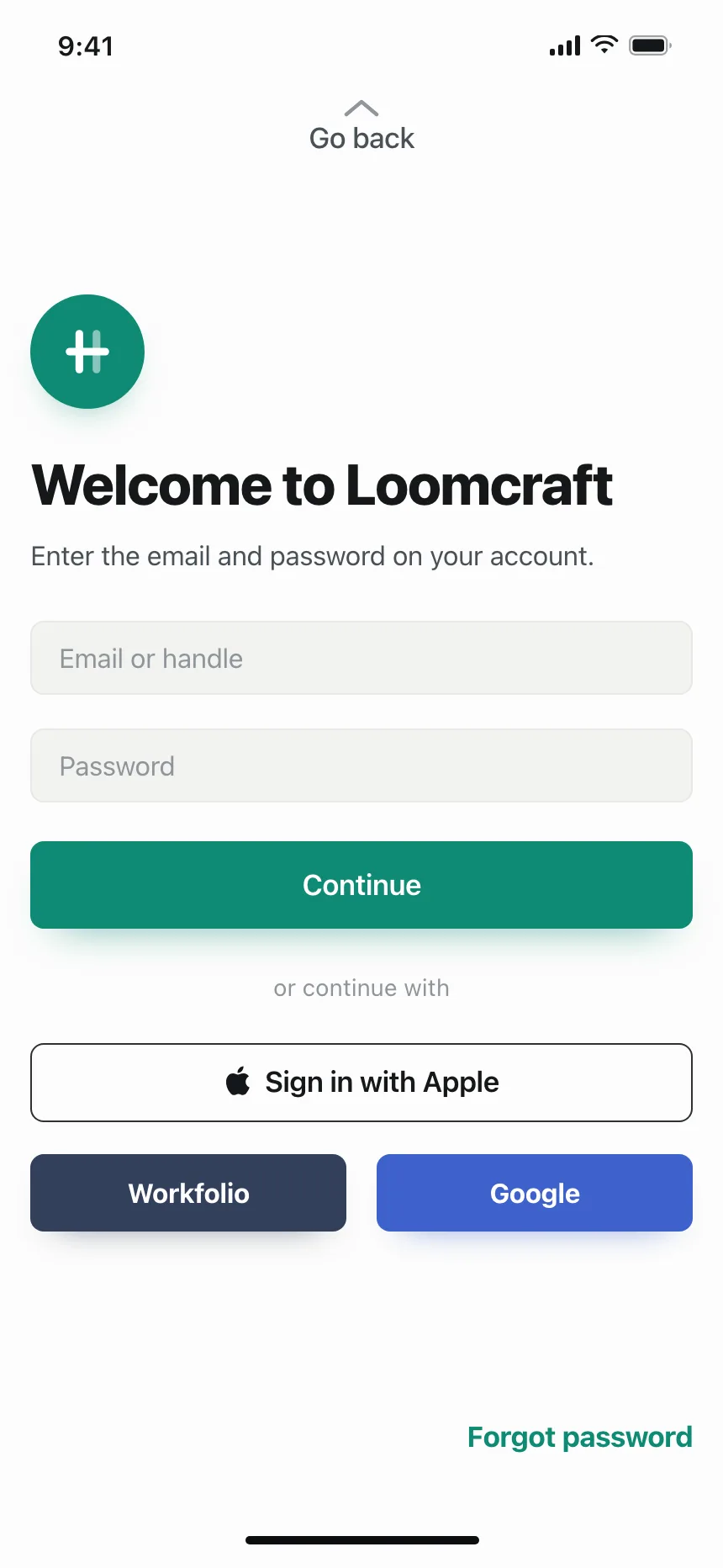
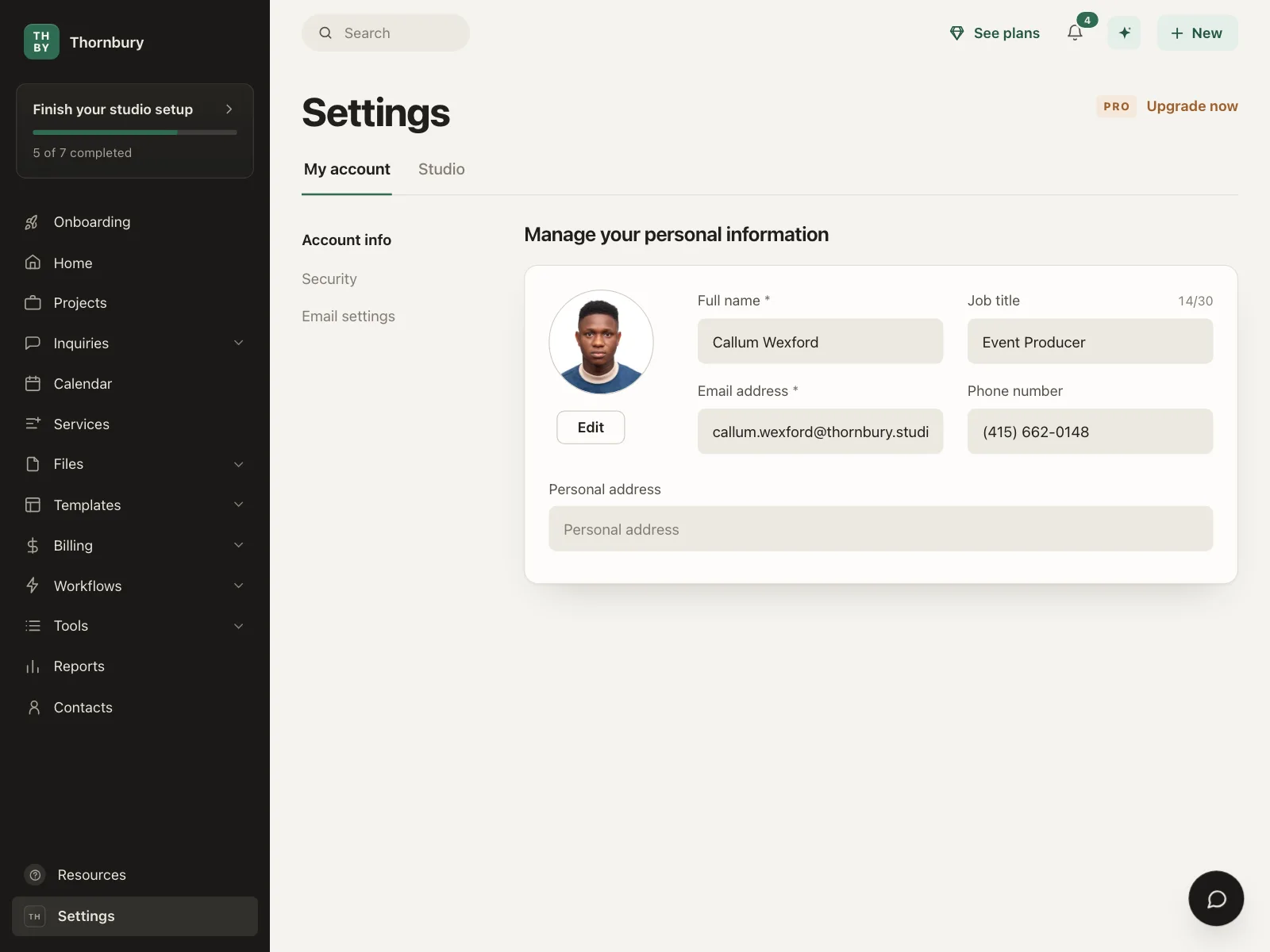
2. Filled fields
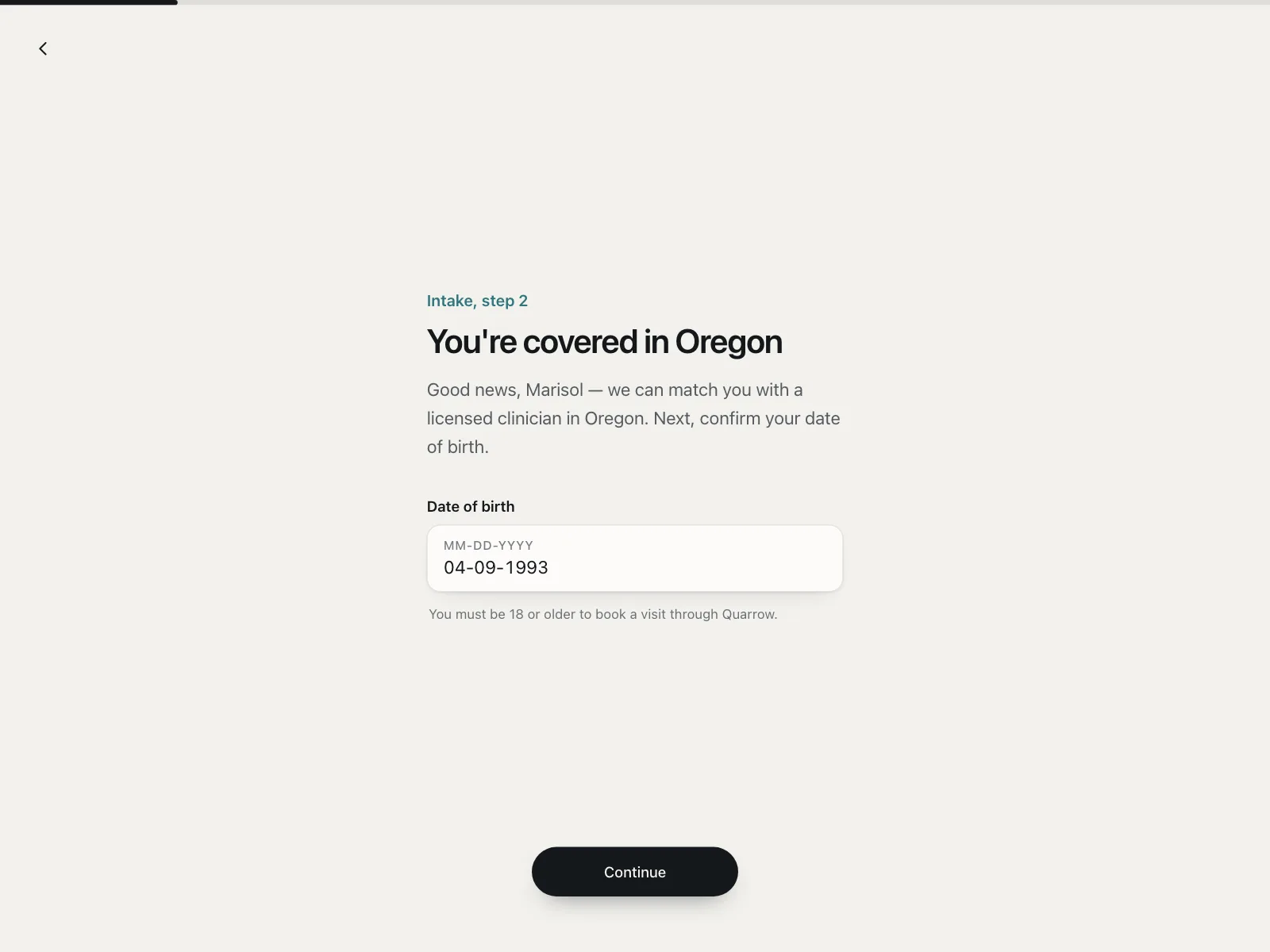
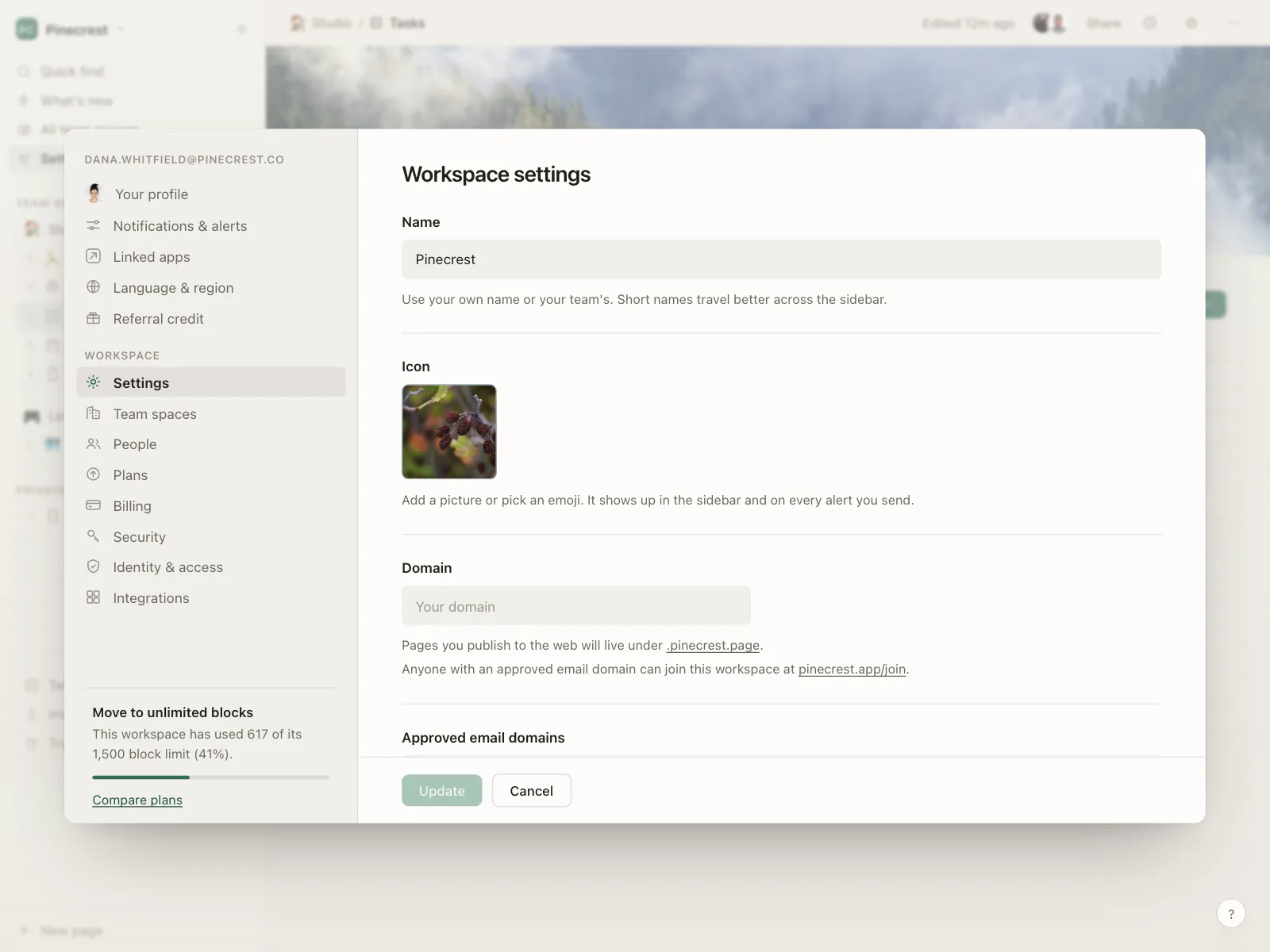
A tinted box with no border, or a faint one. Common on sign-in screens and in settings panels with many fields.
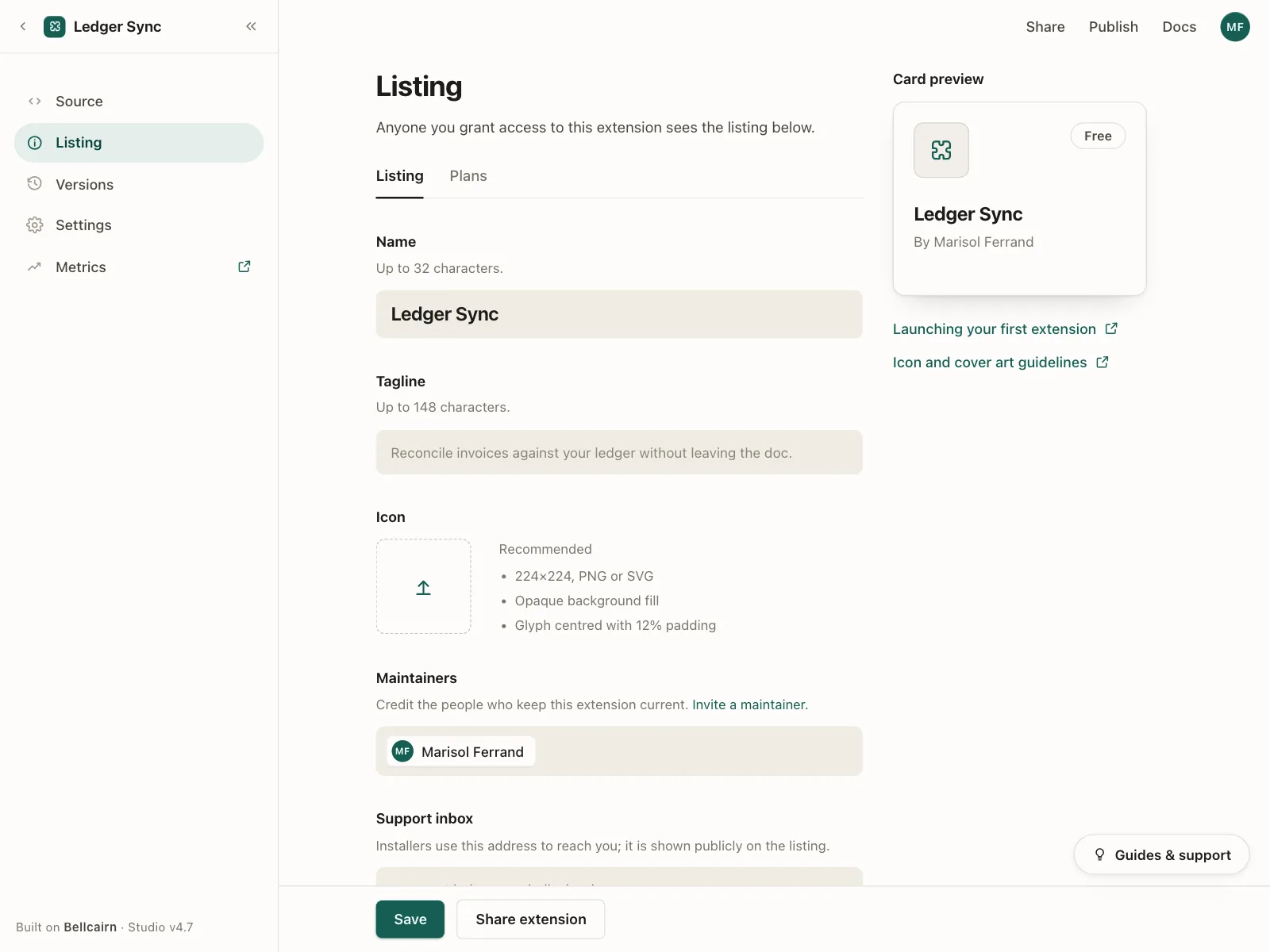
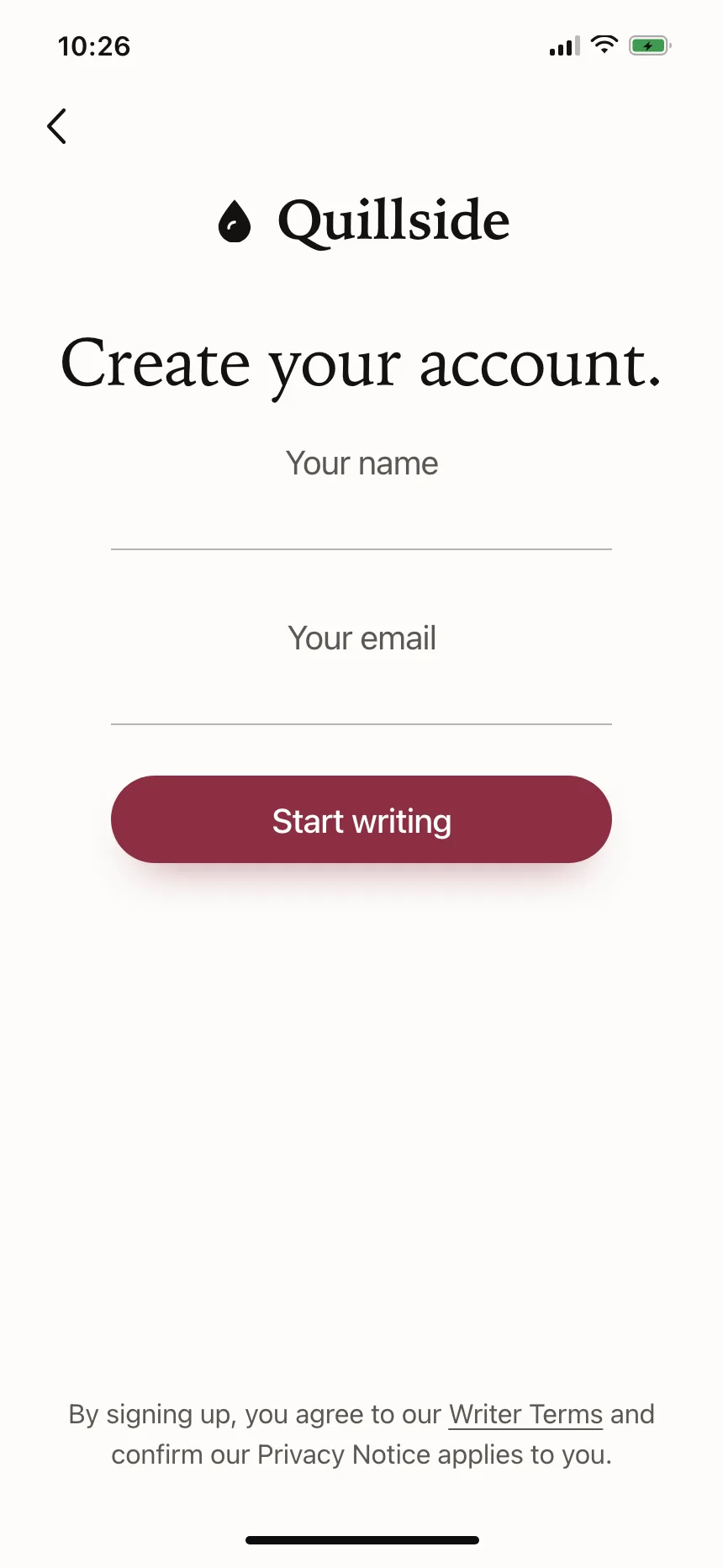
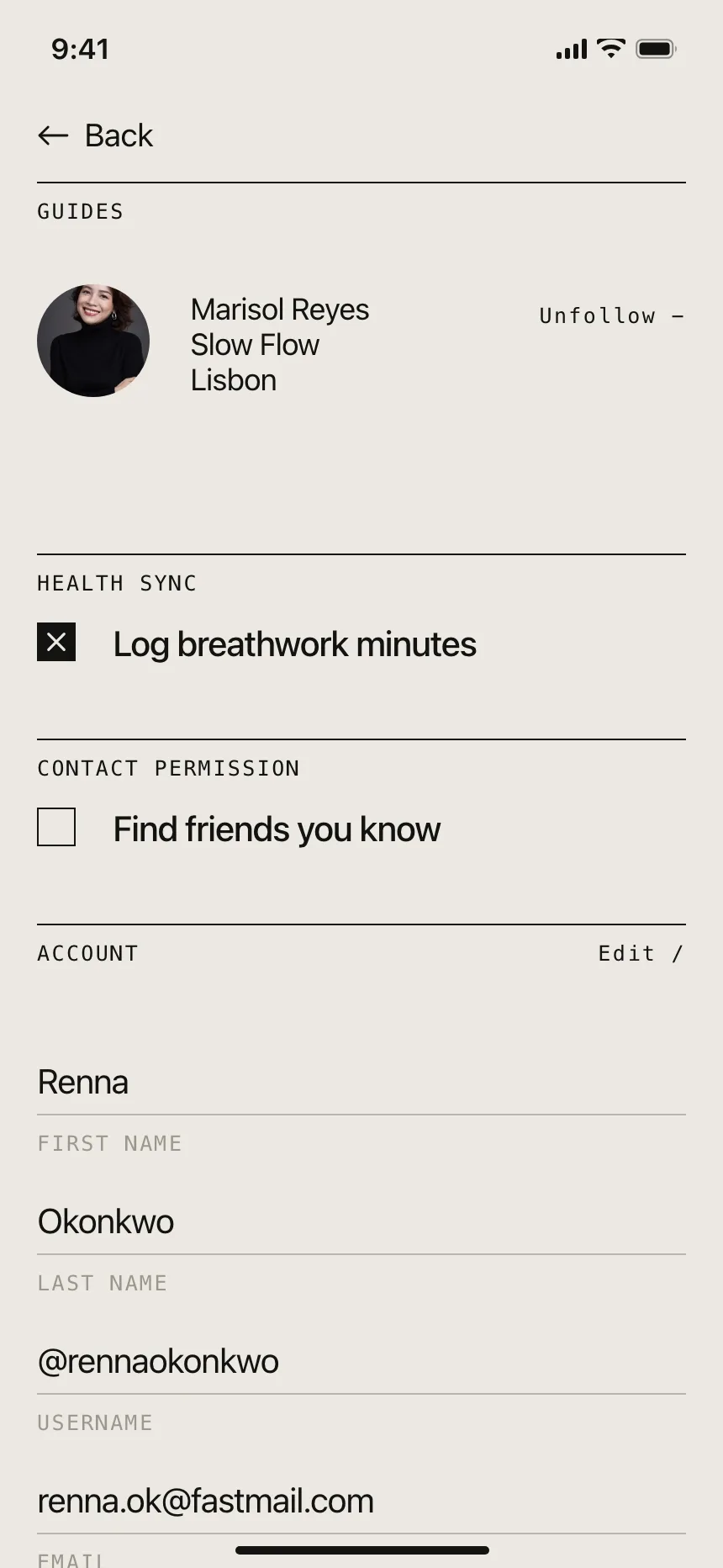
3. Underline fields
Only a line under the text. Minimal, and best on screens with one or two fields and little else.
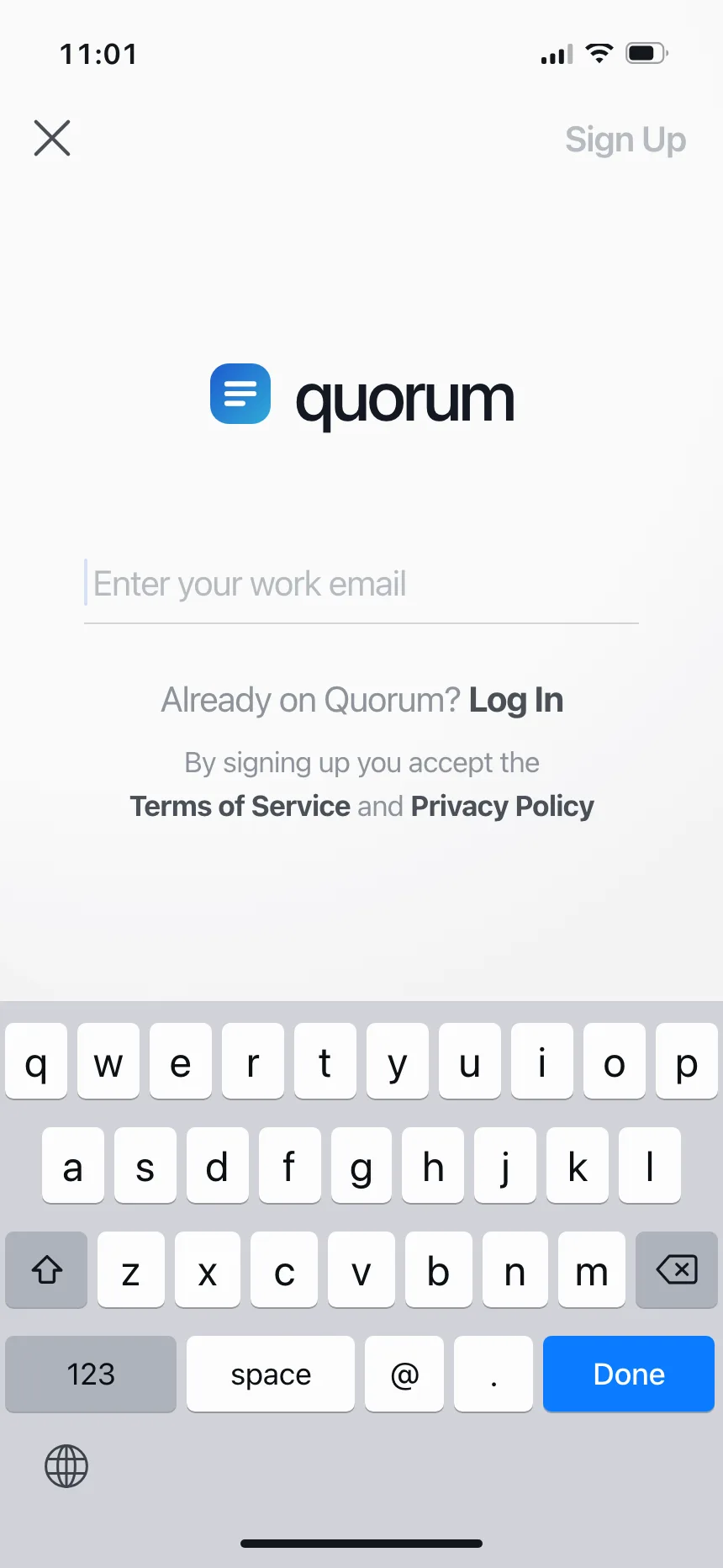
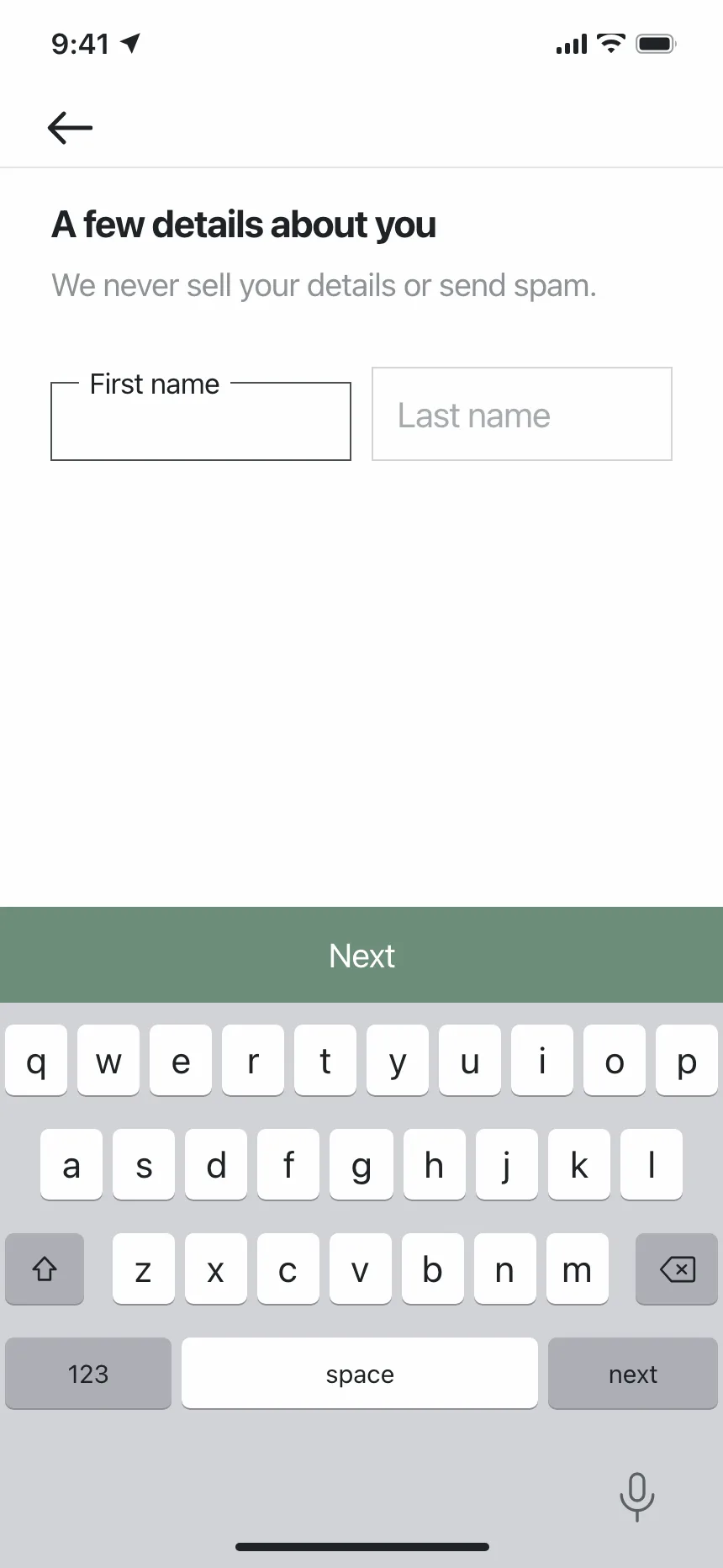
4. Floating labels
The label sits inside the box and moves to its top edge, or into a notch in the border, once the field has a value.
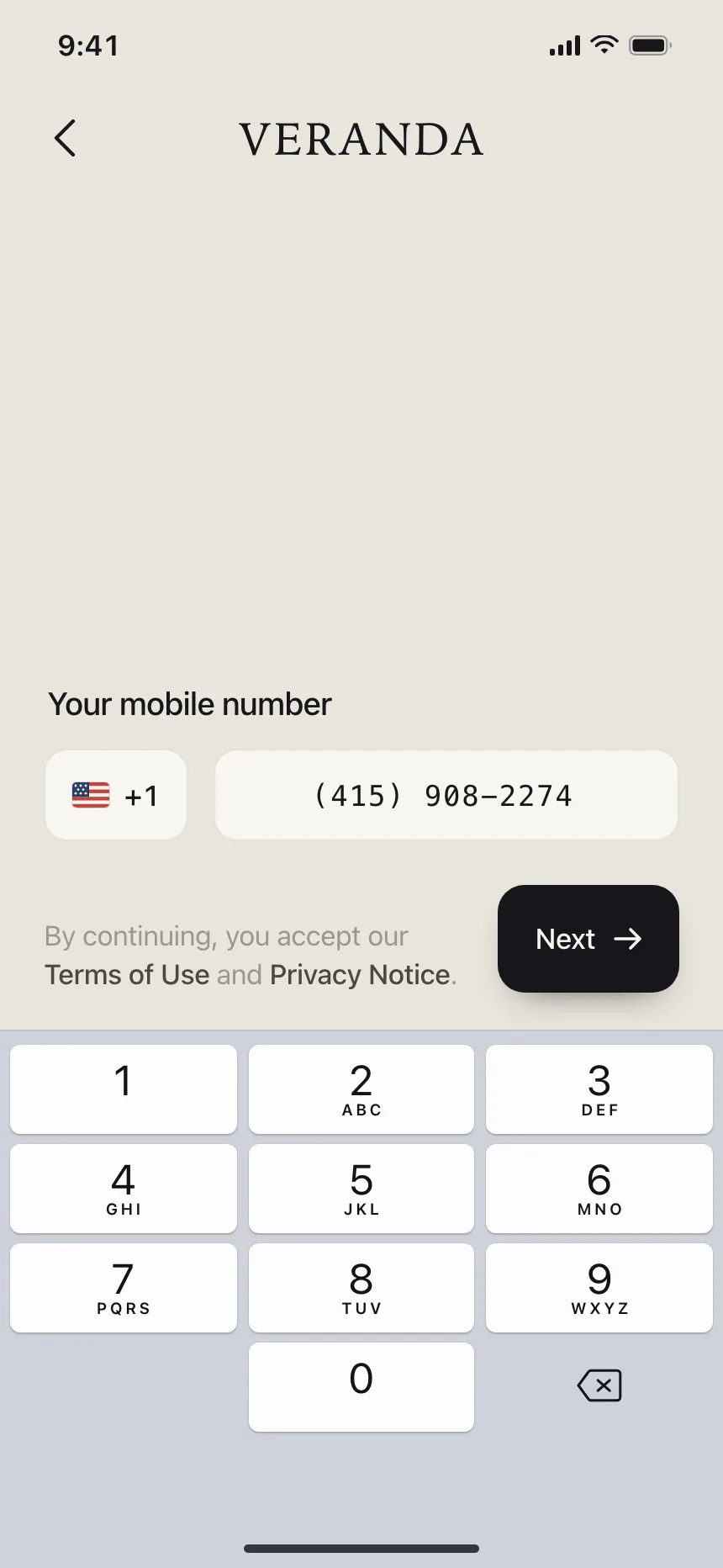
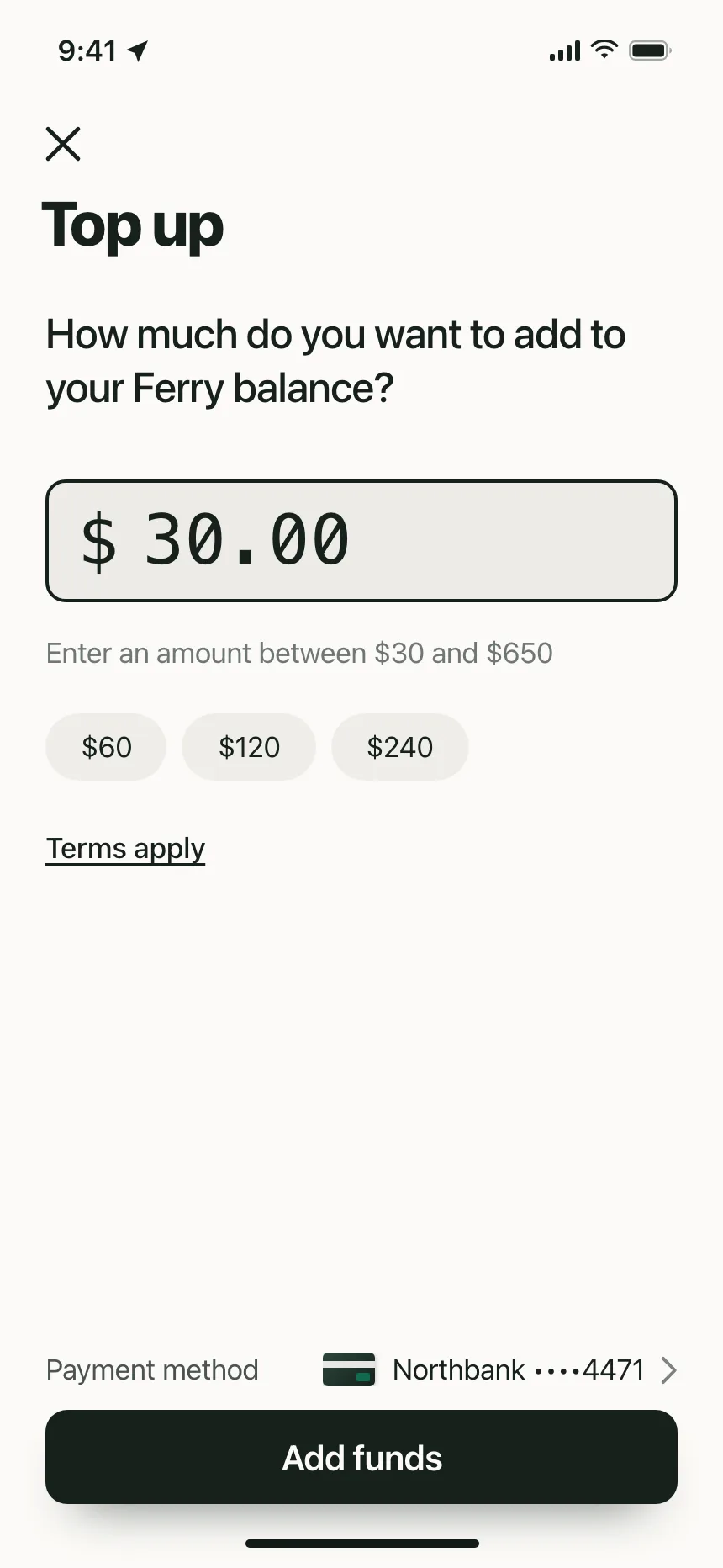
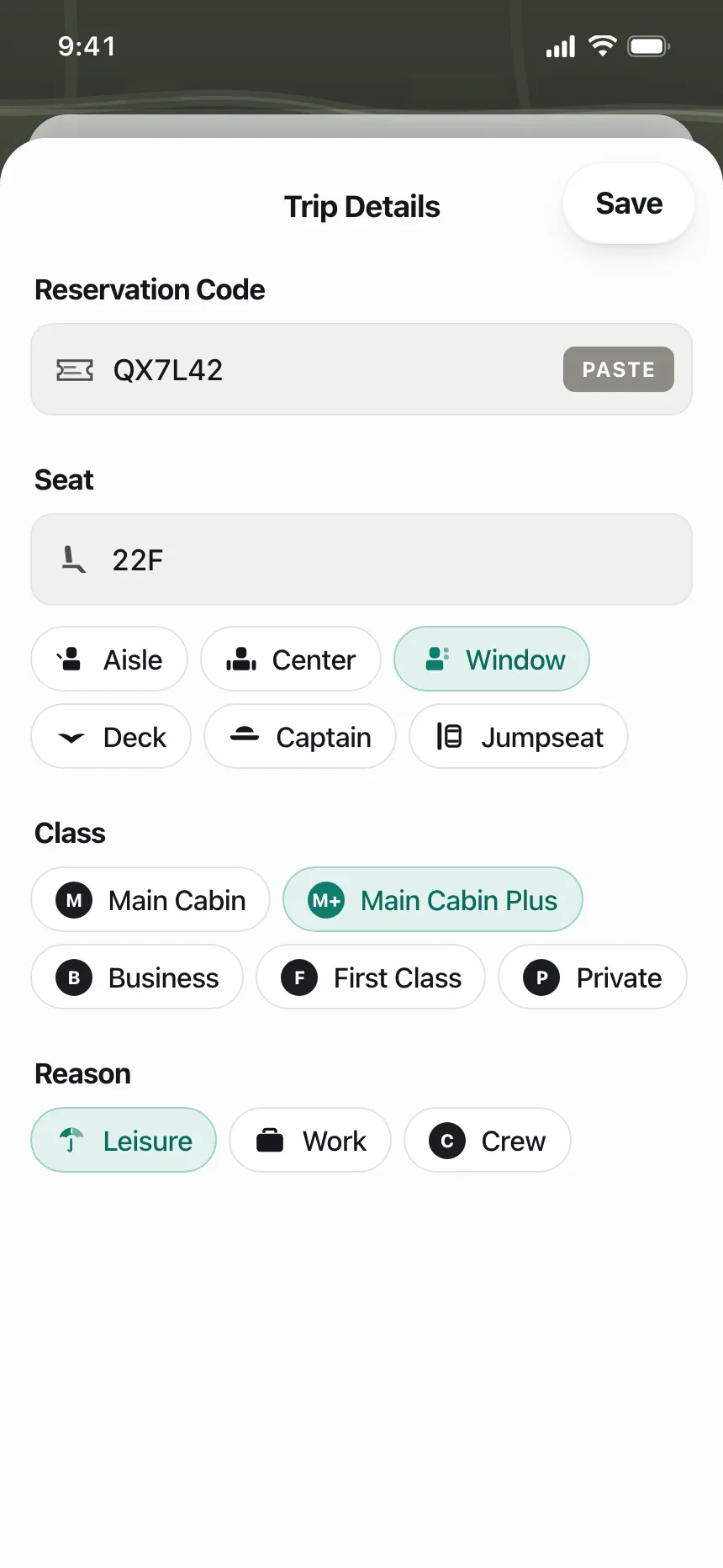
5. Prefixes, suffixes and inline buttons
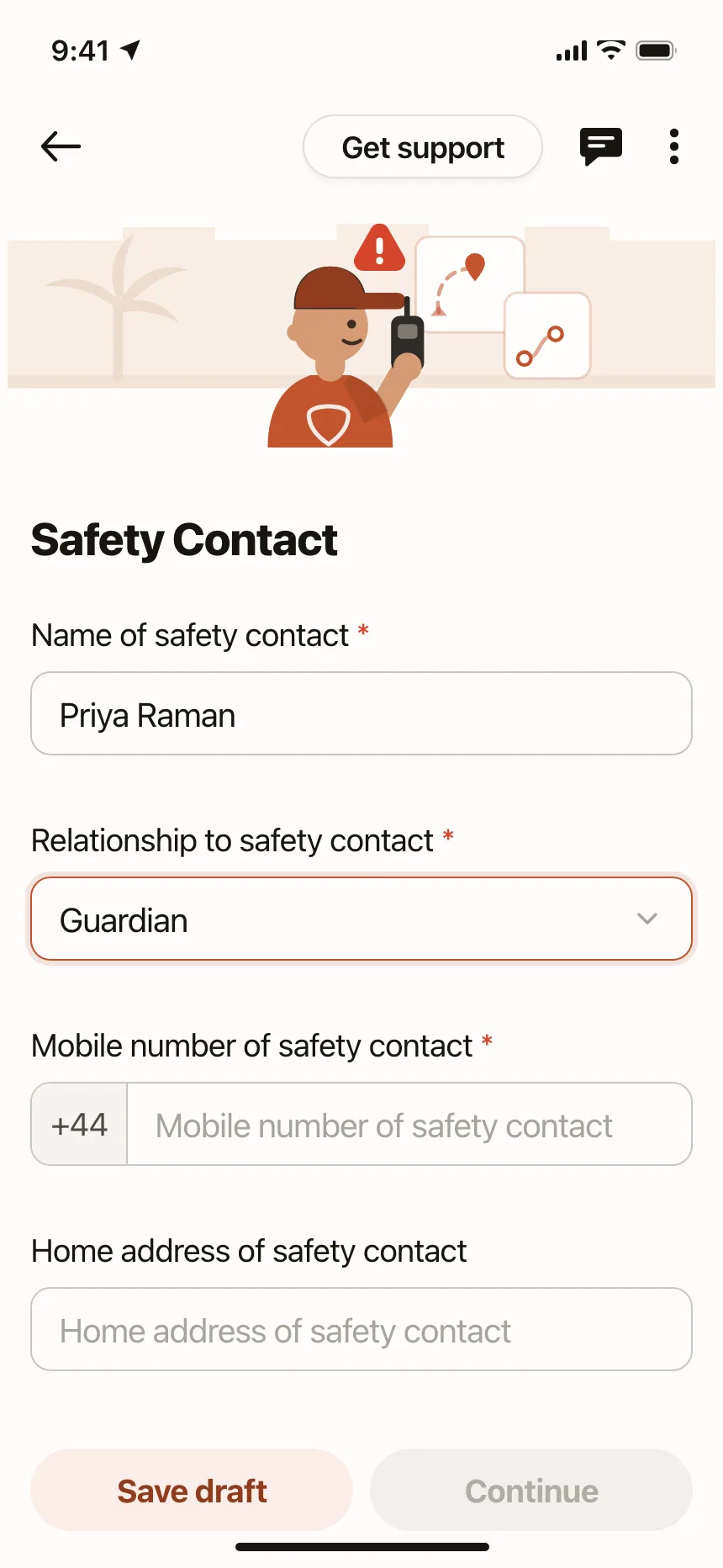
A country code, a currency sign or a Paste button attached to the field, so people type only the part that changes.
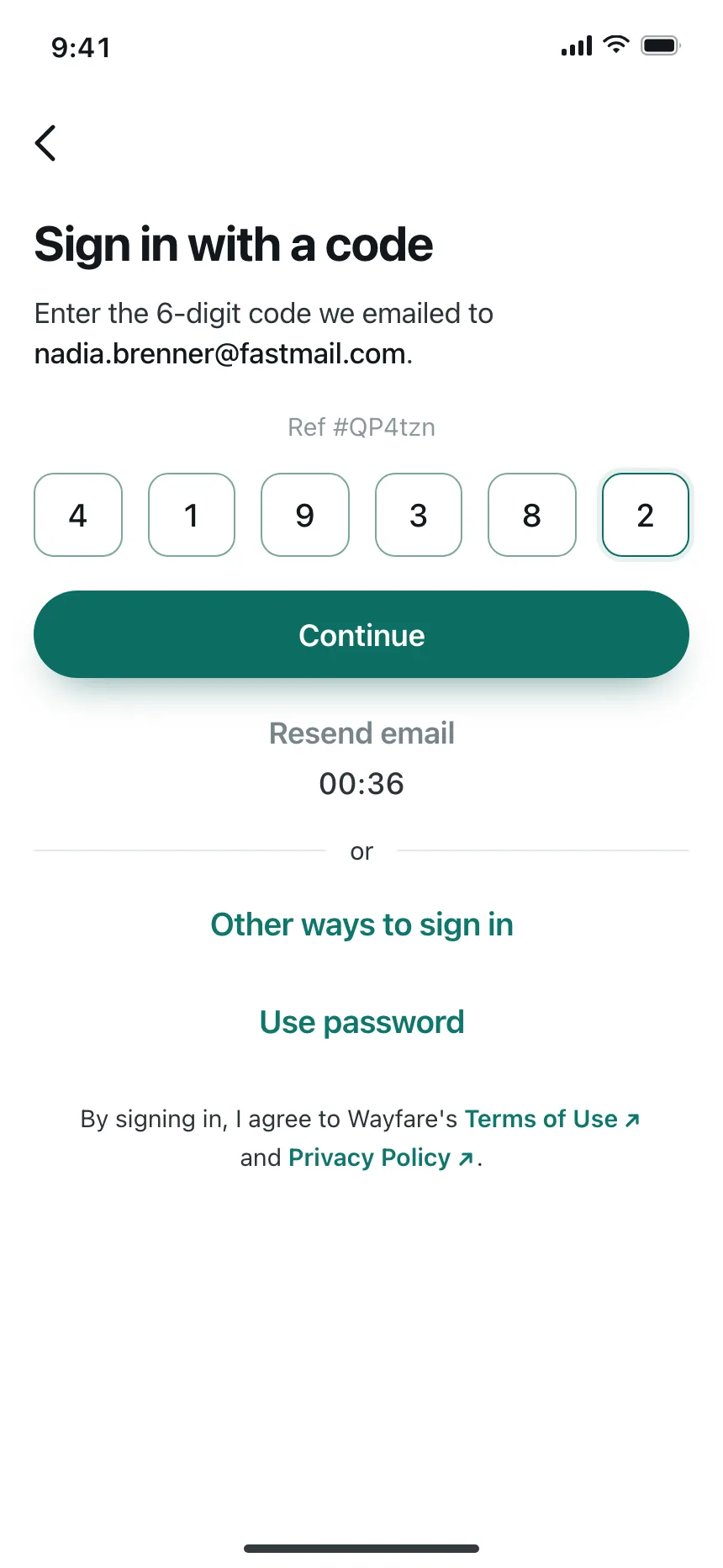
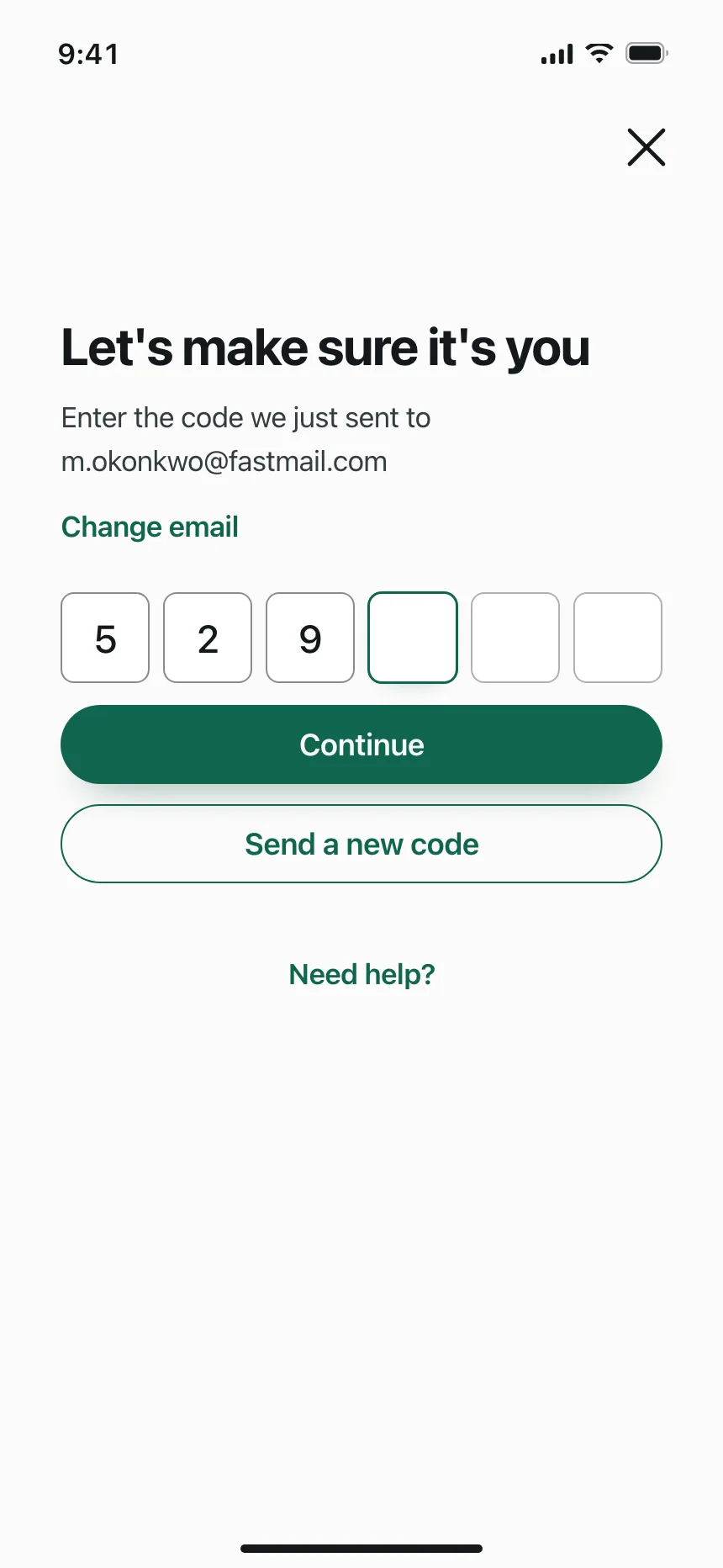
6. One-time code inputs
Six boxes for six digits, or one wide field with spaced digits, for codes sent by email or text.
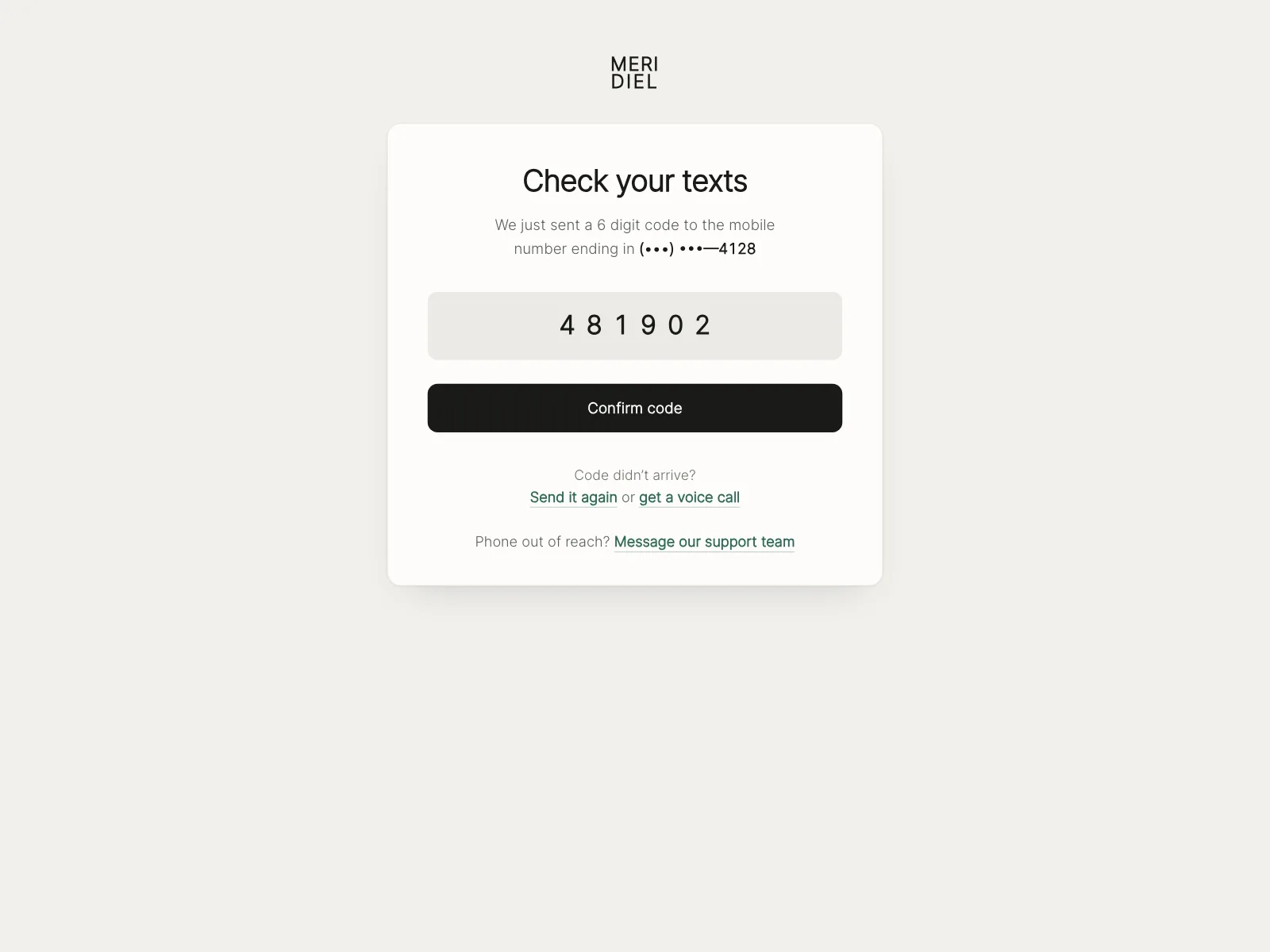
Where text fields show up
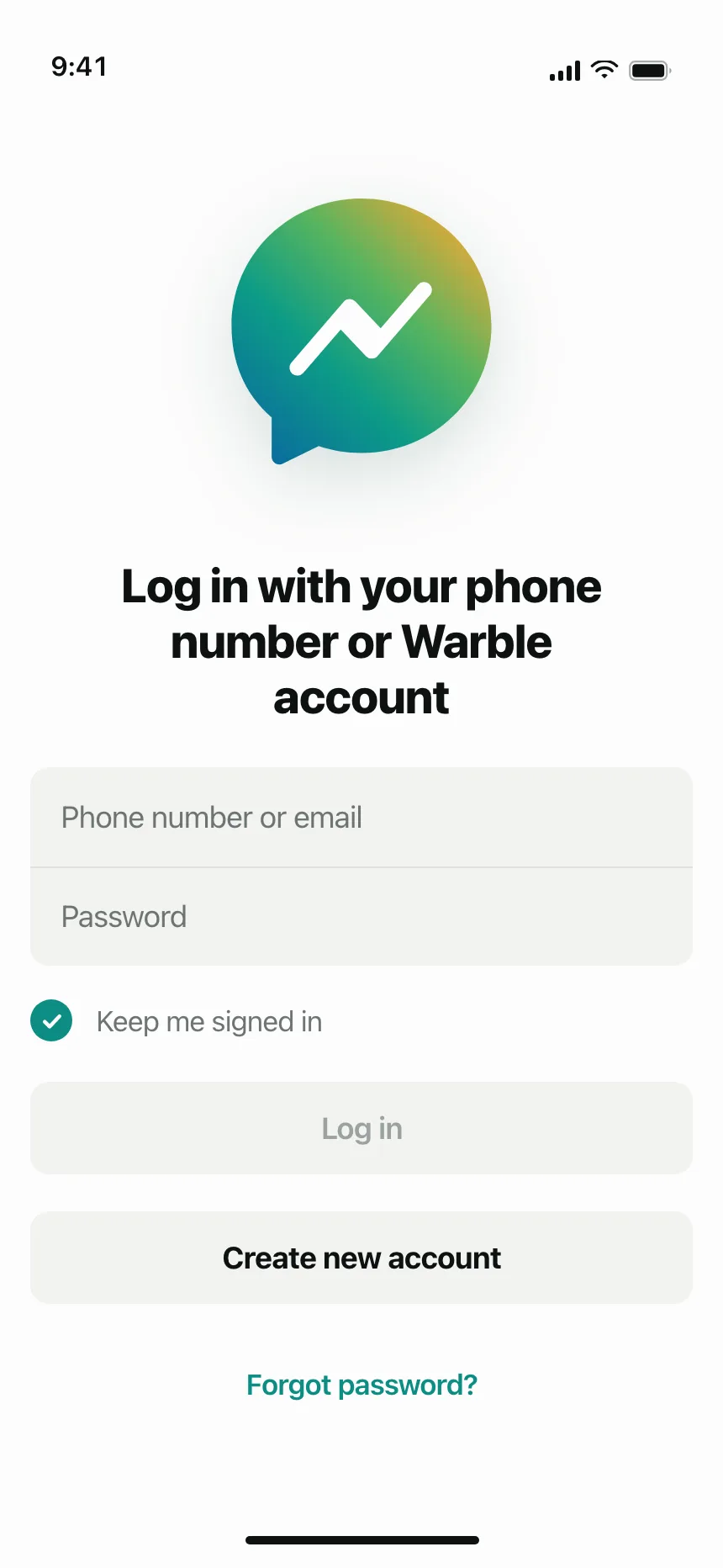
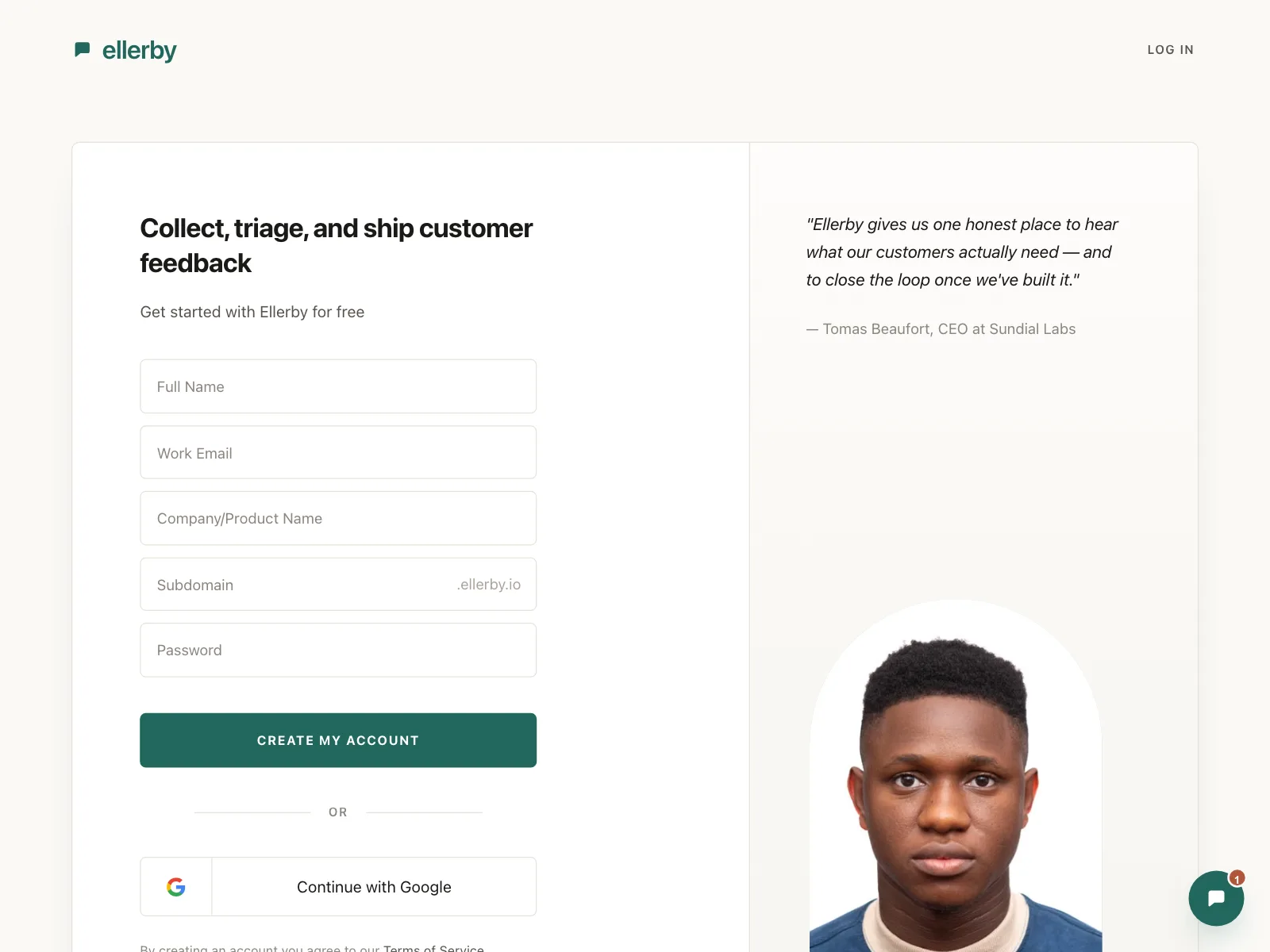
Sign-up and sign-in
Email, phone and password fields, often the only fields on the screen.

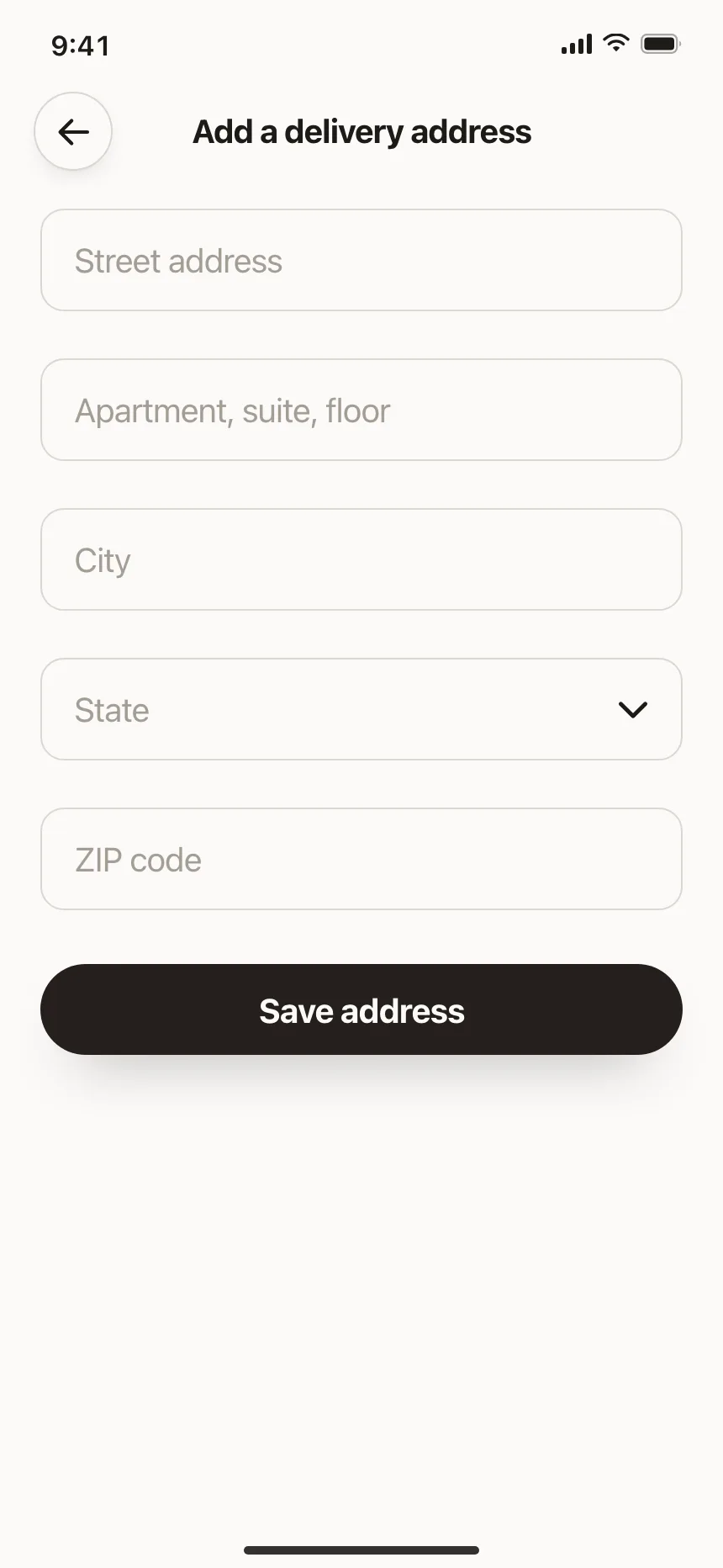
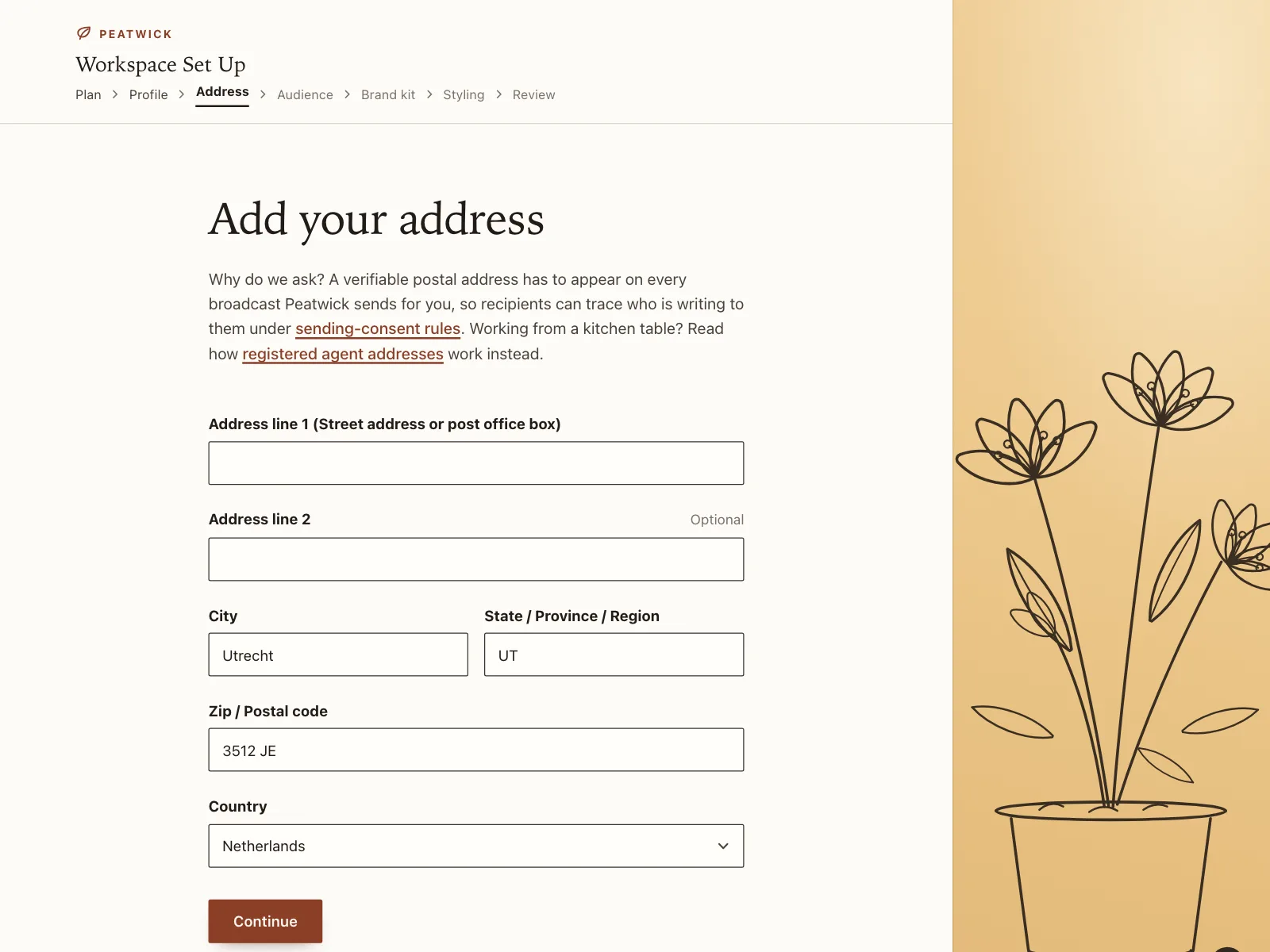
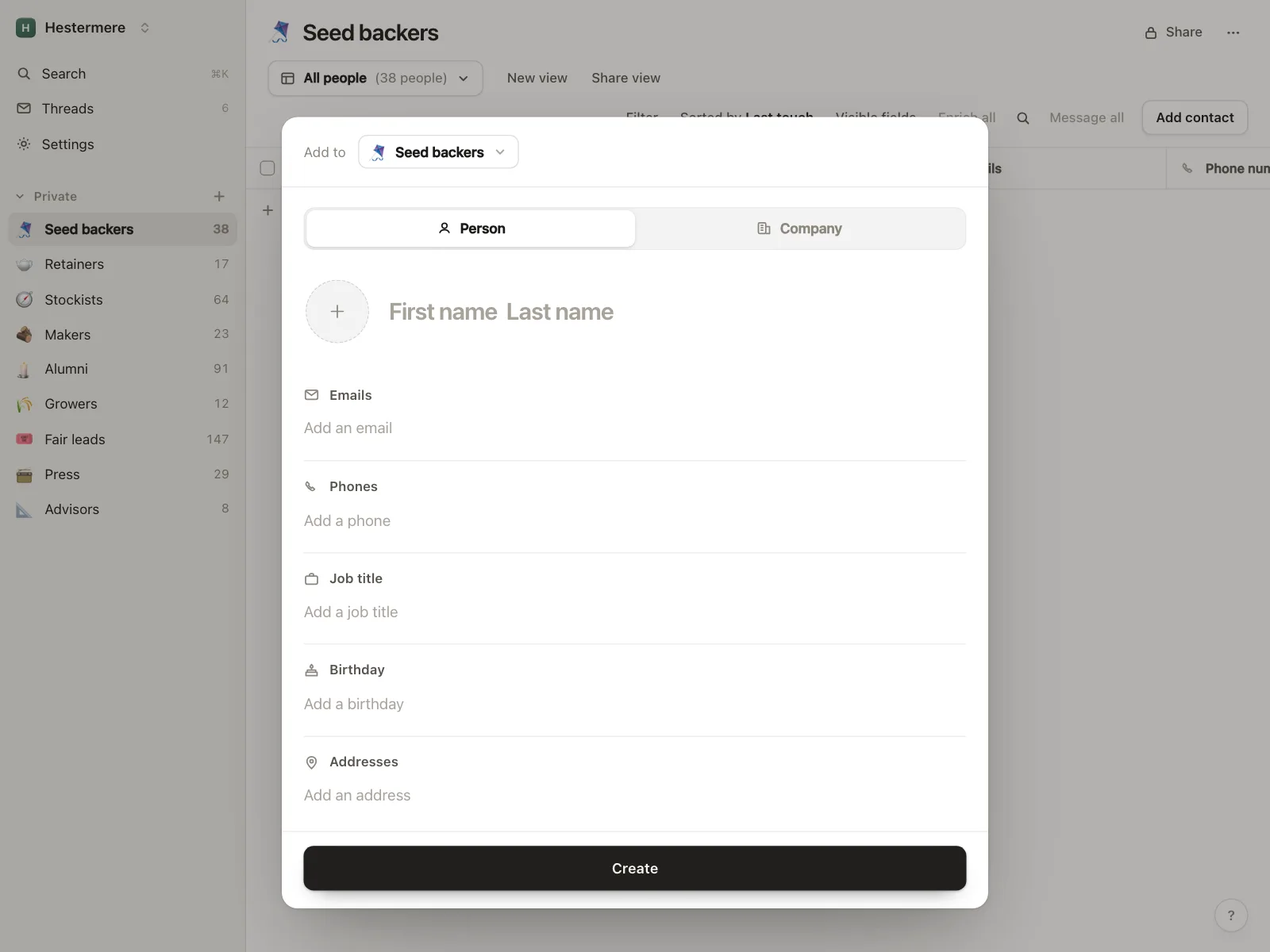
Addresses and contact details
Street, city and ZIP code at checkout, and name, email and phone when adding a contact.
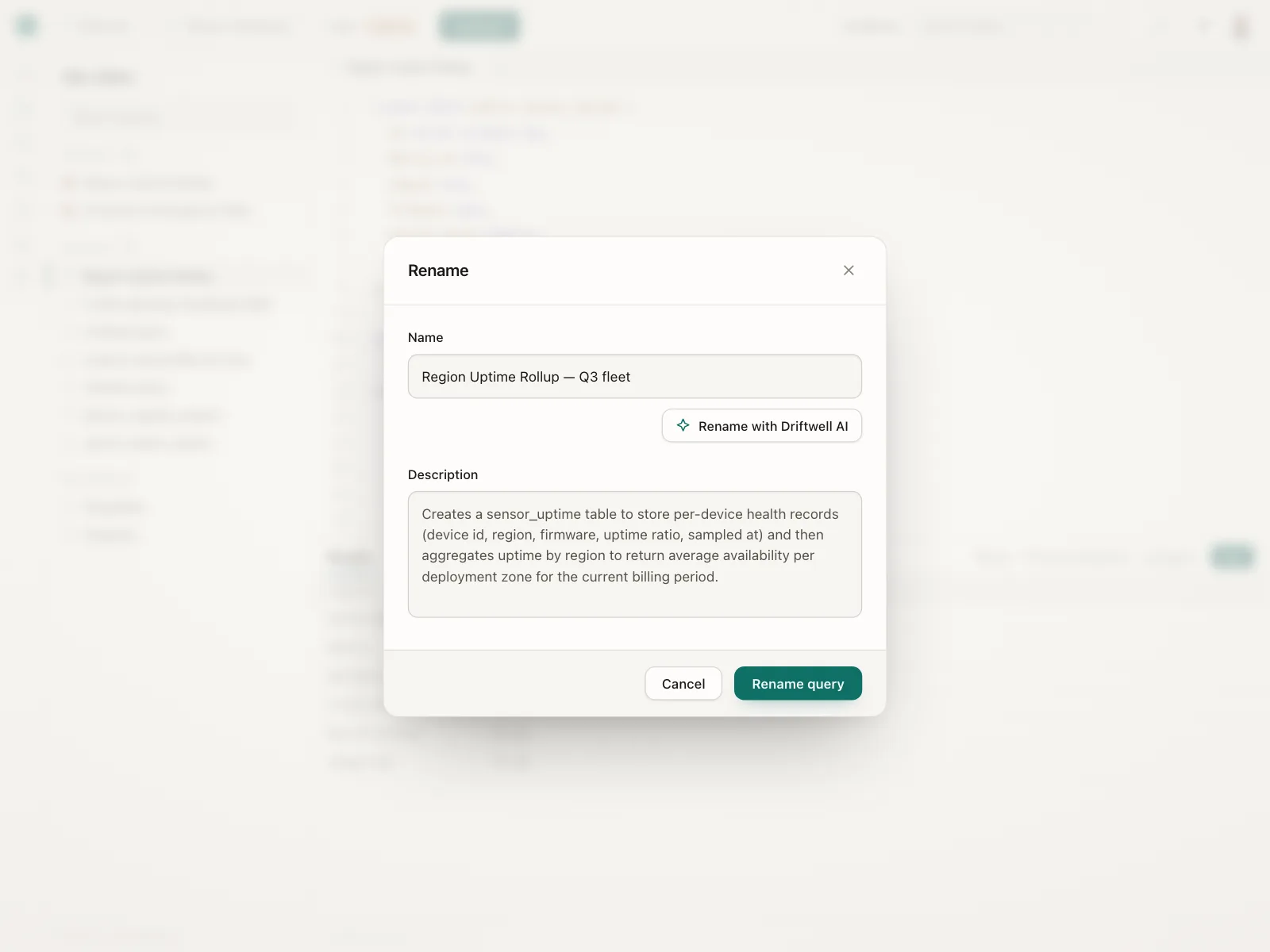
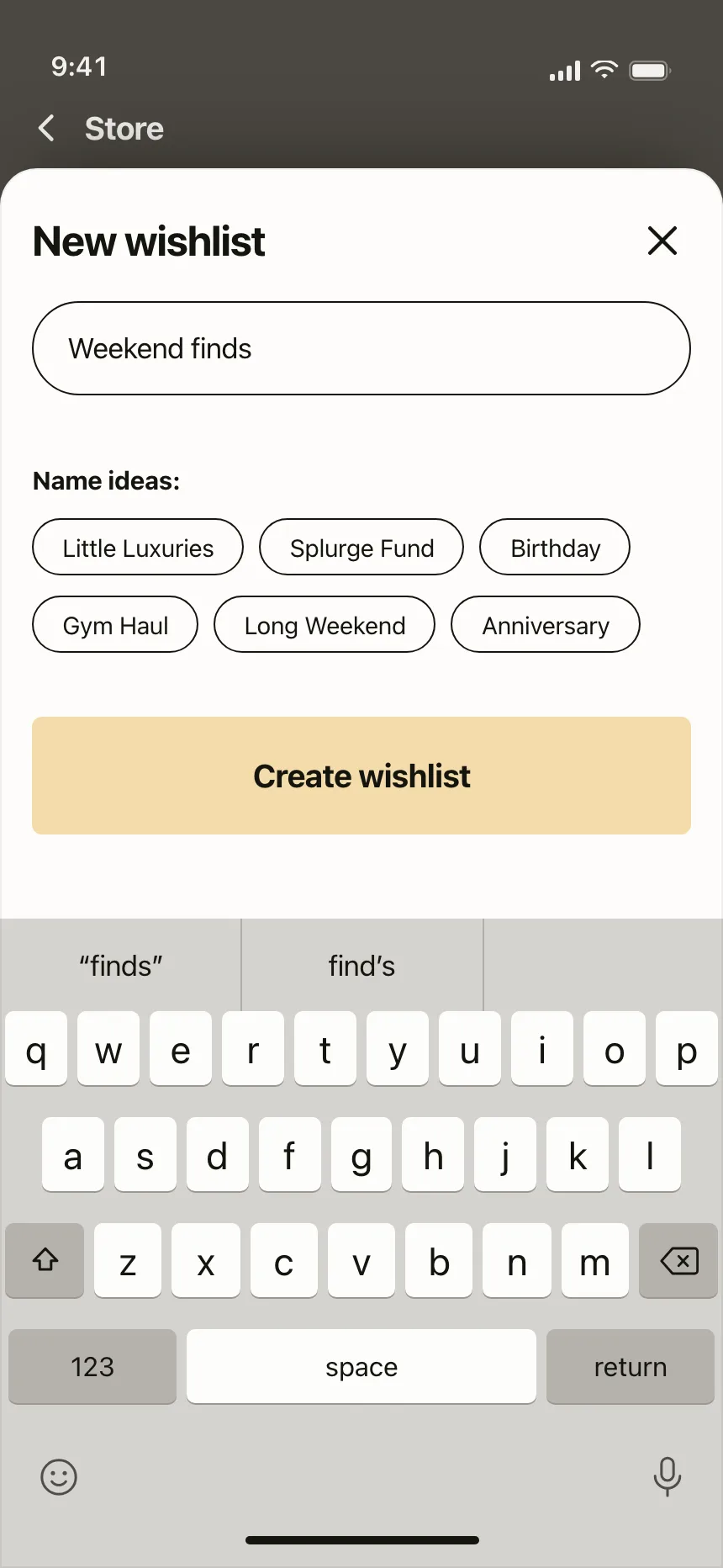
Naming things
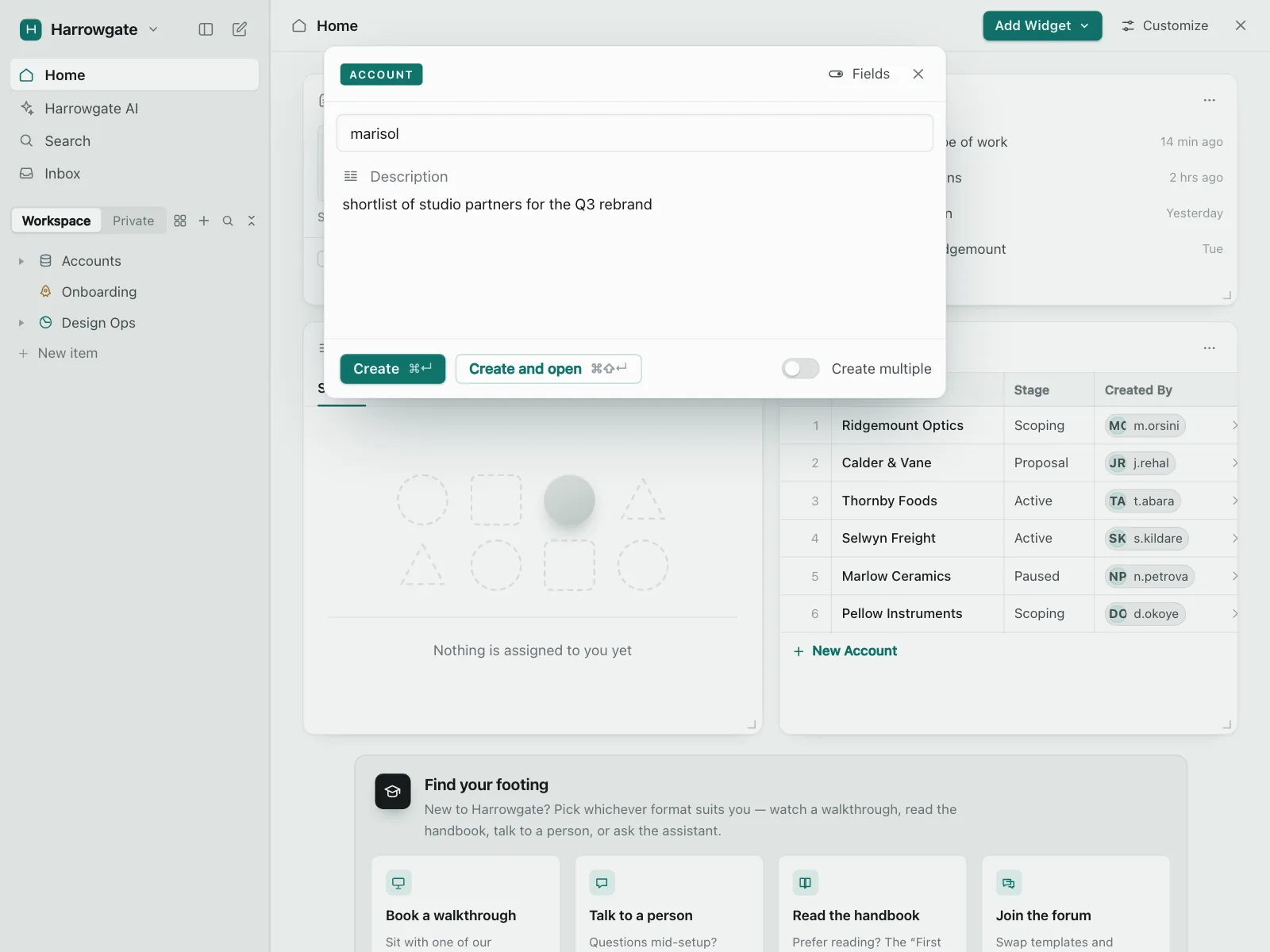
One field in a small dialog or sheet to name a wishlist, a collection or a saved query.

Settings and records
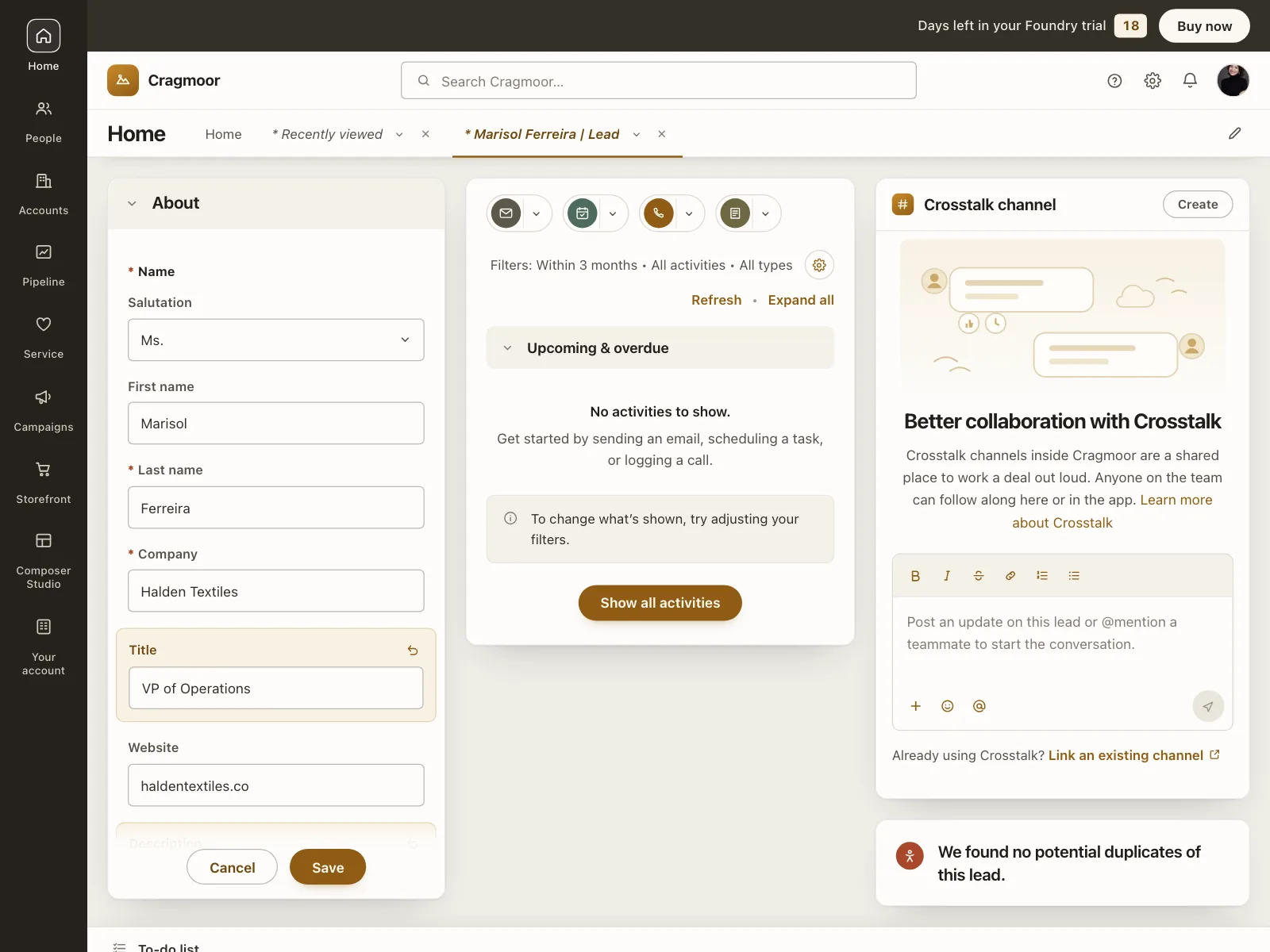
Profile details, workspace names and CRM records, edited in place and saved together.
Text field vs similar components
Build notes
- Pair every <input> with a visible <label>, linked by for and id.
- Don't use placeholder text as the label. It disappears once people type.
- Set type and autocomplete, like type="email" with autocomplete="email", so browsers can fill it.
- Use inputmode="numeric" for codes and whole numbers instead of type="number".
- Link hint and error text with aria-describedby, and set aria-invalid="true" only after a failed check.
- Size the field to the answer, and never block paste.
FAQ
What's the difference between a text field and a text area?
A text field takes one line, like a name or an email address. A text area shows several lines and fits messages, bios and descriptions. Size the box to the answer you expect, so people can tell how much to write.
Should the label go above the field or inside it?
Above is the safest choice: the label stays visible while people type and when they review the form. Placeholder text inside the box is not a label, because it disappears as soon as people start typing. Floating labels keep the label visible by moving it to the top edge of the box.
Should number fields use type="number"?
Usually not. For whole numbers and codes, like a ZIP code or a one-time code, use a text input with inputmode="numeric". Phones still show the numeric keypad.
When should a text field show an error?
After people leave the field or submit the form, not while they're still typing. Don't flag an empty required field until someone tries to submit. Say what to fix, like "Enter an email address like name@company.com", and keep what they typed so they can correct it.
Related terms
All glossary terms · Browse 55 web and 35 mobile text field designs