


Search bars from the Kombai gallery: a shop's autocomplete, a streaming service's help center and a location picker.
What is a search bar?
A search bar is a text field built for finding things. People type a few words, and the product shows matching suggestions or results, either as they type or after they press Search. A magnifier icon marks the field, and a clear button empties it.
- It sits at the top of the page, list or sheet it searches.
- Placeholder text often names what it searches, like "Search orders".
Search bars show up across search, home, help and support and shop screens.
When to use a search bar
- Large catalogsShops, menus and libraries with more items than people can browse.
- People know what they wantA product name, a contact or an order number.
- Questions in their own wordsHelp centers where people describe a problem.
When not to use one
- Short listsA list that fits on one screen is faster to scan than to search.
- Known valuesUse filter chips or a dropdown for size, color or status.
- Running commandsJumping to actions and settings by keyboard suits a command palette.
Anatomy of a search bar
This one works. Type a plant name, then use the arrow keys and Enter to pick a suggestion, or Escape to close the list.
- Empty
- Focus
- Typing
- No results
- Search iconMarks the field as search
- InputHolds the query
- Clear buttonEmpties the field
- SuggestionsMatches as people type
- Match highlightShows what matched
- StatesEmpty, focus, typing, no results
Search bar variants
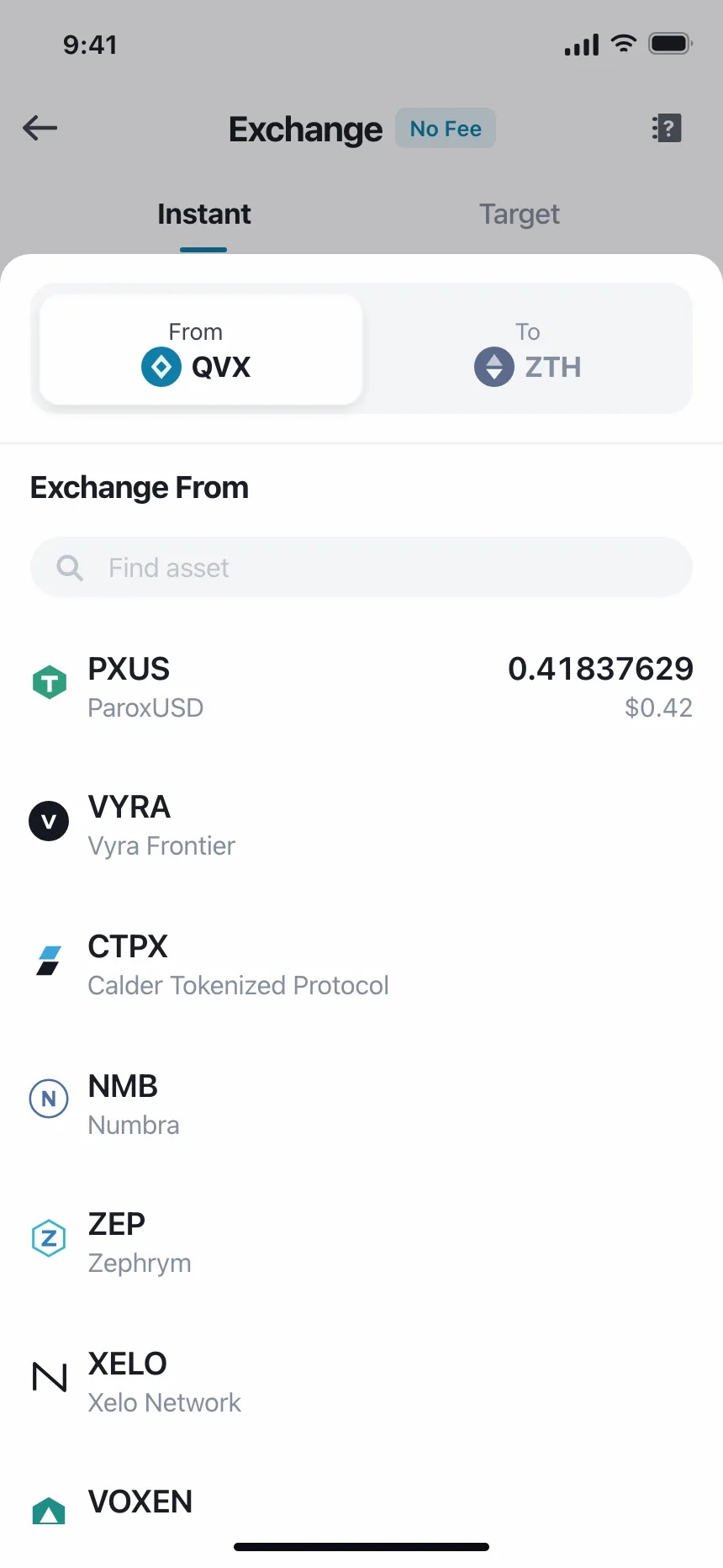
We sorted every search bar design in the Kombai gallery and found five patterns. Browse all 50 web and 90 mobile designs.
1. Suggestions as you type
The default. A list of completions under the field that updates with every letter, often with the matching text in bold.


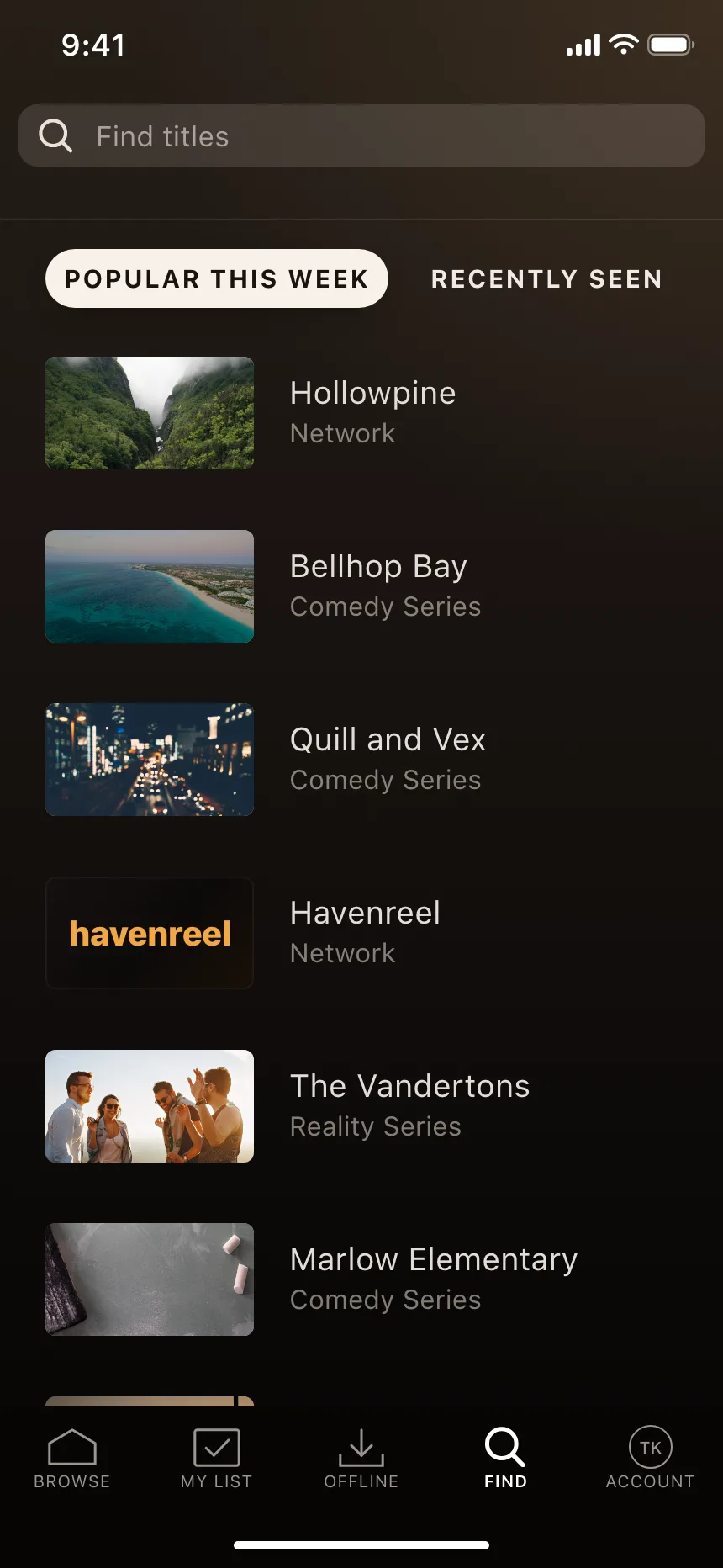
2. Recent and popular before typing
An empty field opens a panel of recent searches, trending items or starter queries, so people can tap instead of type.


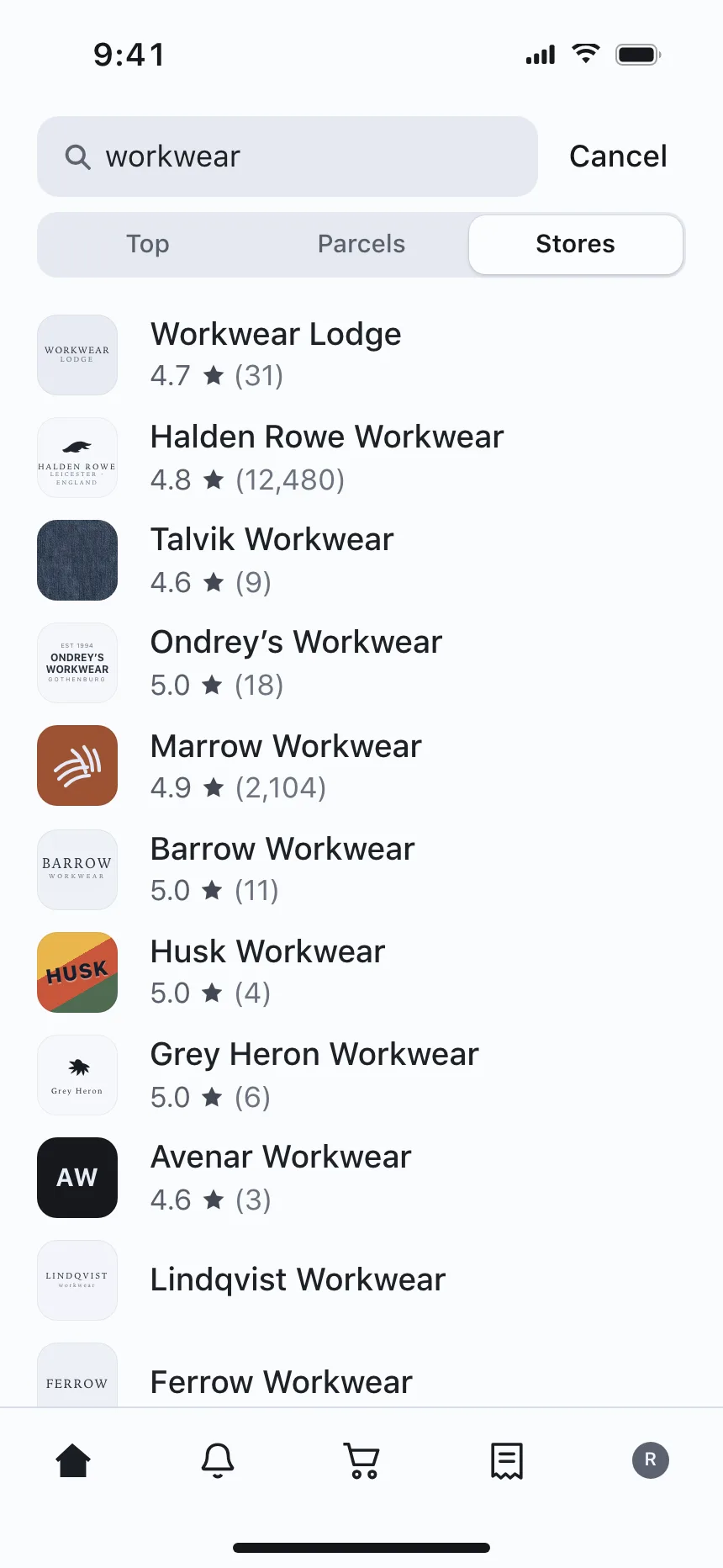
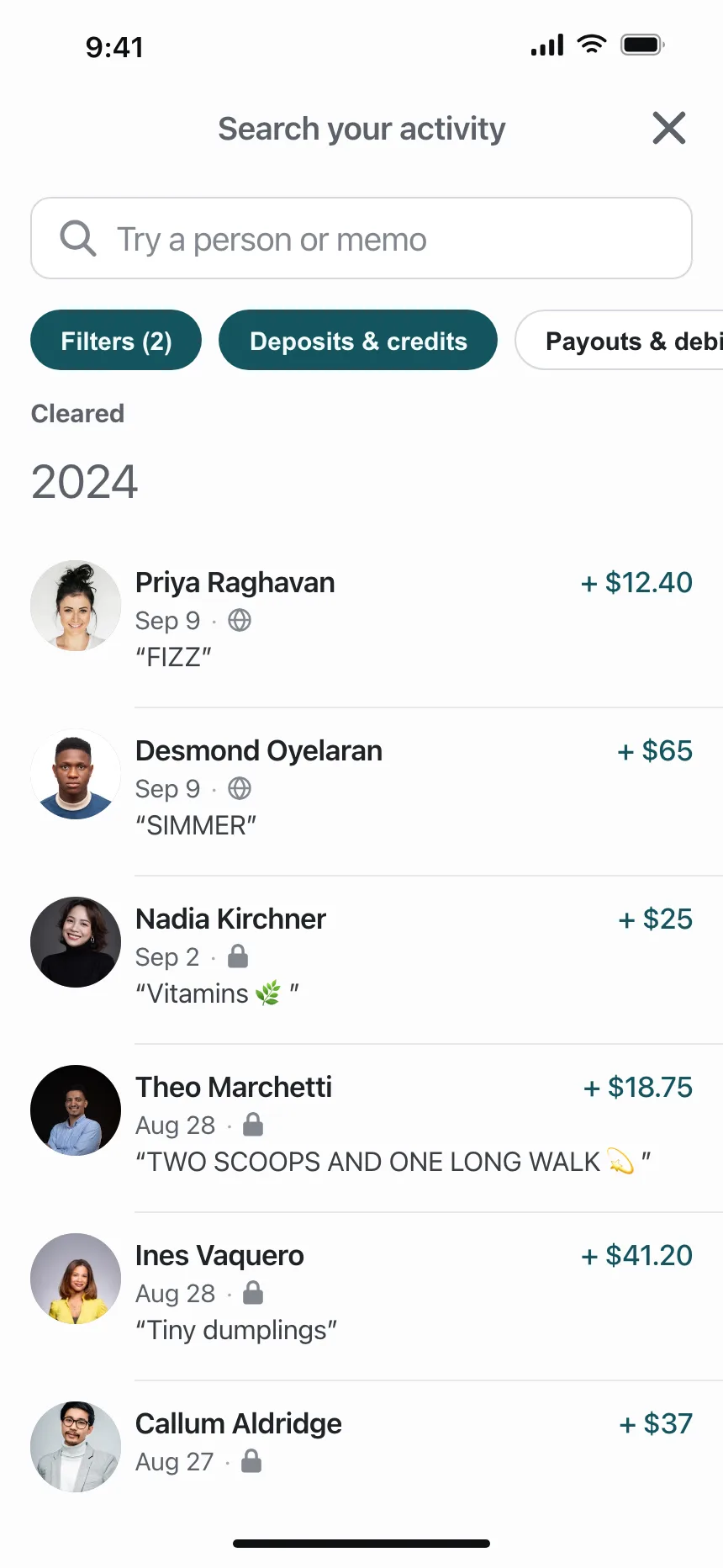
3. Scoped search
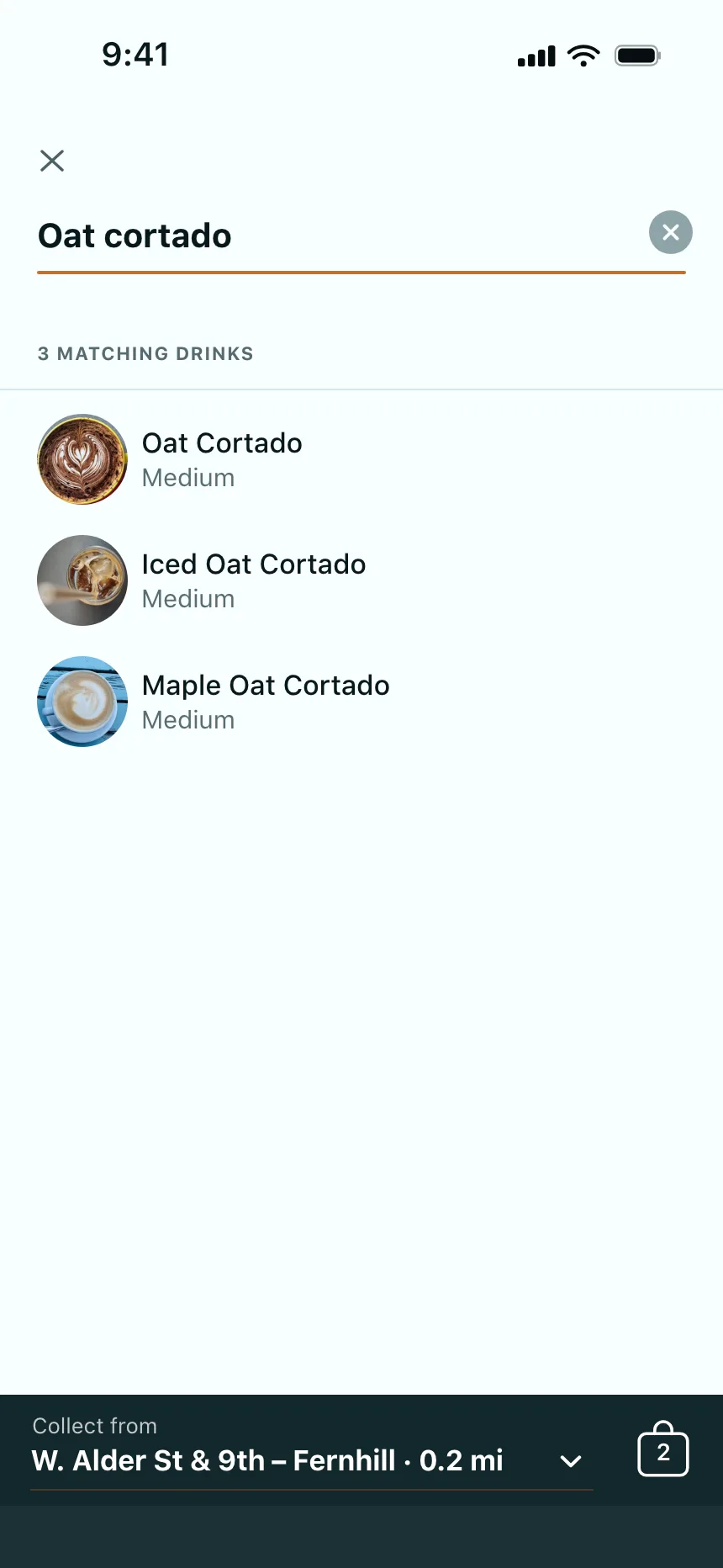
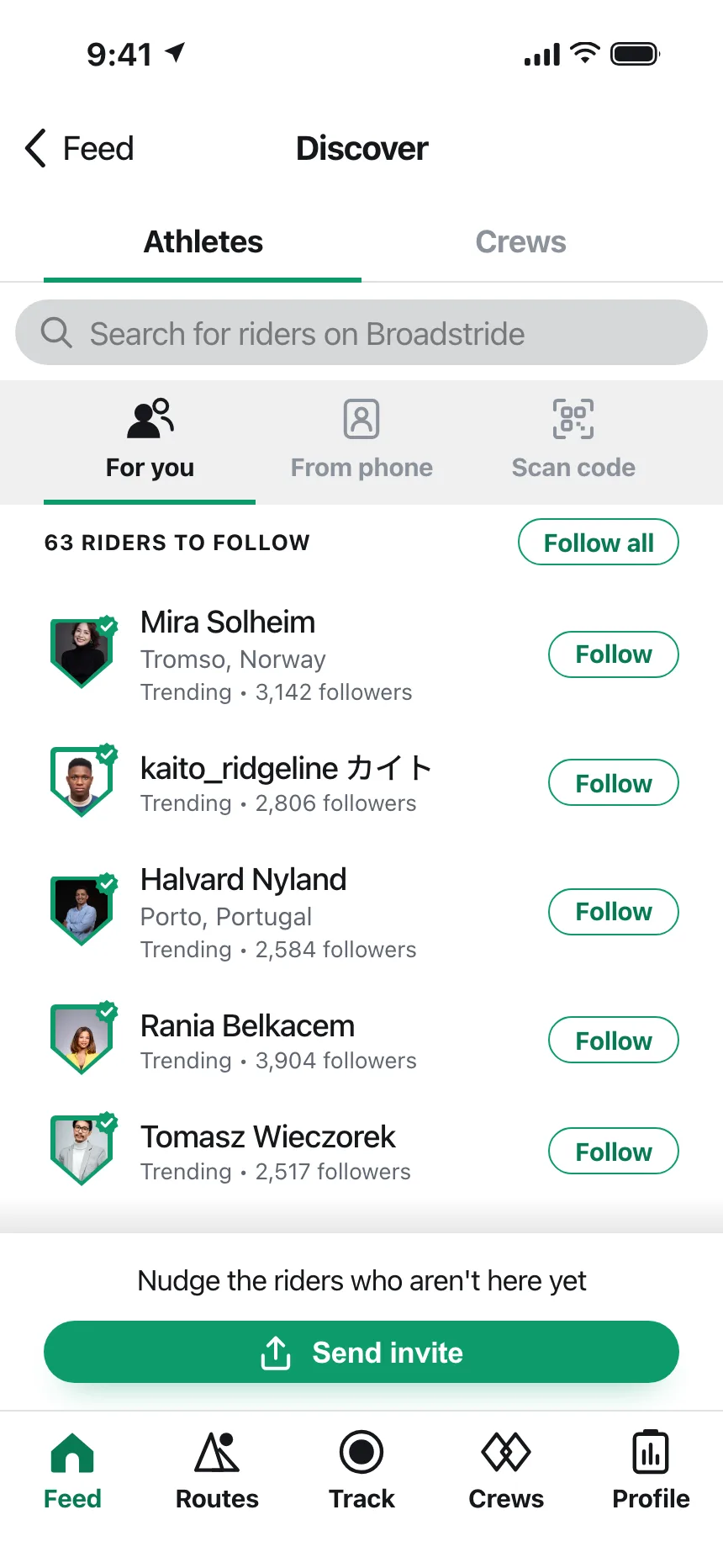
Tabs, segments or chips under the field limit the search to one kind of result, like stores, people or payouts.
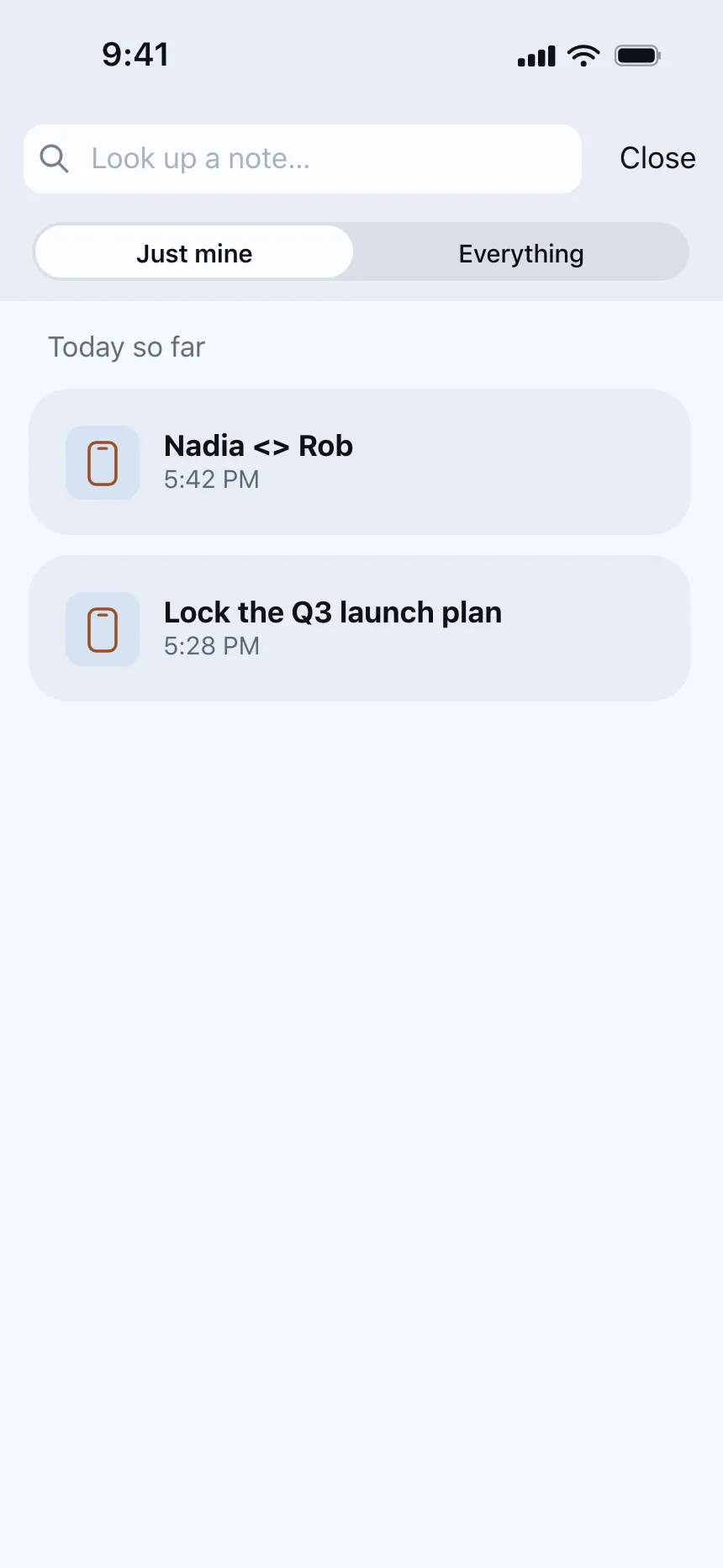
4. Search inside a picker
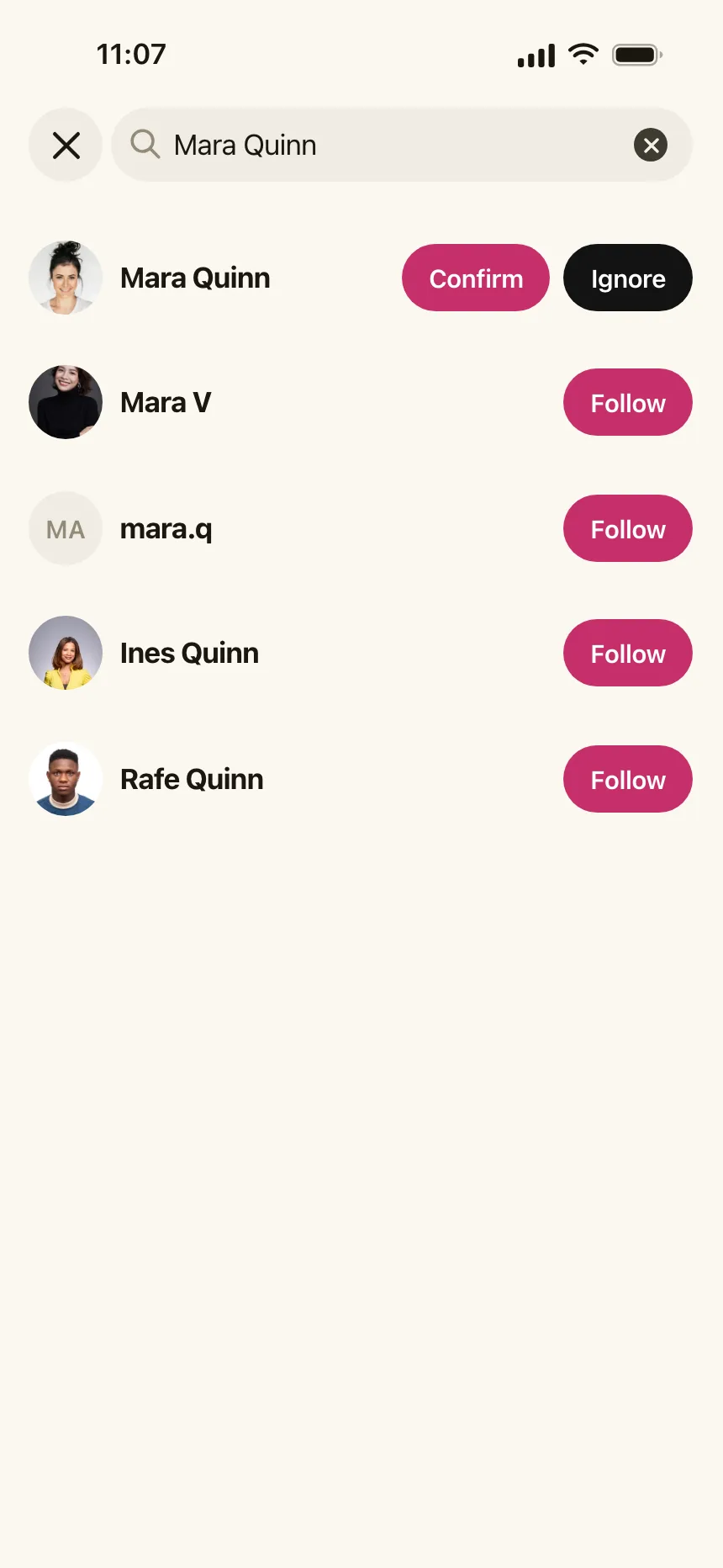
A small field at the top of a dialog or sheet that filters a list of people, files or assets to choose from.


5. No-results states
When nothing matches, the page repeats the query and offers a way forward: a spelling hint, popular items or other searches.


Where search bars show up
Shops and menus
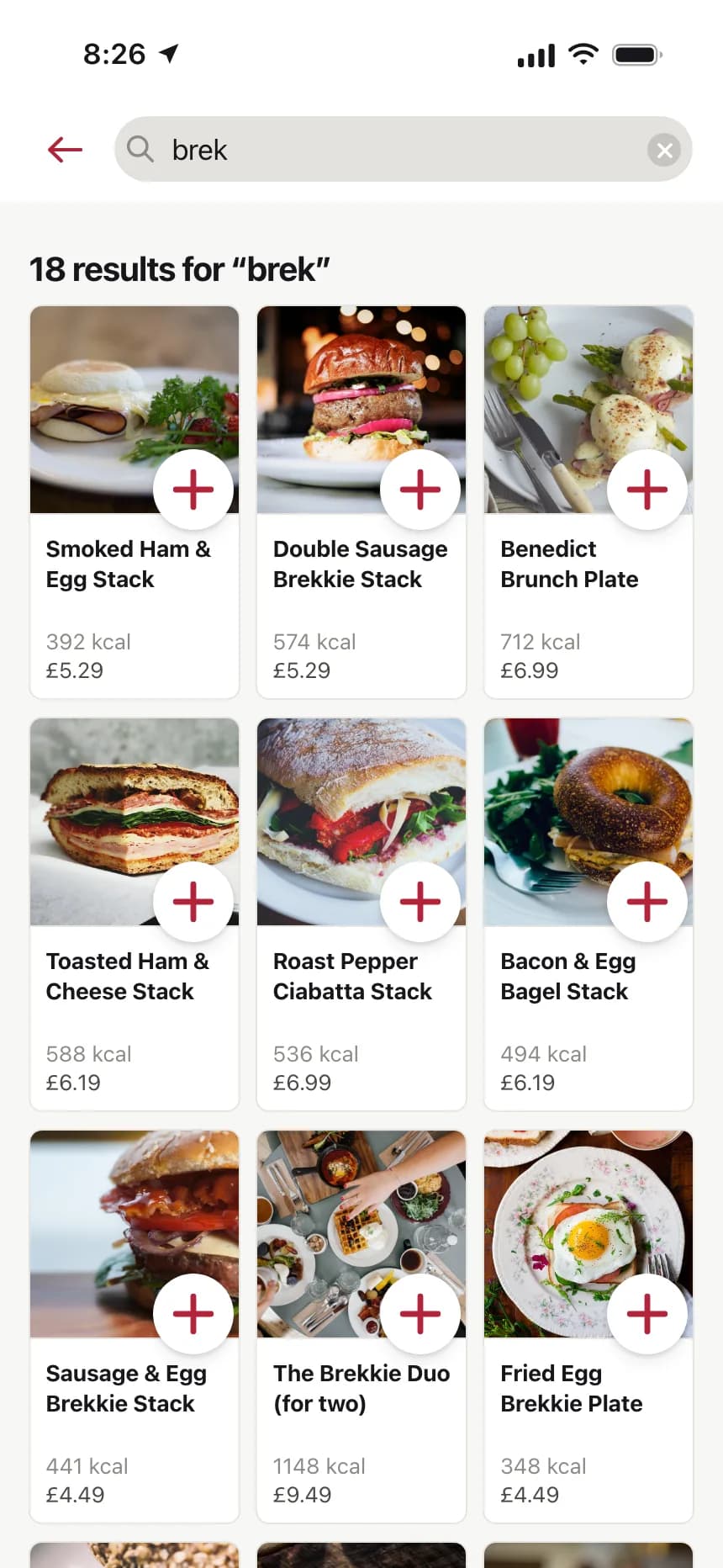
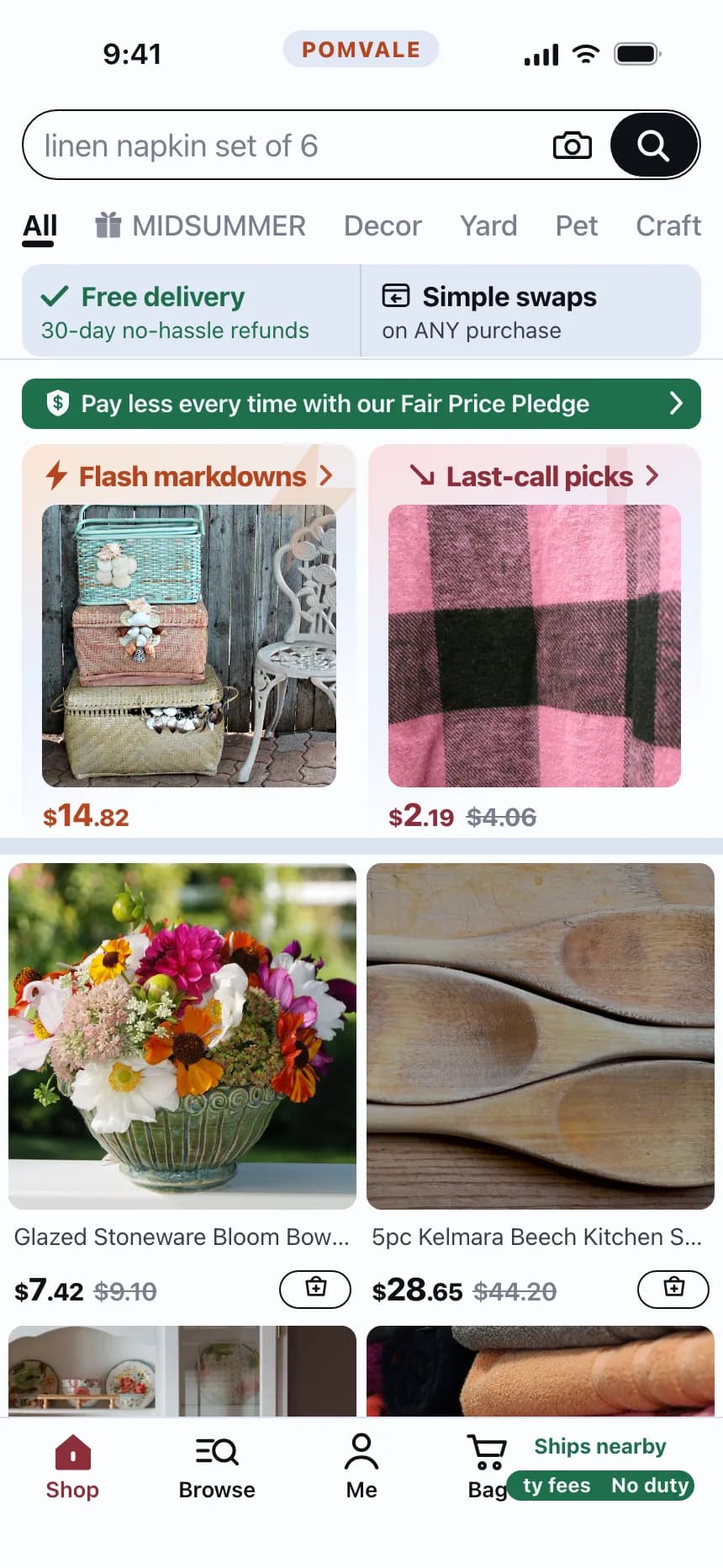
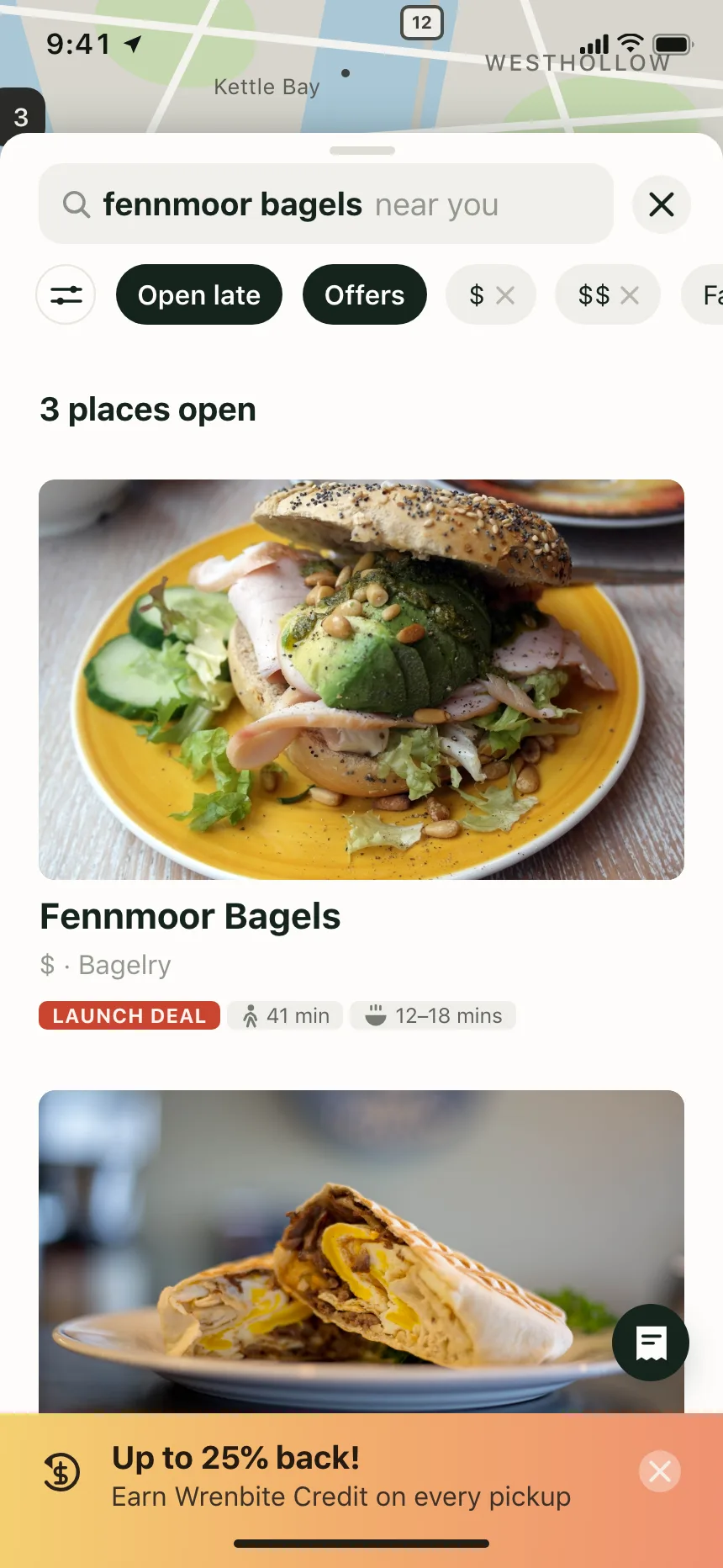
Find a drink, a dish or a product by name, with matches as rows or cards under the bar.
Places and addresses
Type part of a street or a city and pick the right match, often over a map.


Help centers
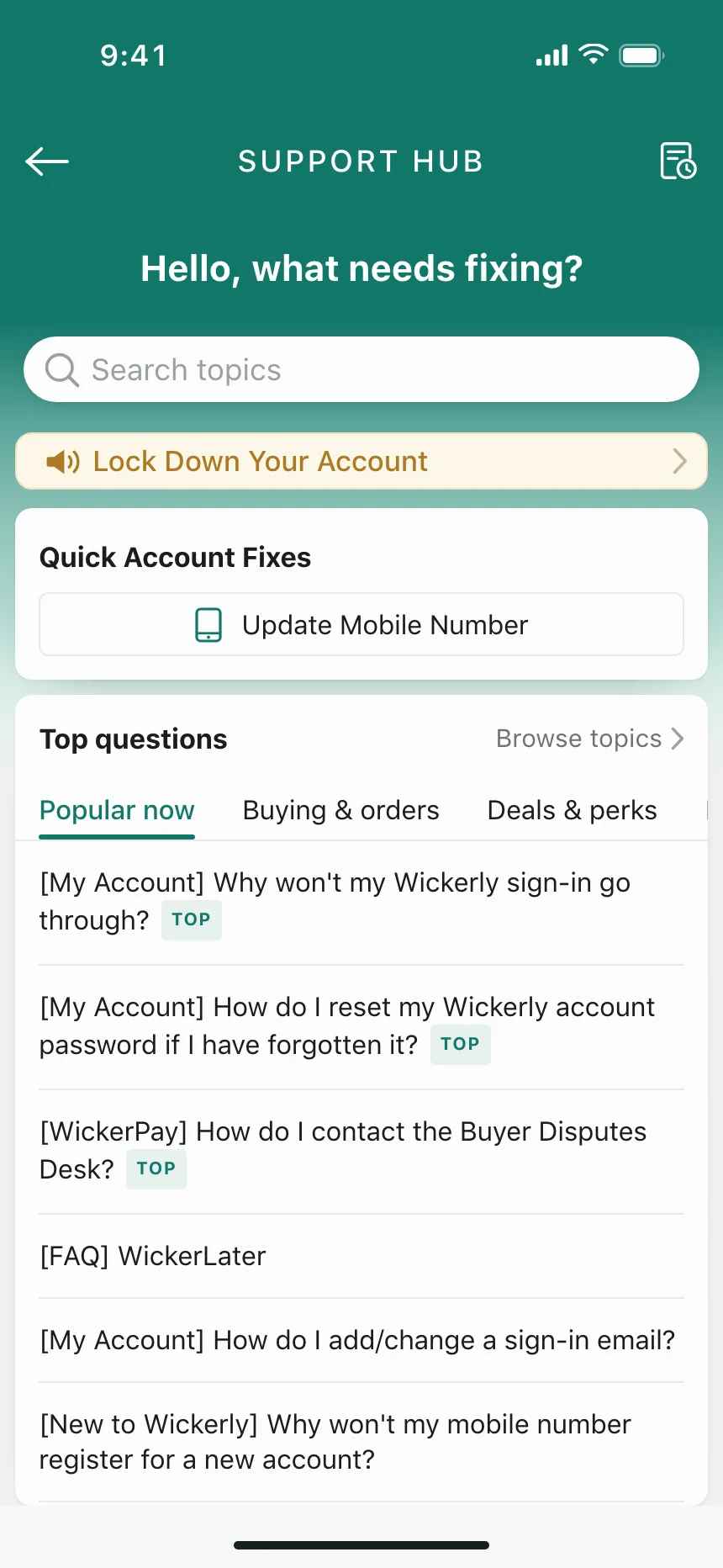
A large search box at the top of support pages, with popular topics underneath.


People and accounts
Find someone to follow, pay or message by name or handle.

Search bar vs similar components

Build notes
- Wrap the search in a <search> element, or add role="search" to its <form>.
- Use <input type="search"> and name it with a <label> or aria-label, like "Search orders".
- For suggestions, use the combobox pattern: role="combobox" with aria-expanded and aria-controls pointing at a listbox.
- Down Arrow moves into the suggestions, Enter picks one and Escape closes the list. Focus stays in the field.
- Keep the query in the field on the results page, so people can edit it.
- When nothing matches, say so, repeat the query and offer a way forward.
FAQ
Should a search bar show results as people type?
Show suggestions as people type when matches are quick to find, like product names or places. Wait for Enter when every search is slow, like a full-text search across documents. Either way, Enter should run the search.
Does a search bar need a visible label?
Not always. A magnifier icon and placeholder text are a familiar pattern. The field still needs an accessible name, from a visually hidden <label> or aria-label, because placeholder text isn't a reliable label for screen reader users.
What should search show when nothing matches?
Say that nothing matched and repeat the query, so people can spot a typo. Then give them somewhere to go: a spelling suggestion, popular items or a link to browse. A blank page reads like an error.
What's the difference between a search bar and a command palette?
A search bar finds content, like products, messages or help articles. A command palette finds pages and actions and runs them, and usually opens with a shortcut like Cmd+K. Many apps have both.
Related terms
All glossary terms · Browse 50 web and 90 mobile search bar designs