
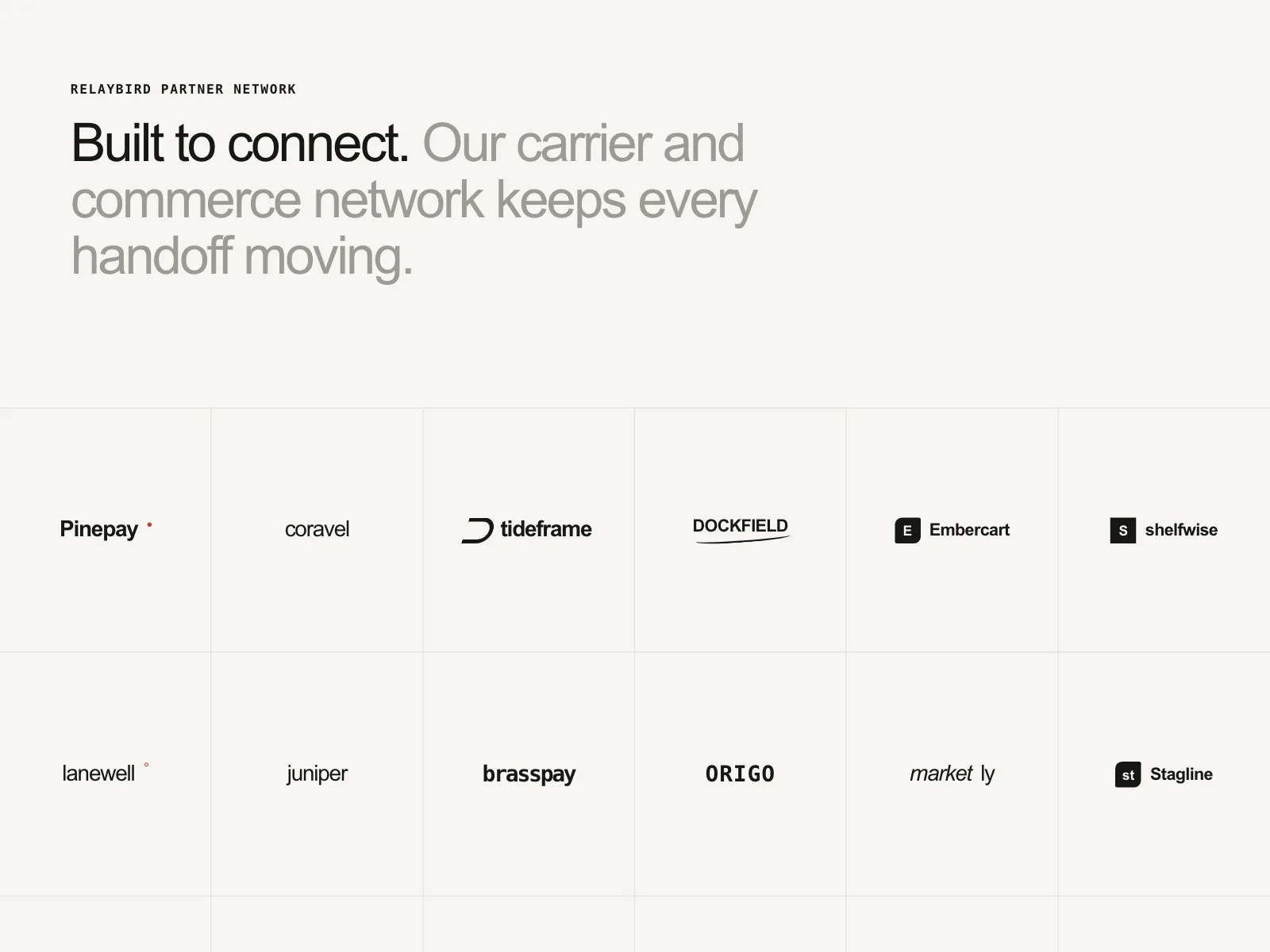


Logo clouds from the Kombai gallery: a shipping network's partner grid, a work platform's onboarding screen and a release tool's tapered rows of customers.
What is a logo cloud?
A logo cloud is a band of logos under a one-line caption like "Trusted by 4,000 teams". It is social proof that asks for no reading: people spot names they know and borrow that trust. The logos are shown small, at one height and usually in one muted color, so the band supports the page instead of competing with it.
- One short caption names who the logos are: customers, partners, investors or press.
- Logos sit at the same visual size and color, so no single brand shouts.
Logo clouds show up across hero, testimonial, book a demo and partner screens.
When to use a logo cloud
- Under the heroRight after the pitch, to back it up before people scroll.
- Names people knowCustomers or press that your audience will recognize.
- Next to a big askNear sign-up, demo and pricing forms, where trust matters most.
When not to use one
- Unknown namesLogos nobody recognizes add noise. Use a number or a quote.
- No permissionOnly show logos of companies that agreed to it.
- Inside the productPeople who already signed up need their work, not proof.
Anatomy of a logo cloud
This one works. Switch between row, grid and marquee, and pause the scroll.
- Row
- Grid
- Marquee
- Paused
- CaptionSays whose logos these are
- LogoOne mark, one height, muted
- TrackA row, a grid or a scroll
- Pause controlStops a moving marquee
- StatesRow, grid, marquee, paused
Logo cloud variants
We sorted every logo cloud design in the Kombai gallery and found five patterns. Browse all 82 web and 34 mobile designs.
1. Rows under a caption
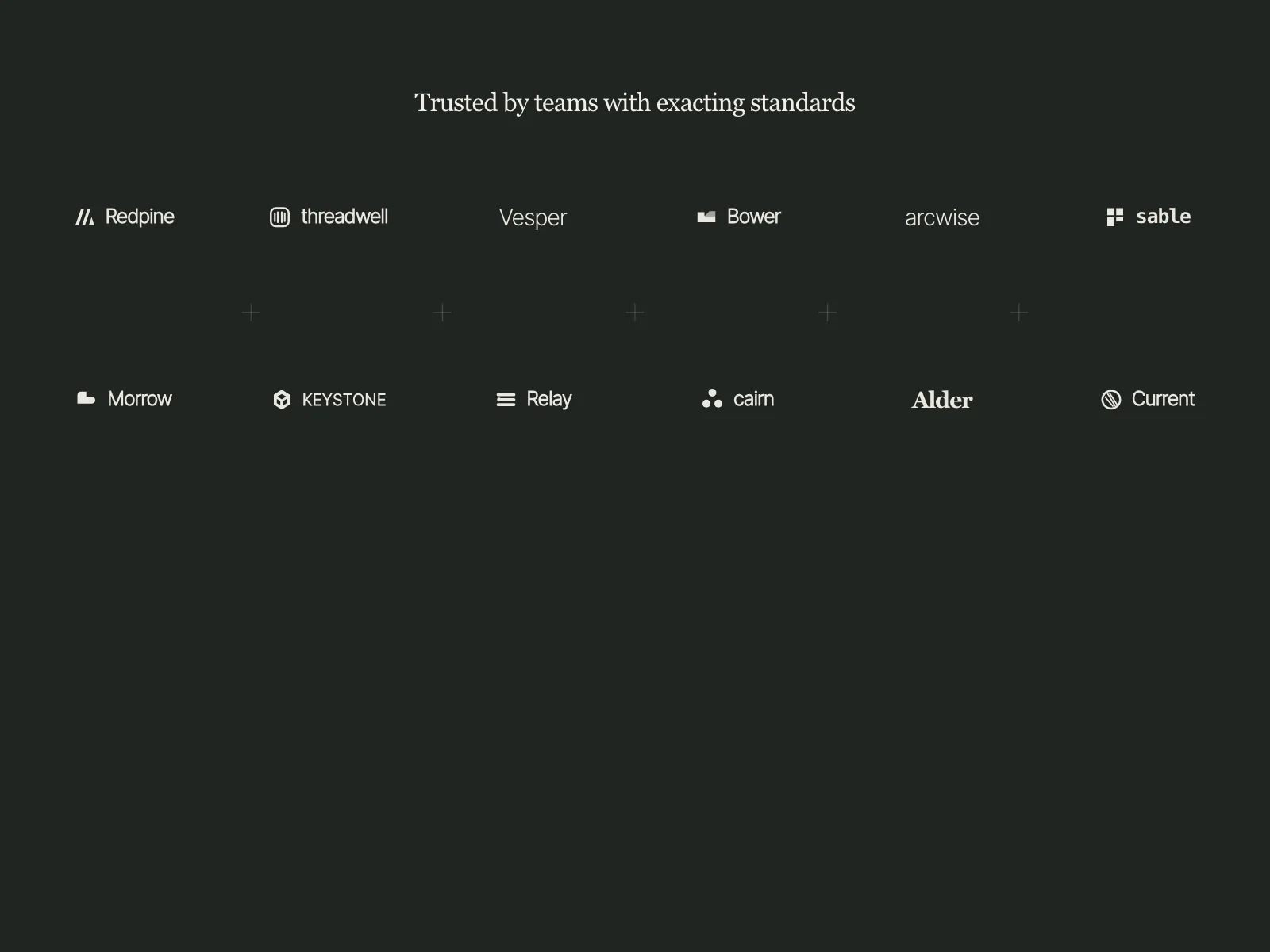
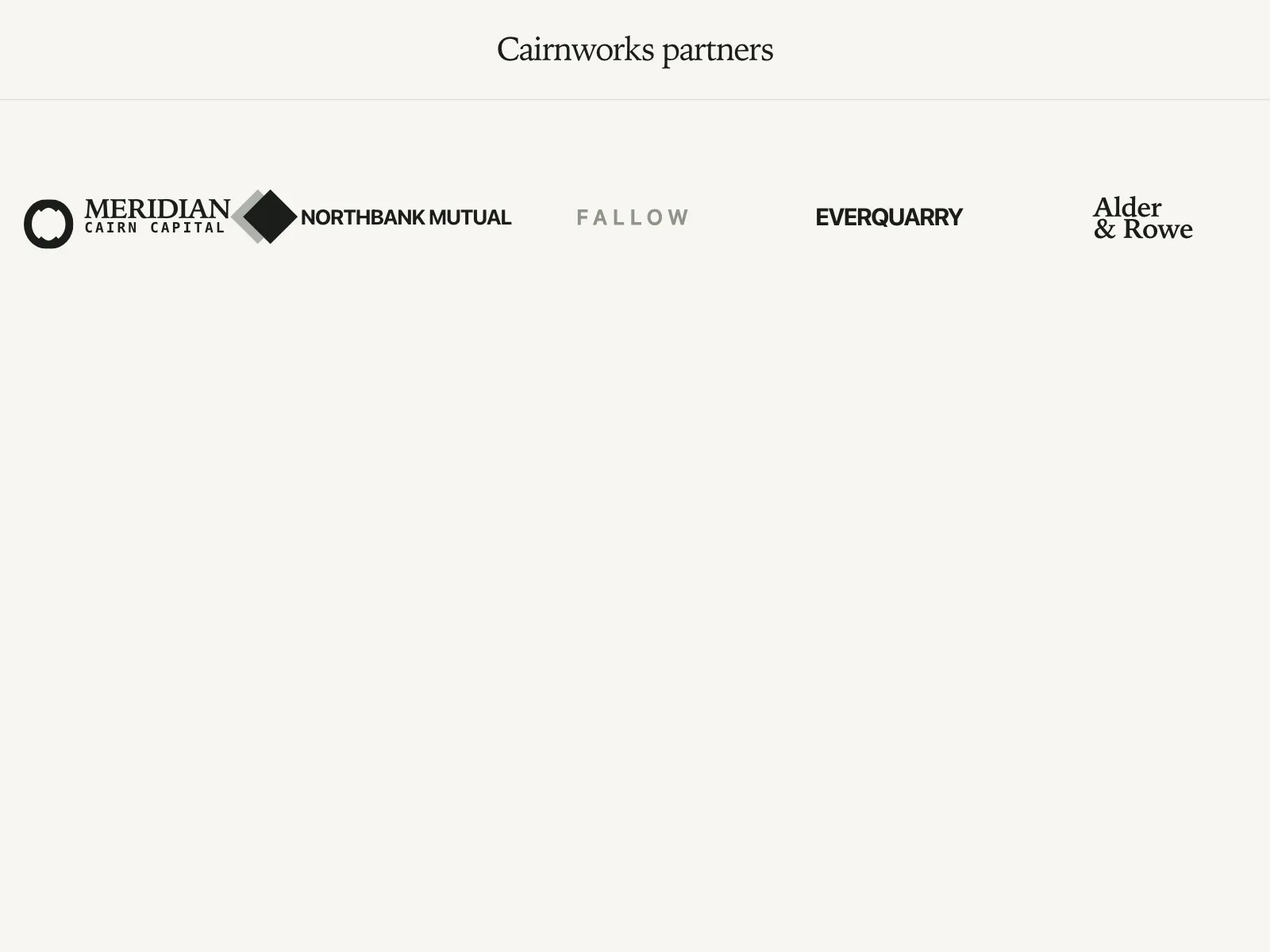
The default. A caption, then one or two centered rows of five to eight marks.

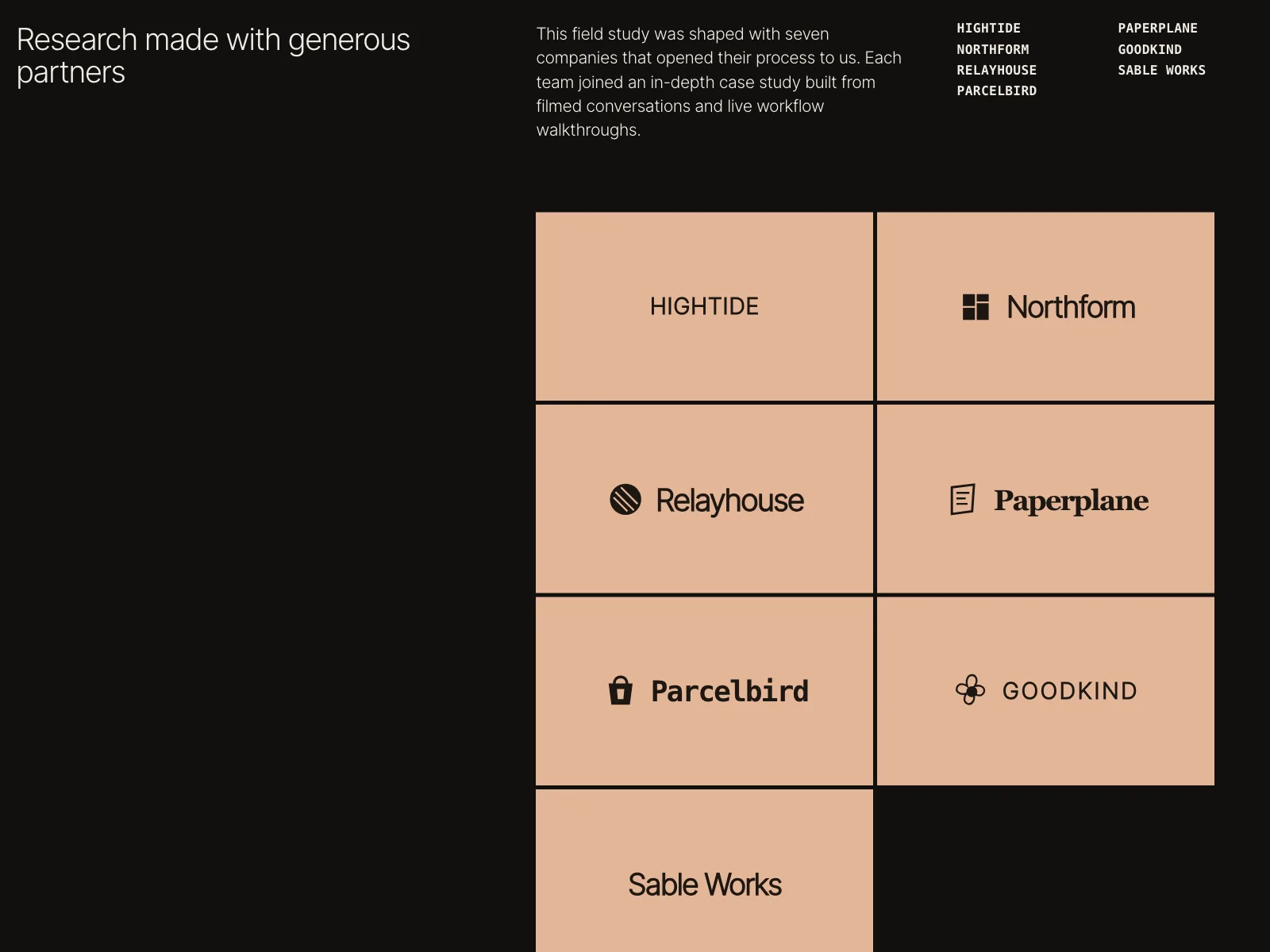
2. Logo wall
Logos in bordered cells or cards, several rows deep, for products with a long customer list.


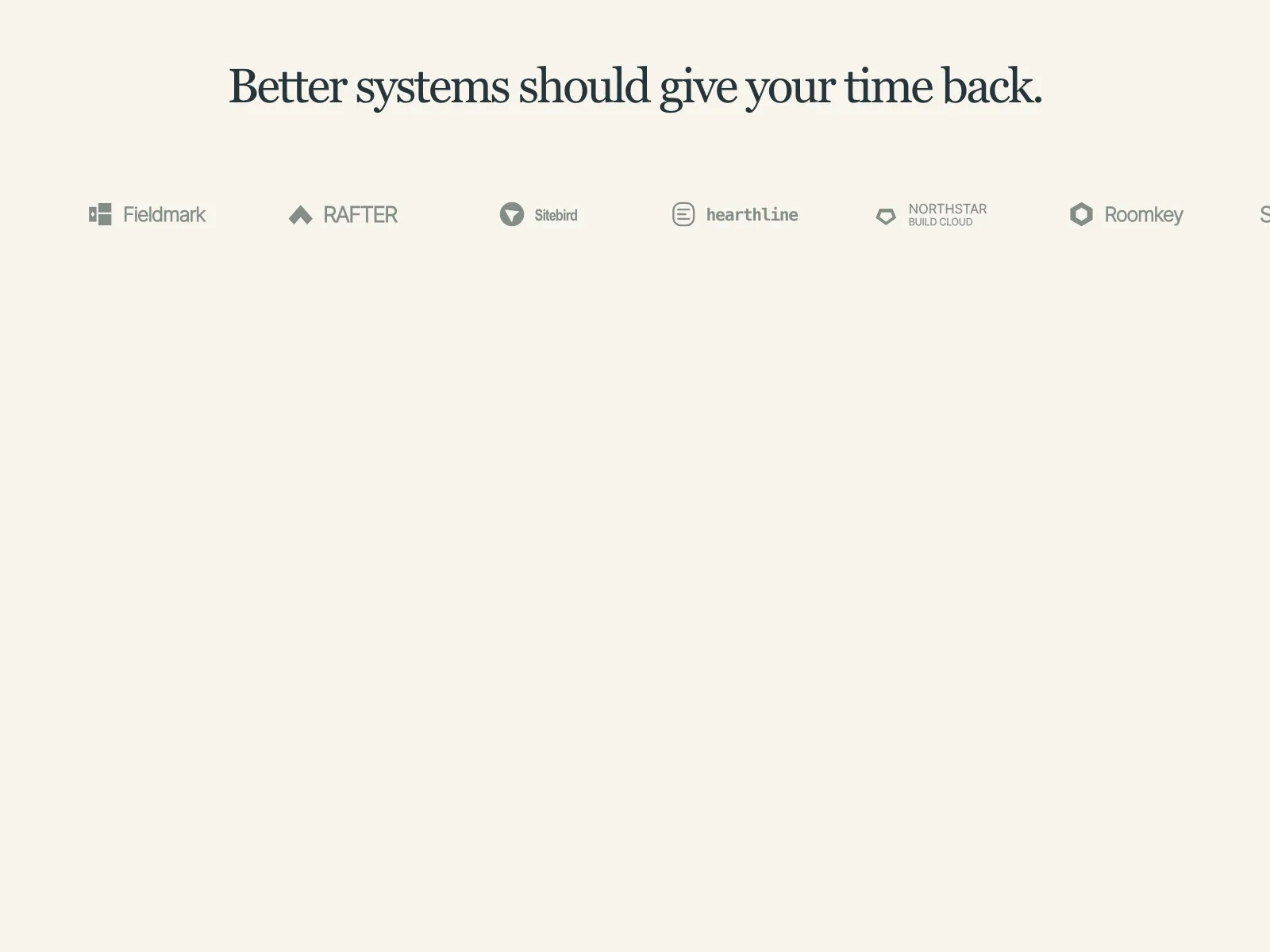
3. Marquee
One row that scrolls sideways in a loop, faded out at both edges.


4. Caption beside the logos
The caption takes the first column and the logos fill the cells beside it.


5. Logos with proof
Logos paired with a stat, a quote or a customer story, so each name comes with a reason.


Where logo clouds show up
Under the hero
A thin row of customer logos at the bottom of the first screen, right below the buttons.


Press and investors
"As seen in" and "Backed by" bands, with publication wordmarks or the names of funds.


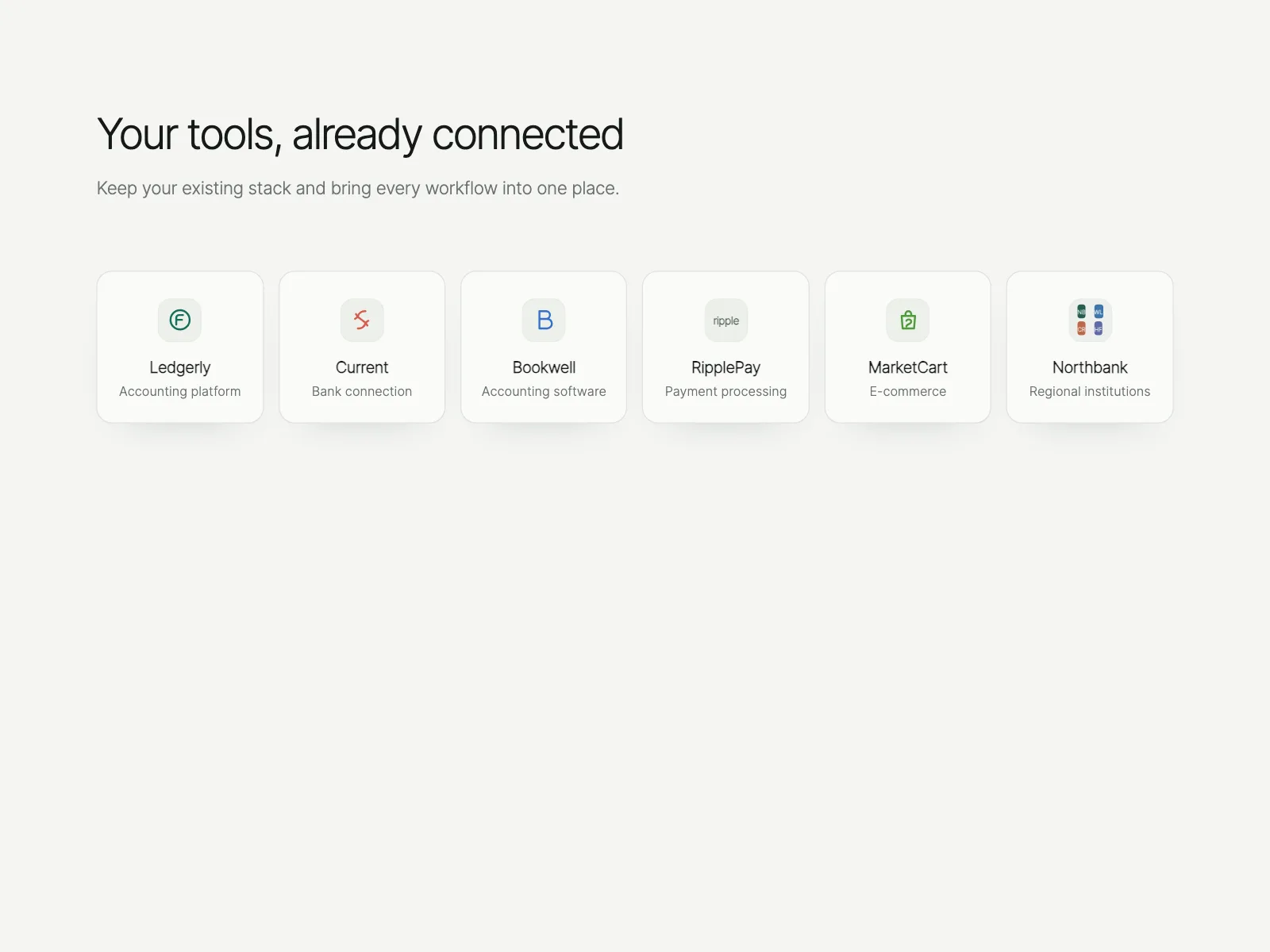
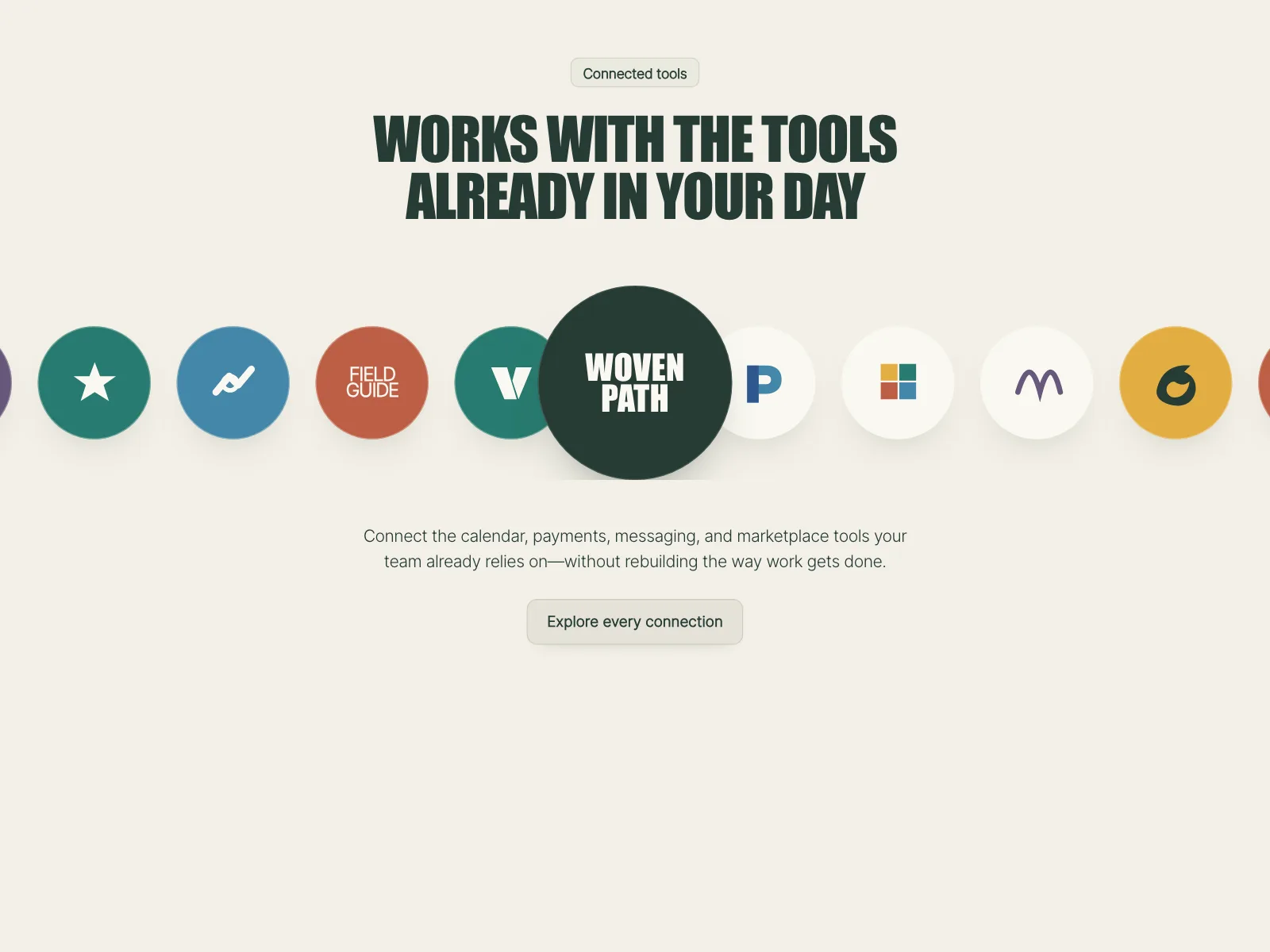
Integrations and partners
The tools a product connects to, or the partners behind a project, as icons or cards.
Brand walls in shopping apps
Delivery and retail apps turn logos into tiles people tap to browse one brand.


Logo cloud vs similar components
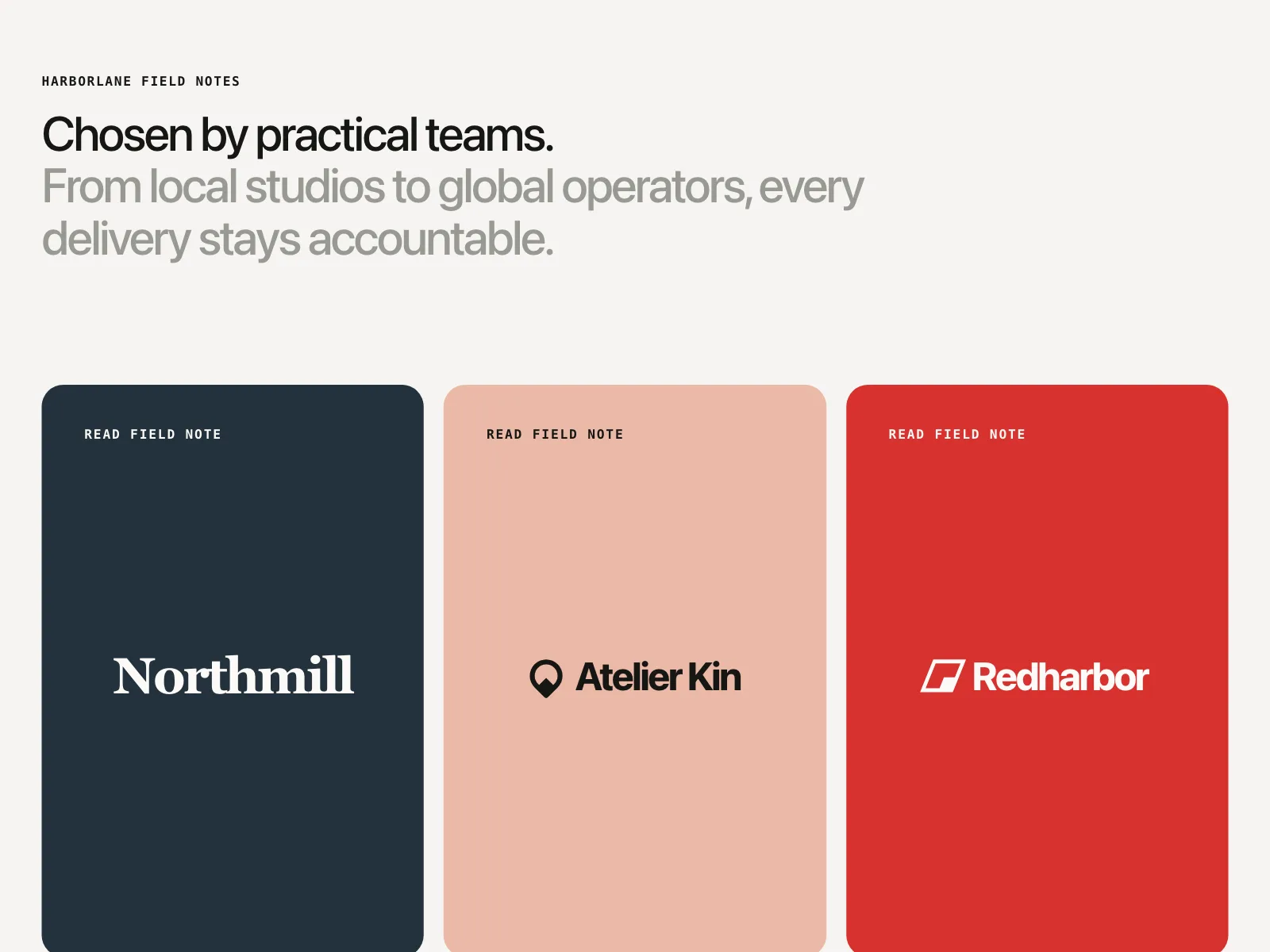

Build notes
- Give each logo image the company name as its alt text, without the word "logo".
- Put the logos in a list (<ul>), one item per company.
- A marquee that moves for more than five seconds needs a pause control.
- Stop the marquee under prefers-reduced-motion.
- Hide the duplicate set of logos that closes the loop with aria-hidden="true".
- Size logos by visual weight, not by width, so wide and square marks look equal.
FAQ
How many logos should a logo cloud have?
Five to eight in a row is enough to read as a crowd without turning into wallpaper. A wall can hold more, but put the names people know best in the first row.
Should logos be in color or grayscale?
Usually one muted color or grayscale. Full-color logos fight each other and the page. Keep color for a single featured logo, or for integration icons where the color helps people recognize the tool.
Are scrolling logo marquees accessible?
They can be. WCAG asks for a way to pause, stop or hide anything that moves on its own for more than five seconds, so add a pause button. Stop the scroll under prefers-reduced-motion, and hide the duplicated logos from screen readers.
Do I need permission to show customer logos?
Ask first and get the yes in writing. A company's logo is its trademark, and your contract with them may already say how you can use their name.
Related terms
All glossary terms · Browse 82 web and 34 mobile logo cloud designs