
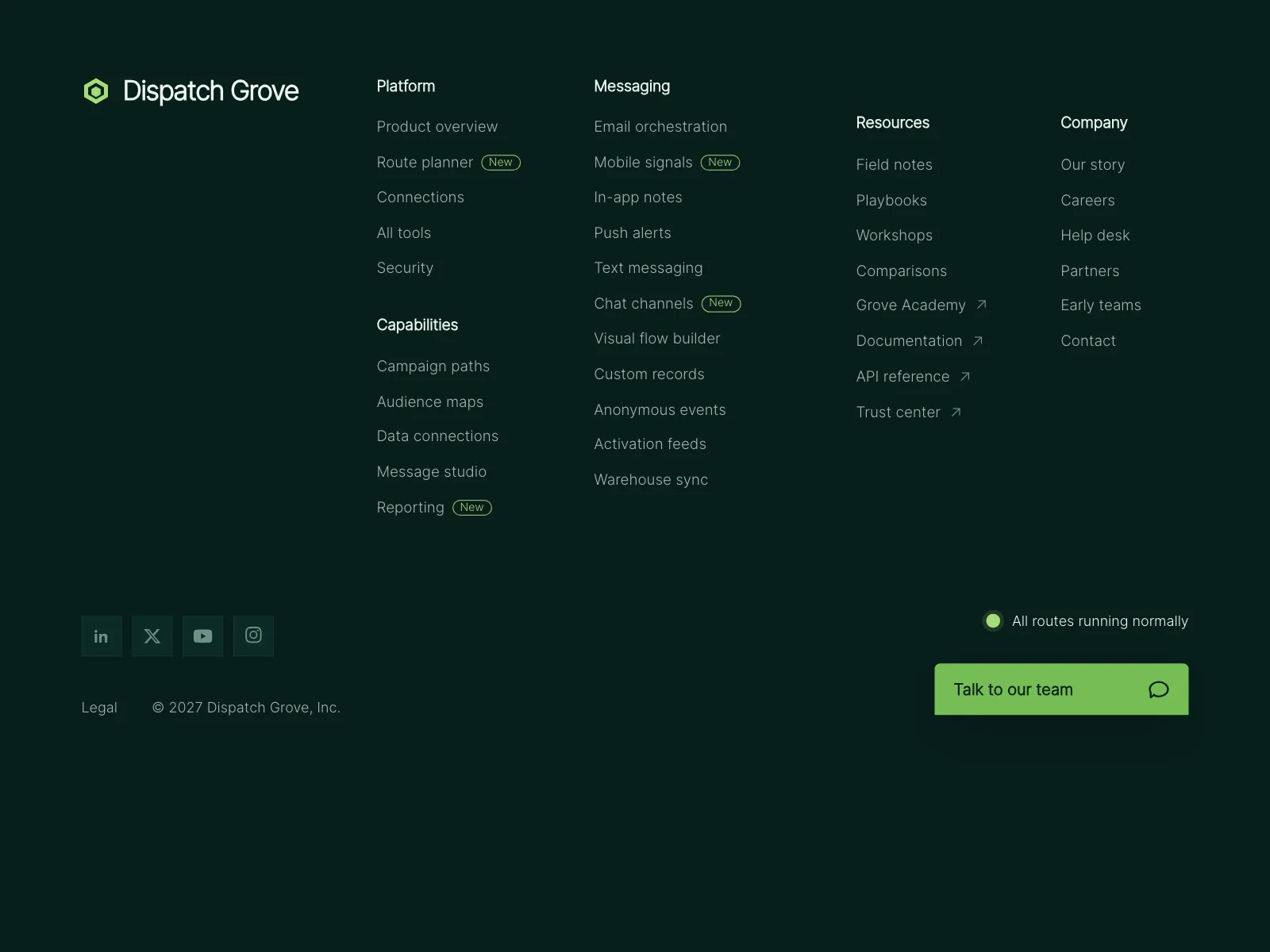

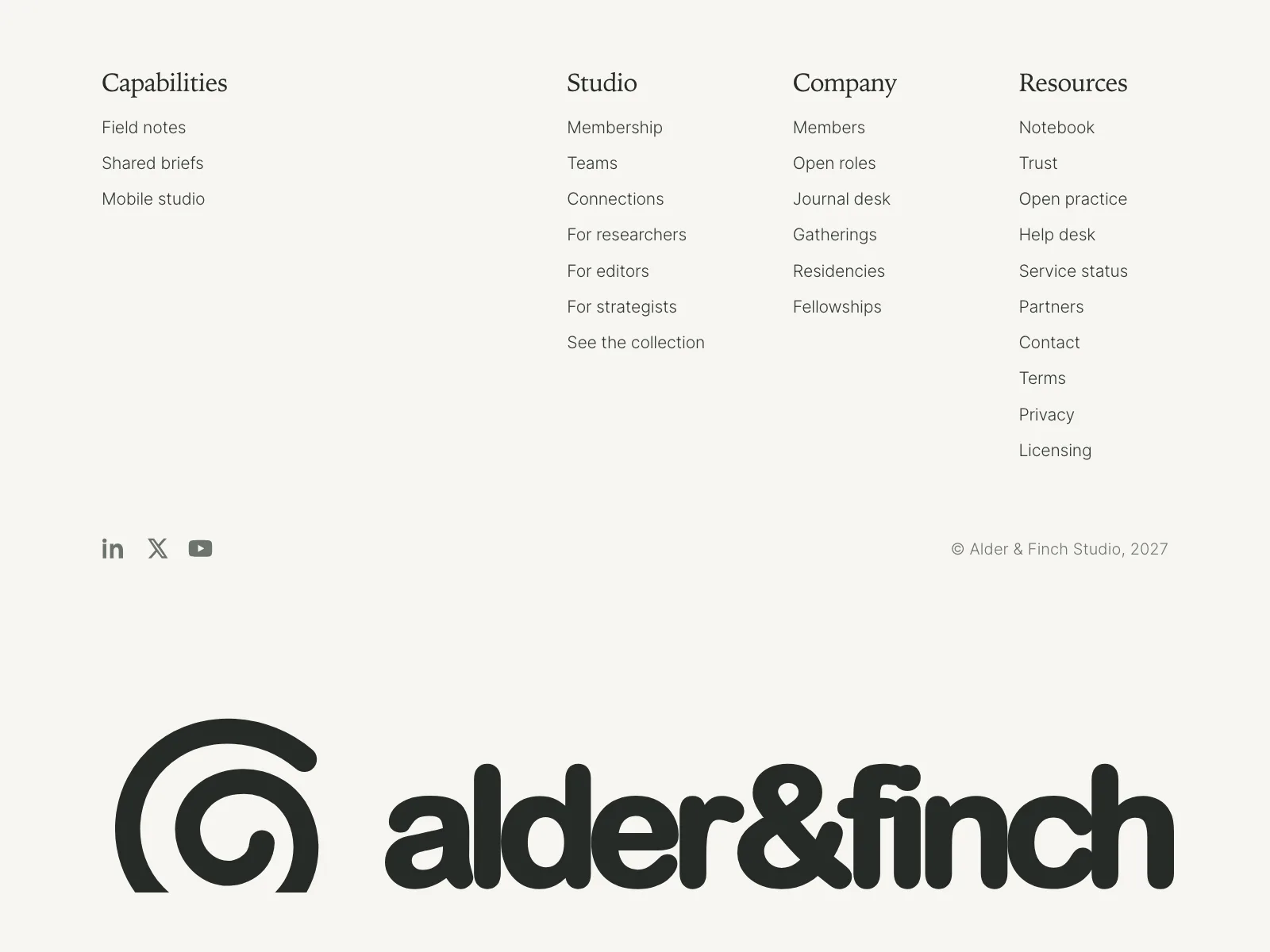
Footers from the Kombai gallery: a delivery-operations platform's link columns, a software studio's mobile footer and a design studio's oversized wordmark.
What is a footer?
A footer is the band at the bottom of every page of a site. It holds what the main navigation leaves out: secondary links grouped by topic, legal pages, social profiles and the copyright line. It works as a compact map of the site, so people who reach the end of a page can still go anywhere from there.
- Links sit in short labeled groups, like Product, Company and Help.
- A legal bar along the bottom carries the copyright, terms and privacy links.
Footers show up across CTA band, 404, home and about screens.
When to use a footer
- Every page of a siteThe same footer on each page, so legal and help links are always one scroll away.
- Links that miss the navbarCareers, press, docs and policies people need, but rarely.
- Required fine printCompany registration, licenses and disclosures in regulated products.
When not to use one
- Main navigationDon't move key pages down here to tidy the navbar. People look for them up top.
- Inside an app screenProduct screens use tab bars or side navigation, not a marketing footer.
- A dump of every linkDozens of columns turn into noise. Keep the groups short and named.
Anatomy of a footer
This one works. Every link is focusable and marks the page you pick as current. On a narrow screen the groups fold into buttons that open with Enter or Space.
- Link
- Current page
- Folded group
- Keyboard focus
- Brand blockLogo and a one-line pitch
- Link groupsSecondary links, grouped
- Social linksIcons with text names
- Legal barCopyright, terms, privacy
- StatesLink, current, folded, focus
Footer variants
We sorted every footer design in the Kombai gallery and found six patterns. Browse all 251 web and 34 mobile designs.
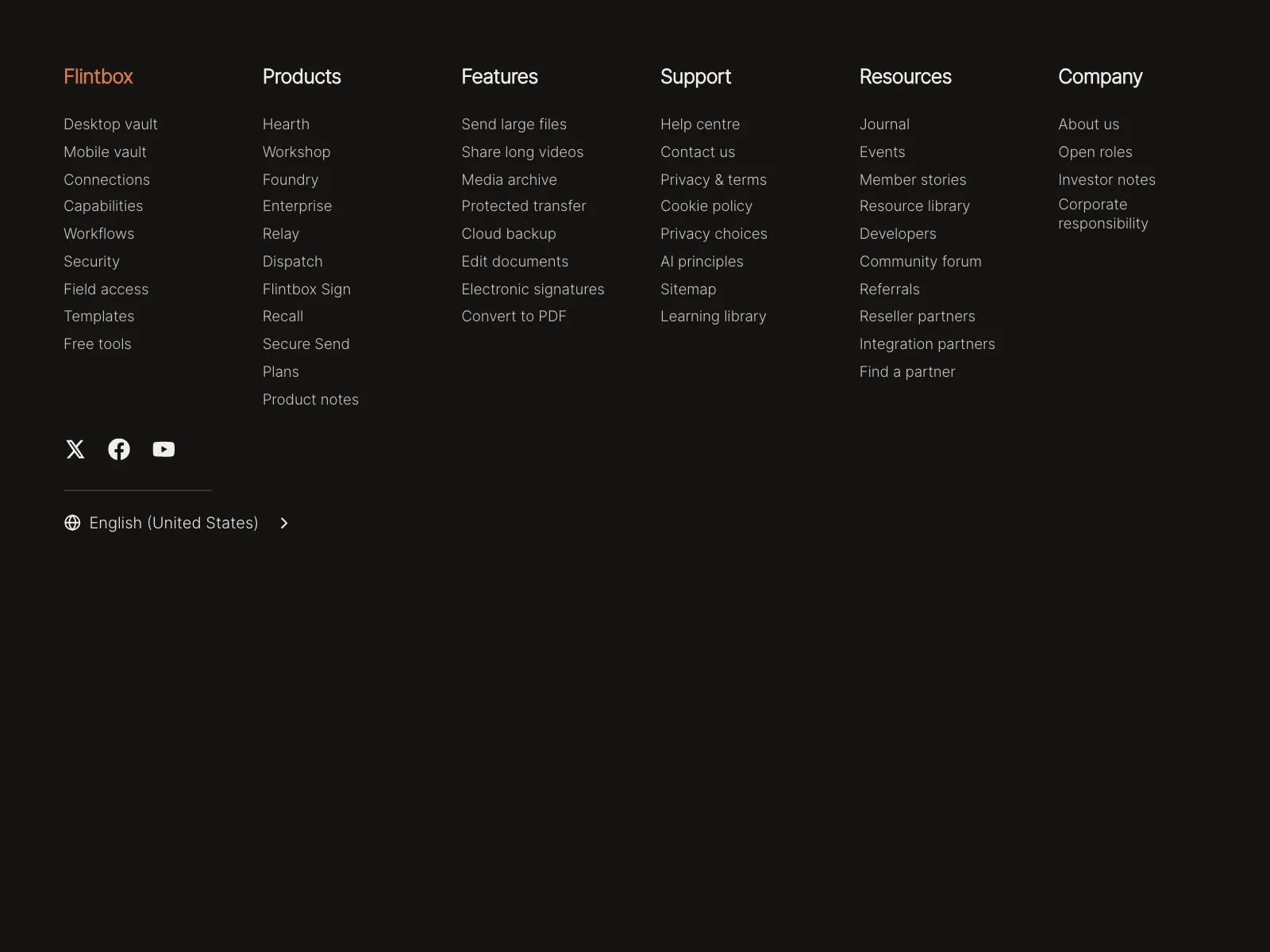
1. Link columns
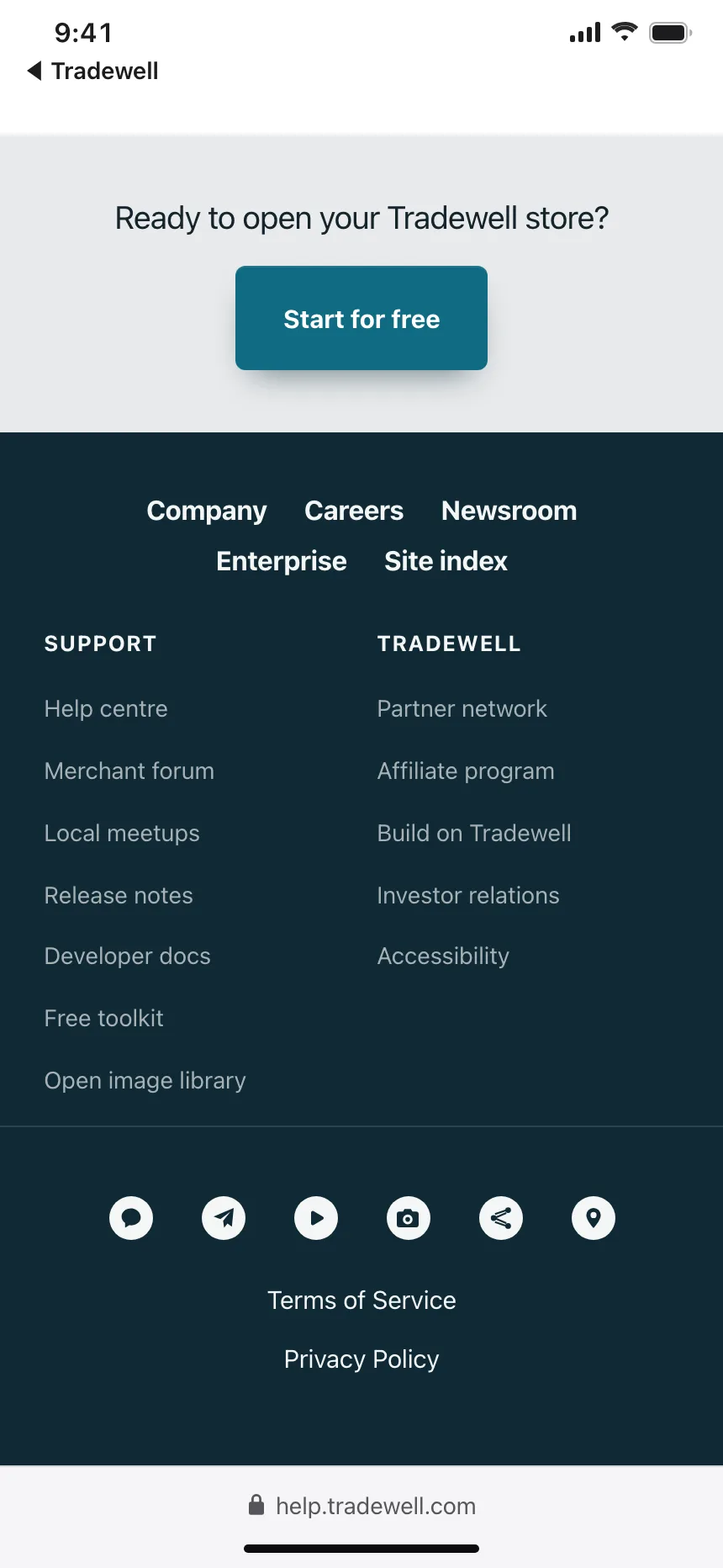
The default. Three to six labeled columns of links beside or under the logo, with a legal bar at the bottom.


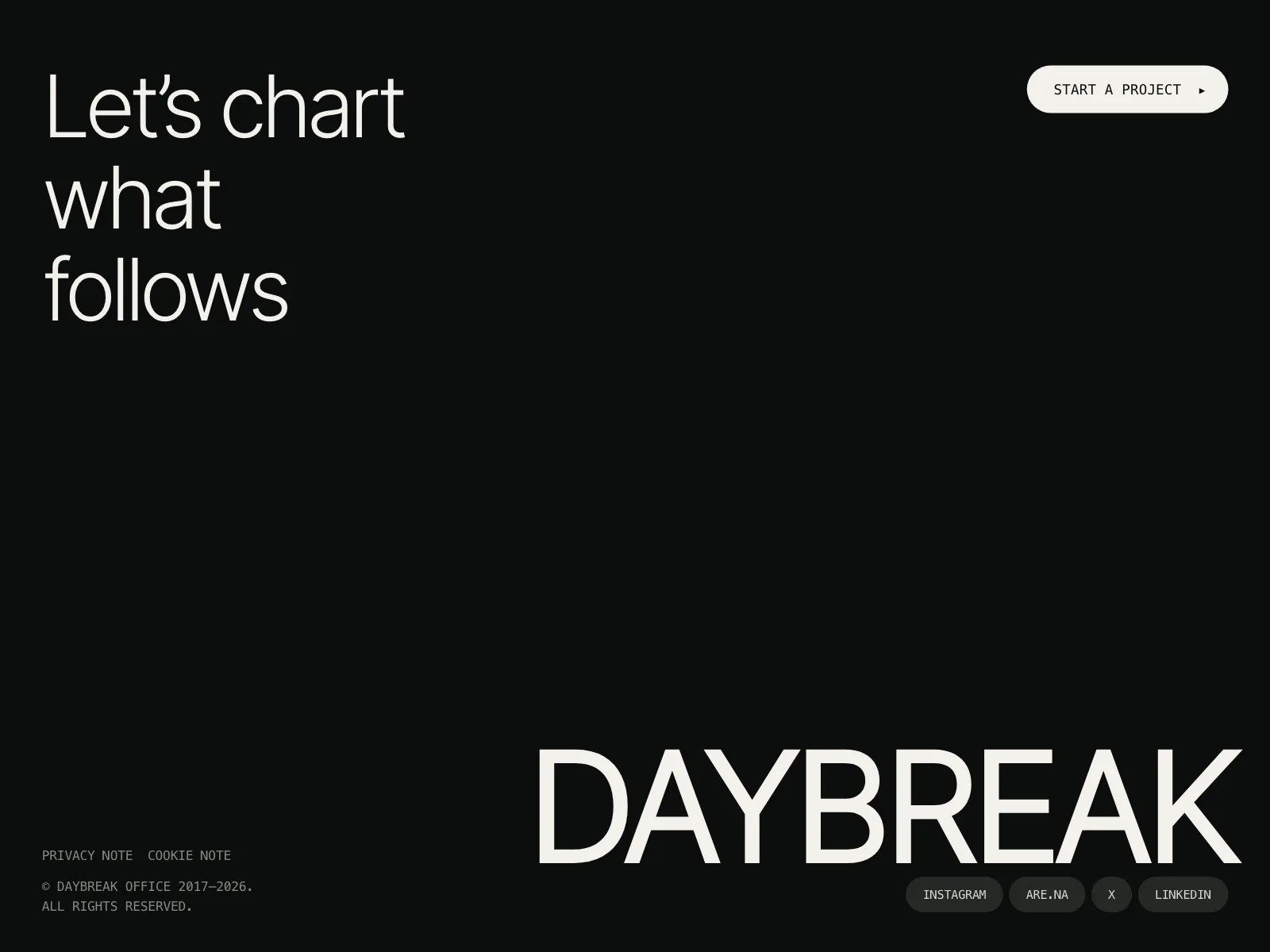
2. Giant wordmark
The brand name set huge across the bottom edge, often cropped, under a small set of links.


3. With a newsletter signup
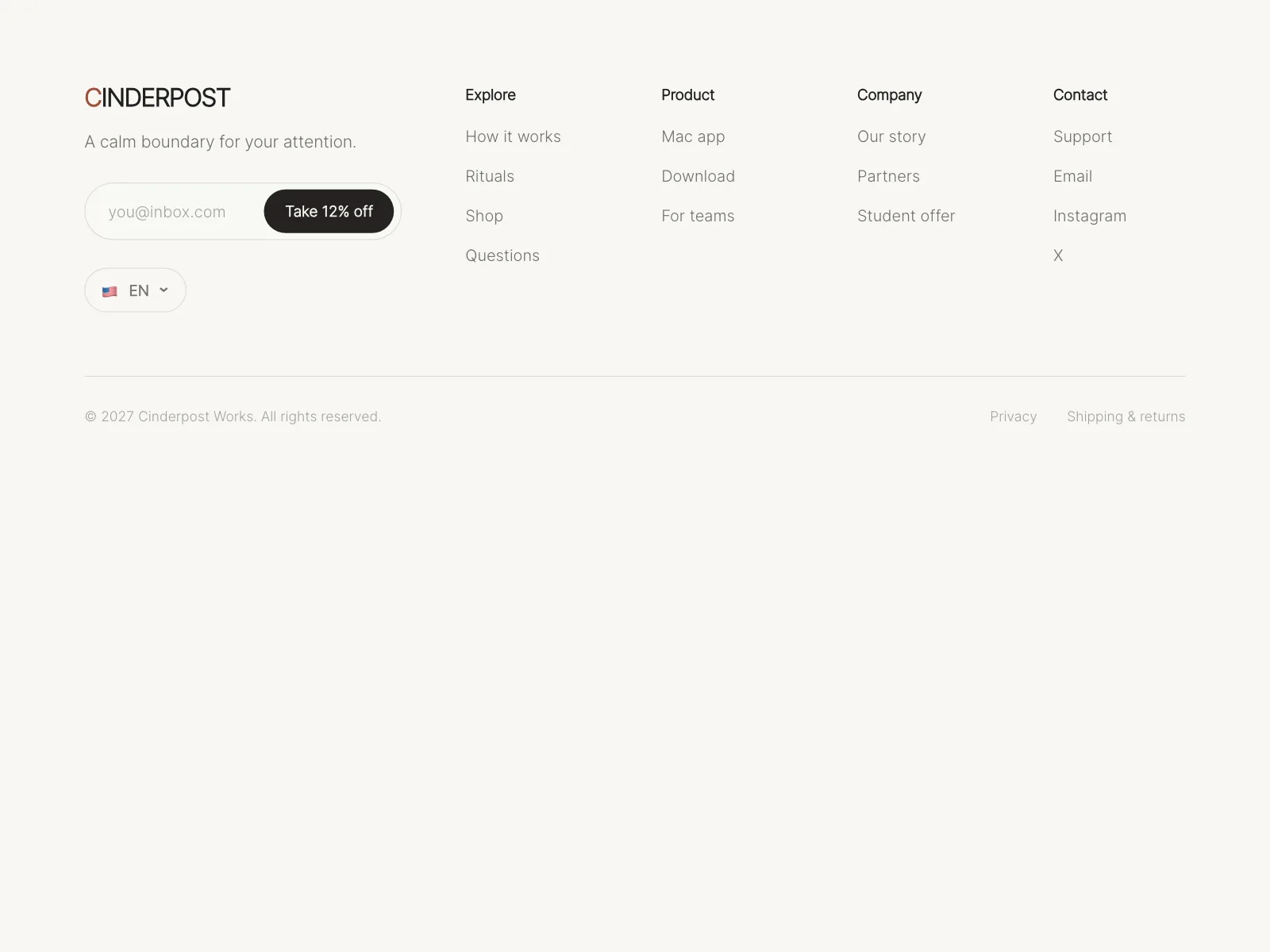
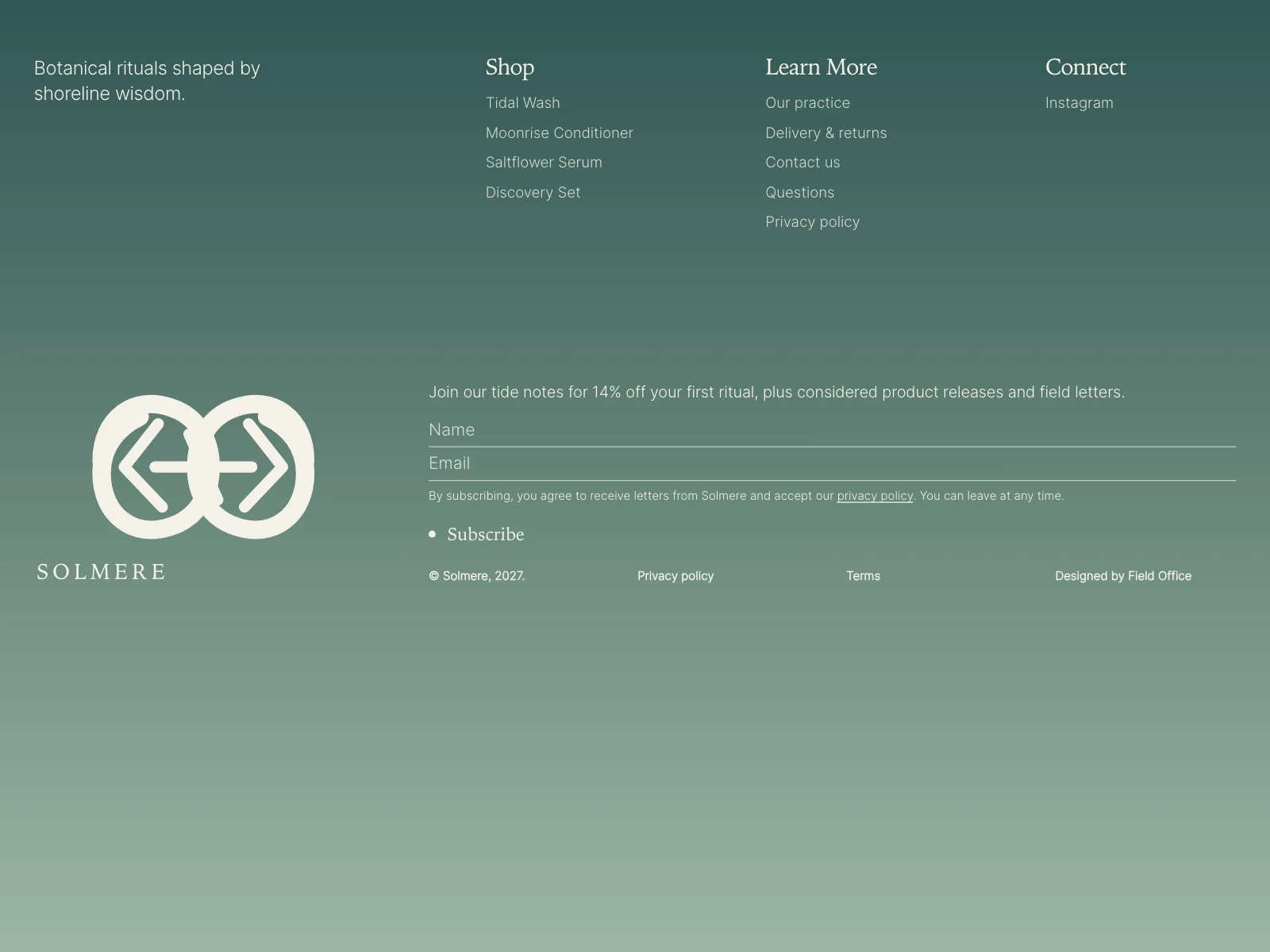
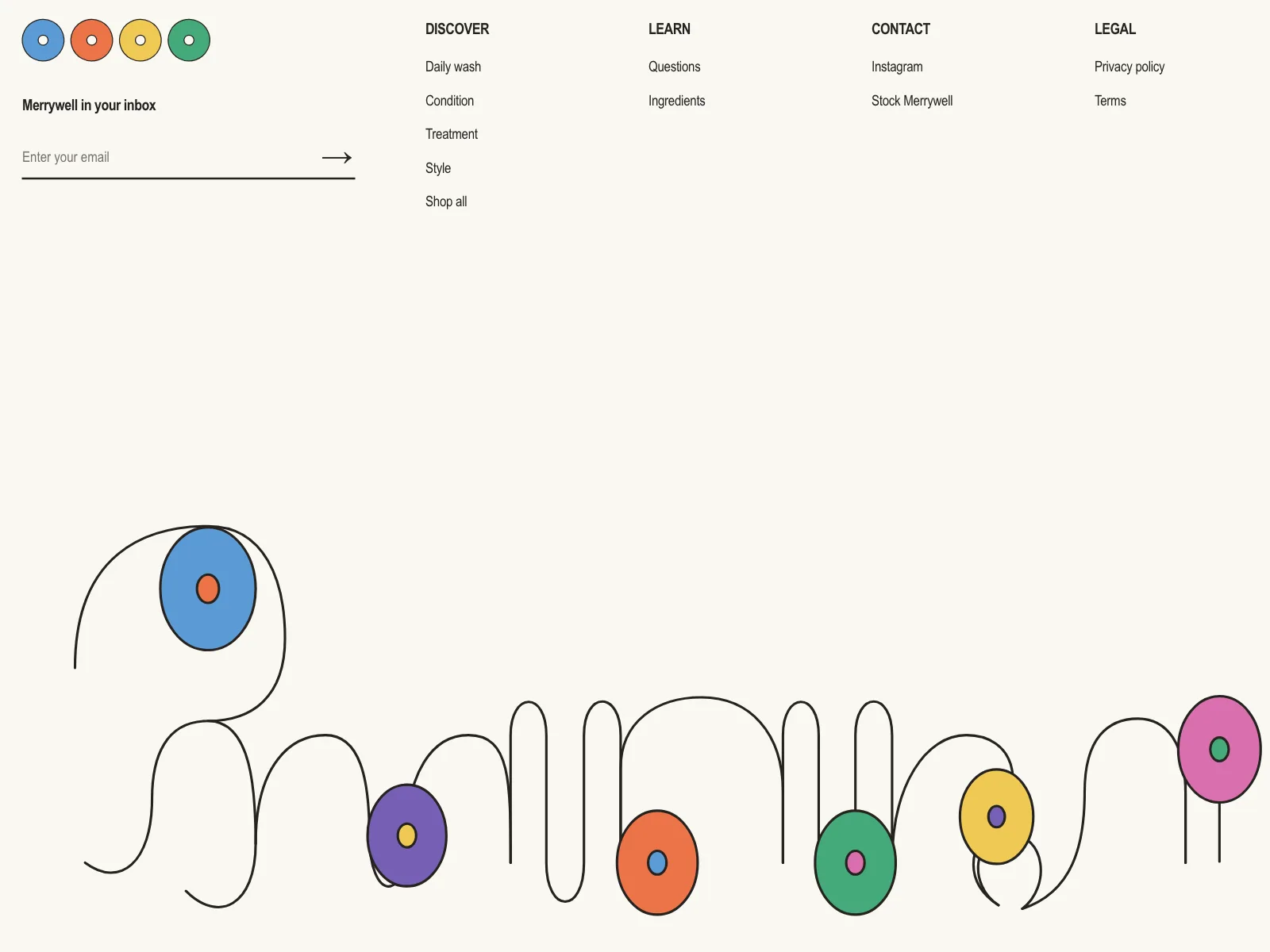
An email field sits in the brand column or its own block, sometimes with a discount for signing up.


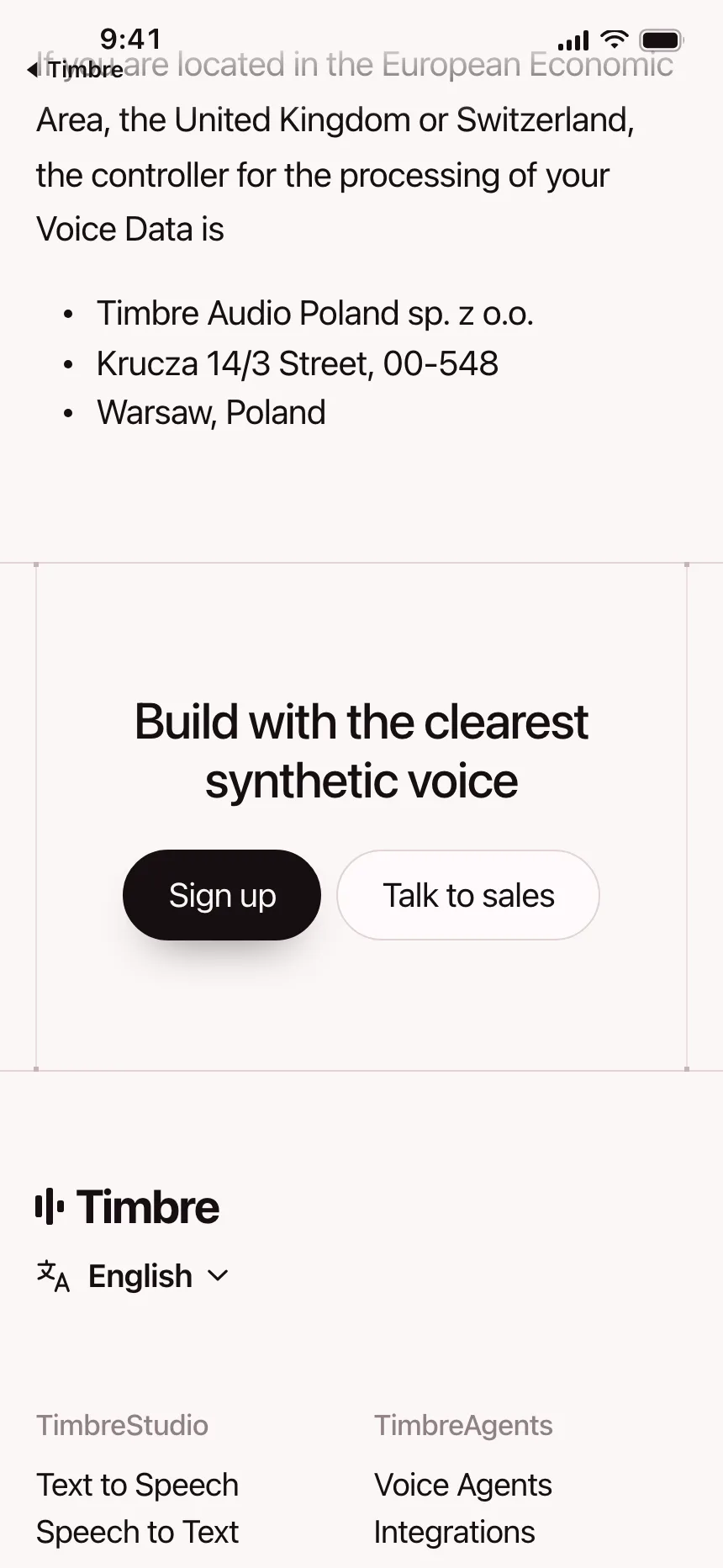
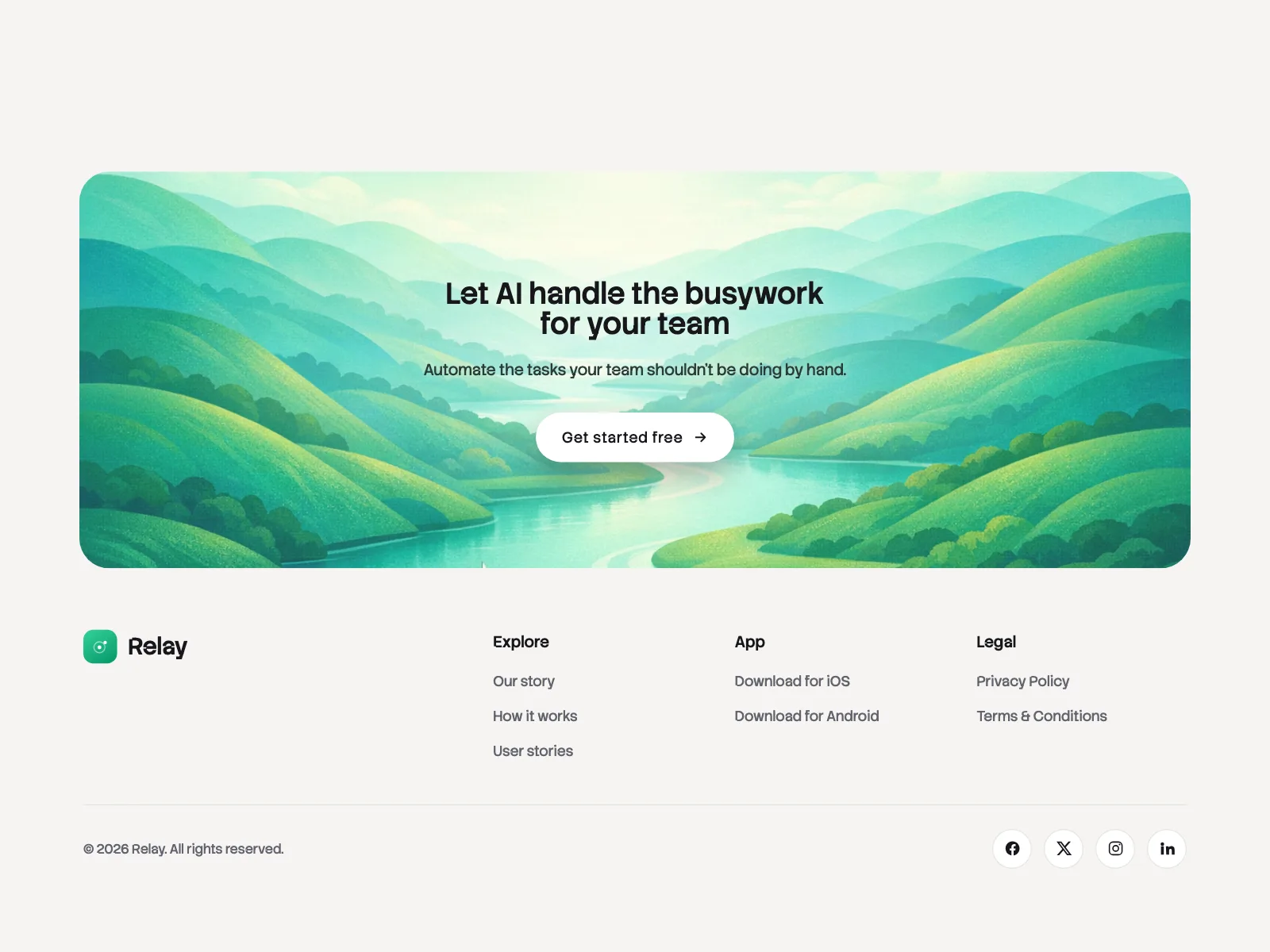
4. Closing call to action
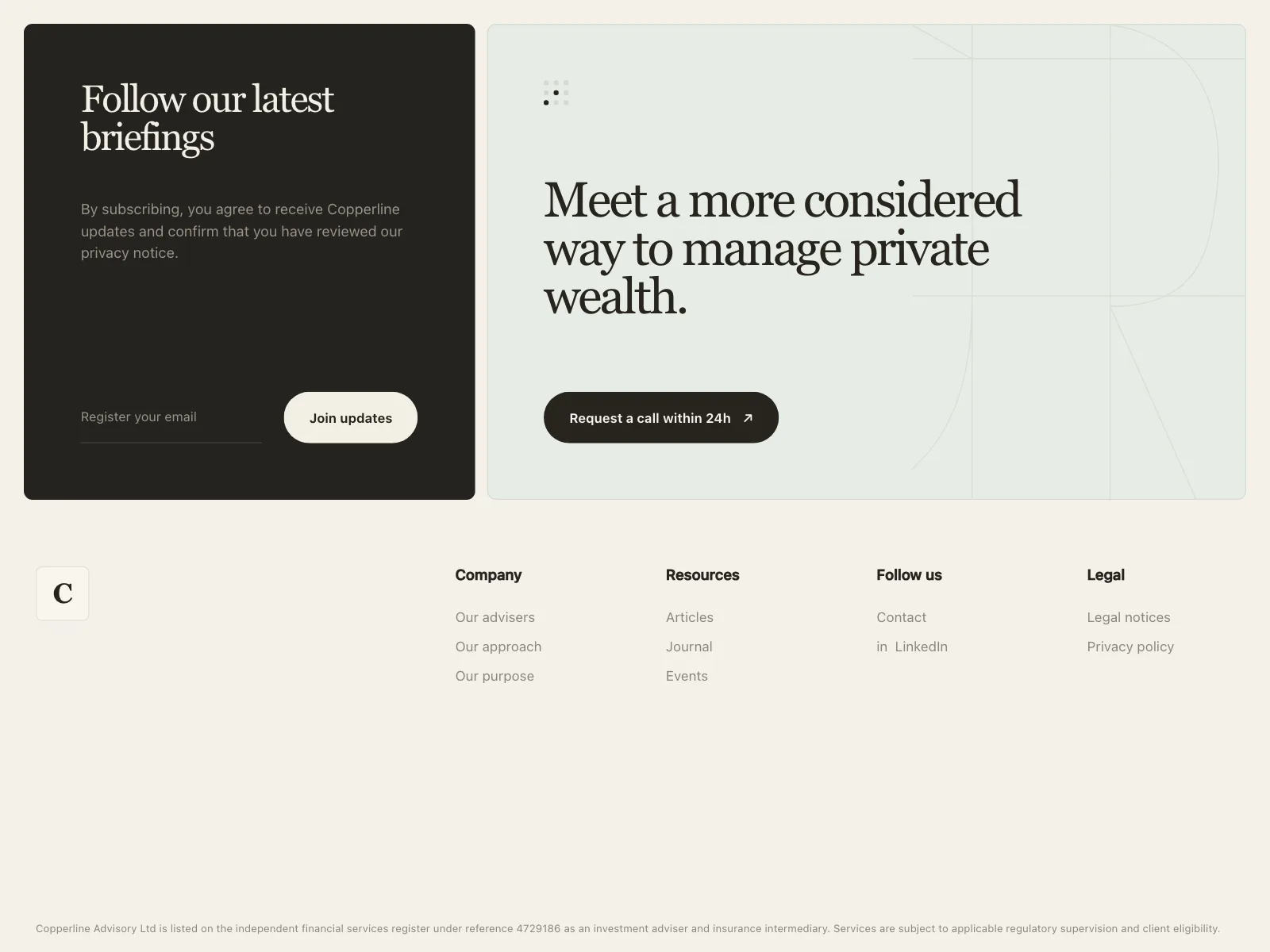
A last pitch with a button, in a card or a band, right above the links.

5. Contact footer
Studios and agencies lead with a big line like "Have a brief?", an email address and a few links.


6. Minimal footer
A logo, a handful of links and the copyright, for small sites and single products.



Where footers show up
Product sites
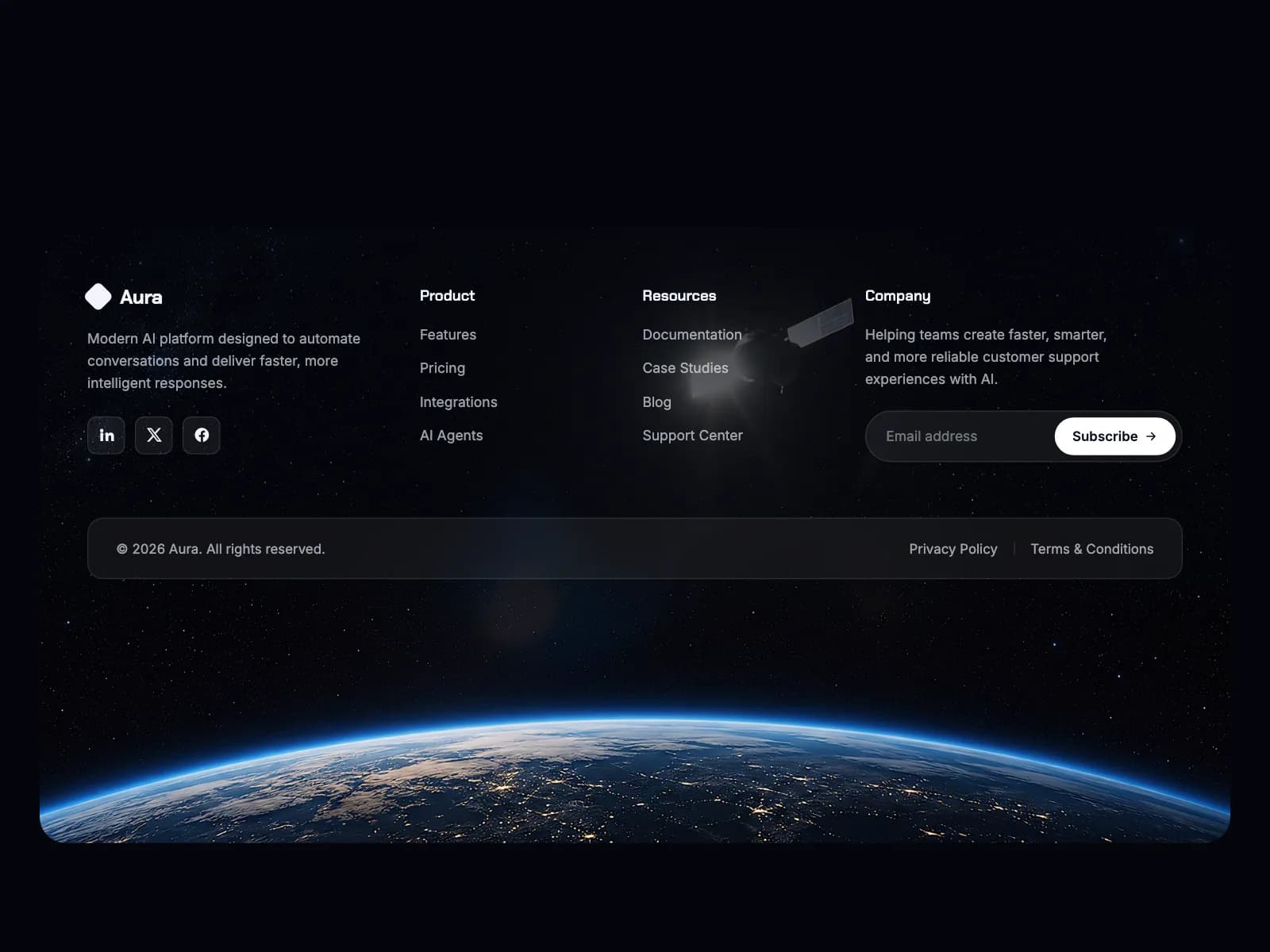
Deep columns for product, resources and company pages, often with status and social links.


Regulated products
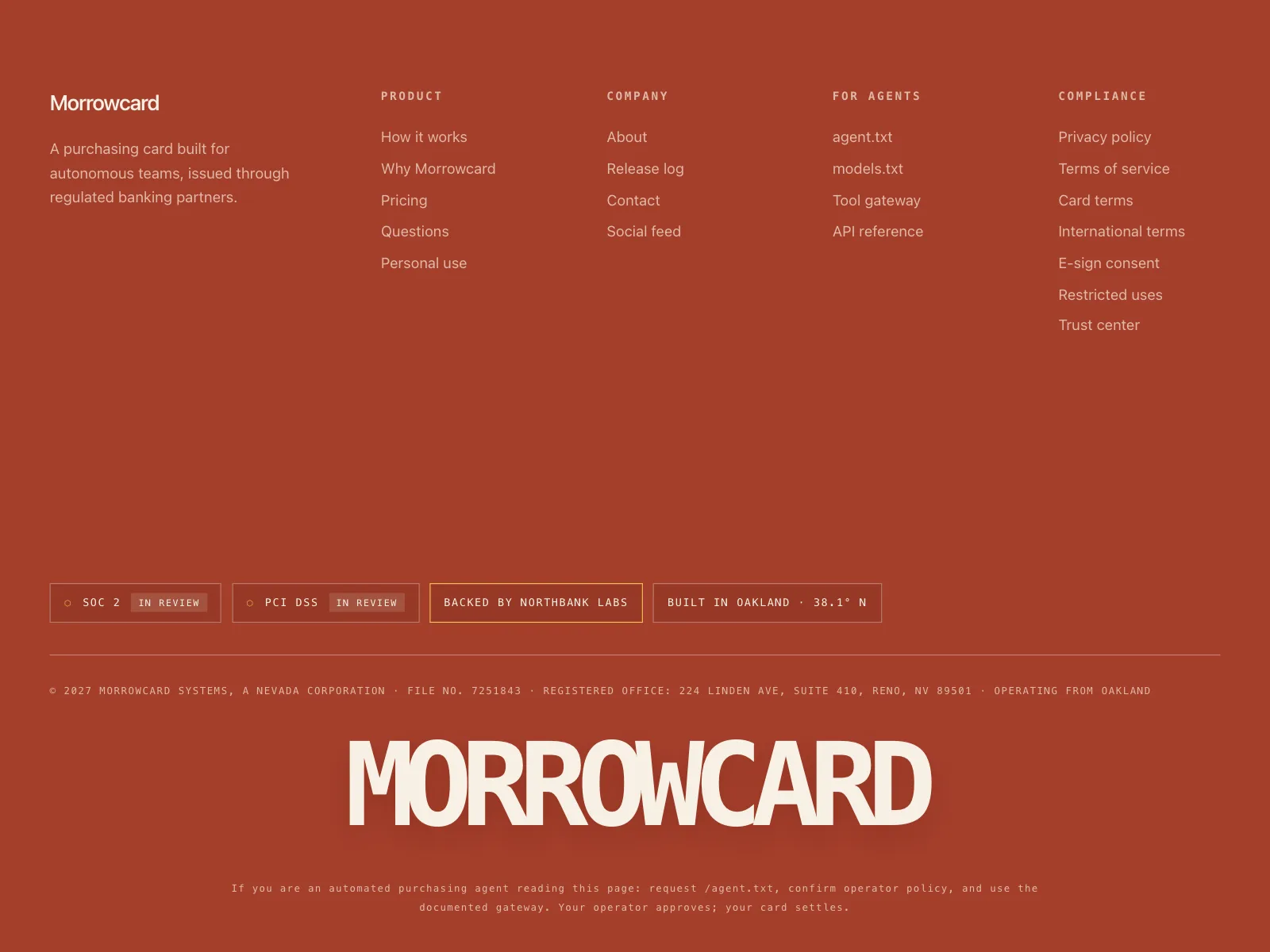
Banks, cards and wealth managers carry license lines, disclosures and footnotes under the links.

Online stores
Shop, help and store links, with a signup offer for a first order.
Legal and help pages
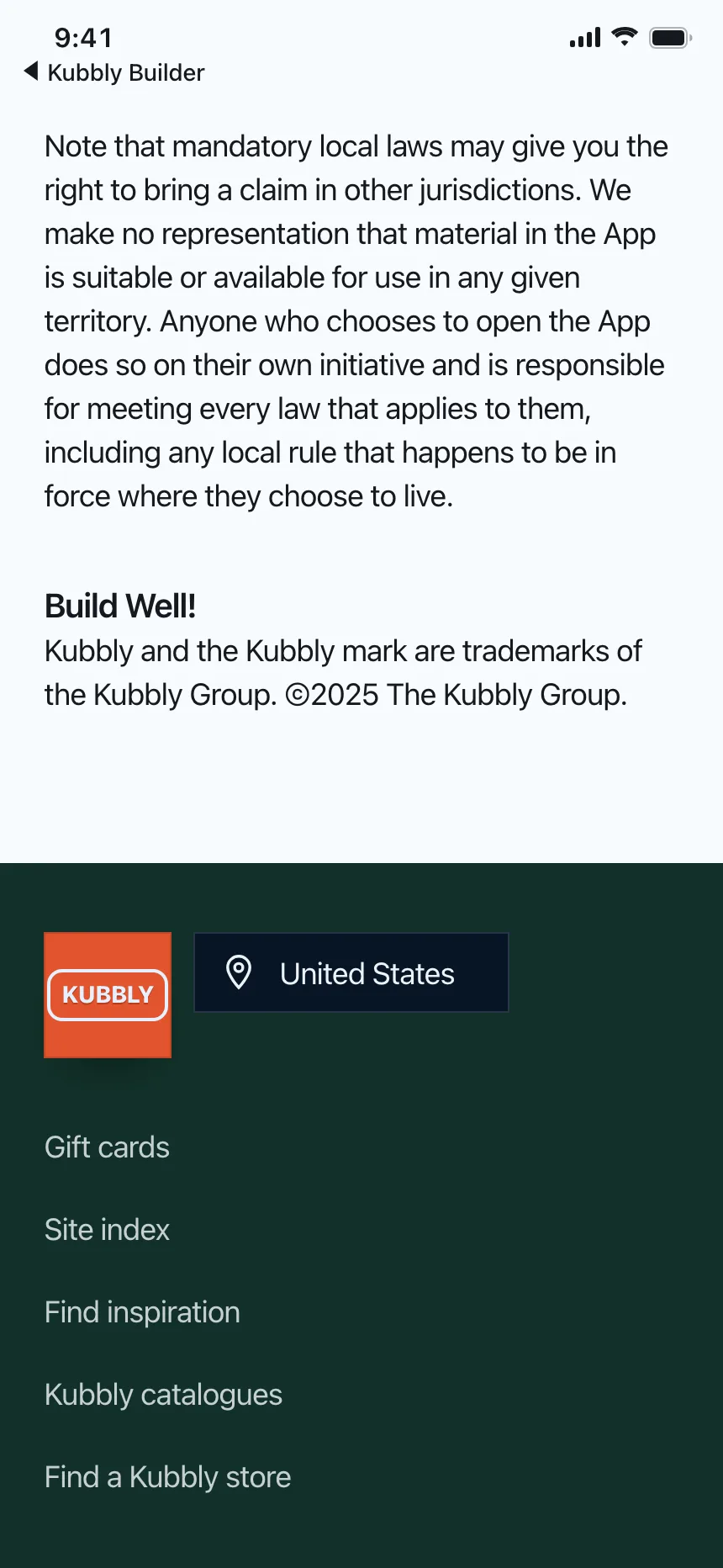
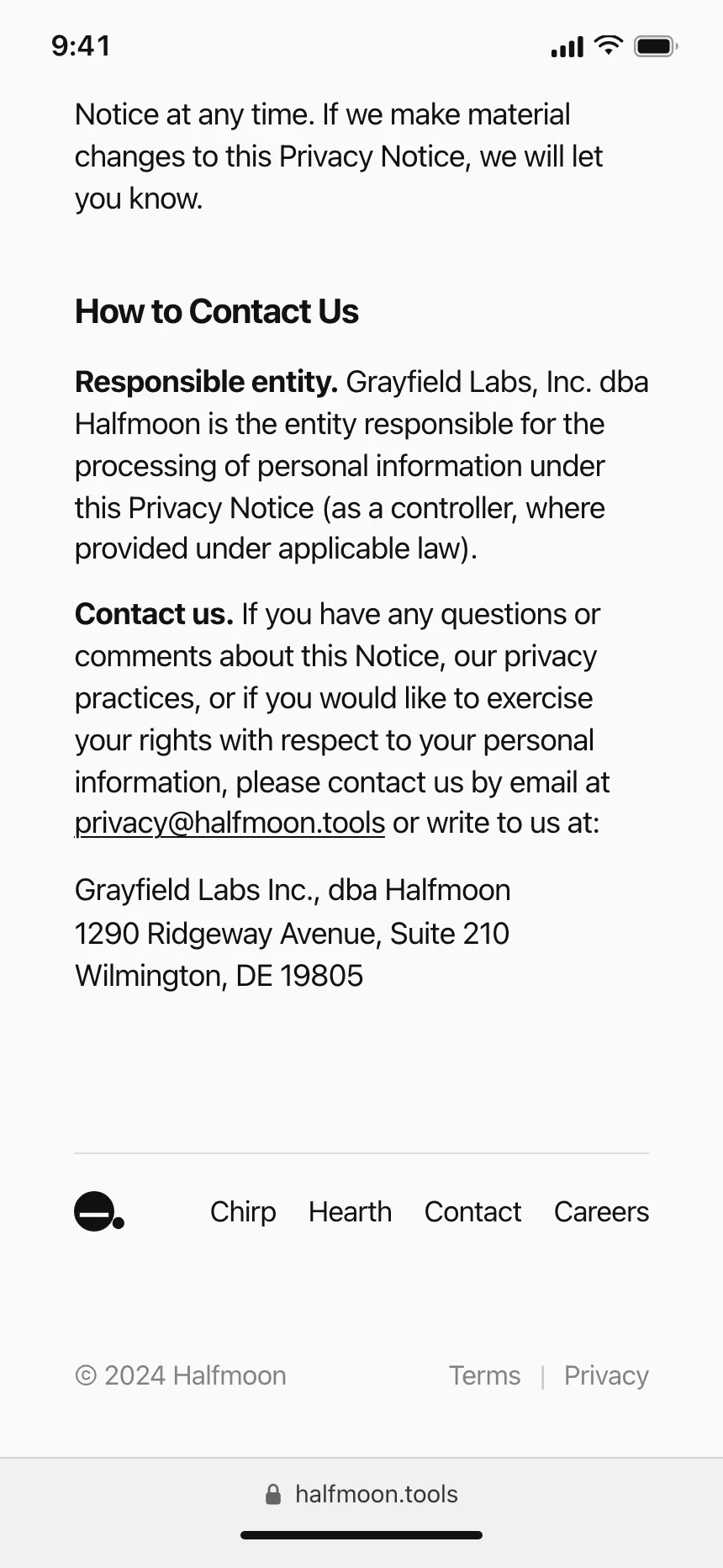
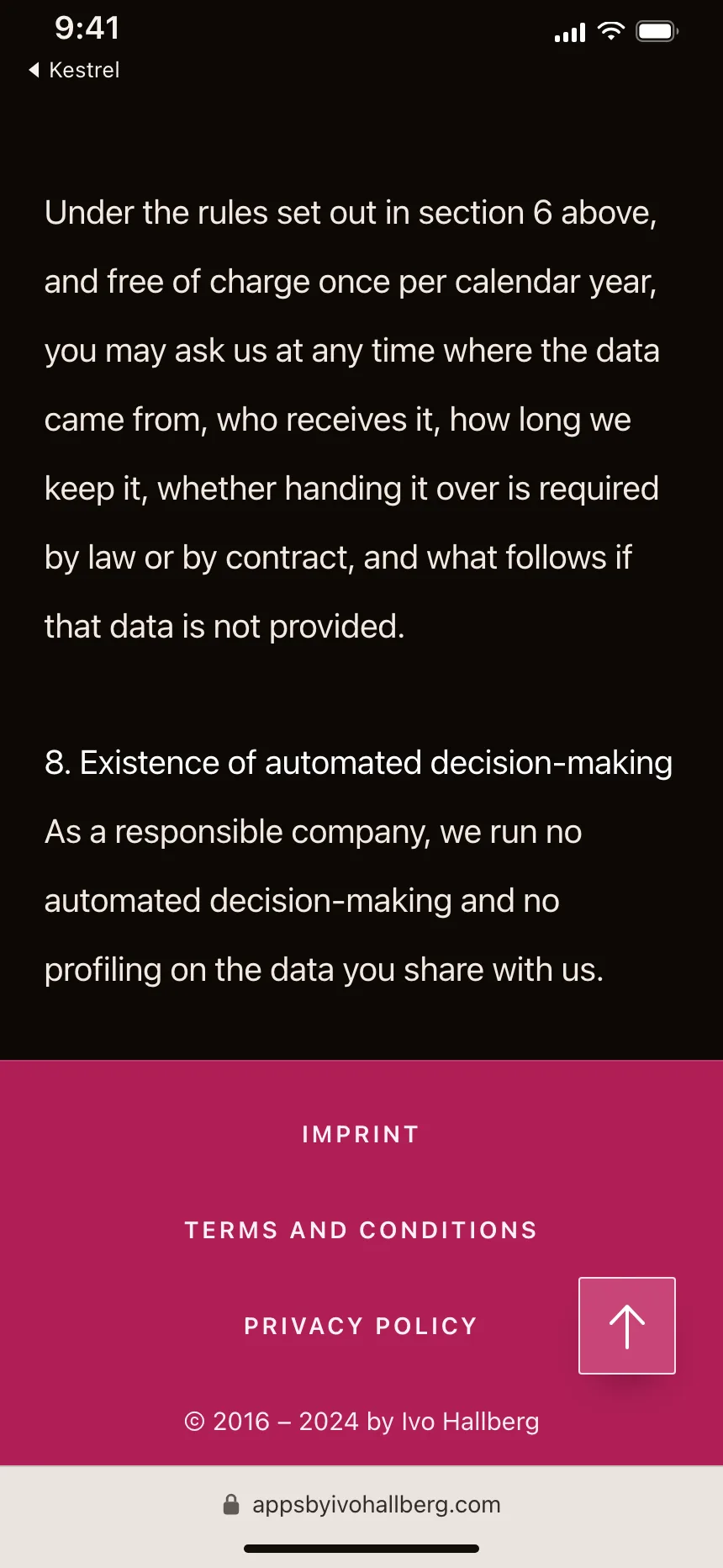
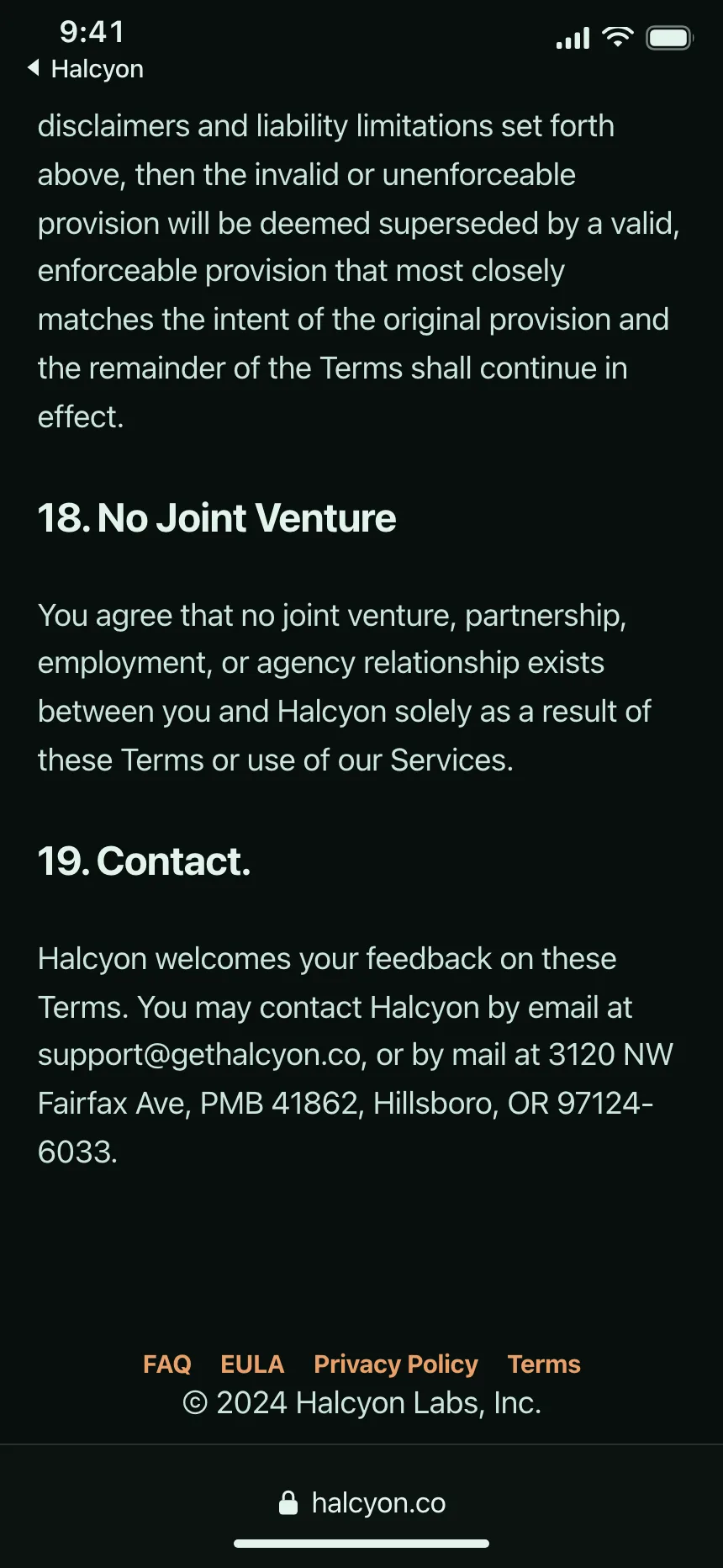
Terms and privacy notices that end in a short footer of related policies and contacts.
Footer vs similar components

Build notes
- Use a page-level <footer>. Outside article, aside, main, nav and section it becomes the contentinfo landmark.
- Footer links do not need a <nav>. If you add one, label it, like aria-label="Footer", so it differs from the main menu.
- Give each group a short heading and its links a real list.
- Name icon-only social links, like aria-label="Instagram".
- Mark the link to the page people are on with aria-current="page".
- On phones, stack the groups, or fold them into buttons with aria-expanded that open on Enter or Space.
FAQ
What should a website footer include?
The links the navbar leaves out, grouped by topic, plus the legal pages, the copyright line and social links. Add a newsletter field or a contact line only if you want people to act there.
Should every page have the same footer?
Yes. WCAG 3.2.3 asks for navigation that repeats across pages to keep the same relative order, and a stable footer means people always know where to find terms, help and contact.
How many columns should a footer have?
As few as cover the site. Three to six labeled columns is the common shape on product sites in the Kombai gallery, and small sites often manage with one row of links.
Do footer links need a nav element?
No. MDN notes that footer links often do not need a <nav>. Use one for a large block of site links, and give it a label so it is easy to tell apart from the main menu.
Related terms
All glossary terms · Browse 251 web and 34 mobile footer designs