
Splash screen
A splash screen is the first screen an app shows while it starts, usually just the brand's mark on a plain background.
- Also called
- launch screen
- Platforms
- Mobile
- In the gallery
- 35 mobile designs

Splash screens from the Kombai gallery: a coral mark on its brand color, a badge above a name on blue and a wordmark on cream.
What is a splash screen?
A splash screen fills the gap between tapping an app icon and seeing the first real screen. It shows a logo or a name centered on a solid color, a gradient or a photo, and disappears as soon as the app is ready. On iOS this is the launch screen; Android and installed web apps show a similar screen built from the app icon and a background color.
- One centered mark or name, with no buttons, links or text to read.
- Shown only while the app loads, then replaced by the first screen.
Splash screens show up across splash screens and loading screens screens.
When to use a splash screen
- Cold startsThe second or two while a native app loads its first screen.
- Installed web appsA web app added to the home screen gets one from its icon and colors.
- Brand recognitionA quick, consistent mark that tells people they opened the right app.
When not to use one
- As a delayDon't hold people on it after the app is ready. Show the content.
- For messagesTips, ads and news on a splash screen go unread. Put them inside the app.
- For slow dataOnce the app is open, use a skeleton or a loading indicator for content.
Anatomy of a splash screen
This one works. Press Launch to cold-start the app: the splash stays only until the first screen is ready.
Trails near you
Saturday, clear skies
Ridge loop
7.2 km · Moderate
Lake shore
4.1 km · Easy
North col
11.8 km · Hard
- Launching
- Ready
- Reduced motion
- BackgroundSolid color, gradient or photo
- MarkThe logo, centered
- WordmarkOptional name or tagline
- Loading cueOptional dots or bar
- StatesLaunching, ready, reduced motion
Splash screen variants
We sorted every splash screen design in the Kombai gallery and found five patterns. Browse all 35 mobile designs.
1. Mark on black
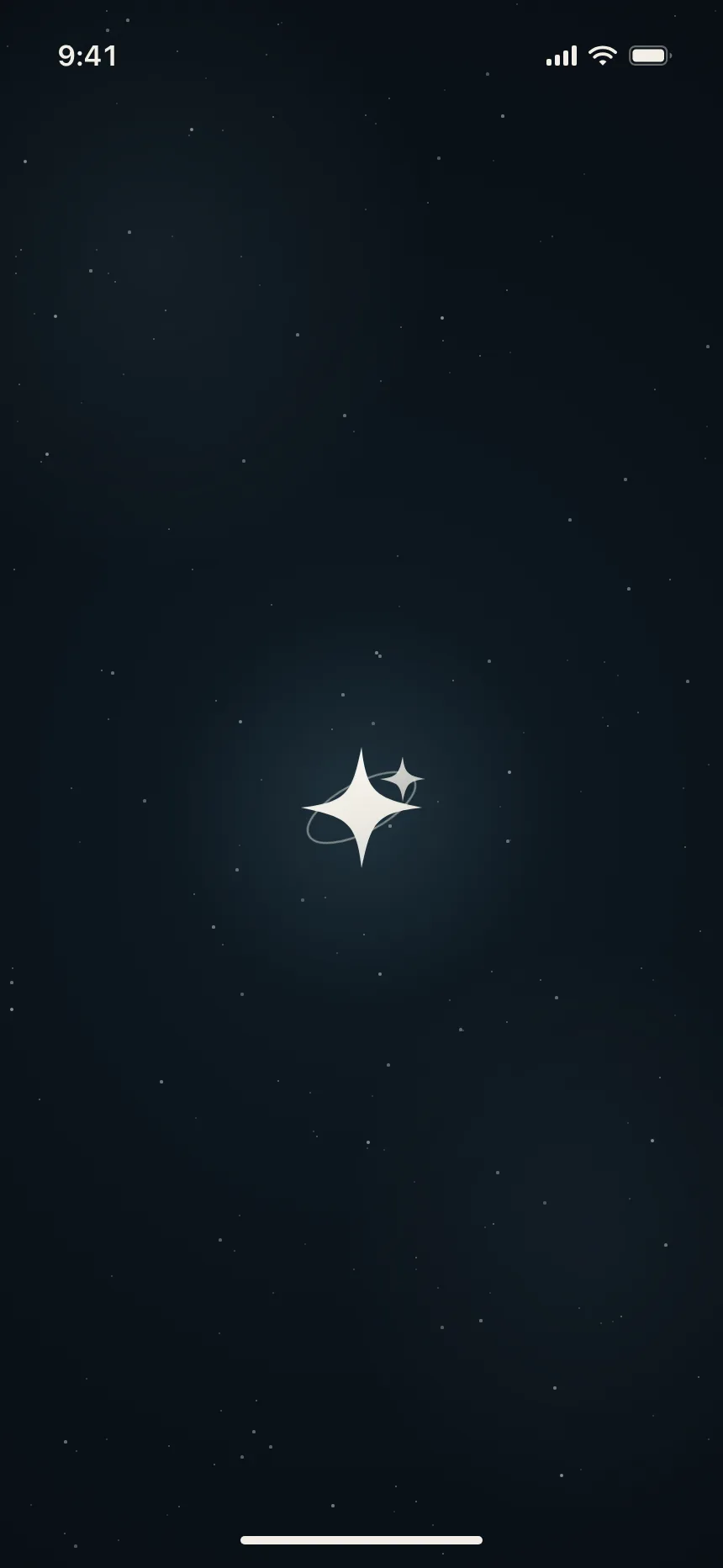
A small white or cream glyph on a near-black screen, sometimes with a faint glow behind it.



2. Mark on a brand color
The whole screen takes the brand color, with the mark in white or cream at the center.

3. Name only
No icon at all: the app name, set large in the brand typeface, is the whole screen.


4. Mark above the name
The full lockup, icon stacked over the wordmark, for apps whose icon alone is not yet well known.


5. With a loading cue
A thin bar, a row of dots or a ring under the mark hints that the app is still starting.

Where splash screens show up
Shopping and payments
Retail and money apps often add the name or a short tagline, so people know what the app does.

Travel and the outdoors
Mountains, peaks and map pins: the mark itself says where the app takes you.


Mood-led lifestyle brands
Food, interiors and astrology apps set a mood with a photo or a texture behind the mark.

Splash screen vs similar components
Build notes
- On iOS, build the launch screen from a storyboard or Info.plist settings. Keep it free of text that needs translating.
- Match the splash background to the first screen's background, so the handoff doesn't flash.
- For an installed web app, set background_color and icons in the web app manifest.
- Dismiss it as soon as the first screen can render. Never add a timer just to show the logo.
- Respect prefers-reduced-motion: skip logo animations and fade, or cut straight to the app.
- Give the mark an accessible name, or hide the splash from screen readers if it never takes focus.
FAQ
How long should a splash screen stay up?
Only as long as the app takes to start. The goal is to make loading feel quick, so the splash should go away the moment the first screen is ready. Holding it longer to show off the brand makes the app feel slower.
Is a splash screen the same as a launch screen?
Mostly. Launch screen is the iOS term for the static screen the system shows while an app starts. Splash screen is the wider term and also covers Android, installed web apps and custom screens apps draw themselves.
Should a splash screen be animated?
A short animation of the mark can smooth the handoff to the first screen, but keep it brief and never let it delay the app. Turn it off for people who ask for reduced motion.
Do websites need splash screens?
Regular websites do not. A web app that people install to their home screen gets one from its manifest: browsers that support it build a simple screen from the app icon, name and background color.
Related terms
- Loading indicator68 designs
- Skeleton loader90 designs
- Progress indicator80 designs
- Empty state68 designs
All glossary terms · Browse 35 mobile splash screen designs