
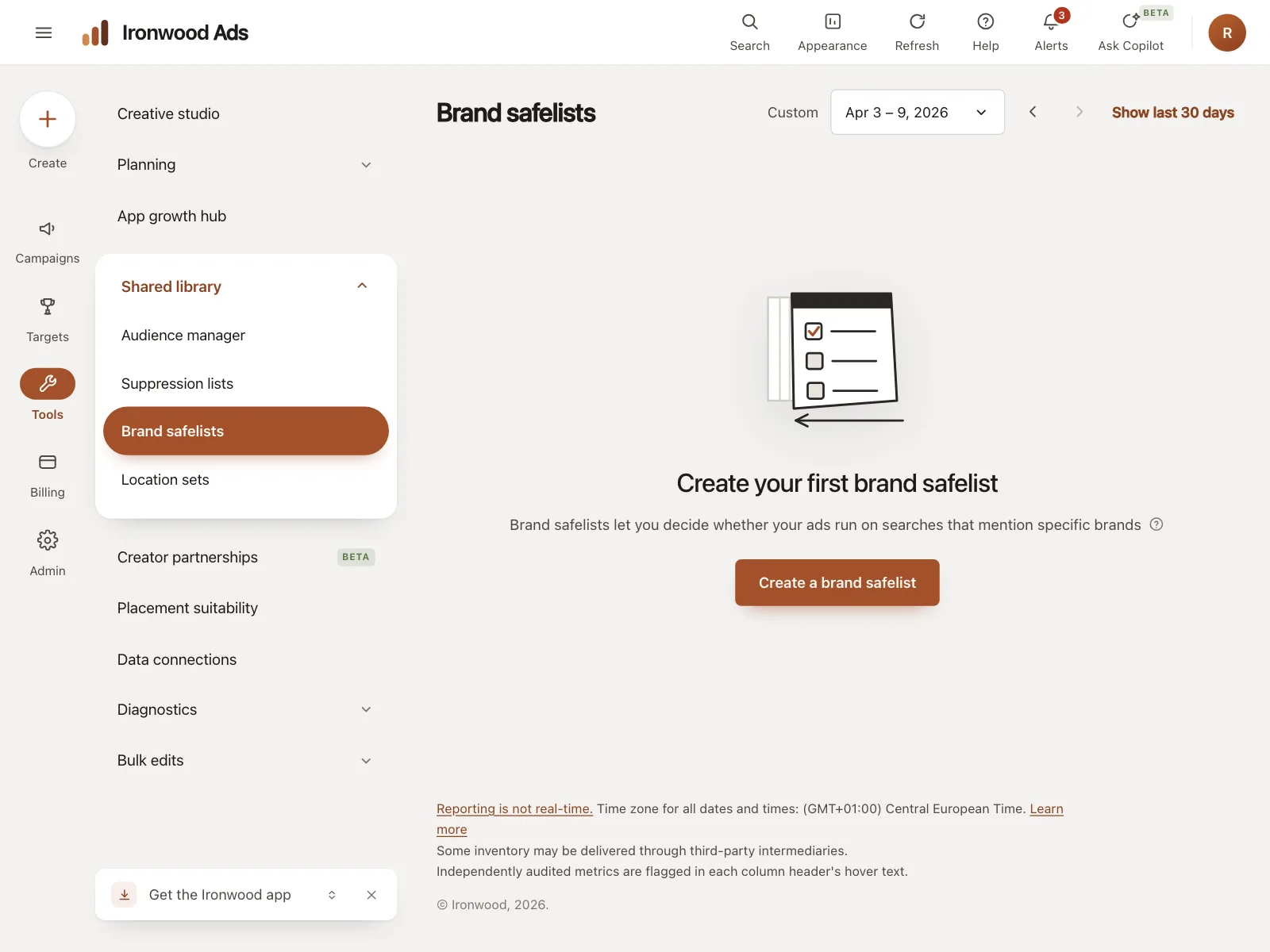
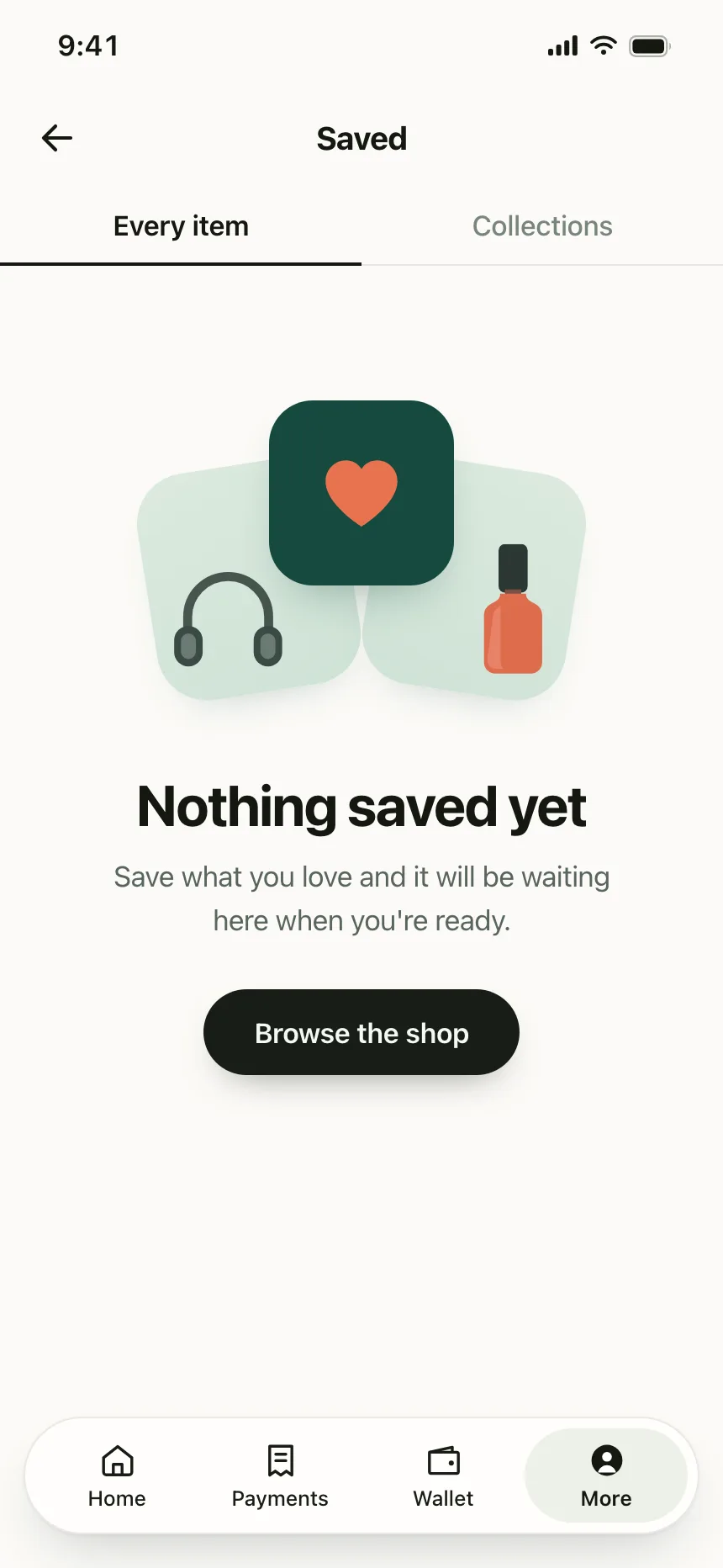

Empty states from the Kombai gallery: an ad platform's brand safelists, a shopping app's saved items and a money app's currency alerts.
What is an empty state?
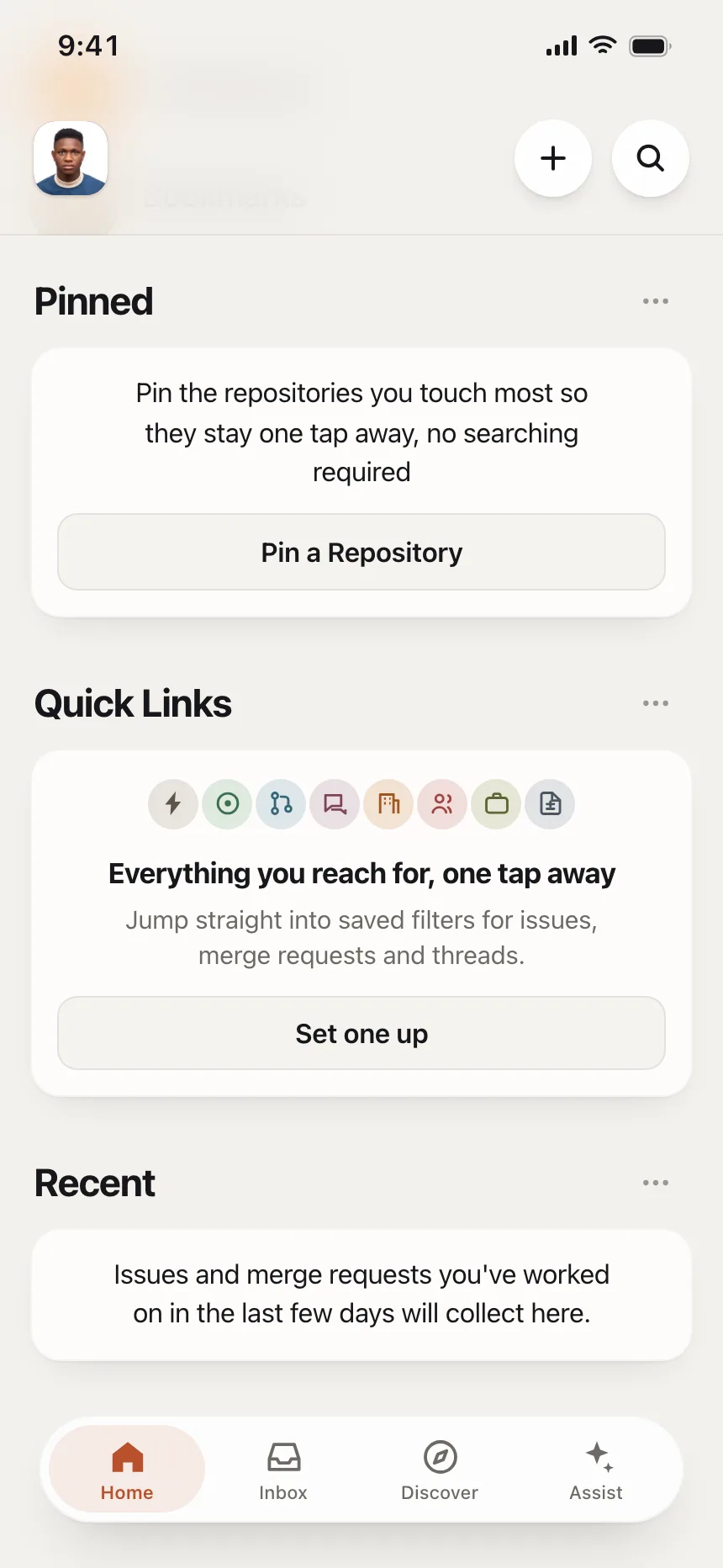
An empty state is what a screen shows when it has loaded and there is nothing in it: no saved items, no search results, no messages left. A good one says why the space is empty and offers the one action that fills it.
- It keeps the page's header and navigation, and replaces only the empty list or panel.
- The copy changes with the cause: first use, no results or everything done.
Empty states show up across cart, notifications, saved items and order history screens.
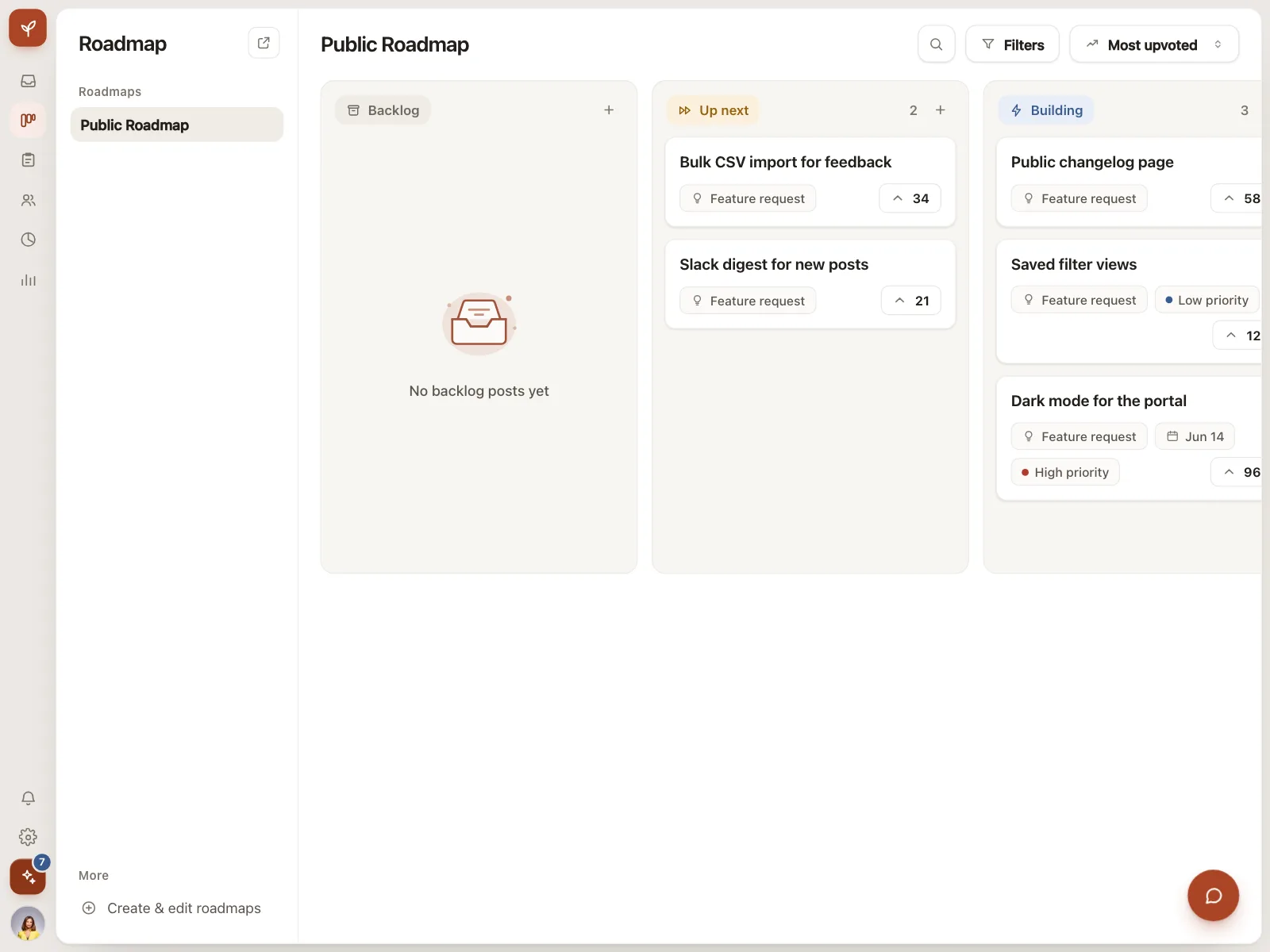
When to use an empty state
- First useA list, inbox or workspace that starts with nothing in it.
- No resultsA search or a set of filters that matches nothing.
- Cleared workAn inbox, alert list or queue that someone has emptied.
When not to use one
- Content still loadingShow a skeleton or a spinner until the request finishes.
- A failed requestShow an error with a retry. An empty message hides the failure.
- Replacing the whole pageKeep the header, tabs and filters. Replace only the empty area.
Anatomy of an empty state
This one works. Create a list, search for something that isn't there, then remove everything.
Saved lists
No saved lists yet
Make a list to keep the pieces you love in one place.
- First use
- No results
- All clear
- Keyboard focus
- IllustrationOptional and decorative
- TitleSays what is missing
- DescriptionWhat will show up here
- ActionOne clear next step
- StatesFirst use, no results, all clear
Empty state variants
We sorted every empty state design in the Kombai gallery and found six patterns. Browse all 34 web and 34 mobile designs.
1. First-use prompts
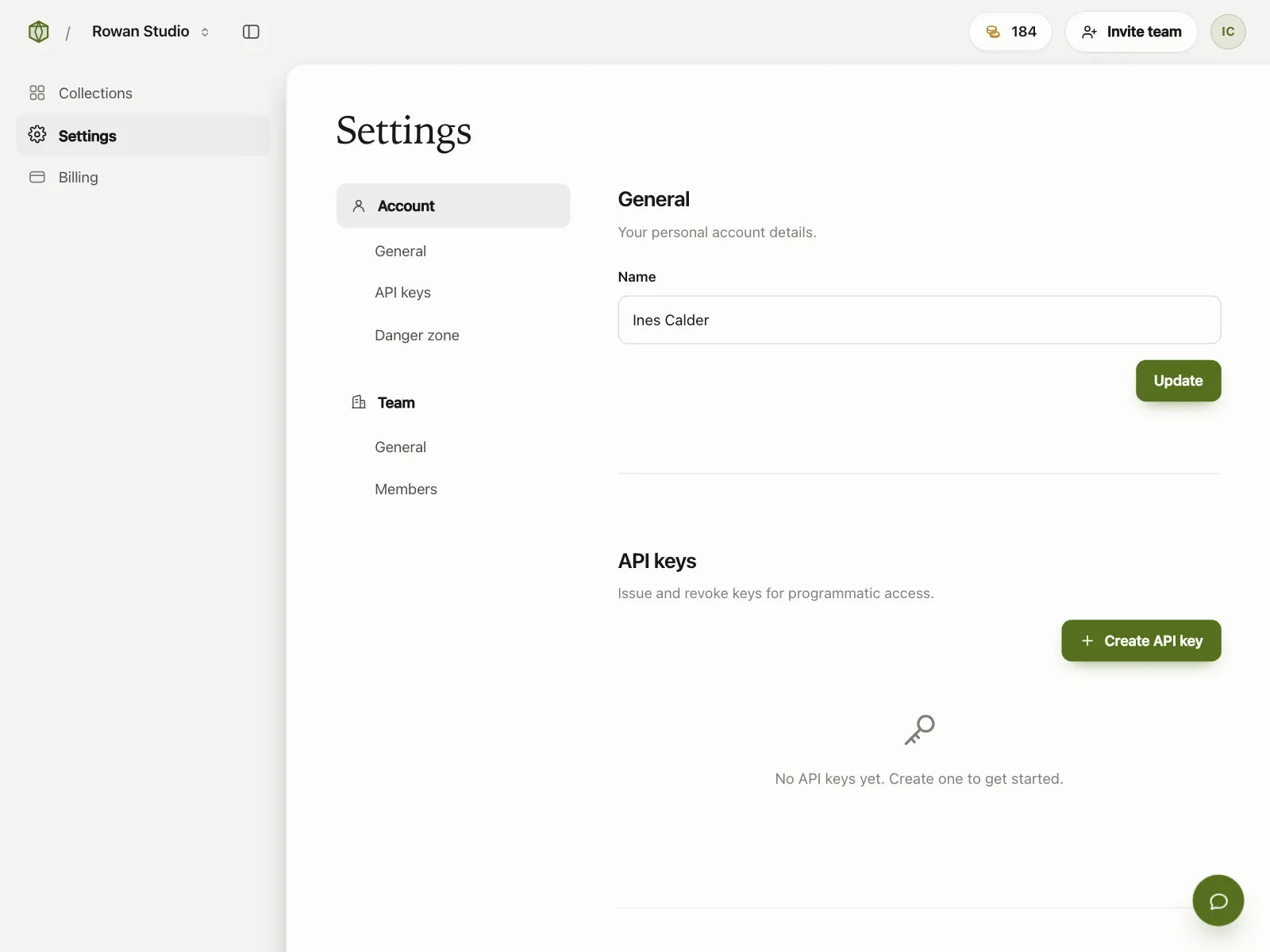
The default. Nothing has been made yet, so the screen explains what goes here and puts a Create button right under the message.


2. No results
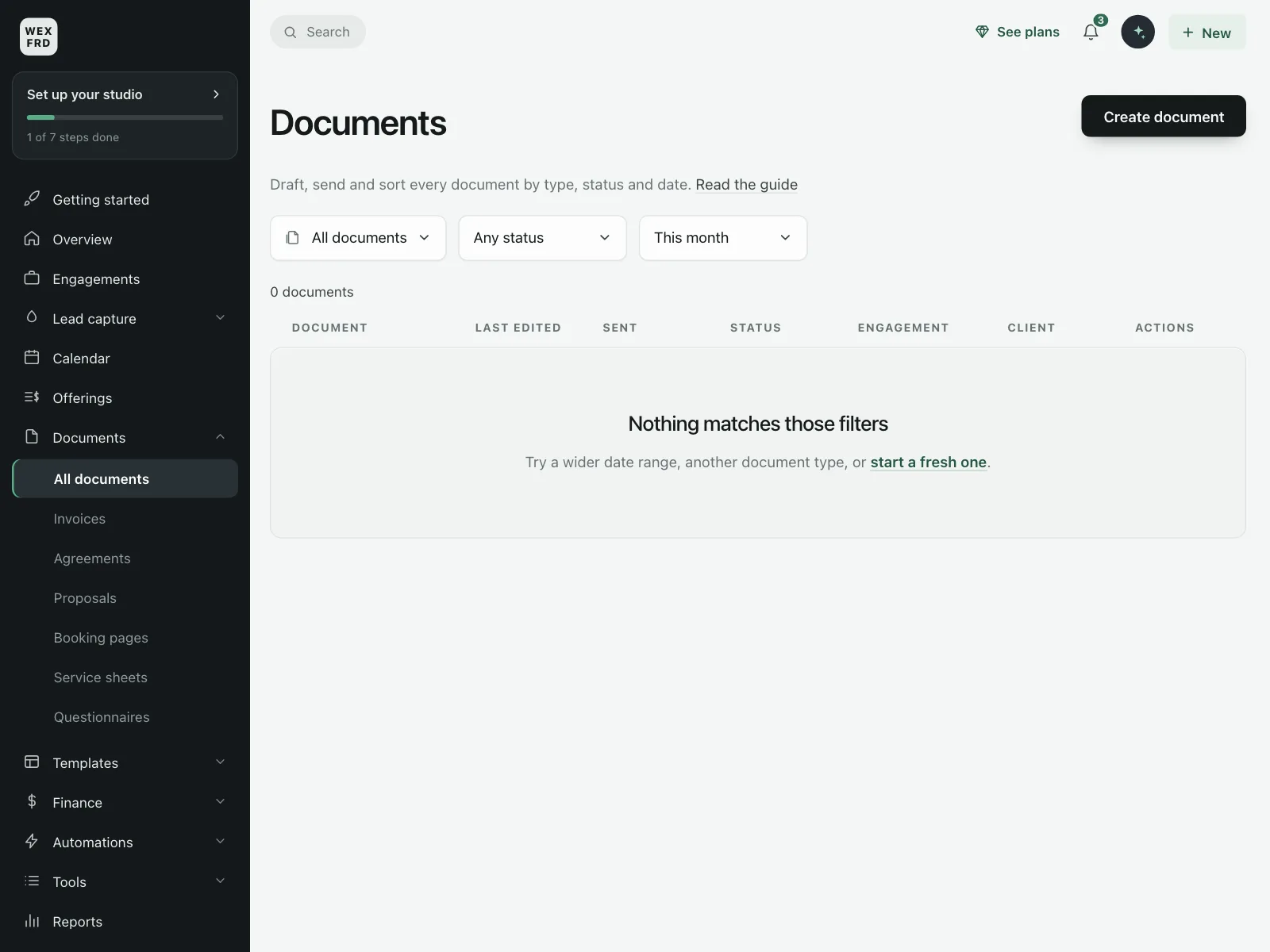
A search or filter matched nothing. The message repeats the query and offers other searches or a way to start over.


3. All clear
Every alert is read, every balance is paid or no issues were found. These reassure people instead of asking them to act.
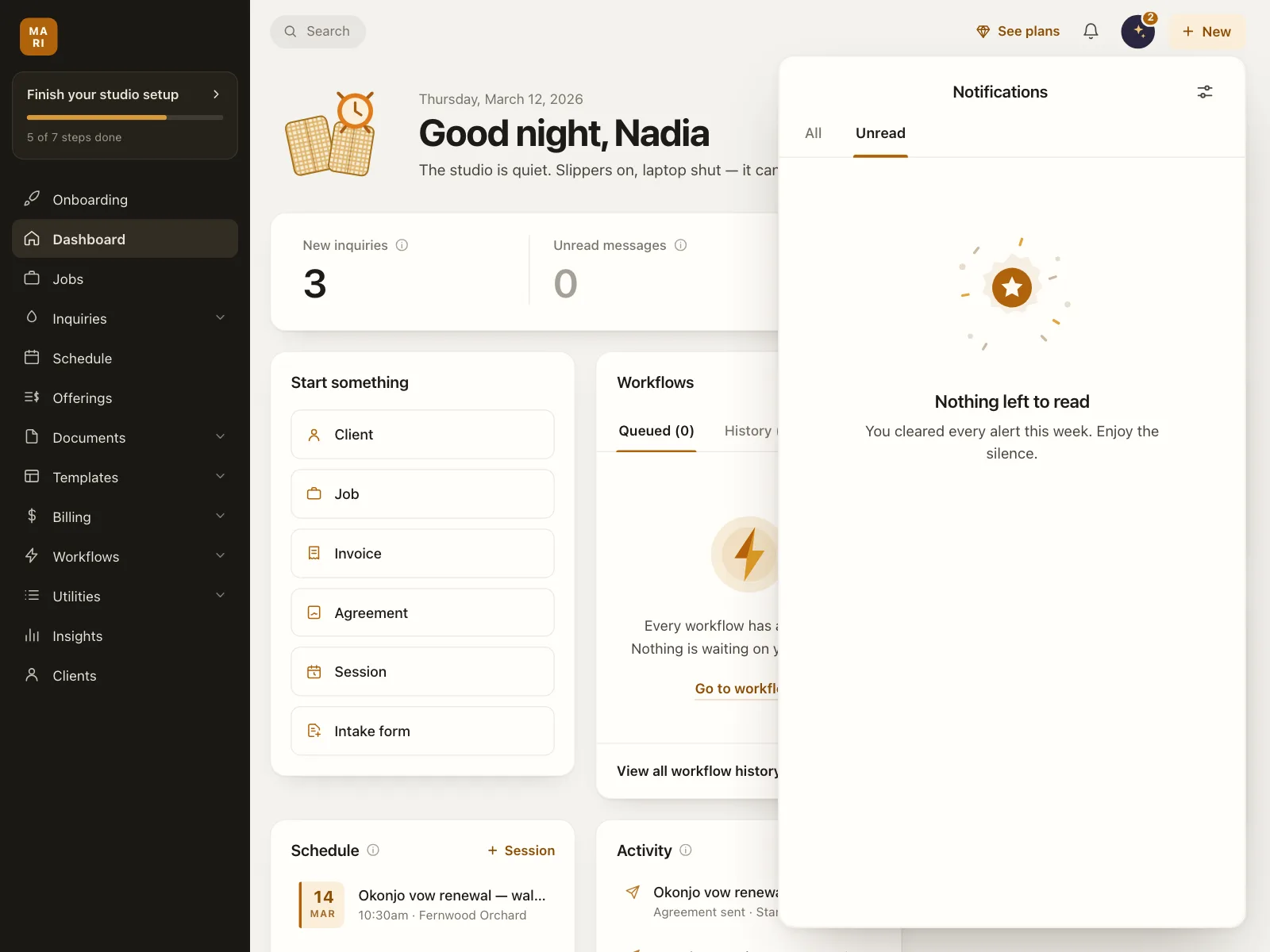

4. Illustration-led
A large illustration or product photos fill the screen and carry the tone, with one short, often playful line.


5. Prompt starters
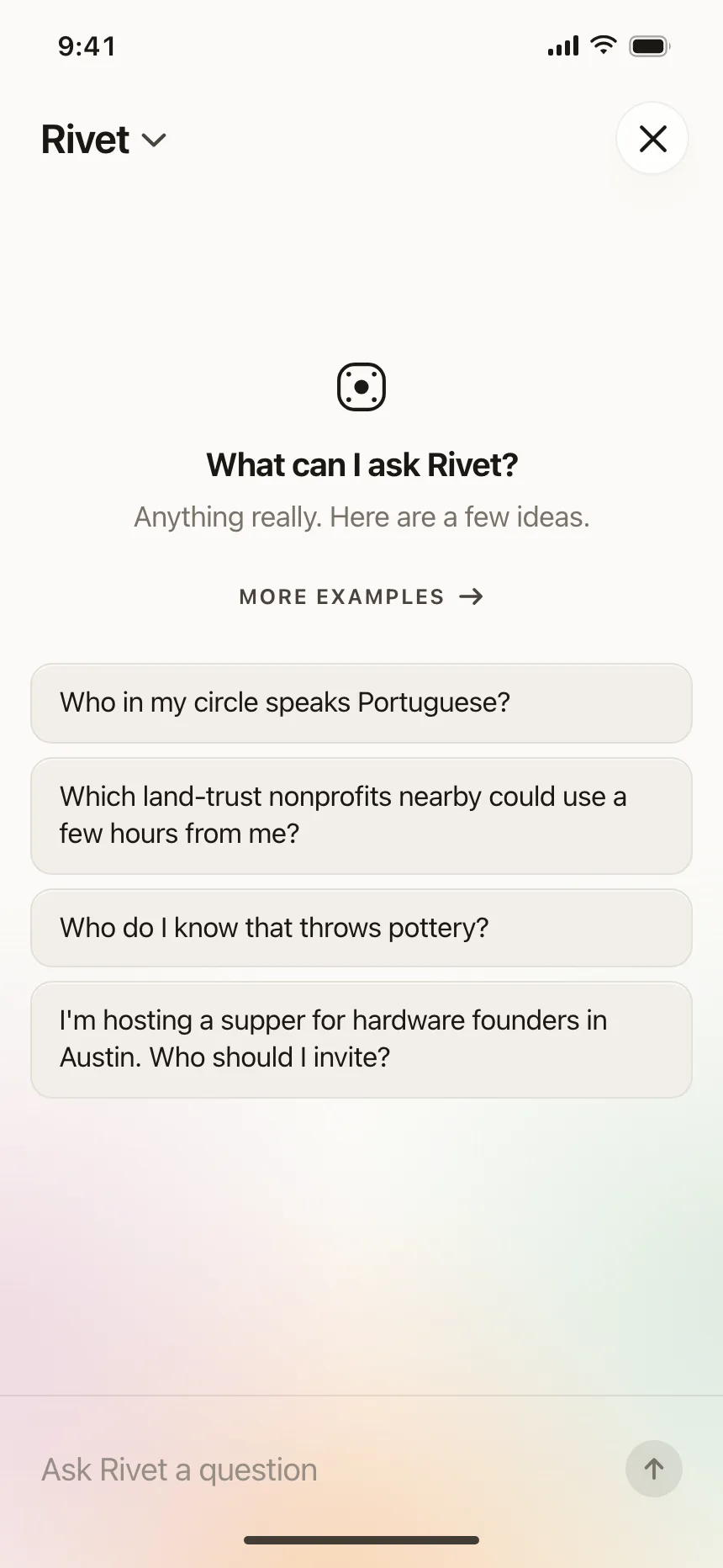
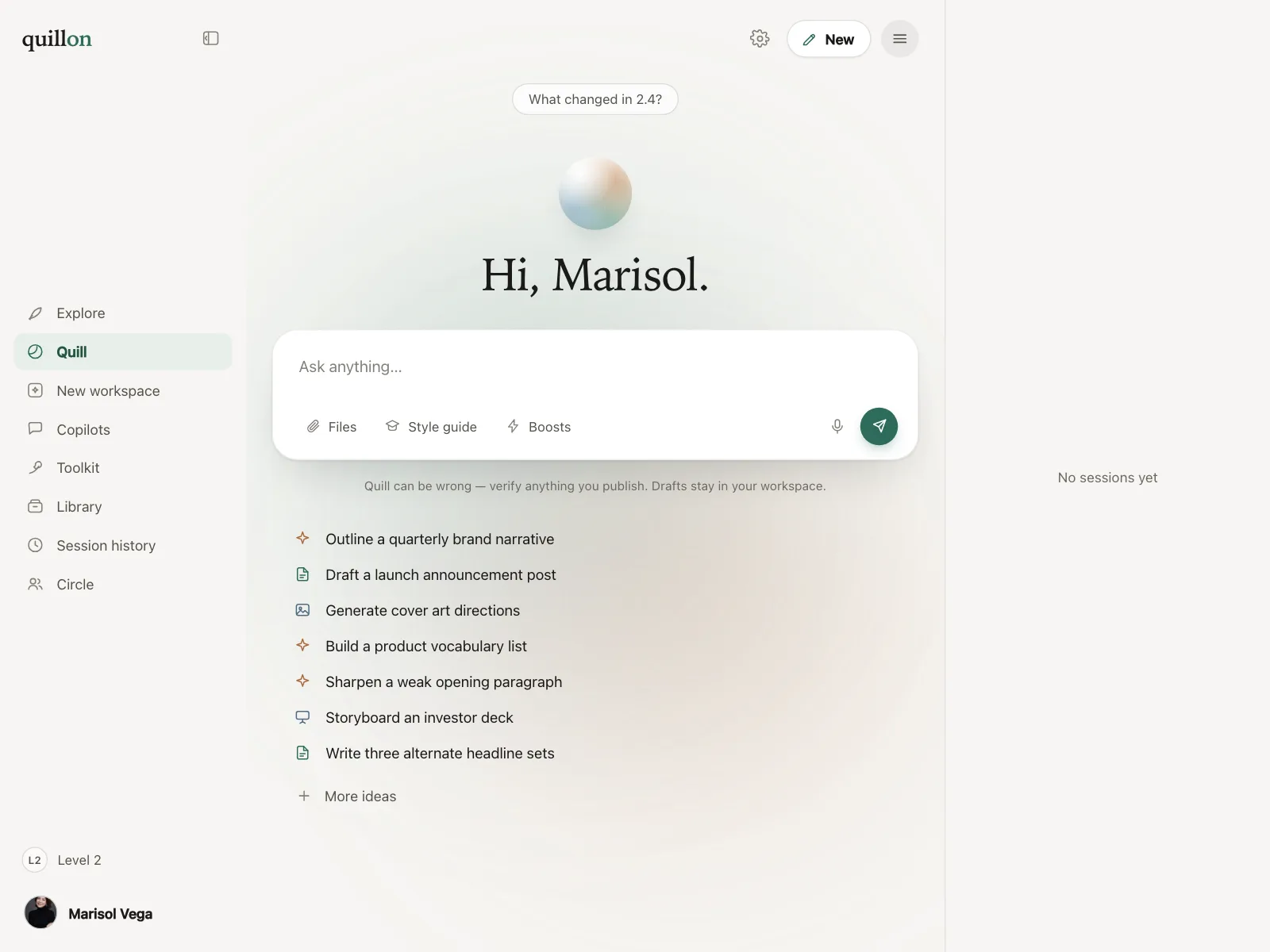
An assistant with no conversation yet greets people and lists example questions they can tap to begin.

6. Empty panels in a full page
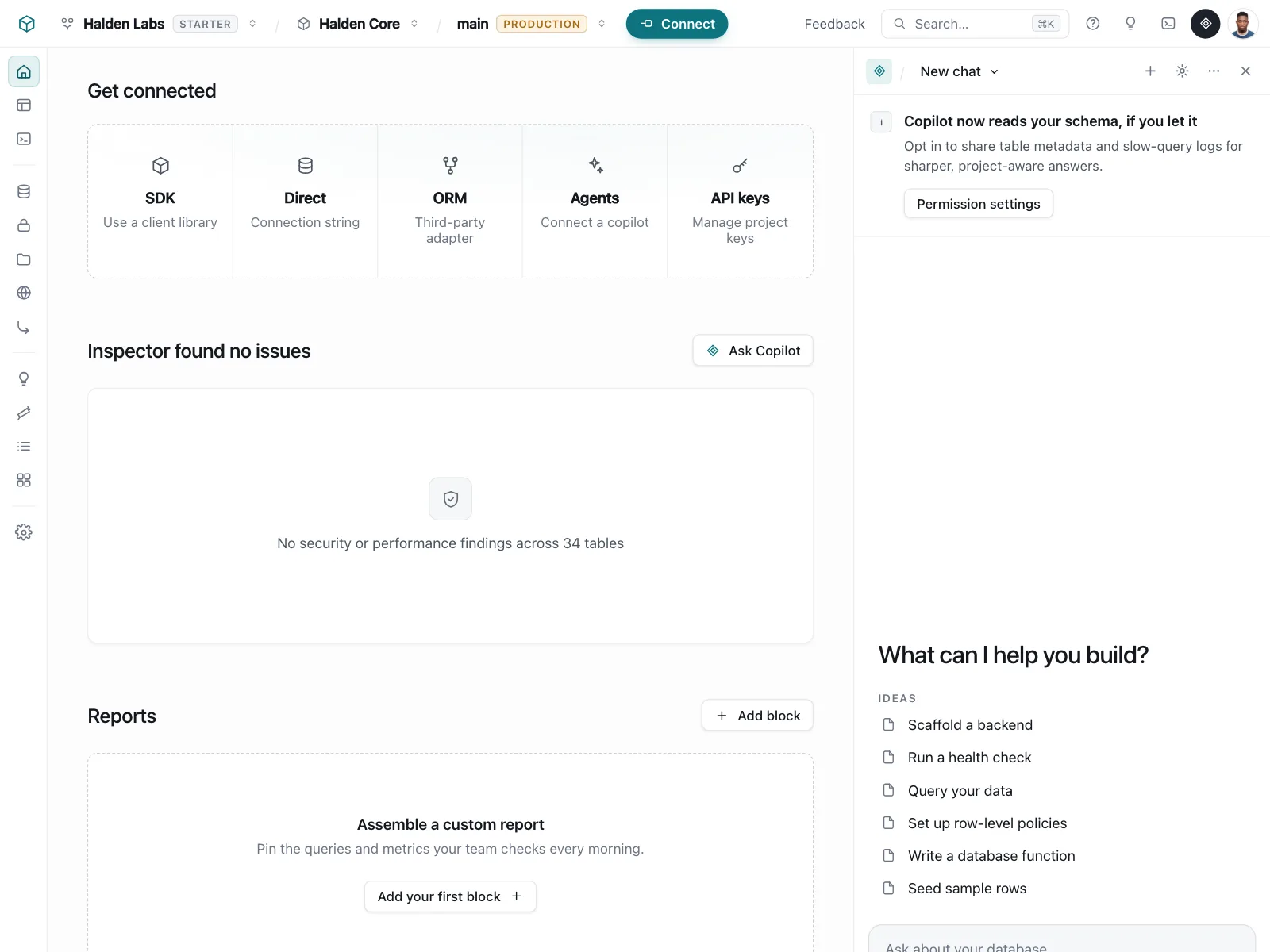
One column, section or side panel is empty while the rest of the page has content, so the message stays small.

Where empty states show up
Saved items and carts
Empty bags, wishlists and saved lists point people back to the shop or to their first list.


Trips and bookings
Nothing upcoming yet, with a search or booking button above the history of past trips.


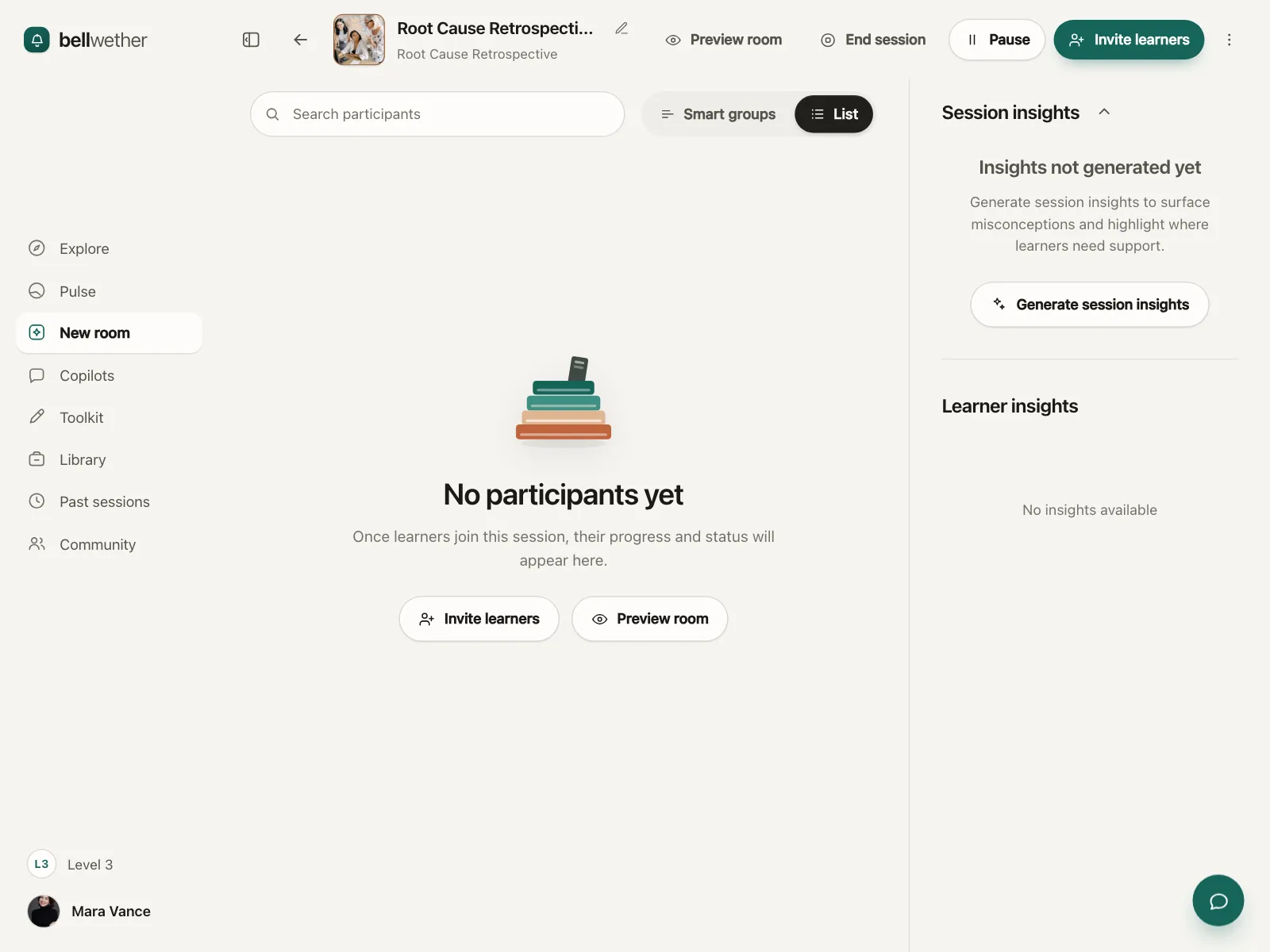
Feeds, groups and rooms
A new group, feed or session with nobody in it yet asks people to invite others or find people to follow.


Empty state vs similar components


Build notes
- Say what will show up here and offer one next step, like a Create button.
- Match the copy to the cause: first use, no results or everything done.
- Announce a no-results message with role="status", without moving focus (WCAG 4.1.3).
- On no results, repeat the search term and offer a way to clear it.
- Keep the header, tabs and filters in place. Replace only the empty area.
- Give decorative illustrations alt="" so screen readers skip them.
FAQ
What's the difference between an empty state and an error state?
An empty state means the request worked and there is nothing to show. An error state means something failed, so it says what went wrong and offers a retry. Showing an empty state after a failure tells people their data is gone when it only failed to load.
What should an empty state include?
A short title that names what is missing, one line on what will show up here and one action that fills the space, like Add a card. An illustration is optional.
Does an empty state need an illustration?
No. An illustration sets the tone and helps on first use, but the title and the action do the work. On a no-results screen or a small panel, a small icon or plain text is enough.
How do I make an empty state accessible?
Use real headings and buttons, and give decorative illustrations an empty alt. When a search returns nothing, put the message in a status region so screen reader users hear it without losing their place in the search field.
Related terms
All glossary terms · Browse 34 web and 34 mobile empty state designs