


Loading indicators from the Kombai gallery: a food-delivery app's order confirmation, an audio app joining a session and a poll builder's step list.
What is a loading indicator?
A loading indicator tells people that something is on its way: a page, a result, a payment confirmation. It keeps moving the whole time, sits where the content will appear and, on longer waits, says what is happening. When the amount of work is known, it becomes a progress bar.
- Spinners and dots are for waits of unknown length. Bars and percentages are for work that can be measured.
- A short line of text, like "Confirming your payment", says what the wait is for.
Loading indicators show up across reset password, file upload and verification screens.
When to use a loading indicator
- Waiting on a requestFetching results, confirming a payment or joining a call.
- Background workUploads, exports and syncs that run while people keep going.
- AI responsesAn assistant thinking or writing before the answer appears.
When not to use one
- Known page layoutsFor feeds and lists, a skeleton shows the shape of what is coming.
- Instant actionsIf the response is near instant, a flashing spinner only adds noise.
- Measurable workIf you know how much is done, show a progress bar with a percent.
Anatomy of a loading indicator
This one works. It loads when it scrolls into view. Press Refresh to load again, or Cancel while it runs.
Recent orders
- Loading
- Taking longer
- Done
- Keyboard focus
- SpinnerShows work is happening
- LabelSays what is loading
- RegionThe area marked busy
- CancelA way out of long waits
- StatesLoading, slow, done, focus
Loading indicator variants
We sorted every loading design in the Kombai gallery and found six patterns. Browse all 34 web and 34 mobile designs.
1. Spinners and dots
The default. A spinning arc, a ring or three pulsing dots for a wait of unknown length, often with one line of copy.



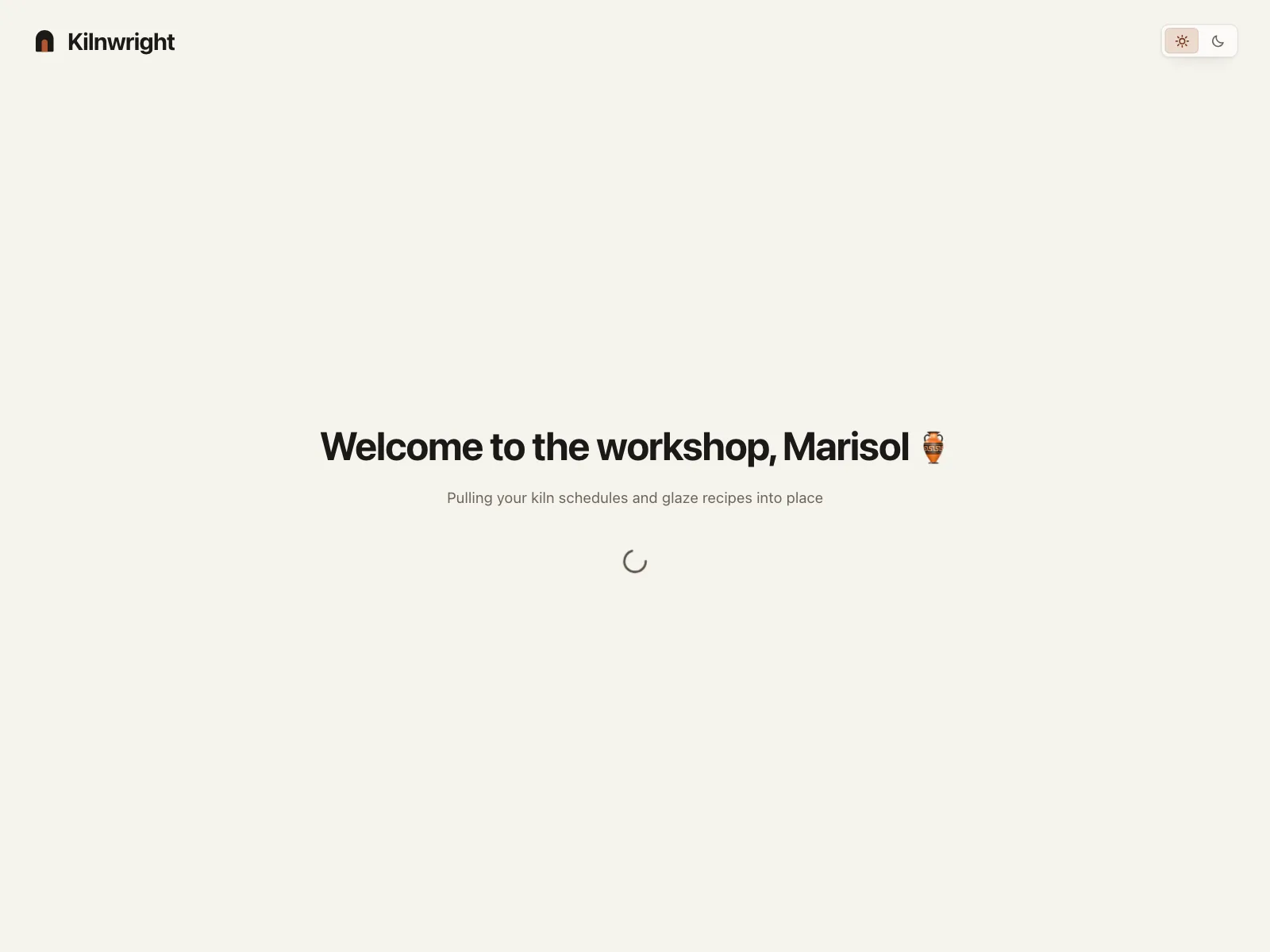
2. Loading screens with a status line
A whole screen holds while the app boots or hands off, with a greeting and a line on what it is fetching.


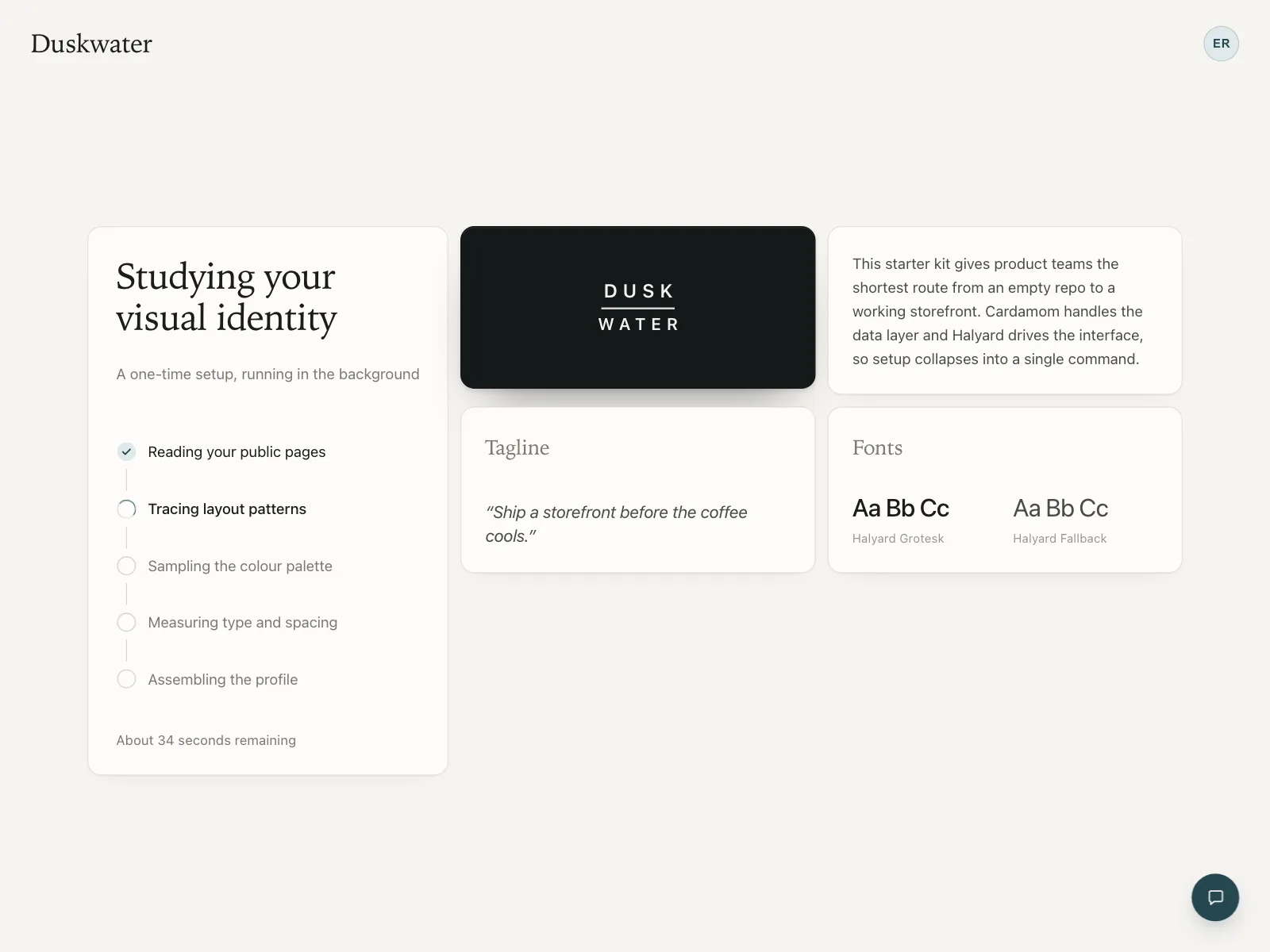
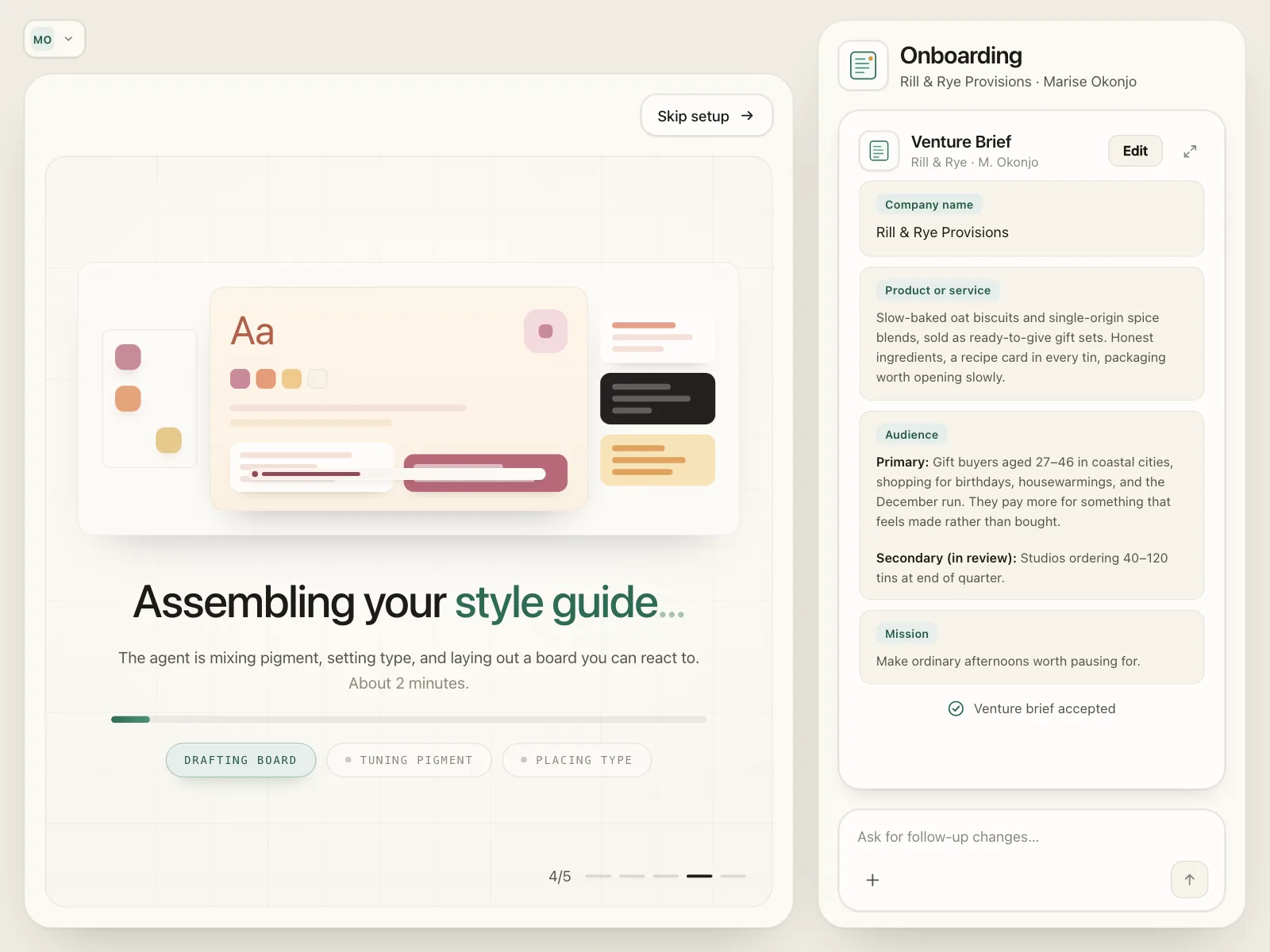
3. Step lists
Long jobs broken into named steps that tick off one by one, so people can see the work moving.

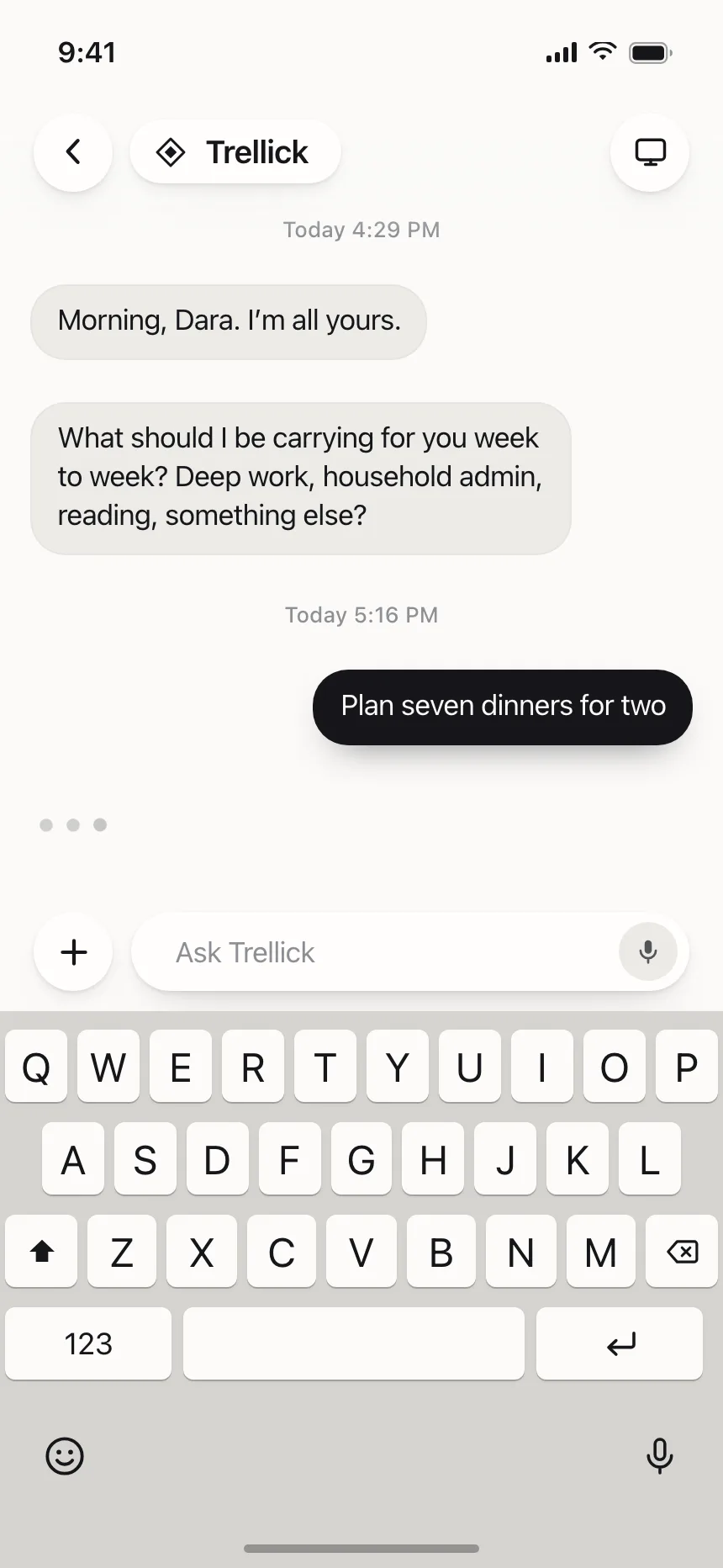
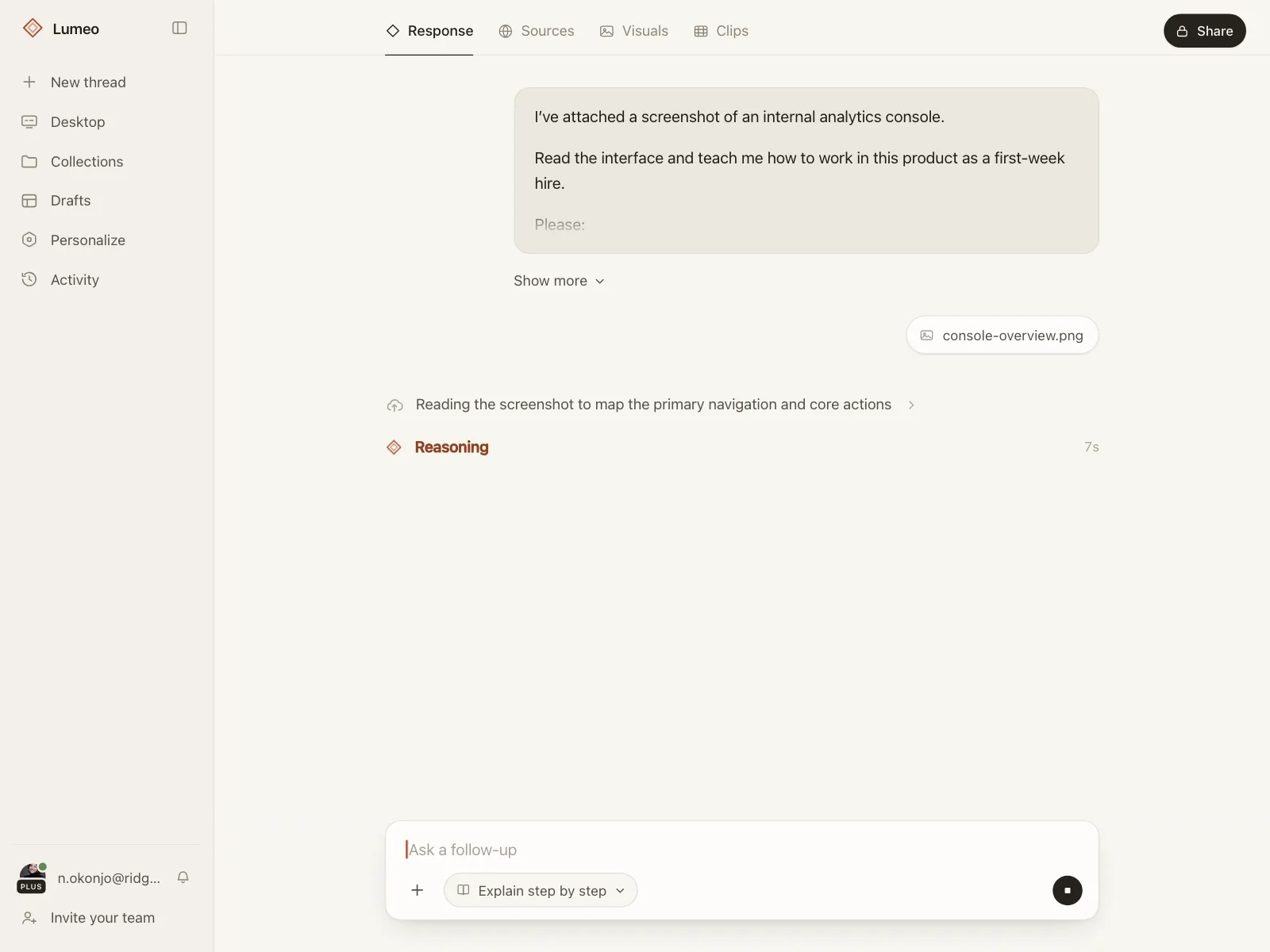
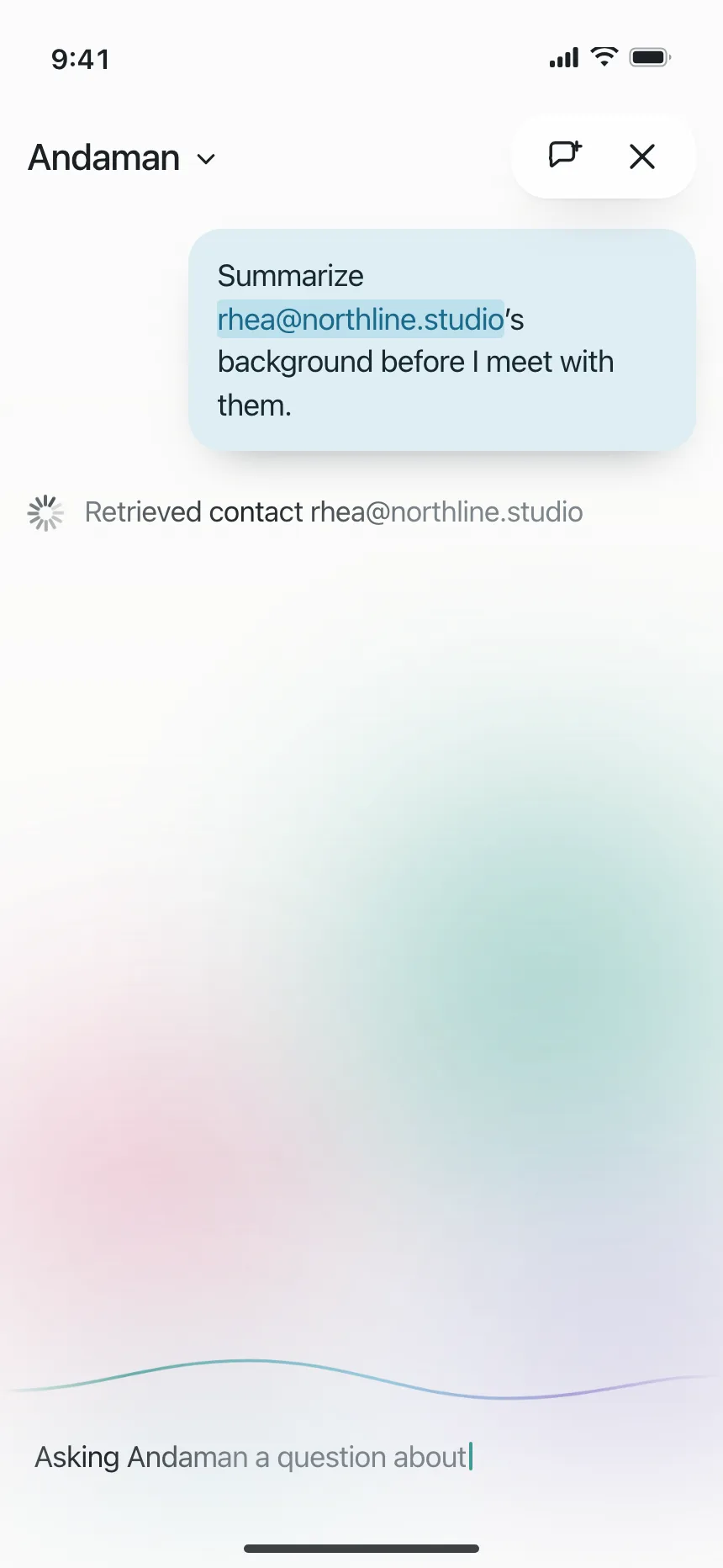
4. Thinking and typing indicators
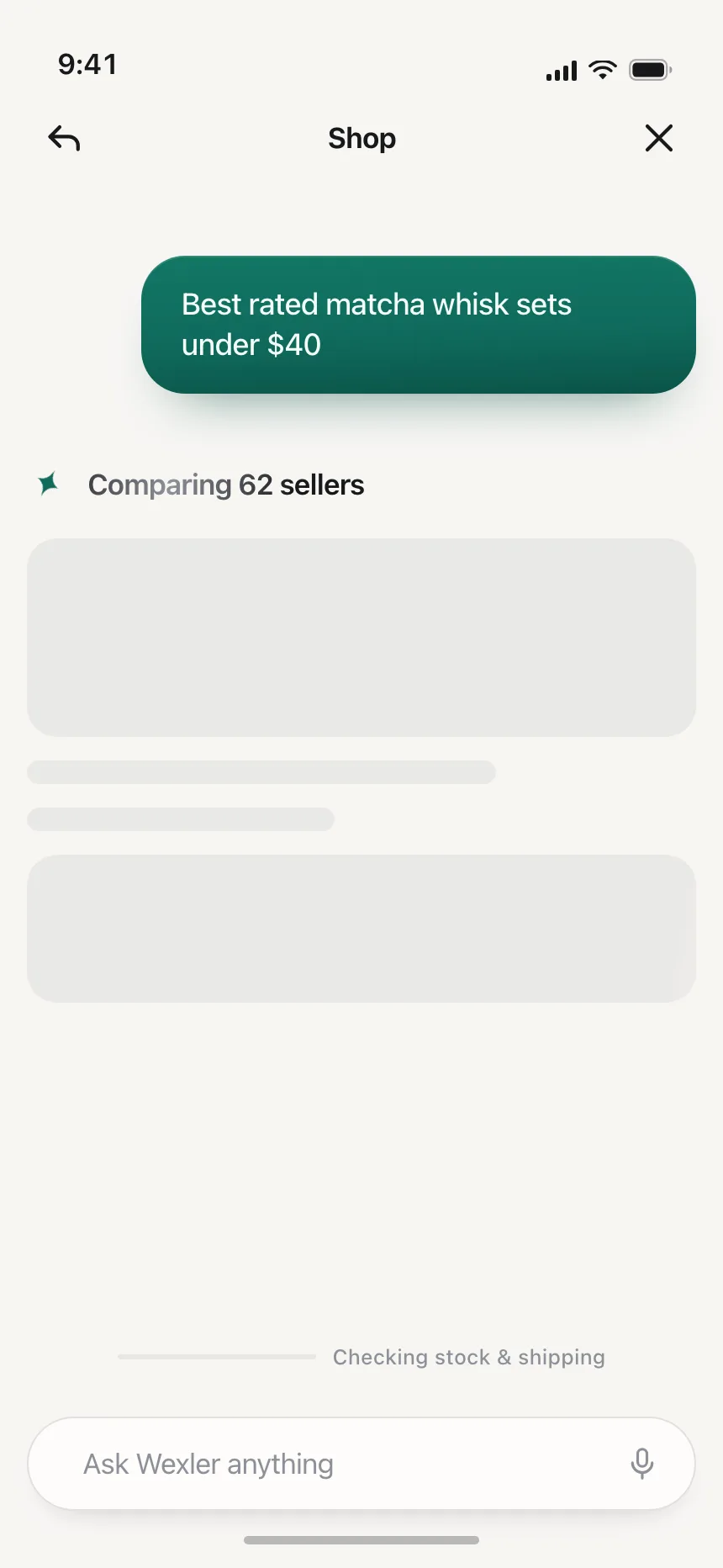
Dots, a shimmer or a timer in a chat thread while an assistant reads, reasons or writes its reply.
5. Waits that block the flow
A sheet or modal that holds the screen while a transfer sends or a match is found, because acting early would cause trouble.


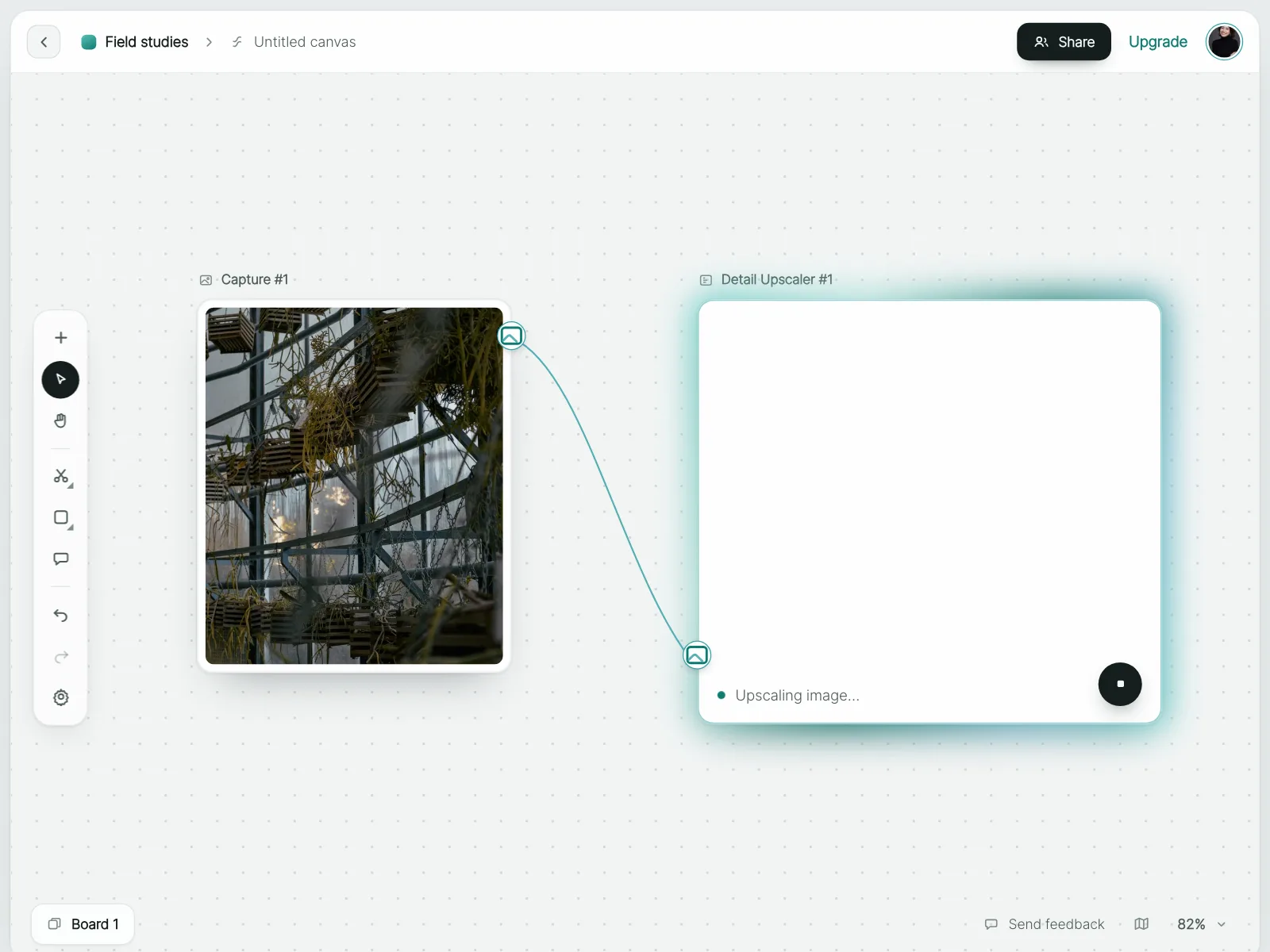
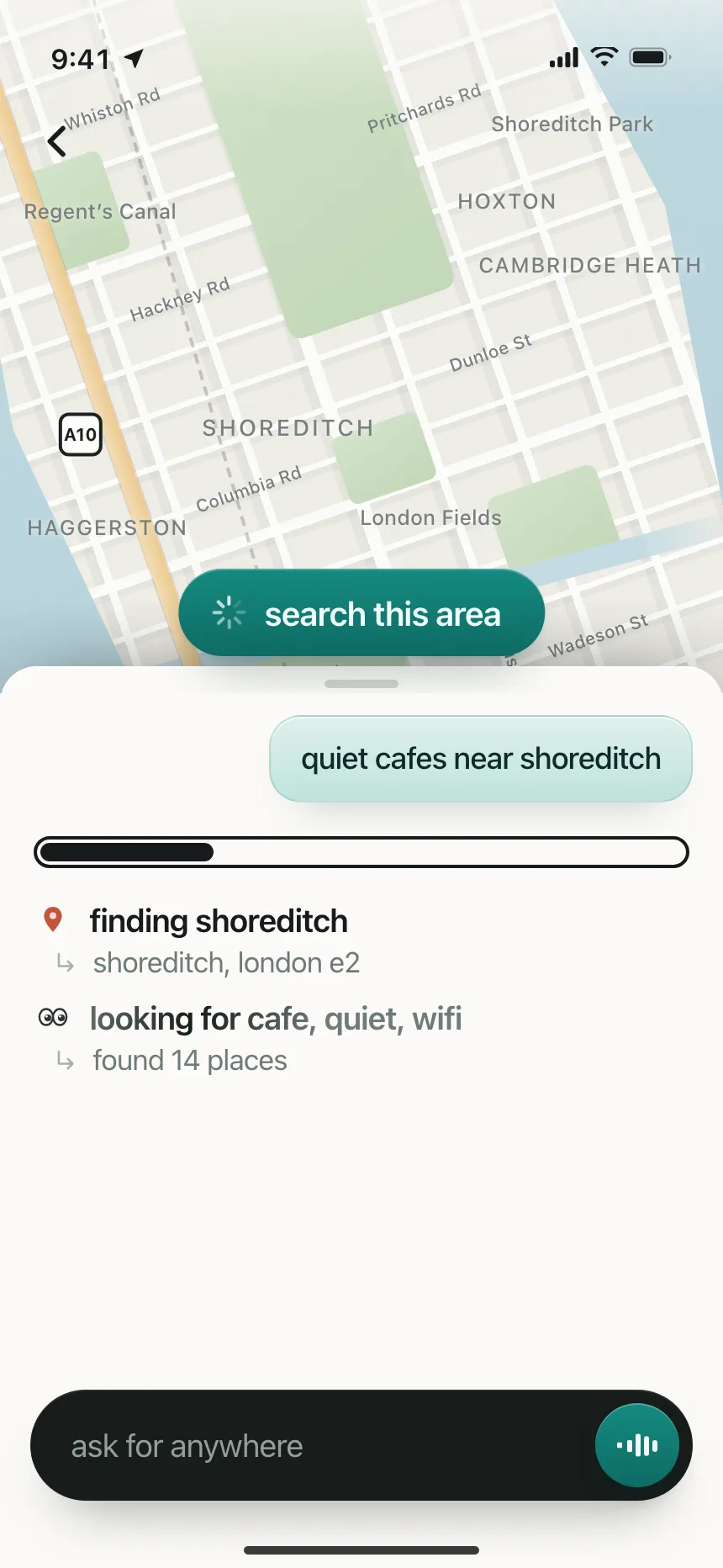
6. Inline loaders in a working screen
A small spinner or bar inside one node, panel or map while the rest of the screen stays usable.

Where loading indicators show up
Payments and sign-in checks
A short hold while a payment, a card activation or a sign-in code is confirmed, often with "keep this screen open".


AI generation
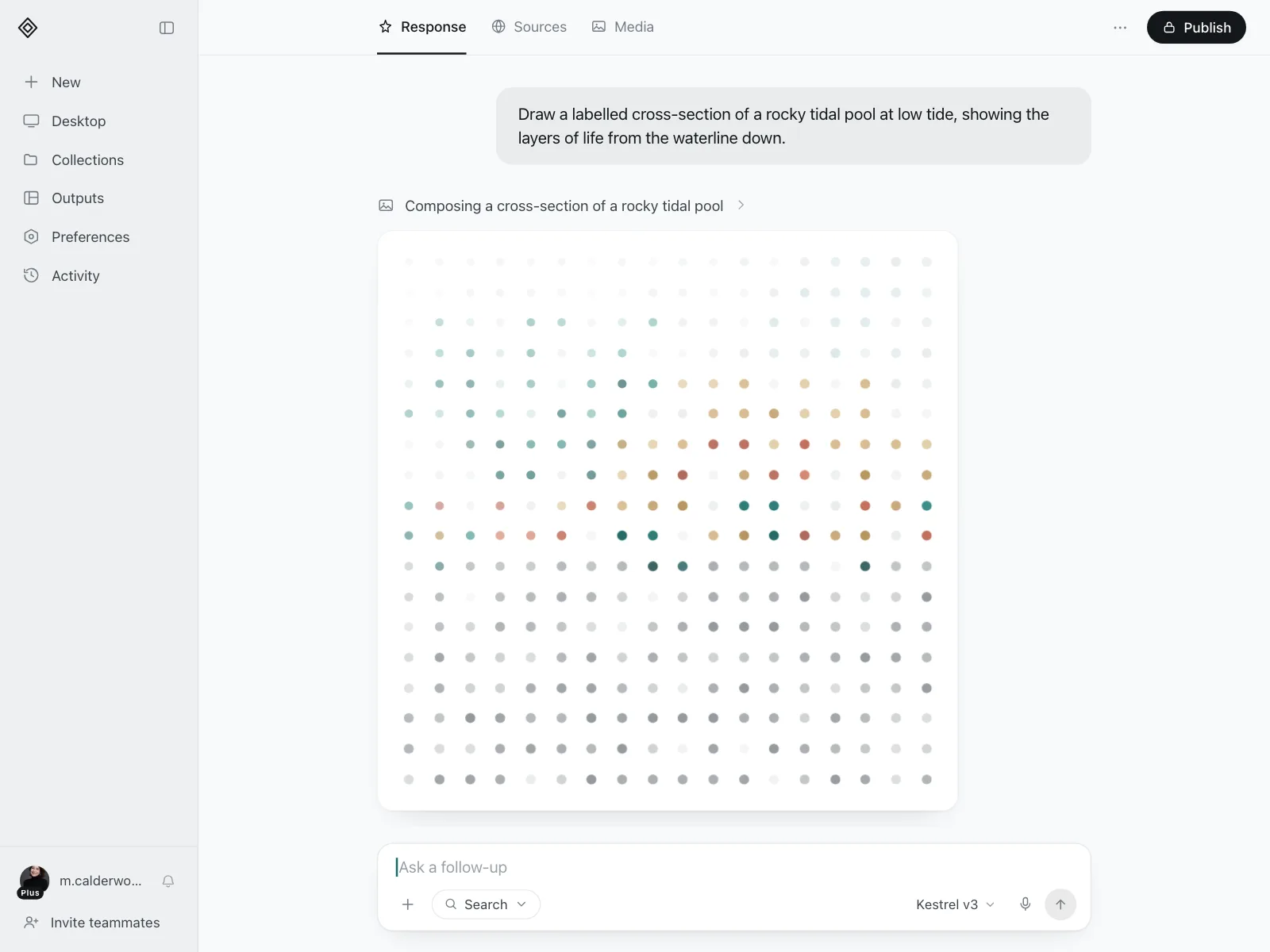
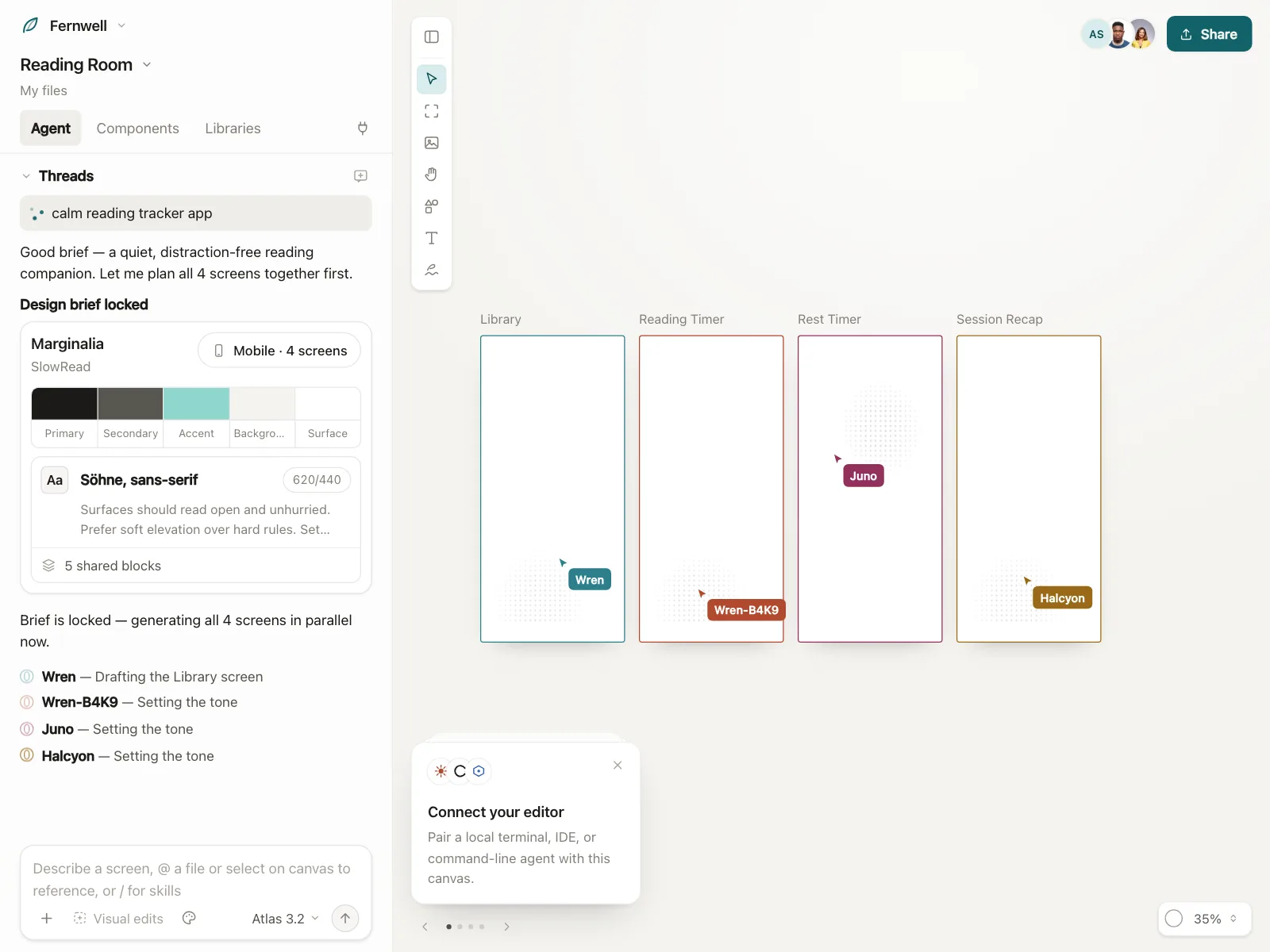
Images, screens and plans being made, with a status line or a partial preview while the model works.

Uploads and exports
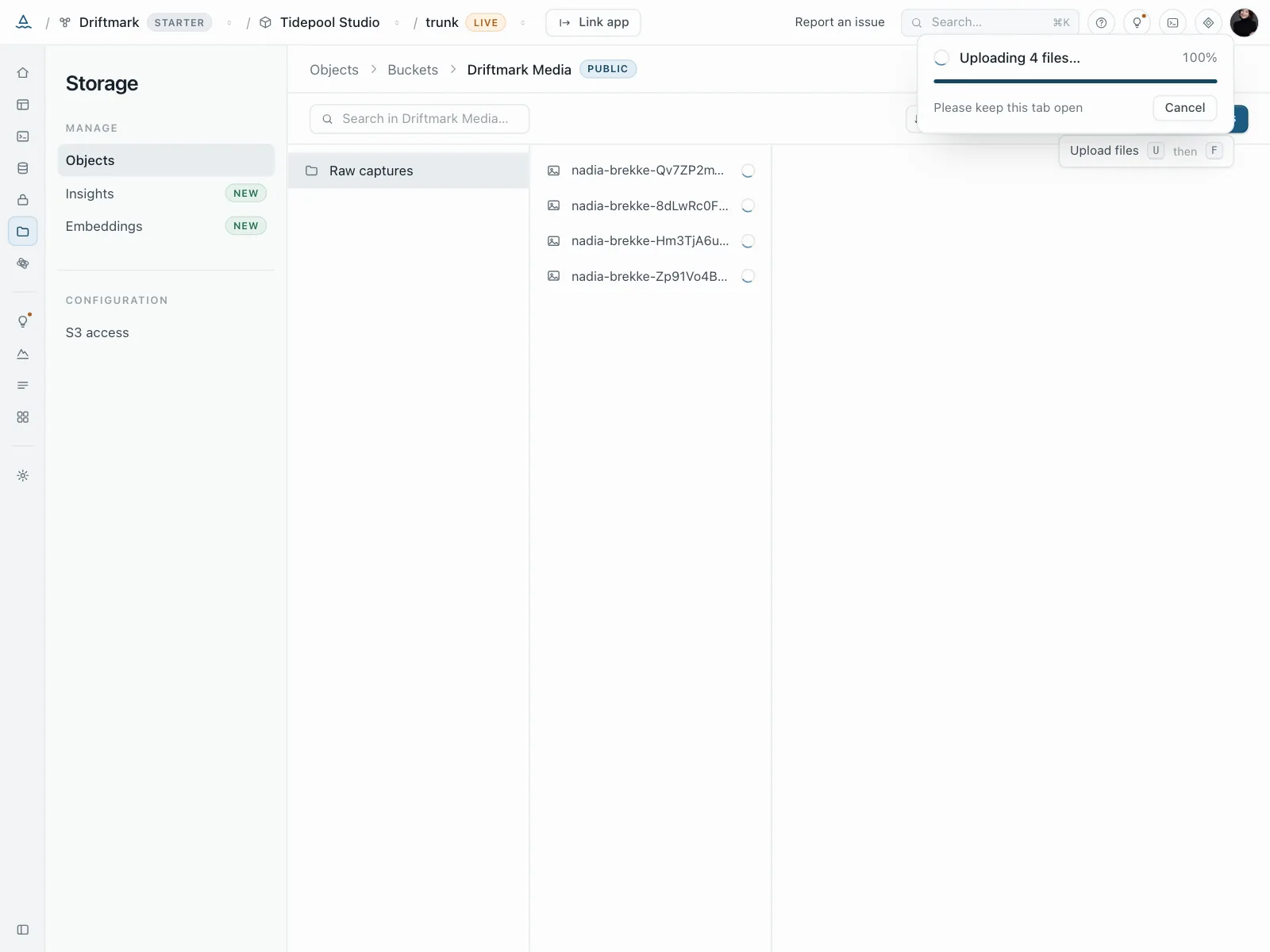
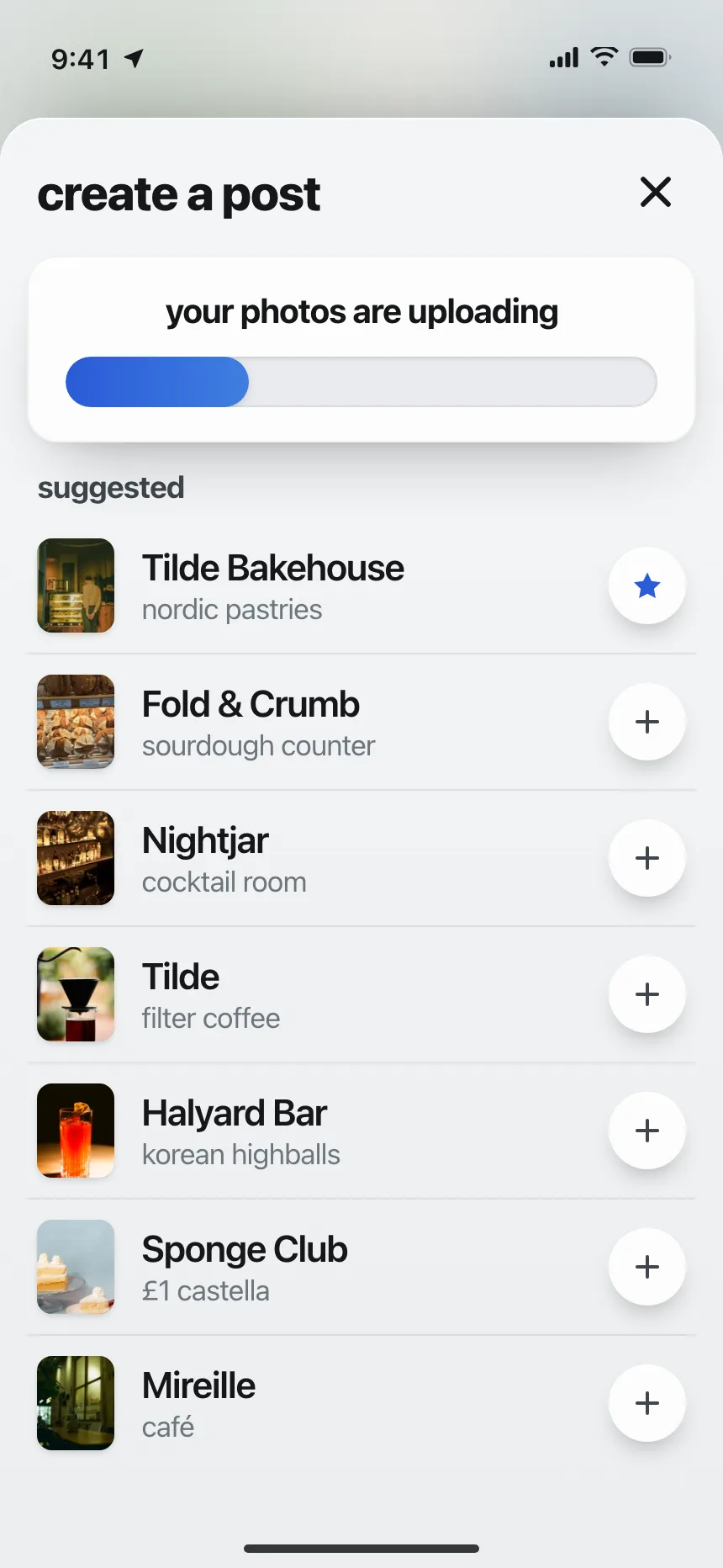
Files going up or a video rendering, with a bar or percent and a note to keep the tab open.

Setup and onboarding
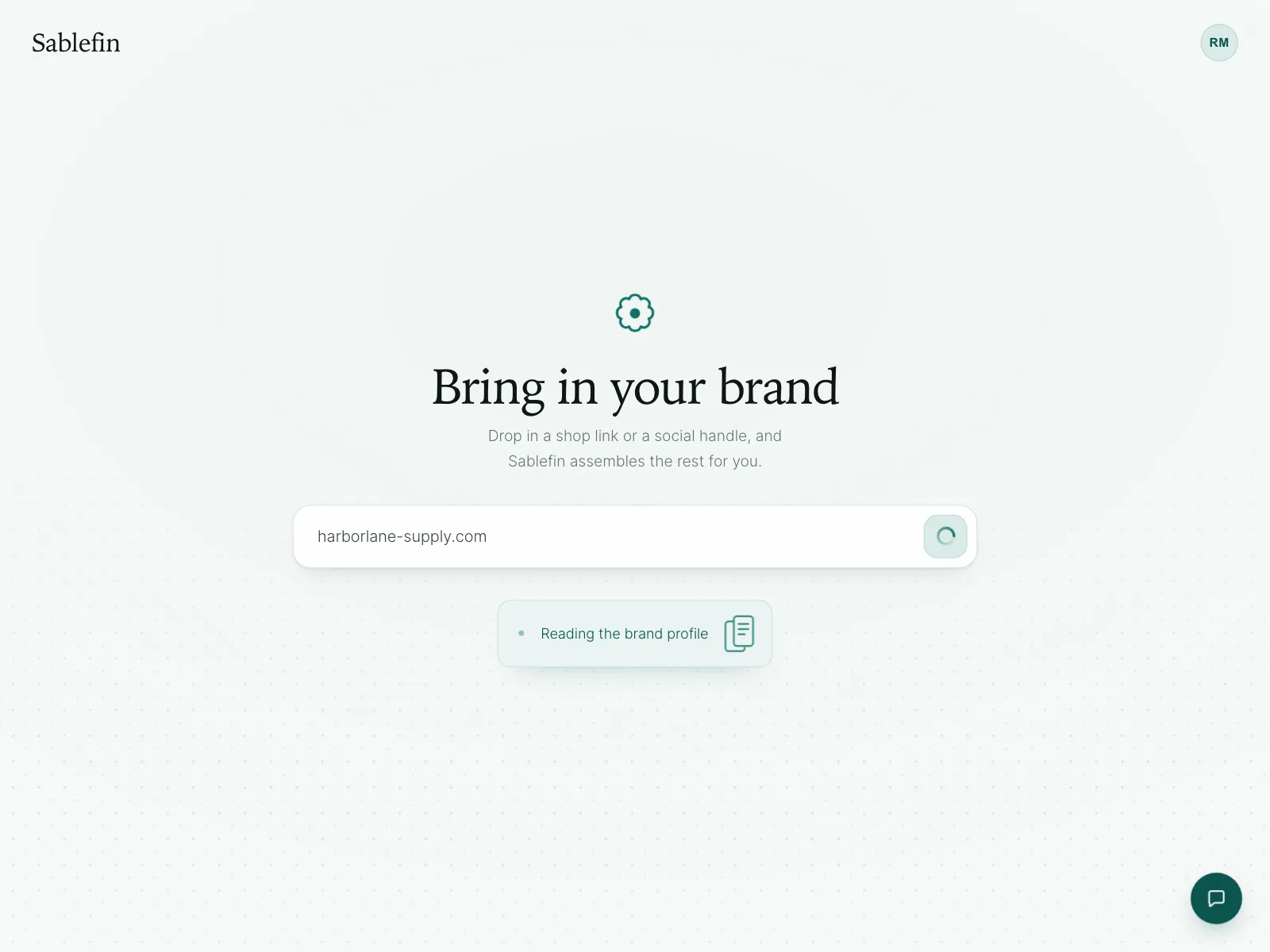
A sandbox, a shop preview or a brand profile built in the background right after sign-up.


Loading indicator vs similar components

Build notes
- Name what is happening, like "Confirming your payment". Apple calls a bare "Loading" too vague.
- Put that label in a role="status" region, and set aria-busy="true" on the area that is loading.
- When the work can be measured, use a native <progress> or role="progressbar" with aria-valuenow.
- Show a spinner only once the wait is noticeable, so quick responses don't flash one.
- Offer Cancel on long waits when stopping is safe, and say so when a wait runs long.
- Keep it moving, since a still loader looks frozen. Under prefers-reduced-motion, slow it down.
FAQ
Spinner or progress bar?
Use a progress bar when you can measure the work, like a file upload, and a spinner when you can't. Apple's guidelines prefer a determinate bar where possible, because it helps people decide whether to wait, come back later or cancel.
Spinner or skeleton screen?
A skeleton fits when you know the layout that's coming, like a feed or a list, because it shows the shape of the page before the data arrives. A spinner fits actions and small areas where there is no layout to preview.
How do screen readers know something is loading?
They can't see the animation. Put a text label in a status region, like 'Loading your orders', set aria-busy on the area being updated and change the status when the content arrives.
Should a loading indicator block the screen?
Only when acting early would cause trouble, like leaving while a payment confirms. Otherwise keep the rest of the screen usable and show the loader where the new content will appear.
Related terms
- Skeleton loader90 designs
- Progress indicator80 designs
- Splash screen35 designs
- Toast notification80 designs
All glossary terms · Browse 34 web and 34 mobile loading indicator designs