
Bottom sheet
A bottom sheet slides up from the bottom of a phone screen with extra content, choices or a short task, and the screen above stays in view.
- Also called
- sheet, modal sheet
- Platforms
- Mobile
- In the gallery
- 36 mobile designs
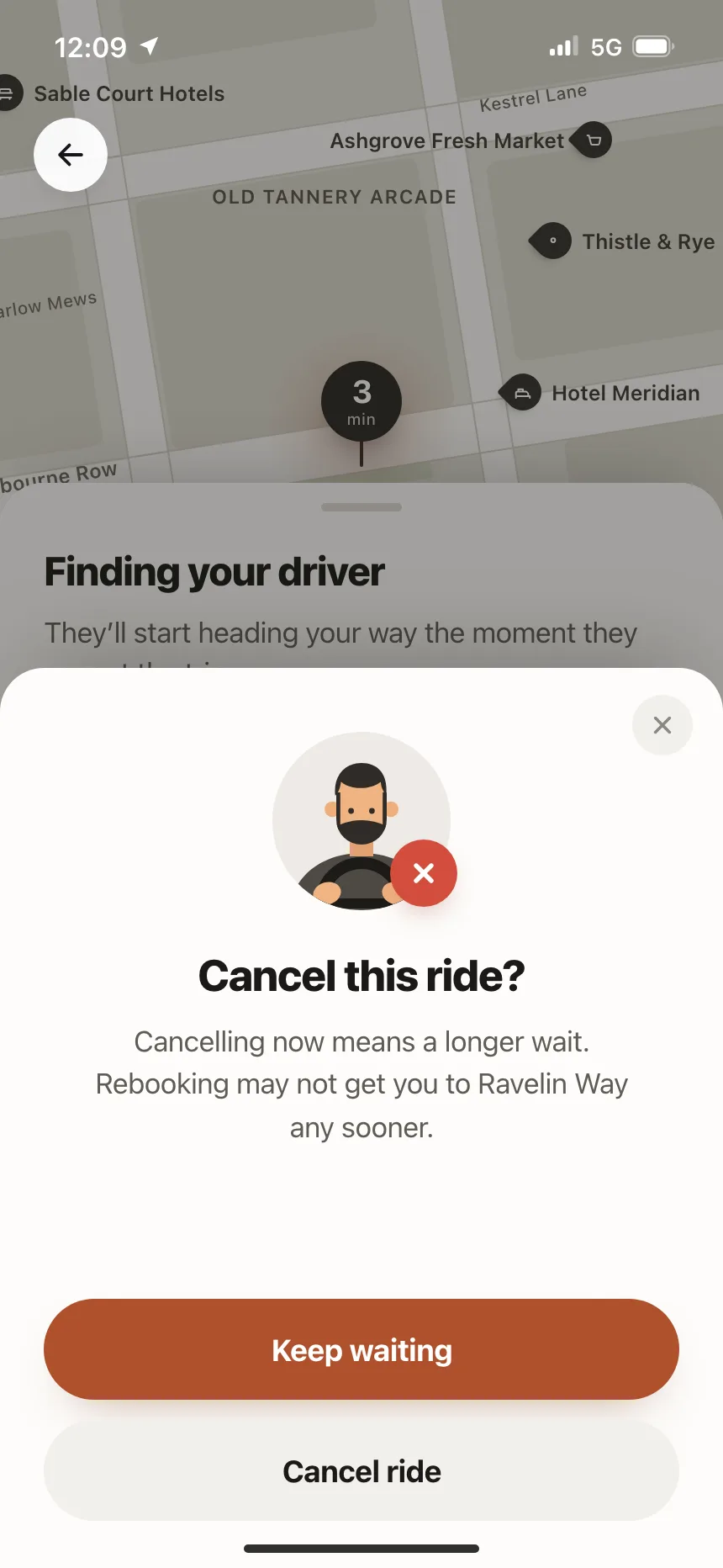
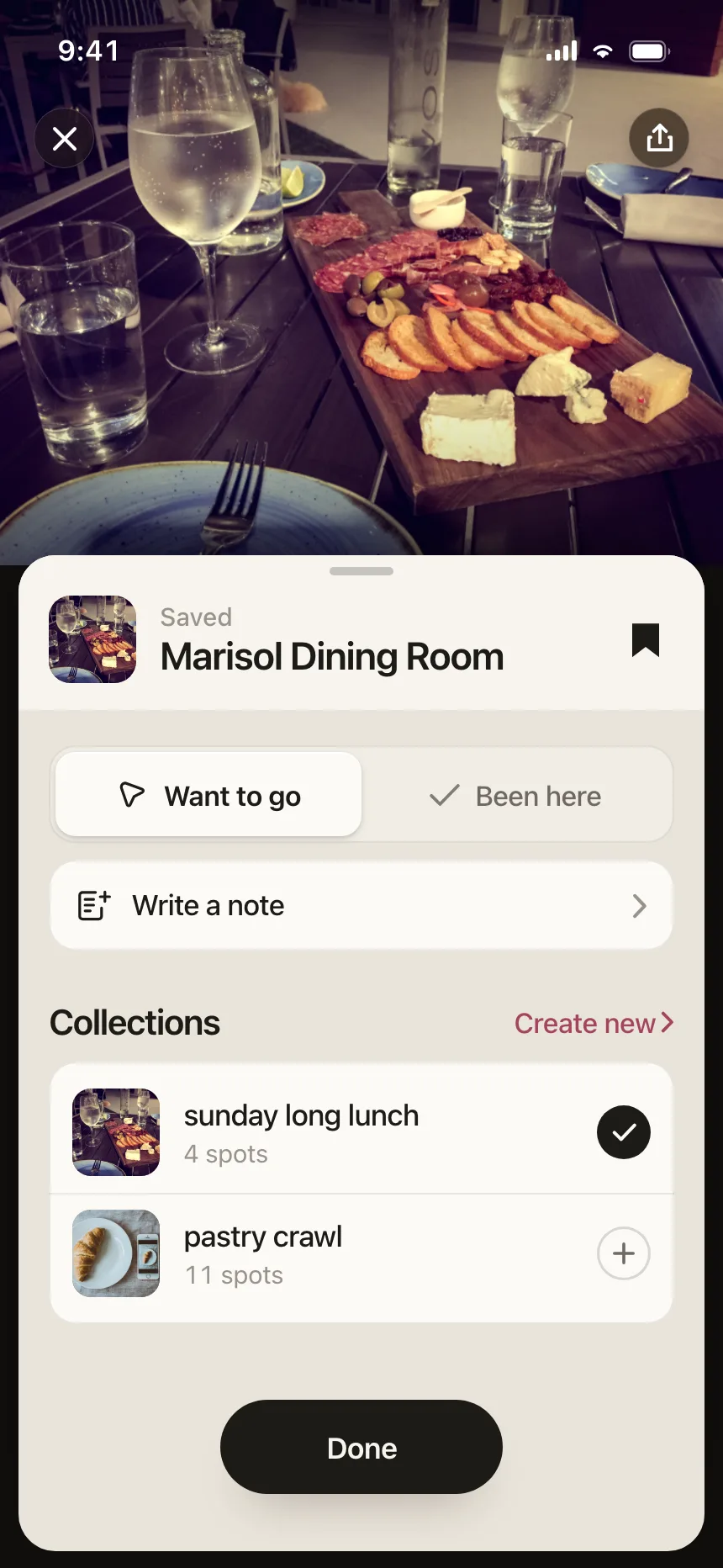
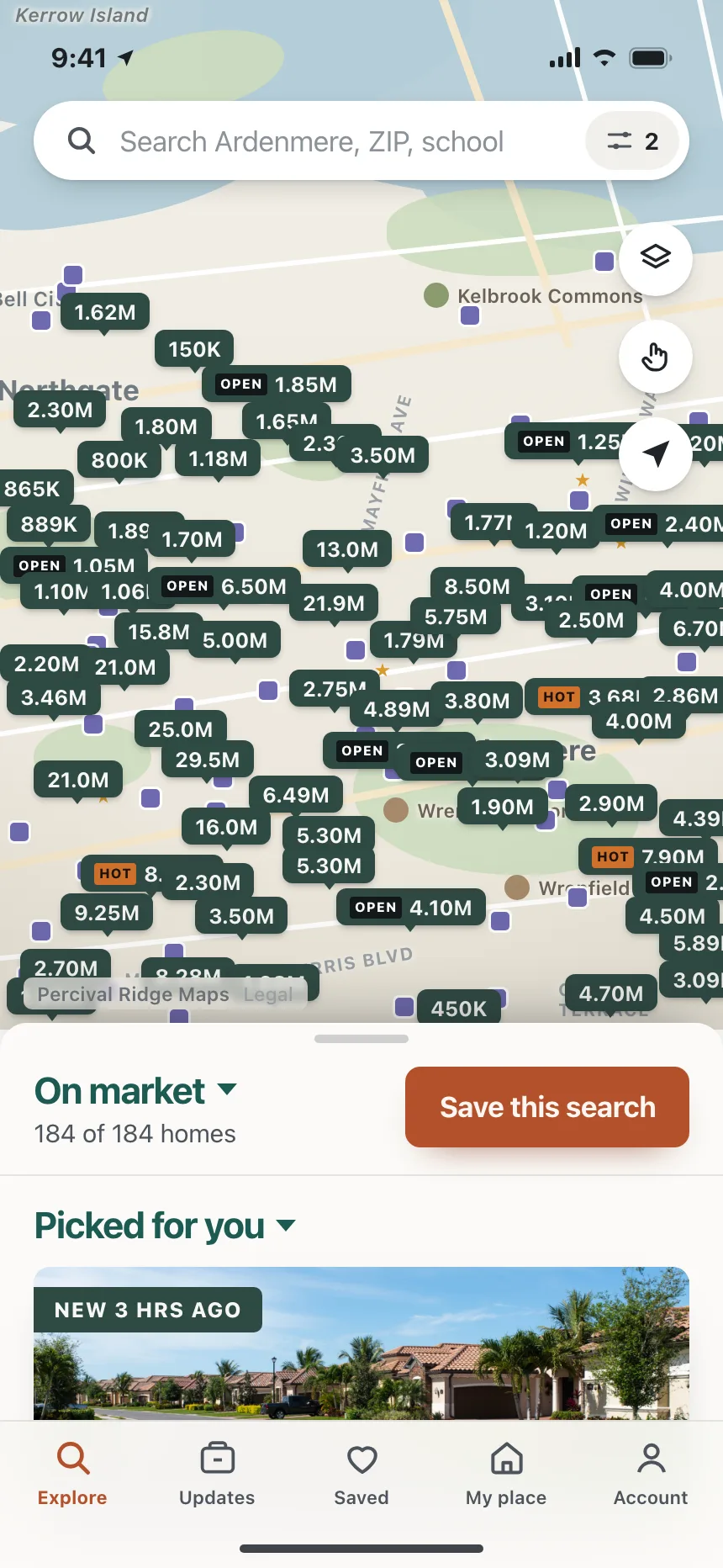
Bottom sheets from the Kombai gallery: a ride-hailing app's cancel ride prompt, a dining bookmarks app's saved place and a real-estate app's map search.
What is a bottom sheet?
A bottom sheet is a panel that slides up from the bottom of a phone screen and holds extra content, choices or a short task. It can rest at more than one height, and people drag it up for more or down to close it. The screen it came from stays in view above it.
- A grabber on the top edge shows that the sheet can be dragged.
- Modal sheets dim the screen behind them. Standard sheets, like a peek over a map, leave it usable.
Bottom sheets show up across checkout, map, paywall and settings screens.
When to use a bottom sheet
- Choices tied to the screenSort, share or pick a time without leaving the page.
- Detail over a map or listA place, a ride or an item, with the map still in view.
- Short tasks on a phoneA booking, a rating or a quick form people finish in one go.
When not to use one
- Long or multi-step flowsUse a full screen view for editing or setup.
- A sheet on top of a sheetShow one at a time. Close the first before opening the next.
- Wide screensOn desktop, use a dialog or a side drawer instead.
Anatomy of a bottom sheet
This one works. Drag or tap the grabber to resize it, tap outside or press Escape to close it, and press Book a table to open it again.
Marisol Dining Room
Small plates · 0.4 mi · Open until 11
Wood-fired seasonal plates and a long natural wine list.
Book a table
Tables are held for 15 minutes. Cancel free until 5 pm.
- Closed
- Medium
- Large
- Keyboard focus
- ScrimDims the screen, closes on tap
- GrabberDrag or tap to resize
- HeaderTitle and close button
- ContentScrolls inside the sheet
- ActionOne pinned main button
- StatesClosed, medium, large, focus
Bottom sheet variants
We sorted every bottom sheet design in the Kombai gallery and found five patterns. Browse all 36 mobile designs.
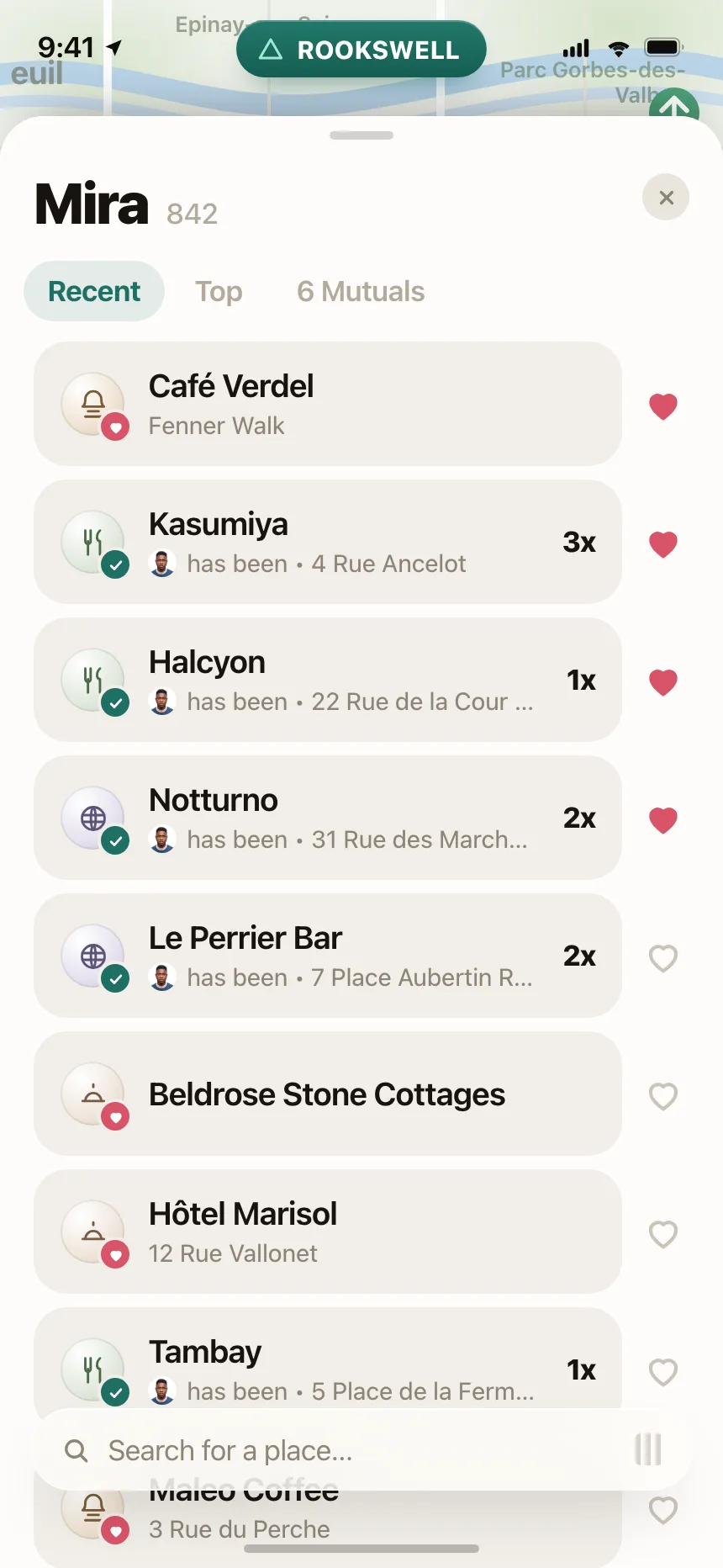
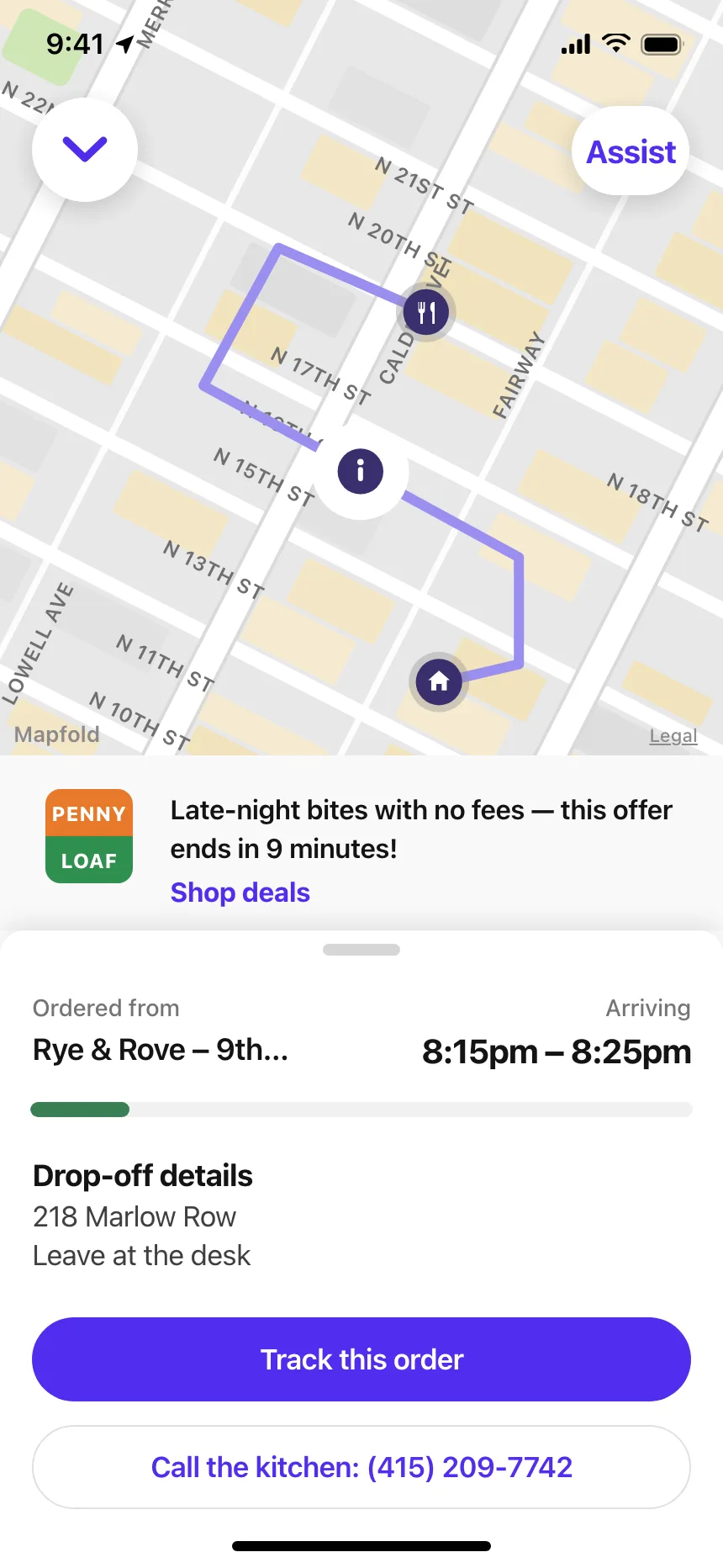
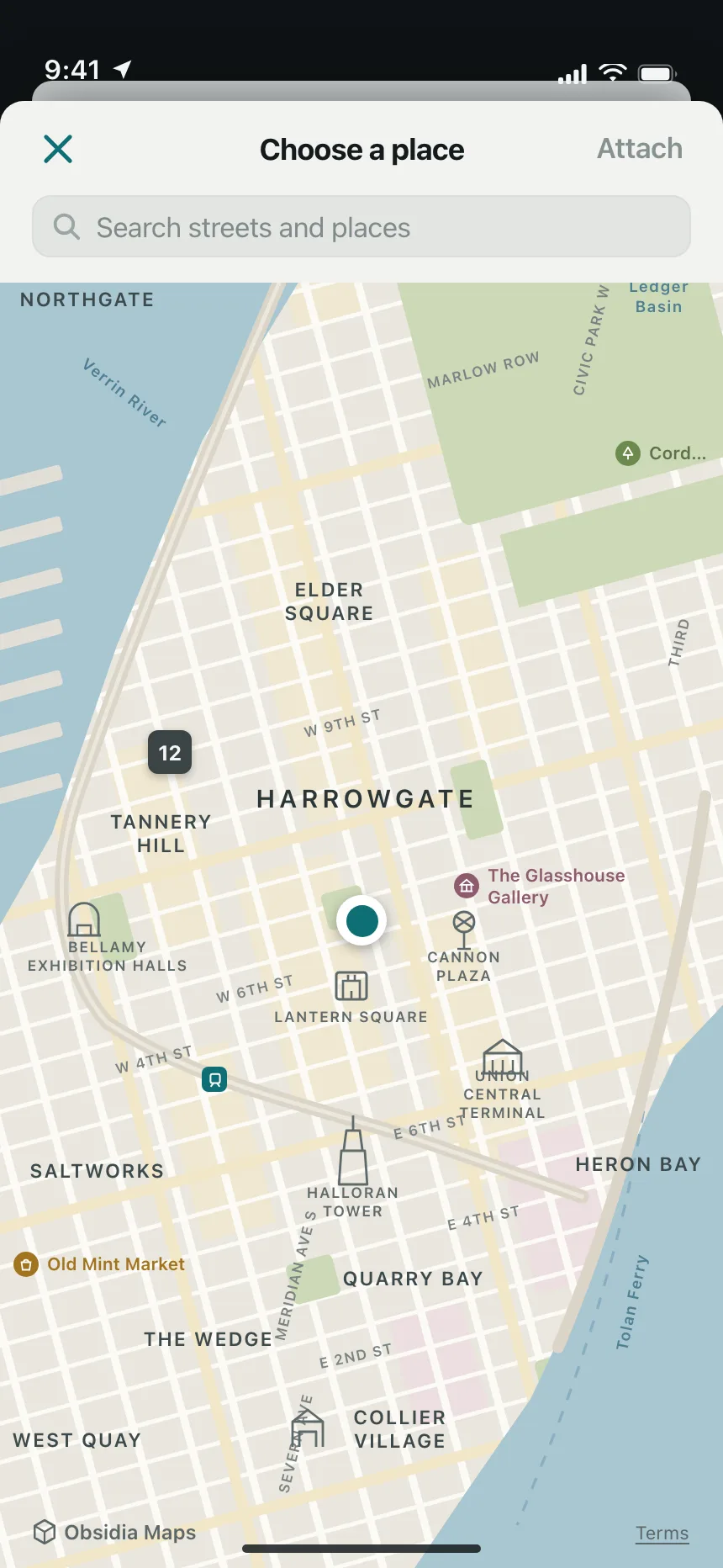
1. Peek sheets
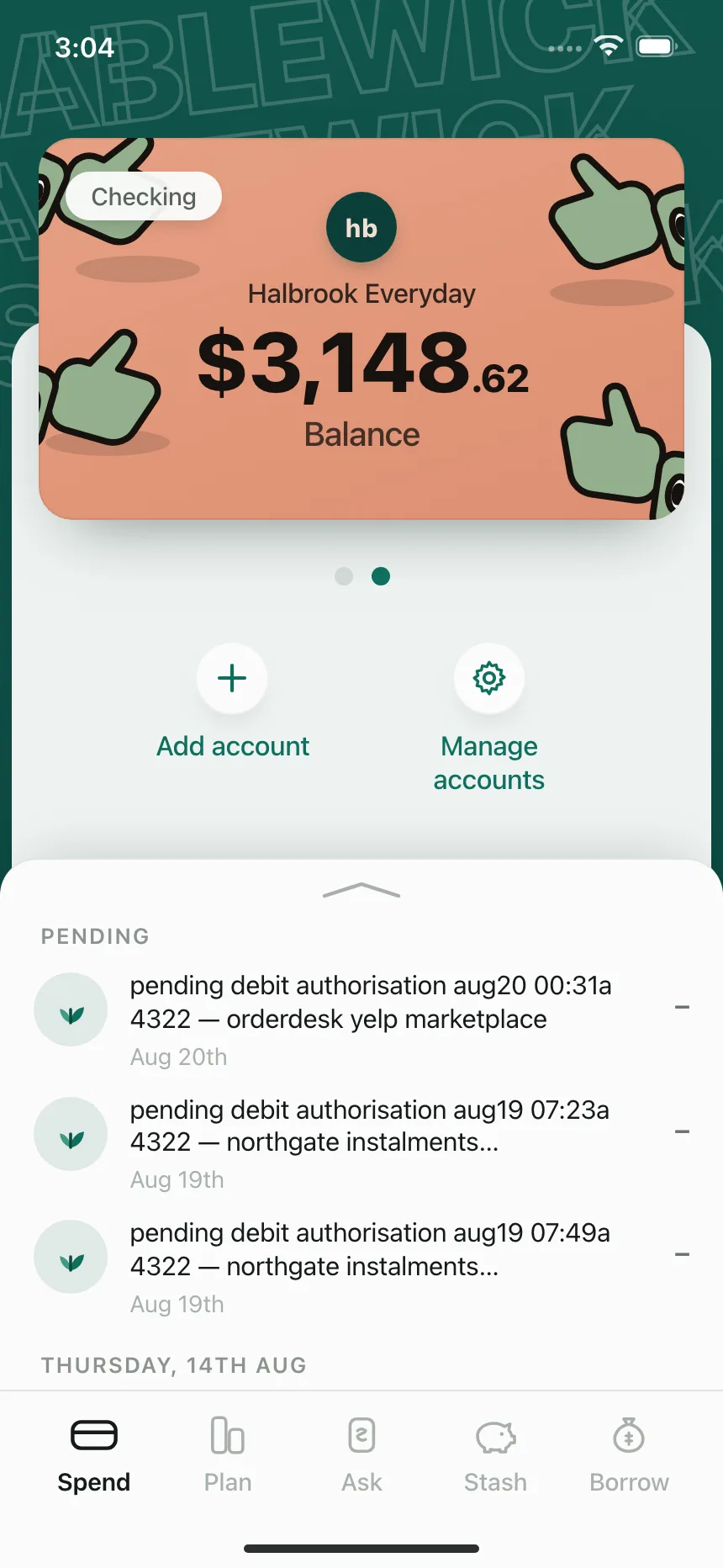
A standard sheet rests low over a map or a feed, with no scrim, and drags up for more while the screen behind stays usable.
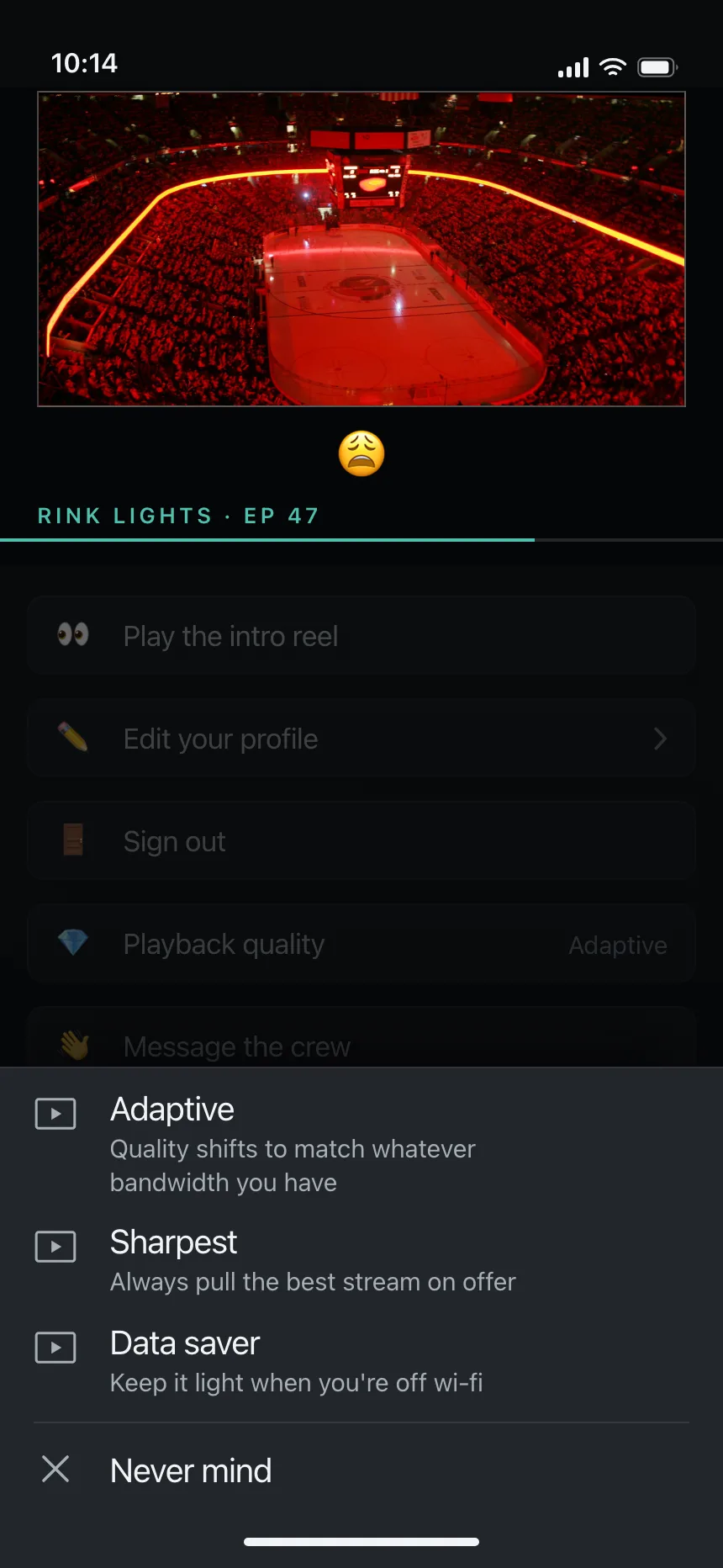
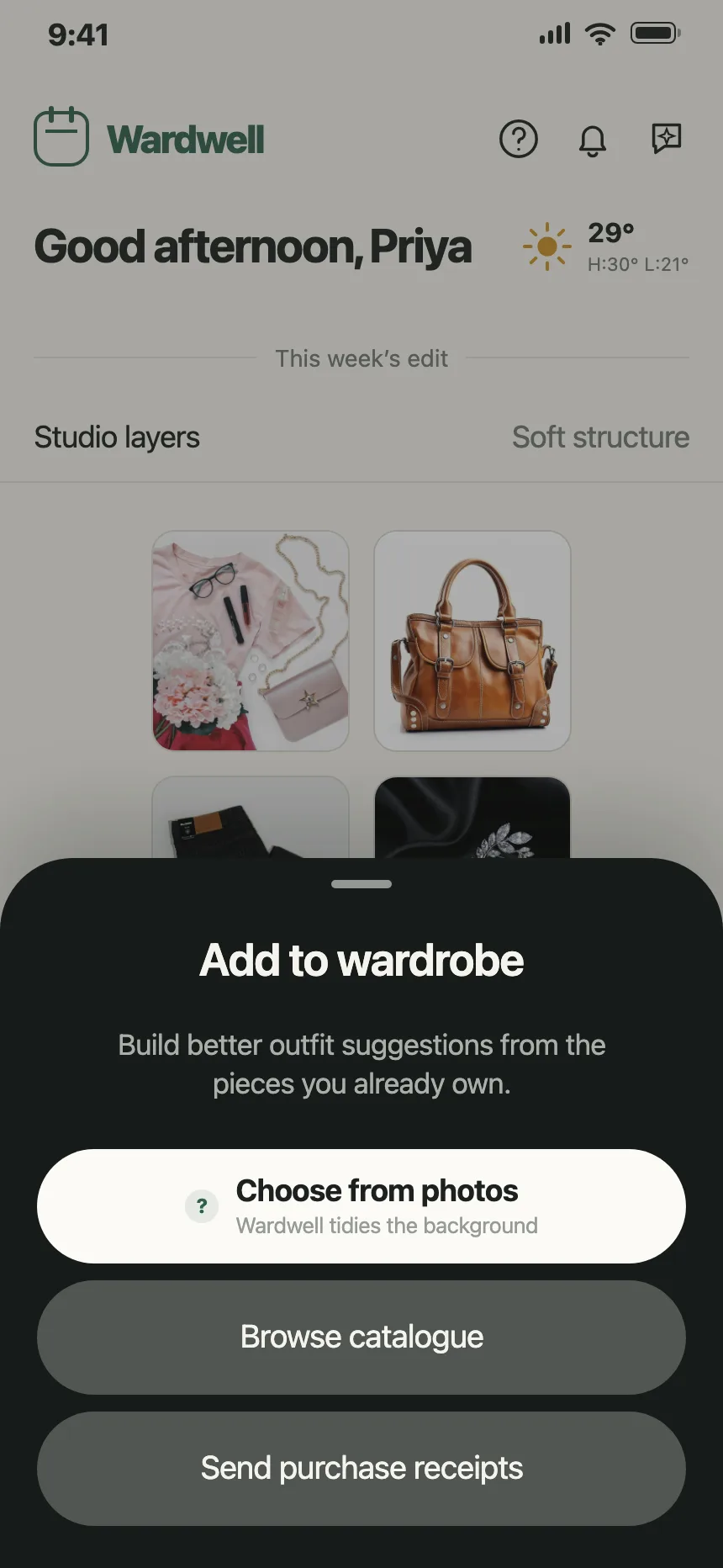
2. Option sheets
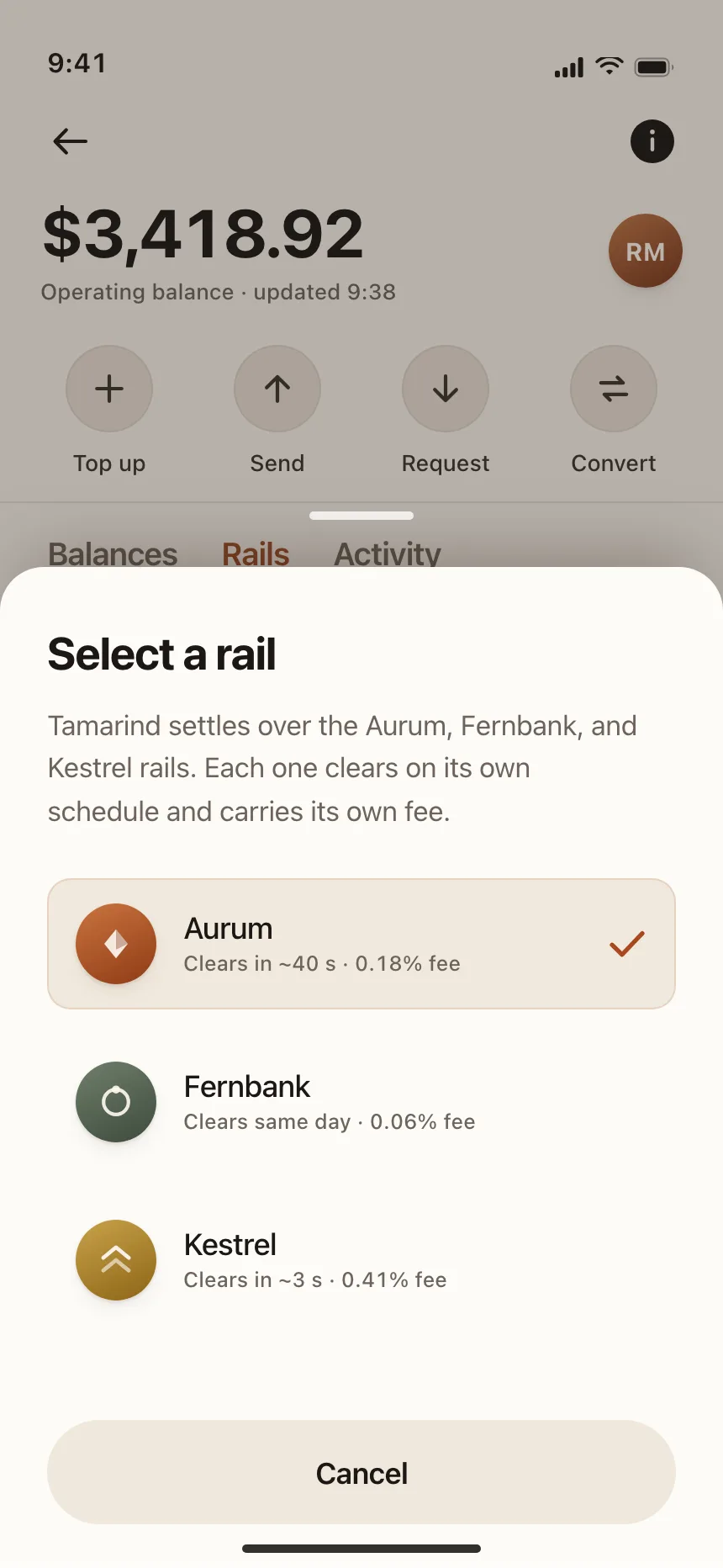
A short list of choices, like a playback quality or a payment rail, picked with one tap.
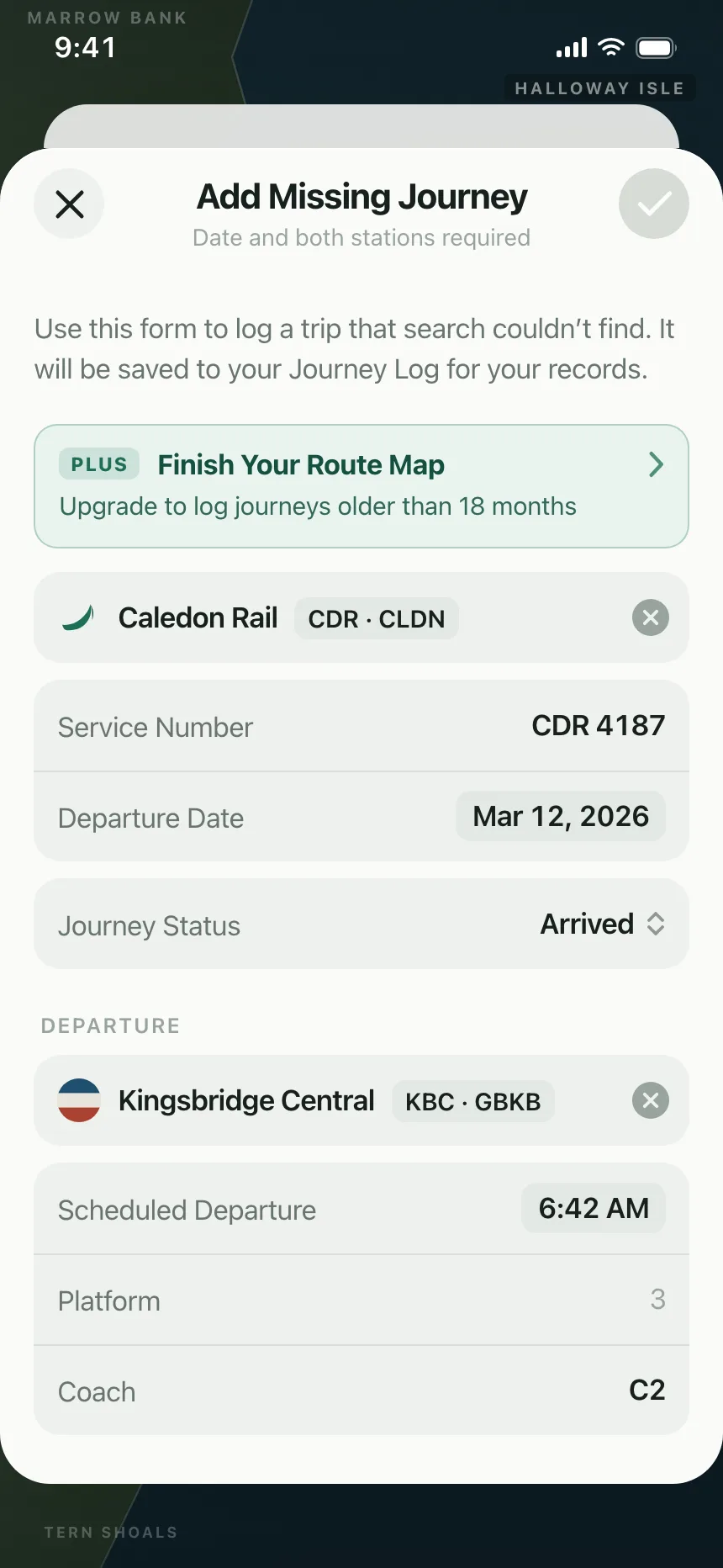
3. Picker sheets
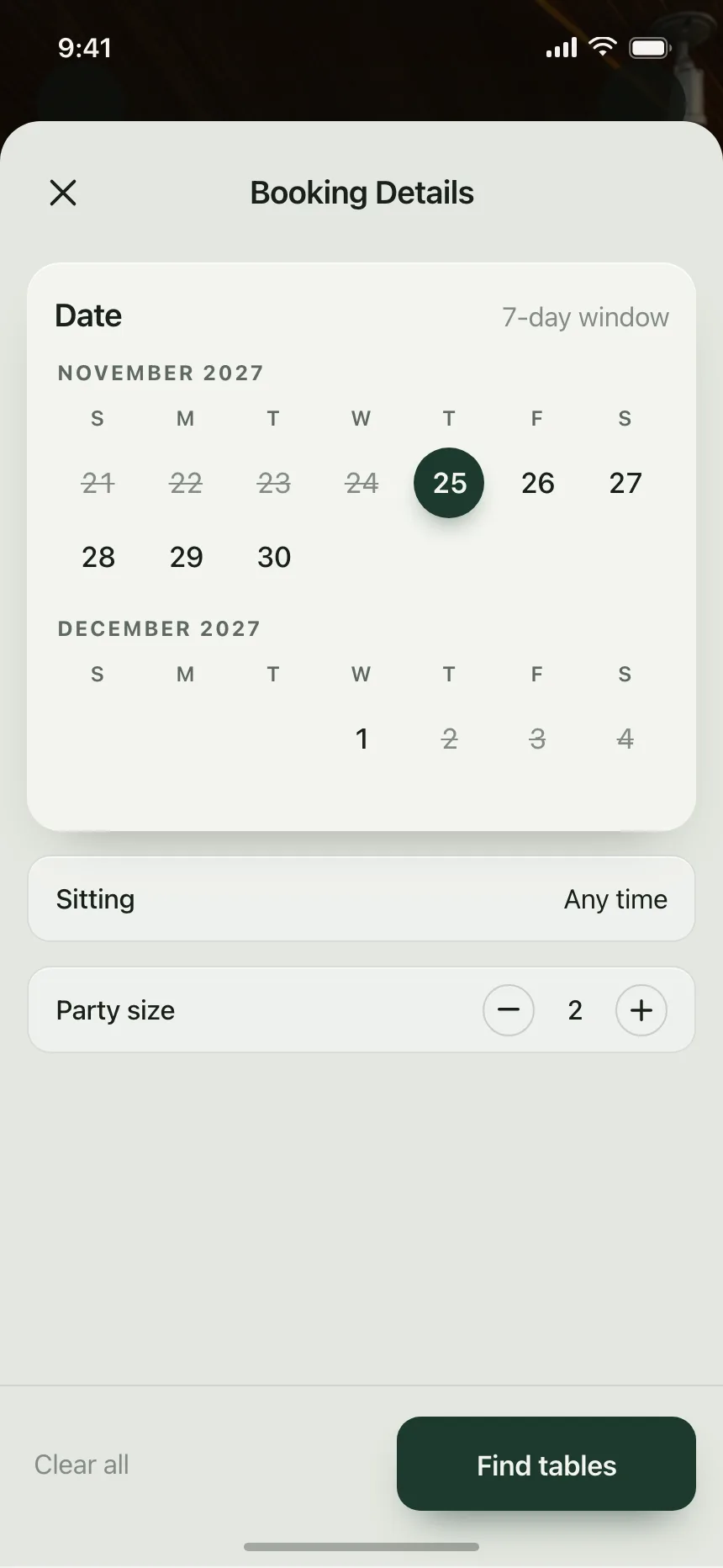
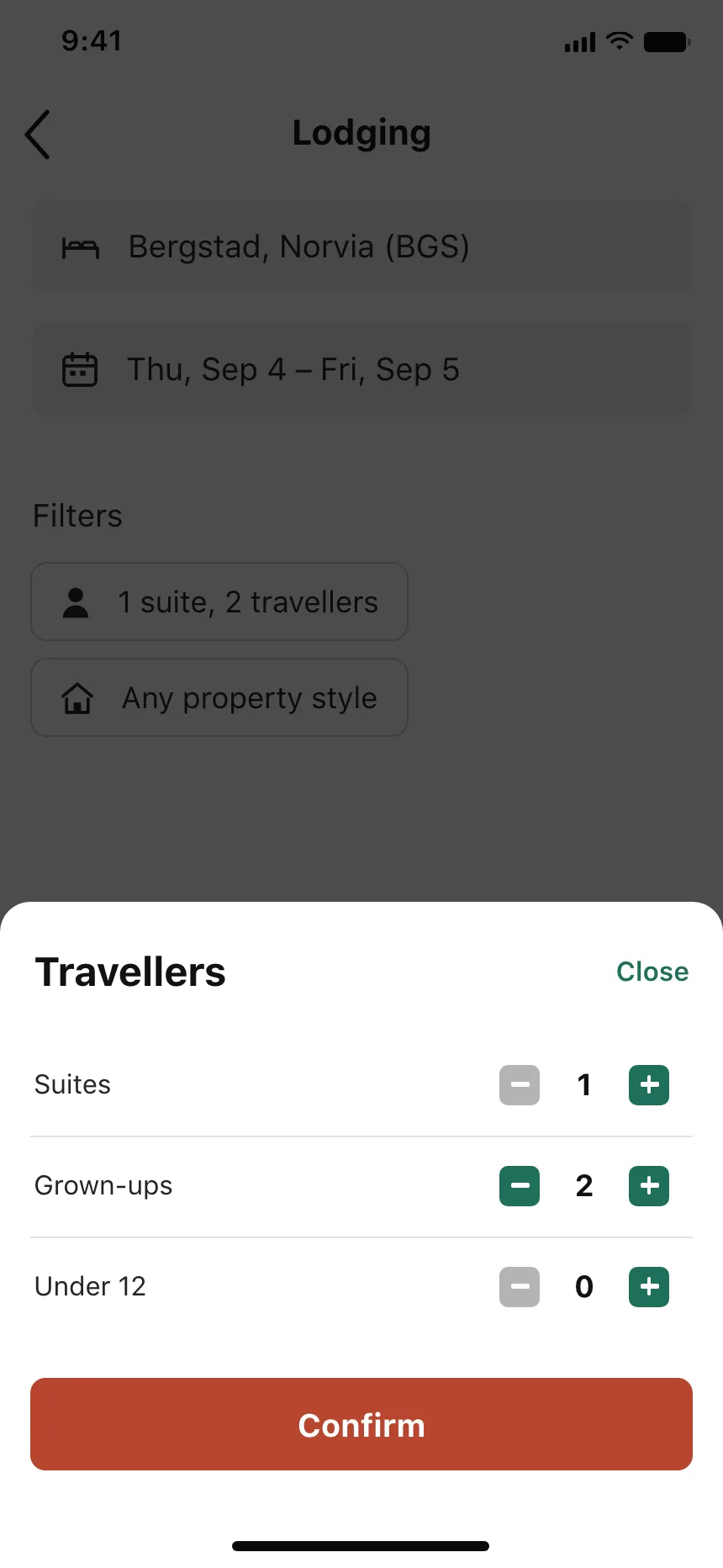
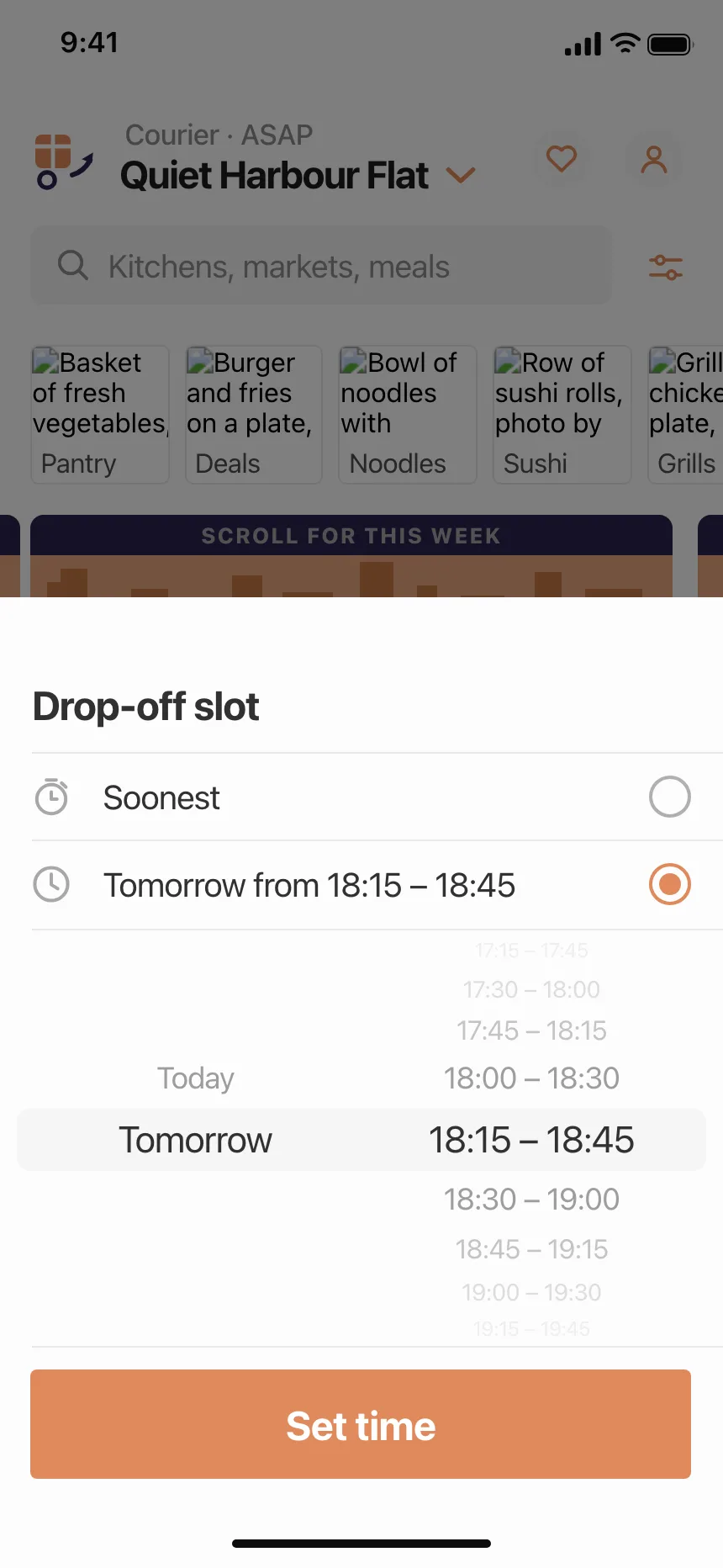
Dates, party sizes and delivery slots, with one pinned button that confirms the choice.
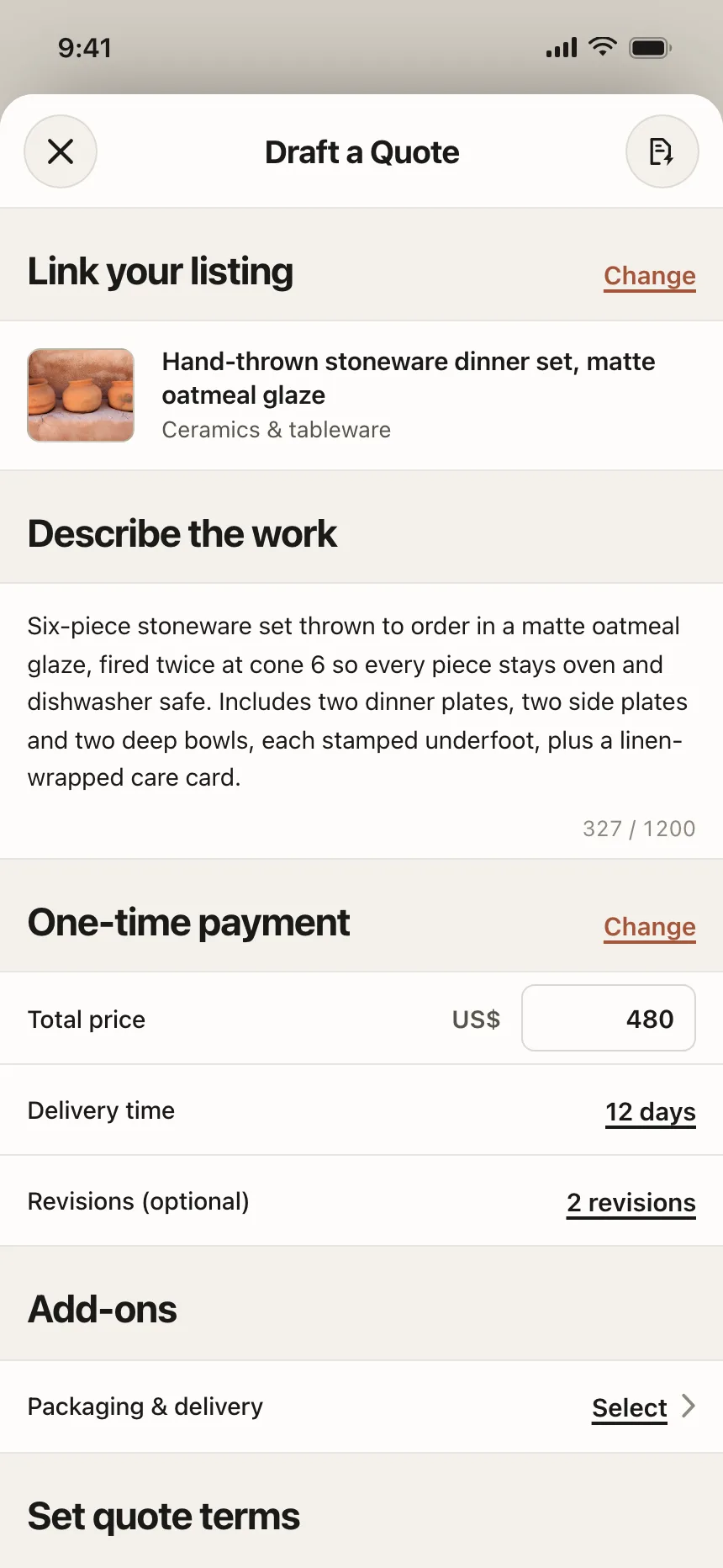
4. Full-height sheets
Long forms and big pickers rise to the large height, with a sliver of the screen behind still showing.
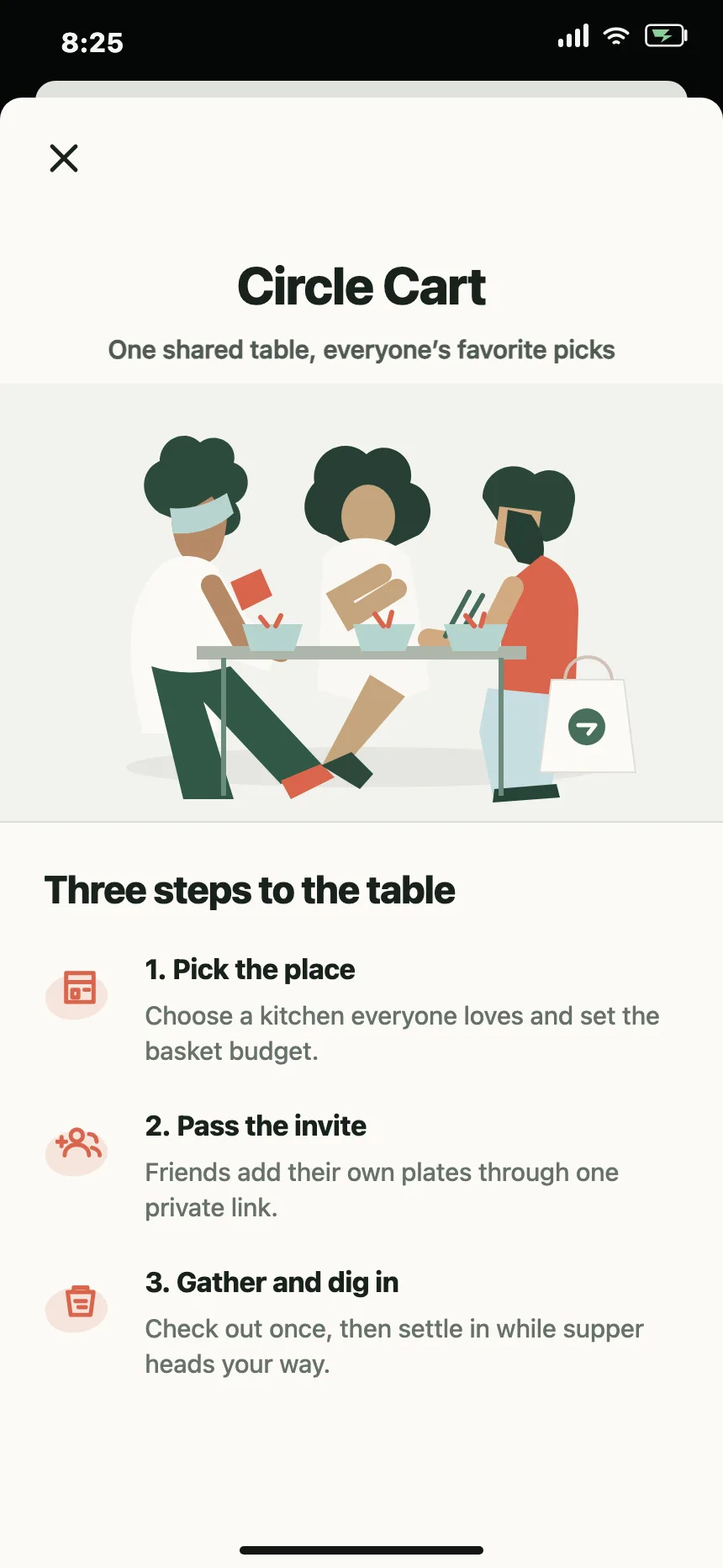
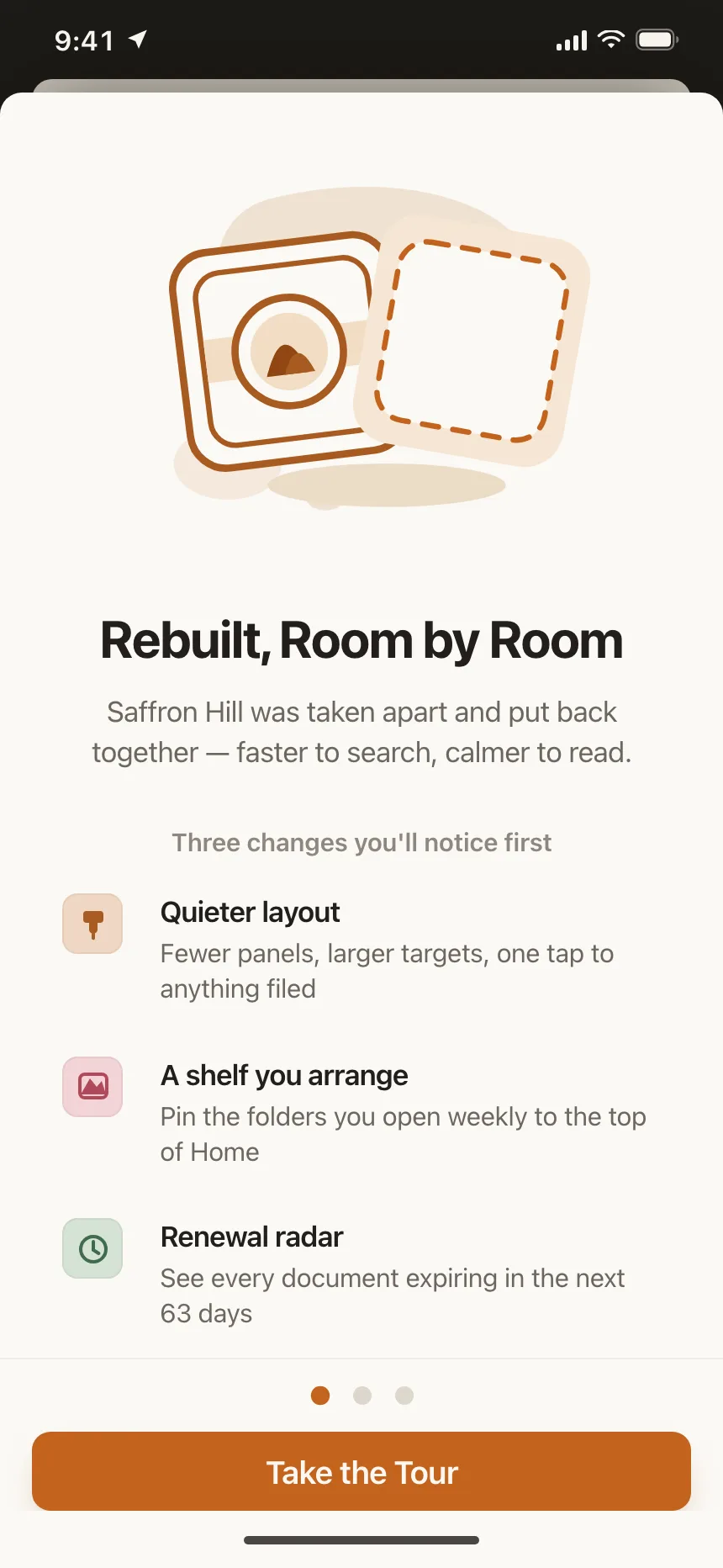
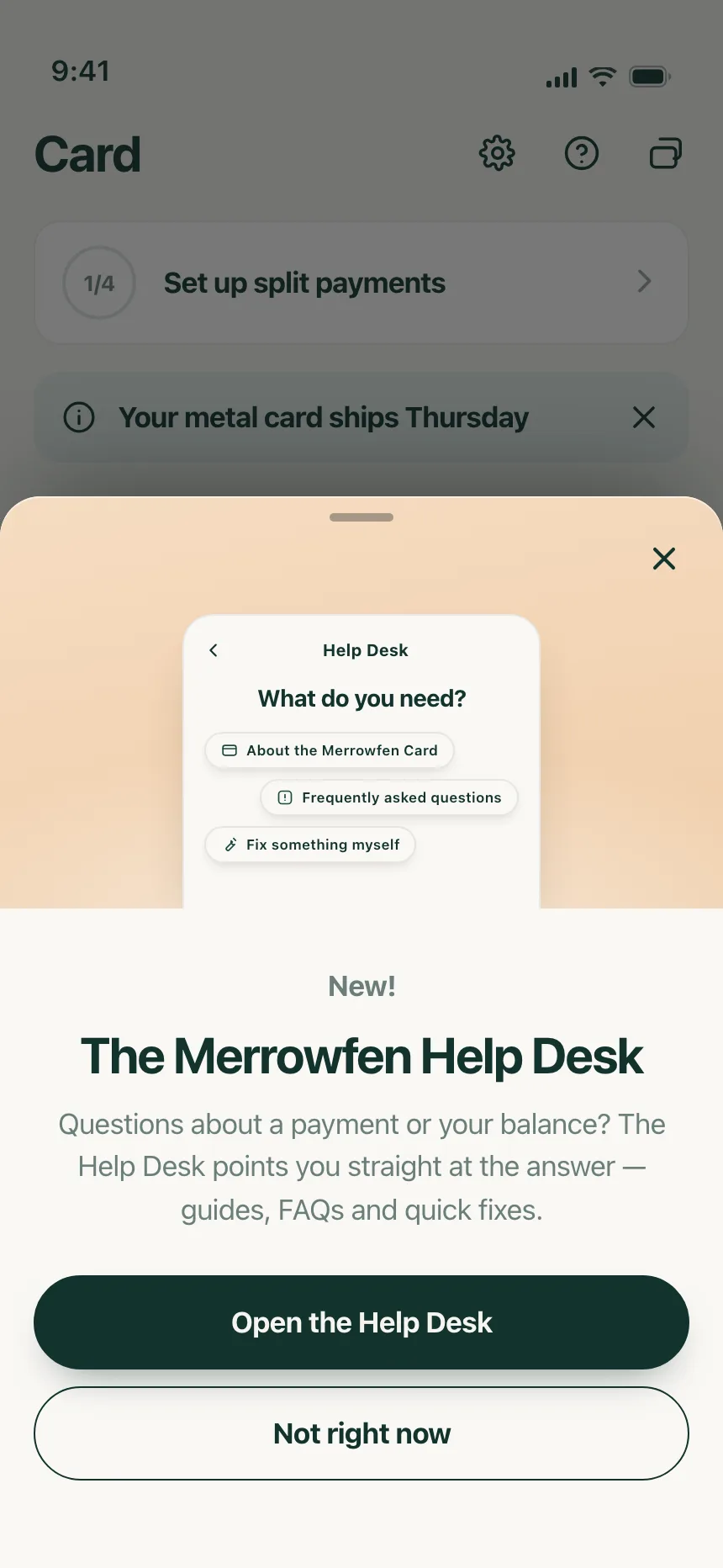
5. Introductions
New features and how-it-works explainers: artwork, a headline, a few points and one button.
Where bottom sheets show up
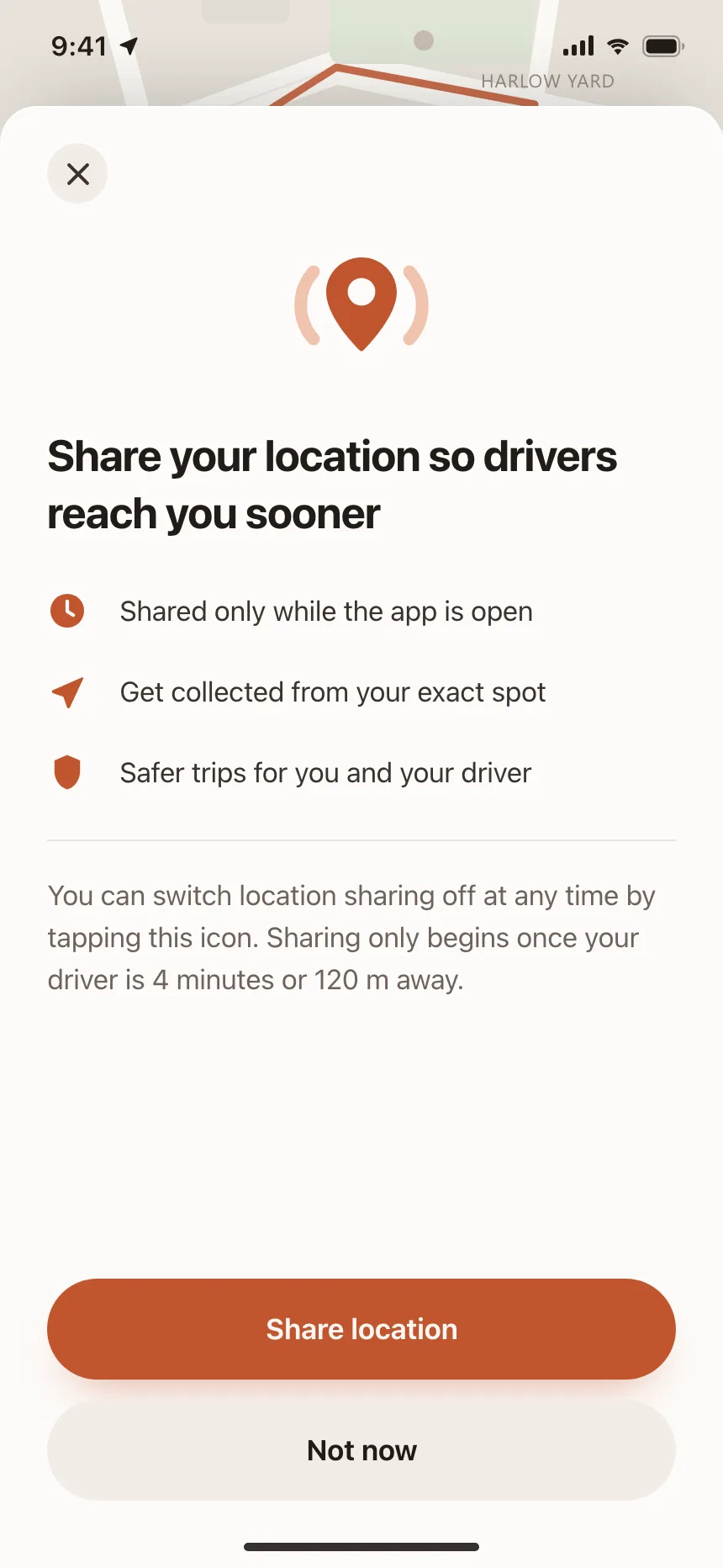
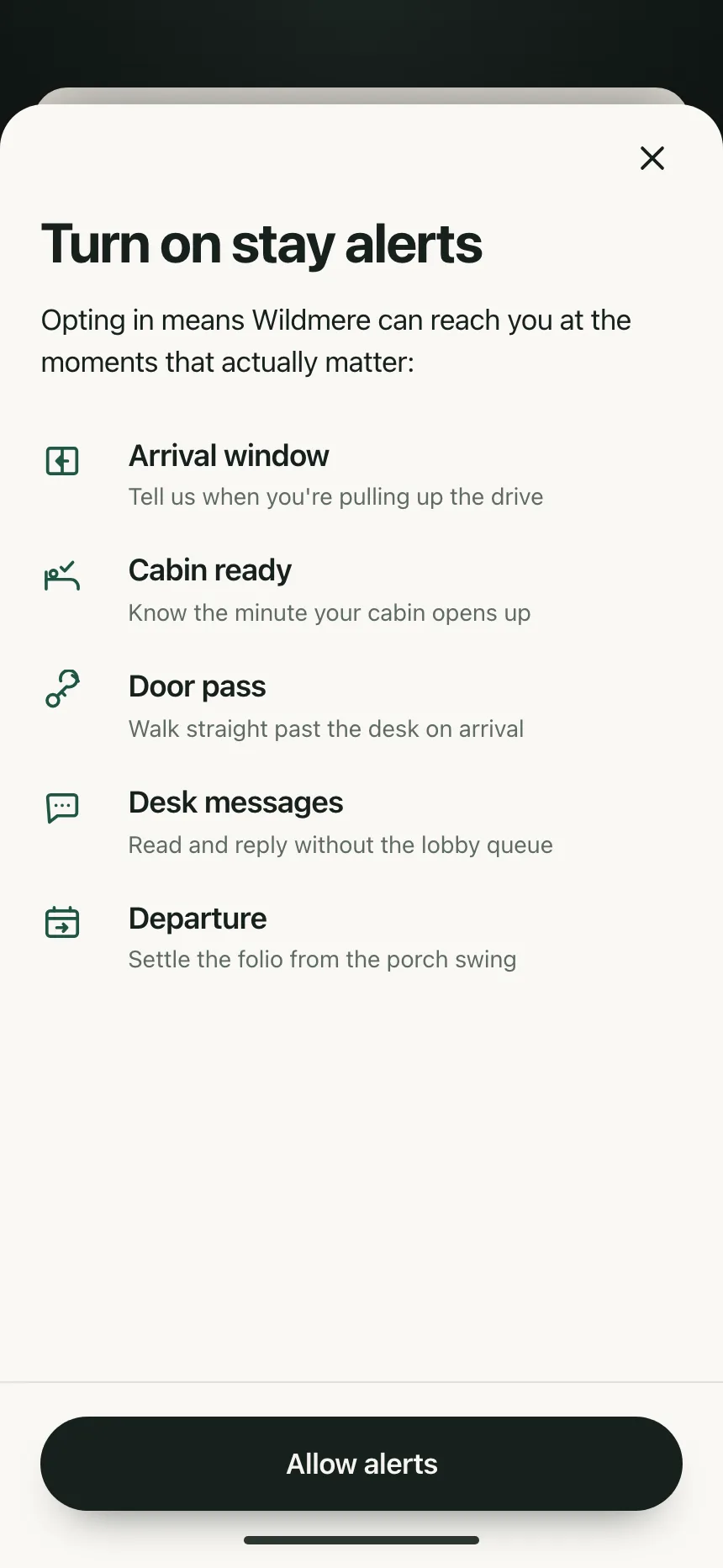
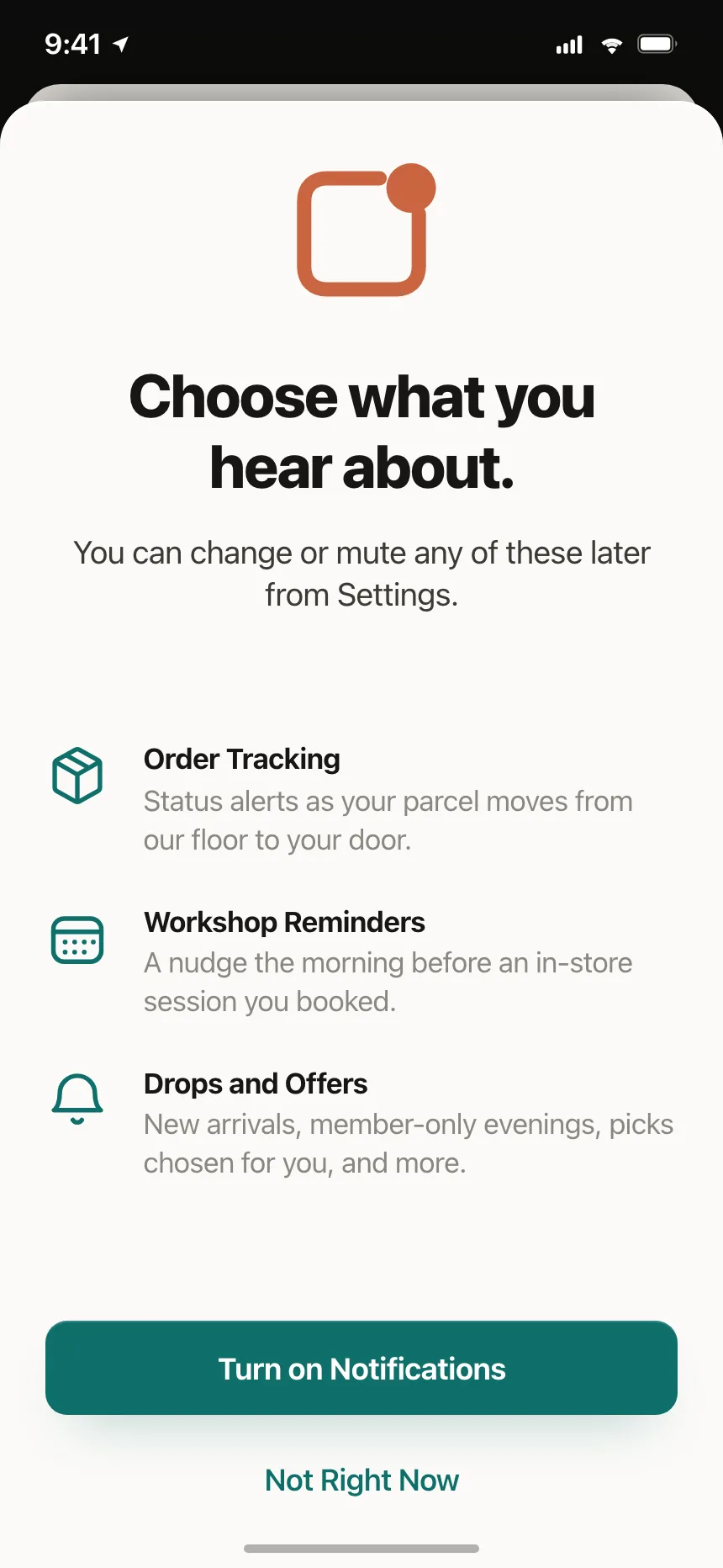
Permissions and alerts
Location and notification opt-ins that list what people get before they agree.
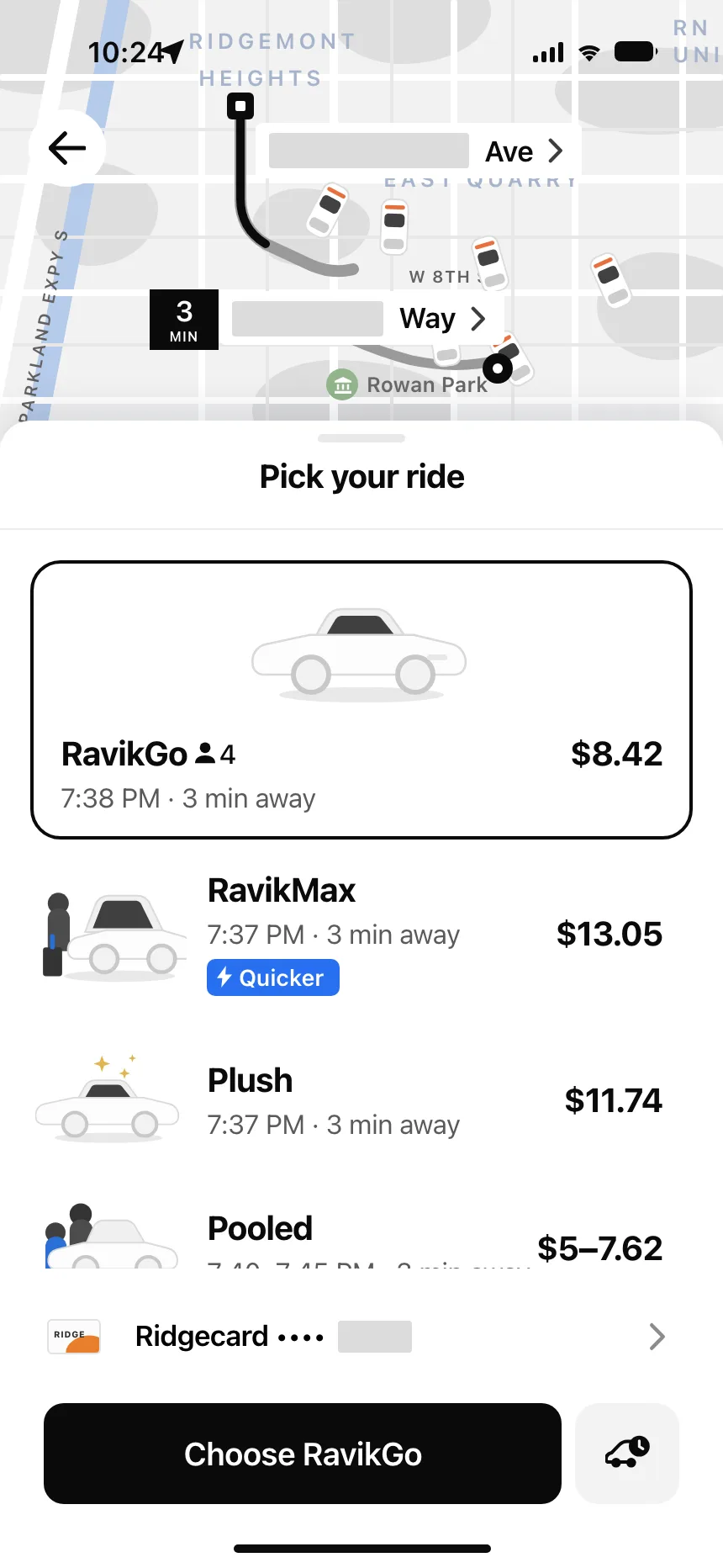
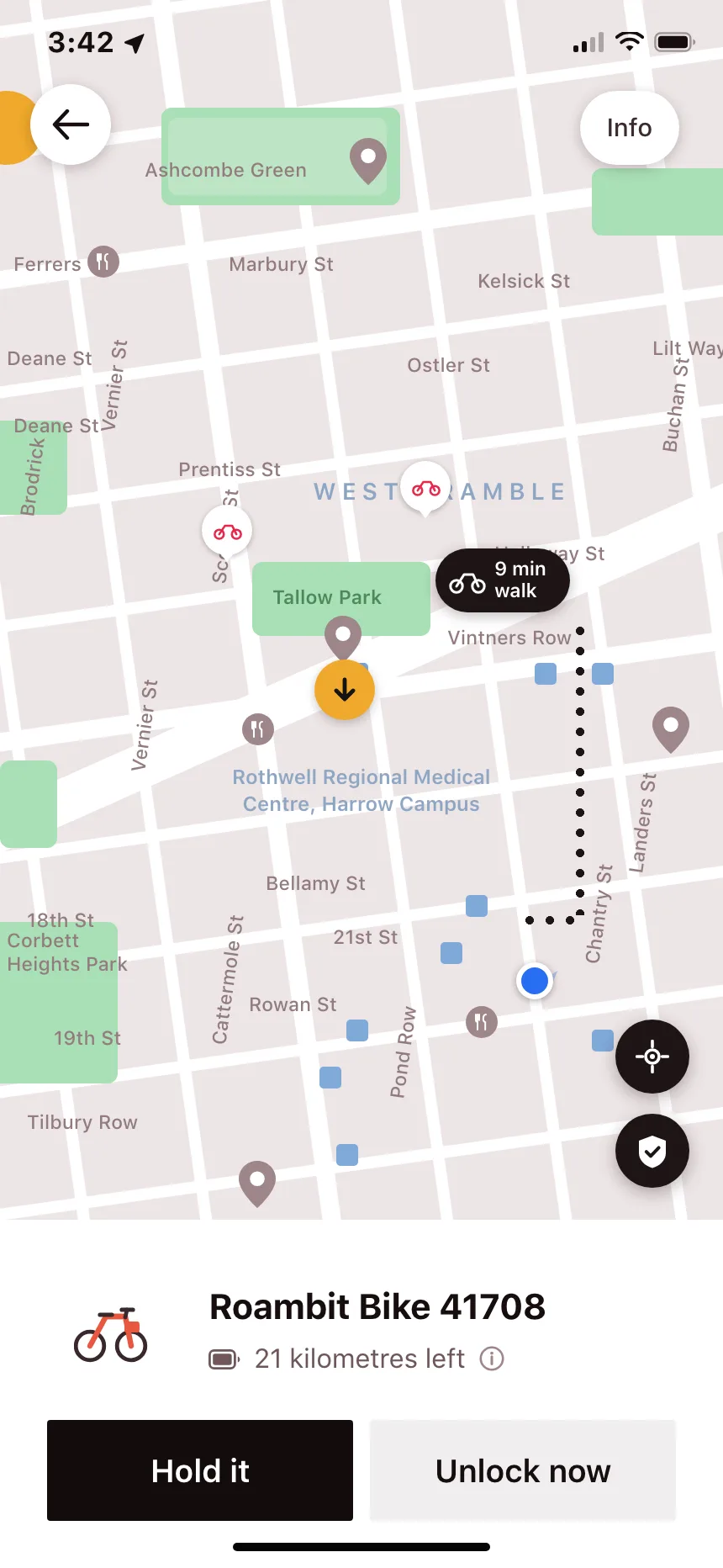
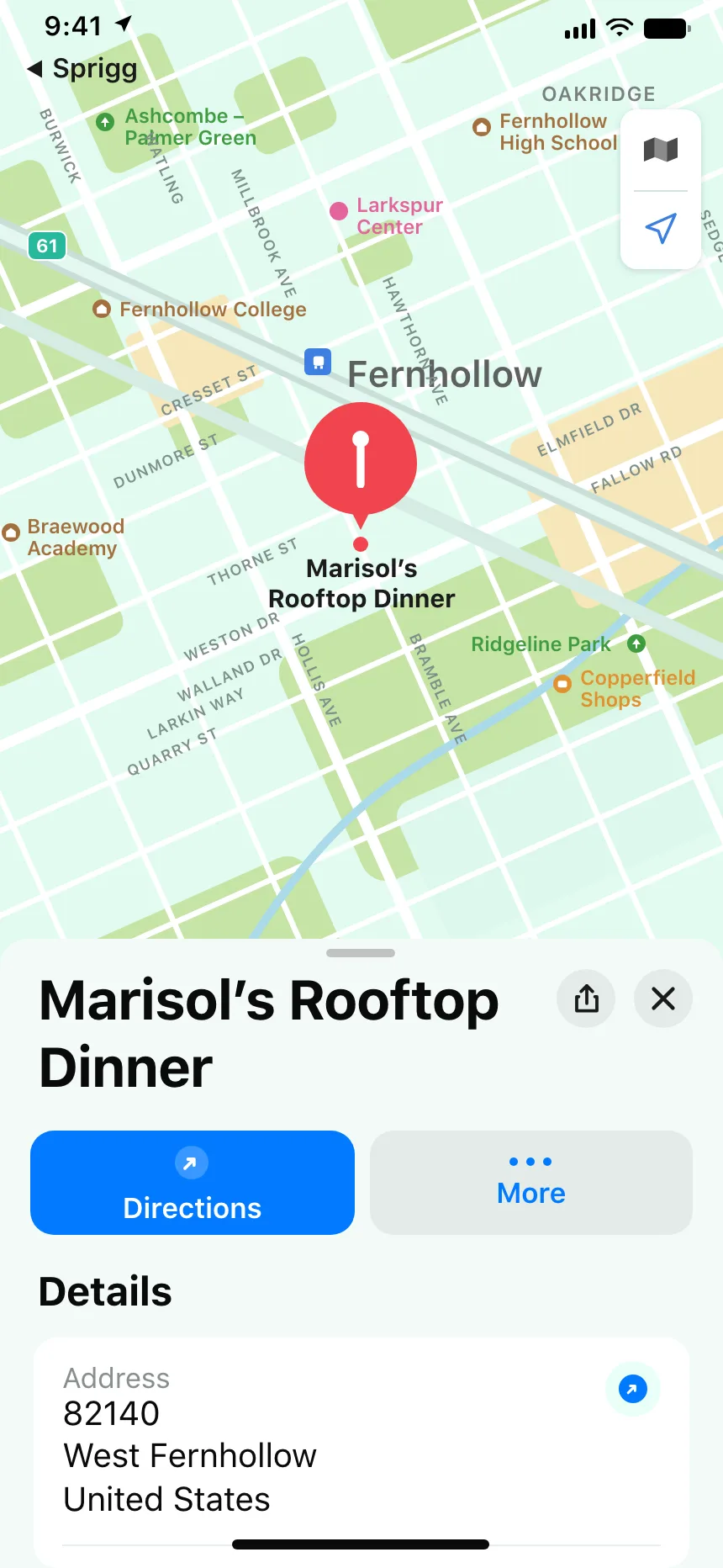
Maps and rides
Ride options, bike details and place cards that sit over the map, so the map stays in view.
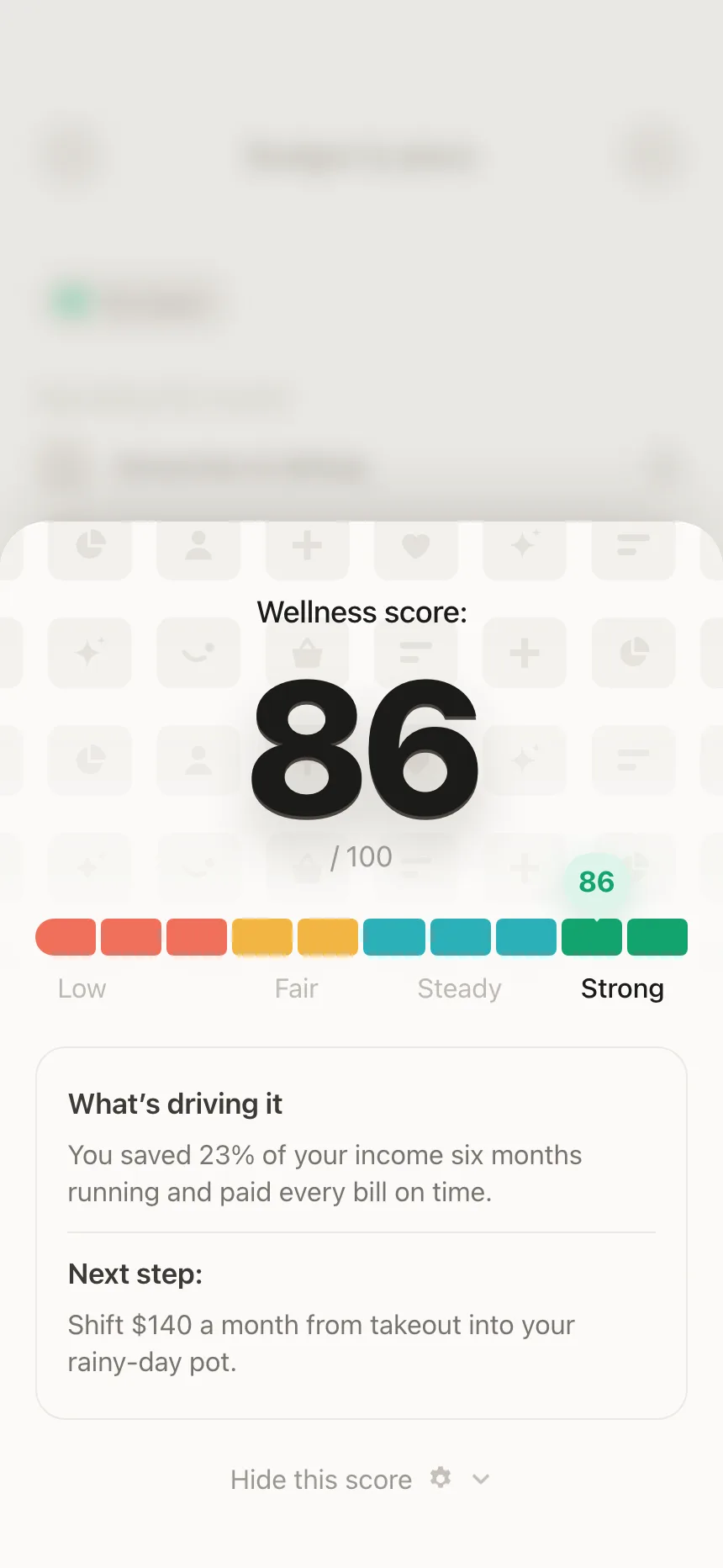
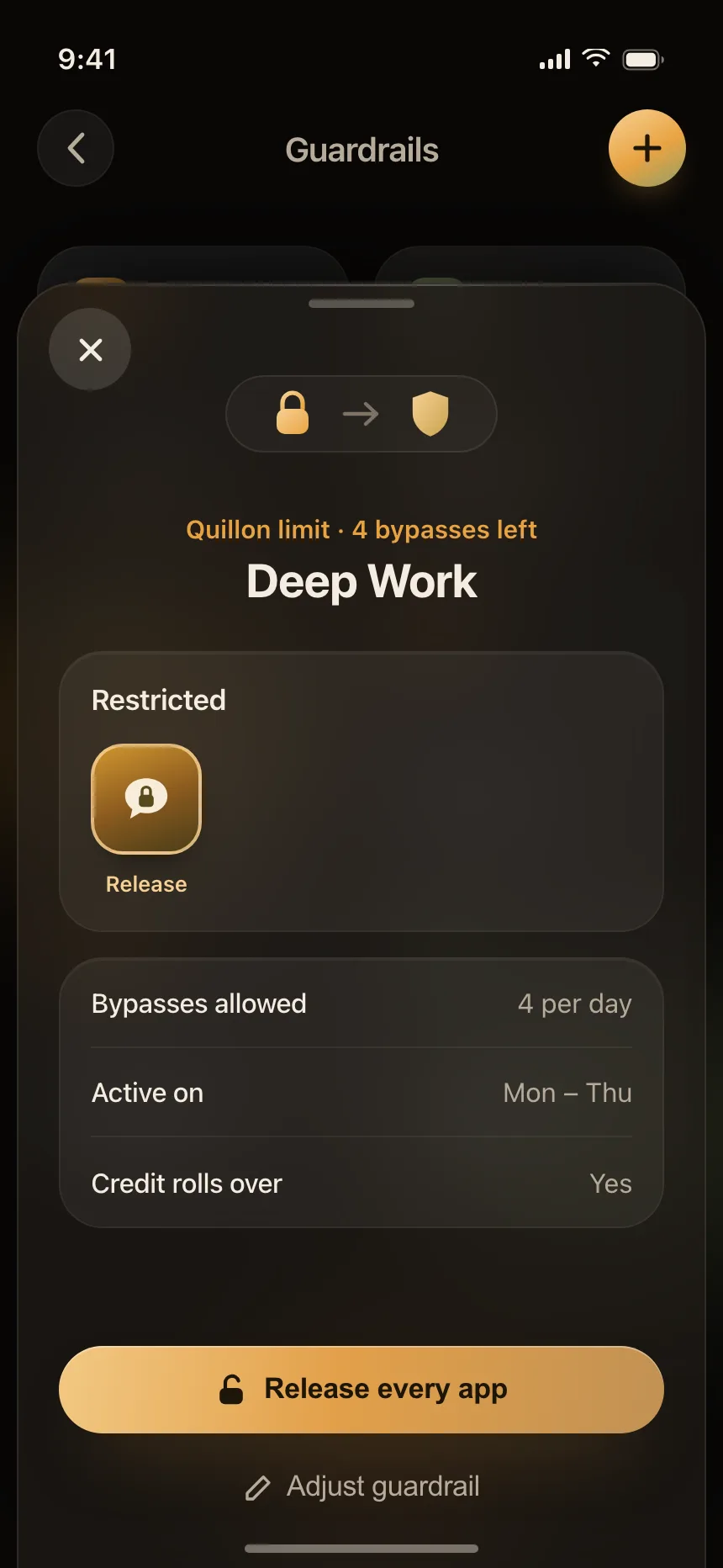
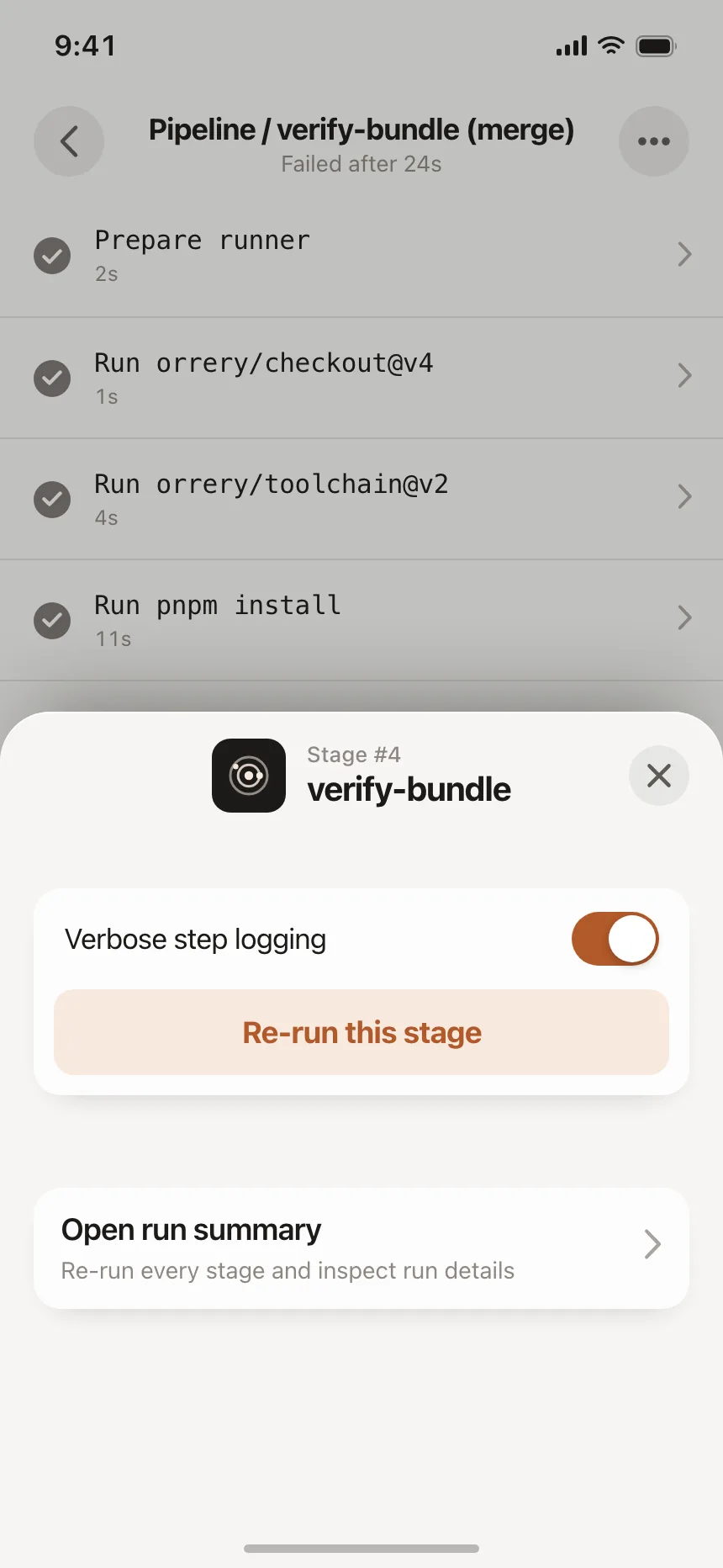
Detail and quick controls
A score, a rule or a pipeline step opened from the screen, with a toggle or one action.
Bottom sheet vs similar components
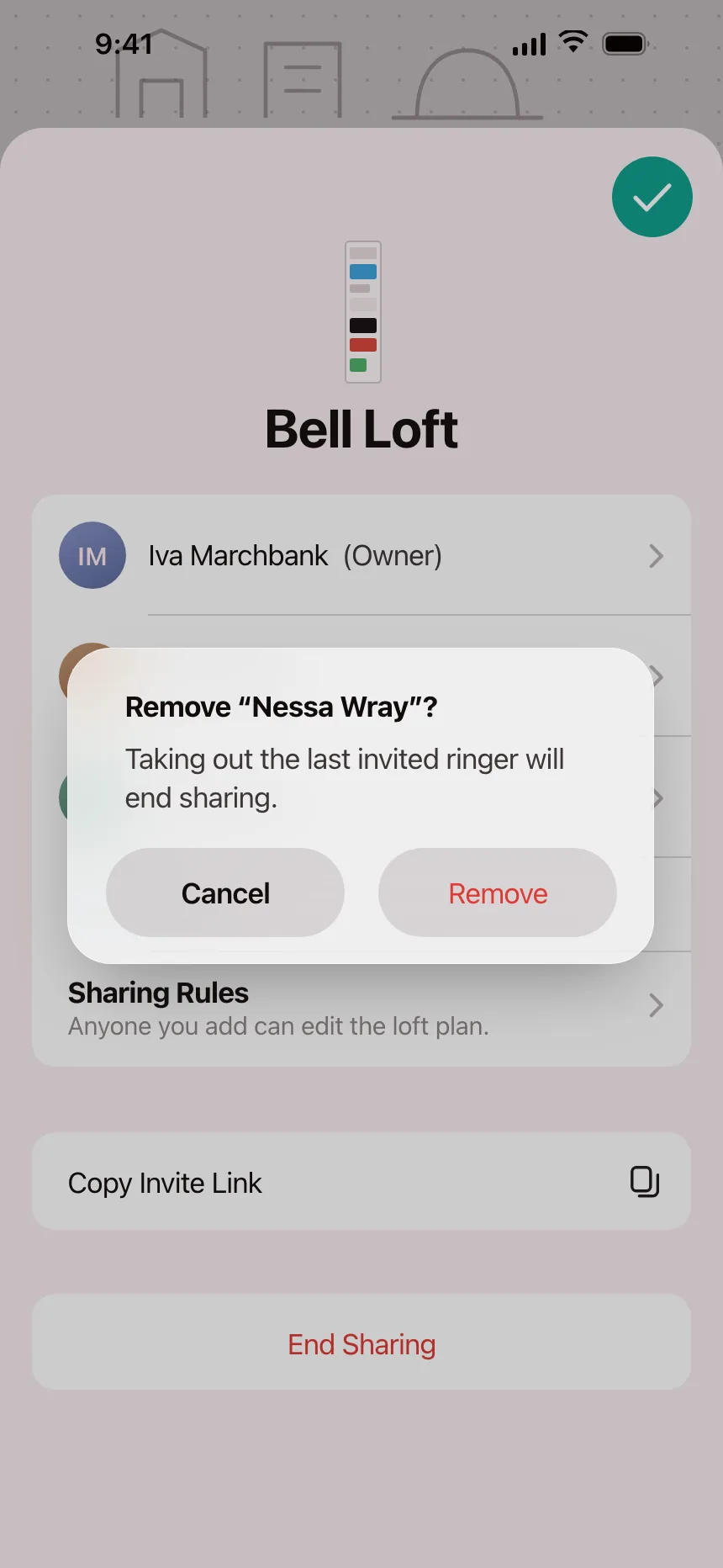
Build notes
- A modal sheet is a dialog: role="dialog", aria-modal="true" and aria-labelledby pointing at its title.
- Move focus into the sheet on open, close it on Escape and return focus to the button that opened it.
- Let people drag it down or tap the scrim to close it. Ask first if they have unsaved changes.
- Make the grabber a real control: a tap switches heights, and screen reader users can resize with it.
- Give the drag handle a touch area of at least 48 by 48 dp.
- Pin the main action to the bottom of the sheet and let only the content scroll.
FAQ
What's the difference between a bottom sheet and an action sheet?
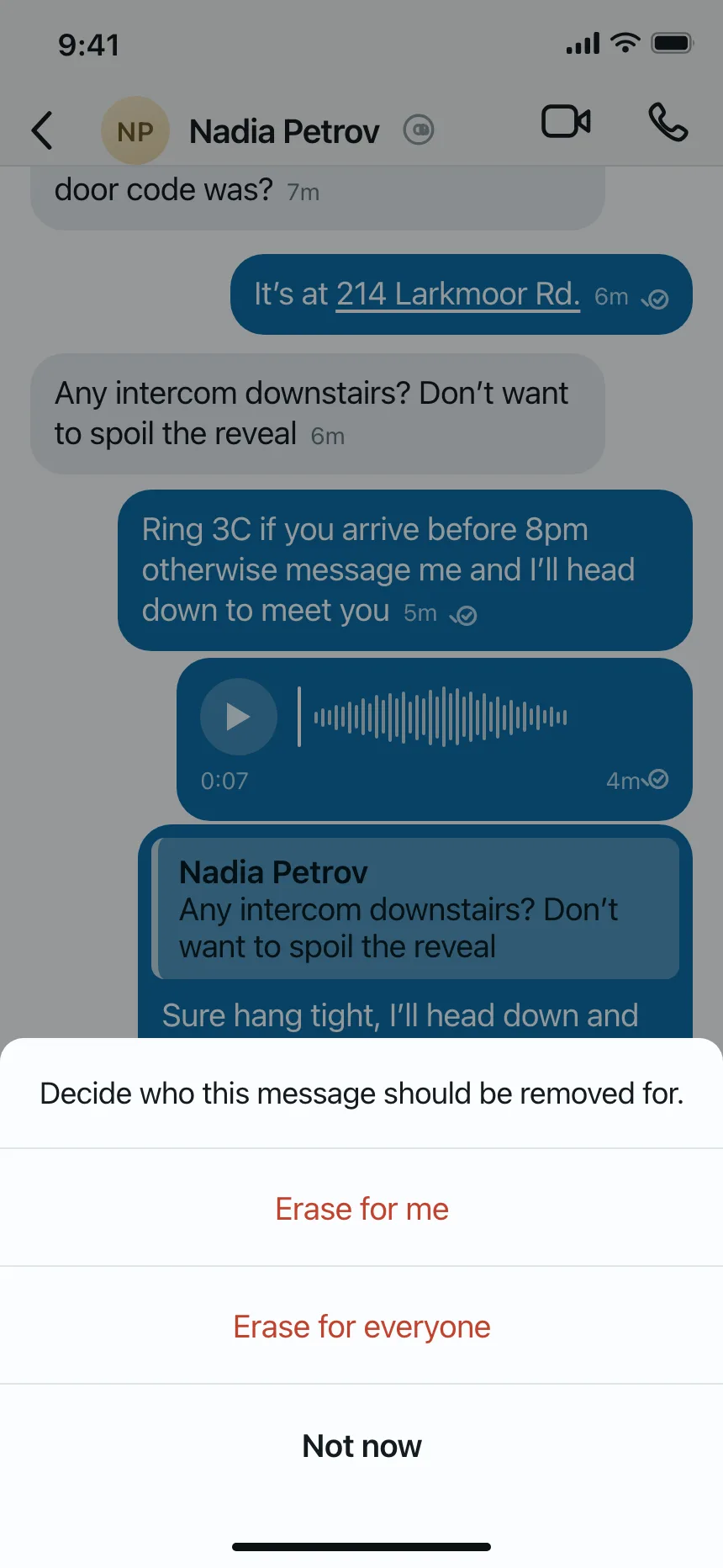
An action sheet is one kind of bottom sheet: a short list of choices about something people just did, like deleting or saving a draft, with Cancel at the bottom. A bottom sheet can hold anything, from a form or a picker to a place card over a map.
What are detents?
The heights a sheet rests at. On iPhone the system defines two: large, the fully expanded sheet, and medium, about half of that. People drag the grabber, or tap it, to move between them.
Bottom sheet or dialog?
Use a sheet for choices and short tasks tied to the current screen. Use a dialog or an alert for an urgent decision that must be answered, like confirming a delete that cannot be undone.
Does a bottom sheet need a close button?
People expect to swipe a sheet down to close it, but dragging can't be the only way. WCAG asks for a single-pointer alternative to every drag, so add a Close or Cancel button too.
Related terms
All glossary terms · Browse 36 mobile bottom sheet designs