
Action sheet
An action sheet rises from the bottom of a phone screen with a short list of choices about what people just tapped, and a Cancel button.
- Also called
- options menu
- Platforms
- Web, Mobile
- In the gallery
- 50 web and 134 mobile designs


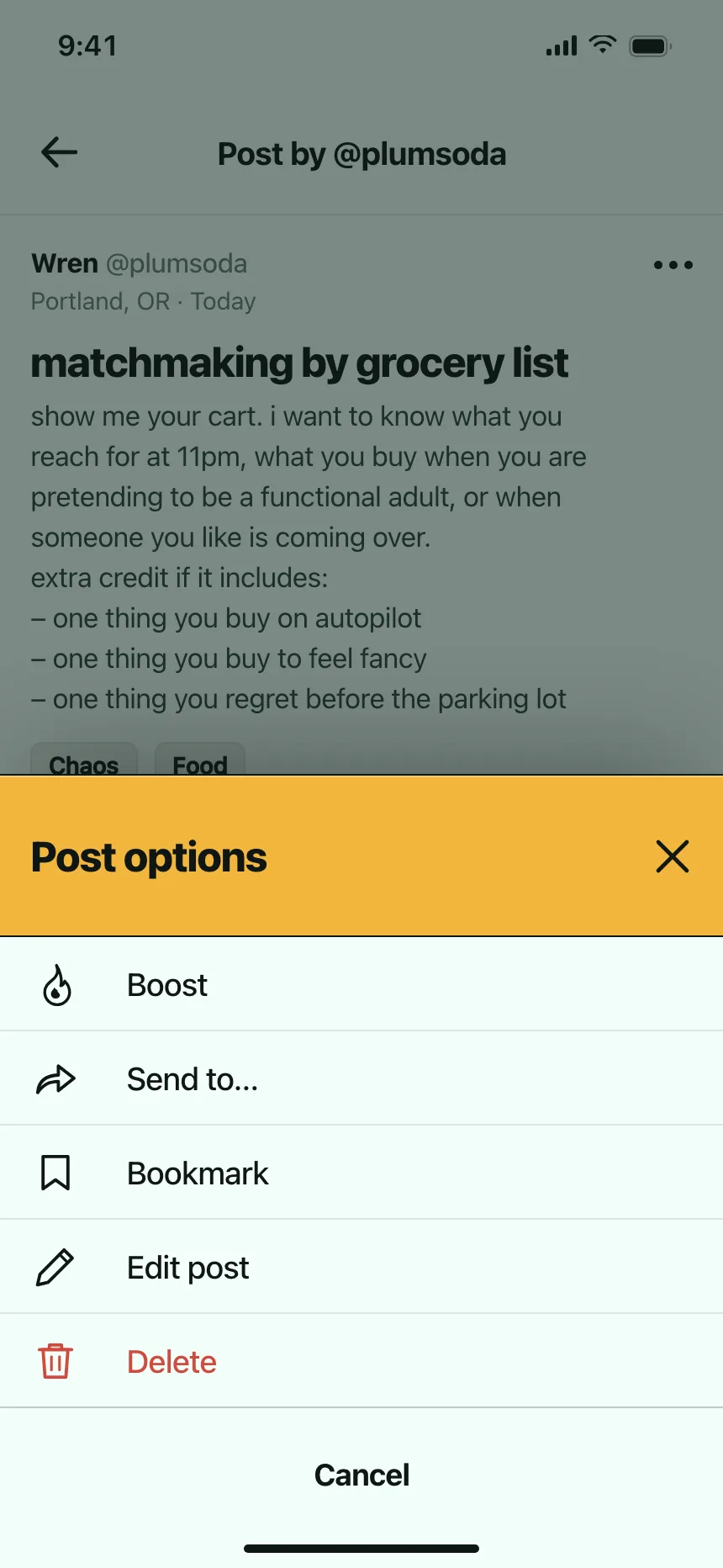
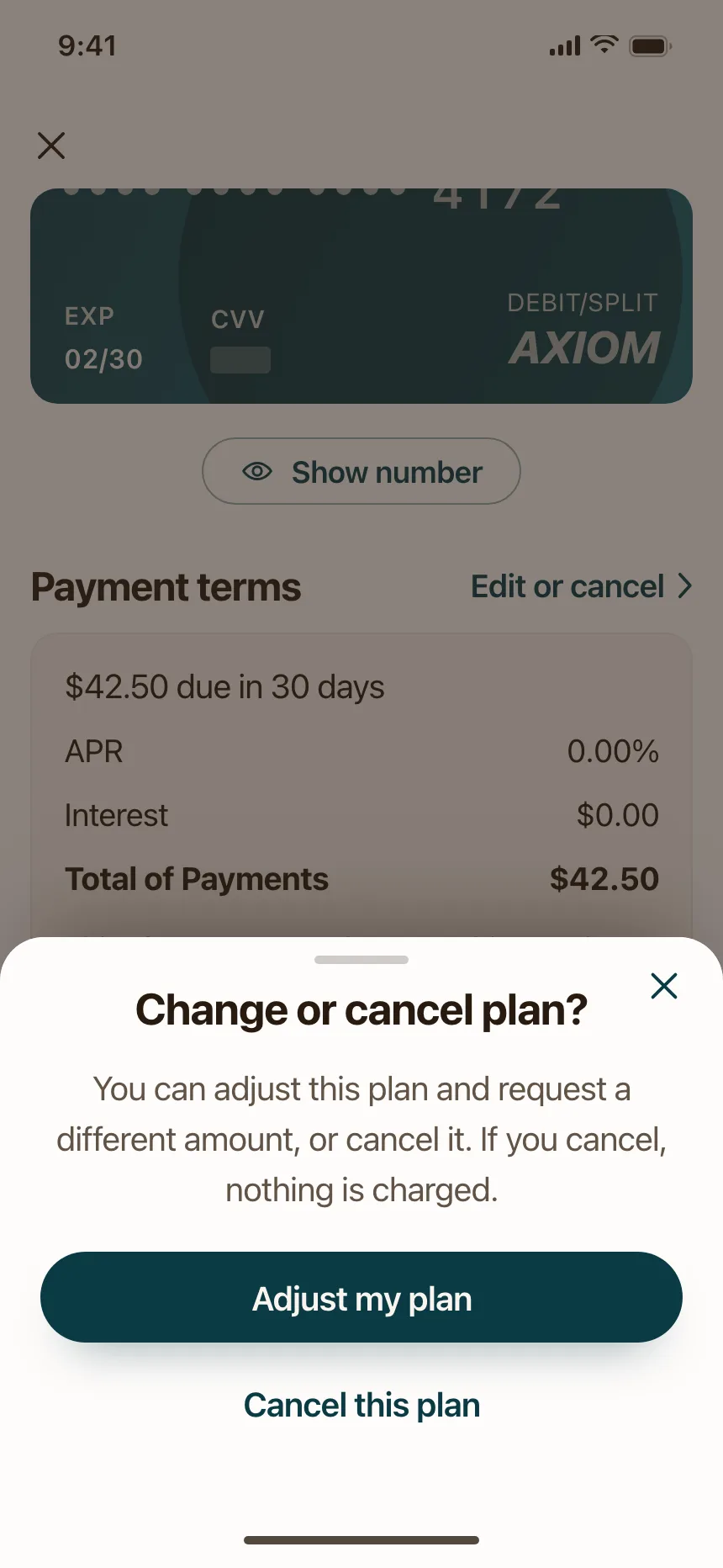
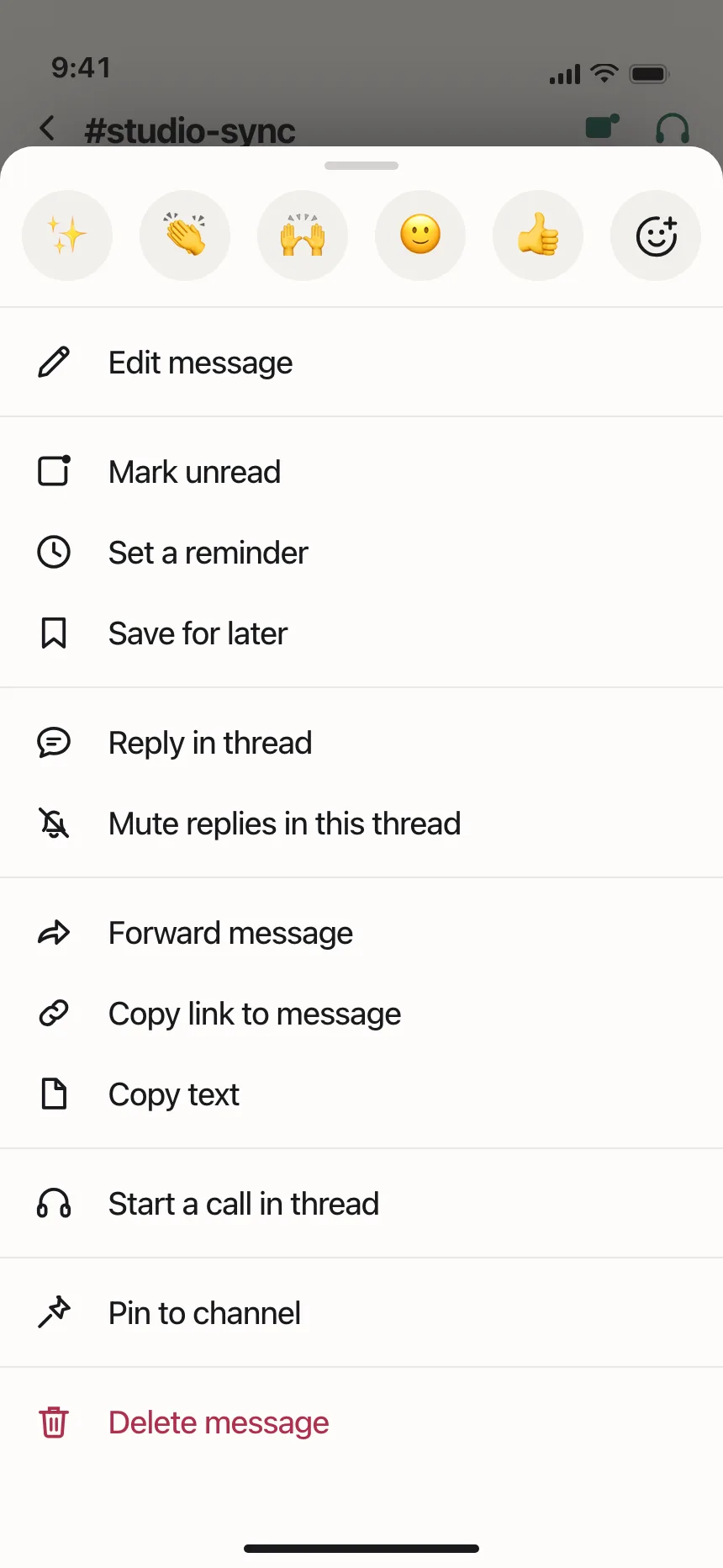
Action sheets from the Kombai gallery: a podcast app's episode options, a crew app's report prompt and a microblogging app's post options.
What is an action sheet?
An action sheet is a short list of choices that slides up from the bottom of the screen after people tap something, like a photo, a post or a More button. Each choice is a button, destructive ones are red, and a separate Cancel button closes the sheet without doing anything.
- Choices relate to the thing people just tapped, not to the whole app.
- Cancel sits apart at the bottom, and a tap outside the sheet does the same.
Action sheets show up across share, invite and dialog screens.
When to use an action sheet
- Choices about one itemShare, save, edit or delete the photo or post people tapped.
- Clarifying an actionLeaving a draft, then choosing to save it or delete it.
- Picking a sourceTake a photo or choose one from the library.
When not to use one
- Long listsAn action sheet shouldn't scroll. Use a full sheet or a page.
- Information onlyNothing to choose? Use a toast or an inline message.
- Big screensOn desktop, a dropdown or context menu fits better.
Anatomy of an action sheet
This one works. Pick an action, press Cancel or Escape, or tap outside to close it, then reopen it from the More button.
Pier at dusk
Oct 12, 7:42 pm
Pier at dusk
Shared to 2 albums
- Closed
- Open
- Keyboard focus
- Destructive
- TitleOptional, one line of context
- ActionsOne button per choice
- Destructive actionRed, so it stands out
- Cancel buttonApart, at the bottom
- ScrimDims the screen, tap to cancel
- StatesClosed, open, focus, destructive
Action sheet variants
We sorted every design in the Kombai gallery category that holds action sheets and found five patterns among the real ones. Browse all 50 web and 134 mobile designs.
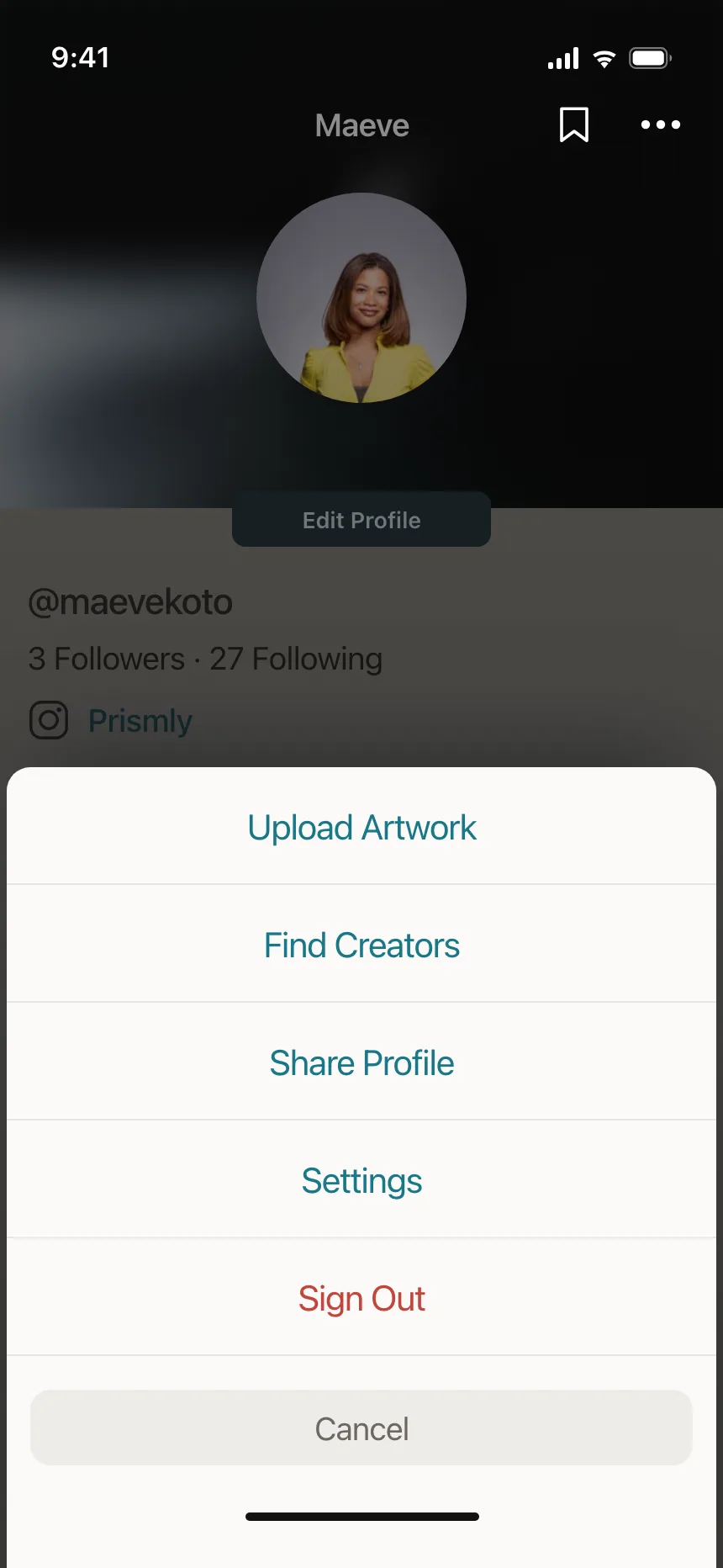
1. Native stacked buttons
The system look: centered text buttons in one rounded group, with Cancel in its own group below.


2. Icon lists
Left-aligned rows, each with an icon, for longer sets of item actions like rename, pin or copy link.


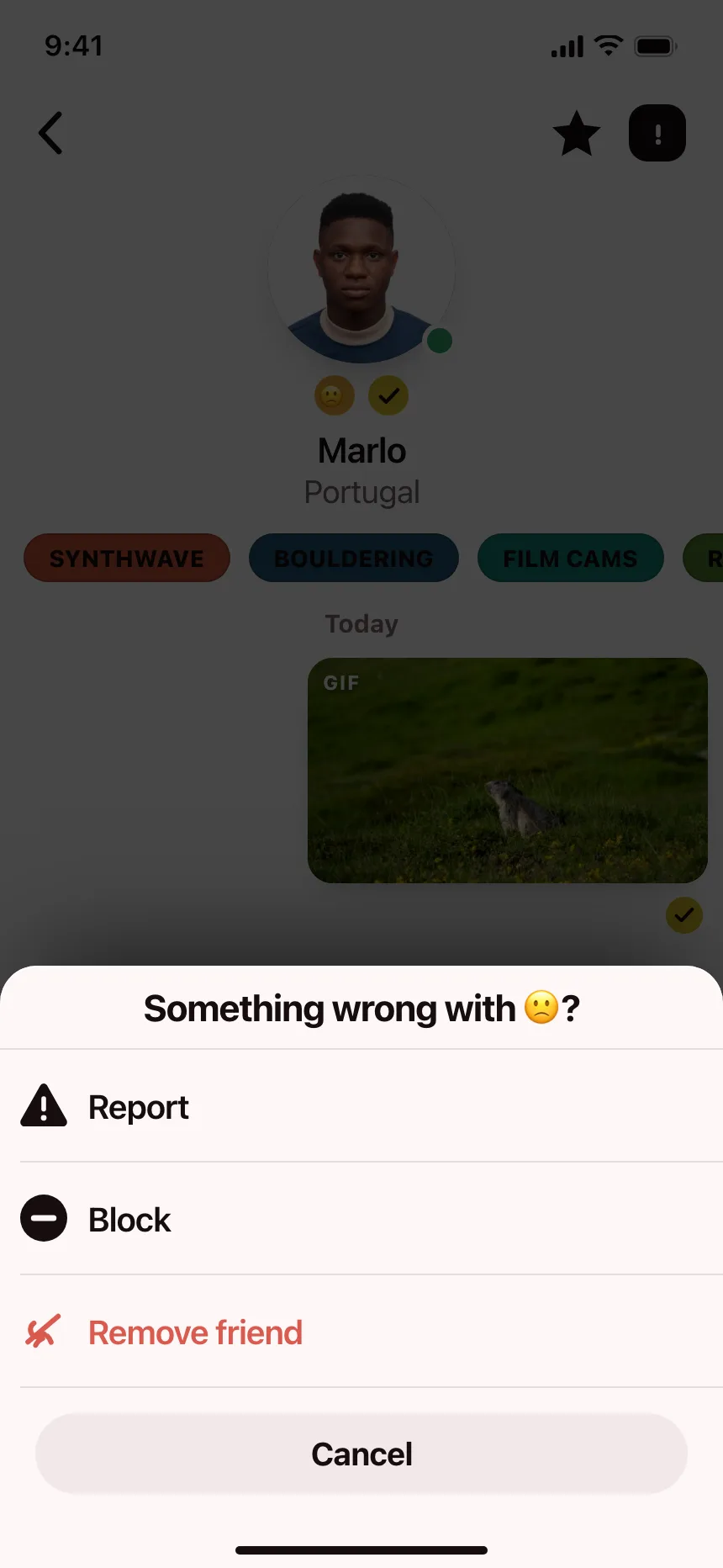
3. Report and block sheets
Moderation choices on a profile or a post, with Report and Block in red.


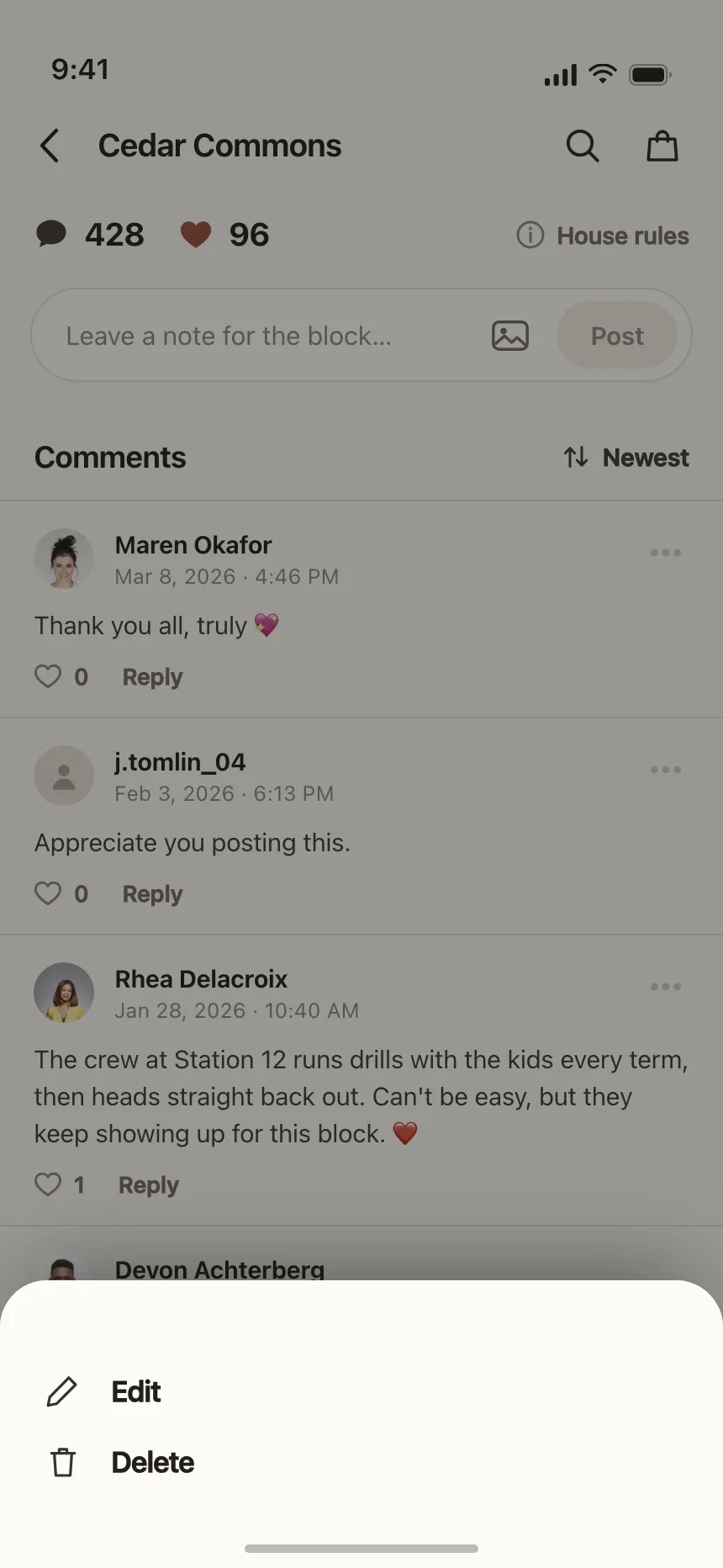
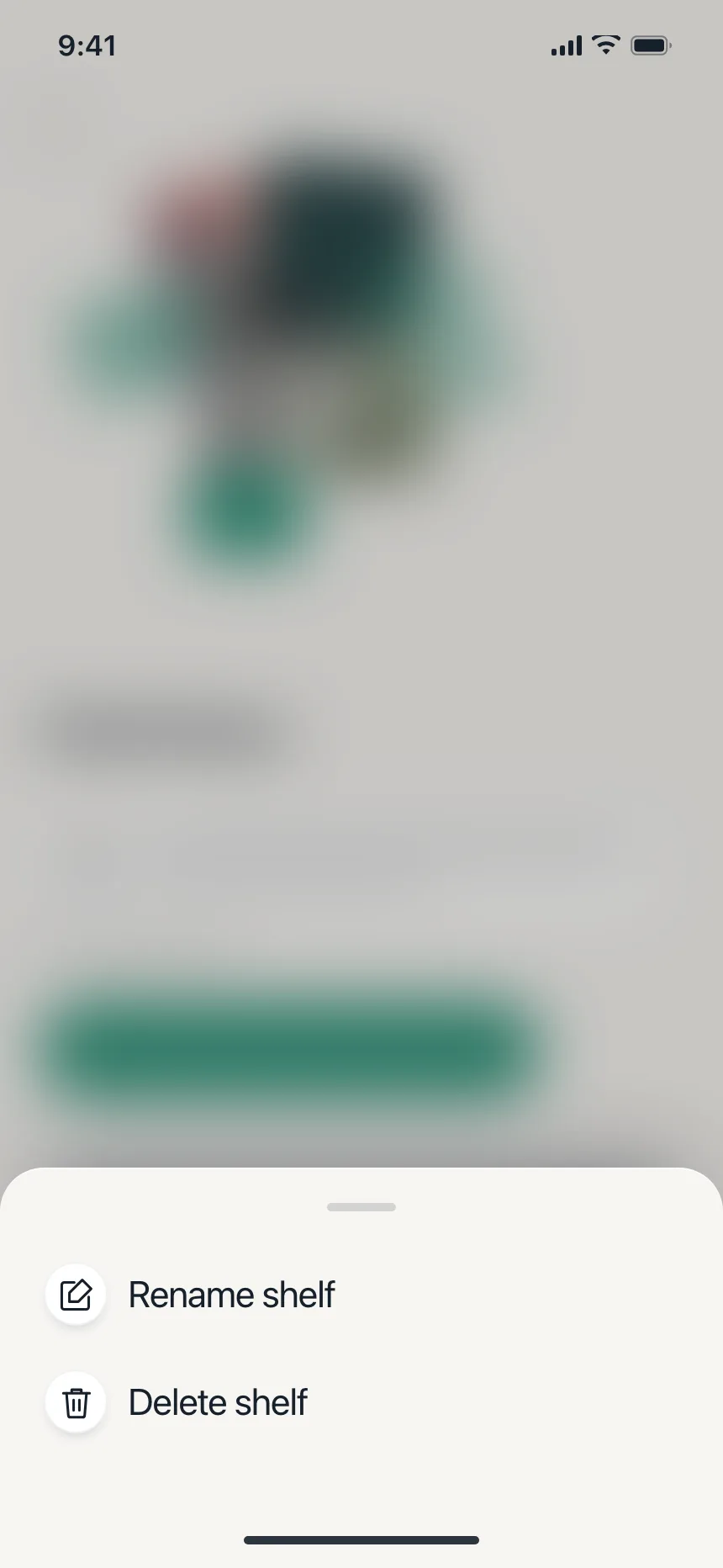
4. Edit and delete sheets
Just two or three choices for something people made, like a comment, a shelf or an entry.

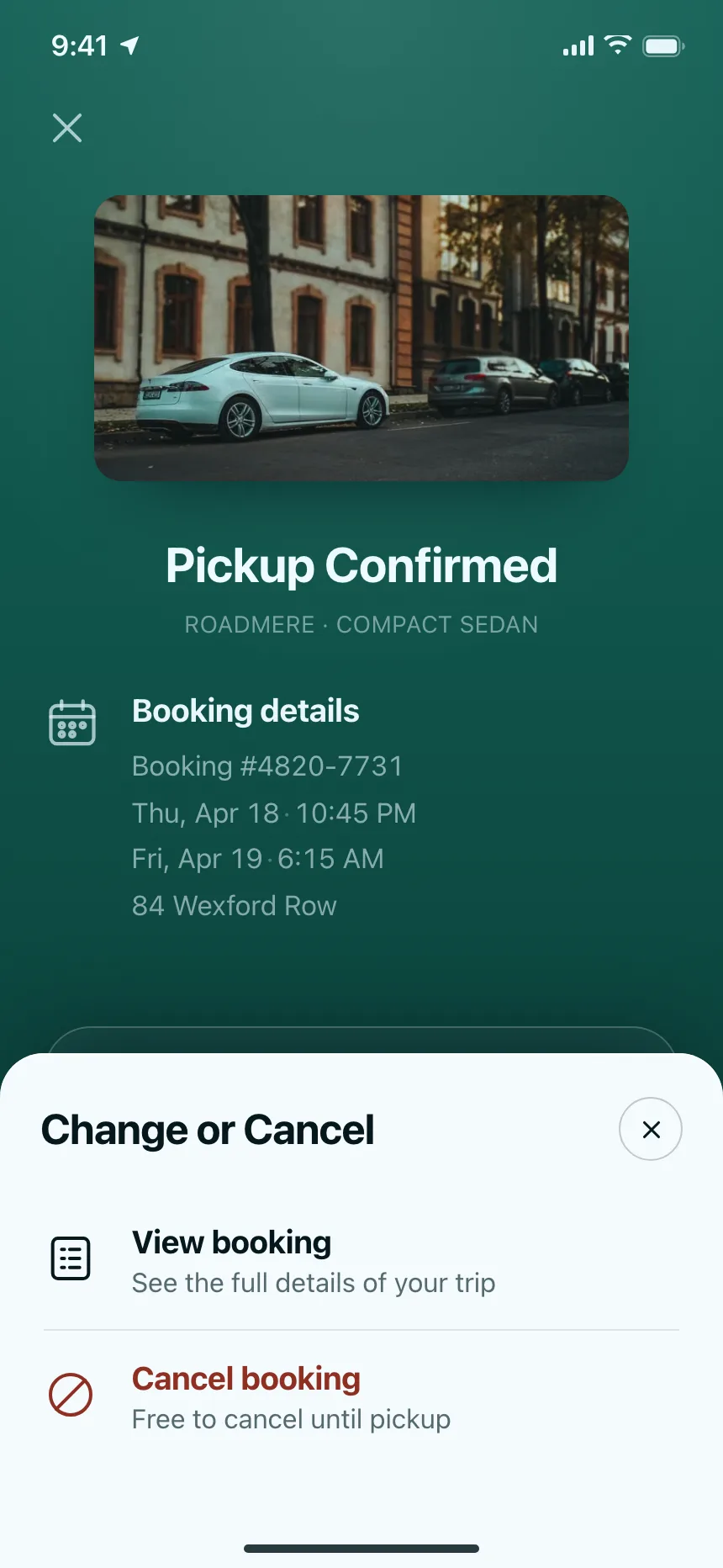
5. Titled sheets
A header that names the item, like a booking, a station or a series, above its actions.


Where action sheets show up
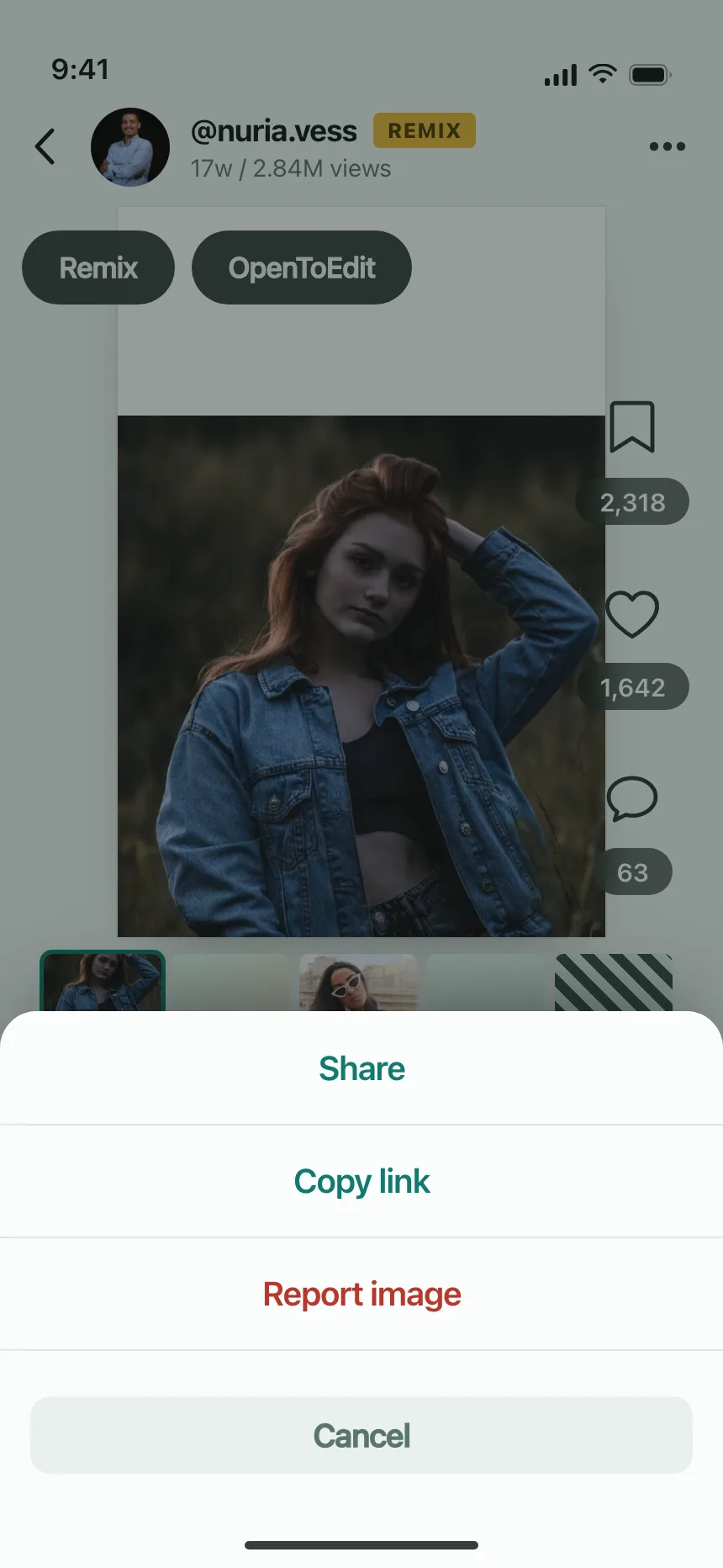
Posts and profiles
Share, copy, report or mute from the More button on a post or a profile.


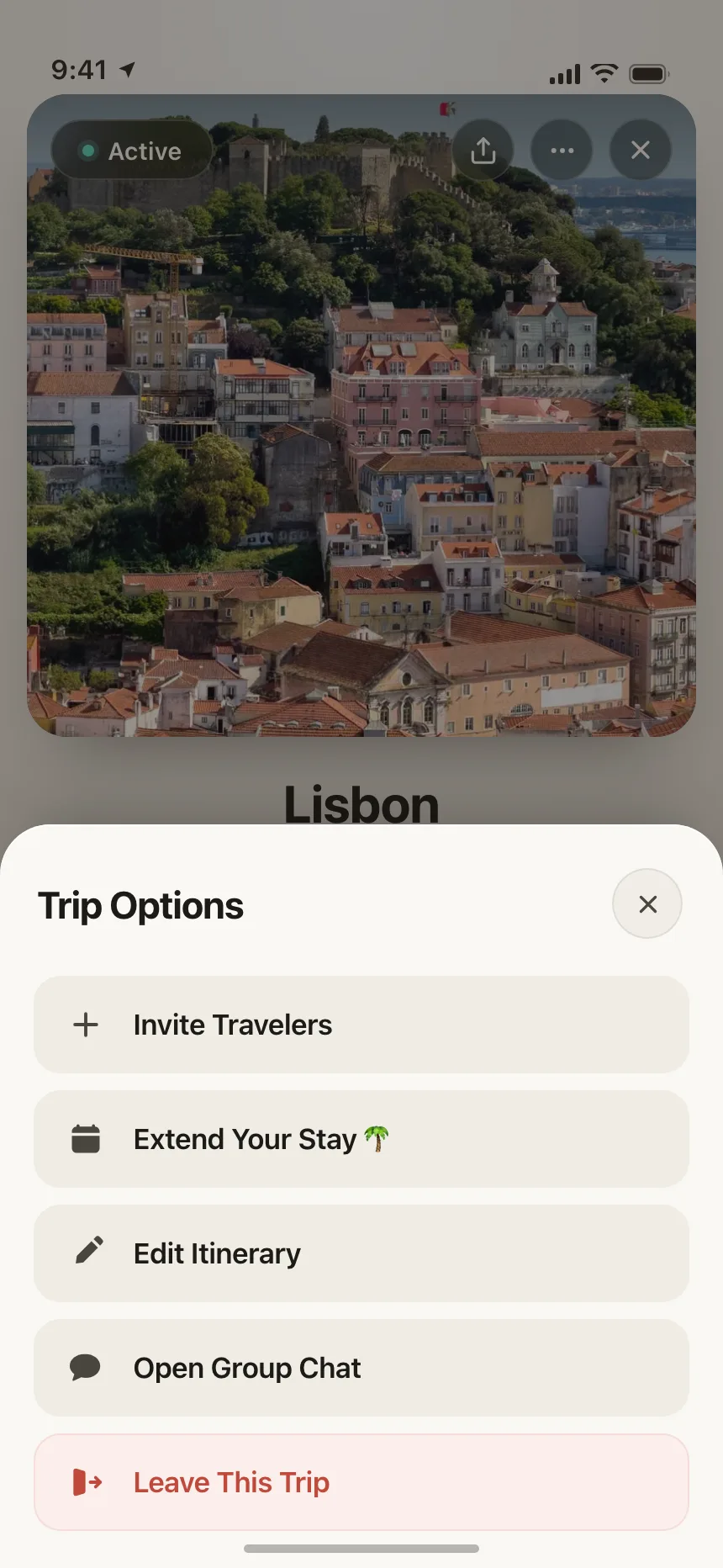
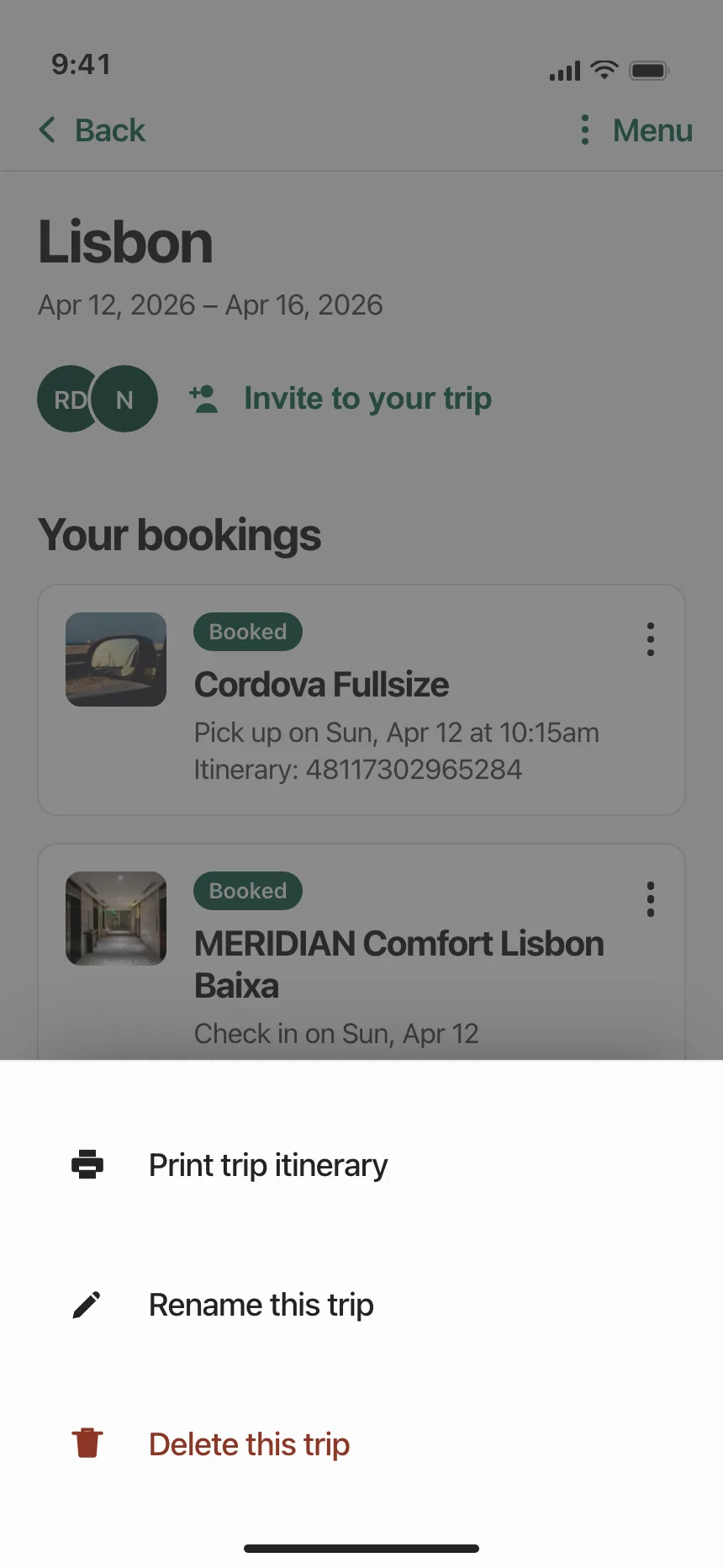
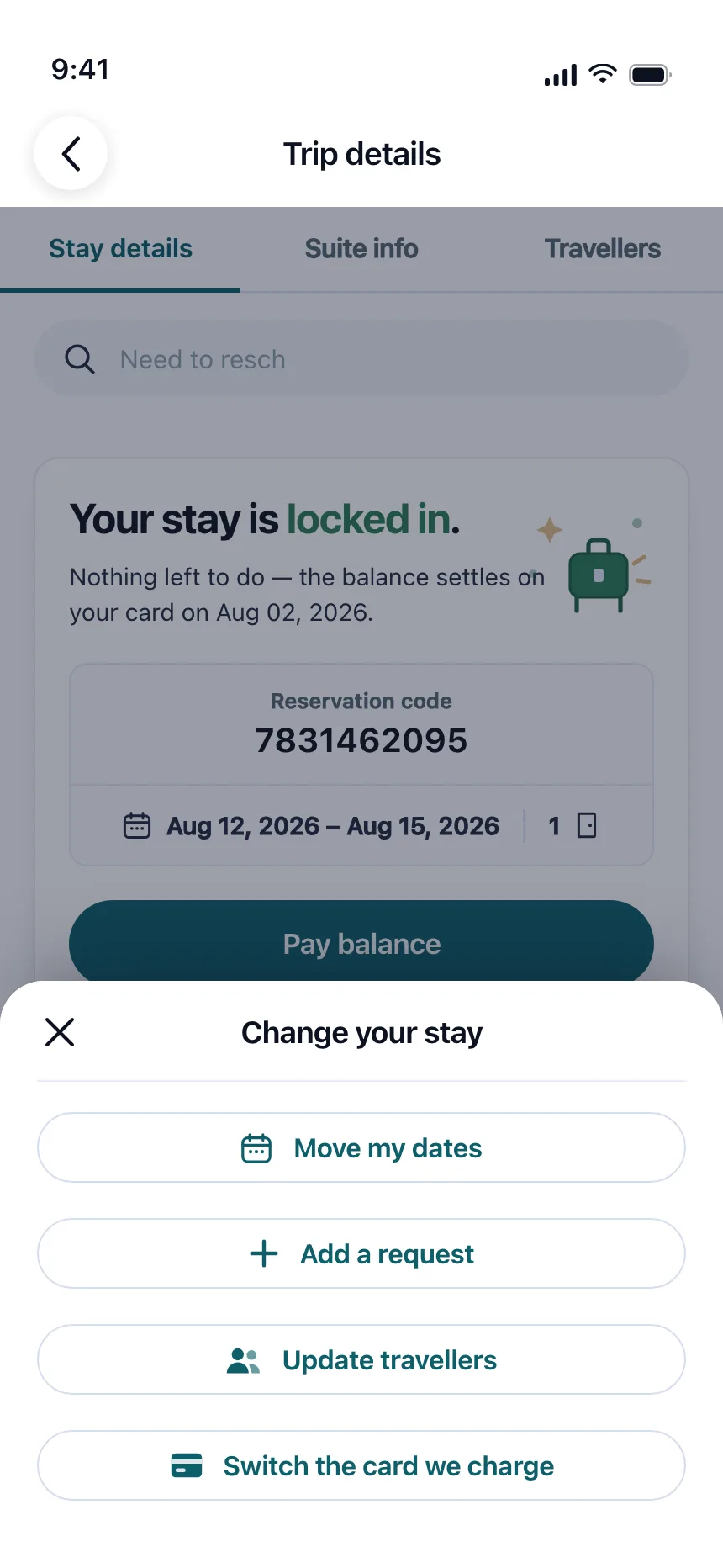
Trips and bookings
Change dates, invite travellers, rename or leave a trip, without leaving the itinerary.
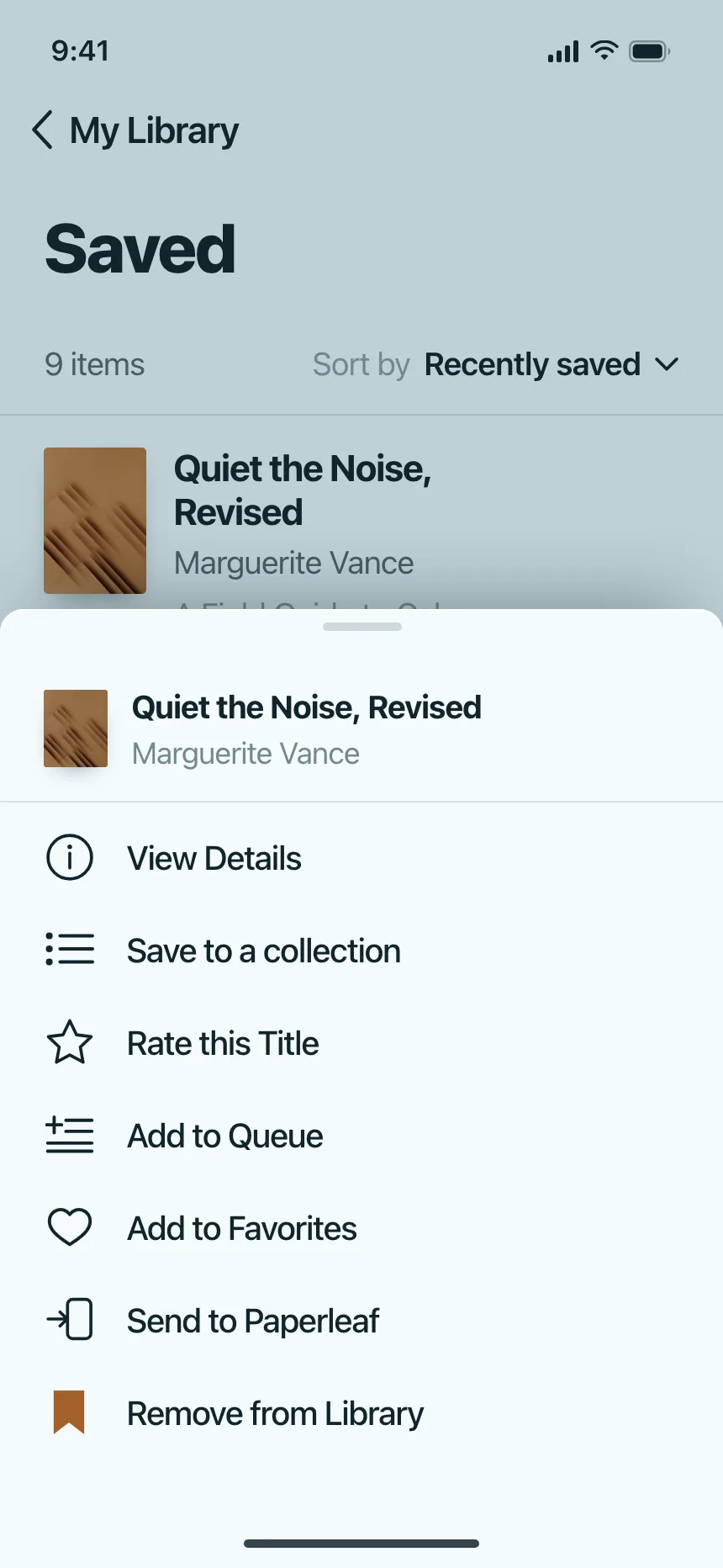
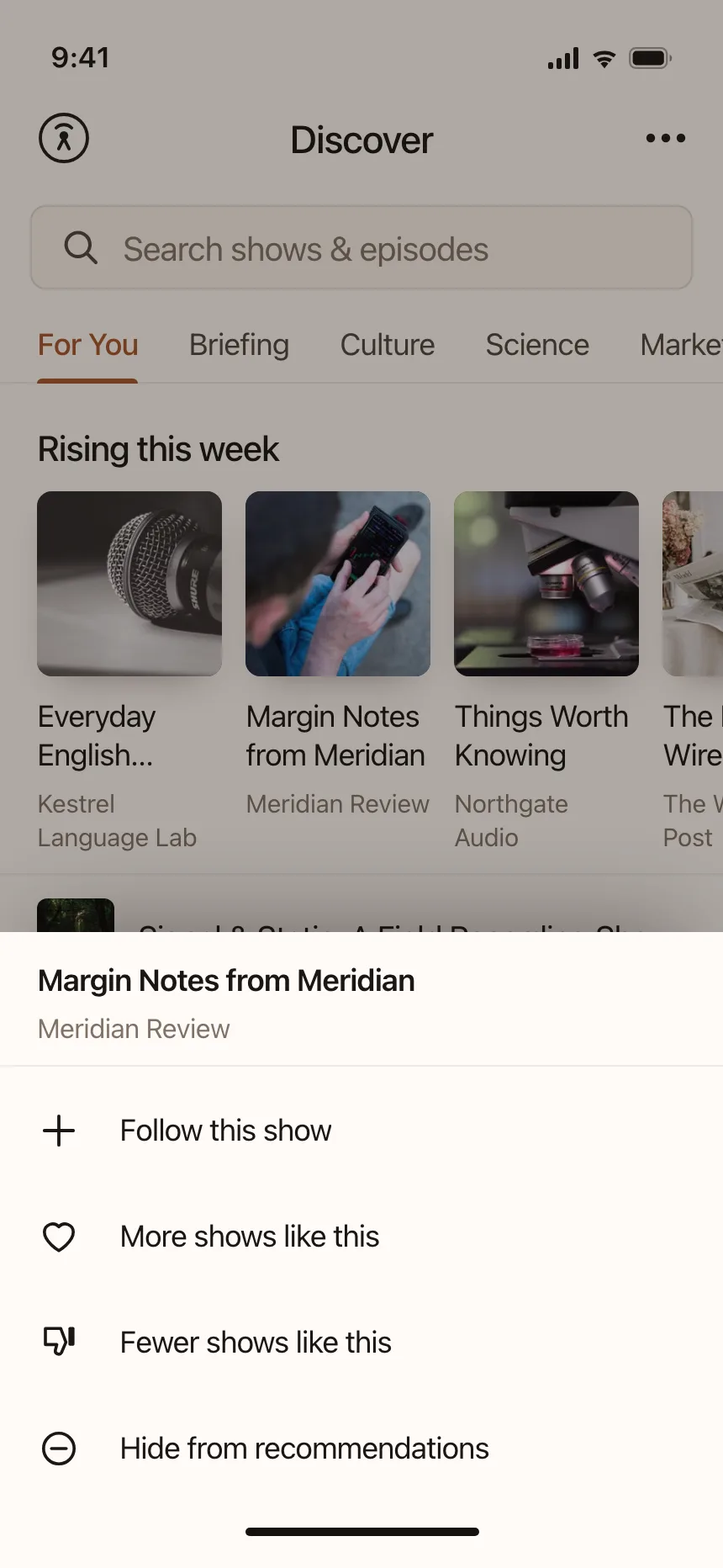
Libraries and saved items
Queue, favourite or remove a saved title, show or file from where it sits in the list.

Action sheet vs similar components
Build notes
- Put Cancel at the bottom, apart from the other choices, and use the title Cancel.
- Style destructive choices in red. Apple places them at the top of the sheet, where they are most noticeable.
- Keep it short enough that it doesn't scroll. Long lists are hard to scan and easy to mis-tap.
- Keep the title to one line, and add a message only when the choice needs explaining.
- On the web, build it as a modal dialog of buttons: role="dialog", aria-modal="true" and a label.
- Move focus to the first choice on open, treat Escape and a tap outside as Cancel, and return focus to the trigger.
FAQ
What's the difference between an action sheet and a bottom sheet?
An action sheet is a kind of bottom sheet that holds only choices: a few buttons and Cancel. A bottom sheet can hold anything, like a form, a map card or a long list.
Action sheet or alert?
Use an action sheet for choices that follow something people chose to do, like discarding a draft, where they can delete it or save it. Use an alert for something unexpected, like a problem they need to know about.
Where should the destructive option go?
Apple puts destructive choices at the top of the sheet, in the destructive red style. Many designs in the gallery put Delete last, just above Cancel. Either way, make it red and keep Cancel separate.
Do action sheets work on the web?
They show up on mobile web, often for post and profile options. On desktop, a dropdown or a context menu next to the item usually works better than a sheet at the bottom of a wide screen.
Related terms
All glossary terms · Browse 50 web and 134 mobile action sheet designs