
Context menu
A context menu opens at the pointer on right-click or long-press and lists the actions for the thing under it.
- Also called
- right-click menu
- Platforms
- Web, Mobile
- In the gallery
- 50 web designs


Context menus from the Kombai gallery: a slide editor's slide menu with review states, a music app's playlist menu and a task app's agenda menu.
What is a context menu?
A context menu is a list of actions that opens right where people right-click, or where they press and hold on a touch screen. Its actions belong to the item under the pointer, like a file, a cell or a message. It has no button of its own, so it works as a shortcut to actions that also live somewhere visible.
- It opens at the pointer or next to the pressed item, and closes after one pick or a click elsewhere.
- Its items change with the target: a cell gets table actions, an image gets image actions.
Context menus show up across canvas, code editor, calendar and chat screens.
When to use a context menu
- Many objects, many actionsCanvases, file browsers and spreadsheets where each item has its own set of actions.
- Speed for frequent usersRight-click saves a trip to a toolbar or an overflow button.
- Long-press on mobileQuick actions on a row, photo or message without opening it.
When not to use one
- As the only way to an actionMany people never right-click. Put every action on a visible button or menu too.
- Ordinary links and textReplacing the browser menu takes away copy, open in new tab and other tools people expect.
- One or two actionsShow them as buttons on the item instead.
Anatomy of a context menu
This one works. Right-click a file, or focus it and press Shift+F10 or the Menu key. Arrow keys move, Right Arrow opens the submenu and Escape closes it.
My drive / Planning
Right-click a file, or focus it and press Shift+F10 or the Menu key.
- Closed
- Open
- Submenu open
- Focused item
- TargetThe item that was clicked
- Menu panelOpens at the pointer
- Menu itemAn action, with its shortcut
- SubmenuMore choices off one item
- SeparatorGroups related actions
- Destructive itemDelete, last and in red
Context menu variants
We sorted every context menu design in the Kombai gallery and found five patterns. Browse all 50 web designs.
1. Long editor menus
Design and diagram tools list every object action, grouped by separators, with the keyboard shortcut beside each one.


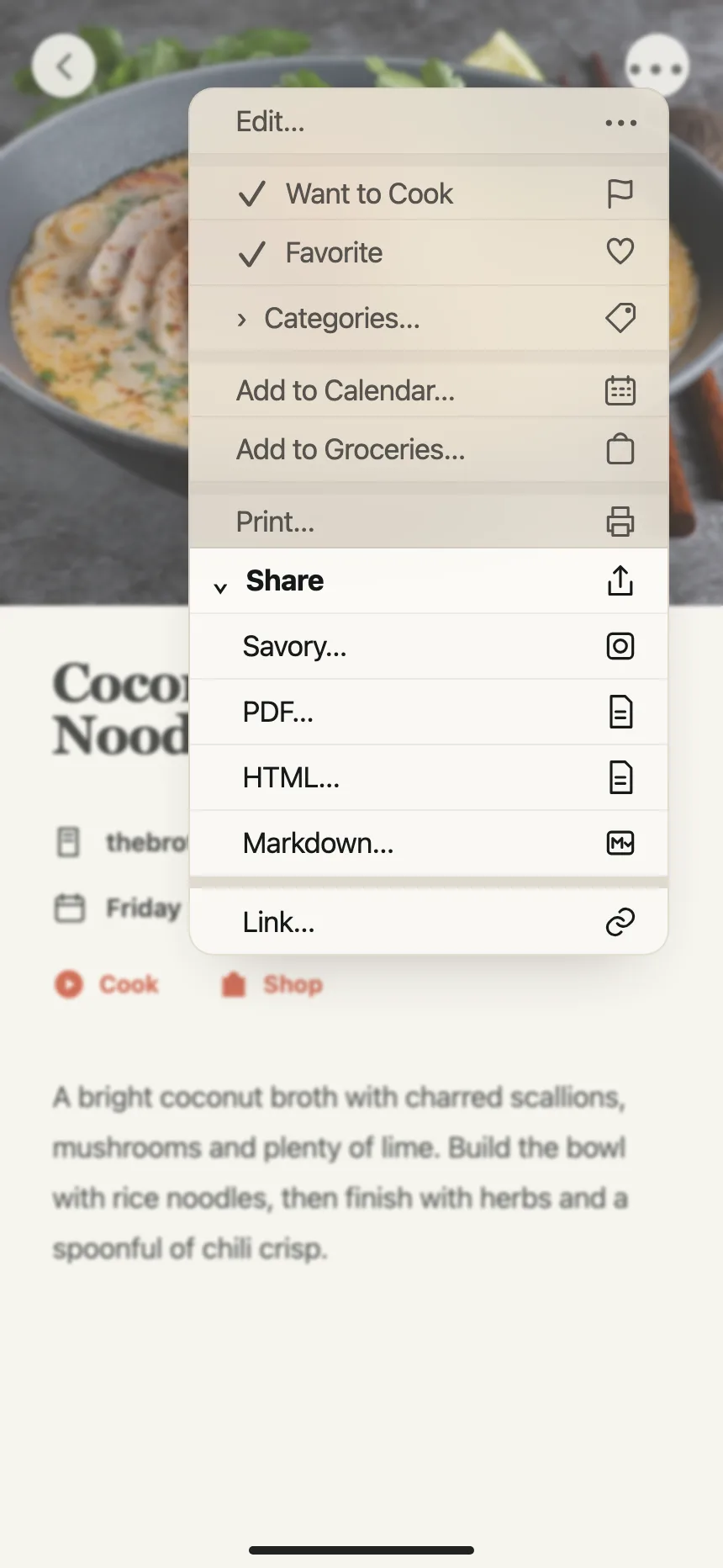
2. Menus with submenus
A chevron on an item opens a second menu beside it, for choices like owner, status, extensions or details.


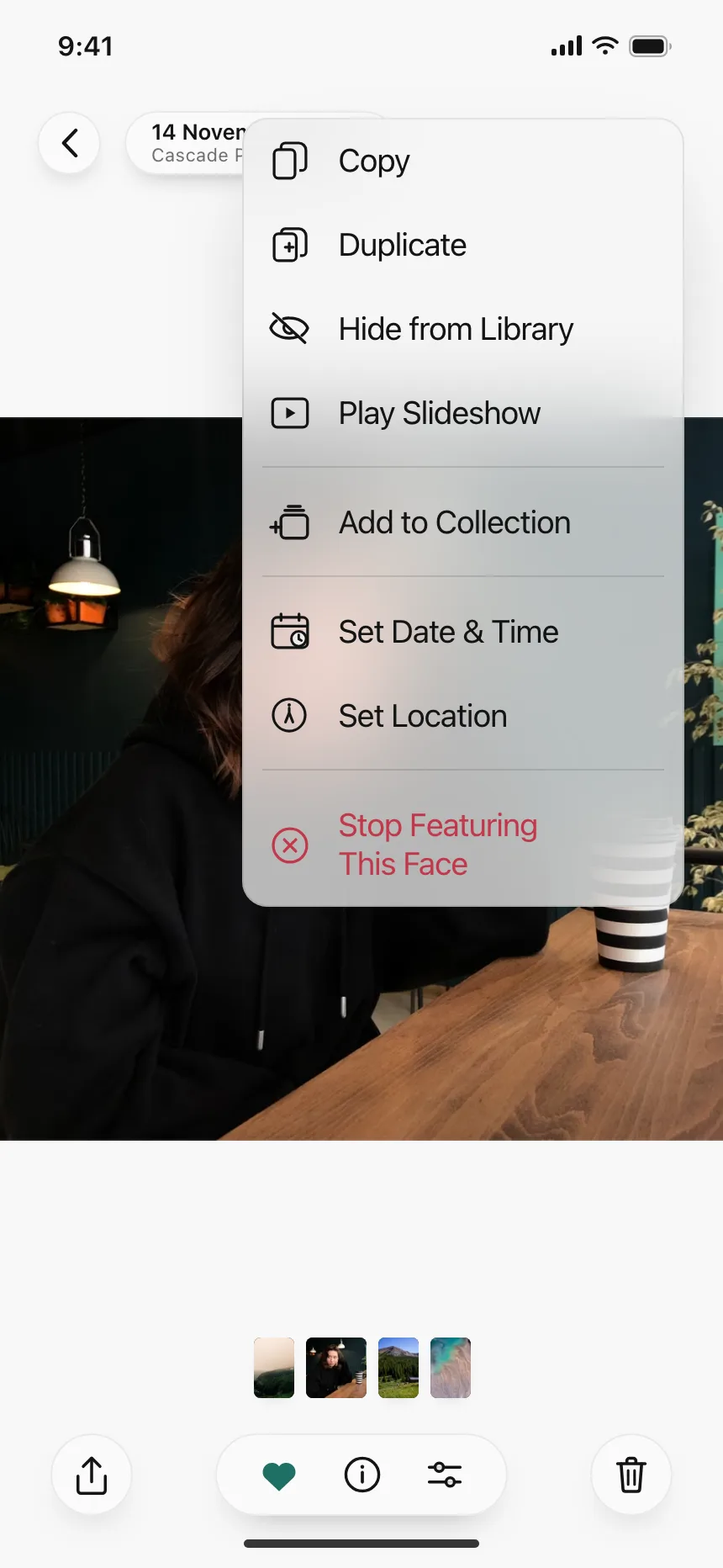
3. Short item menus
A handful of actions for one image, card or board, like copy link, download or delete.


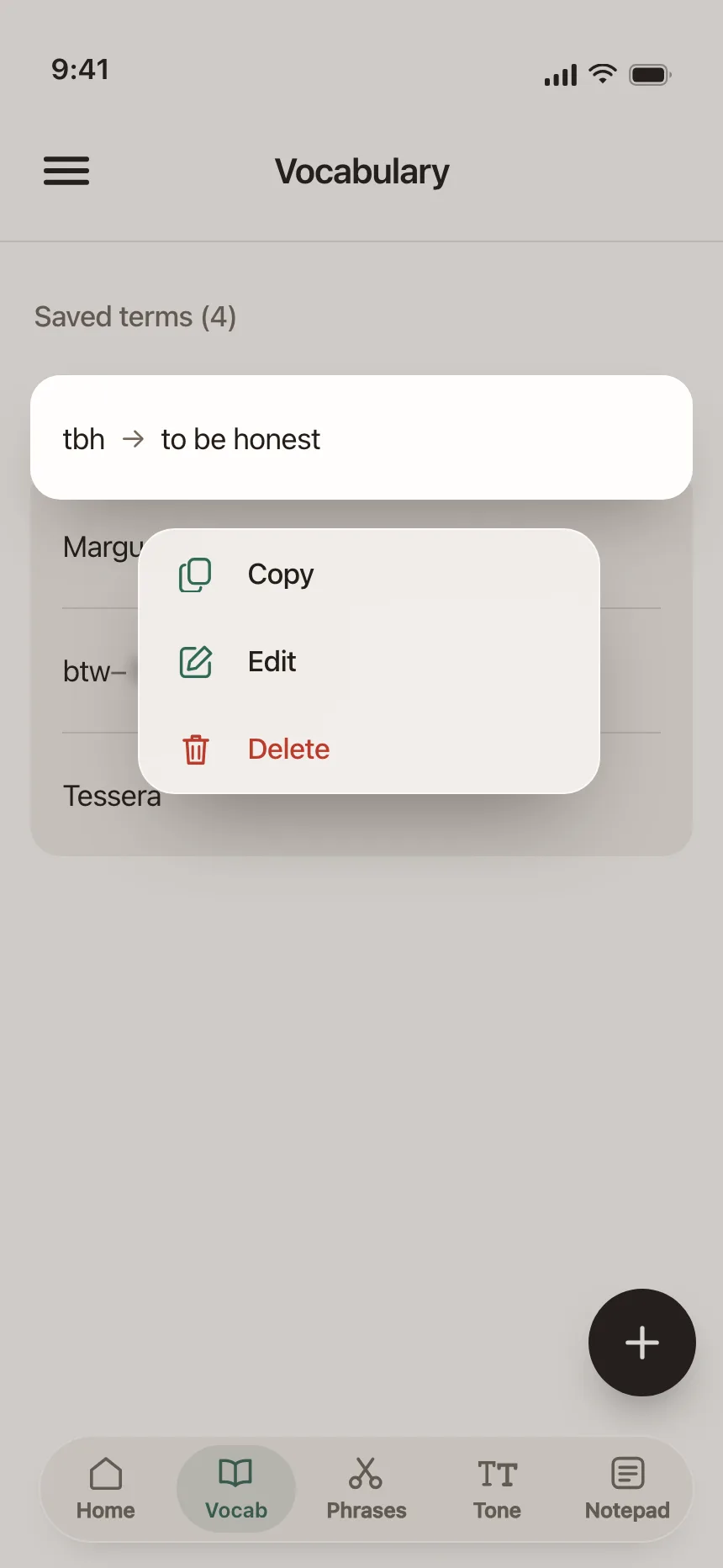
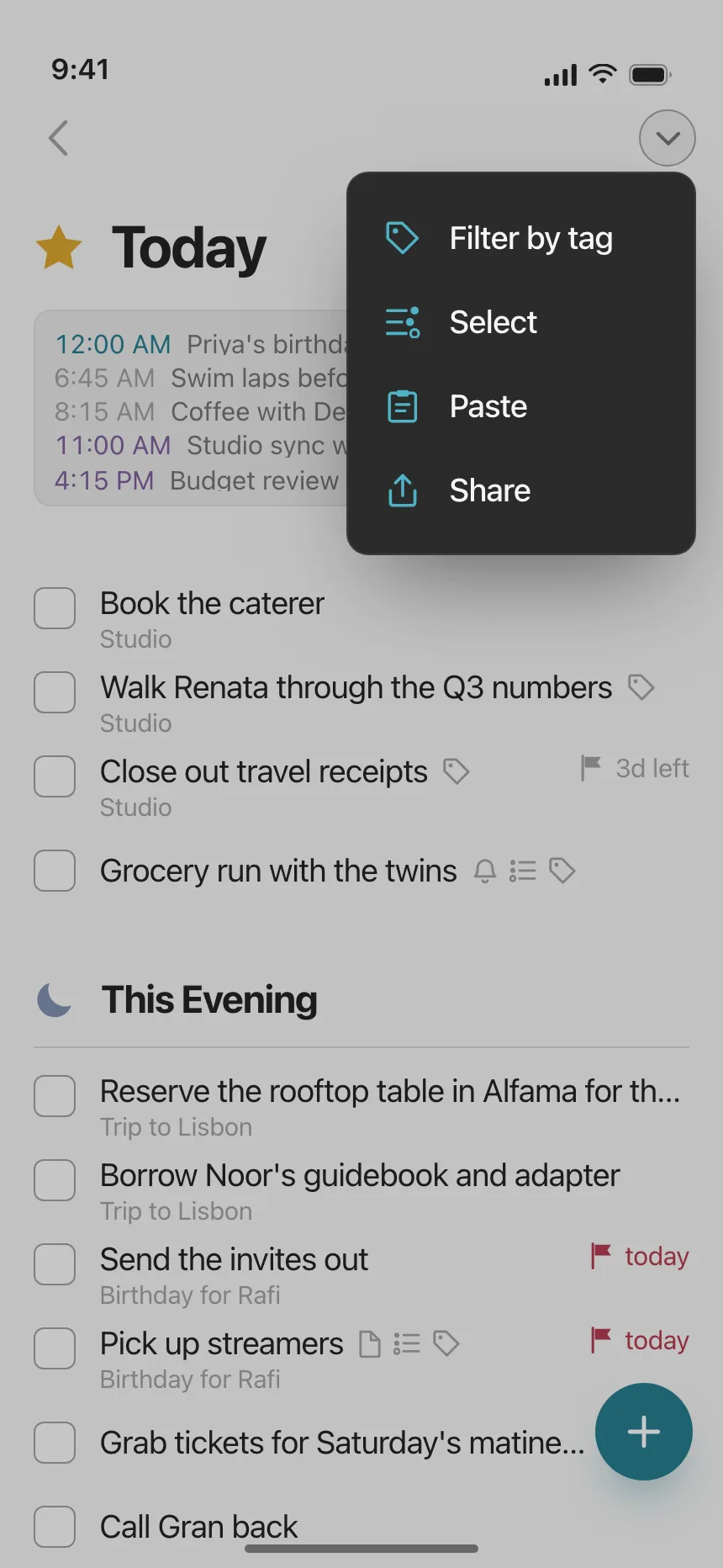
4. Long-press menus on mobile
The pressed item lifts above a dimmed screen with a list of actions next to it.

5. Table and spreadsheet menus
Right-clicking a cell or a column header offers insert, sort, filter and format actions for that row or column.


Where context menus show up
Files and media libraries
Open, rename, share, export and delete on clips, drafts and documents.


Issue trackers and lists
Status, owner, copy link and delete on a ticket, contact or card row.


Chat and communities
Actions on a member, a channel or a message being sent, like mute, pin or send silently.


Context menu vs similar components


Build notes
- Listen for the contextmenu event, which fires on right-click and on the keyboard Menu key or Shift+F10, call preventDefault() and open your menu at the event position.
- Keep the menu inside the viewport: flip it up or left when it would run off the edge.
- Give the panel role="menu" and each action role="menuitem". Move focus to the first item when it opens.
- Up and Down Arrow move, Right Arrow opens a submenu, Left Arrow and Escape close it, and Enter runs the item.
- Close the menu on a pick, a click outside, Escape, scroll or window blur, and return focus to the target.
- Every action in the menu should also be reachable from a visible button, a toolbar or a ••• menu.
FAQ
What's the difference between a context menu and a dropdown menu?
A dropdown menu opens from a button people can see. A context menu has no button: it opens on right-click or long-press, at the item people are pointing at, and shows actions for that item.
How do keyboard users open a context menu?
With the Menu key or Shift+F10 on Windows and Linux. Browsers fire the same contextmenu event for these as for a right-click, so one handler covers both, as long as the target can take focus.
Should a web app replace the browser context menu?
Only on items the app owns, like canvas objects, files or table cells. Leave the browser's menu on links, text and inputs, where people expect copy, paste and open in new tab.
How long should a context menu be?
Short enough to scan. Put the most used actions first, group the rest with separators, move rare choices into submenus and keep Delete at the bottom.
Related terms
All glossary terms · Browse 50 web context menu designs