
Badge
A badge is a small label or count pinned to an item, so people see what is new, how many are waiting or what state it is in.
- Also called
- tag, pill, label, count
- Platforms
- Web, Mobile
- In the gallery
- Coming soon


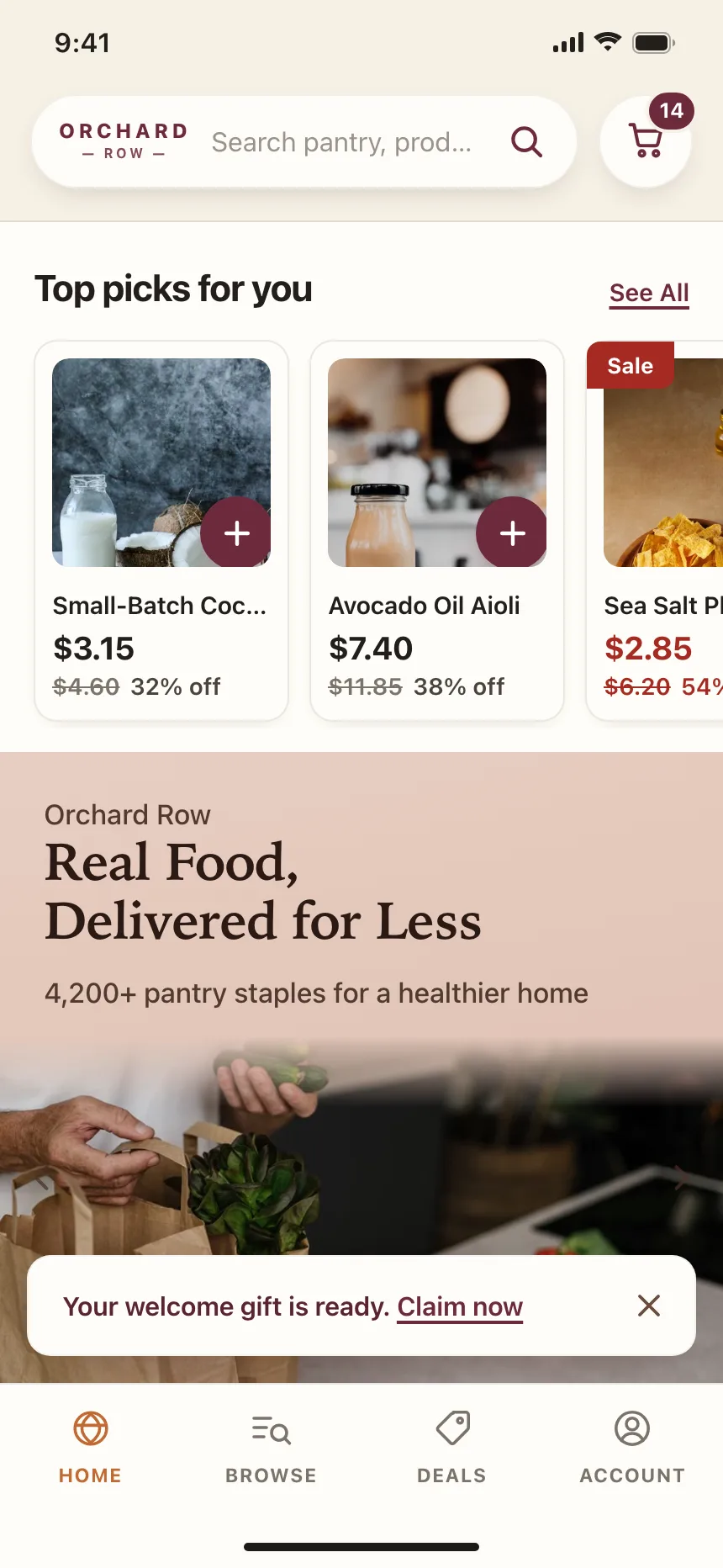
Badges from the Kombai gallery: a social app's New tags on people who just joined, a shop's cart count and sale tags, and a travel agency's trip statuses.
What is a badge?
A badge is a short piece of text or a number in a small shape, attached to something else on the screen. It can count what is waiting, like unread messages, name a state, like Paid or Draft, or flag an item, like New or Most popular. A badge only describes. The thing it is attached to does the work when people tap it.
- It is small and sits on or next to the item it describes, like an icon, a row or a card.
- It carries one word or one number, and the text, not only the color, says what it means.
Badges show up across notifications, billing, pricing and shop screens.
When to use a badge
- Something is waitingUnread messages, items in a cart or tasks assigned to someone.
- Items have a stateInvoices, orders and tasks that move through steps like Draft, Paid or Done.
- One item should stand outA new feature, a recommended plan or a product on sale.
When not to use one
- People need to act on itA badge is a label. If tapping it should do something, use a button or a chip.
- Everything gets oneWhen every row has a badge, none stands out. Keep them for the exceptions.
- The message needs a sentenceExplain a problem in an inline message or a banner, not in a pill.
Anatomy of a badge
This one works. Receive a message to raise the count, open the inbox to clear it and move the invoice through its states.
Billing
- Invoices
- Customers
- ReportsNew
- Count
- Capped
- Dot
- Cleared
- HostThe item the badge describes
- Count badgeA number, capped at 99+
- Status badgeOne word for the state
- Label tagFlags new or featured items
- StatesCount, capped, dot, cleared
Badge variants
We sorted the badge designs we found across the Kombai gallery into five patterns.
1. Count badges
A number on an icon, a tab or a nav item that says how many things are waiting, like unread messages or items in a basket.


2. Status badges
A tinted pill with one word, like Paid, Draft or In review, that tells people where an invoice, order or task stands.


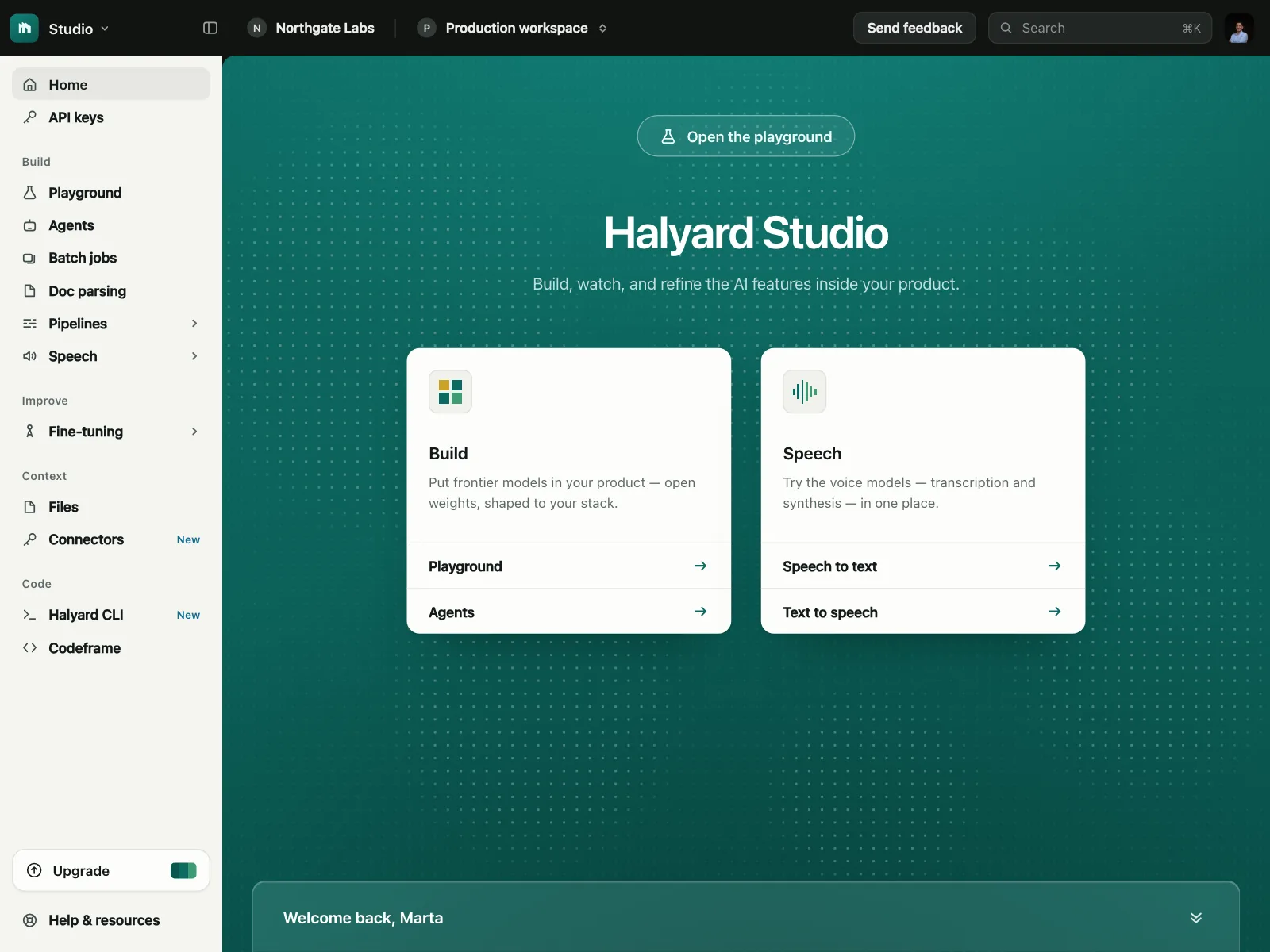
3. New and Beta tags
A small tag beside a menu item or setting that points out something people have not tried yet.


4. Highlight badges
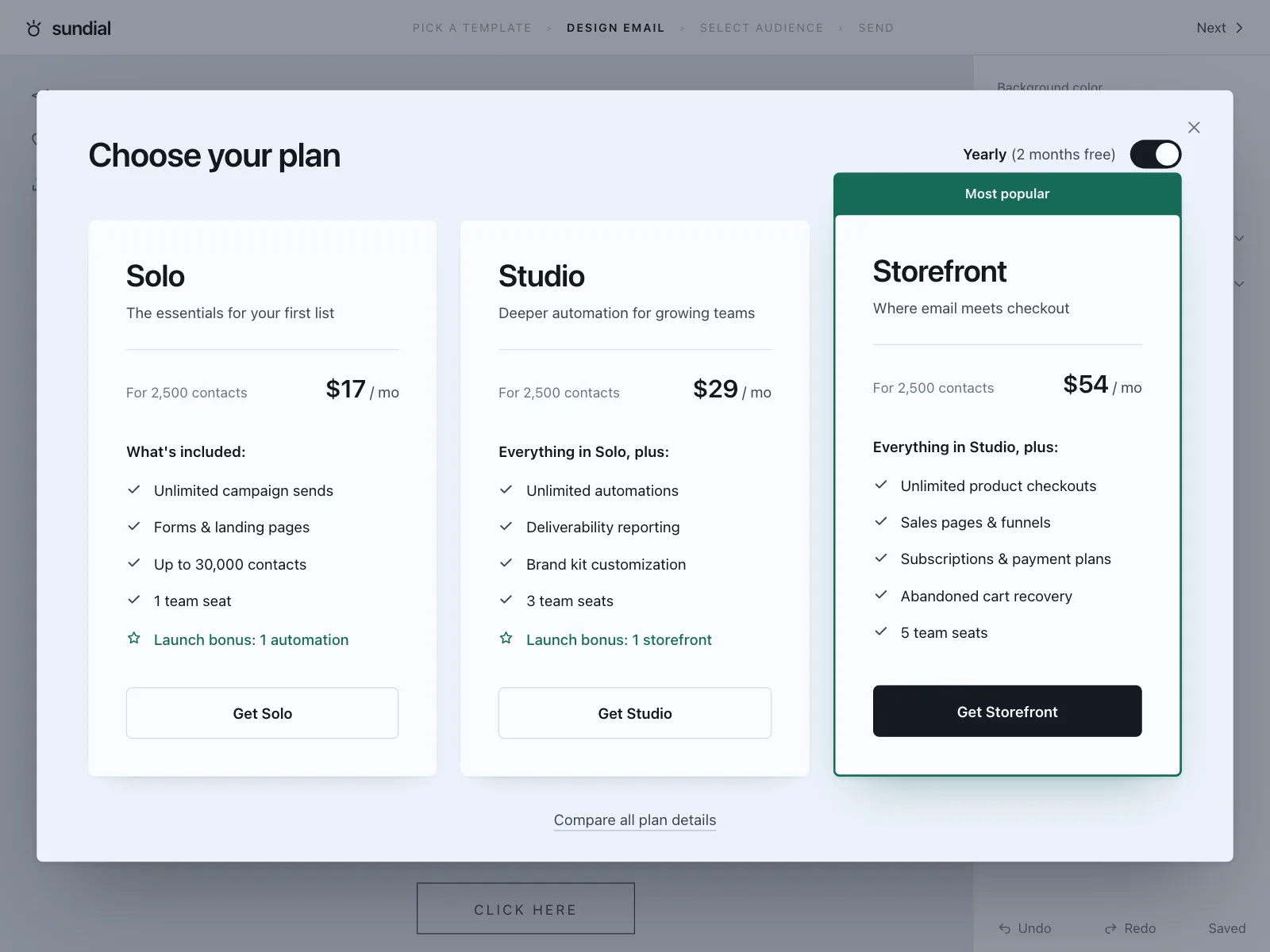
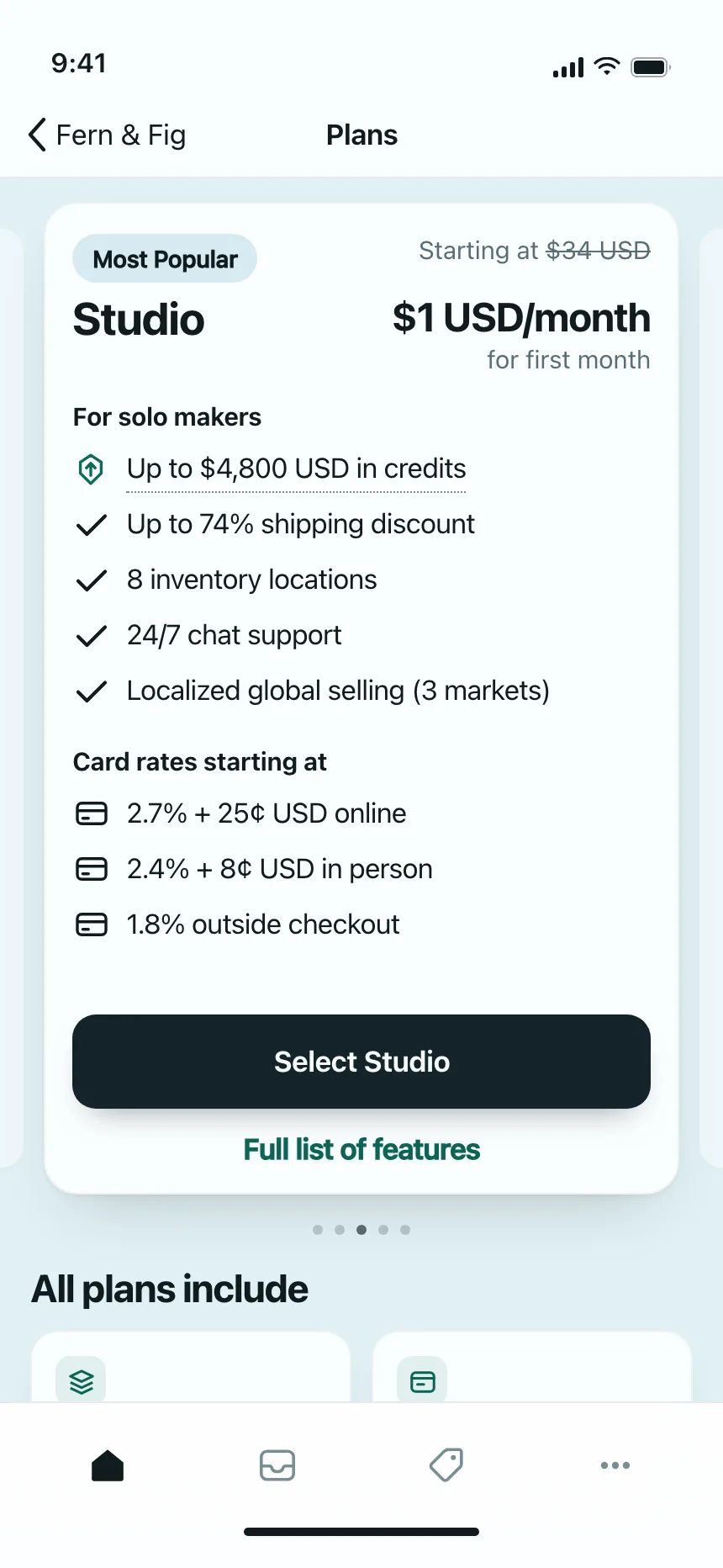
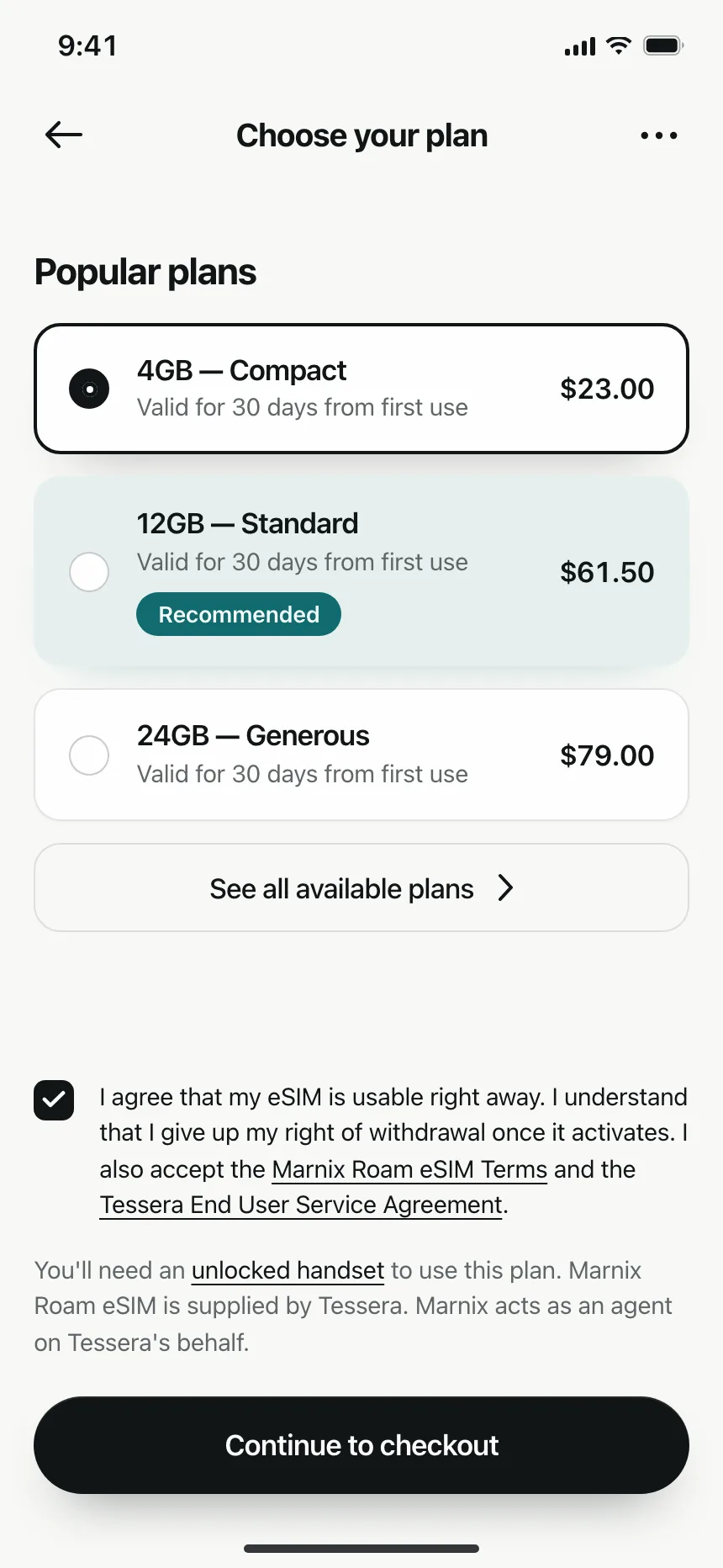
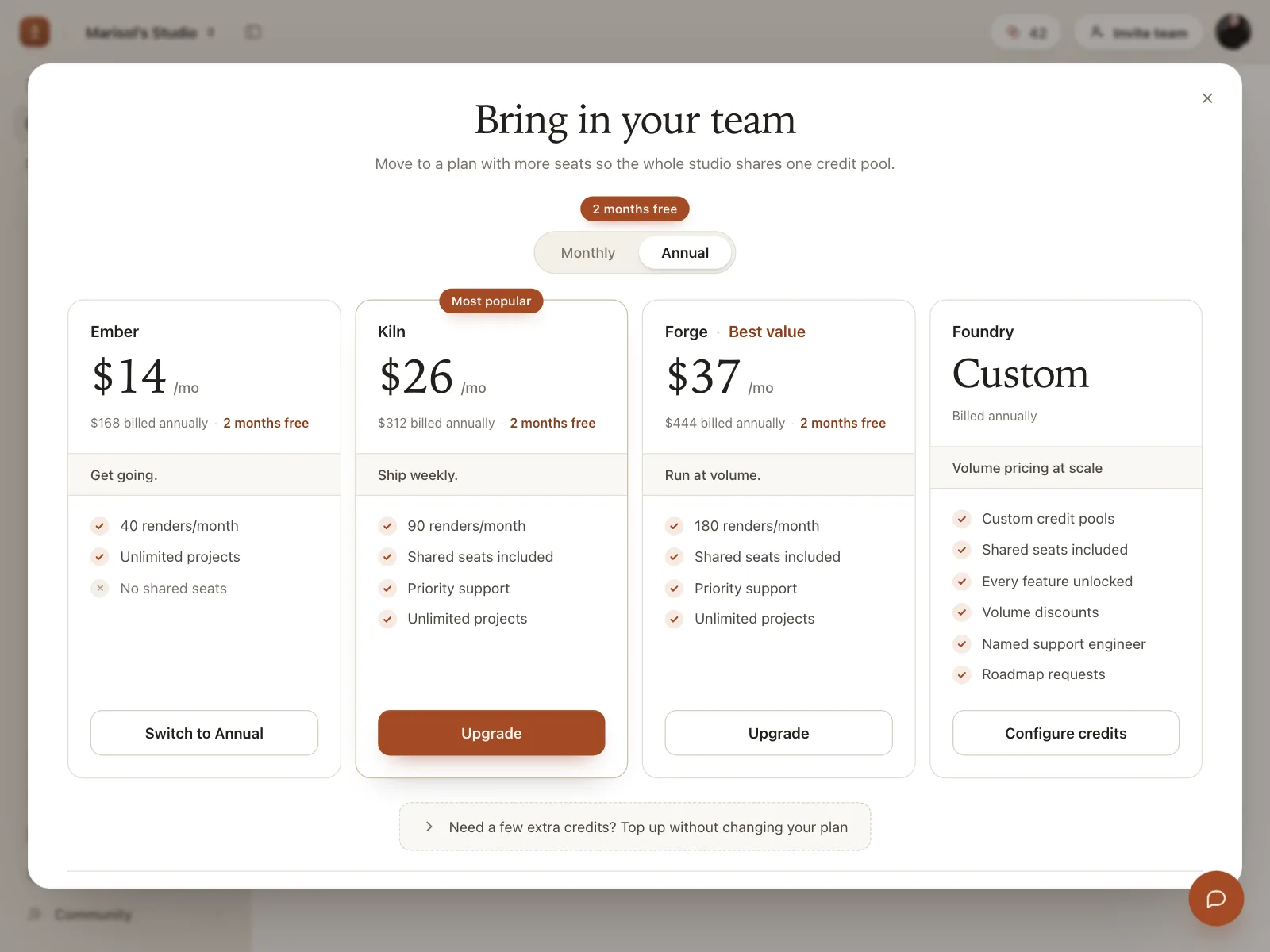
Most popular, Best value or Recommended, set on the edge of one plan or option to steer the choice.
5. Discount badges
A percent off or a Sale tag on a product or plan, usually next to the struck-through price.


Where badges show up
Inboxes and notifications
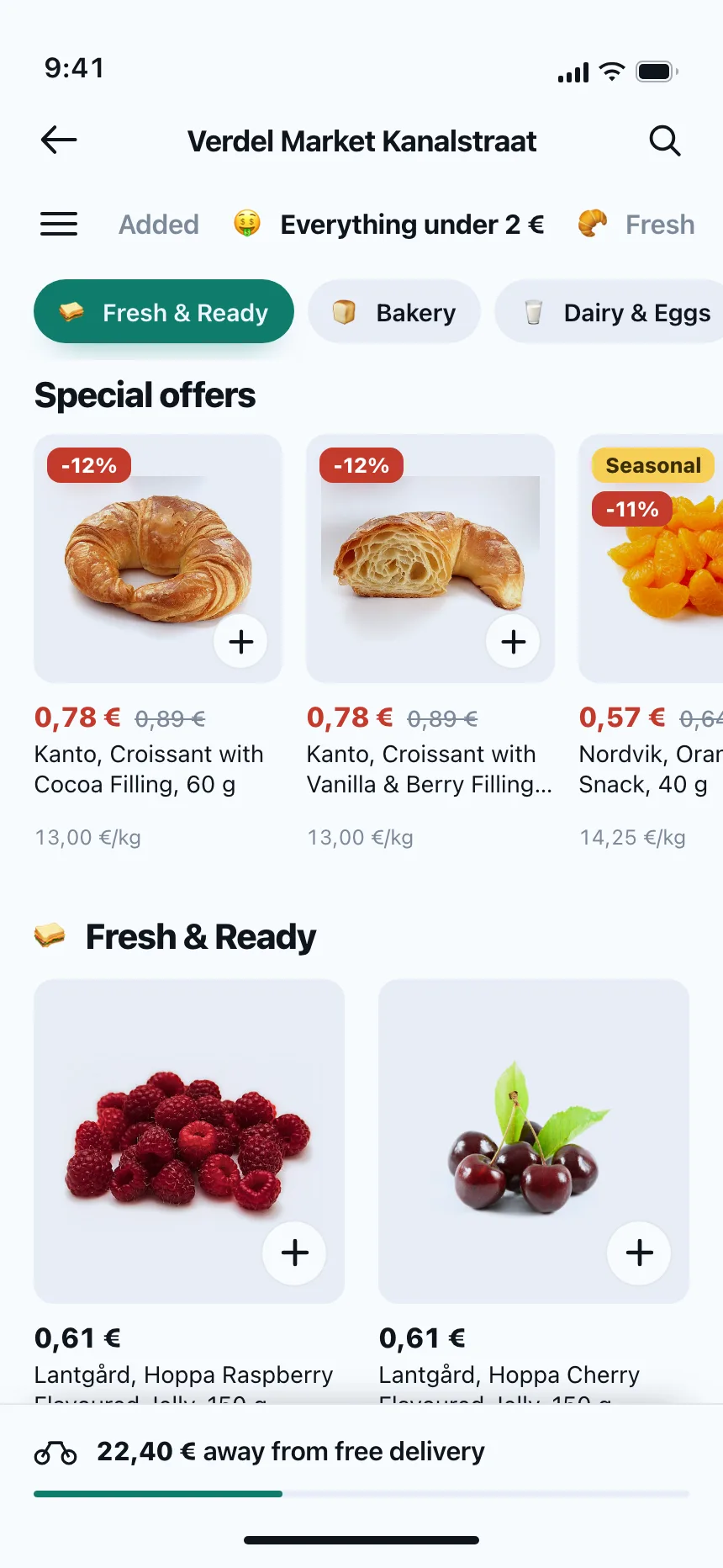
Counts on the inbox, the bell and each conversation, so people know where new messages are before they open anything.


Shop listings
Sale, Sold out, New and Featured tags on product and listing cards, read at a glance while people scroll.


Plans and memberships
PRO marks on paid members and Save or Best value tags on the plans people are choosing between.


Badge vs similar components

Build notes
- Render a badge as a plain <span>. It describes something, so it is not a button and takes no keyboard focus.
- Put the count in the accessible name of the control it sits on, like aria-label="Inbox, 3 unread", rather than reading "3" on its own.
- Cap counts, for example at 99+, so the badge keeps its size and does not cover the icon.
- When a count changes while people watch, announce it through a polite live region, so screen reader users hear it too.
- Don't rely on color alone. Write the state, like Paid or Overdue, and keep text contrast at 4.5:1 against the badge fill.
- Hide a count badge at zero, rather than showing a 0.
FAQ
What's the difference between a badge and a chip?
A badge only describes something, like a count or a status, and nothing happens when people tap it. A chip is a control: people tap it to filter a list, pick an option or remove a tag. If it needs a hover or a pressed state, it is a chip.
Should a count badge show the exact number?
Up to a point. Exact counts help when the number is small and people act on each item, like unread messages. Above a limit, such as 99, show 99+ so the badge stays small. When the number does not matter, a plain dot that says something new is waiting is enough.
How do screen readers read a badge?
They read its text where it sits in the page, so a lone "3" next to a bell means little. Give the bell button a name that includes the count, like "Notifications, 3 unread", and hide the visual number from assistive tech with aria-hidden so it is not read twice.
Are badges and achievement badges the same thing?
No. In interface design a badge is the small label or count on an item. Achievement badges are rewards people earn in games and learning apps, closer to an icon or an illustration.