
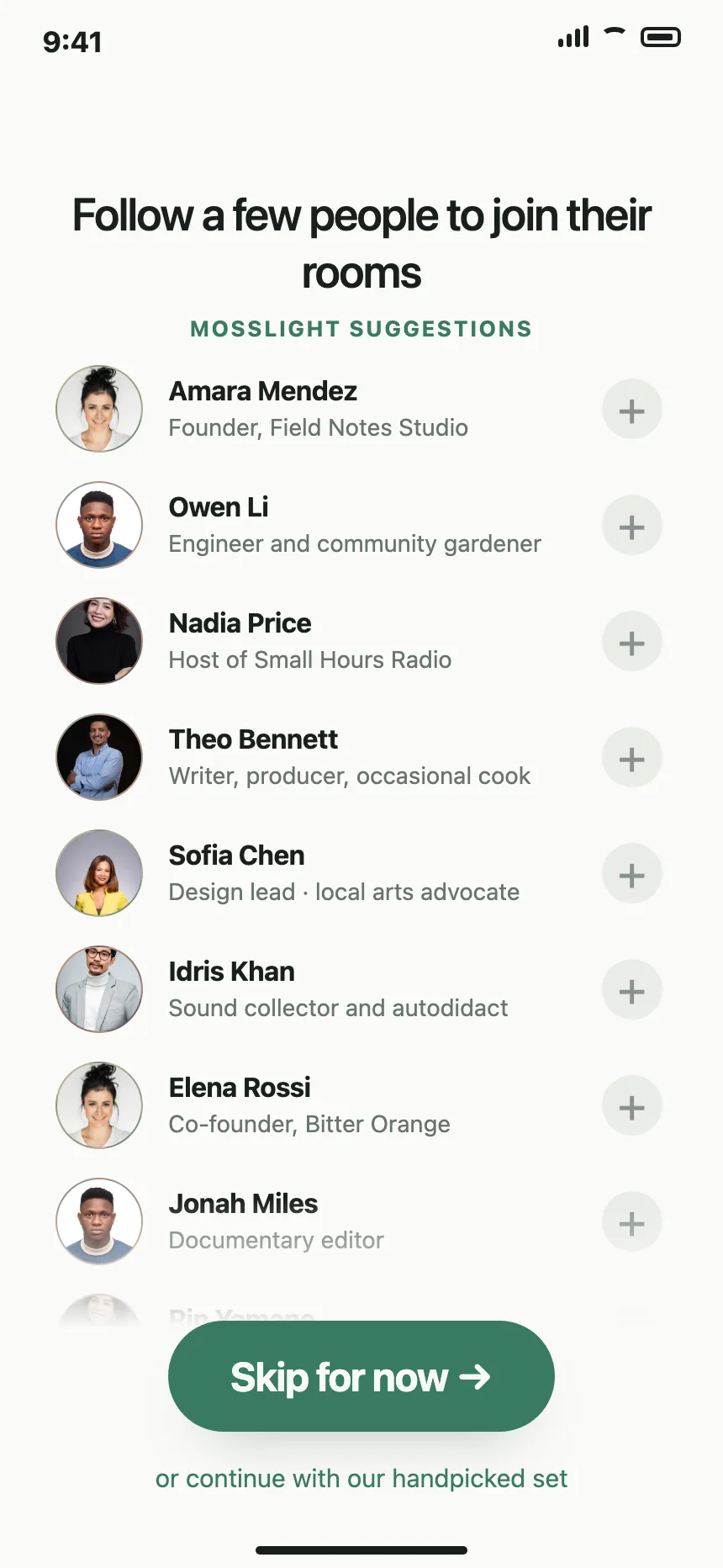
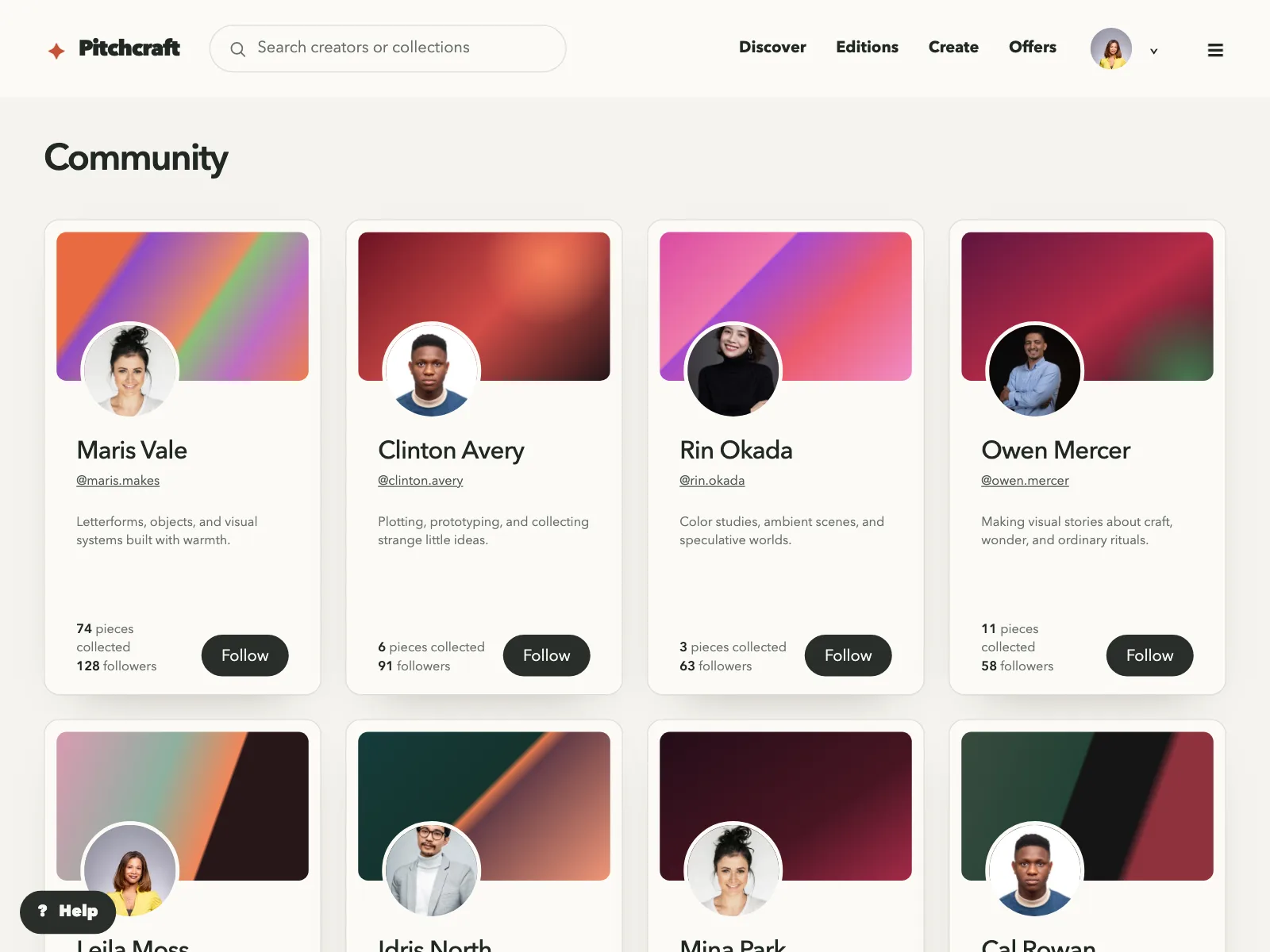

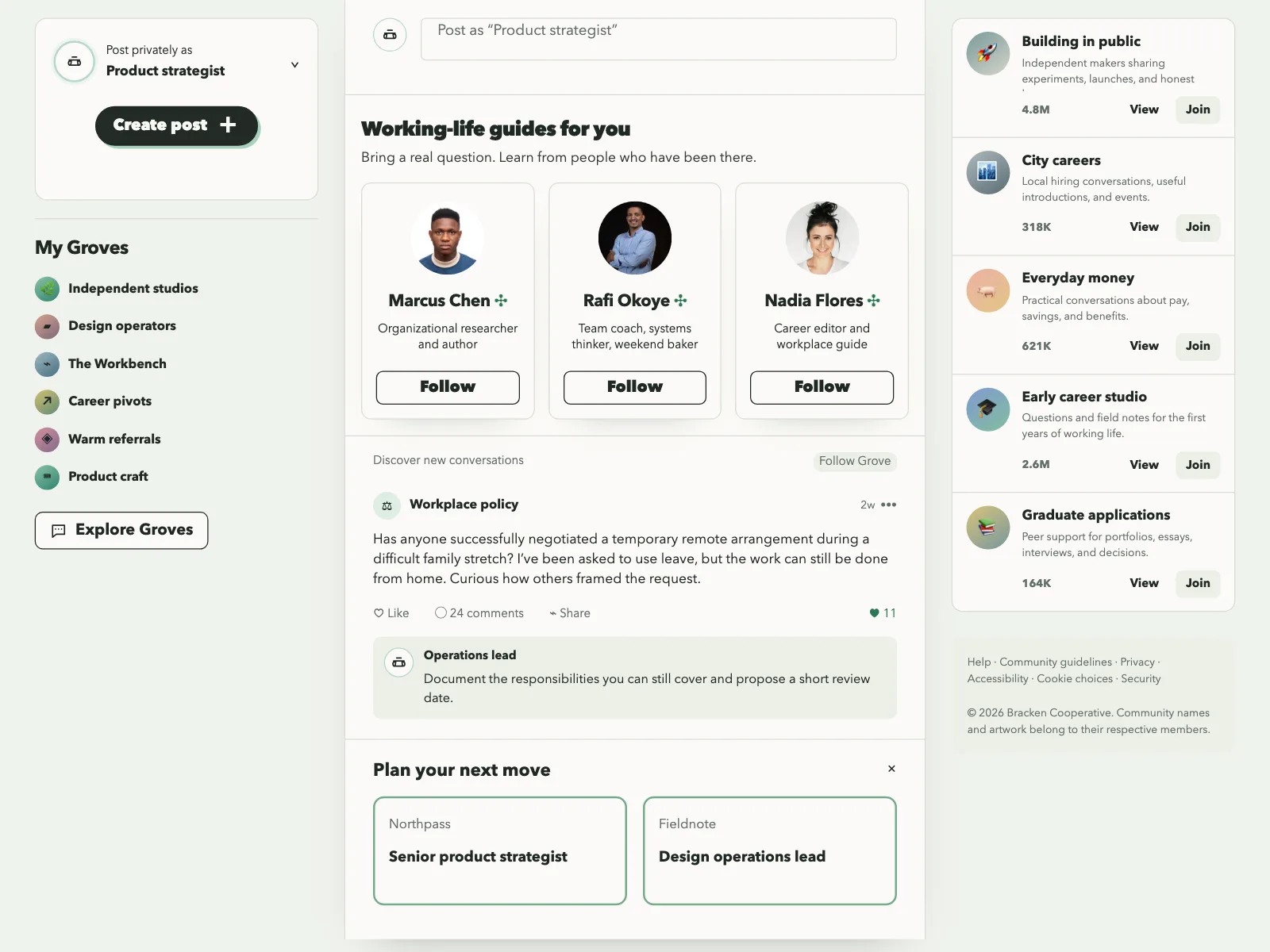
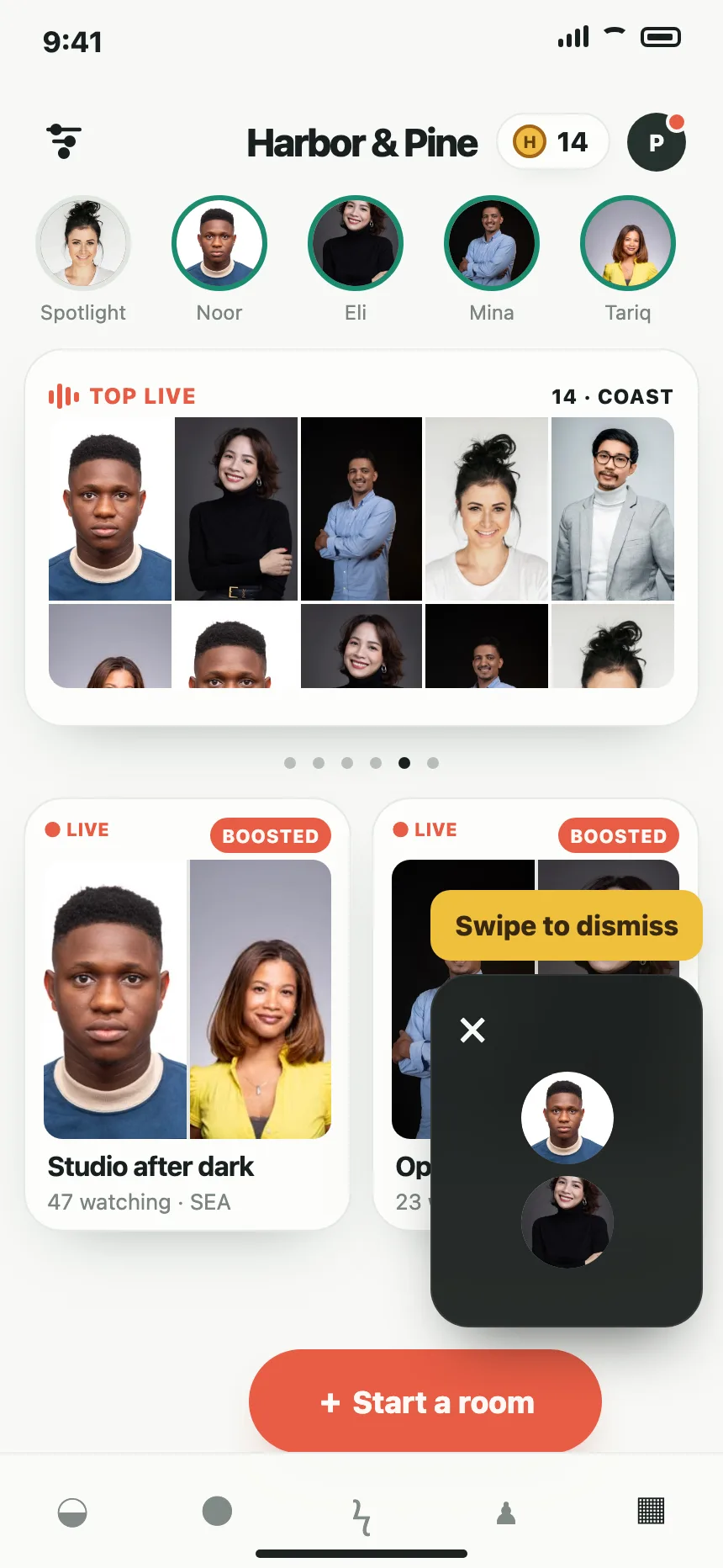
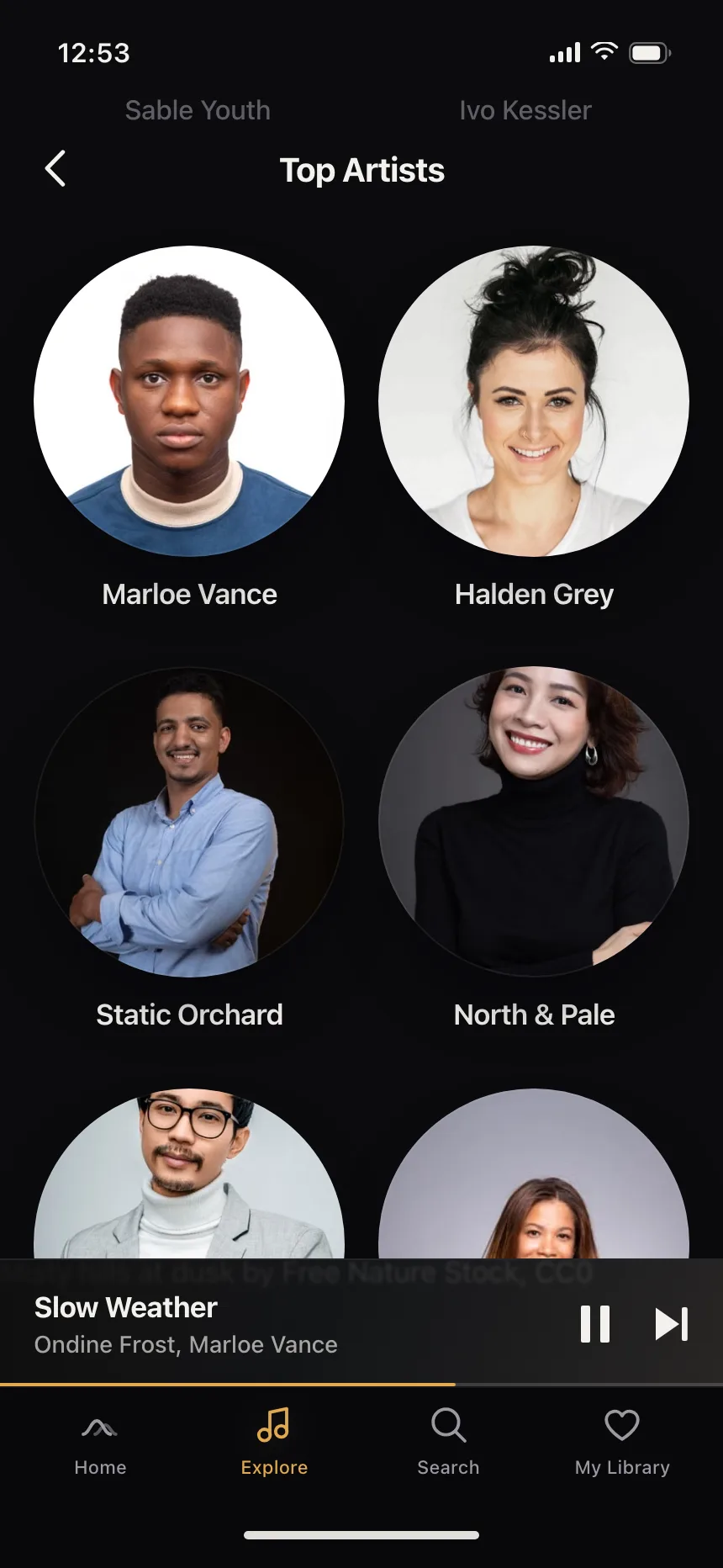
Avatars from the Kombai gallery: a social rooms app's follow suggestions, a collecting platform's creator directory and a streaming app's profile picker.
What is an avatar?
An avatar is a small image that identifies who did something or who something belongs to. It is usually a profile photo cropped to a circle, with the person's initials on a colored background when there is no photo, and it often carries a small badge for status.
- The same person gets the same avatar everywhere, so people learn to spot them.
- Circles usually mean people; rounded squares often mean teams, workspaces or brands.
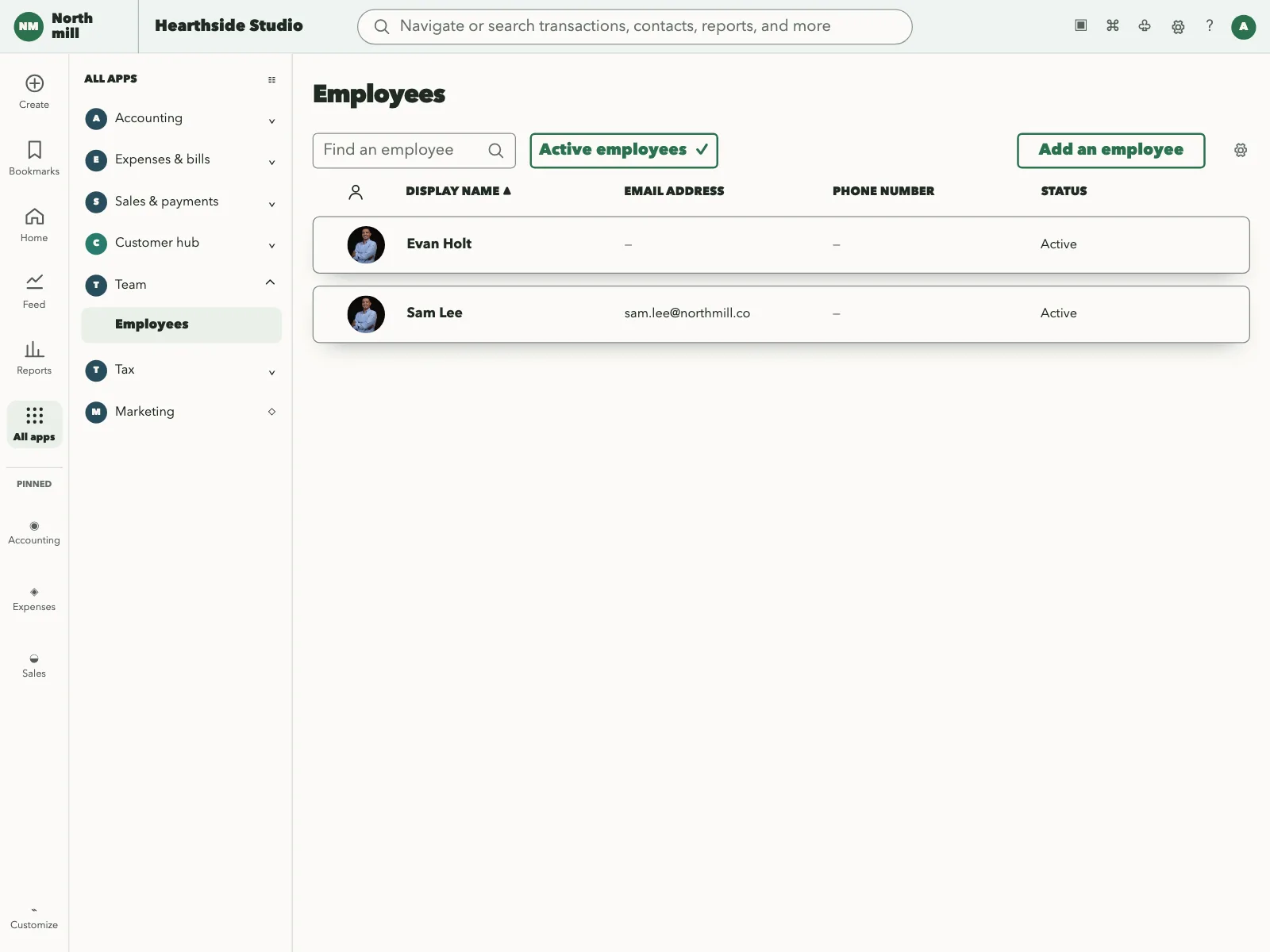
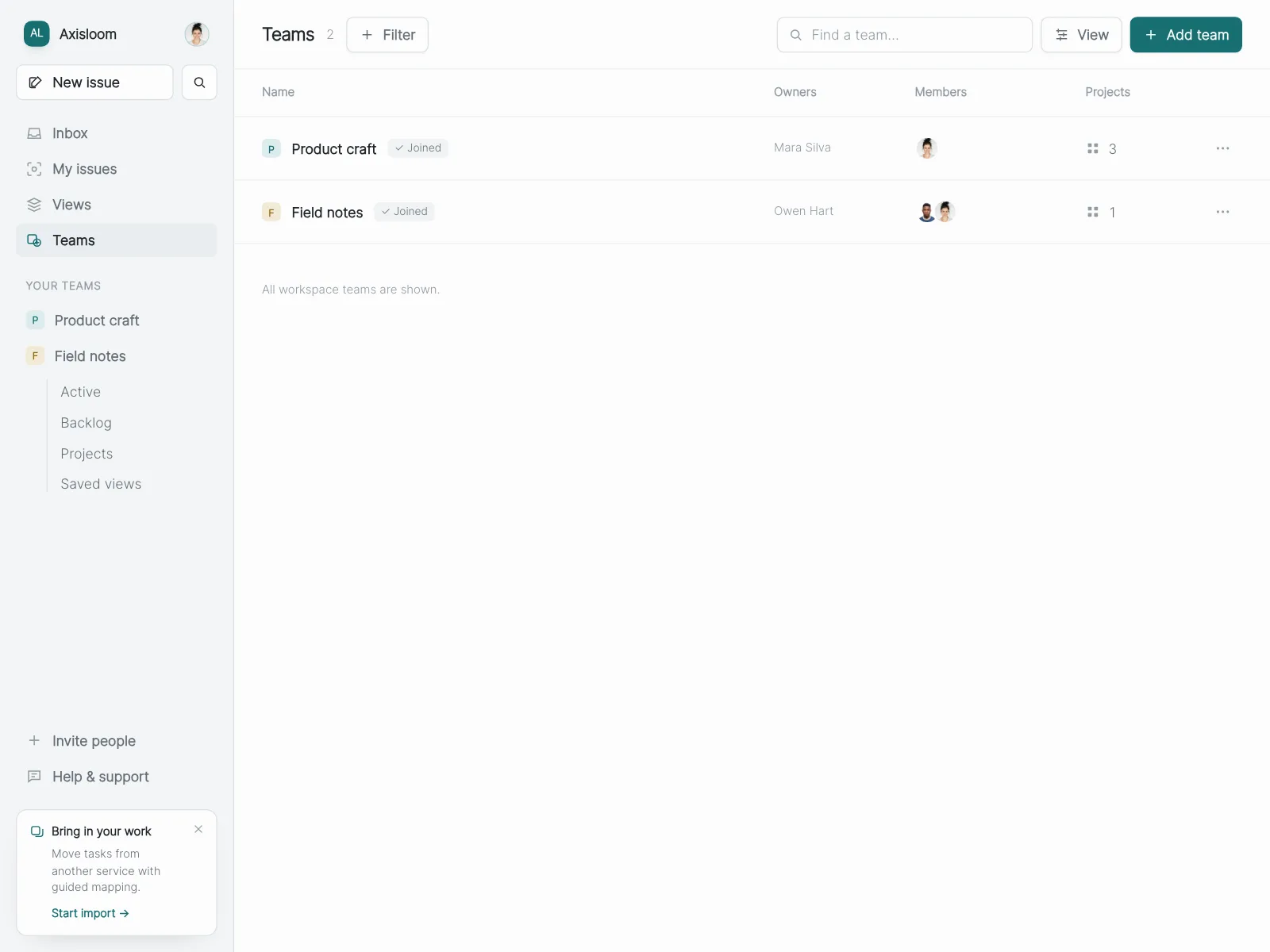
Avatars show up across user profile, settings, testimonial and followers screens.
When to use an avatar
- Showing whoAuthors of comments, senders of messages and owners of tasks.
- Lists of peopleMembers, followers and search results, where a face is faster to spot than a name.
- The account menuThe signed-in person's avatar is the button that opens their settings.
When not to use one
- Content that is not about peopleFiles and features need icons, not faces.
- Avatars without namesOutside of stacks, print the name next to the avatar. Faces alone are hard to tell apart.
- Large photosA full profile photo or a hero image is an image, not an avatar.
Anatomy of an avatar
This one works. Change the status, swap the photo for initials, or open the rest of the team from the +3.
- Maya ChenDesign lead
- Jonah OrtizProduct designer
- Priya RamanResearcher
- Rhea KimIllustrator
- Sam LeeMotion designer
- Theo BrandtDesign engineer
- Ines ParkContent designer
- Photo
- Initials
- Empty
- Keyboard focus
- ImageA photo, cropped to a circle
- InitialsThe fallback with no photo
- Status badgeOnline, away or busy
- GroupOverlapping, with a +N count
- StatesPhoto, initials, empty, focus
Avatar variants
We sorted every avatar design in the Kombai gallery and found six patterns. Browse all 55 web and 35 mobile designs.
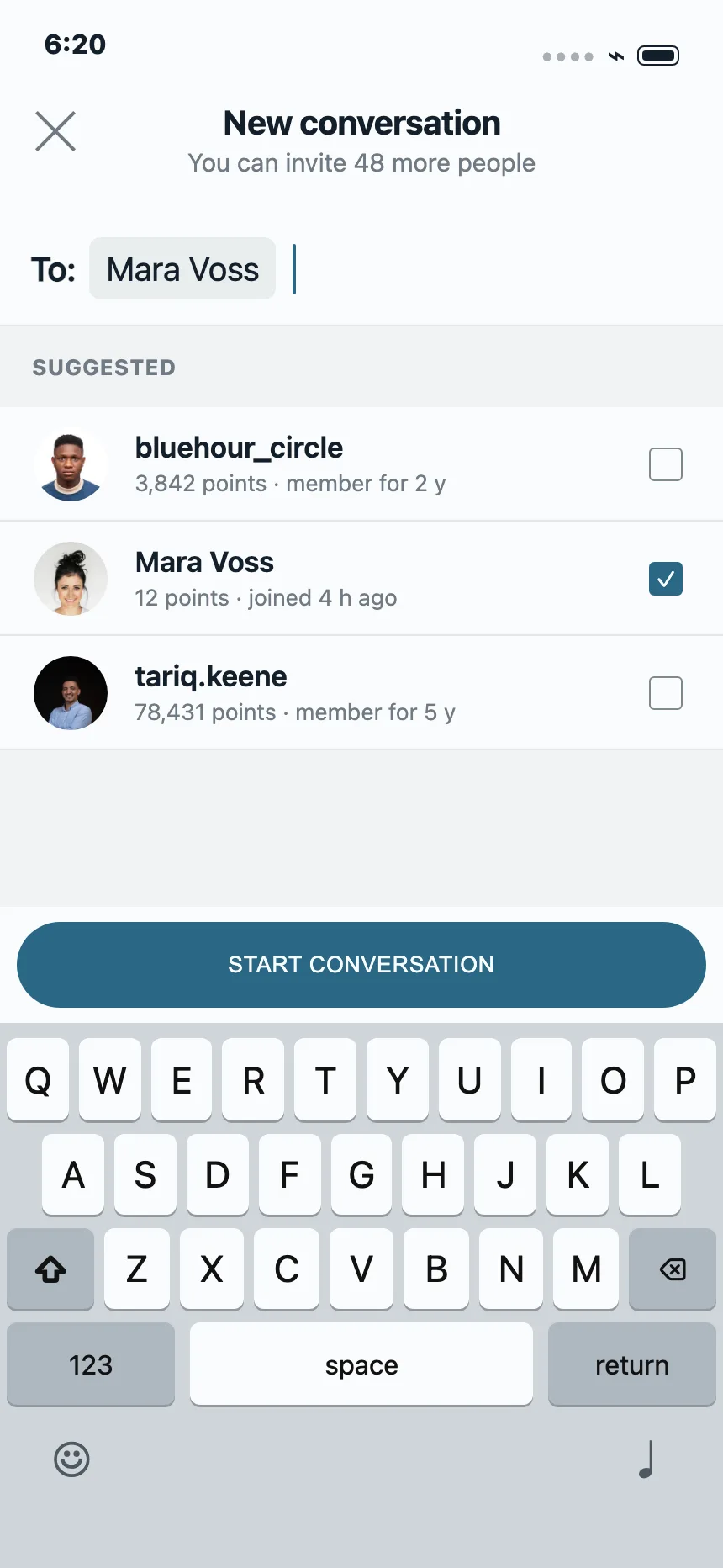
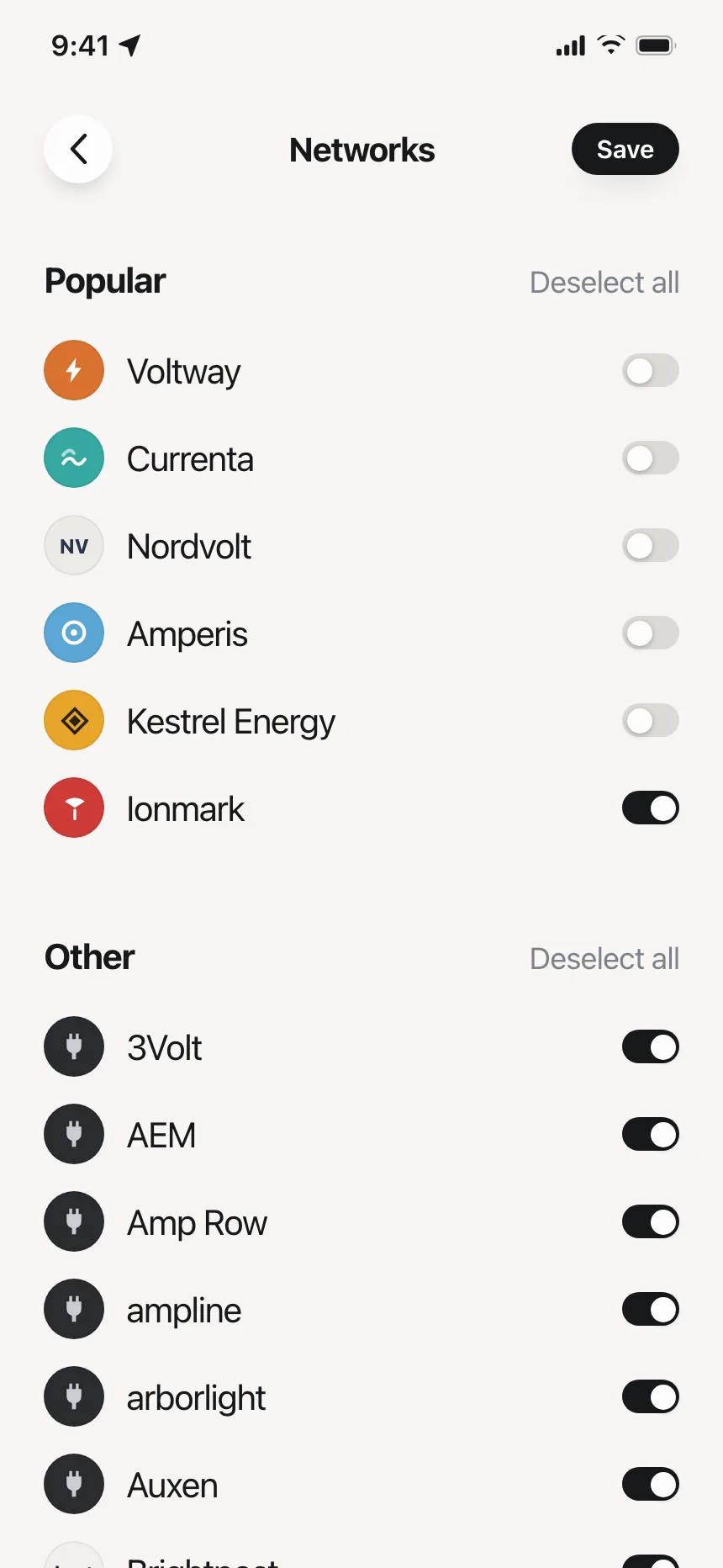
1. Photo avatars in rows
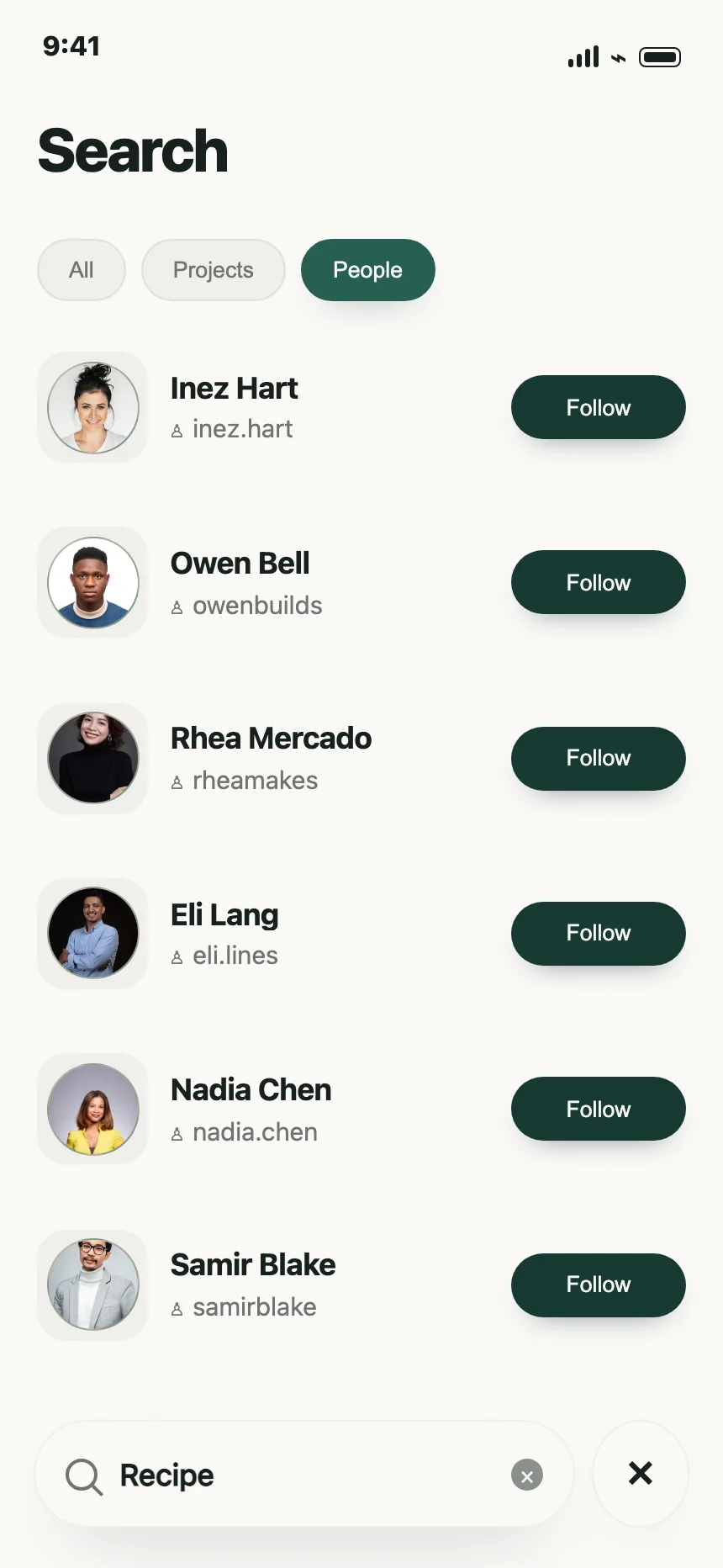
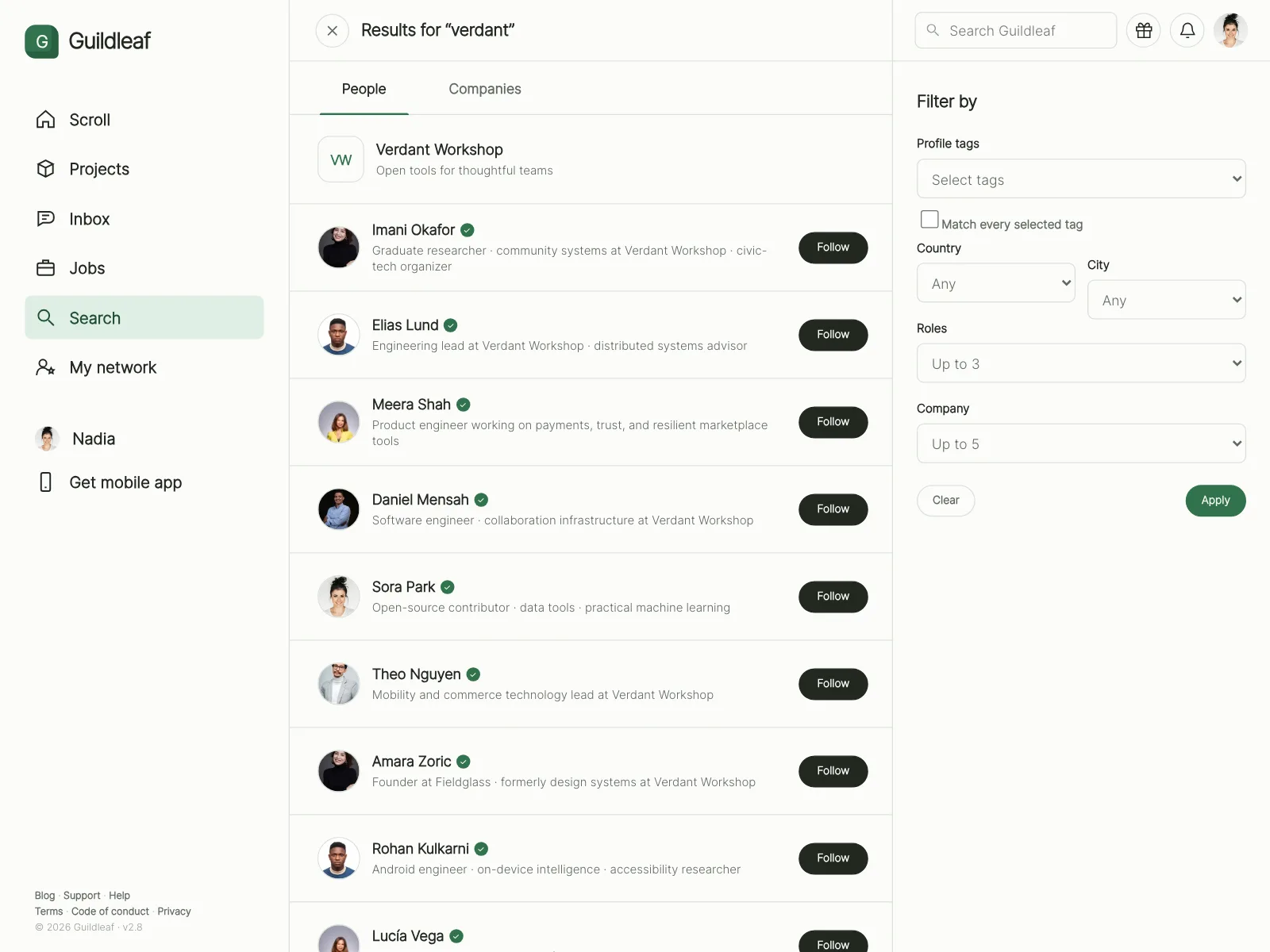
A round photo leading a row with a name, a handle and an action like Follow or a checkbox.
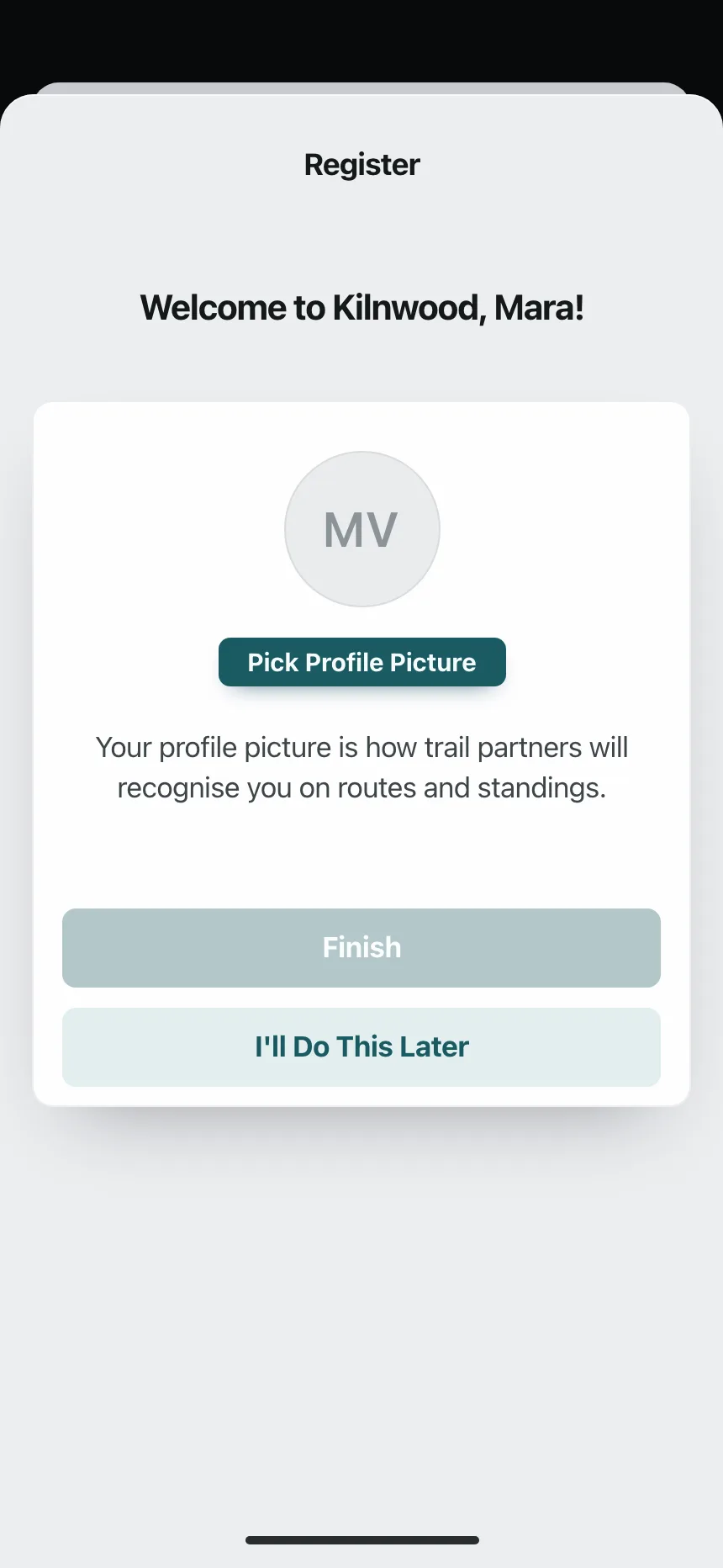
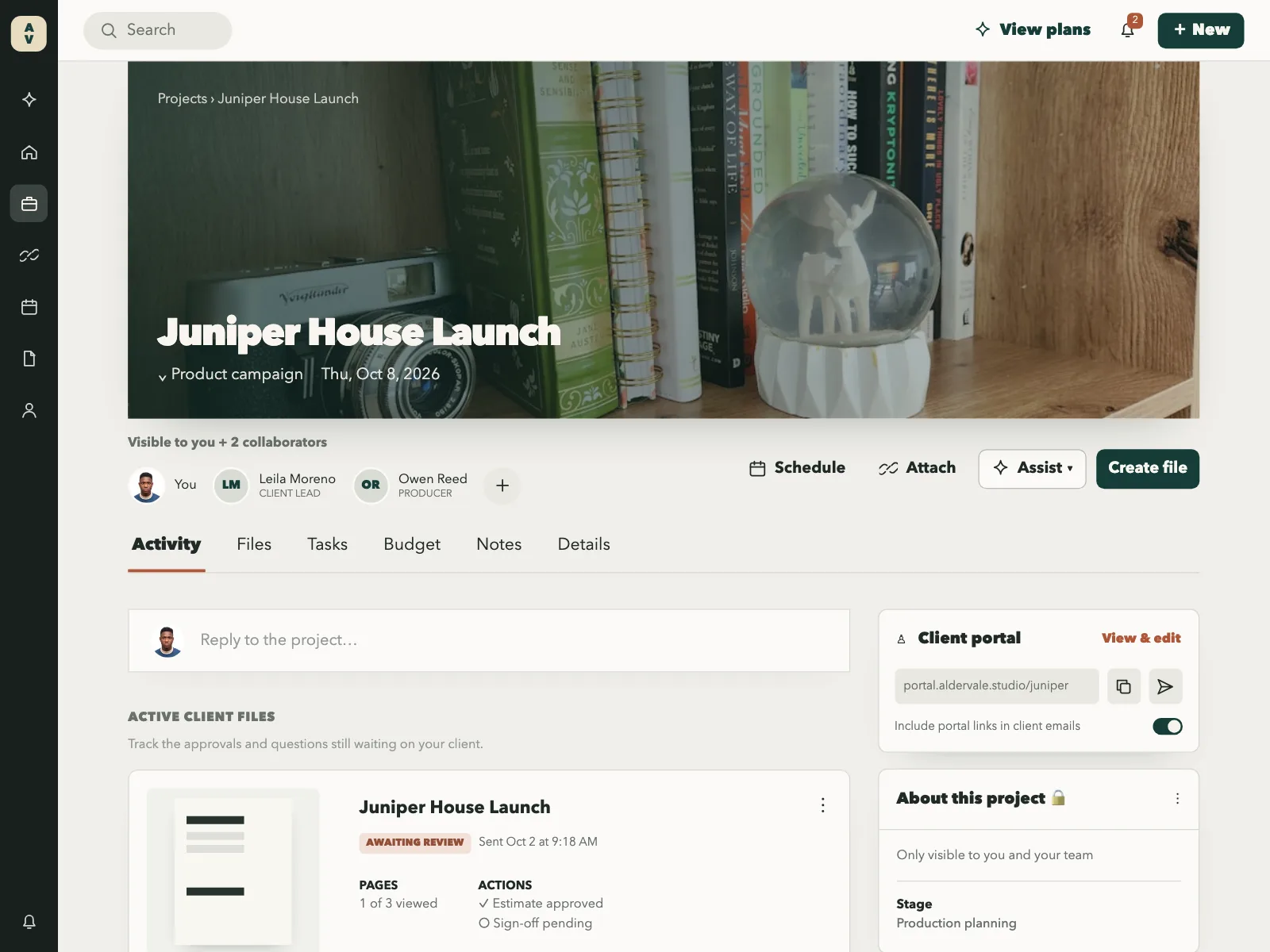
2. Initials
One or two letters on a tinted circle or square, for people who have not added a photo and for teams.
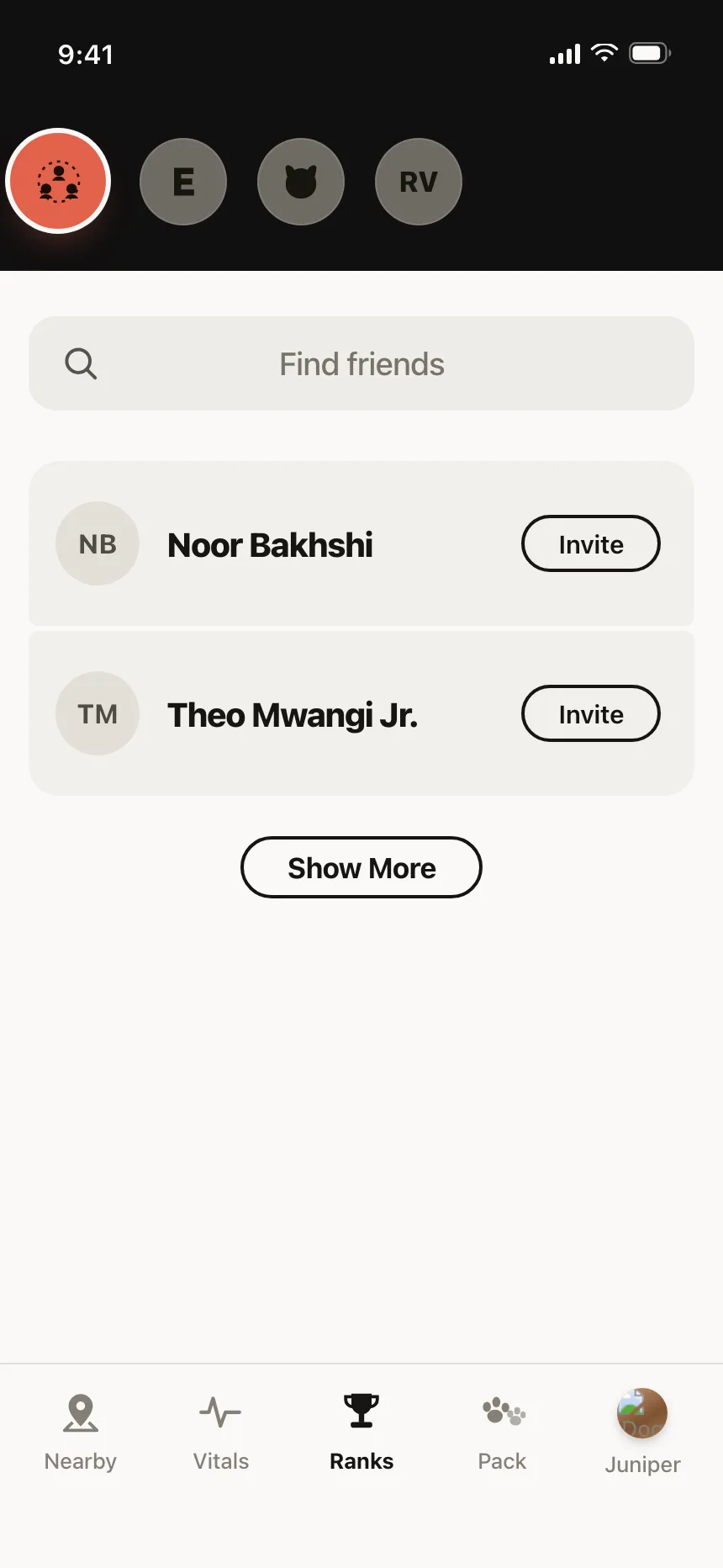
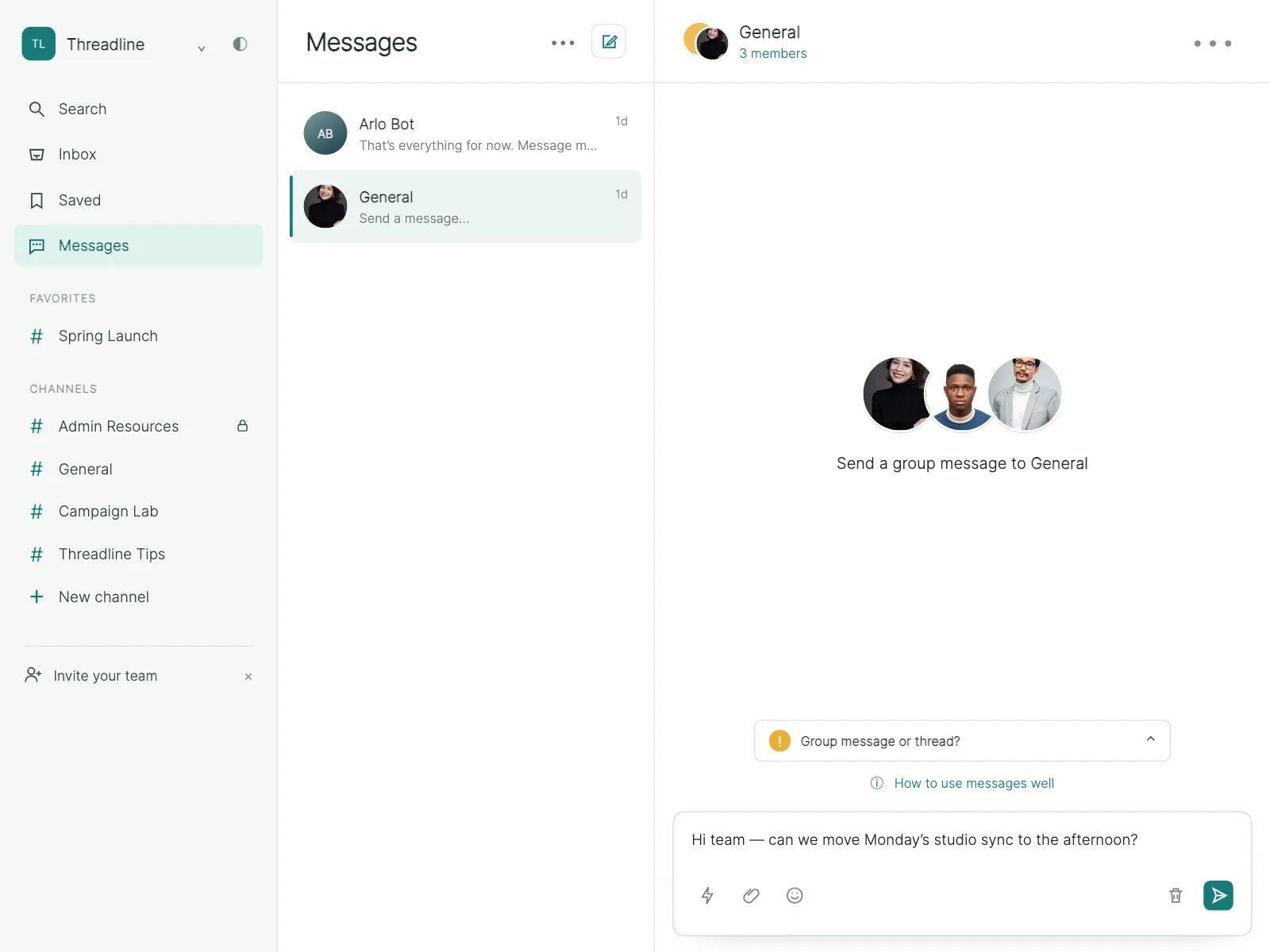
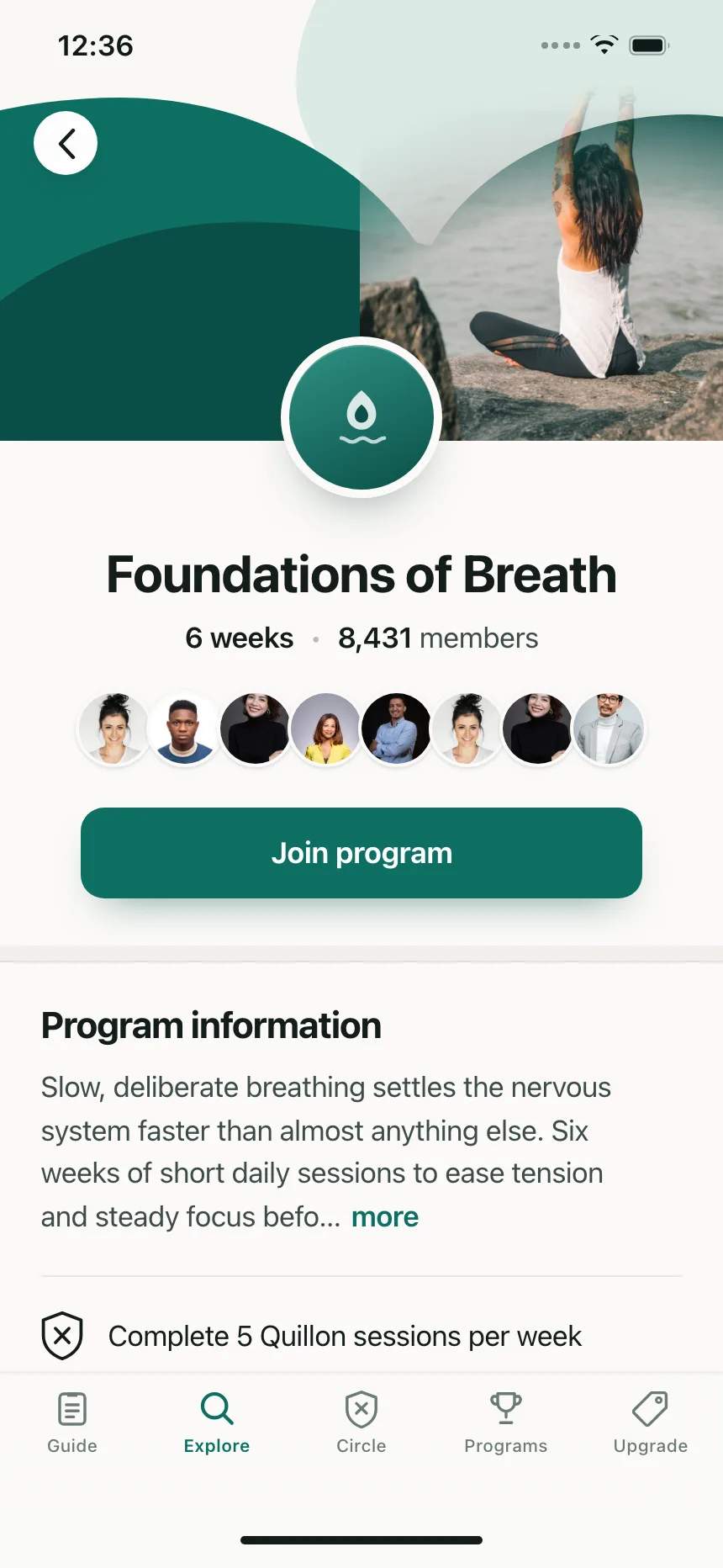
3. Avatar groups
Overlapping avatars that show who is in a project, a chat or a program, often ending in a count of the rest.
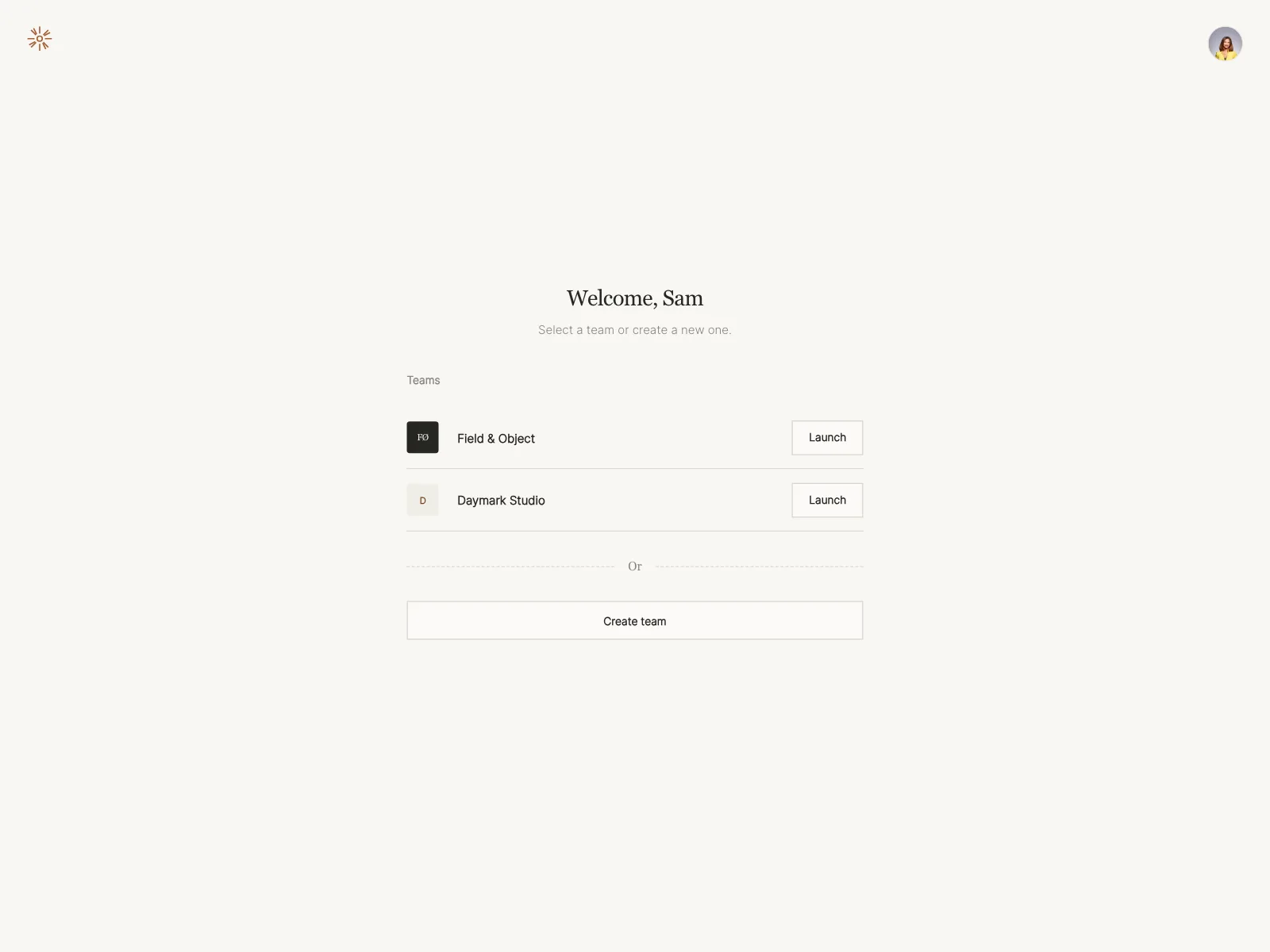
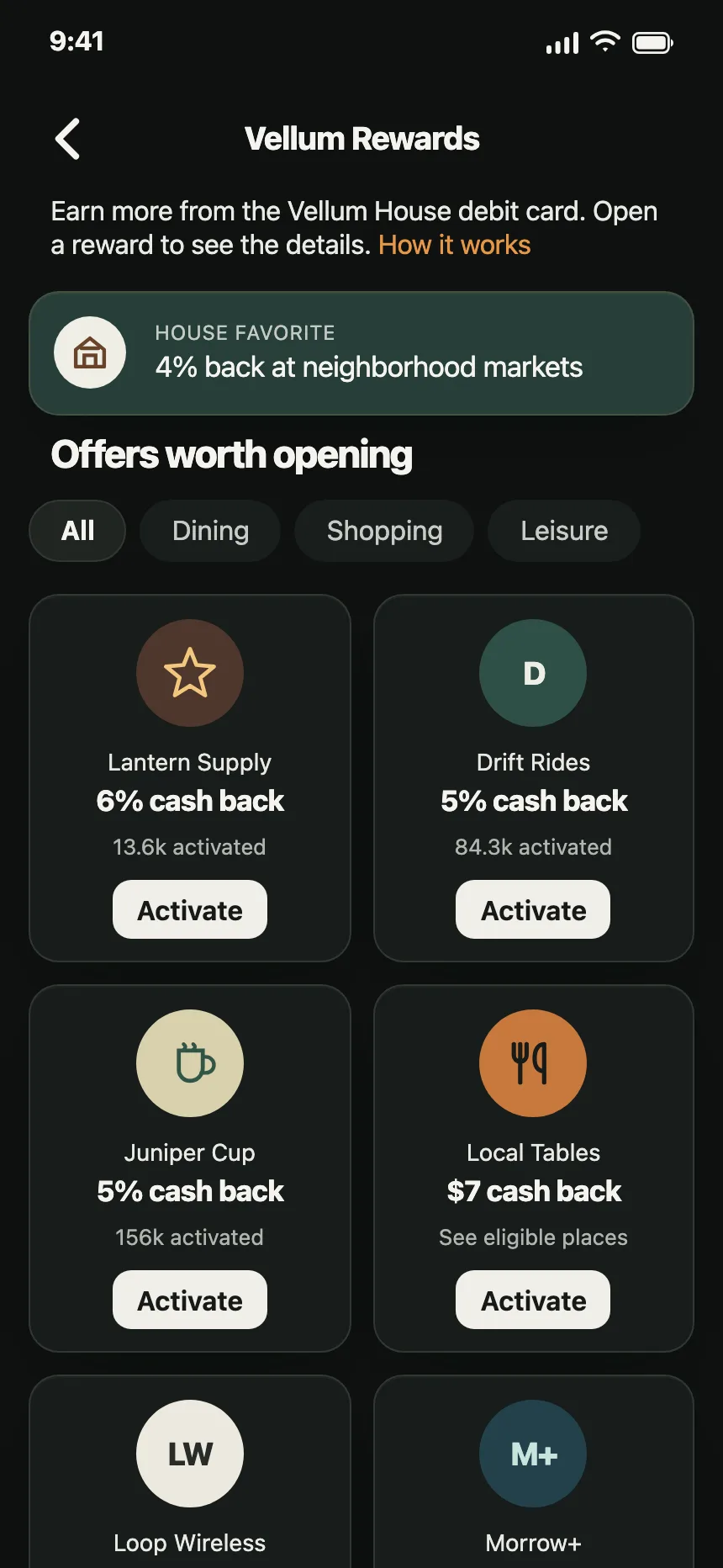
4. Logo avatars
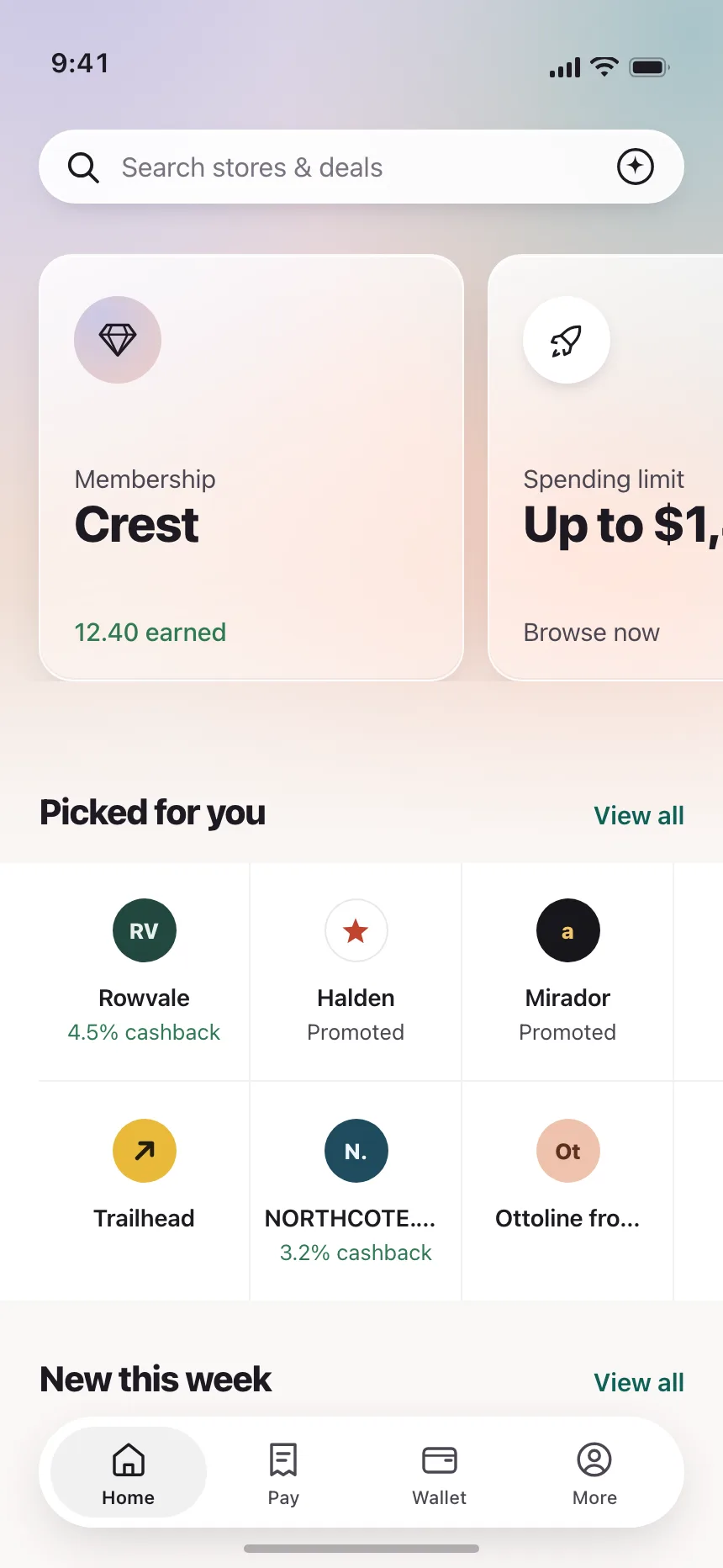
Brand marks cropped to the same circle as people, for merchants, networks and partners.
5. Large profile avatars
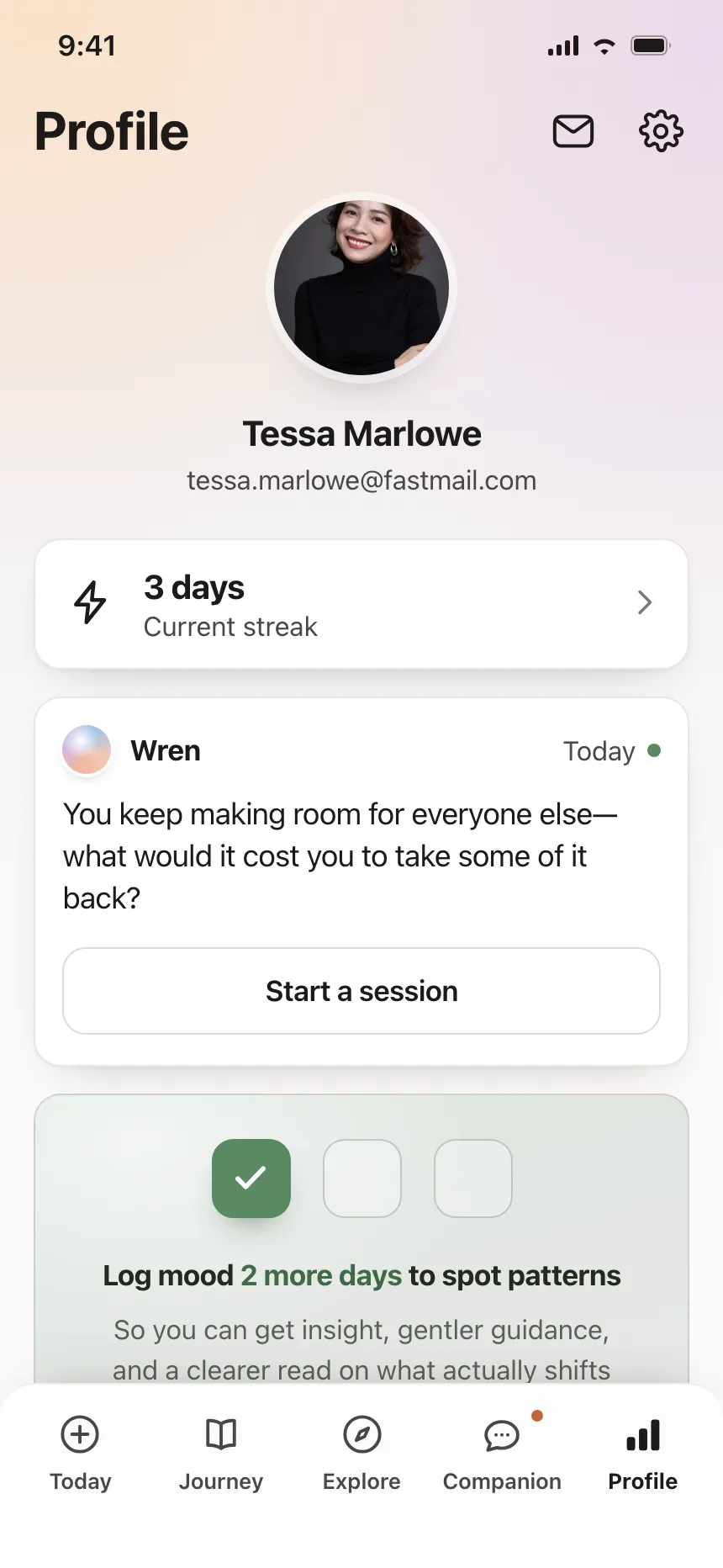
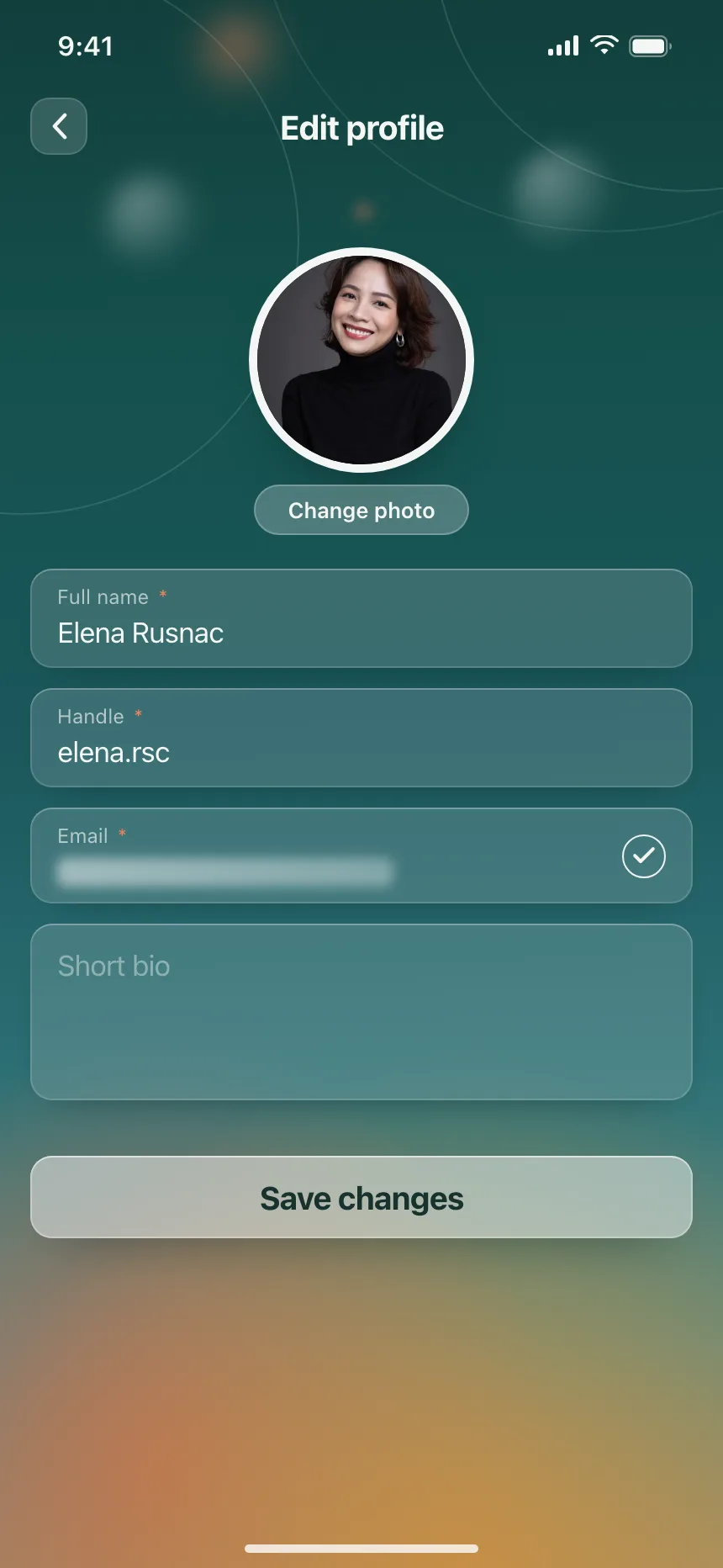
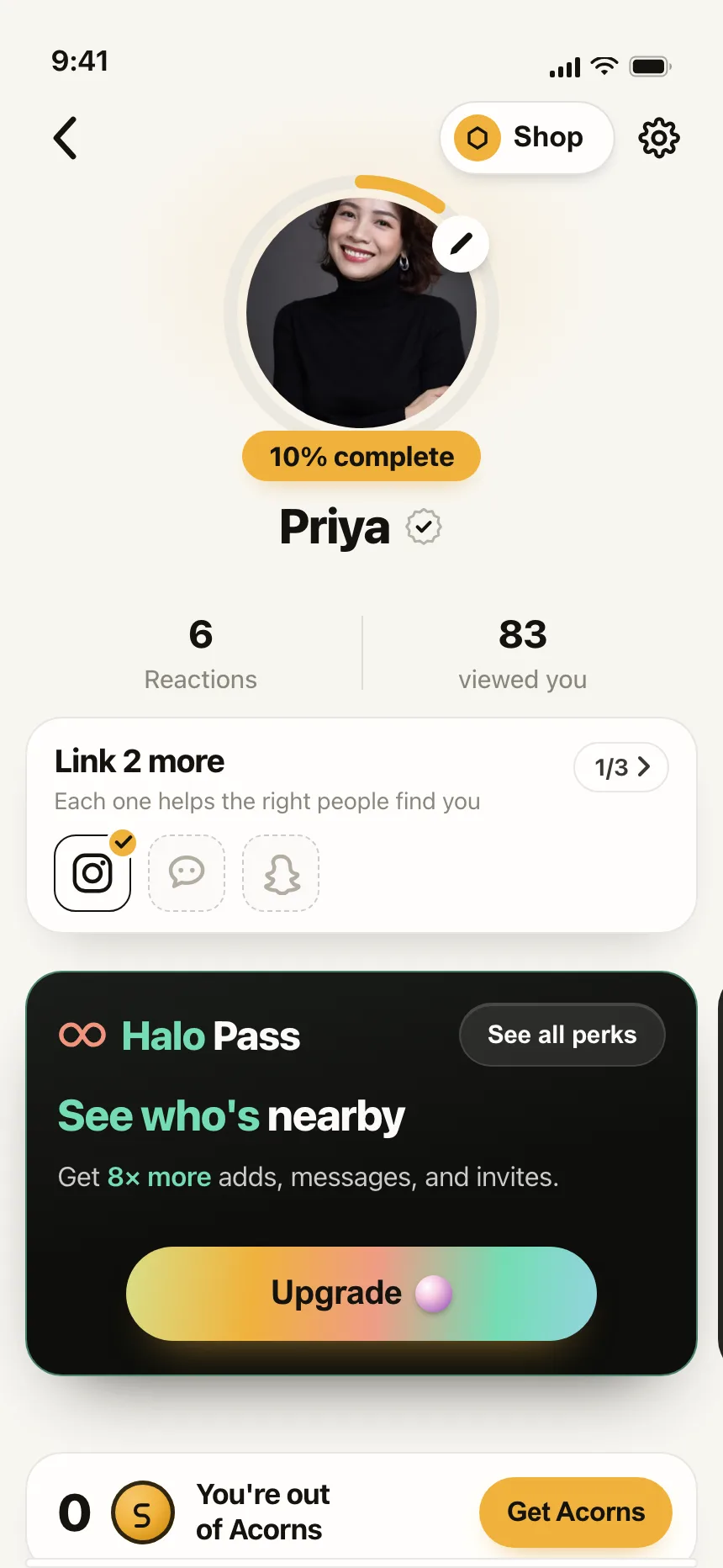
A big centered avatar at the top of a profile or an edit screen, sometimes ringed with progress or marked verified.
6. Account menus
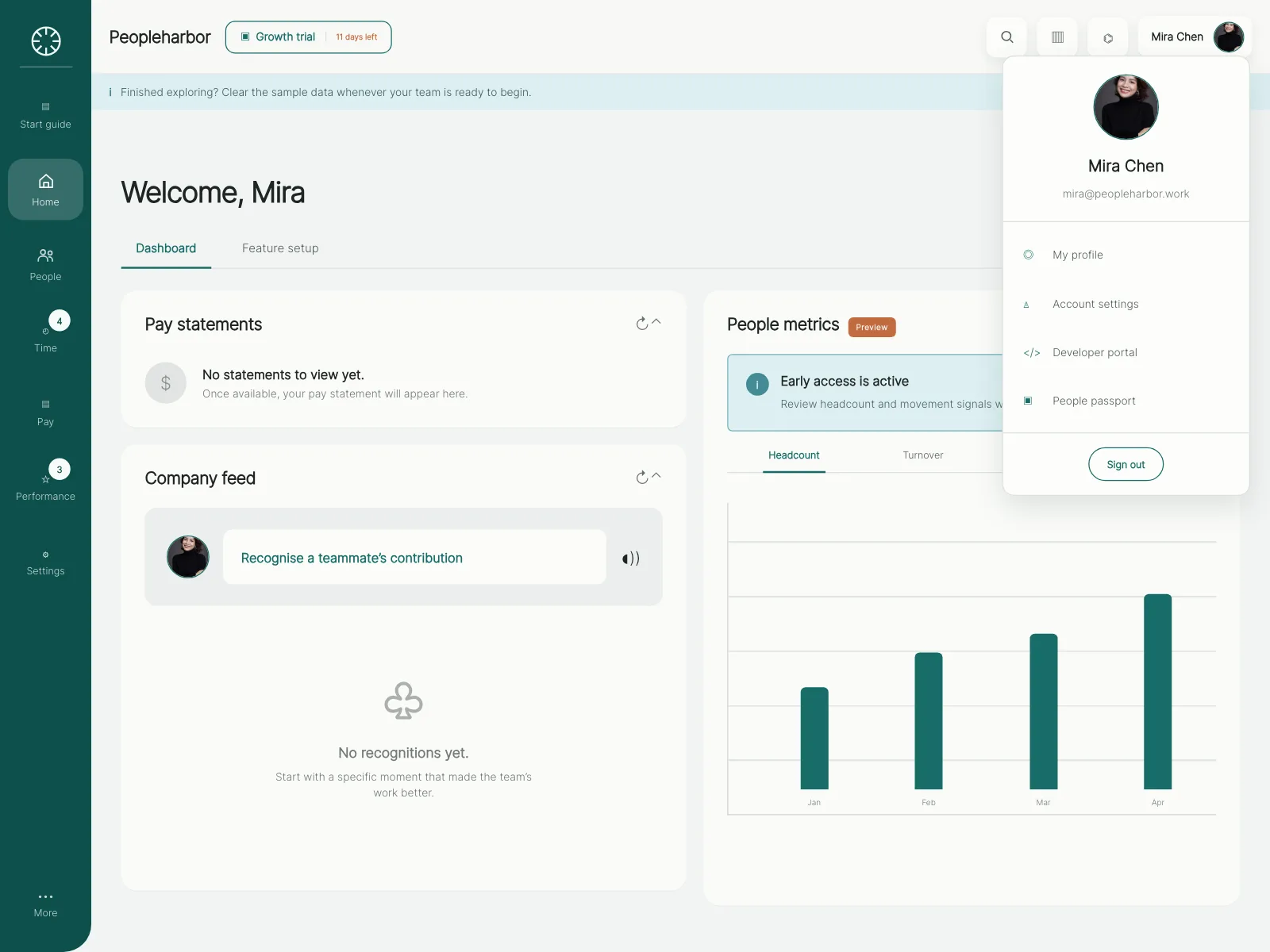
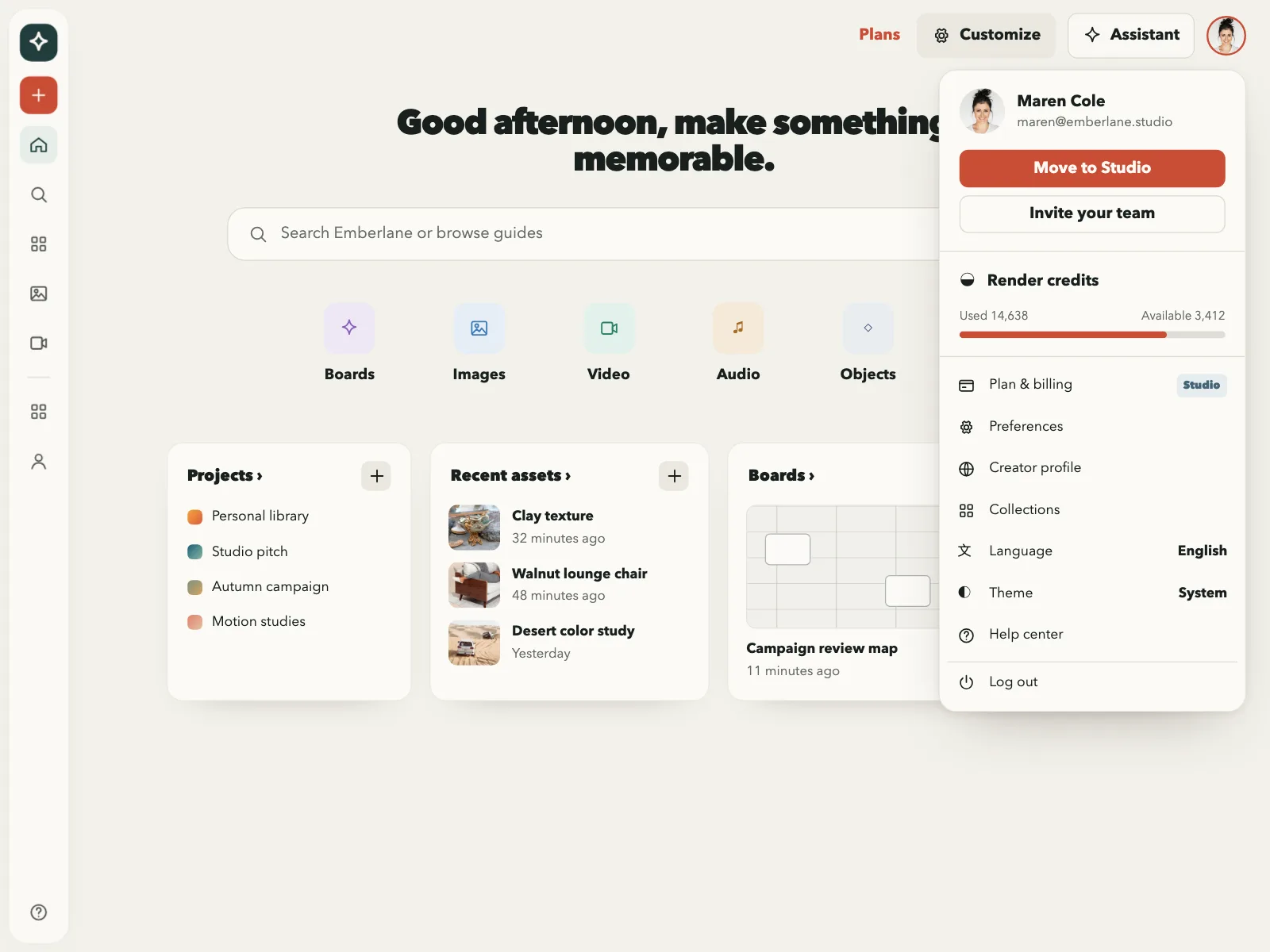
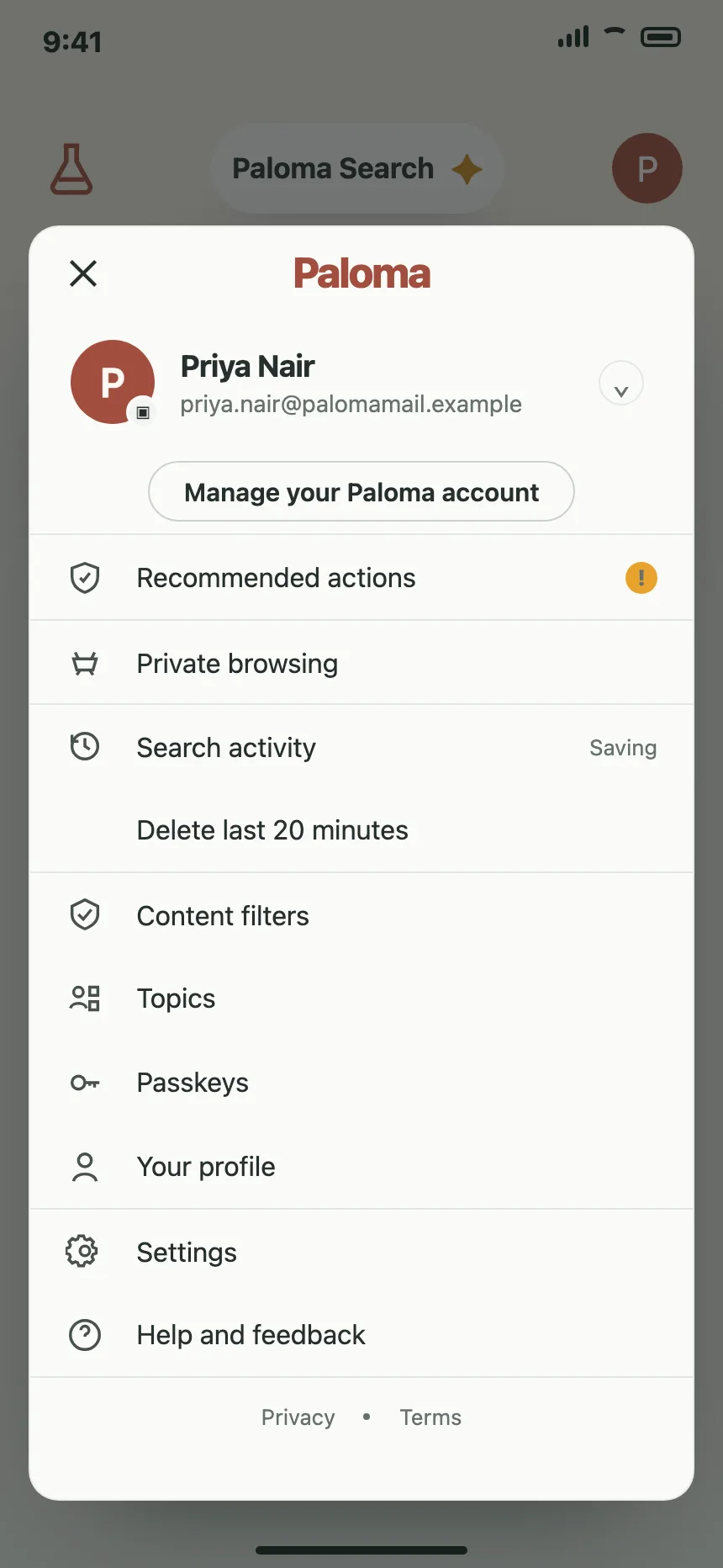
The signed-in person's avatar in a corner opens a menu with their name, email, settings and sign out.
Where avatars show up
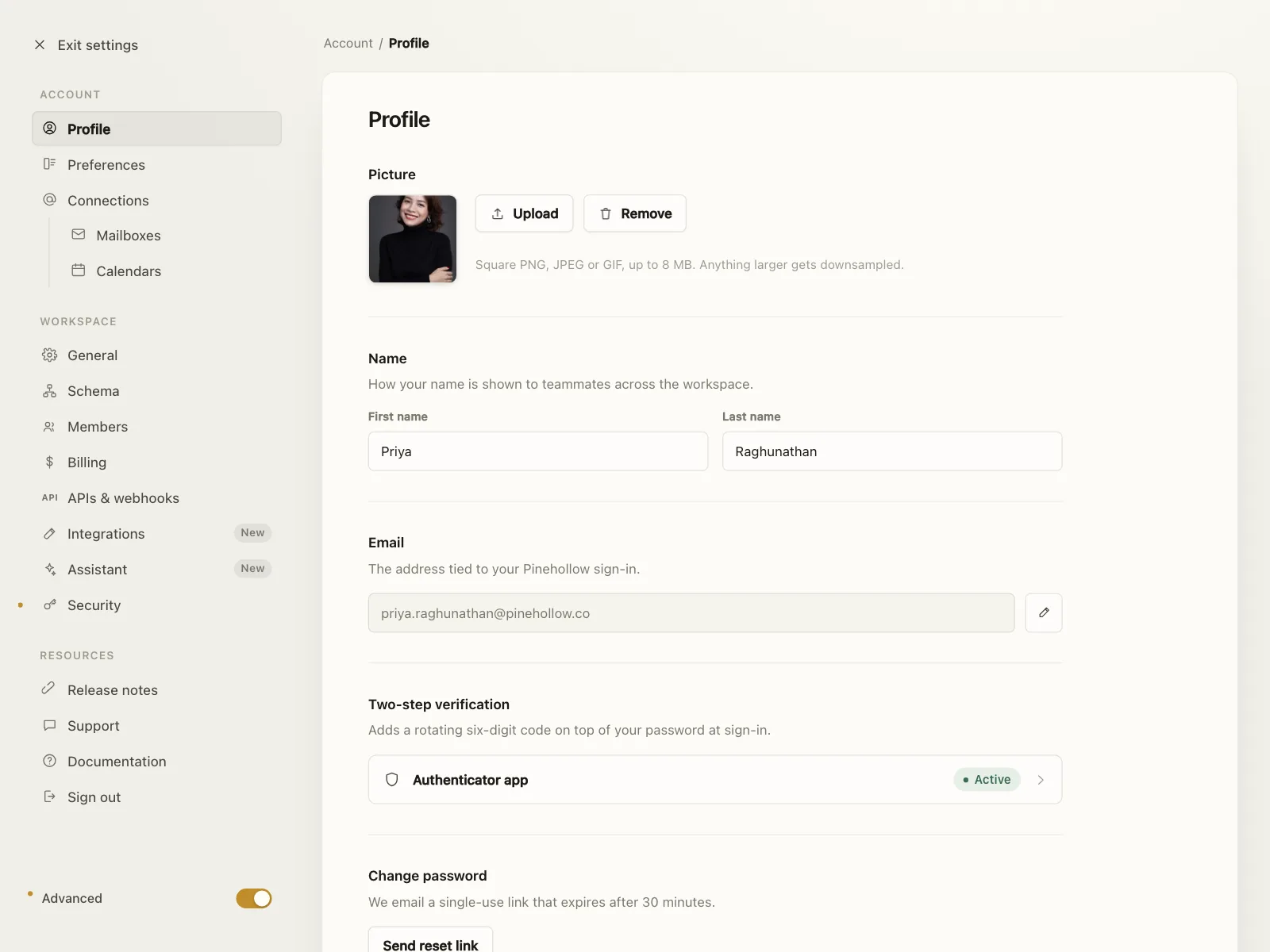
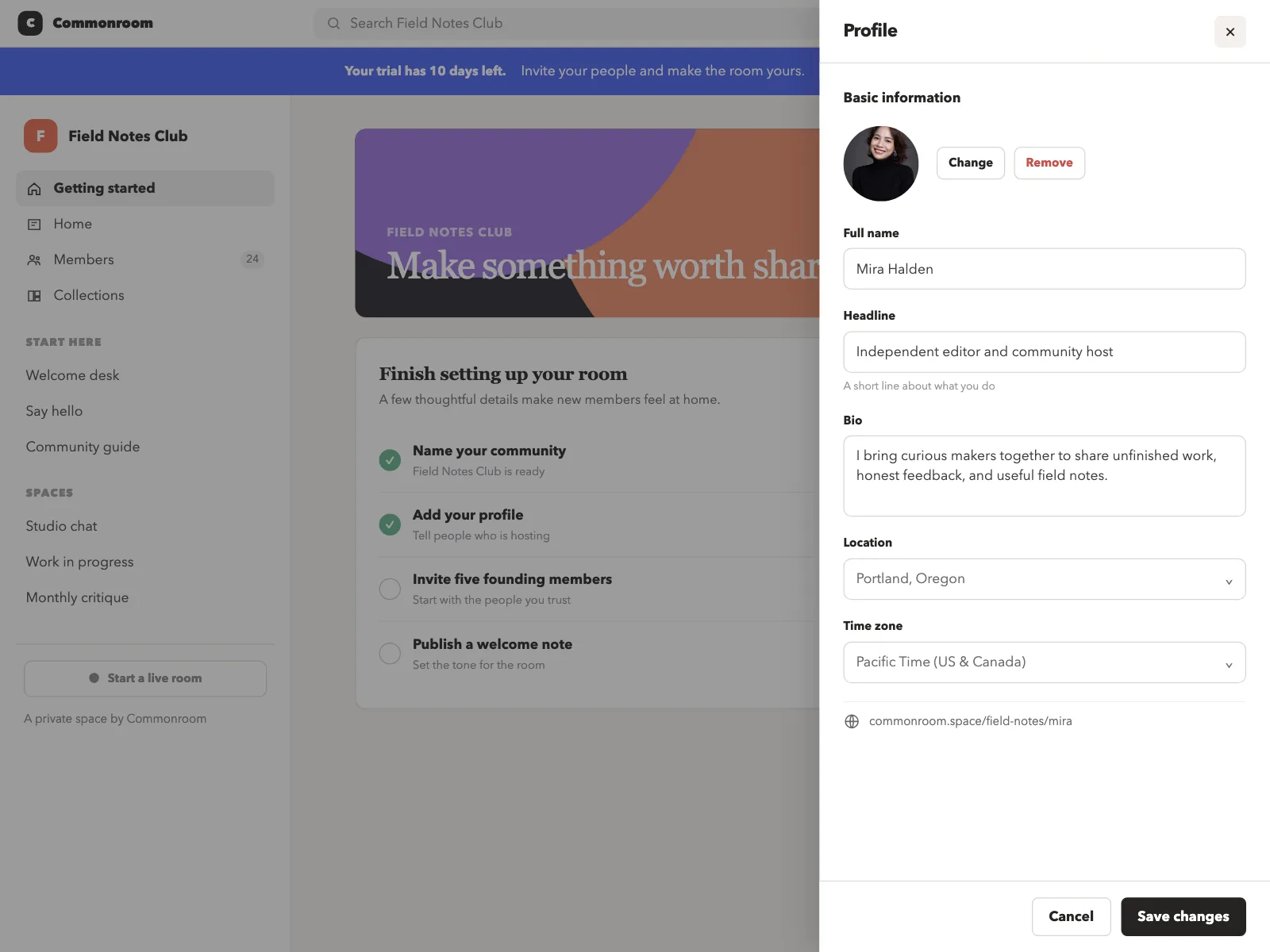
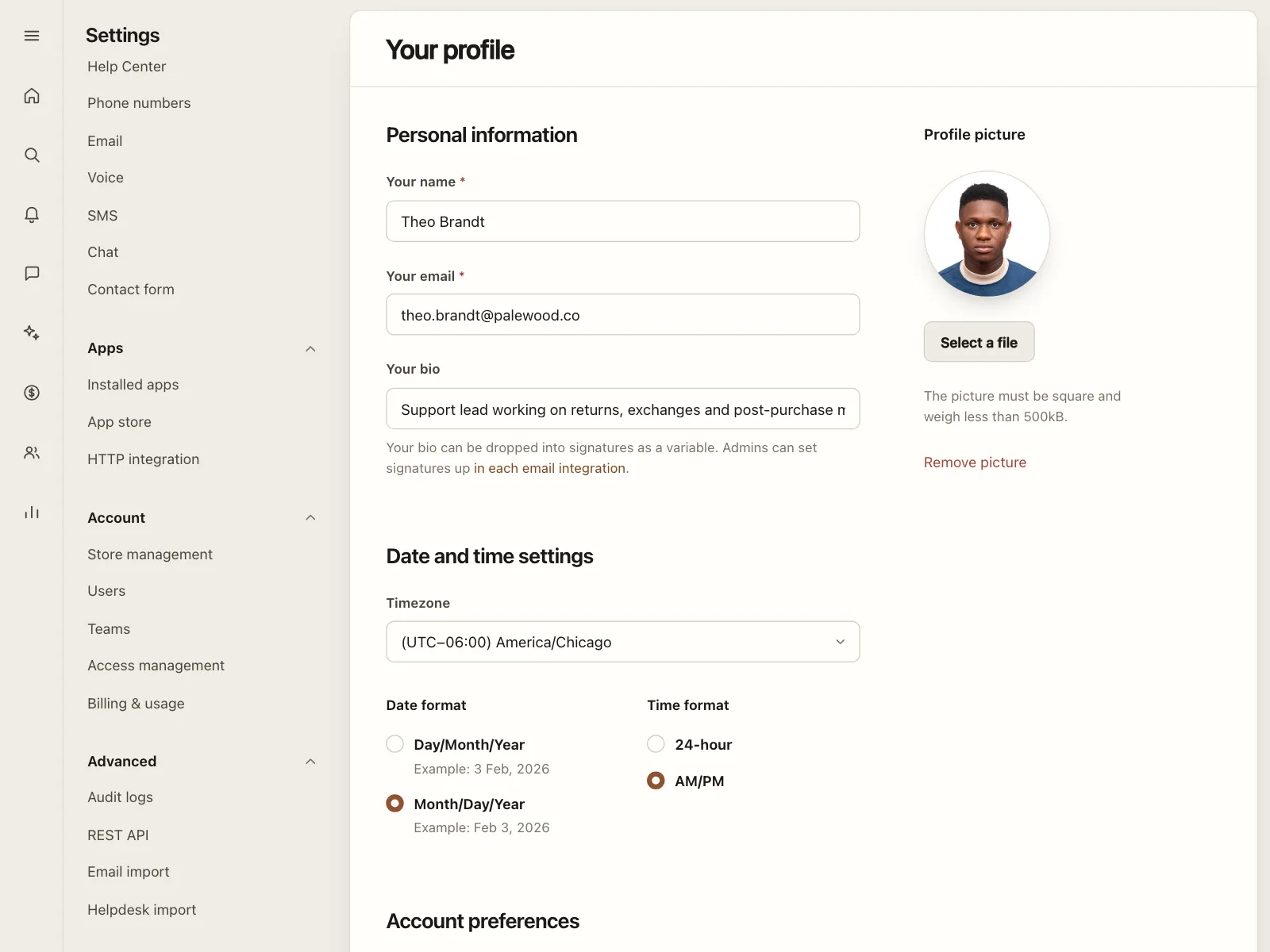
Profile settings
A photo with Upload, Change and Remove buttons, next to the name and email fields.
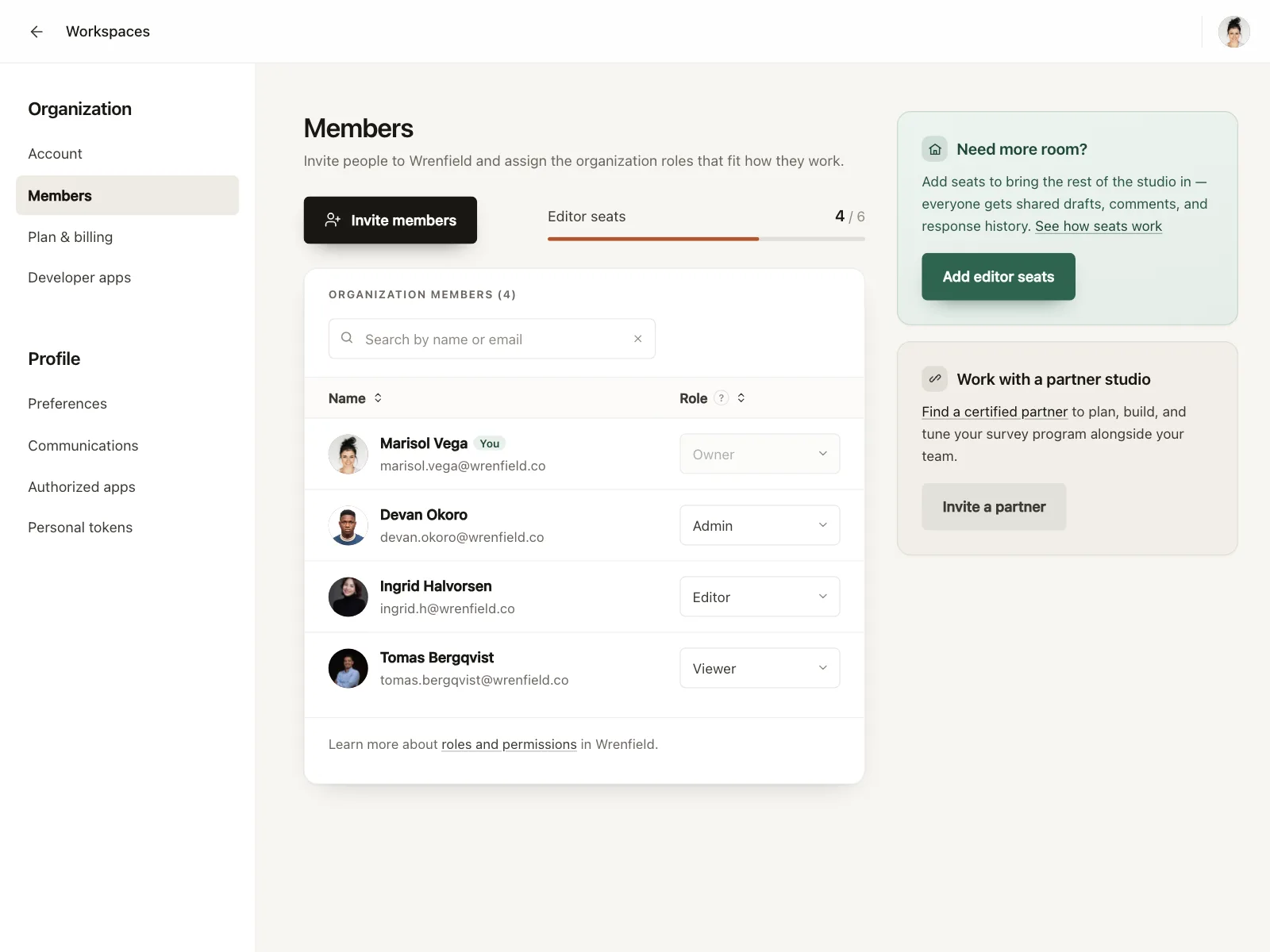
Teams and members
Member tables and team directories, with one avatar per person and a cluster for each team.
Reviews and comments
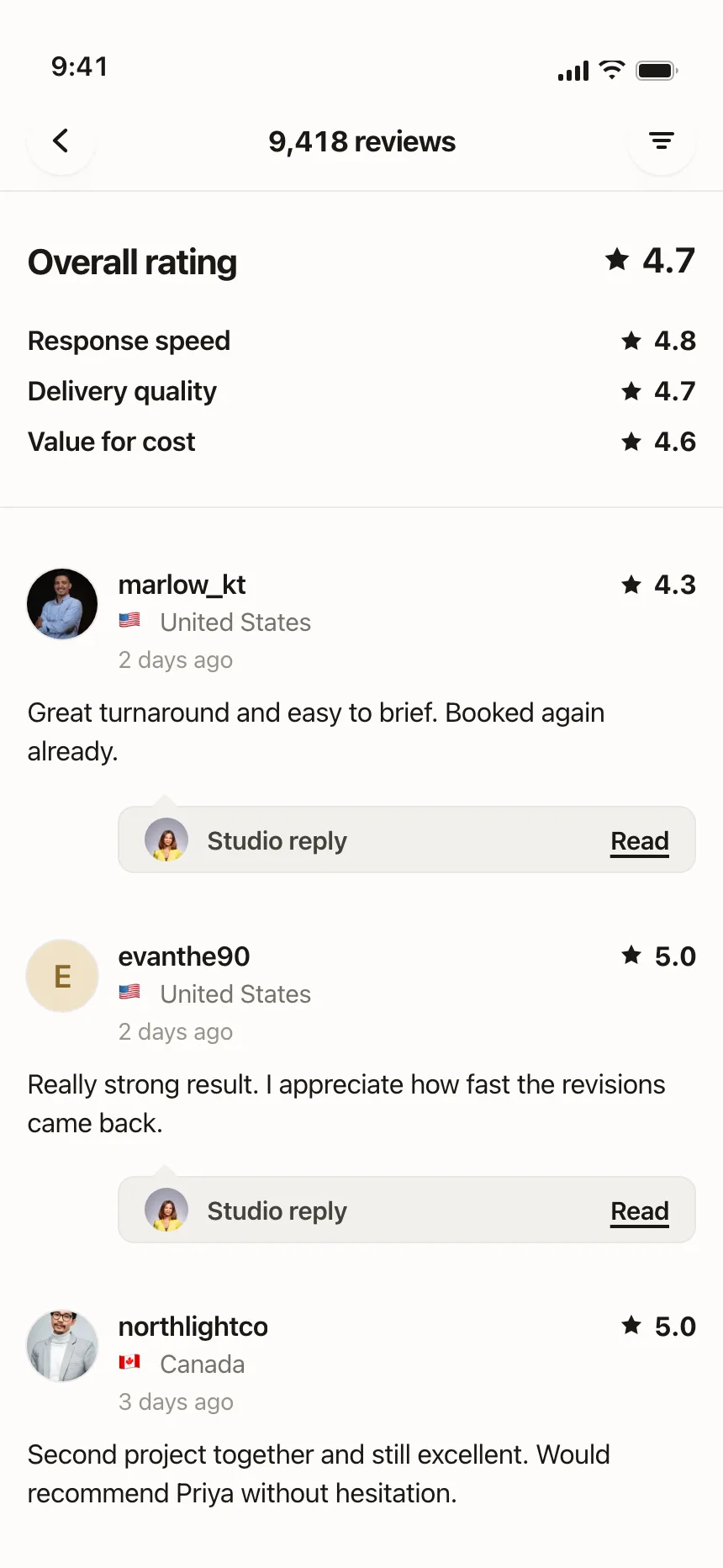
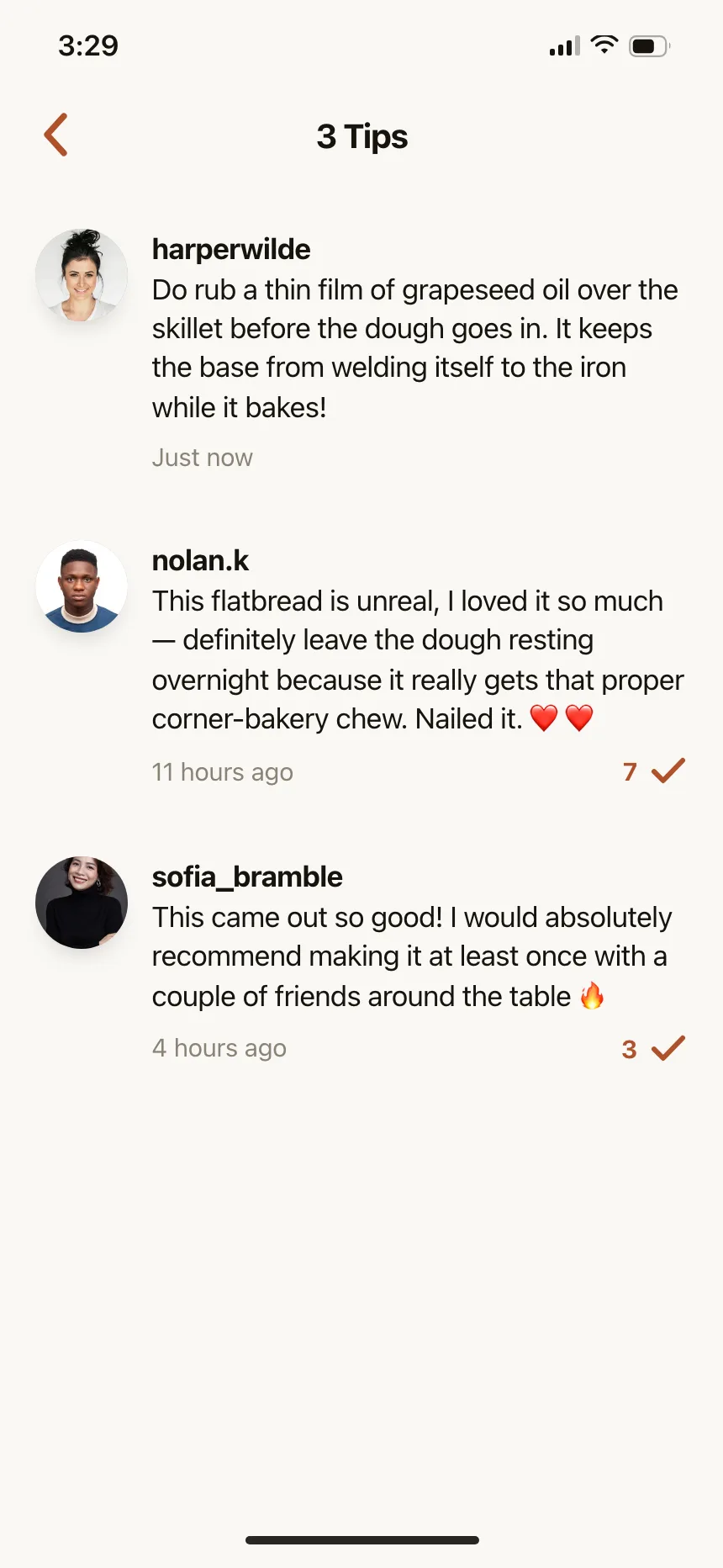
Each review, tip or post starts with the author's avatar, so a thread reads as a conversation.
Avatar vs similar components
Build notes
- Give a photo avatar alt text that names the person, or alt="" when the name is printed right beside it.
- Fall back to initials on a colored background when there is no photo or it fails to load.
- Pair a status dot with text or an accessible name, like "Online", so color is not the only signal.
- Initials are text, so they need 4.5:1 contrast with their background (3:1 when large). A status dot needs 3:1 against the colors around it.
- Make the +N in a group a button with a name like "Show 3 more people".
- When an avatar opens the account menu, make it a <button> with a name, not a bare image.
FAQ
What size should an avatar be?
Pick a few fixed sizes and stick to them: small for stacks and dense lists, medium for rows and comments, large for profile headers. A tappable avatar needs a target of at least 24 by 24 CSS pixels to meet WCAG 2.2 AA, and Apple's default control size on iOS is 44 by 44 points.
Circle or square avatars?
Circles are the usual choice for people. Rounded squares often mark teams, workspaces or brands, so the shape alone tells people what kind of account they are looking at.
What should an avatar show when there is no photo?
Initials on a colored background, one or two letters. Derive the color from the name so the same person always gets the same one, and keep a plain silhouette for accounts with no name at all.
Do avatars need alt text?
Yes, when the avatar is the only thing naming the person, like in a stack or on an account button. When the name is printed right next to it, use alt="" so screen readers do not read the name twice.
Related terms
All glossary terms · Browse 55 web and 35 mobile avatar designs