
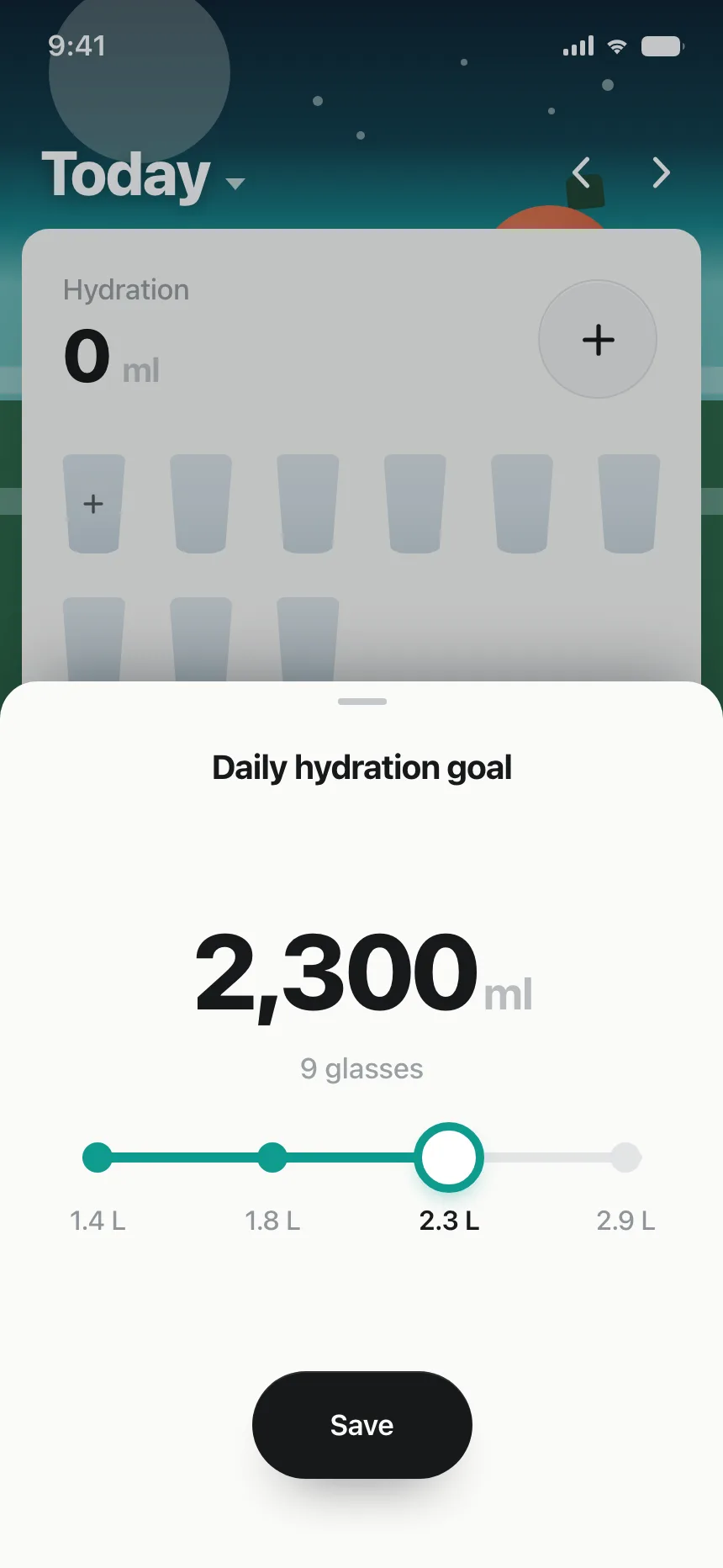
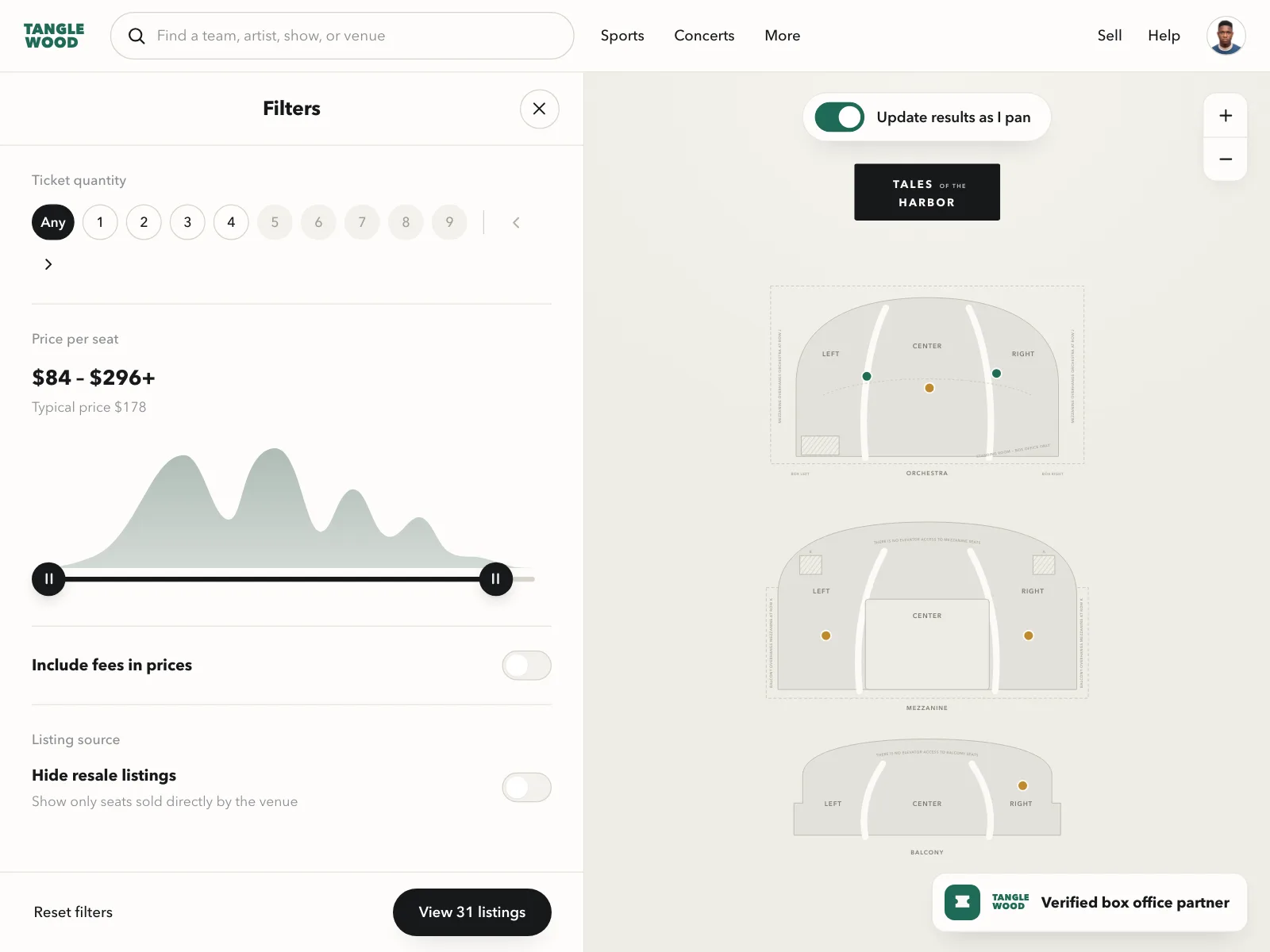
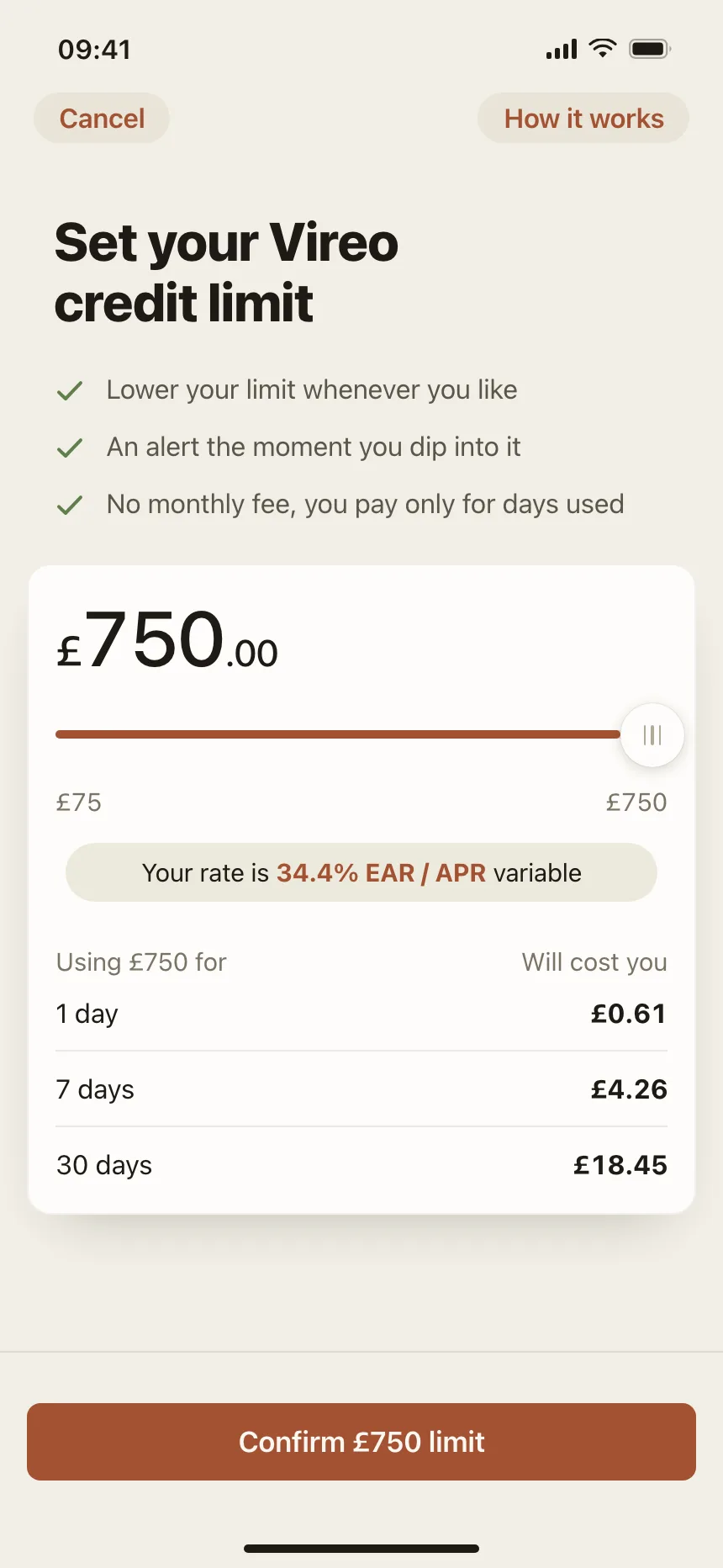
Sliders from the Kombai gallery: a water tracker's daily goal, a ticket marketplace's price filter and a credit app's limit chooser.
What is a slider?
A slider is a track with a handle that people drag to set a value between a minimum and a maximum. The filled part of the track shows where the value sits, and the number updates as the handle moves. A range slider adds a second handle to set both ends of a span.
- The current value shows next to the handle or the label, so people don't have to guess.
- Dragging gives rough control. Arrow keys and a text field give exact control.
Sliders show up across audio player, video player, media editor and pricing screens.
When to use a slider
- Rough valuesVolume, brightness or a price ceiling, where close enough is fine.
- Ranges in filtersA minimum and a maximum price, time or distance.
- Seeing the effect liveA payment, a preview or a result count that updates as people drag.
When not to use one
- Exact numbersFor amounts people already know, use a text field, or pair one with the slider.
- Small countsFor guests or quantities, use a stepper.
- A few named optionsUse a segmented control or radio buttons.
Anatomy of a slider
This one works. Drag the handle, or tab to it and use the arrow keys, Home and End.
107 homes in Lisbon match
- Default
- Dragging
- Disabled
- Keyboard focus
- TrackThe full range of values
- FillHow much of the range is set
- ThumbThe handle people drag
- Value labelThe current value, in words
- Range labelsThe minimum and the maximum
- StatesDefault, dragging, disabled, focus
Slider variants
We sorted every slider design in the Kombai gallery and found six patterns. Browse all 55 web and 35 mobile designs.
1. Single-value sliders
The default. One thumb on a track with the value beside it, for a length, a zoom level or a share of something.

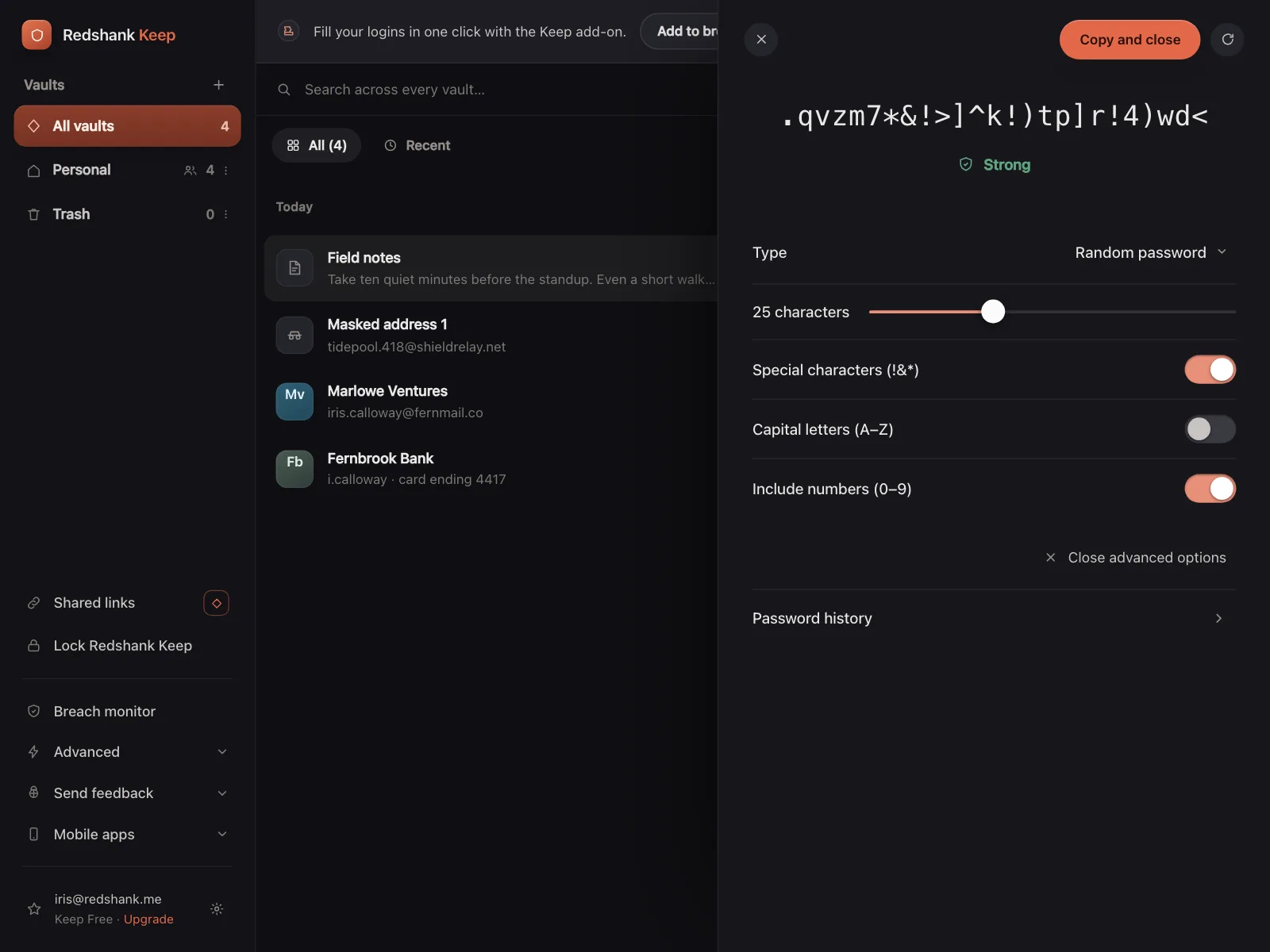

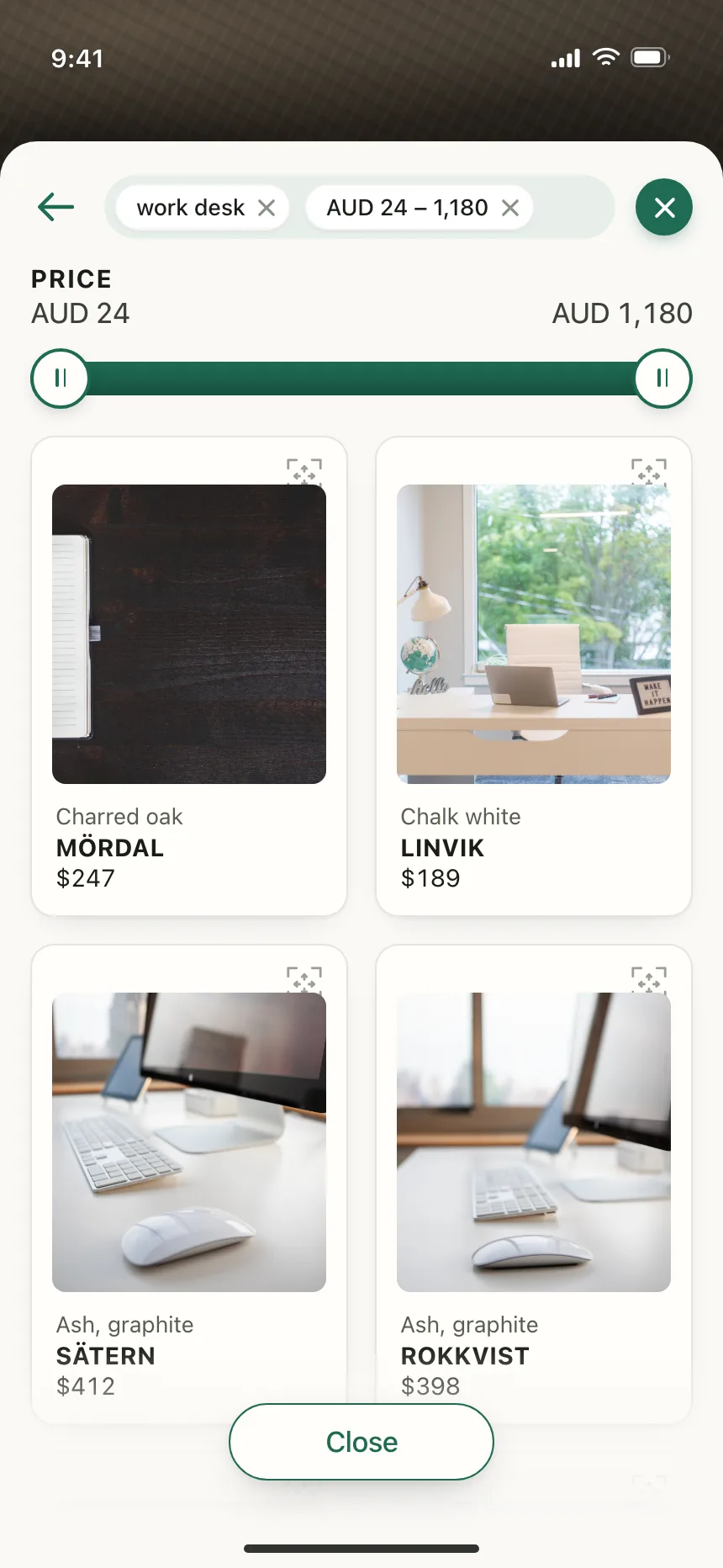
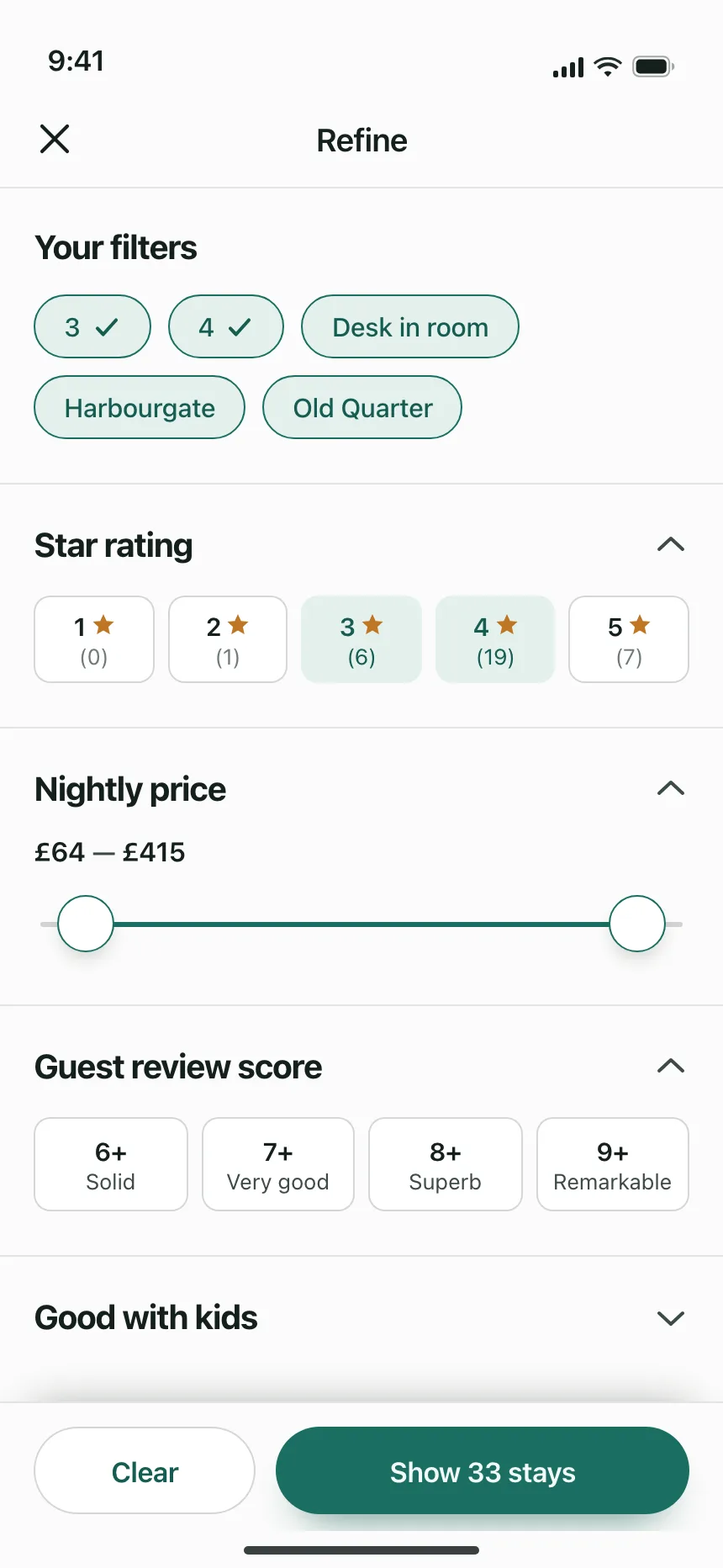
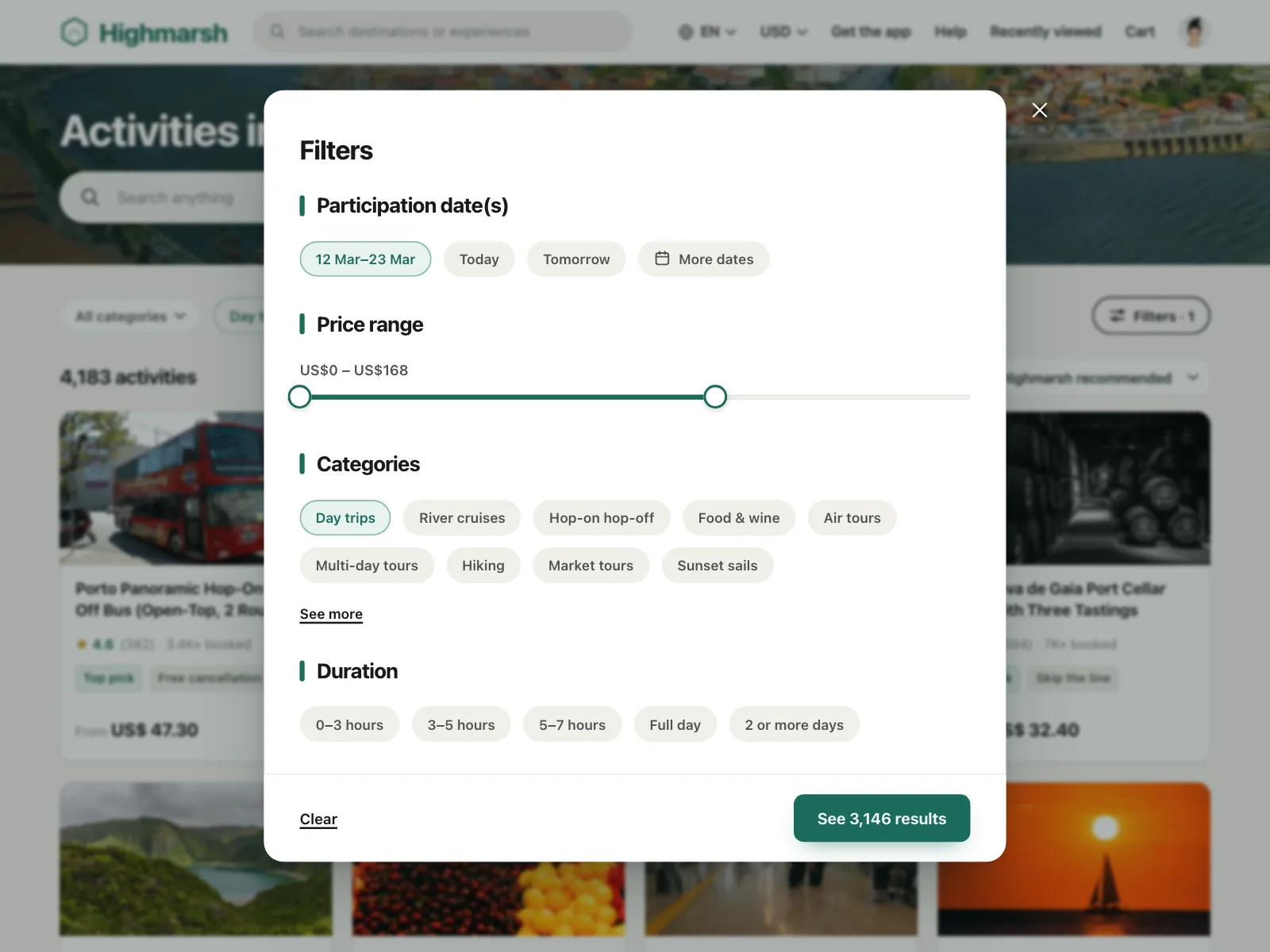
2. Range sliders
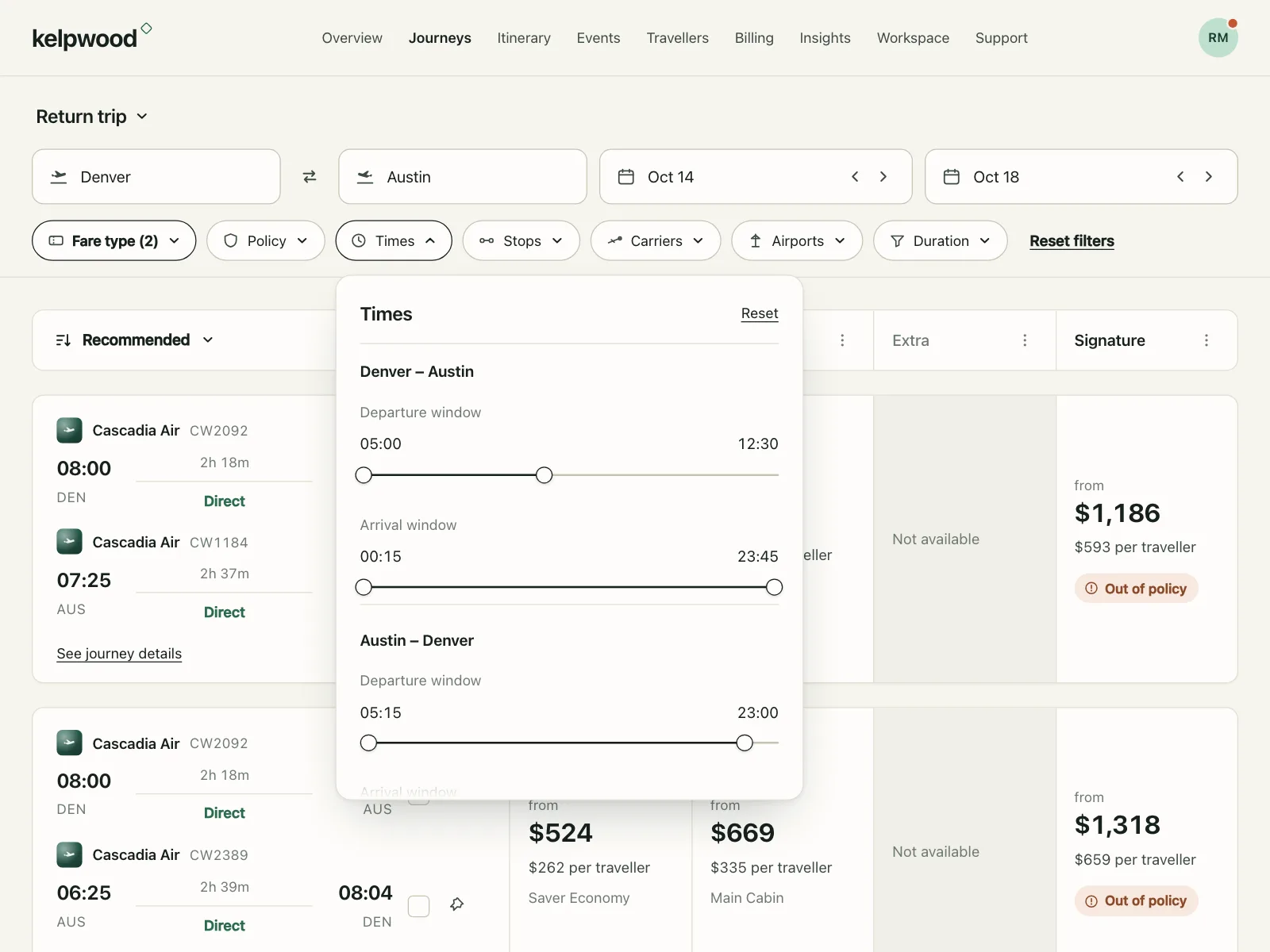
Two thumbs that set a minimum and a maximum, usually for a price, a time or a distance in a filter.
3. Stepped sliders
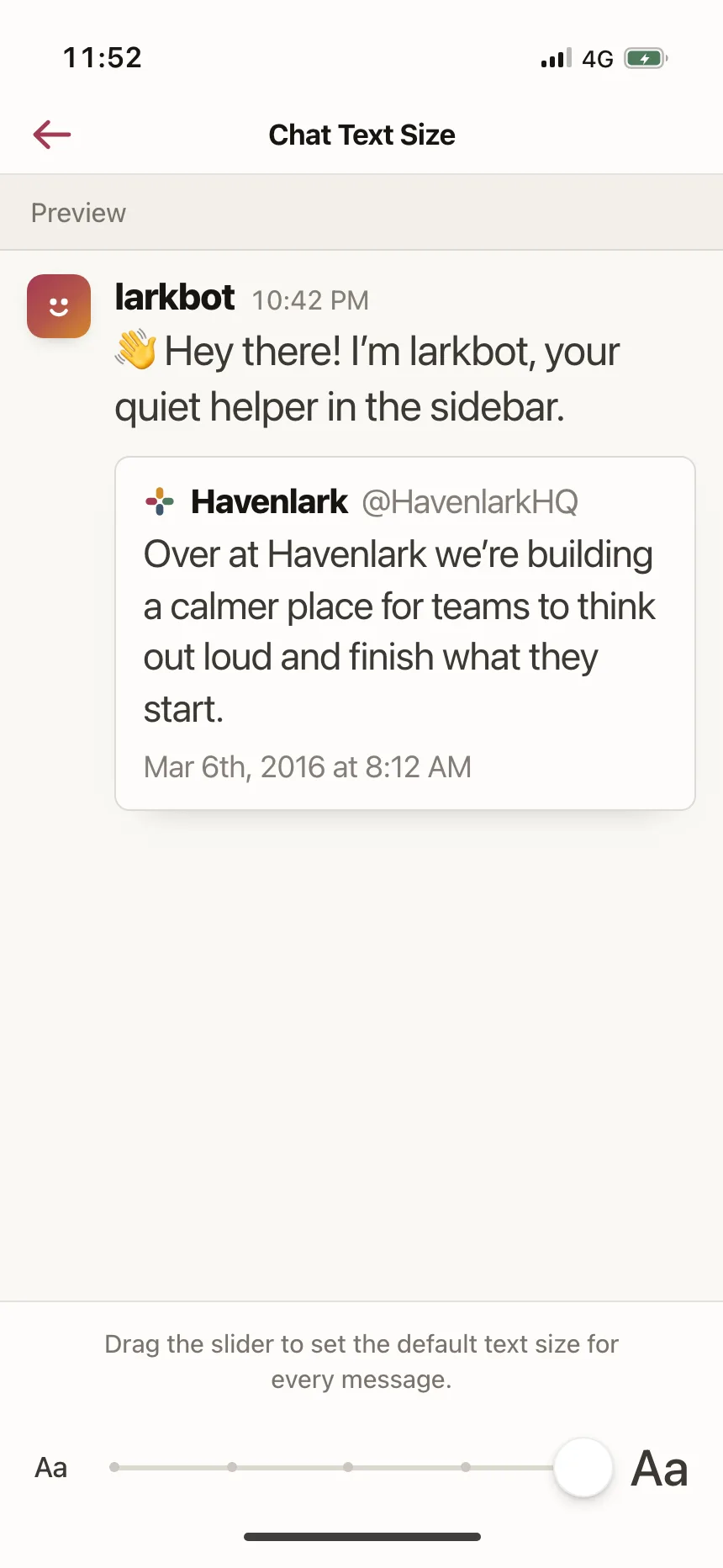
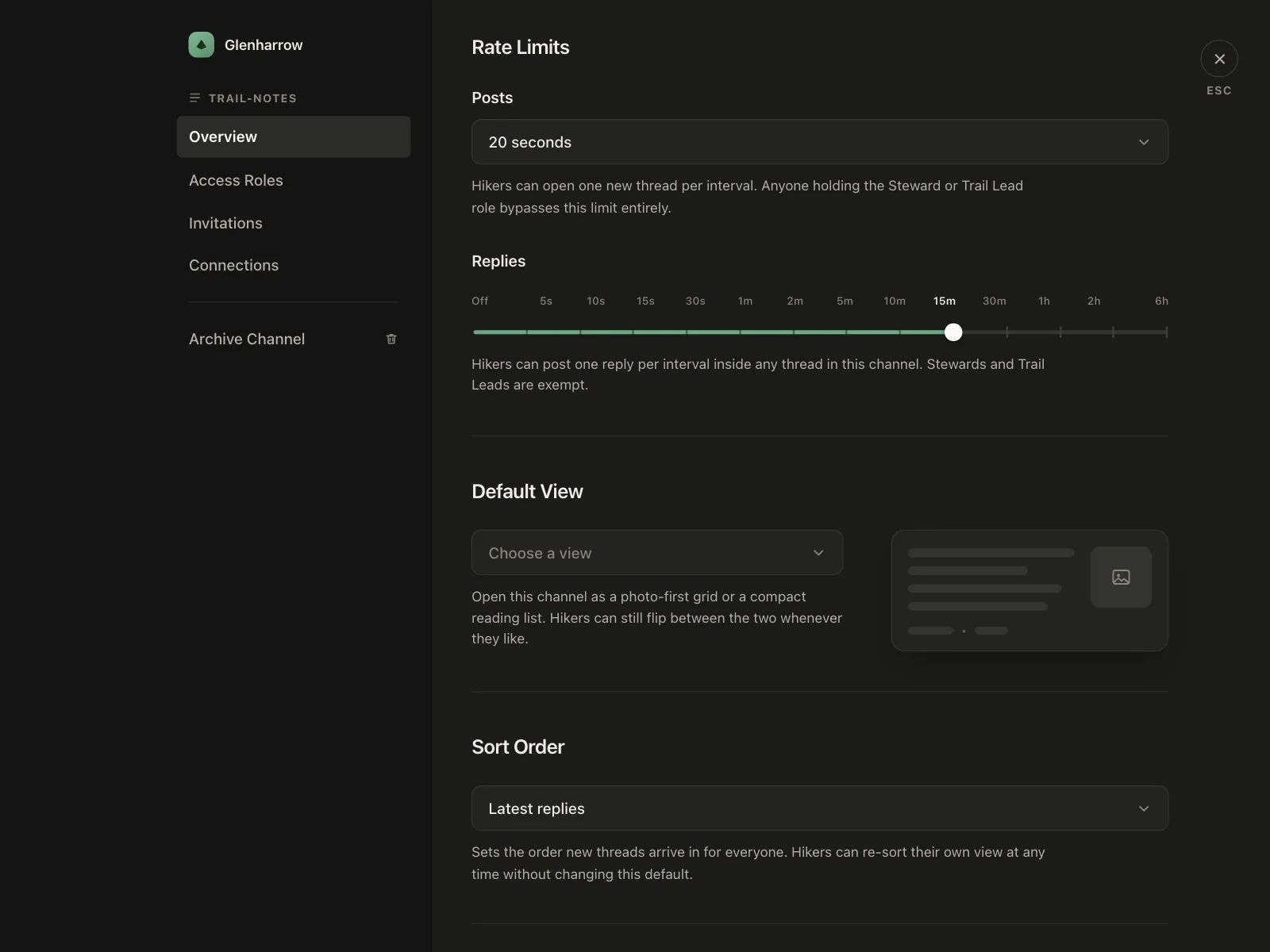
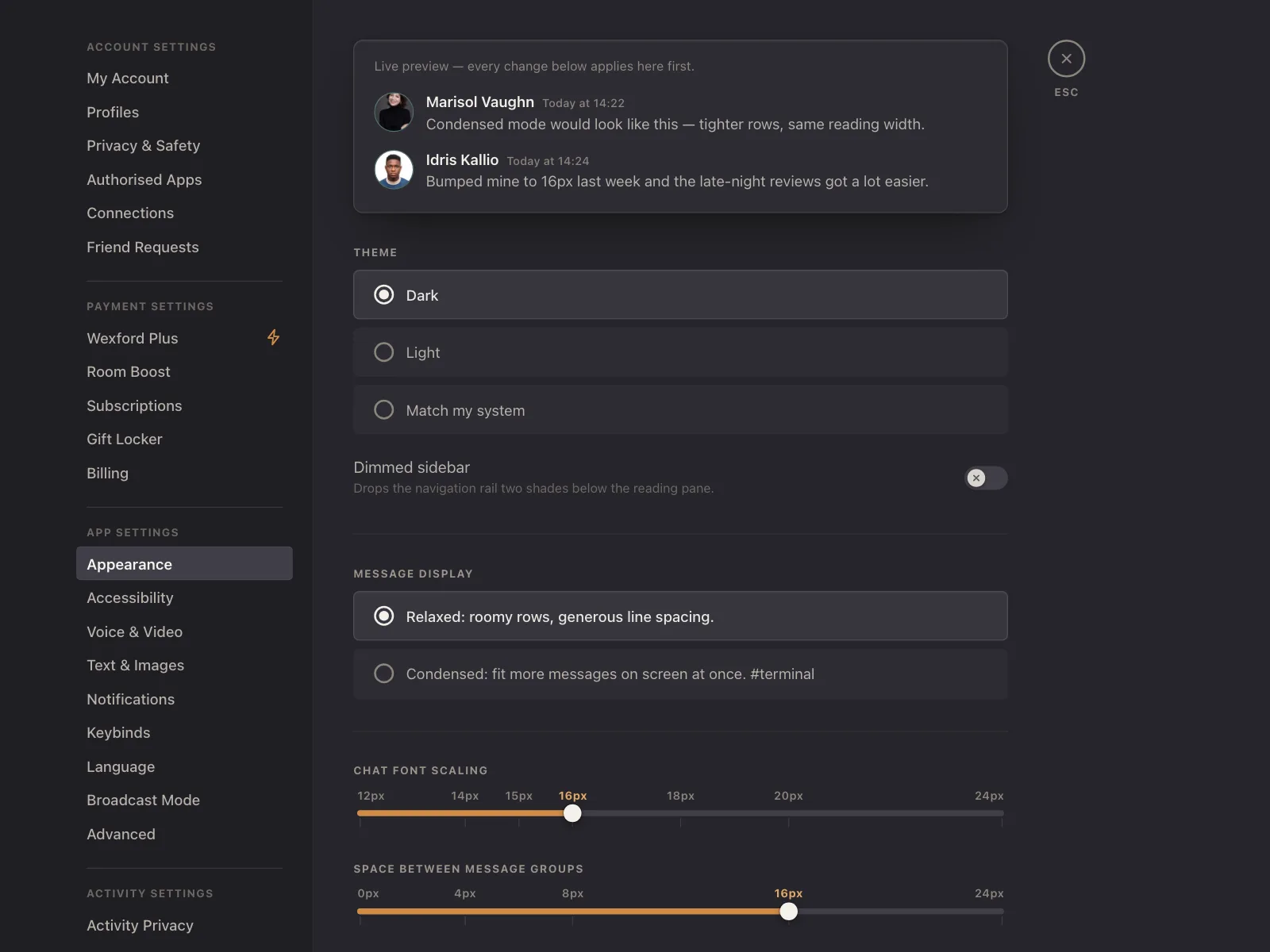
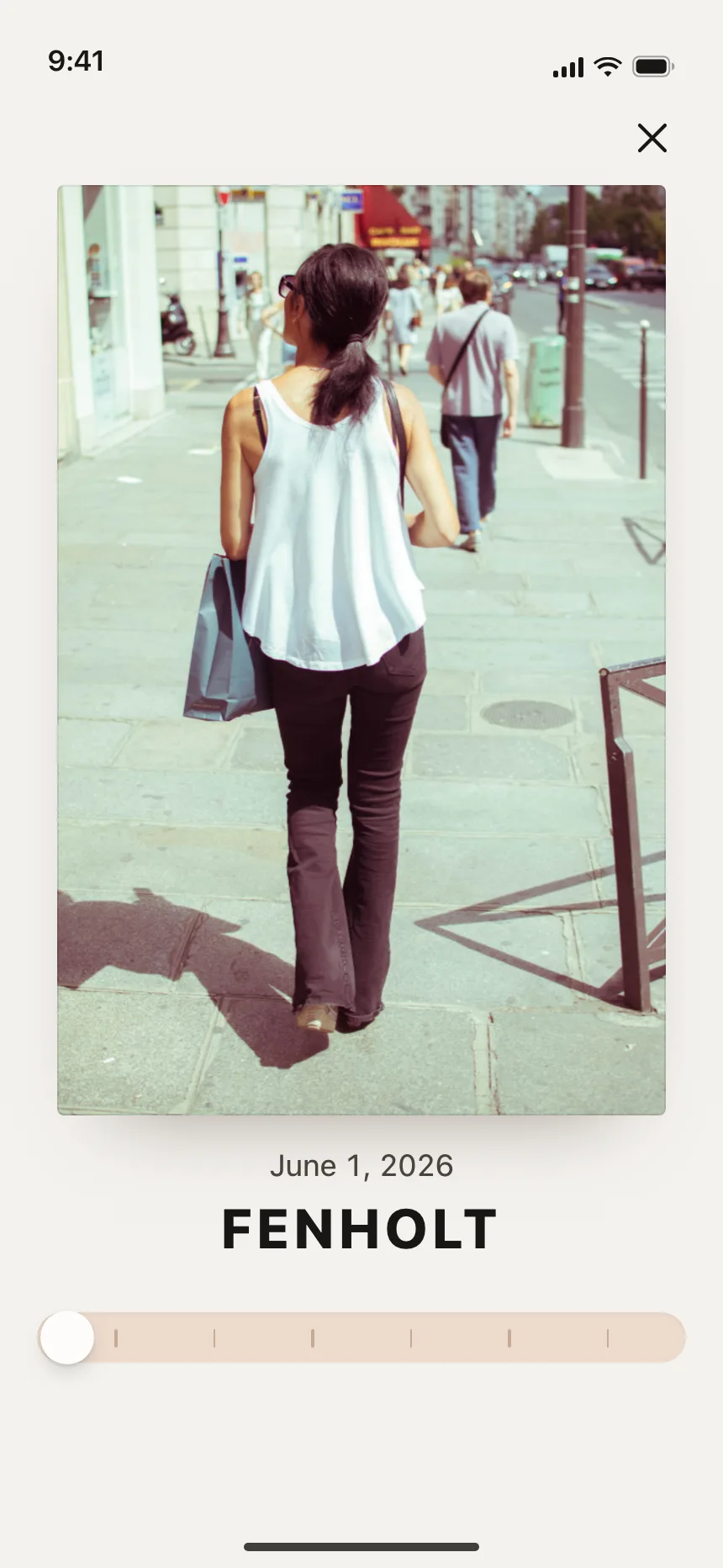
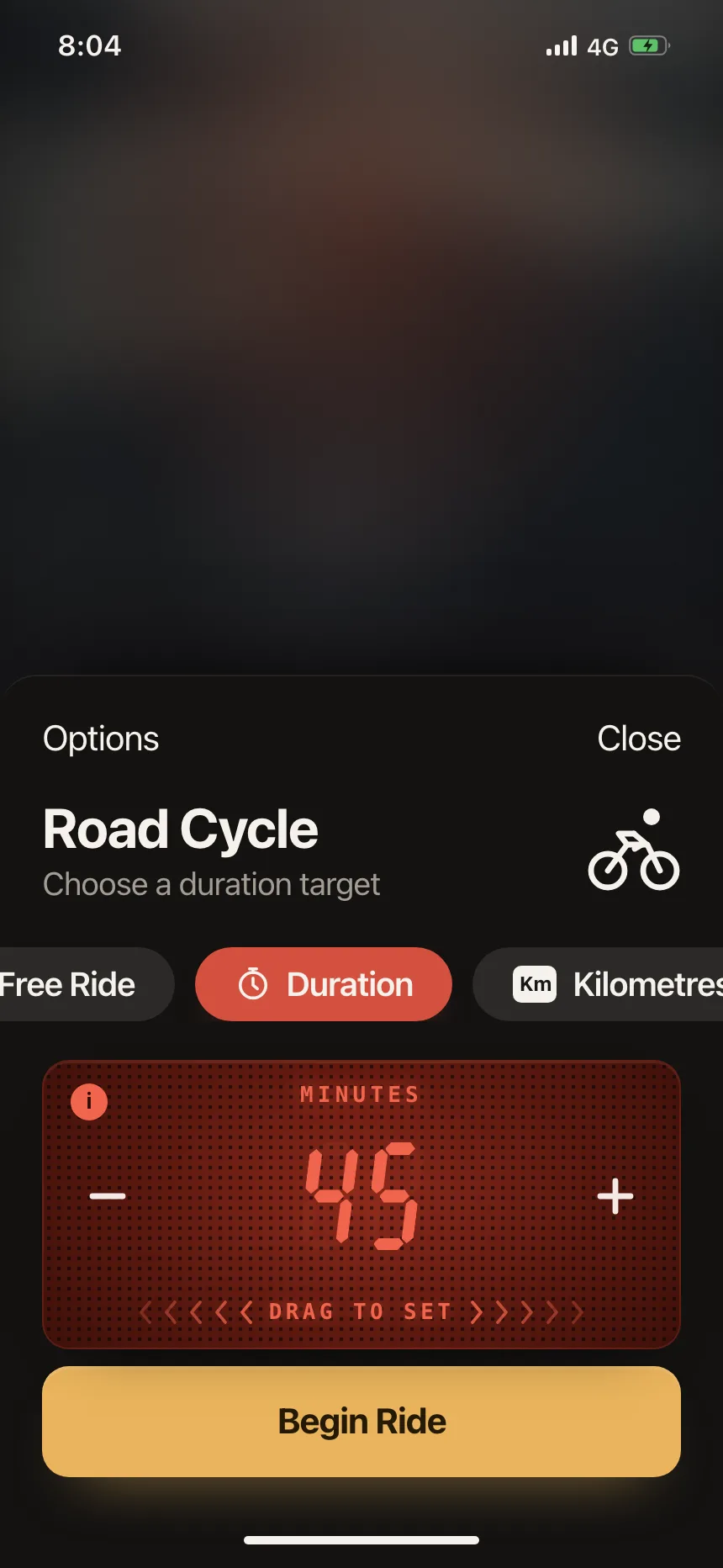
The thumb snaps to marked stops, like text sizes or rate limits, with a label under each stop.
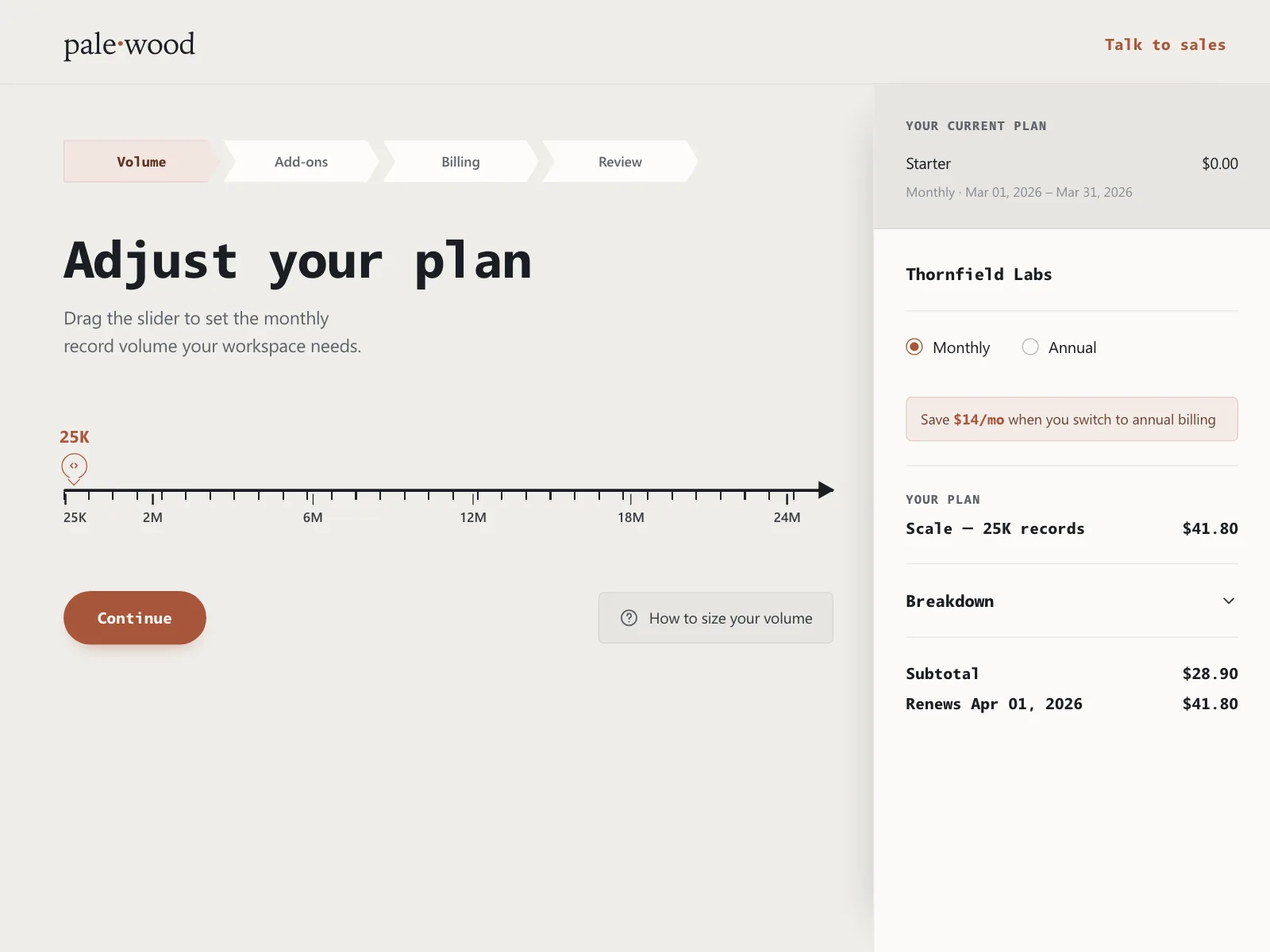
4. Ruler pickers
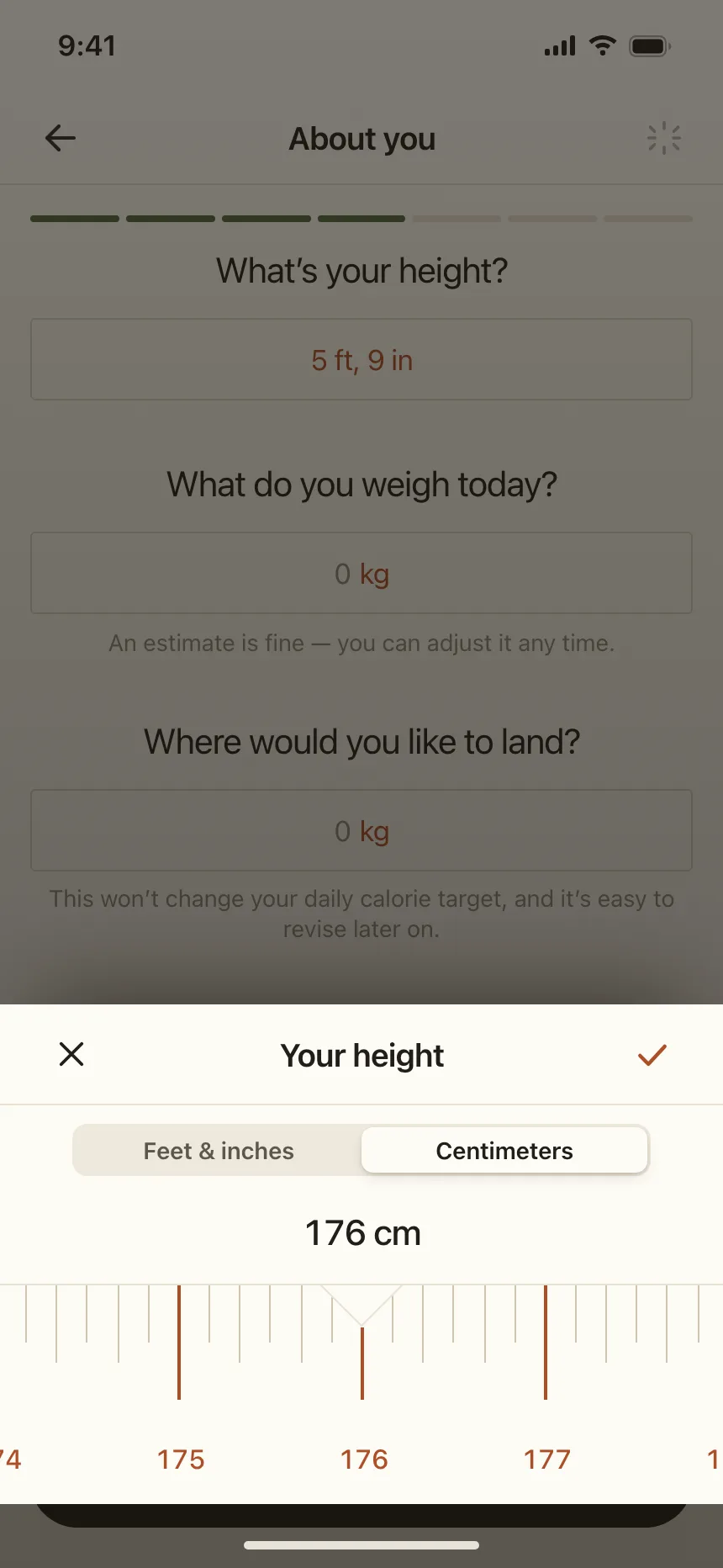
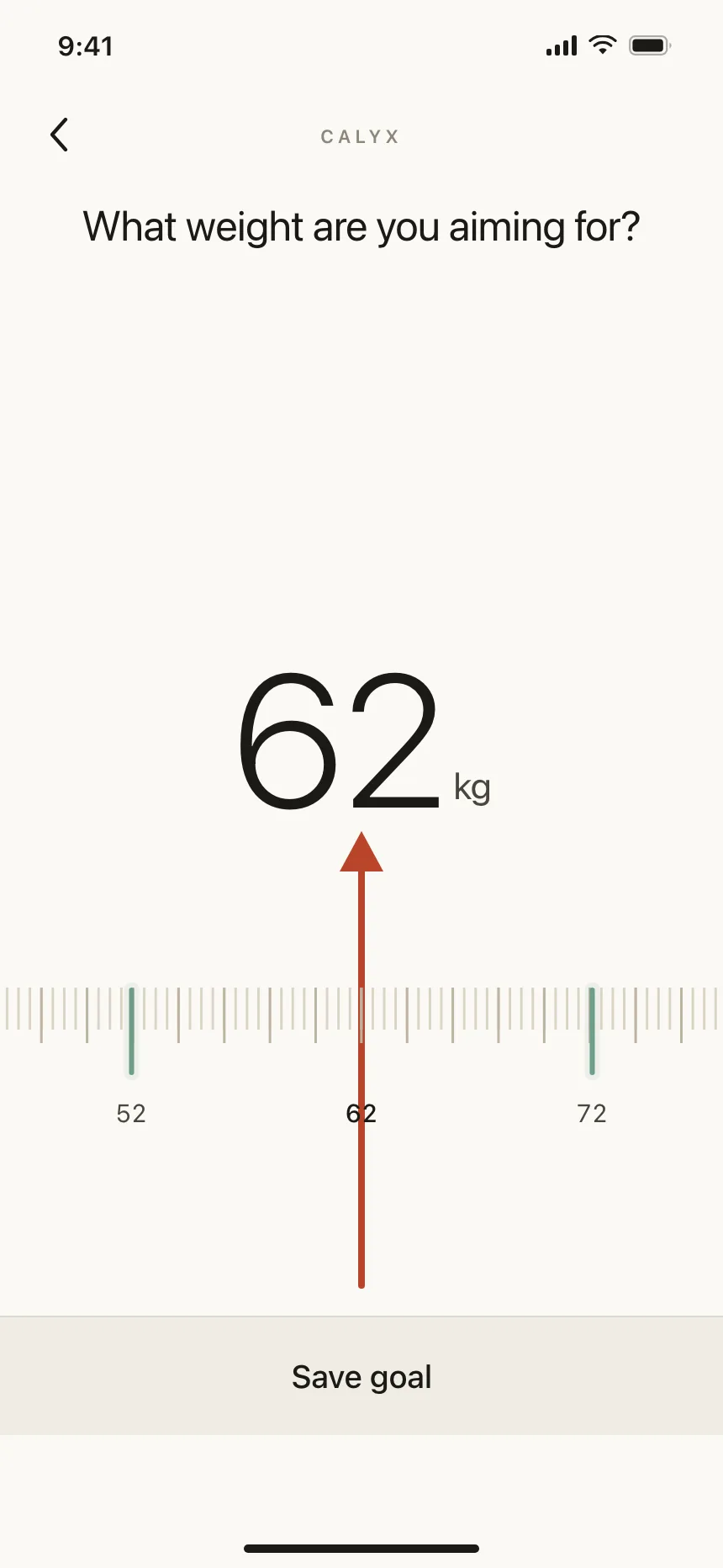
A scale of tick marks that moves under a fixed pointer, for height, weight or volume.
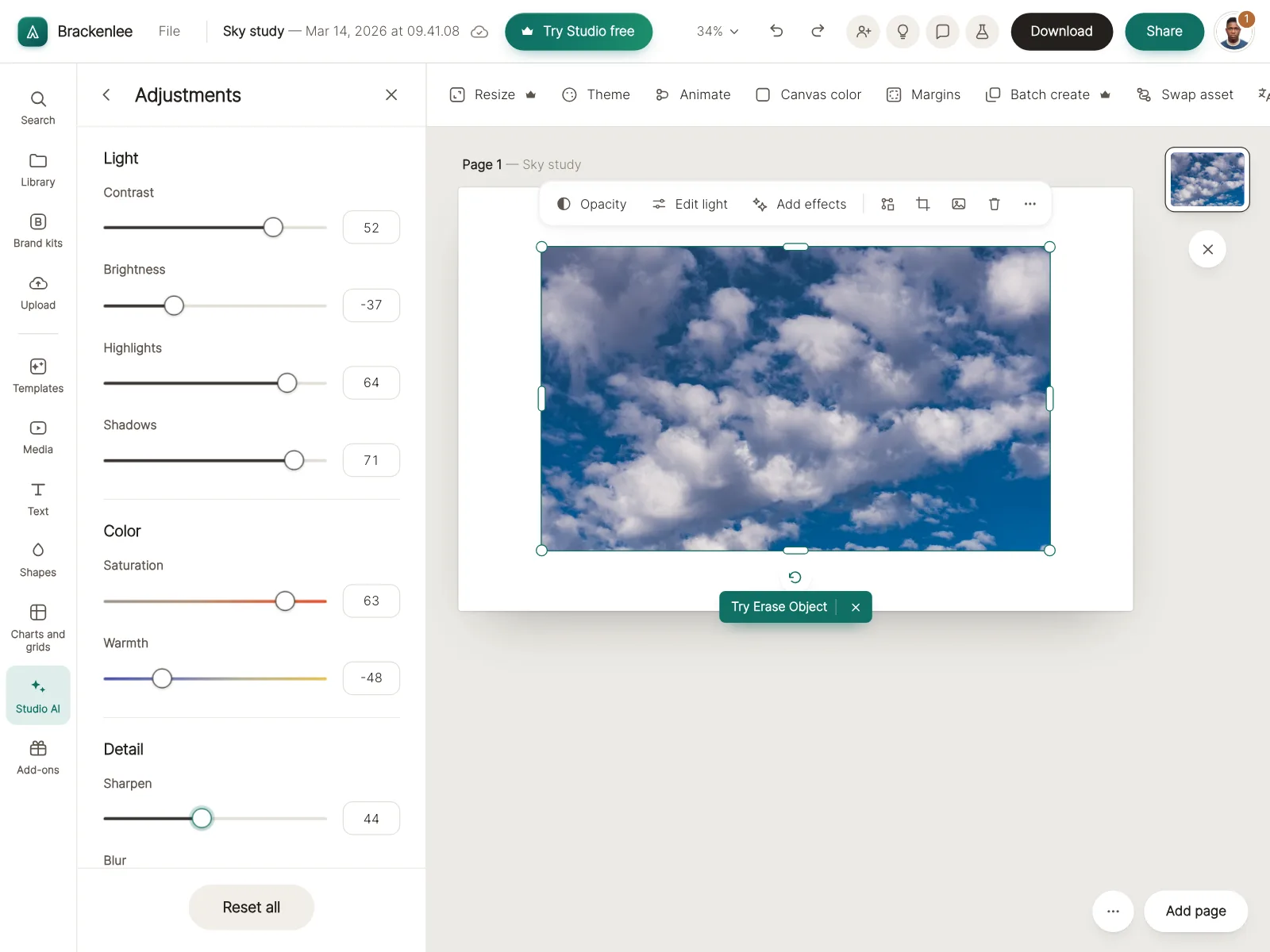
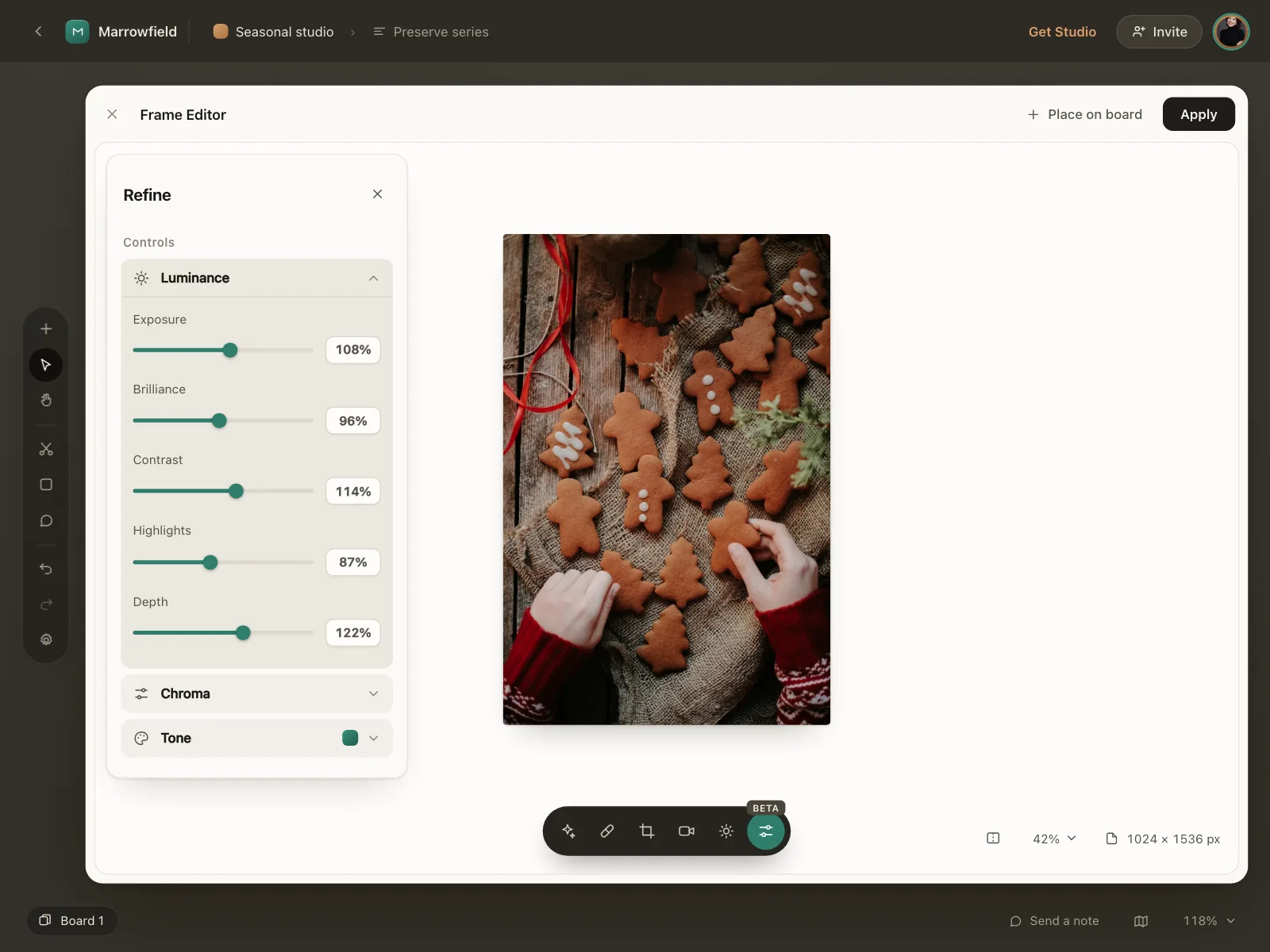
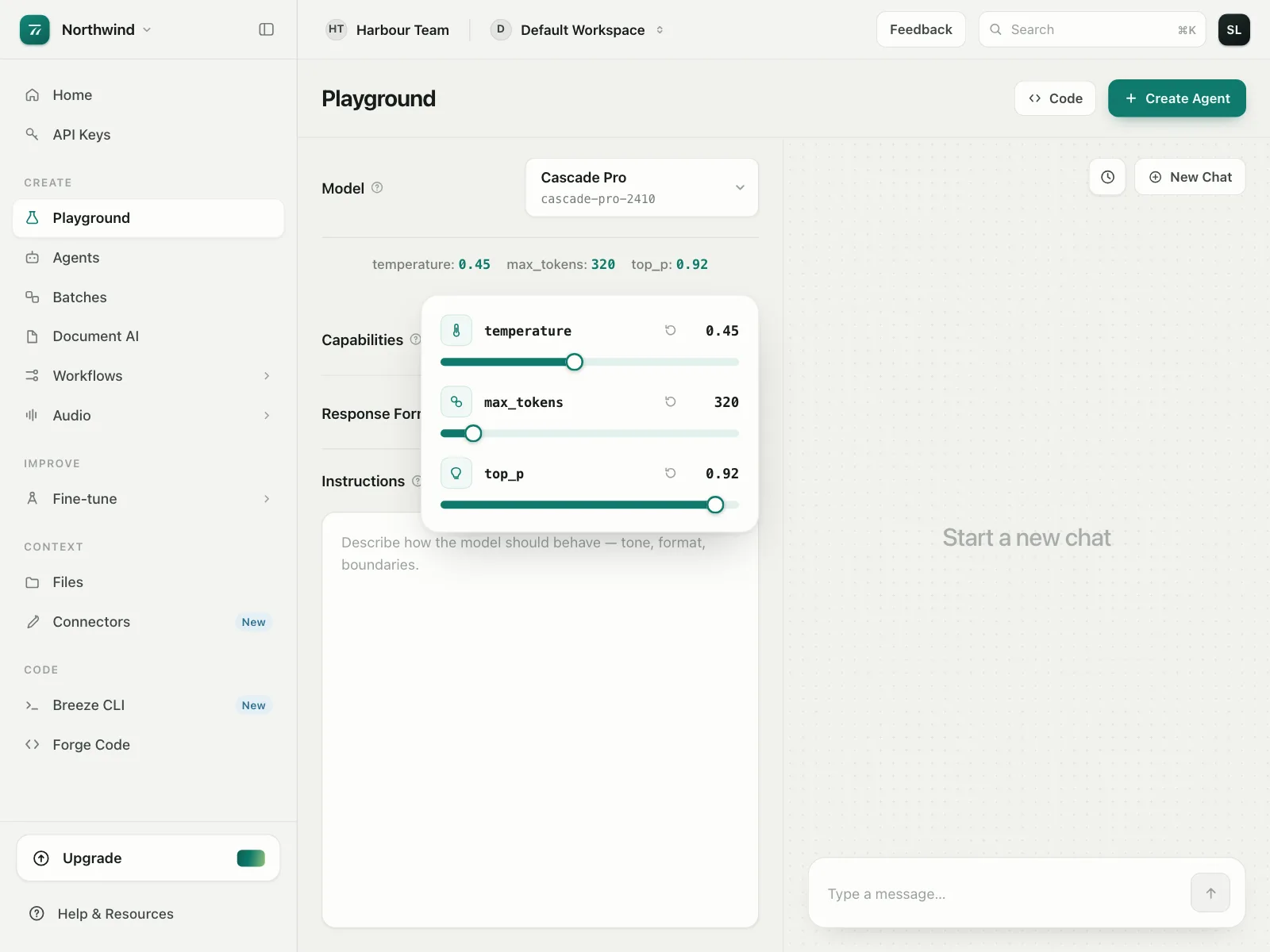
5. Adjustment panels
Stacks of labeled sliders with a number beside each, for editing photos or tuning model settings.
6. Scrubbers
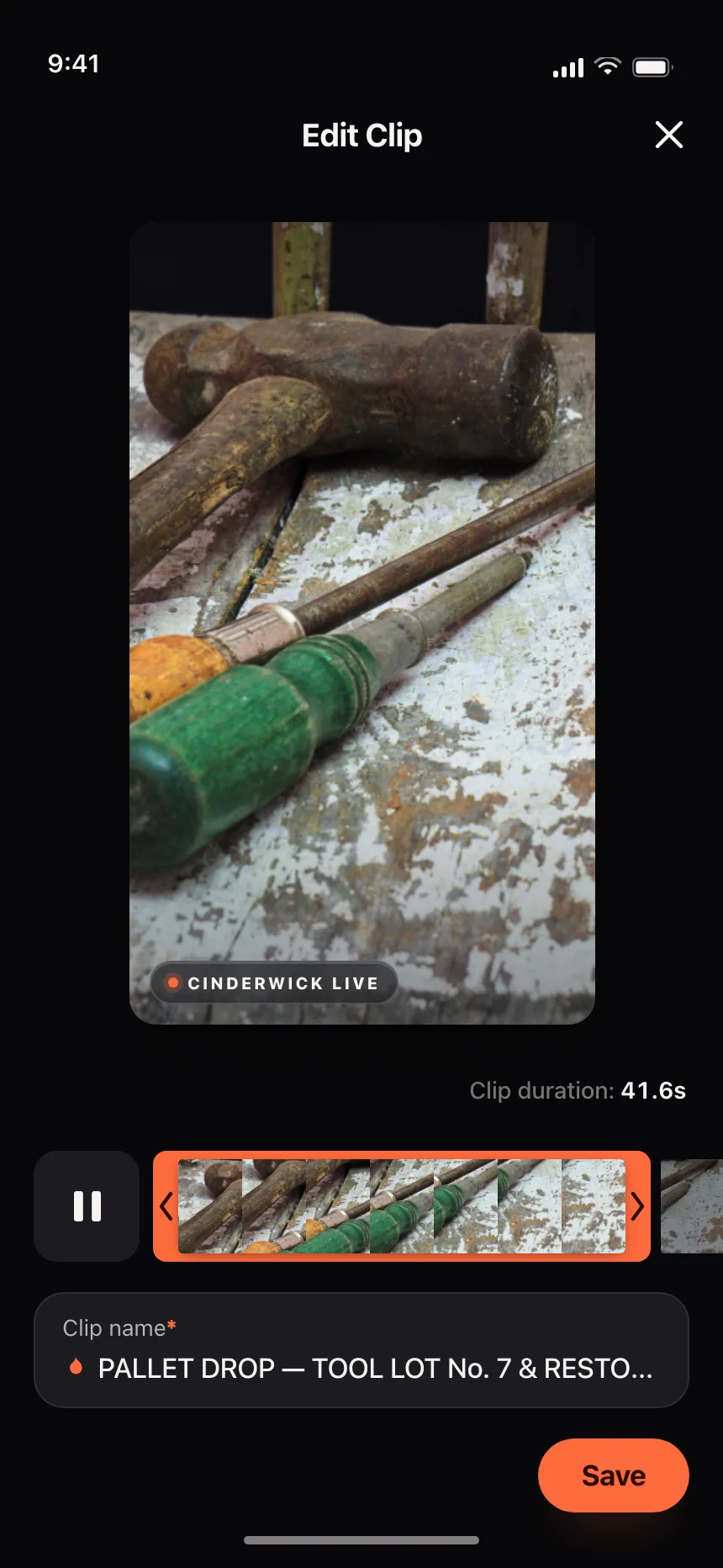
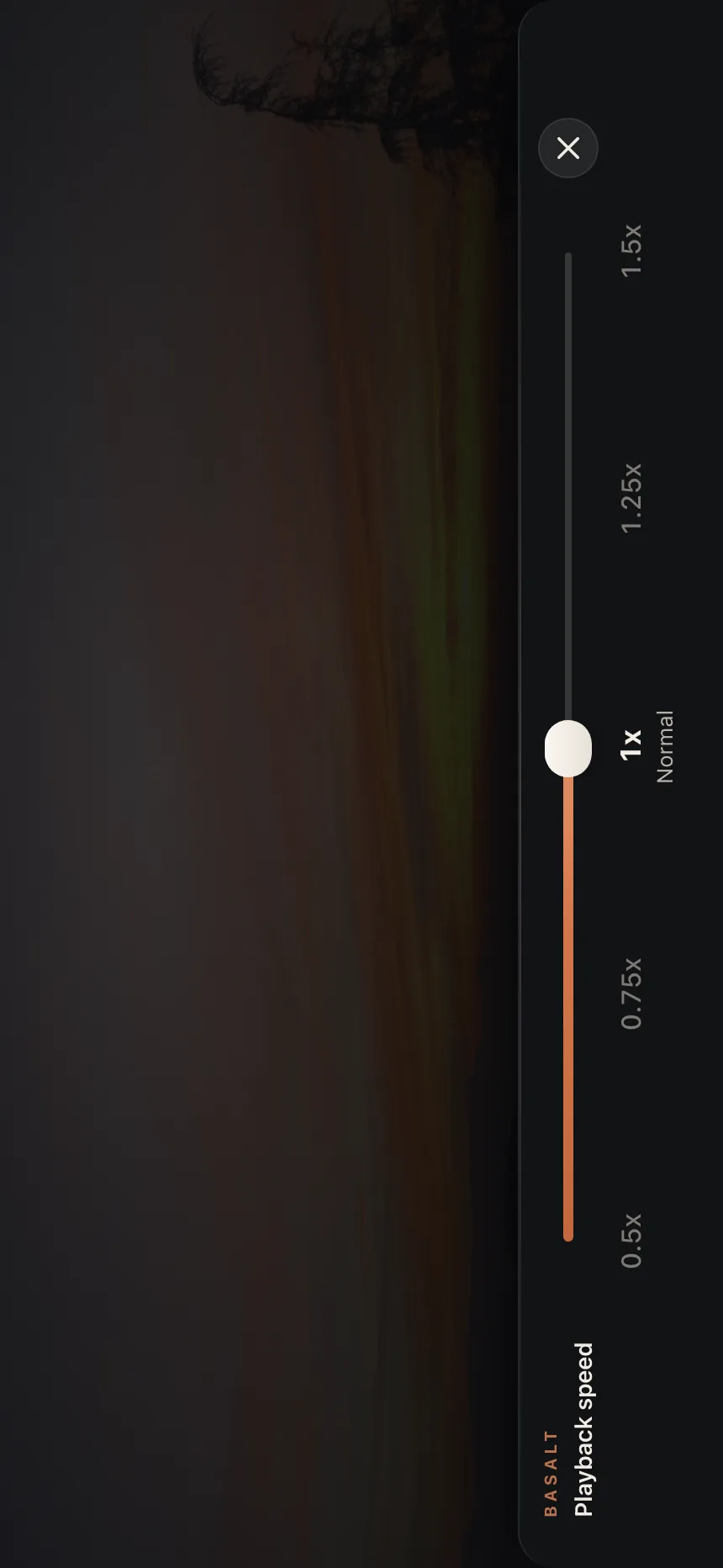
A track tied to time, for trimming a clip, moving through a timeline or setting playback speed.
Where sliders show up
Search filters
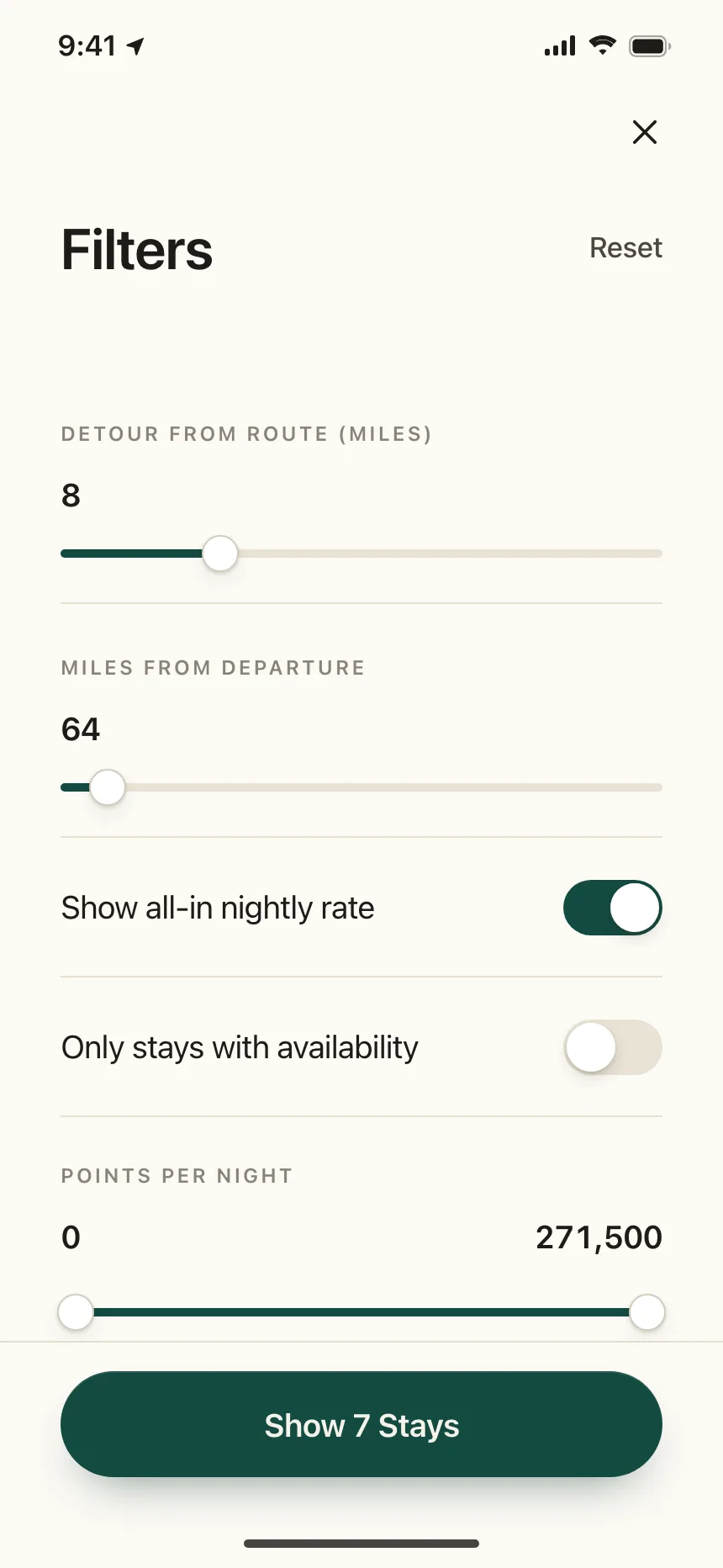
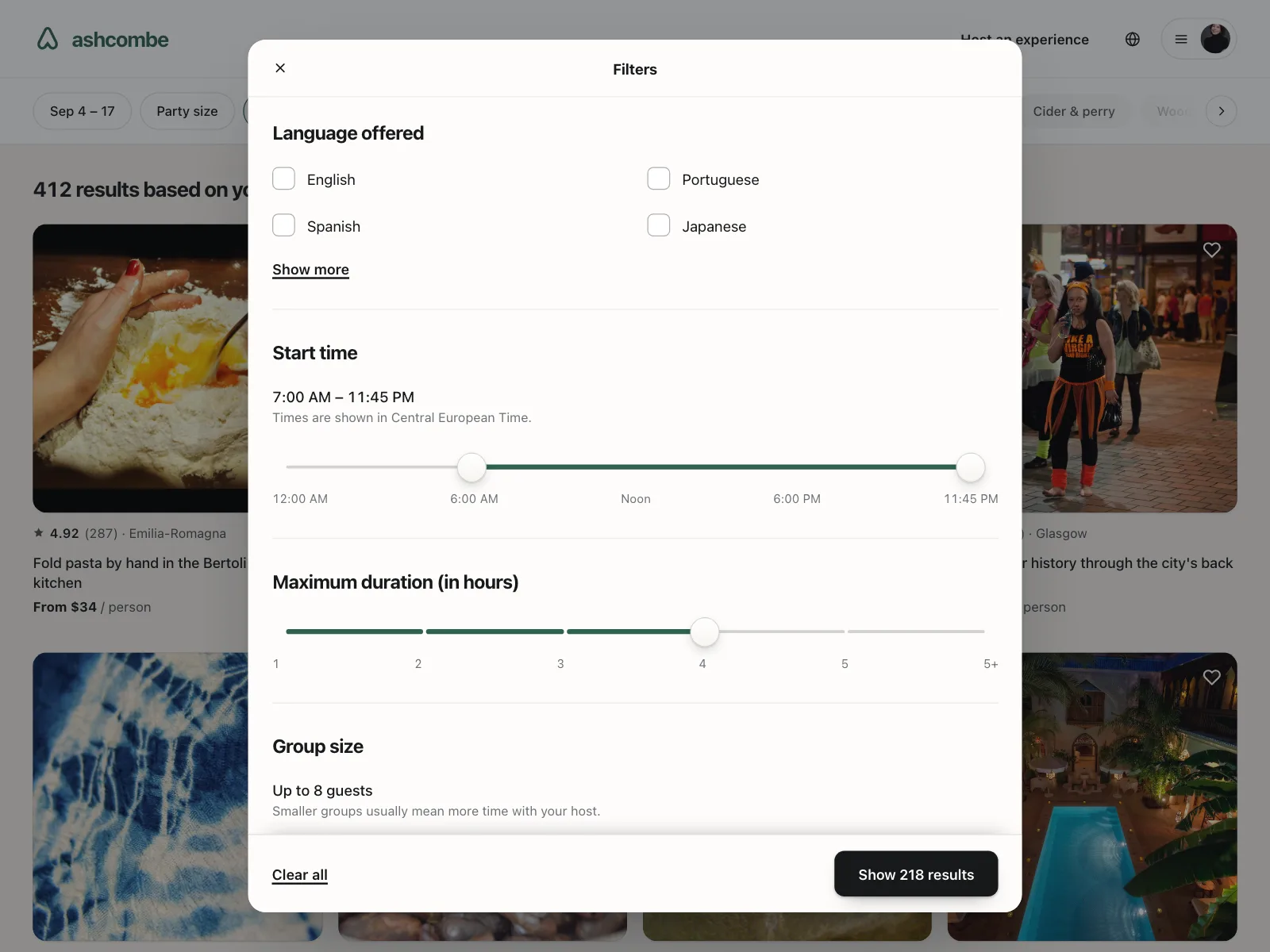
Price, start time and duration ranges in filter sheets and popovers, above the button that shows results.
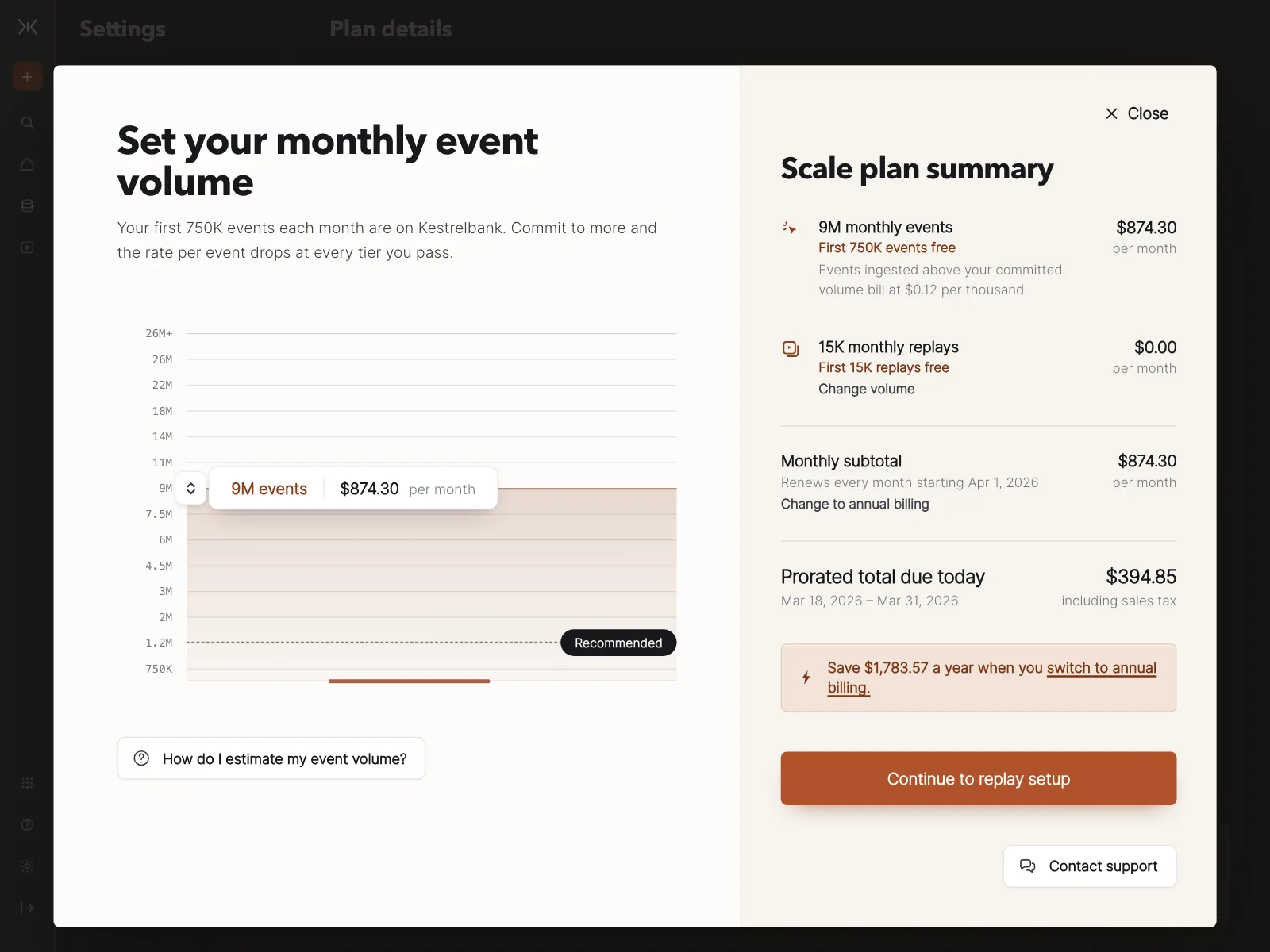
Calculators and pricing
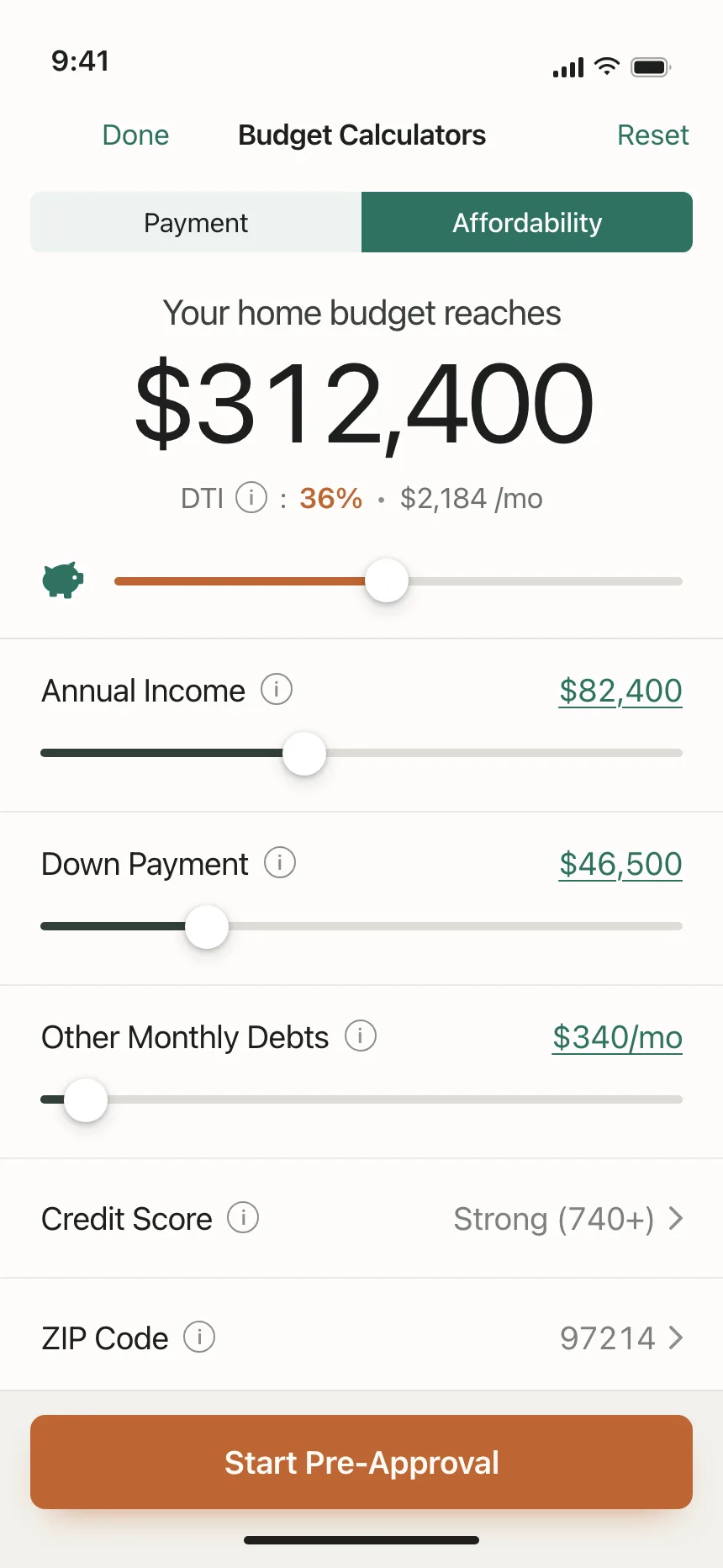
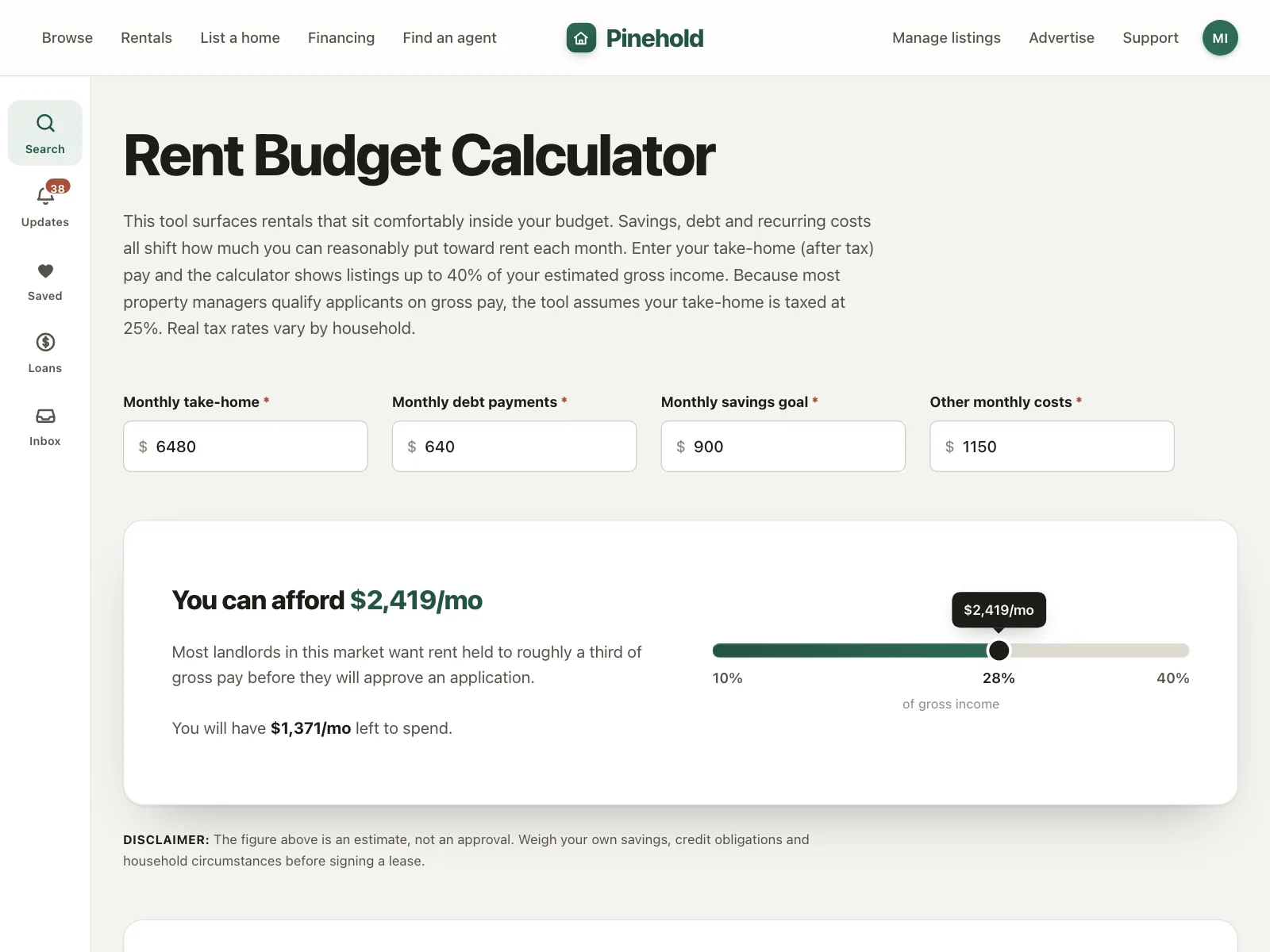
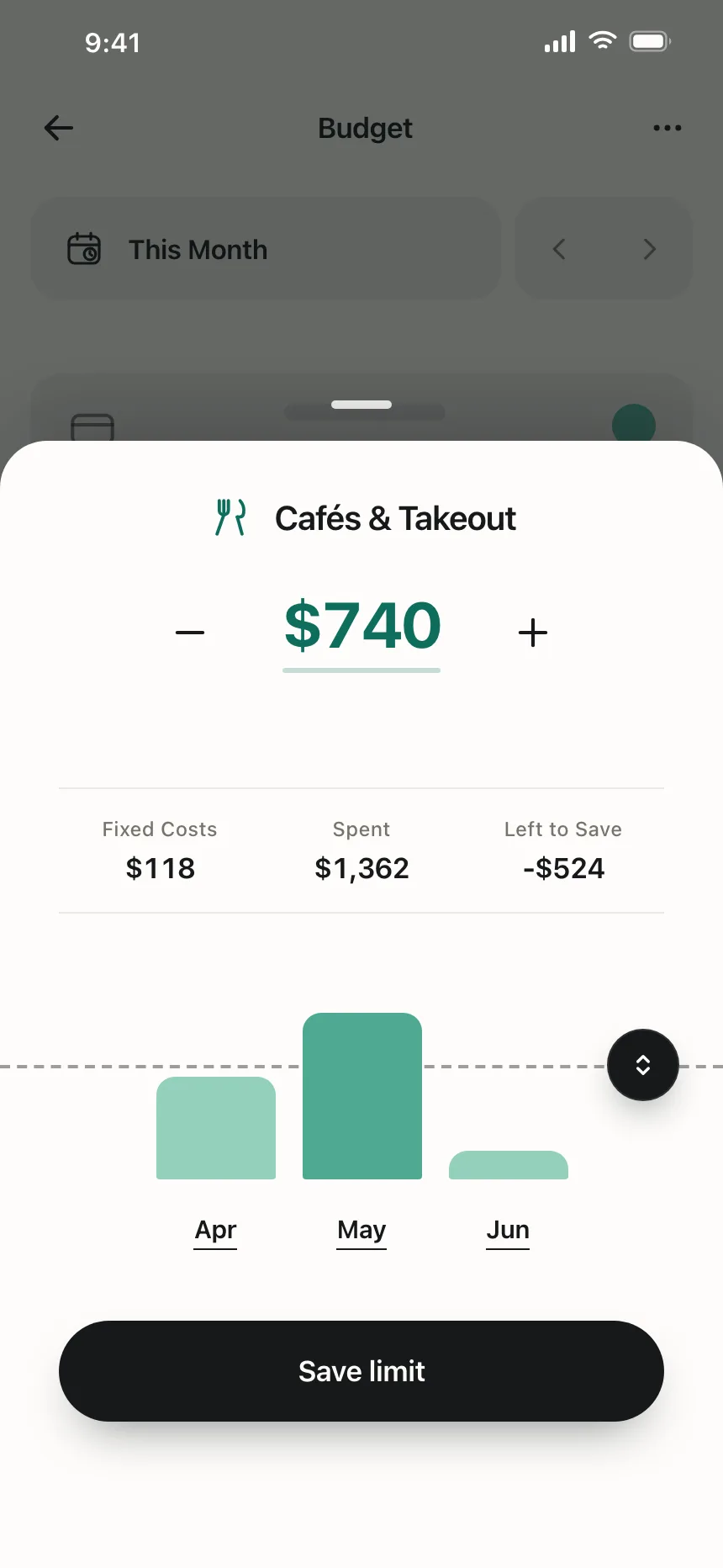
Drag an income, a rent or a volume, and the budget or the price next to it updates.
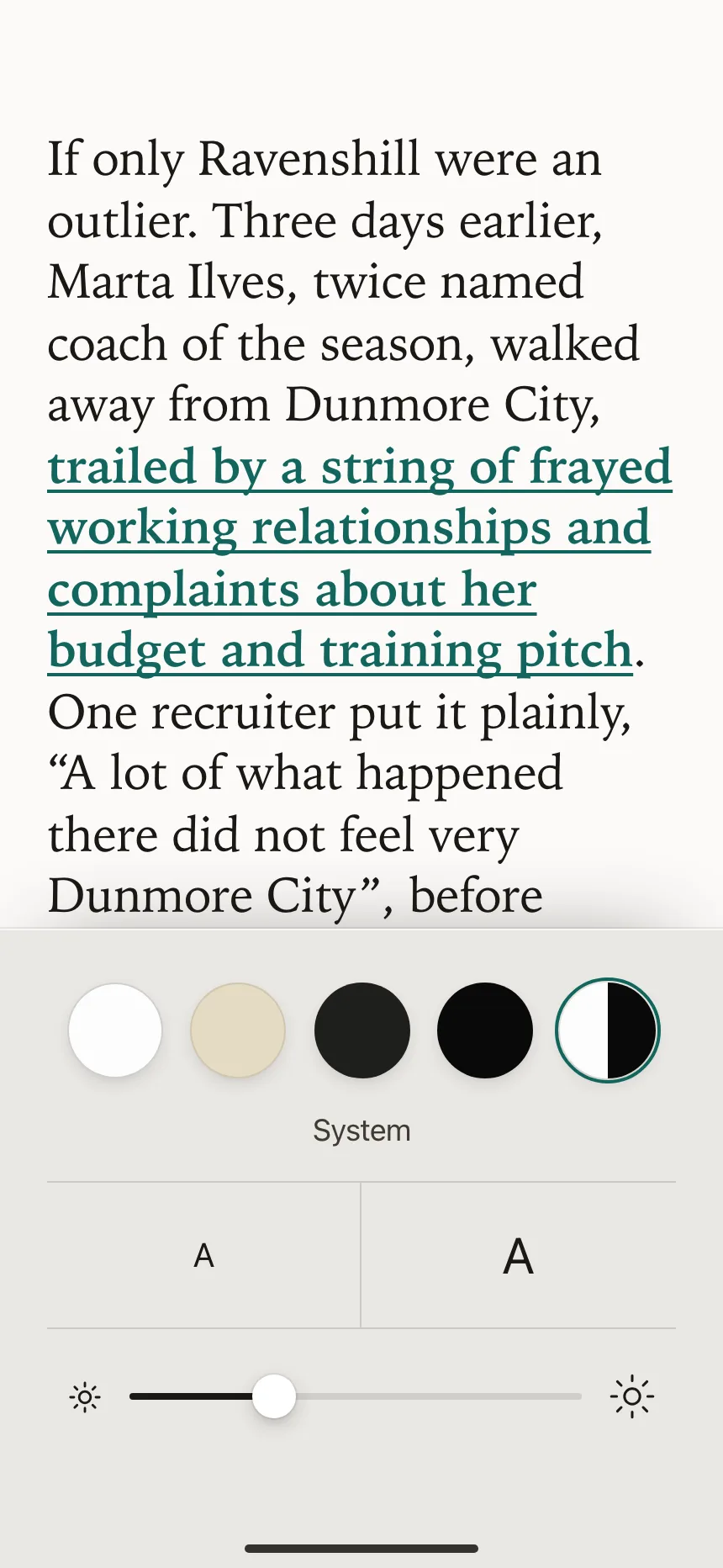
Settings
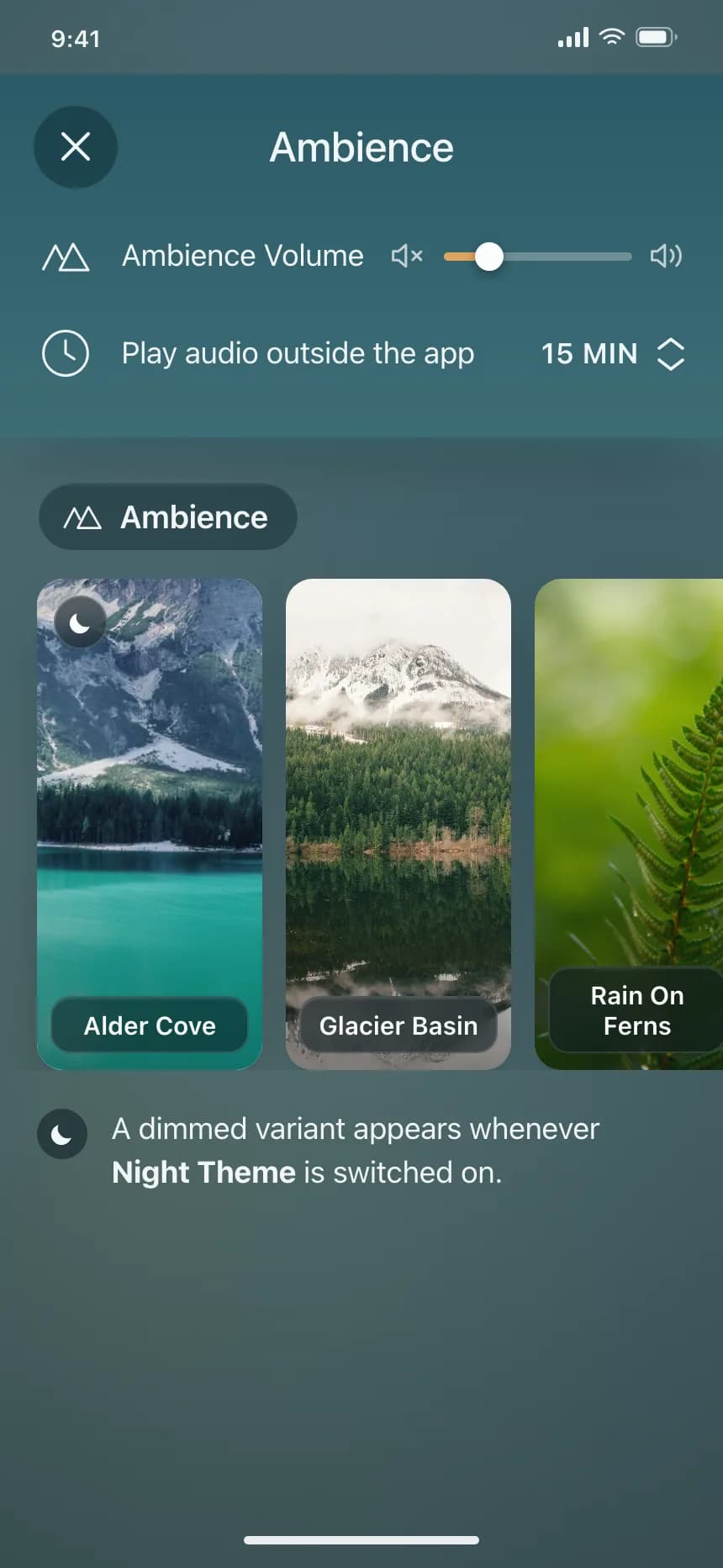
Brightness, ambience volume and compute resources, set once and left alone.

Slider vs similar components
Build notes
- Use <input type="range"> with min, max and step. The defaults are 0, 100 and 1.
- Arrow keys move one step, Home and End jump to the ends, and Page Up and Page Down take bigger steps.
- For a custom slider, use role="slider" with aria-valuenow, aria-valuemin and aria-valuemax.
- Set aria-valuetext when the number alone is unclear, like "$1,850 a month".
- In a range slider, each thumb is its own tab stop, and the thumbs can't pass each other.
- Add tick marks with a <datalist> linked through the input's list attribute.
FAQ
When should I use a slider instead of a text field?
When the exact value matters less than where it sits in the range, like volume. MDN advises using a range input only when the control's exact value isn't important. For amounts people know, like a loan, put a text field next to the slider.
How does a slider work with a keyboard?
Tab to the thumb, then use the arrow keys to move it one step at a time. Home and End jump to the minimum and the maximum, and Page Up and Page Down move in bigger steps where the slider supports them.
What is a range slider?
A slider with two thumbs that set the low and the high end of a span, like a price range in a filter. Each thumb is a separate tab stop, and the thumbs can't pass each other.
Should a slider update results while people drag?
Update the value label right away, so people see the number they are choosing. If each change runs a search, wait until they let go before fetching results, so the list does not flicker.
Related terms
All glossary terms · Browse 55 web and 35 mobile slider designs