


How it works sections from the Kombai gallery: a sales outreach tool's four steps, a blood-testing service's walkthrough and a diagnostics clinic's three-step process.
What is a how it works section?
A how it works section lays out a product or service as a short sequence of steps, each with a number, a title, a line of text and often a picture. It answers "what happens after I sign up?" before people commit, so the first step feels small and the result feels close.
- Steps are numbered in the order people do them, usually three or four.
- Each step names one action, and the last one lands on a result.
How it works sections show up across partner program, referral, features and hero screens.
When to use a how it works
- A new kind of productPeople need to see the process before they trust it.
- Services with stagesTesting kits, hiring and onboarding: anything that happens over days.
- A short path to valueWhen three or four steps really get people to a result.
When not to use one
- A list of featuresIf the steps can come in any order, it is a feature section.
- Long proceduresTen steps belong in the docs or a guided setup, not on a landing page.
- Live setup inside the appUse a checklist or a progress indicator that tracks what is done.
Anatomy of a how it works
This one works. Pick a step to see it, or tab to the steps and use the Up and Down arrow keys.
- Step
- Selected
- Keyboard focus
- HeadingNames the result
- Step numberShows the order
- Step titleOne action, verb first
- Step textA line or two of detail
- VisualShows the step happening
- StatesStep, selected, focus
How it works variants
We sorted every how it works design in the Kombai gallery and found five patterns. Browse all 63 web and 37 mobile designs.
1. Numbered columns
The default. Three to five steps side by side, each with a number or icon, a short title and a line of text.


2. Steps with pictures
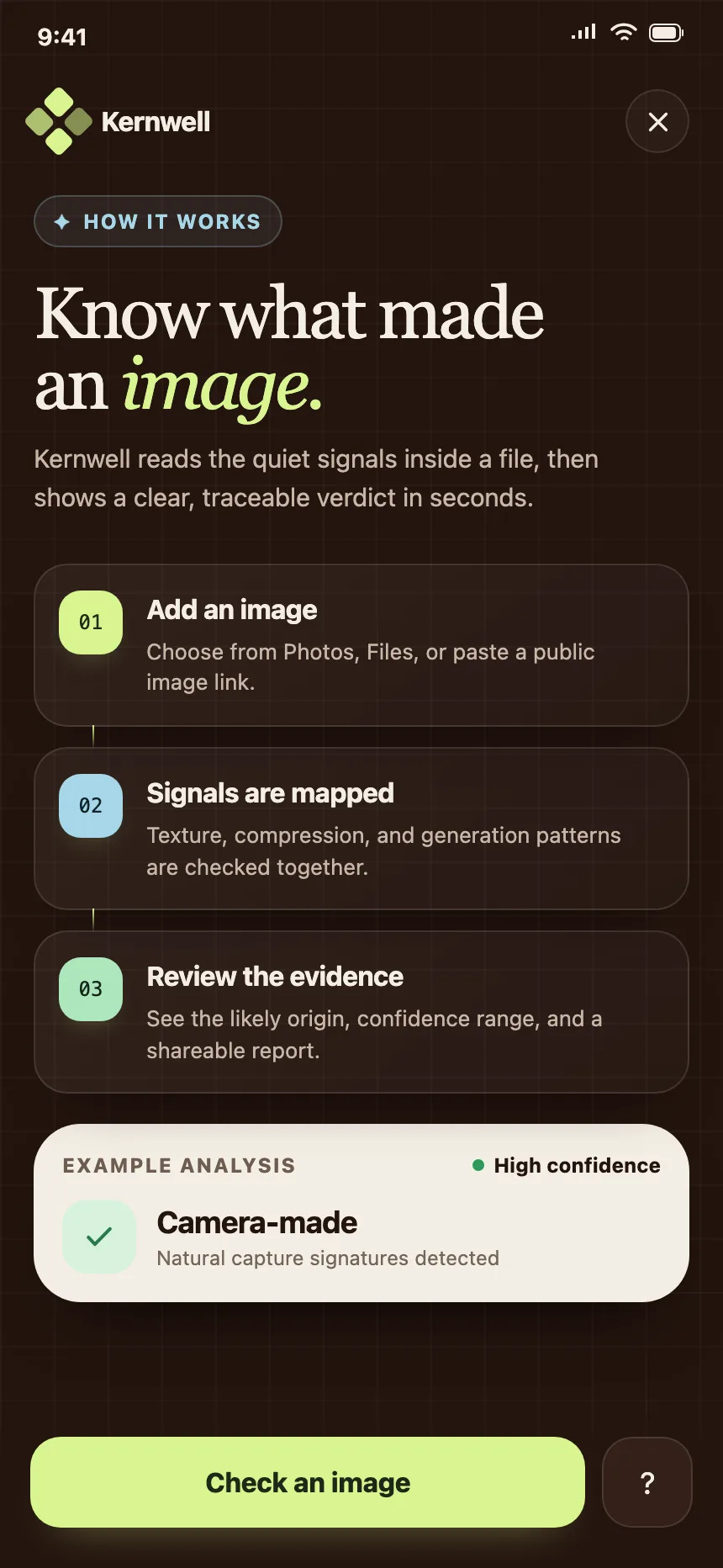
Each step pairs its text with a photo or illustration, in columns or in alternating rows.


3. Steps on a timeline
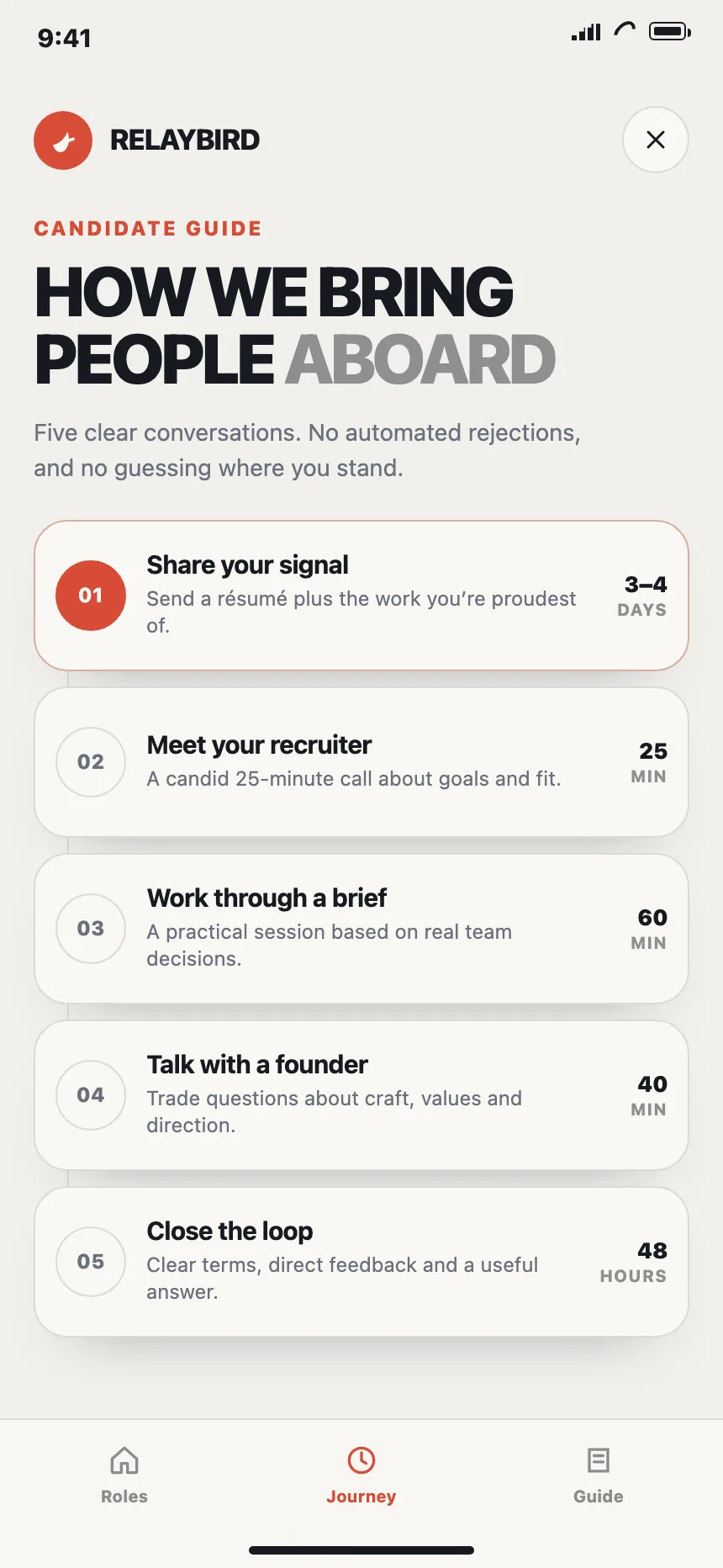
The steps sit along a line, down the page or across it, often with a day or a duration at each stop.


4. Stacked step cards
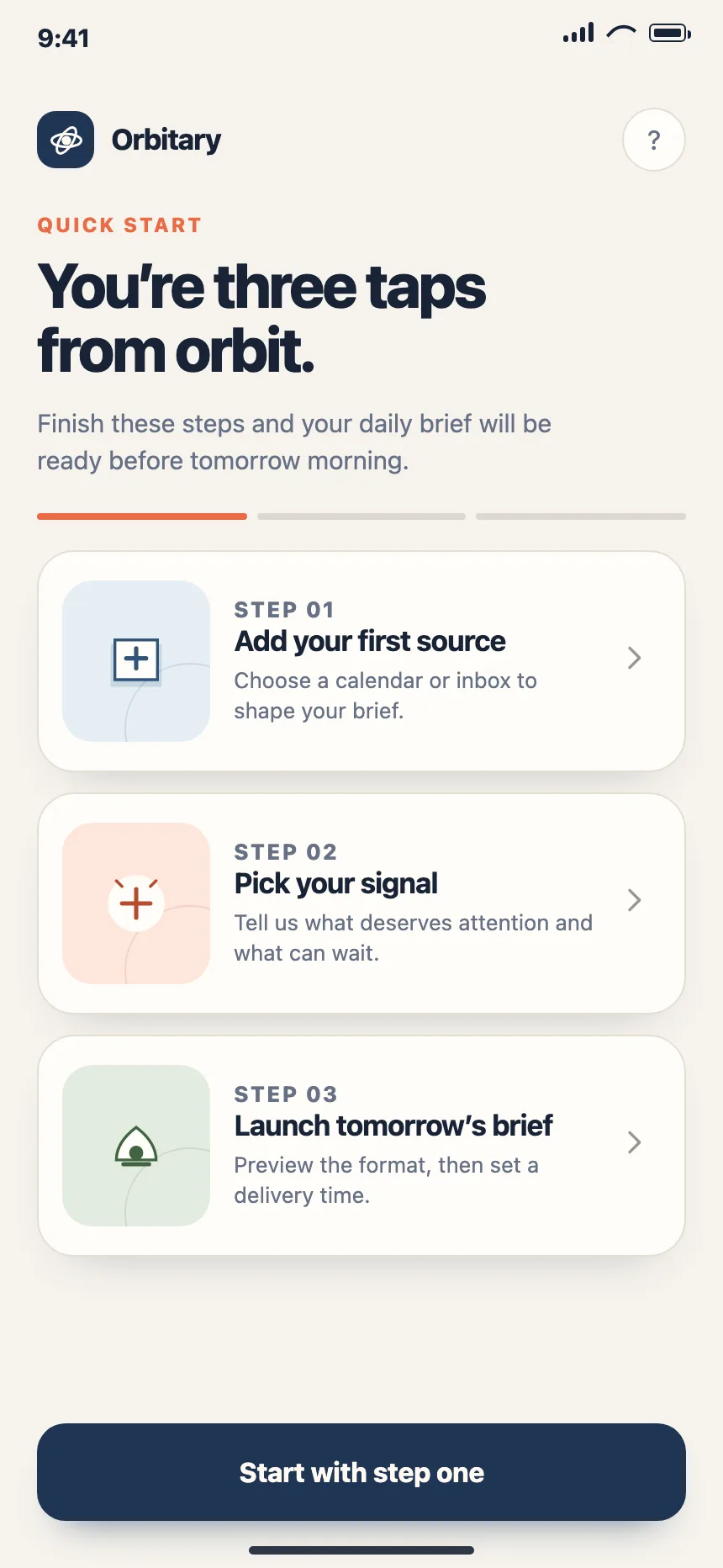
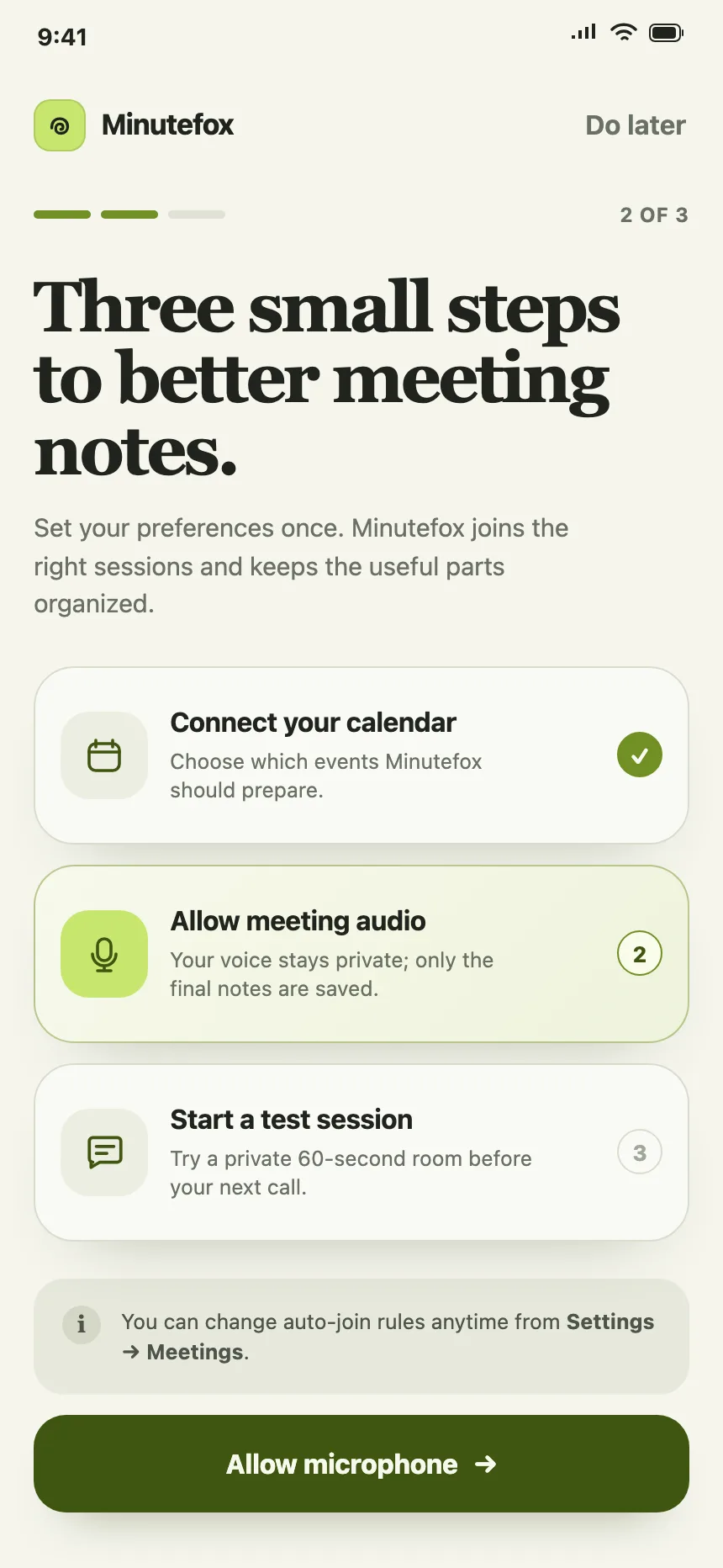
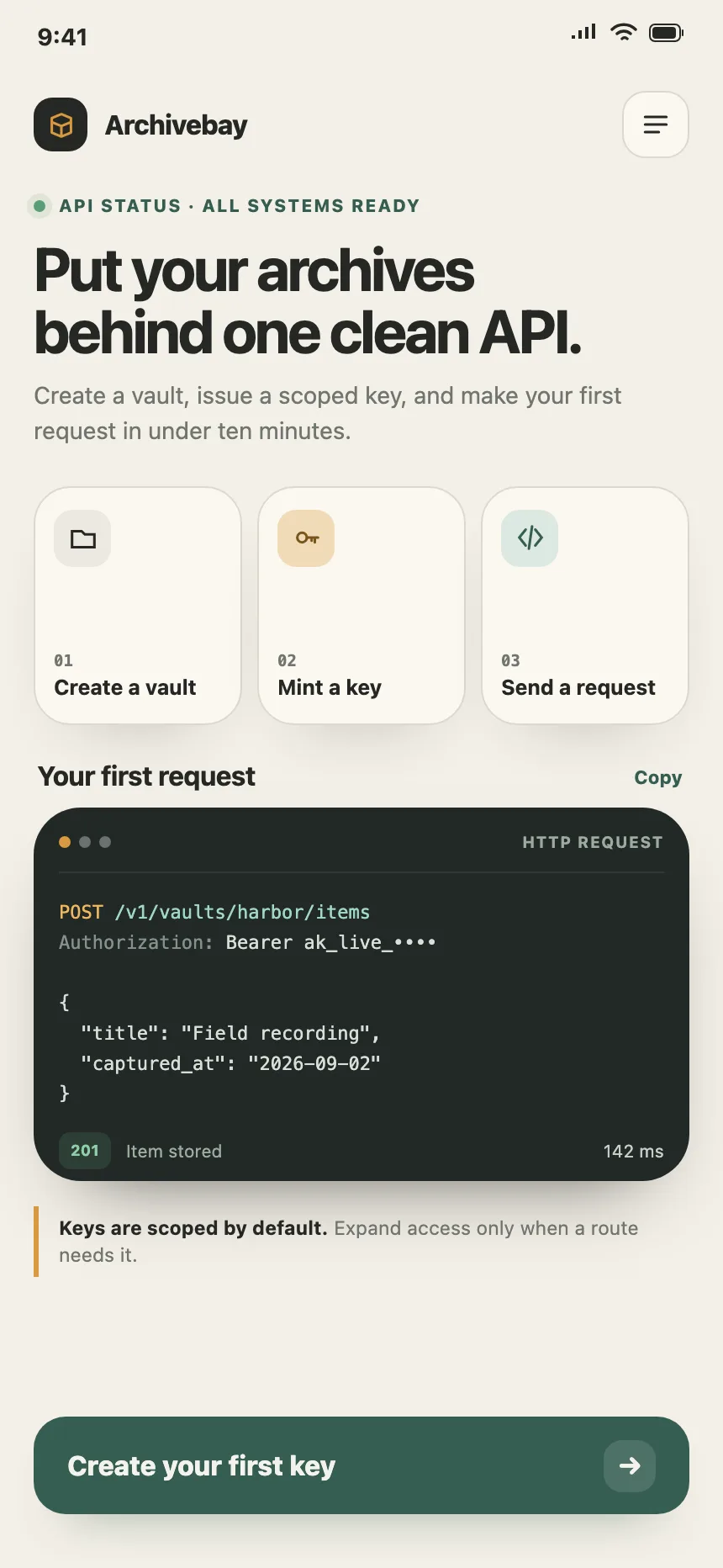
On mobile, the steps stack as numbered cards or rows, usually with one button at the bottom to start.
5. Steps over a product shot
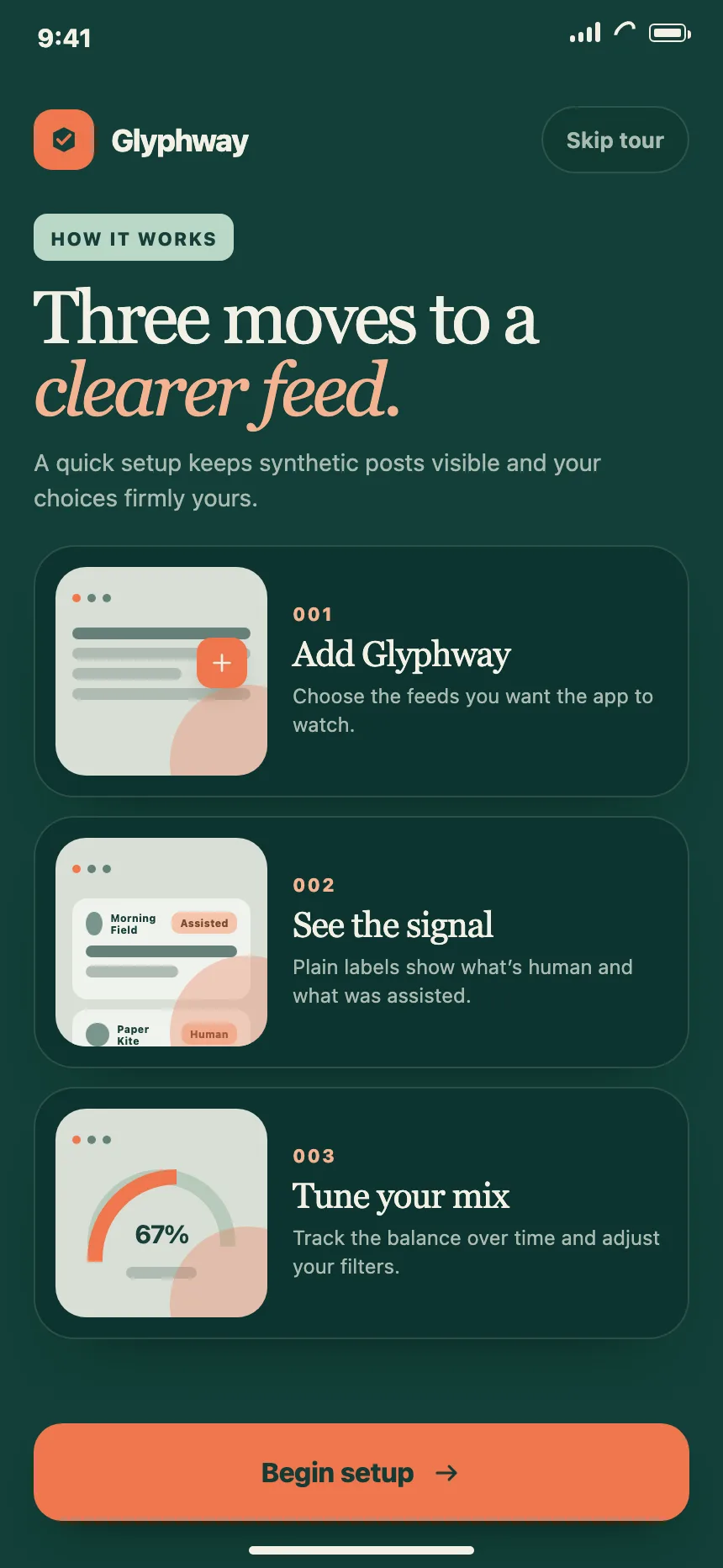
Each step comes with a screenshot or mock of the product, so people see where in the app it happens.


Where how it works sections show up
Product landing pages
Three or four steps that show how quickly people get from signup to a result.


Hiring process
Careers pages lay out each interview stage, often with how long it takes.


Partner programs
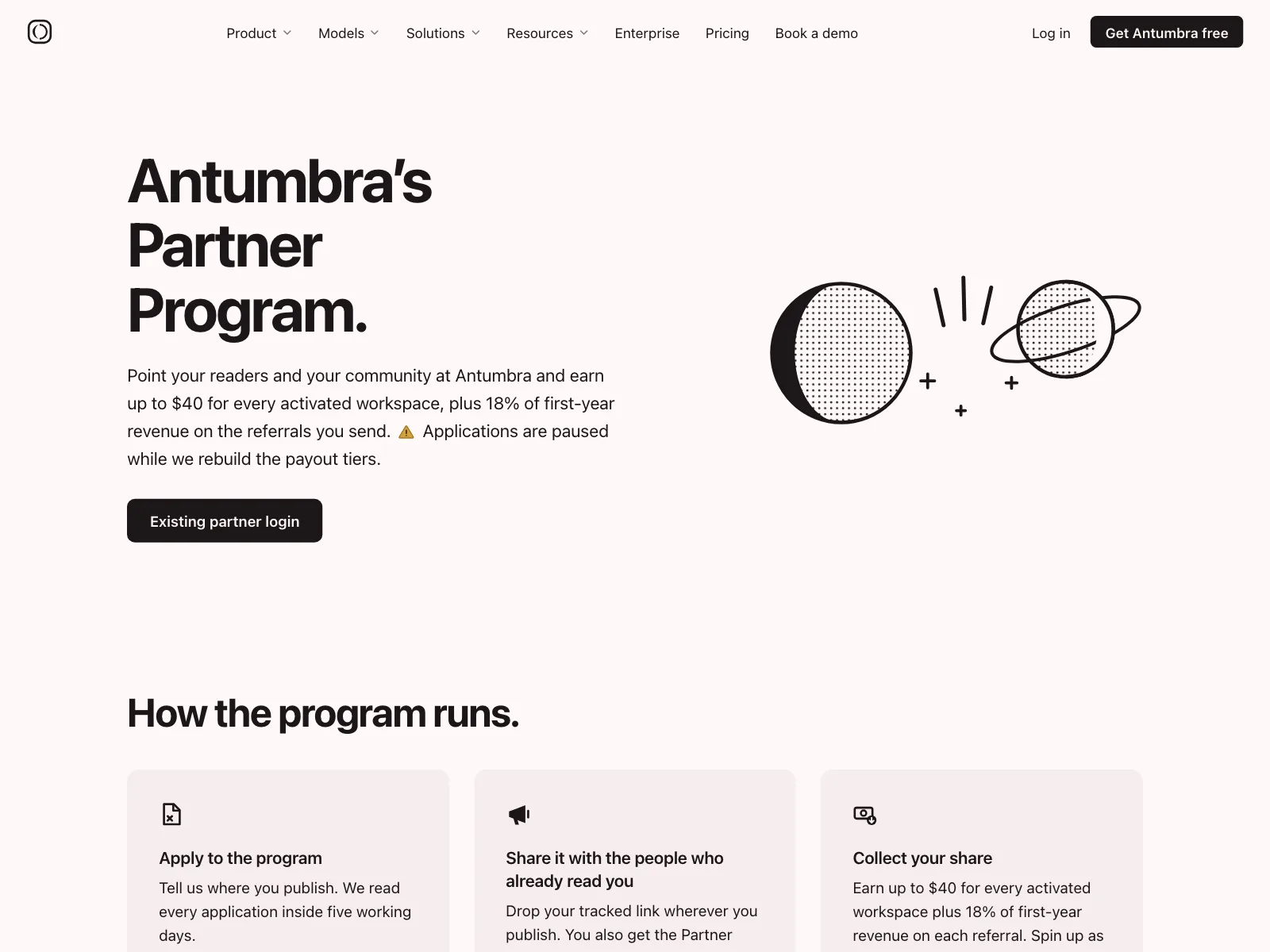
Referral and partner pages walk through the path from applying to getting paid.


App onboarding
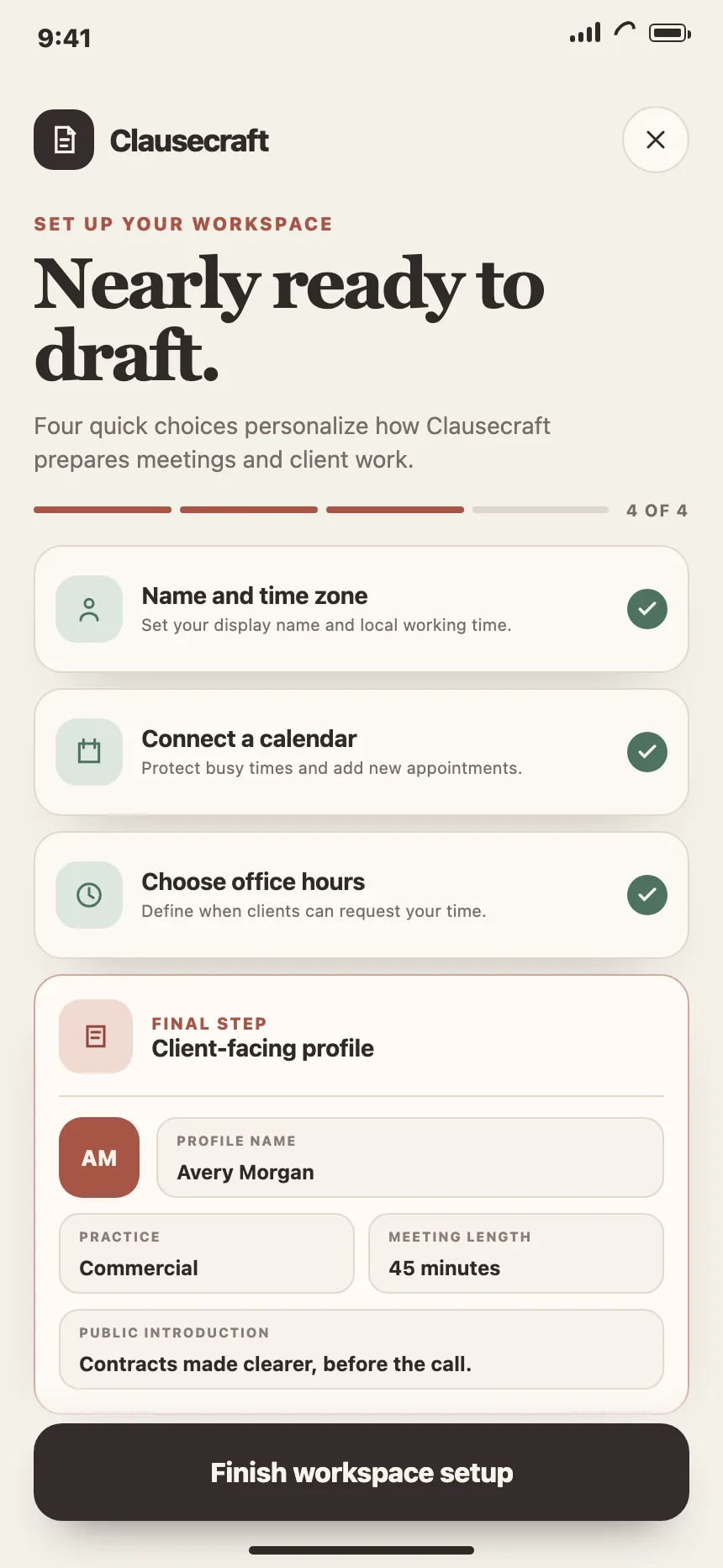
Setup screens list the few steps to a working account, then point at the first one.

How it works vs similar components

Build notes
- Write the steps as an ordered list (<ol>), so the order is in the markup, not only in the numbers.
- Start each step title with a verb, and keep the text to one or two lines.
- If picking a step swaps a picture, build it as tabs: a vertical tablist, with Up and Down arrows between steps.
- Mark purely decorative step pictures as decorative (alt="" or aria-hidden), and describe the ones that carry meaning.
- Don't auto-advance the steps. Anything that moves on its own for more than five seconds needs a pause control.
- End on one button that starts step one, like "Book my blood draw".
FAQ
How many steps should a how it works section have?
Three or four. Those are the most common counts in the Kombai gallery, and they fit in one row on a desktop screen. If you need more, group them into stages, or move the detail into a guide.
Should the steps be numbered?
Yes, when the order matters, which is the point of the section. If any step could come first, you have a list of features, and a feature section fits better.
Where does a how it works section go on a page?
After the hero and the main features, and before pricing. By then people know what the product is, and the steps show them how they would start.
Should the steps animate as people scroll?
They can reveal on scroll, but keep every step readable without the animation, and switch it off for people who turn on reduced motion. Never make people wait for a step to appear.
Related terms
All glossary terms · Browse 63 web and 37 mobile how it works designs