


Your AI design engineerwith built-in taste,now in ChatGPT

Open in ChatGPT

What Kombai brings to ChatGPT

01

Better design decisions

Kombai's Taste Agent identifies the key design decisions for each task, then makes high-quality choices instead of AI defaults.

  • Creative on open decisions. Consistent with your brief and repo.

  • Considers IA, structure, style, content, and motions.

  • Draws inspiration from 20k+ curated pages and sections.
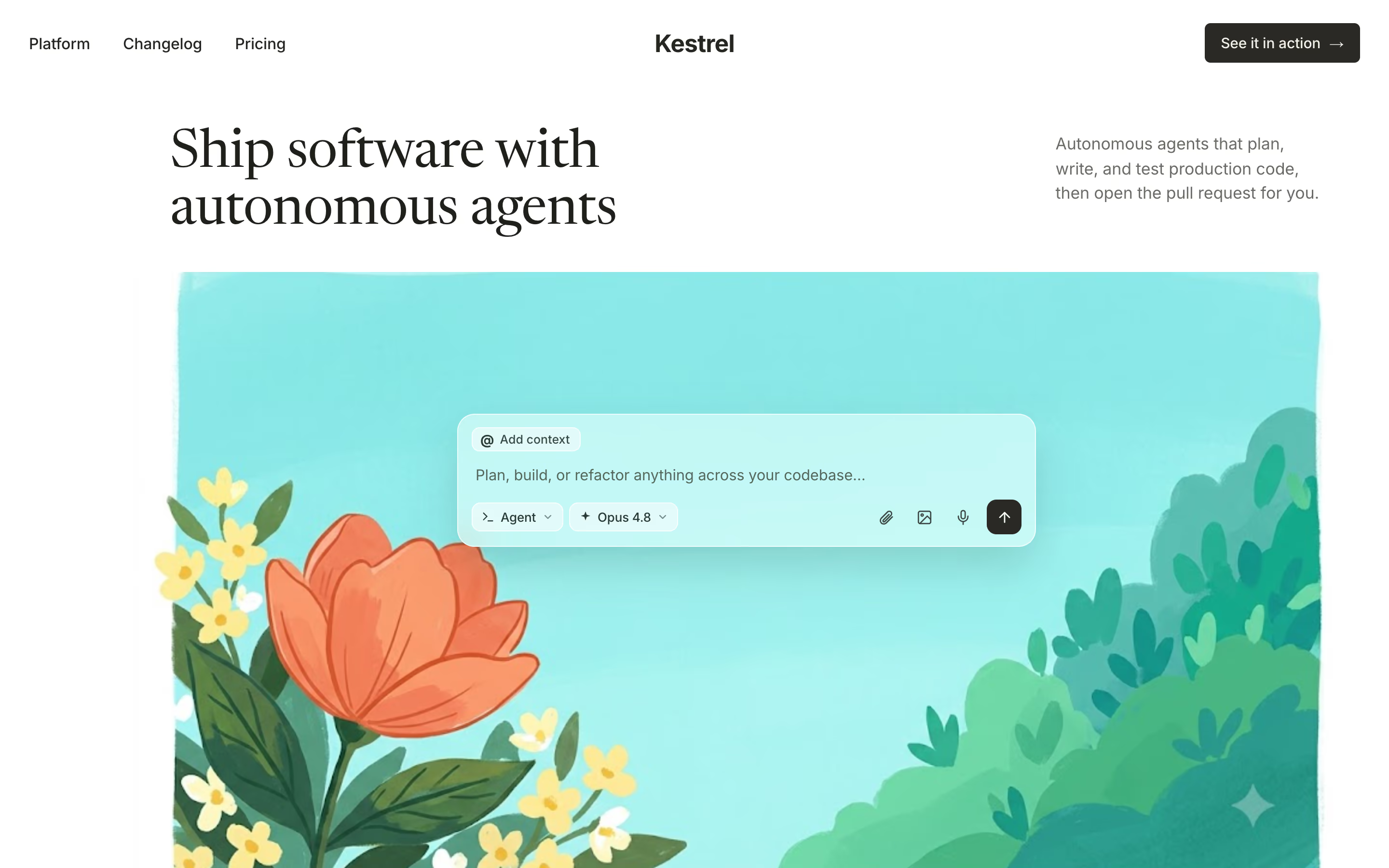
Kestrel landing page

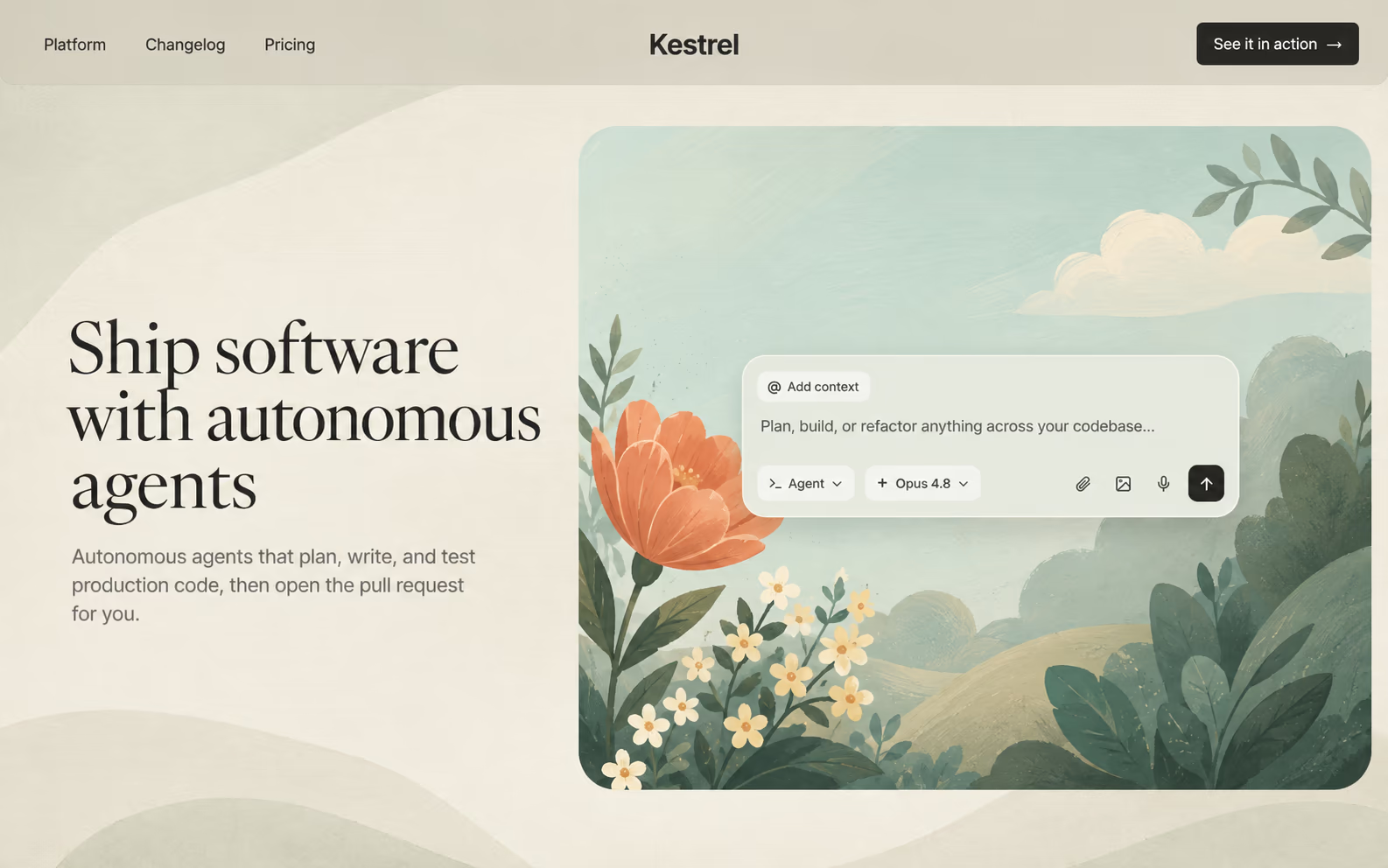
Kombai-generated product hero: dark serif headline above a painted garden illustration under a bright turquoise sky

Split layout

The same page relaid out: serif headline and sub-copy in a left column beside the painted garden illustration boxed into a rounded card, on a warm cream background
Improve Structure
02

Explore and iterate faster

Try different ideas on canvas, before they touch your production code. Run parallel agents in one or many canvases.

  • Precisely edit text, styles, and layout of any element.

  • Create targeted variations or complete redesigns with AI.

  • Work with live HTML, states, and animations.

Questions?
We've got answers.

What does the plugin add to ChatGPT?
The plugin helps ChatGPT connect to your Kombai desktop app for UI design and coding. It provides instructions for setting up the connection, resolving connection issues, and using Kombai to design interfaces, implement them, and inspect existing designs.
Which ChatGPT products are supported?
The current package supports ChatGPT Desktop only.
Why do I need a new ChatGPT chat?
ChatGPT loads the plugin capabilities at the start of each chat. Start a new chat after installing the Kombai plugin so ChatGPT can use it.

Design and code standout UI

Build standout websites and product UIs that fit in with your product and repo. Explore on a canvas, refine in the browser, ship production-ready code.