Back to Examples

Notchfield

Settings

Use this app page to import its canvas into your workspace, then remix it into your own design — same layout, components & styling.

Visit site

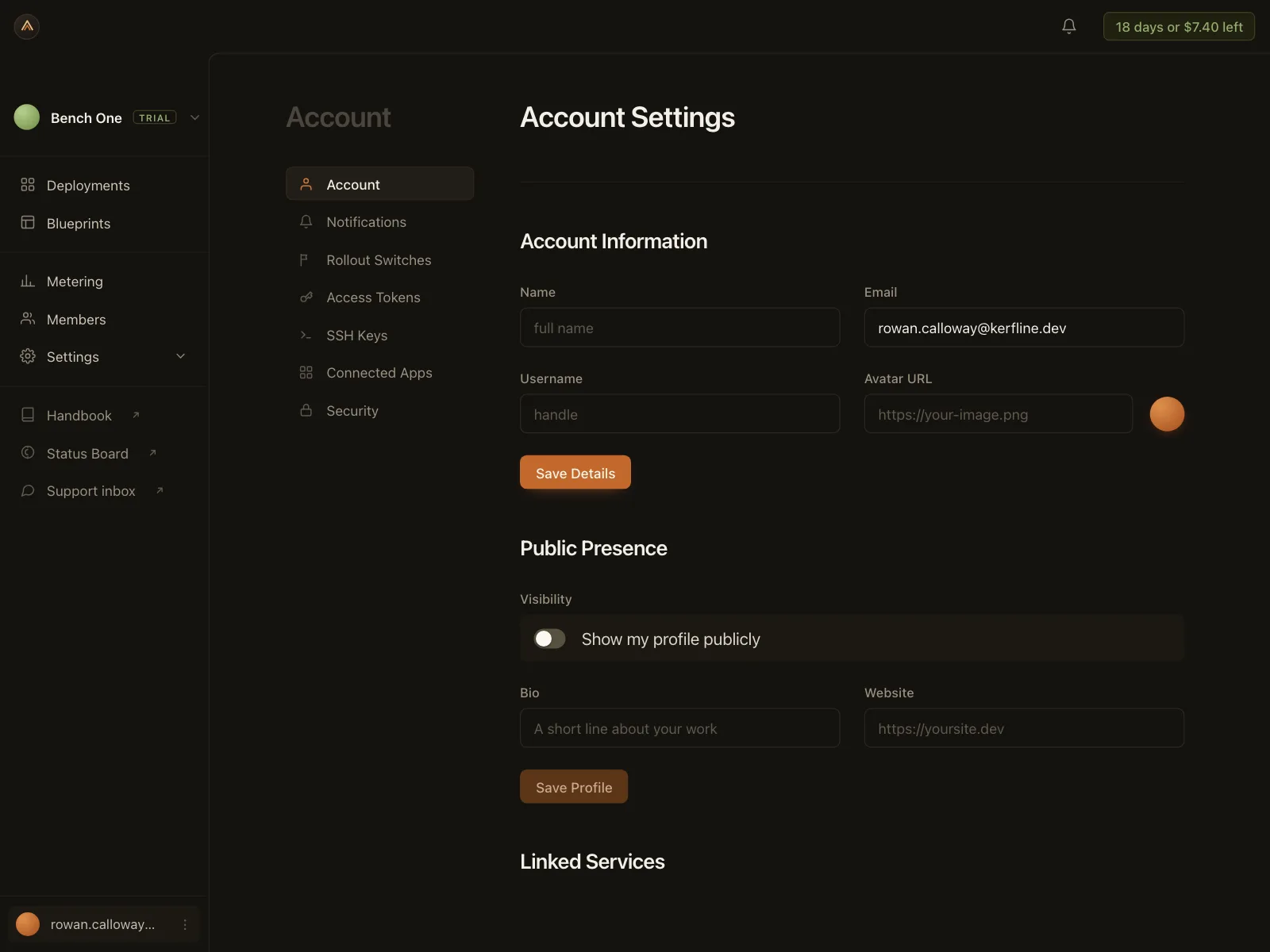
Board settings dialog over Notchfield's dotted infinite canvas, a visual collaboration board. Style: light putty canvas, white modal, blue toggles, dark scrim. Layout: modal split into a General / Key bindings nav and a scrolling option list. Components: Snap guides and Detailed hovers toggles, dimmed Preview features, Connector shape Curved/Elbow, Auto-run clips, Scroll wheel Glide/Scale, '74%' zoom. Vibe: focused, creative-tool — design canvas.
agent.kombai.com/kombai-inspiration-library/app-pages/settings/web/115/index.html
Notchfield — Settings App Page Example | Kombai