Back to Examples

Neapline

Settings

Use this app page to import its canvas into your workspace, then remix it into your own design — same layout, components & styling.

Visit site

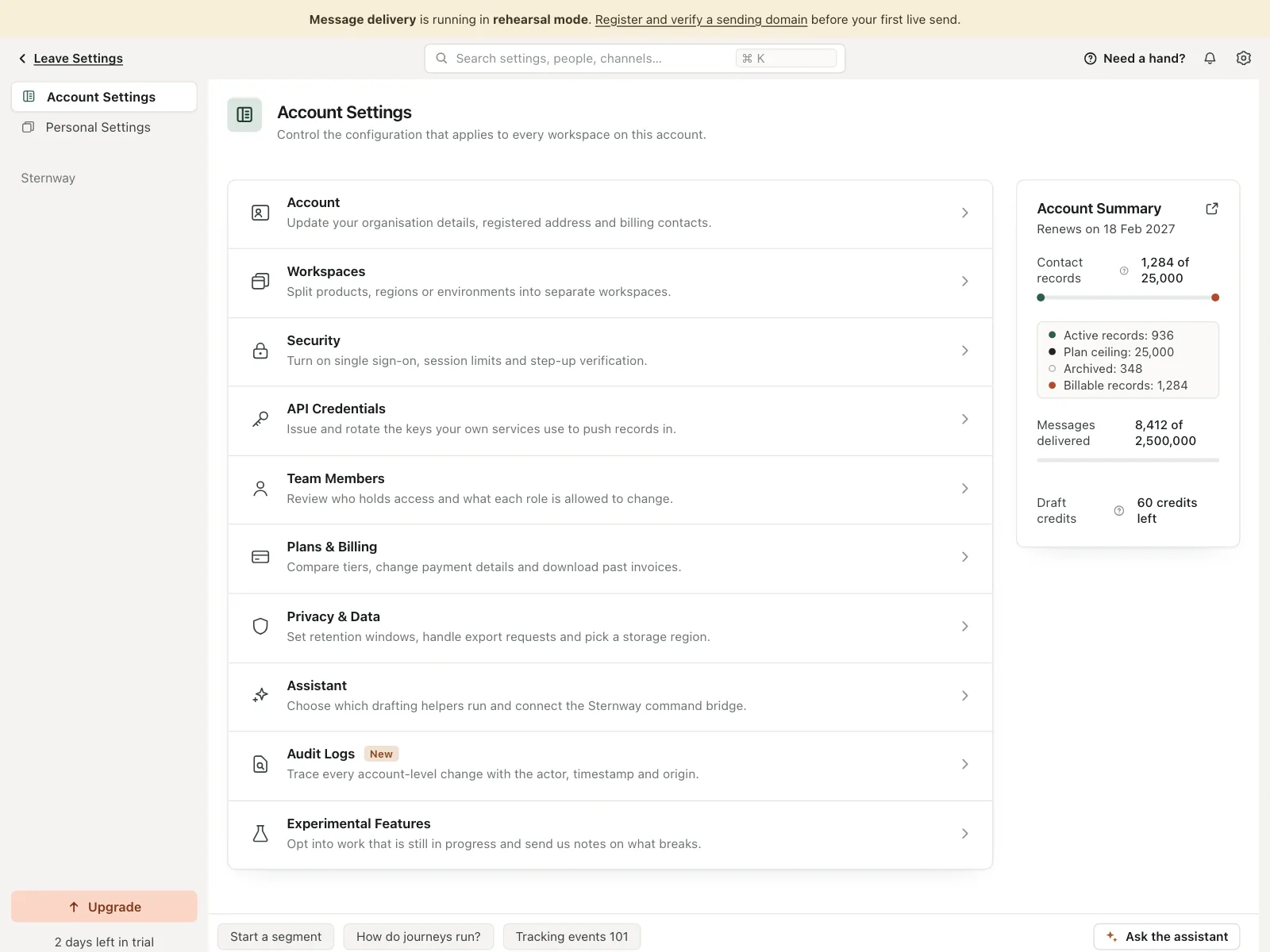
Voice profile screen in Neapline's workspace settings, a messaging tool that drafts copy for you. Style: white cards on grey chrome, deep navy sliders, brass accents, amber verification banner. Layout: two-column card, dials left and preview right, above a reference-links card. Components: Register, Wit, Deference and Drive sliders, Run preview, an Email/Text/Push/In-app segment, sample message, Ask the assistant dock. Vibe: precise, editorial — messaging ops.
agent.kombai.com/kombai-inspiration-library/app-pages/settings/web/110/index.html
Neapline — Settings App Page Example | Kombai