Back to Examples

Fernpay

Action & Option

Use this section to import its canvas into your workspace, then remix it into your own design — same layout, components & styling.

Visit site

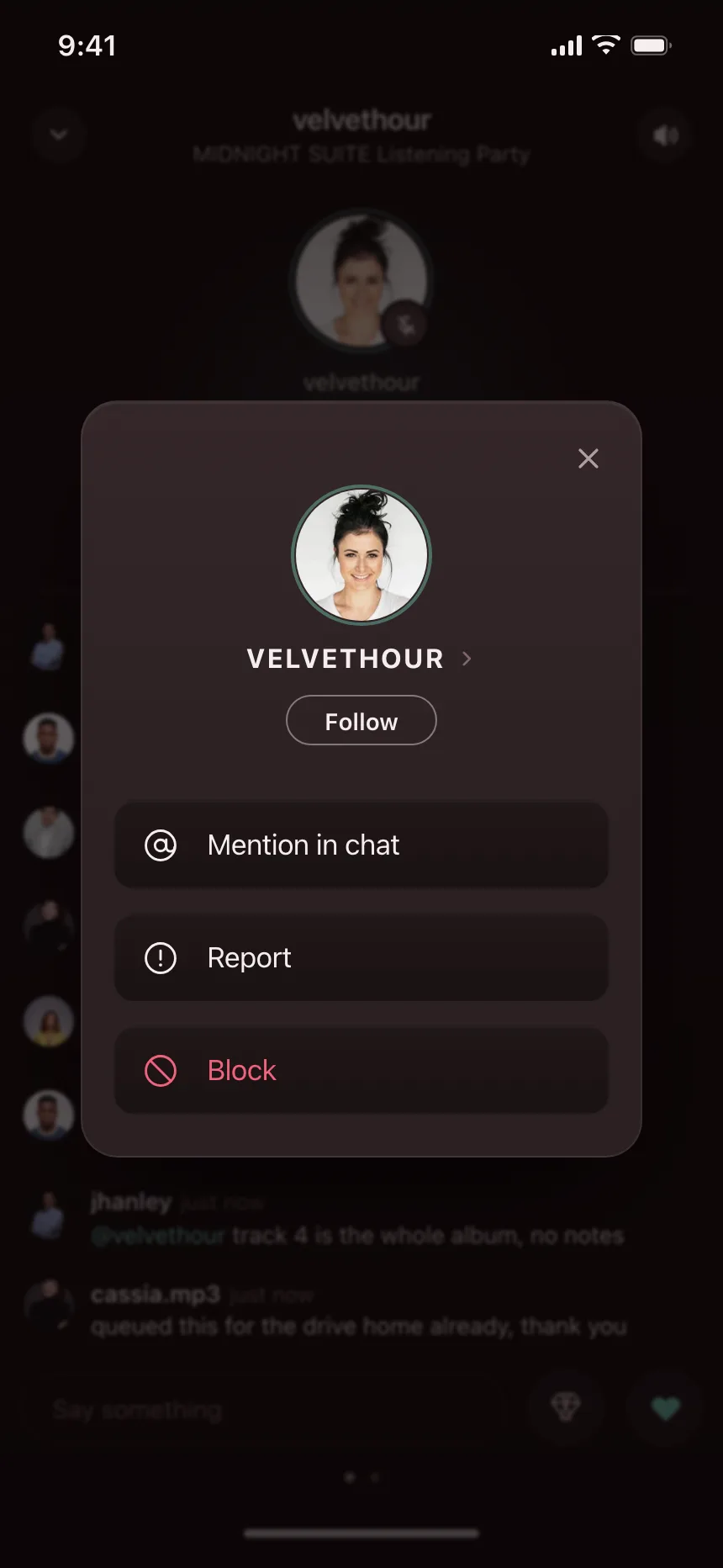
Quick actions panel for a business expense app, opened from the floating compose button. Style: light mode, near-white canvas, pine green icon bubbles, dark ink, fine hairlines. Layout: dimmed screen behind a right-aligned stack of option rows sitting above the action button. Components: Capture receipts, New claim and New request rows with supporting lines, circular glyph bubbles. Vibe: crisp, minimal, efficient — expense management.
Fernpay — Action & Option Section Example | Kombai