Watch the walkthroughs and follow each step to build your first Flow 👉
1
Sketch the pipeline, select the nodes, then hit the bolt icon.
2
Shape the Flow by naming its input node and its output node.
3
Pick a cover, fill in the details, then publish to your workspace.
4
Connect the inputs, run it once, then reuse it anywhere.
Processing
Now it’s your turn. Rebuild this pipeline as a Flow of your own.
Input · Product photo
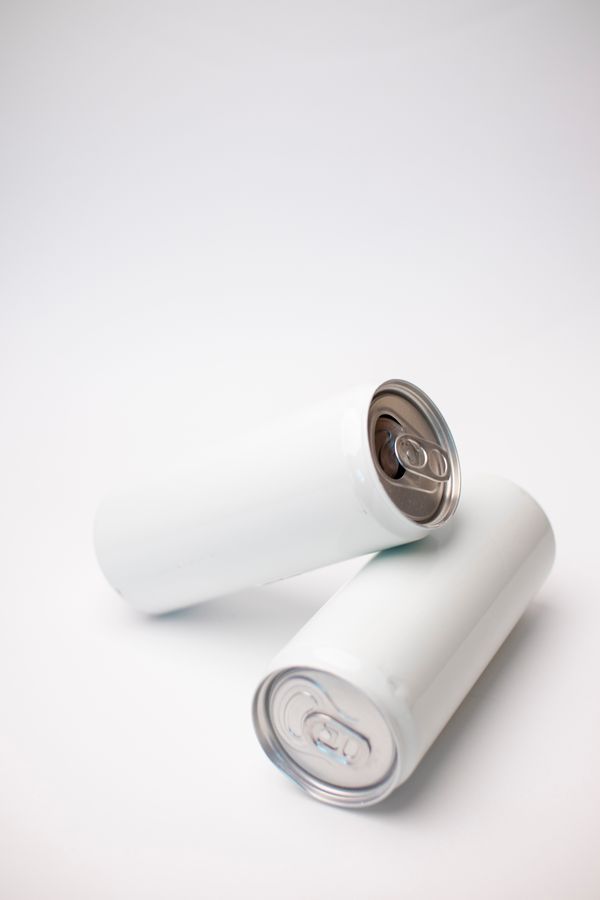
Instruction
Turn @shot1 into a catalogue-grade product photograph on a seamless studio backdrop
(#fdfdfb). Re-frame the tall slim Orvea Yuzu sparkling
water can to a perfectly frontal, eye-level angle with zero tilt, front label straight-on, so the
“SPARKLING YUZU” lockup, the citrus mark, the “ORVEA” wordmark and the “12 FL OZ (355 mL)”
volume marking all read clearly and stay centred. Preserve the can’s identity: slim cylindrical
shape, deep clay-to-rust gradient finish, brushed sheen, warm gold typography, white top rim.
Light it with soft even studio light, gentle highlights along the curved edges to keep the
aluminium glossy, and drop a subtle natural contact shadow directly beneath the base.
Output · Studio shot
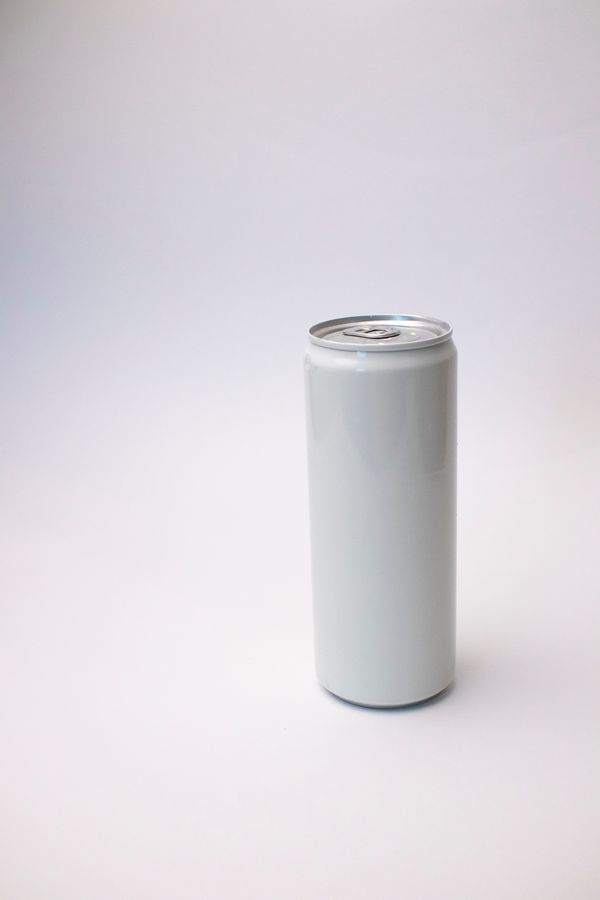
Connected prompt. Use @ to pull in references or extra context
Try the sample shot, or drop in one of your own, then run the Flow.
Input · Product photo
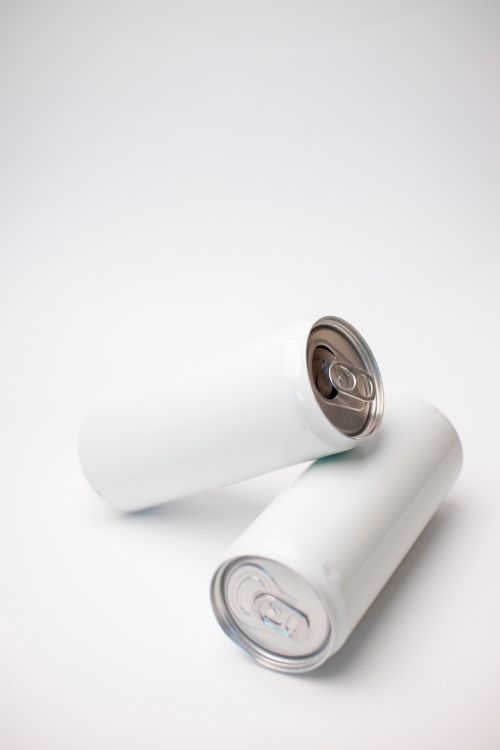
Studio product photo
Studio product photo
−x1+